
App Introduction
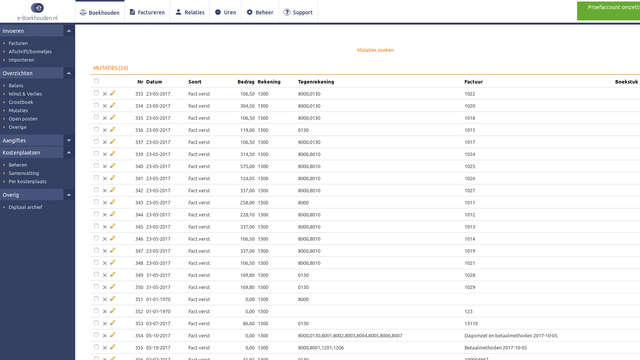
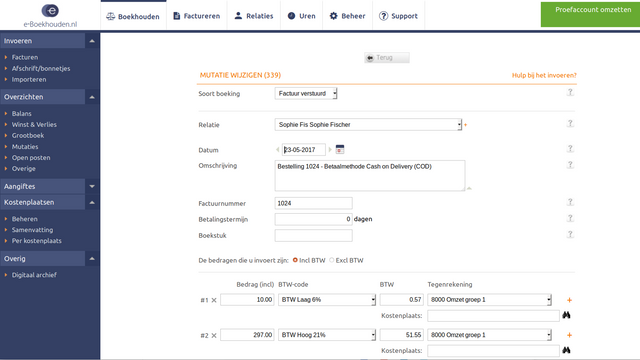
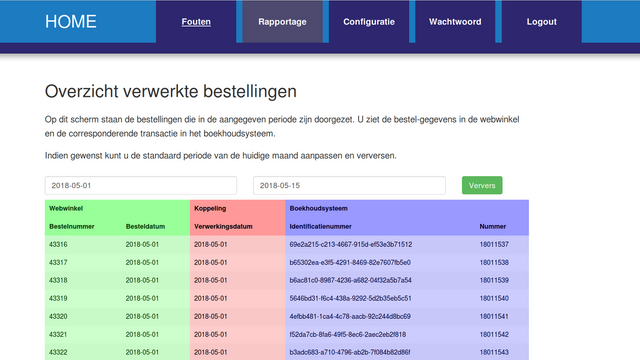
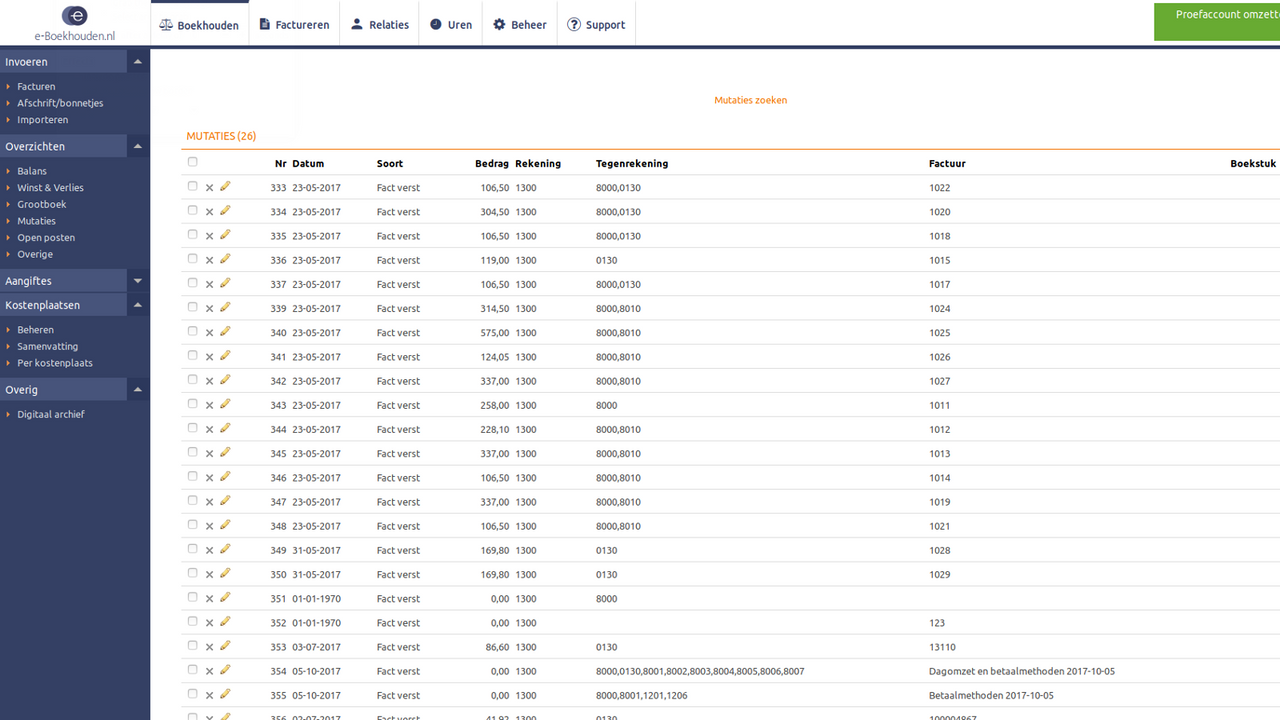
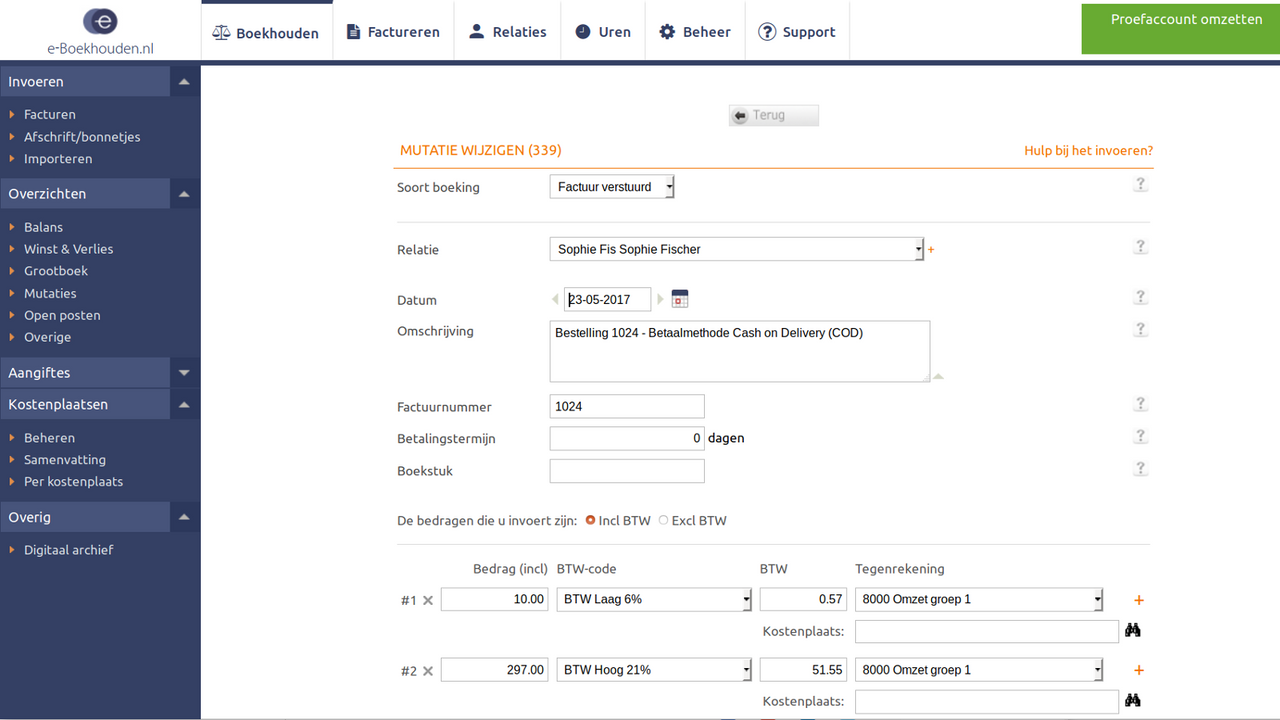
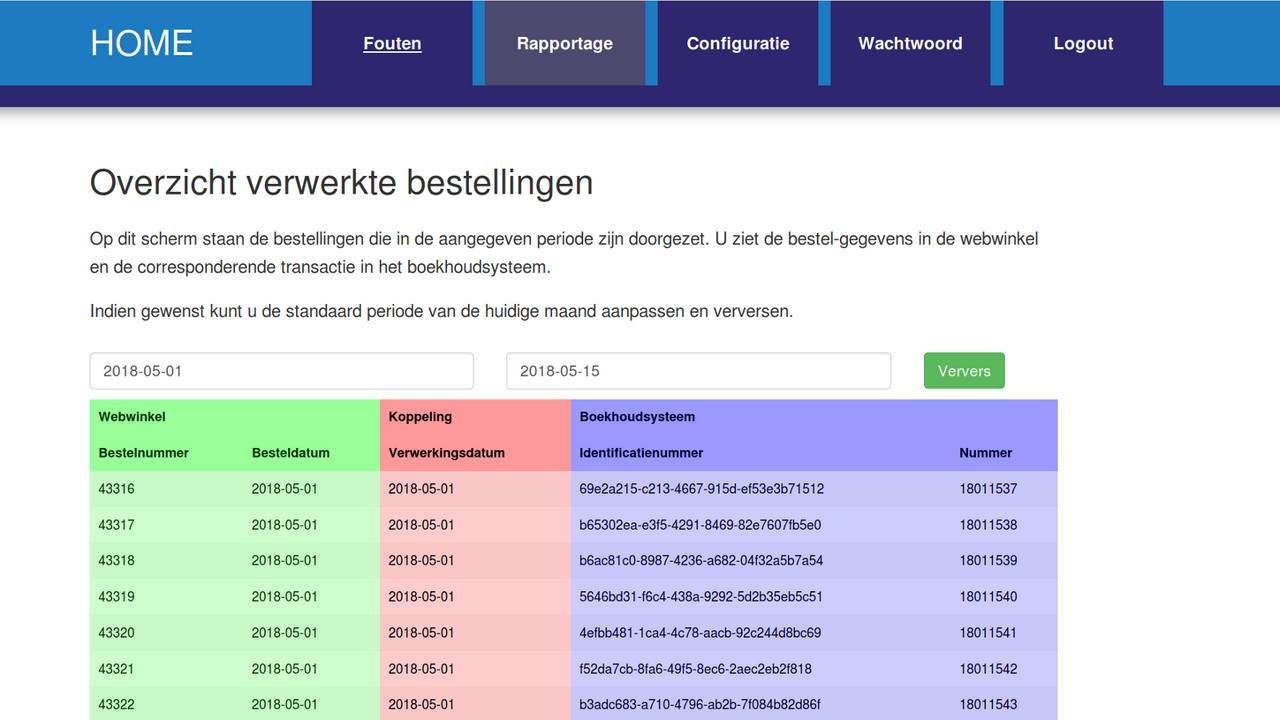
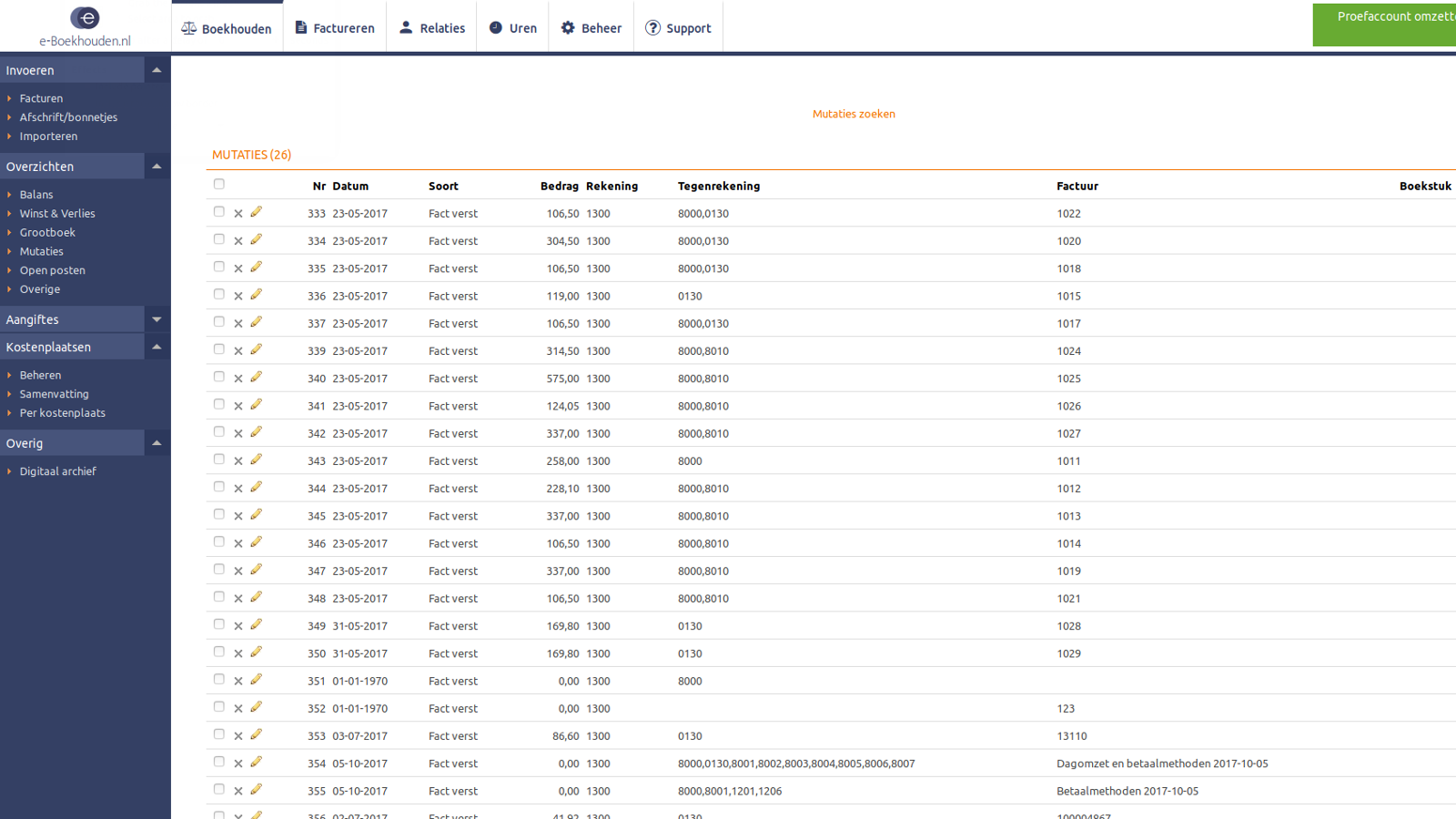
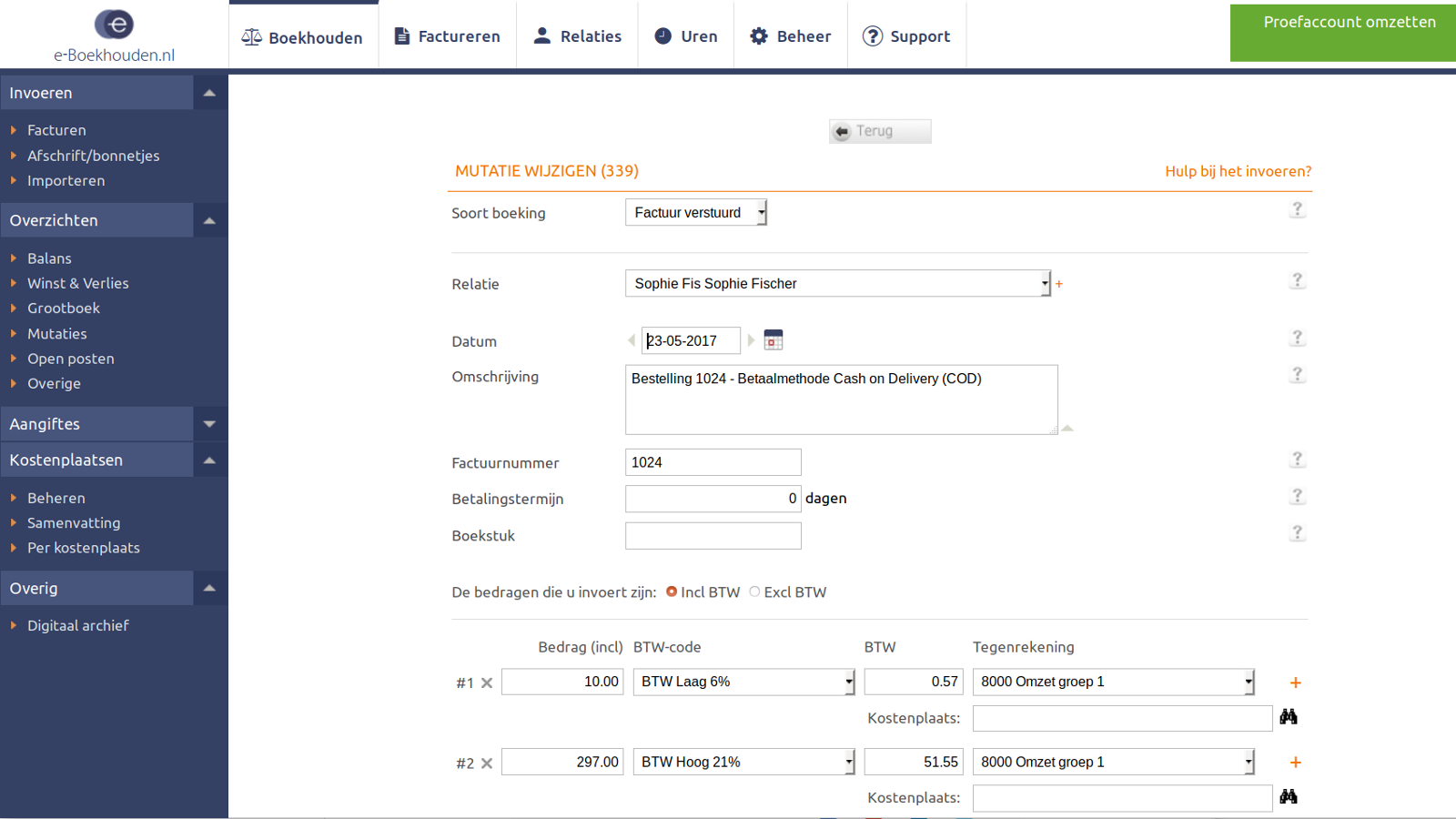
This app automatically transfers your orders every single day. Save time and avoid errors. This app connects your Shopify store to your e-Boekhouden.nl accounting system. No manual data entry required—orders are automatically synced to e-Boekhouden.nl. It’s a real-time connection. You choose when Shopify orders are transferred: when they’re created or (partially) paid. Accurate price details (e.g., order breakdowns) and customer information are sent to e-Boekhouden.nl. Find full details at www.webwinkelfacturen.nl/handleiding-shopify-eboekhouden.
Core Functionality
- Transfer your orders automatically into e-Boekhouden.nl to save time and costs.
- Taxes and ledger codes are assigned correctly in e-Boekhouden.nl to avoid errors
- Eliminate double data entry—no need to manually input information into either e-Boekhouden.nl or your Shopify store
- Connect Shopify with your e-Boekhouden.nl software in just 5 minutes!
Merchant-Friendly
- Cross-border E-commerce Merchants
- Dutch Local E-commerce
- Finance Automation Merchants
- Small & Medium E-commerce Sellers
Basic Information
- Developer:Webwinkelfacturen
- Address:Waldeck Pyrmontlaan 12, Wassenaar, 2243HM, NL
- Price: Free / Free plan
- Rating:4 / 5
- Comment Count:12 comment
- Release Date:2017-5-23
- Supported languages:Dutch、English
- Compatible products:Shopify
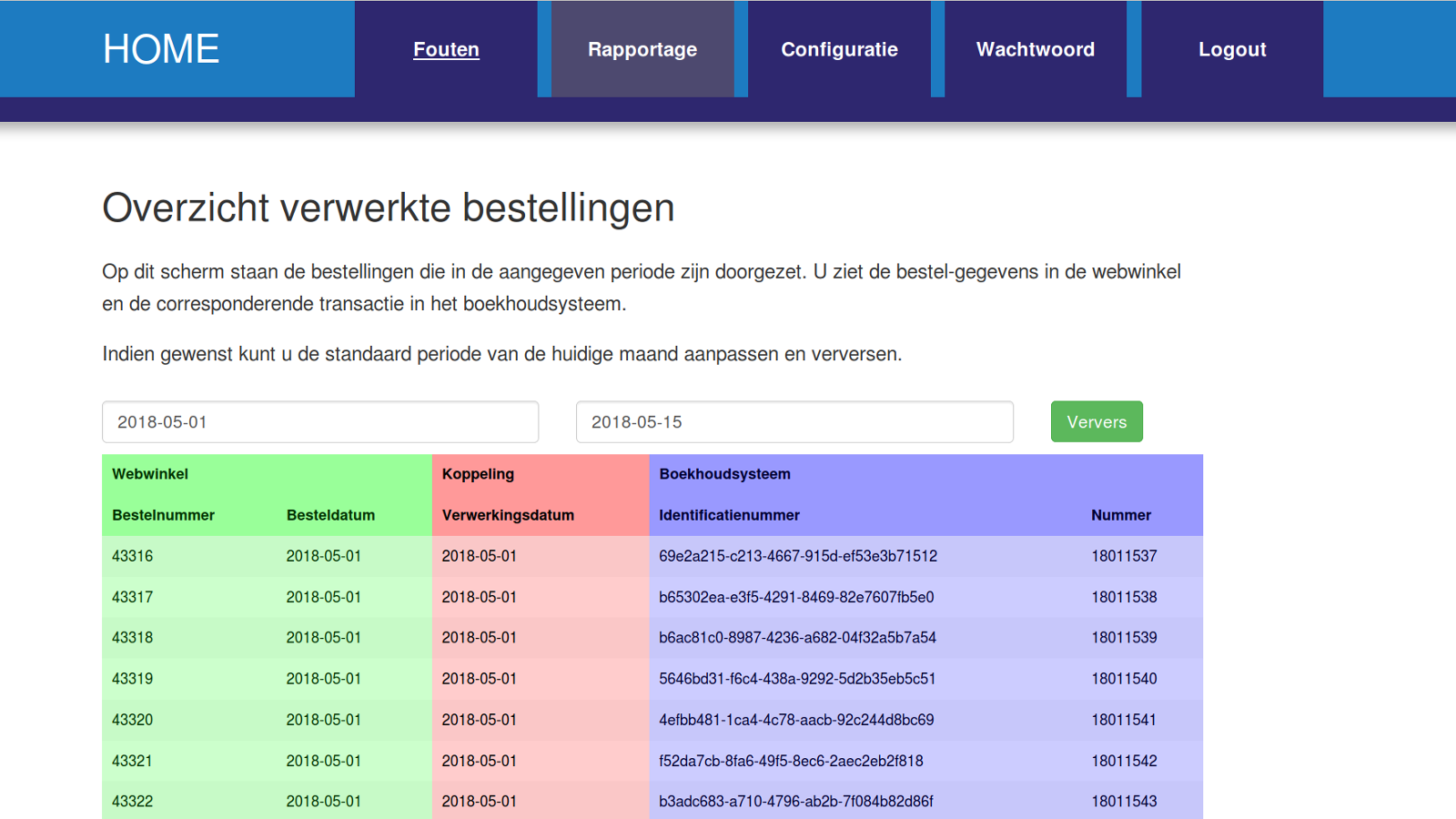
Application Screenshot
Price Plan
Business
User Location & Comments
User Location
Comments
Shopify API Used
- POST /admin/api/orders.json
- GET /admin/api/orders/{order_id}.json
- PUT /admin/api/orders/{order_id}.json
Permission:read_orders,write_orders,manage_fulfillments
- GET /admin/api/taxes.json
- POST /admin/api/taxes/{tax_id}/settings.json
- PUT /admin/api/taxes/{tax_id}/settings.json
Permission:read_taxes,write_taxes,manage_shipping
- GET /admin/api/orders.json?status=any
- POST /admin/api/orders/{order_id}/metafields.json
- PUT /admin/api/orders/{order_id}/metafields.json
Permission:read_orders,write_orders,manage_metafields
- POST /admin/api/access_scopes.json
- GET /admin/api/shop.json
- PUT /admin/api/shop/settings.json
Permission:read_shop,write_shop,manage_access_scopes