
App Introduction
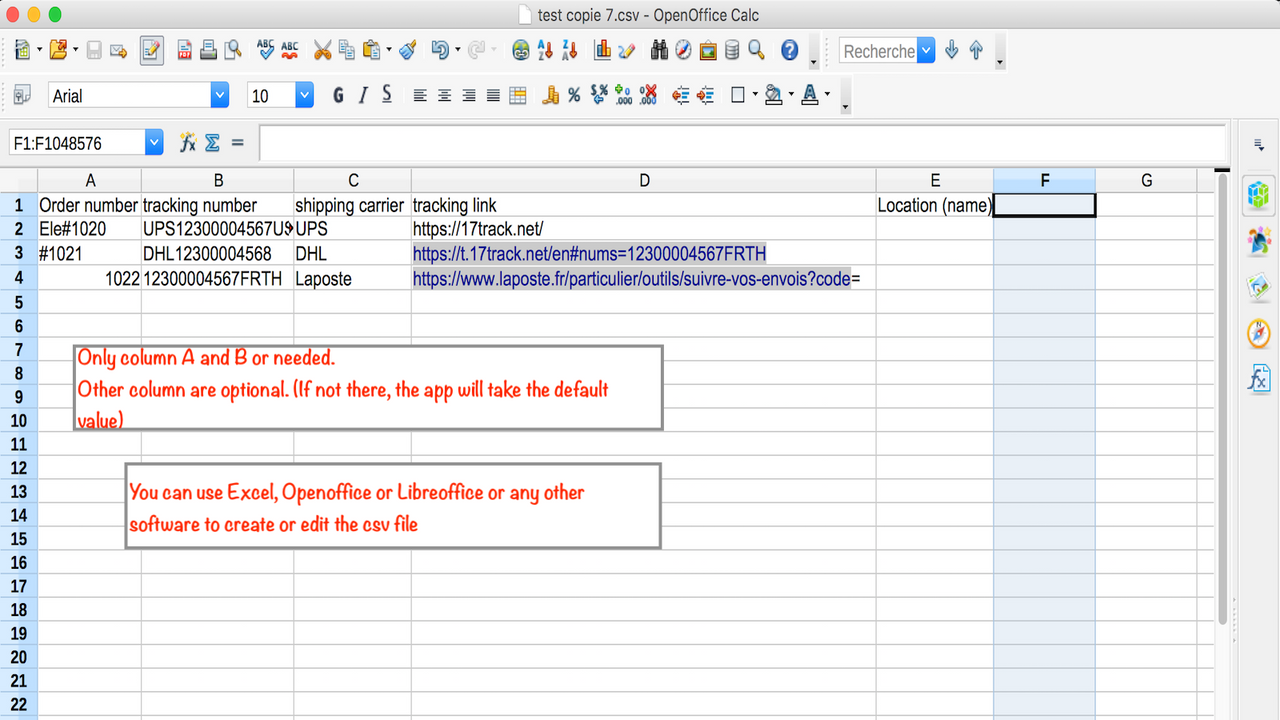
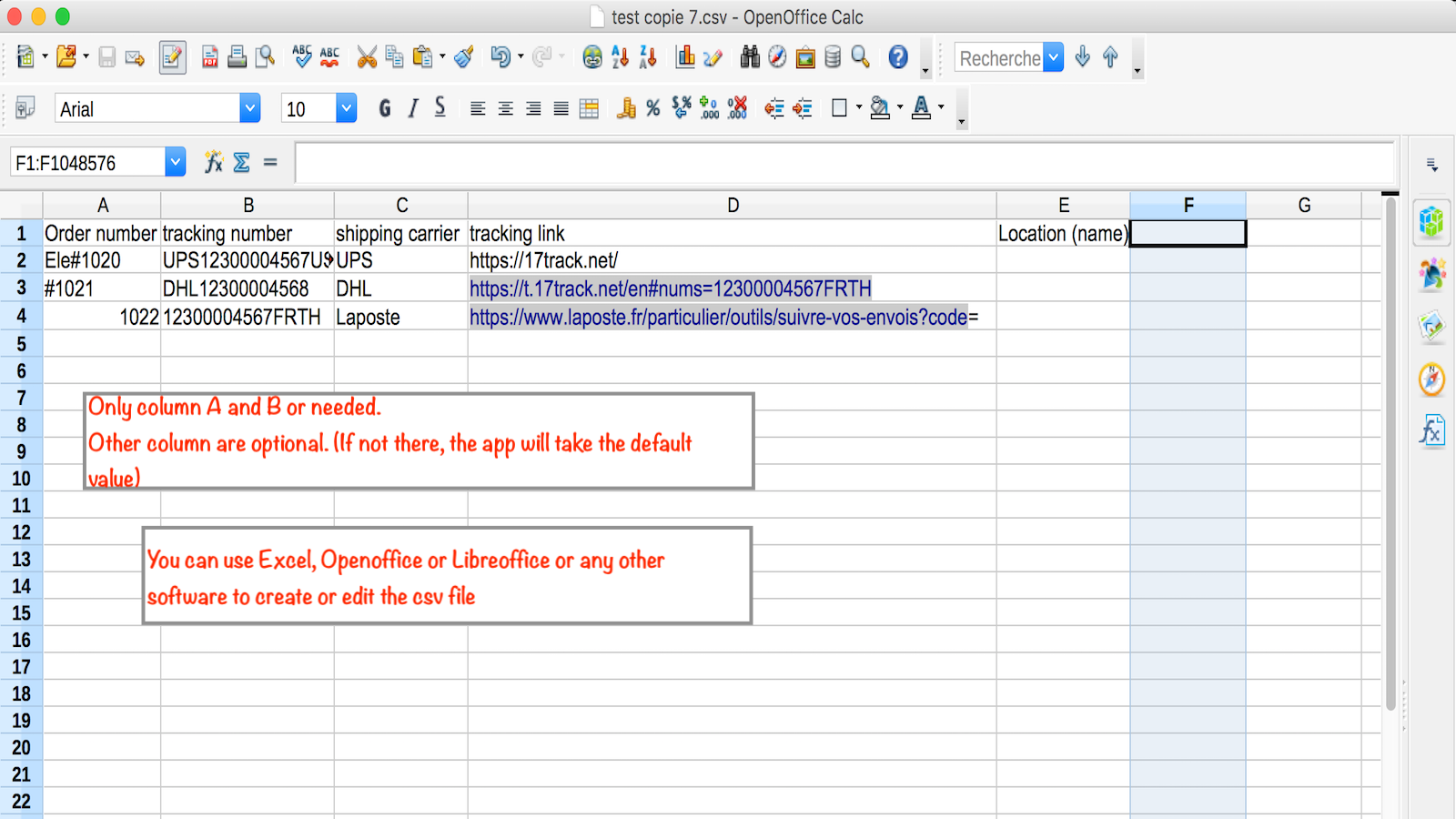
Upload all your tracking information at once using a simple Excel spreadsheet... Super easy to use—one-click operation! Get started quickly: 1) After installing the app, simply click the link above the "Upload" button to download the sample file 2) Edit the file, fill in your order numbers, and complete at least the tracking number column (other columns are optional; we recommend filling in the carrier at minimum) 3) Click "Upload" and wait a few minutes. Grab a coffee and let us do the work 😉 Whether you work with agents, use fulfillment centers, or fulfill orders yourself, this app will be your lifesaver!
Core Functionality
- Bulk import your tracking information with one click using a simple Excel/CSV file
- Let your agent easily import tracking information while fulfilling orders
- Allow your fulfillment center to bulk import tracking information when packing orders for you
- Customizable shipping carriers and tracking links (optional to use)
- Available add-on mode (supports multiple tracking numbers per order)
Merchant-Friendly
- Cross-border E-commerce Merchants
- Third-party Fulfillment Merchants
- Multi-order Processing Merchants
- Agent-collaboration Merchants
Basic Information
- Developer:Dropflow
- Address:Rooms 1318-19, 13/F, Hollywood Plaza, 610 Nathan Road, Mongkok, HK, 7000, HK
- Price: Free / Free plan
- Rating:4.3 / 5
- Comment Count:12 comment
- Release Date:2020-5-12
- Supported languages:English
- Compatible products:Shopify
Application Screenshot
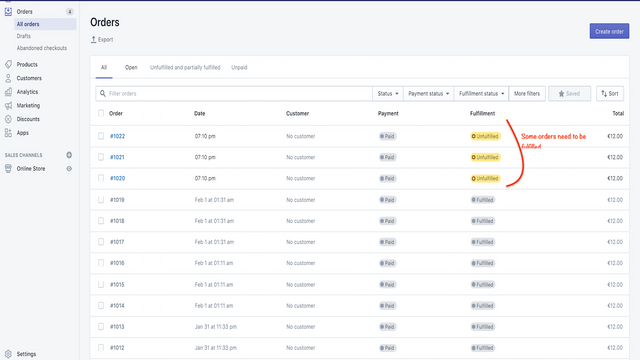
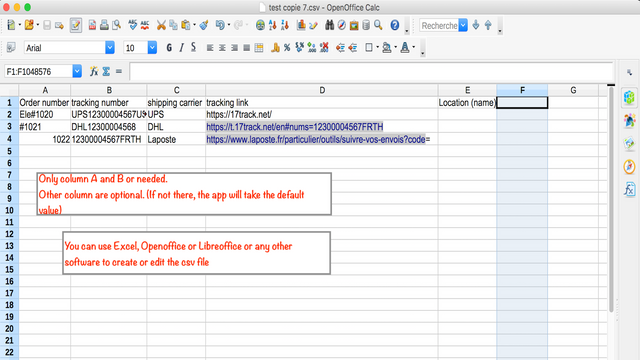
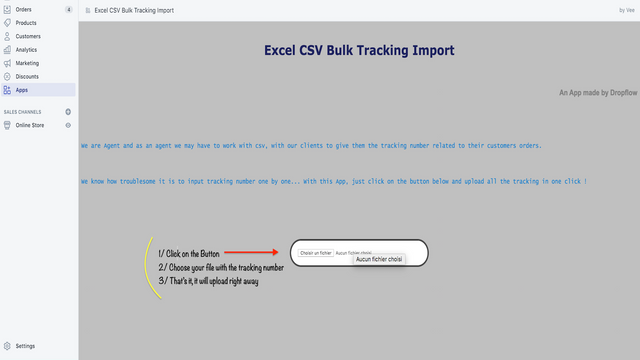
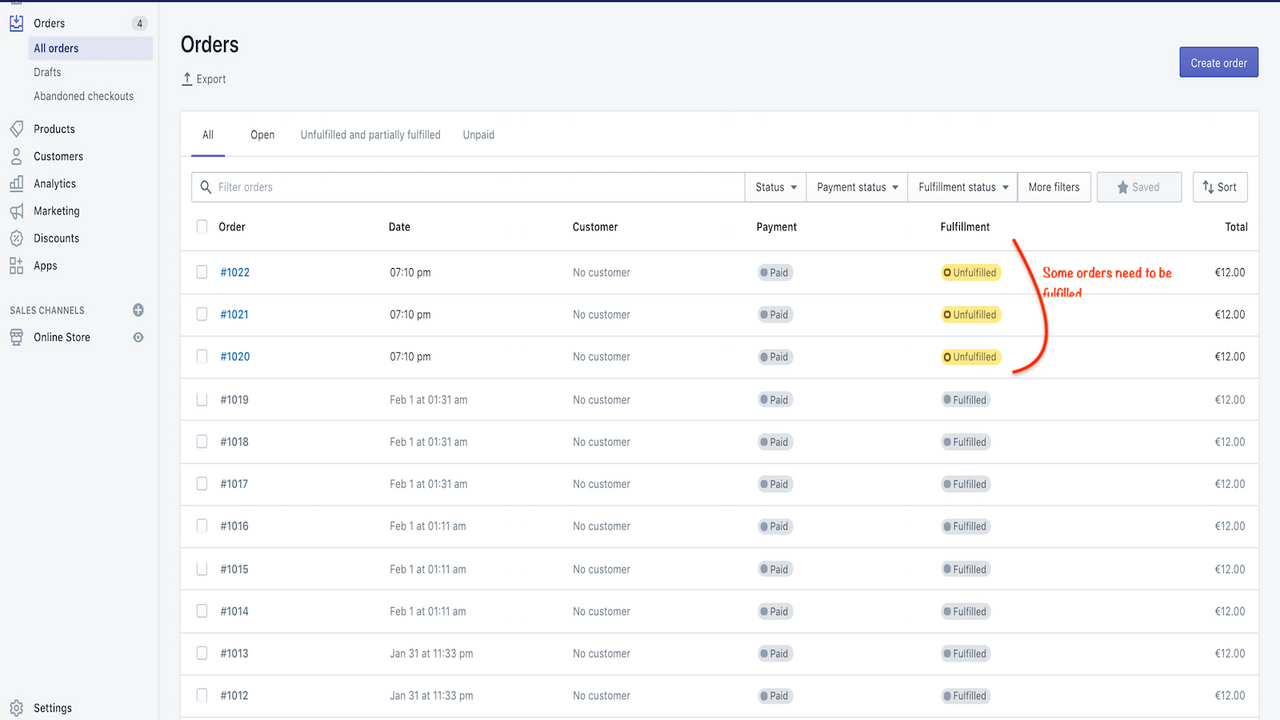



Price Plan
免费计划
- Batch Import Tracking Numbers
付费计划
- Batch Import Tracking Numbers
User Location & Comments
User Location
Comments
Shopify API Used
- POST /admin/api/fulfillments/bulk.json
- POST /admin/api/orders/{order_id}/fulfillments.json
- GET /admin/api/fulfillments.json
Permission:write_fulfillments,read_orders,manage_fulfillments
- POST /admin/api/fulfillments/agent_import.json
- GET /admin/api/orders/agent_fulfillments.json
- PUT /admin/api/fulfillments/{id}/agent_update.json
Permission:write_fulfillments,read_orders,manage_agent_access
- POST /admin/api/fulfillments/center_bulk.json
- GET /admin/api/fulfillment_centers.json
- PUT /admin/api/fulfillments/center_batch_update.json
Permission:write_fulfillments,read_fulfillment_centers,manage_orders
- POST /admin/api/carriers/custom.json
- PUT /admin/api/carriers/custom/{id}.json
- GET /admin/api/carriers.json
Permission:write_carriers,read_carriers,manage_fulfillments
- POST /admin/api/orders/{order_id}/fulfillments/multiple.json
- PUT /admin/api/fulfillments/{id}/add_tracking.json
- GET /admin/api/orders/{order_id}/fulfillments.json
Permission:write_fulfillments,read_orders,manage_fulfillments