
App Introduction
Connect your Shopify store with DreamRobot, the merchandise management system for multichannel e-commerce. Process all sales from order to delivery in one unified interface. If you also sell on online marketplaces in addition to your Shopify store, this app is perfect for you. Save time and manage orders across all sales portals via a single WaWi, including cross-portal inventory reconciliation!
Core Functionality
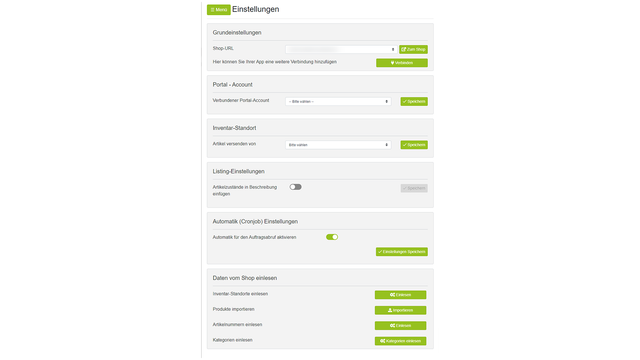
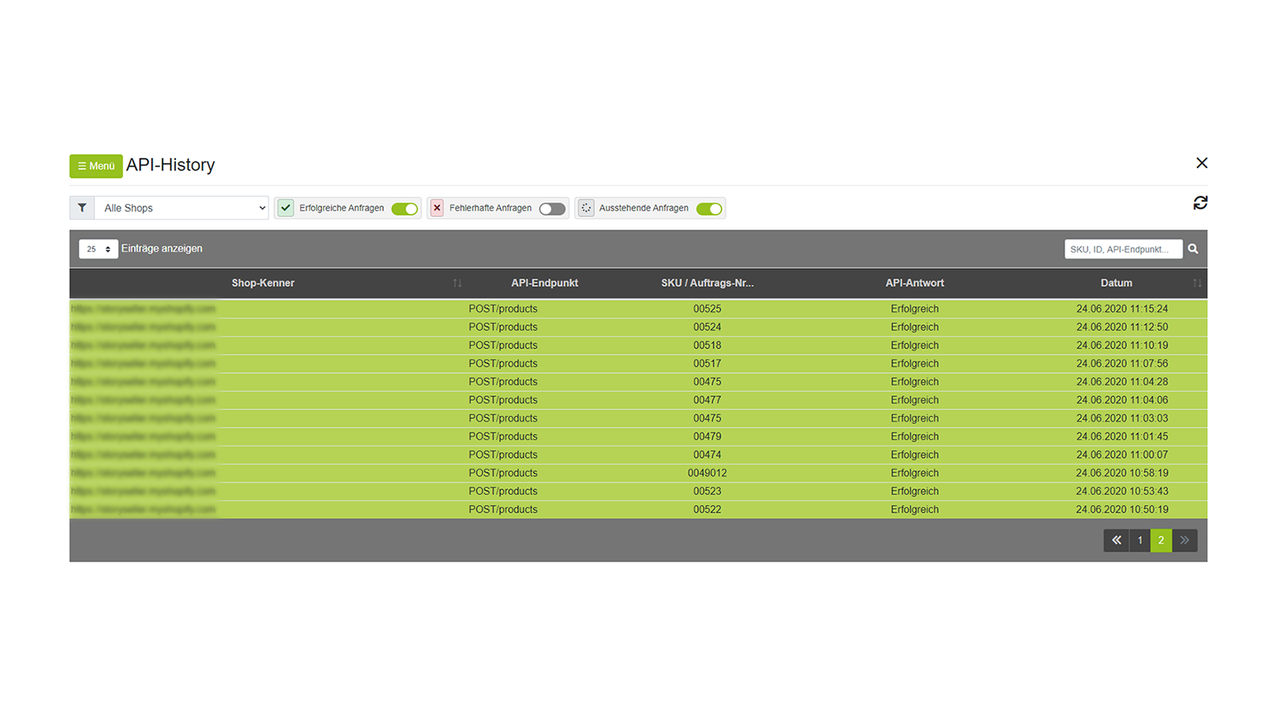
- Transfer orders including all order data from Shopify to DreamRobot.
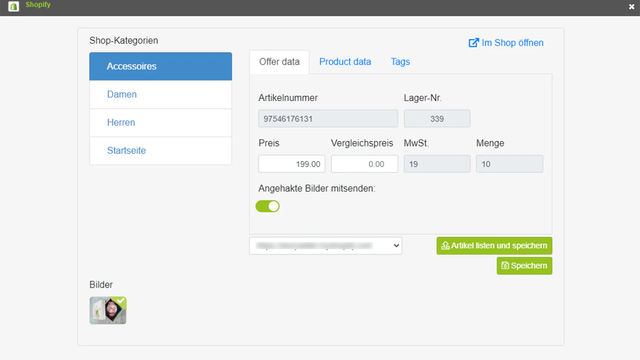
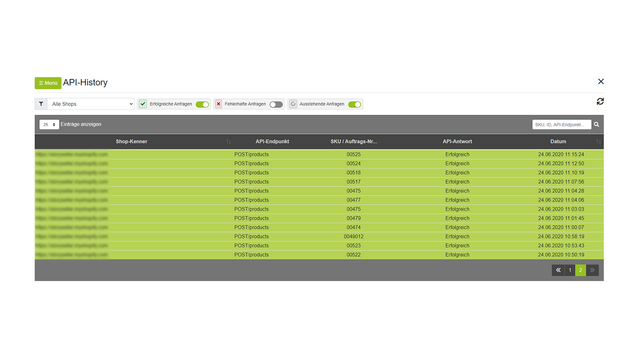
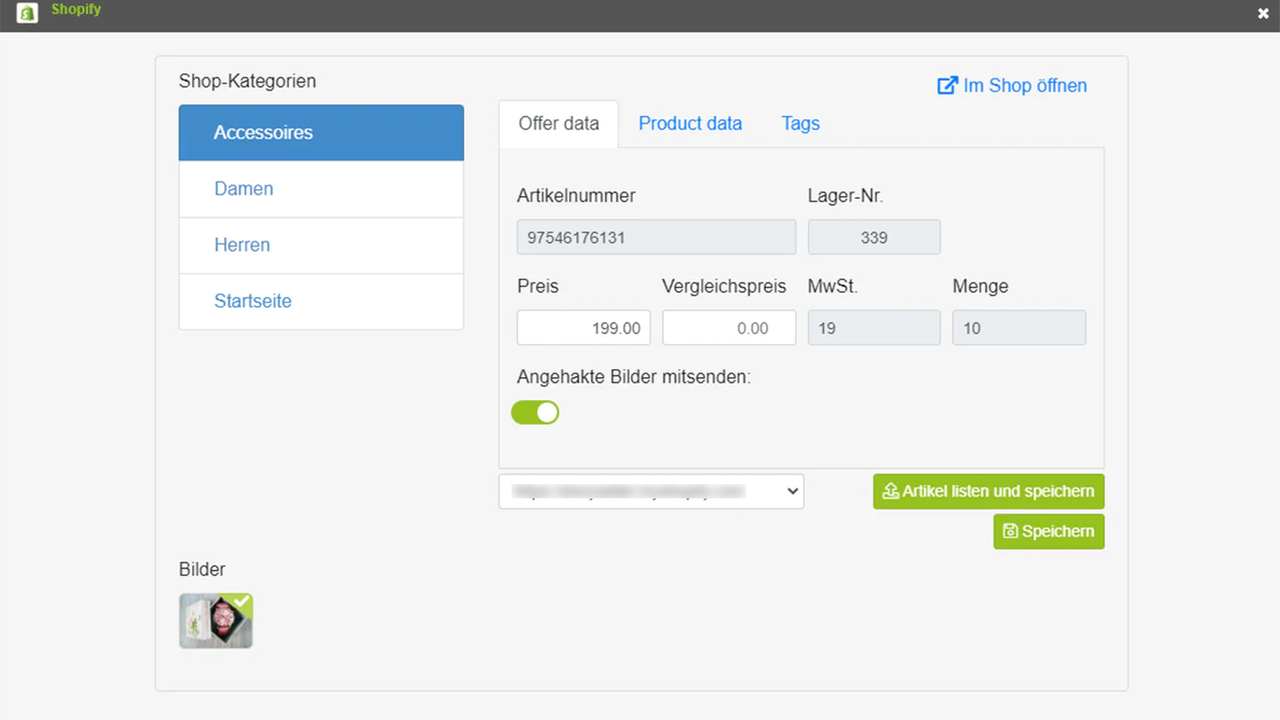
- List and update main products and variants from DreamRobot to Shopify.
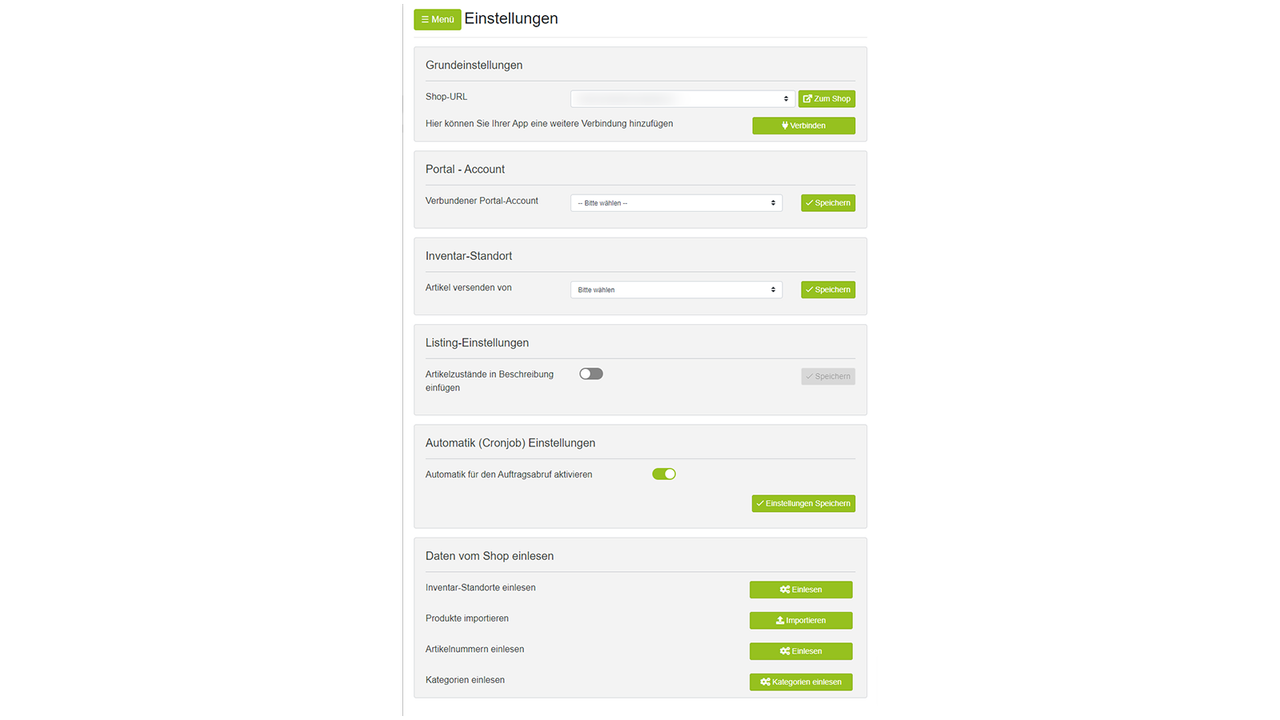
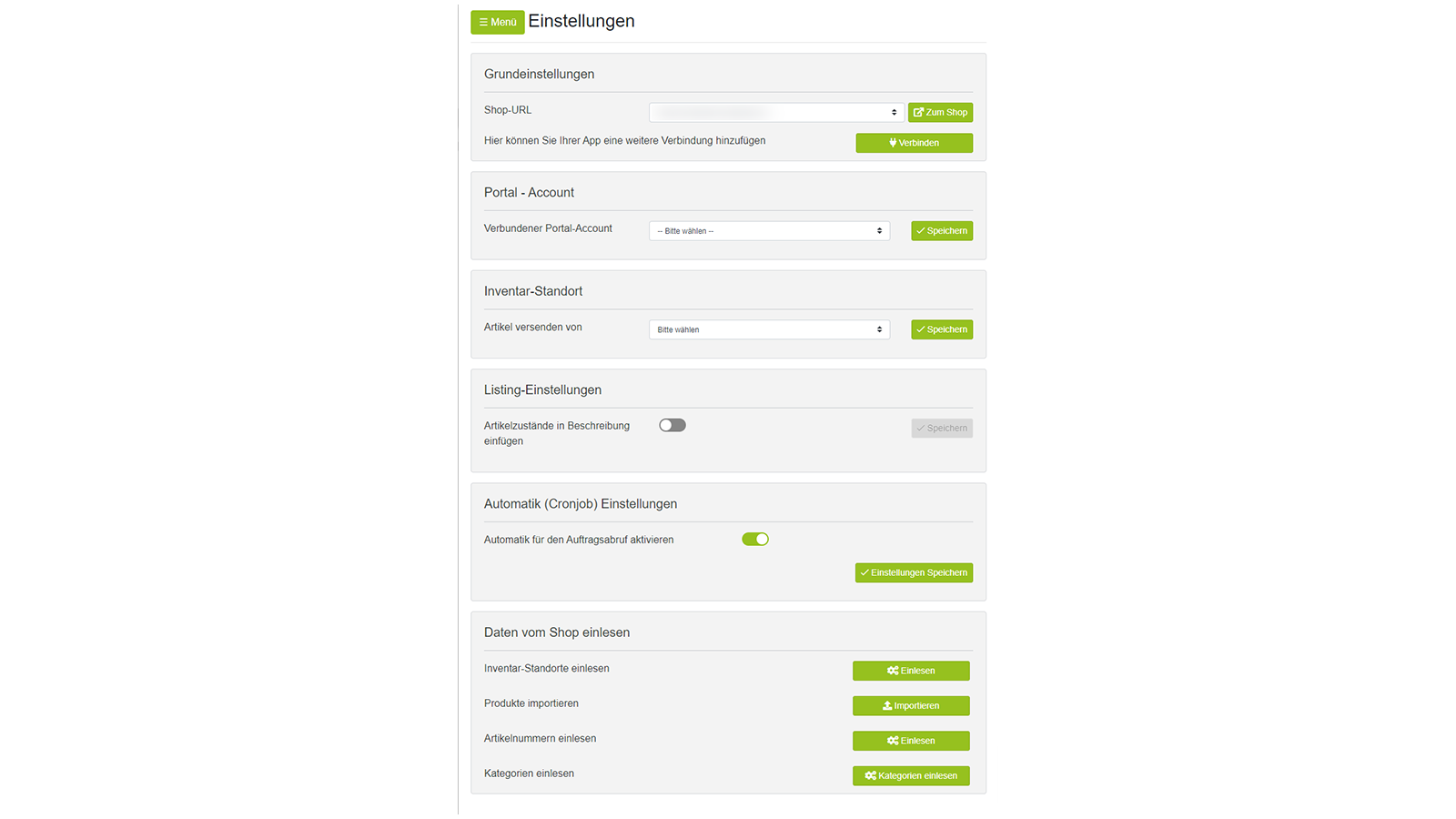
- Import all products, categories, locations, etc. from Shopify to DreamRobot.
- Inventory data reconciliation and automatic order status updates.
- Automatically generate invoices for all orders.
Merchant-Friendly
- Cross-border E-commerce Merchants
- Multi-channel Retailers
- Full-category E-commerce Merchants
- Independent Station Operators
Basic Information
- Developer:FATCHIP GmbH
- Address:Helmholtzstr. 2-9, Berlin, 10587, DE
- Price: Free / Free plan
- Rating:1 / 5
- Comment Count:3 comment
- Release Date:2021-9-8
- Supported languages:German
- Compatible products:Shopify
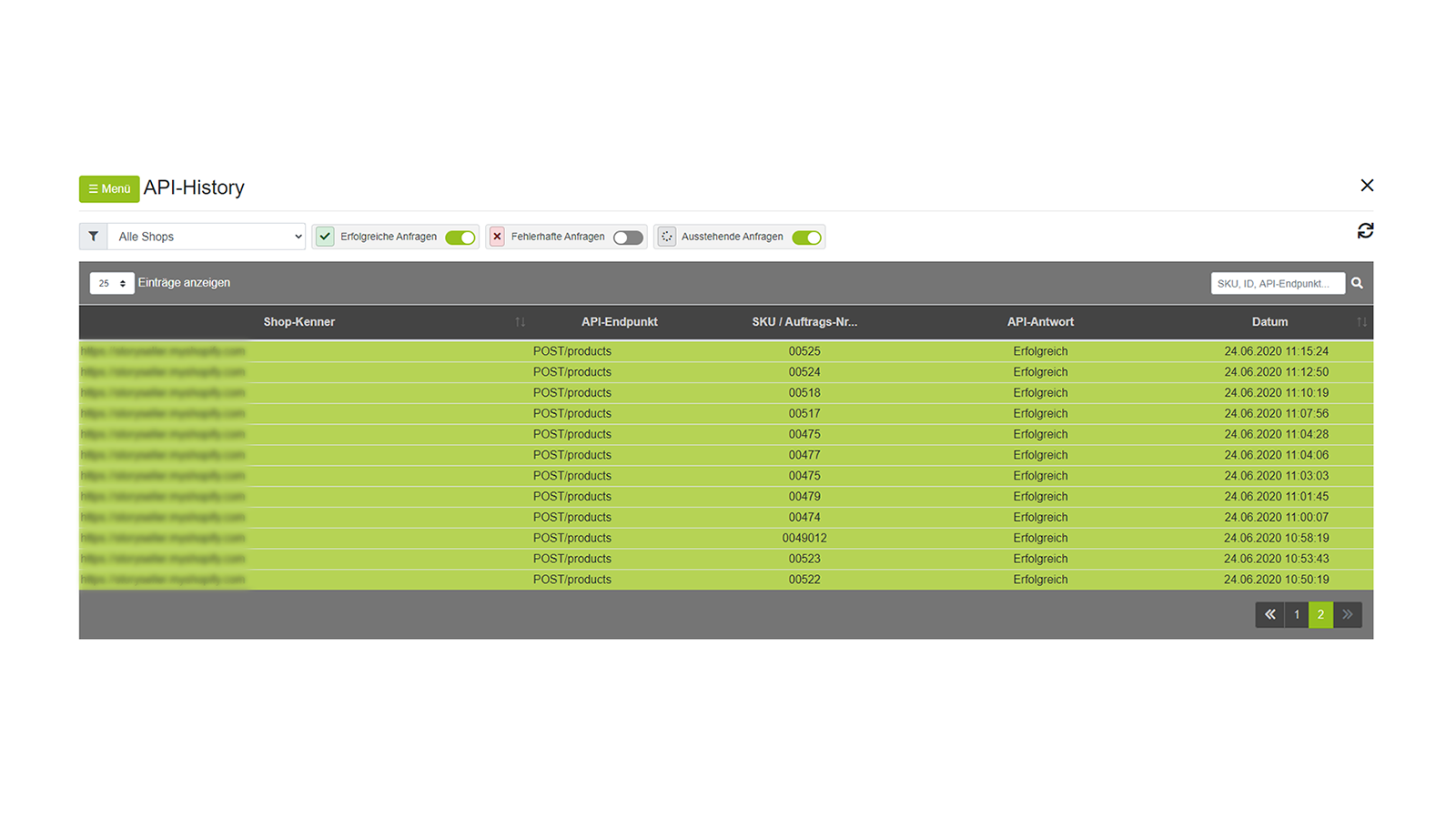
Application Screenshot
Price Plan
Free
Free Plan
User Location & Comments
User Location
Comments
Shopify API Used
- GET /admin/api/orders.json
- POST /admin/api/orders/{order_id}/metafields.json
- GET /admin/api/orders/{order_id}.json
Permission:read_orders,write_orders,manage_metafields
- GET /admin/api/products.json
- PUT /admin/api/products/{product_id}.json
- GET /admin/api/products/{product_id}/variants.json
Permission:read_products,write_products,manage_inventory
- GET /admin/api/products.json
- GET /admin/api/custom_collections.json
- GET /admin/api/locations.json
Permission:read_products,read_collections,read_locations
- GET /admin/api/inventory_levels.json
- PUT /admin/api/orders/{order_id}.json
- GET /admin/api/orders.json
Permission:read_inventory,write_orders,manage_orders
- GET /admin/api/orders/{order_id}.json
- POST /admin/api/orders/{order_id}/transactions.json
- POST /admin/api/orders/{order_id}/fulfillments.json
Permission:read_orders,write_orders,manage_payments