
App Introduction
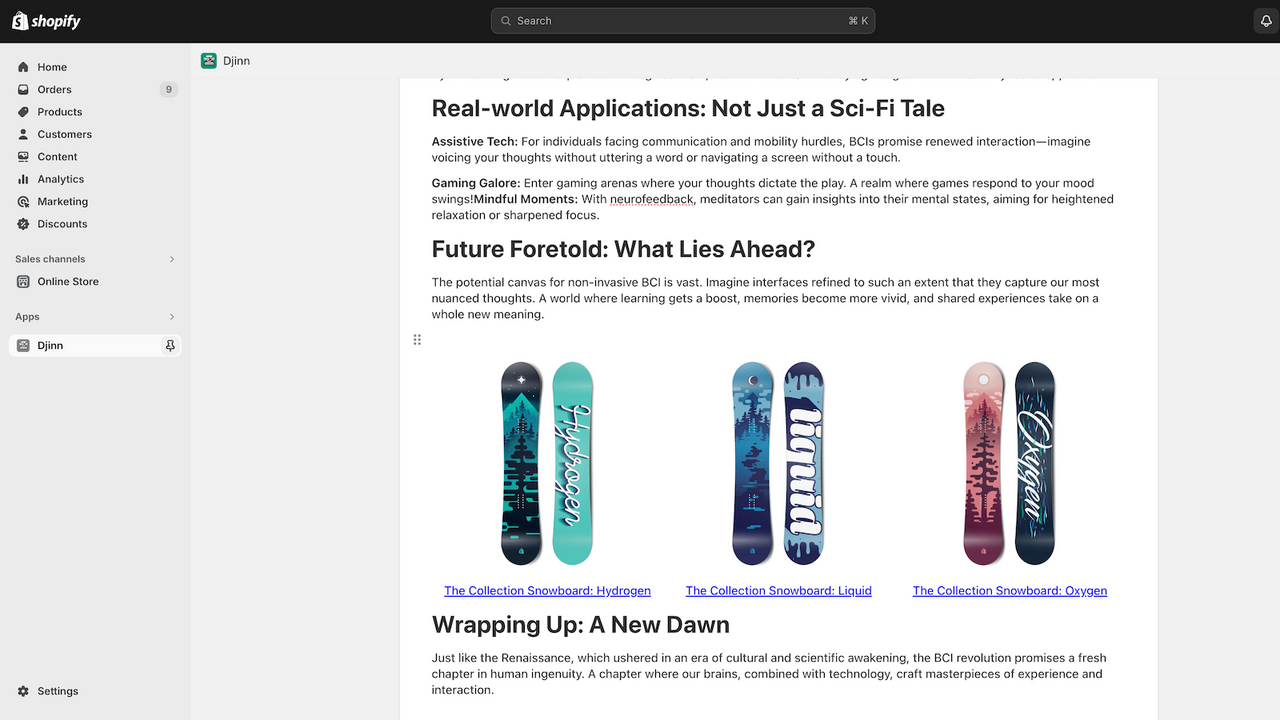
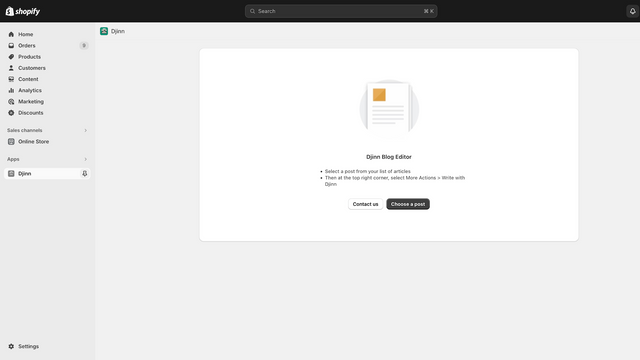
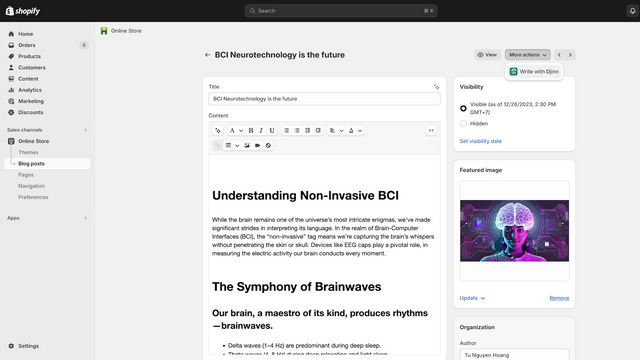
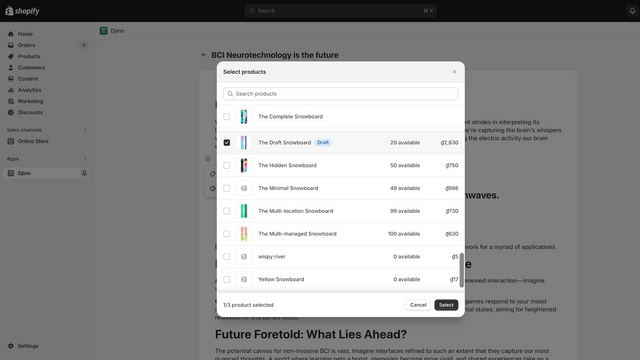
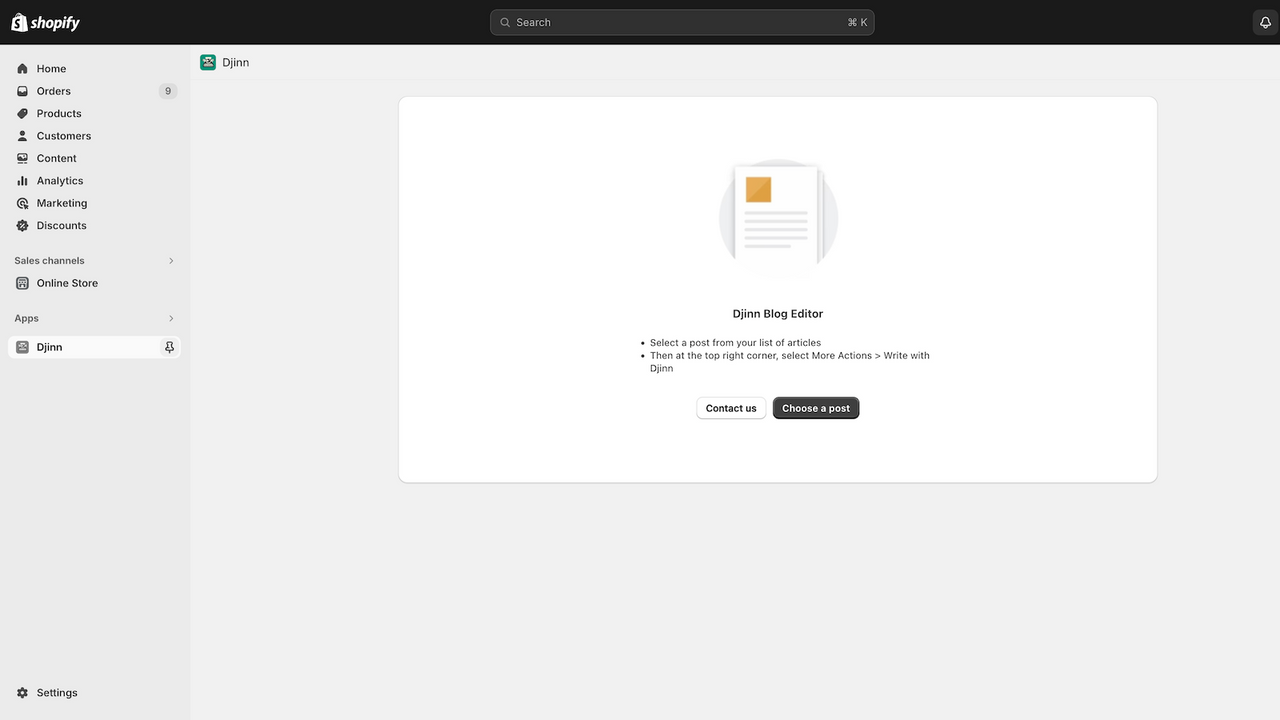
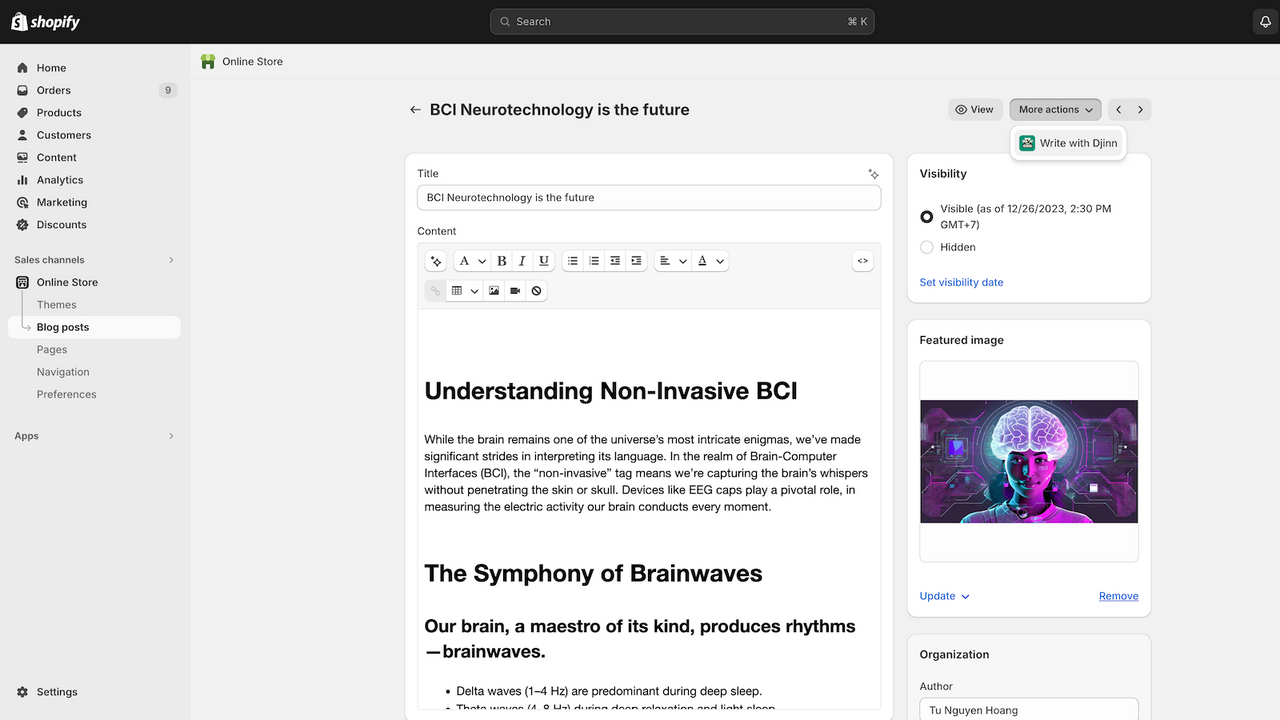
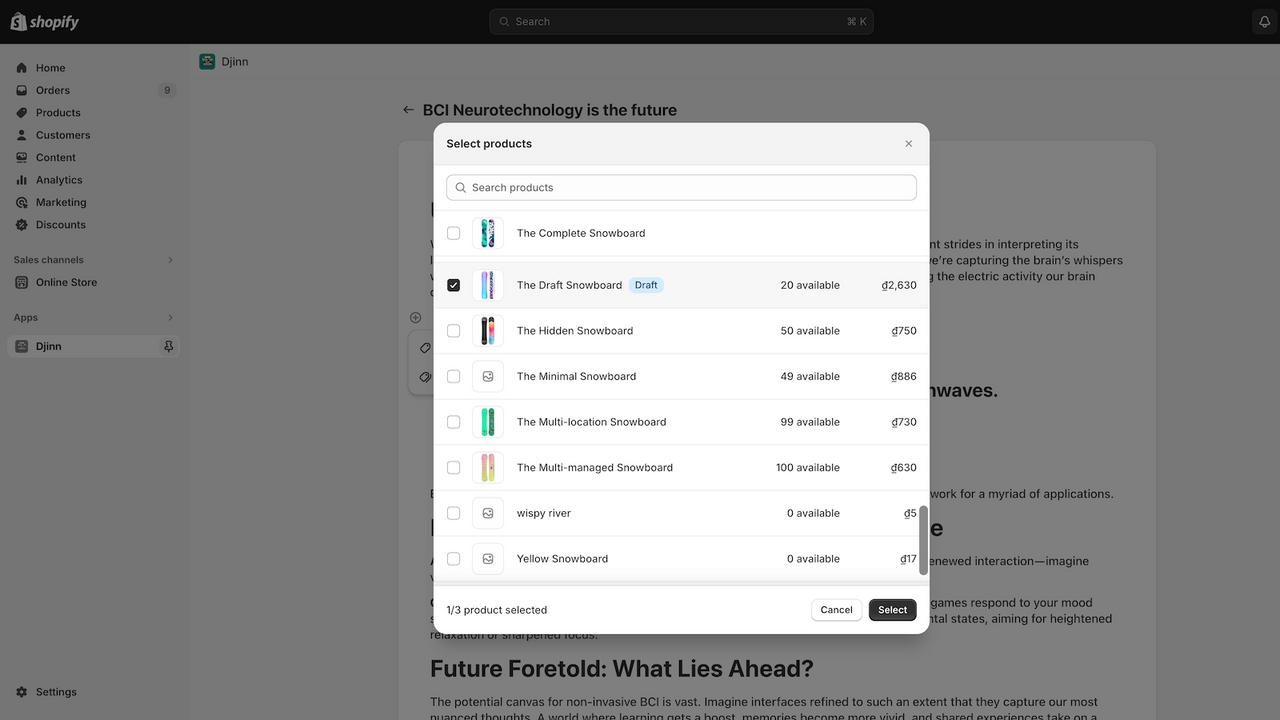
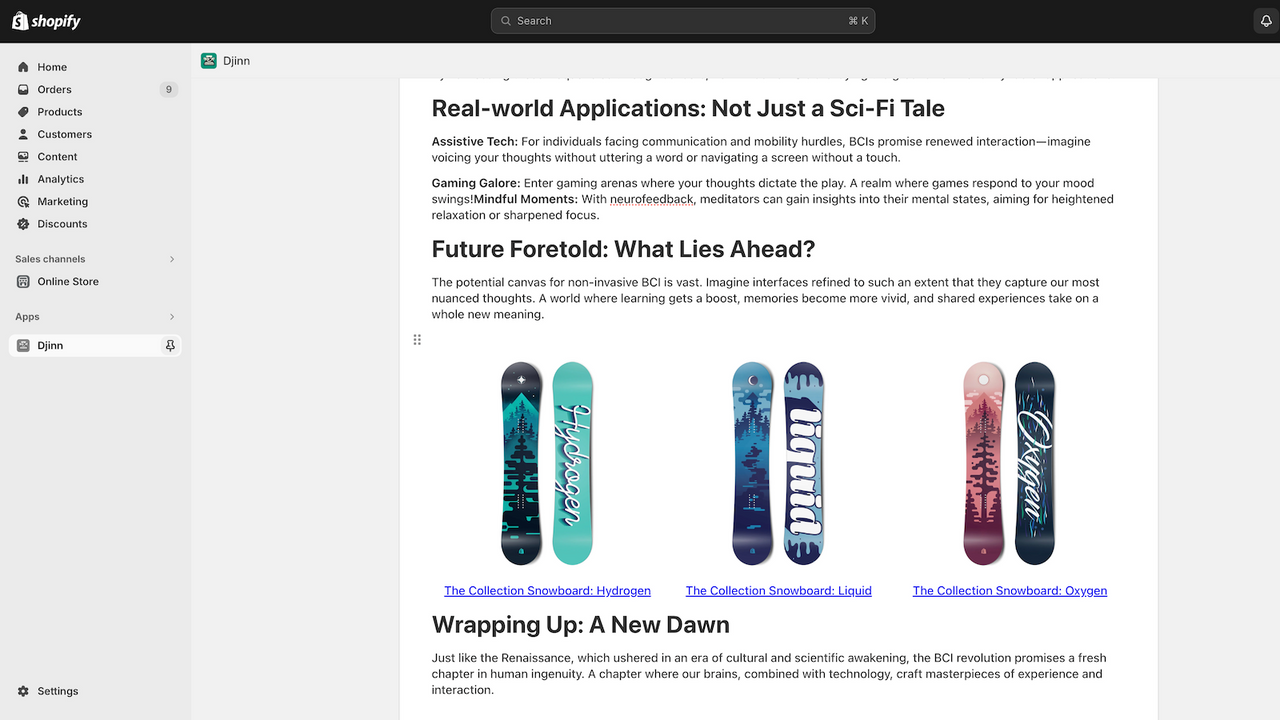
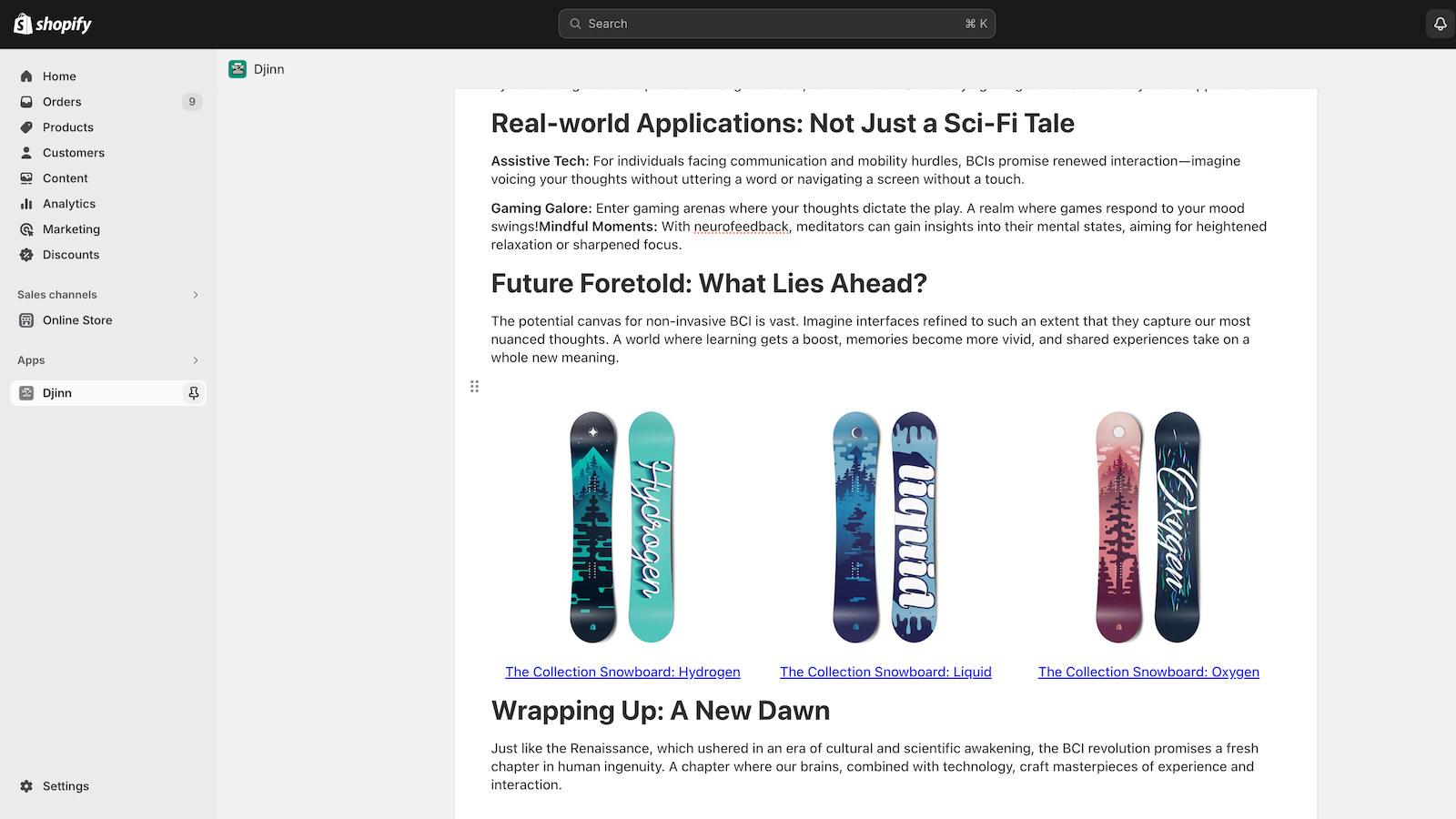
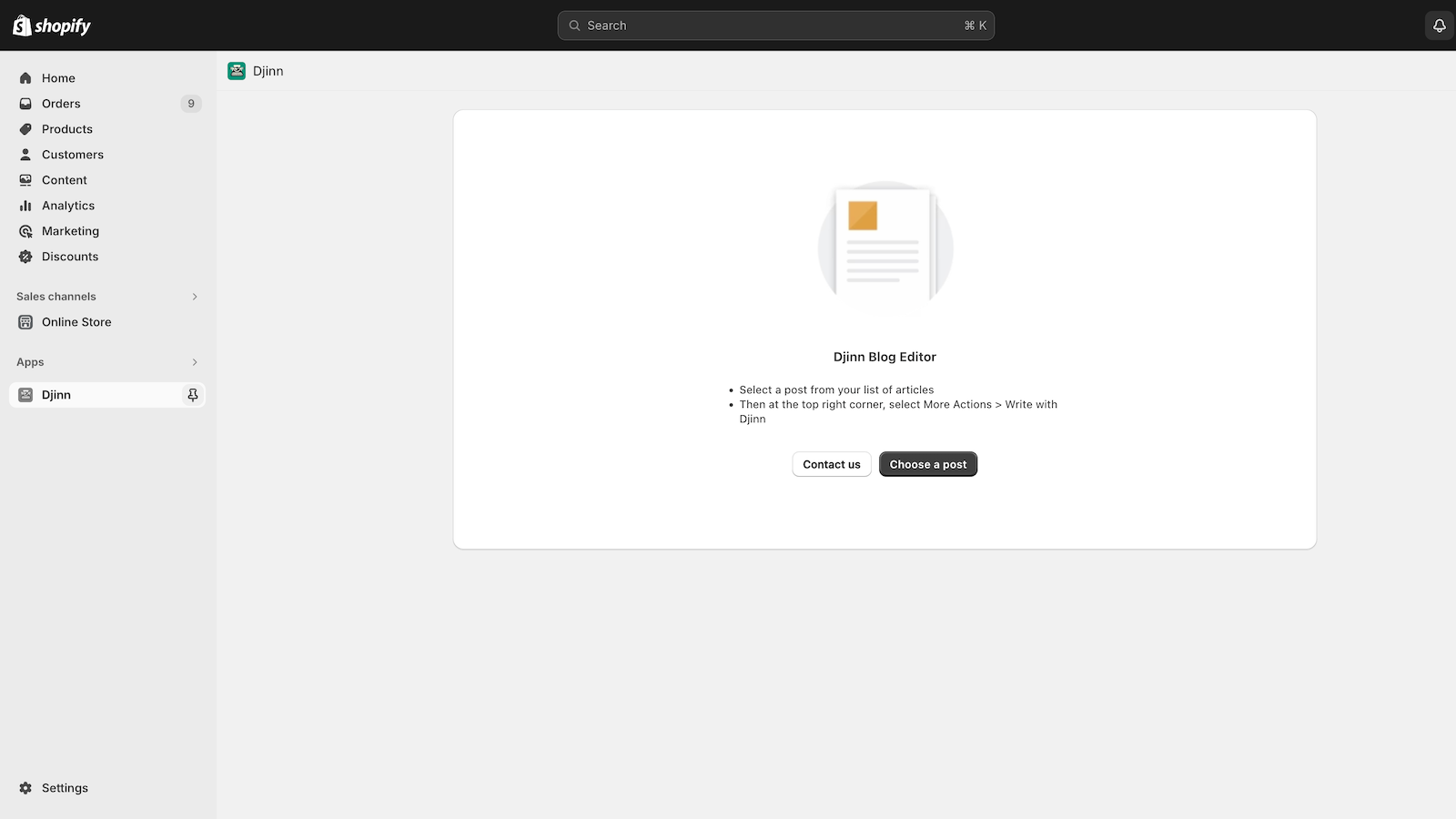
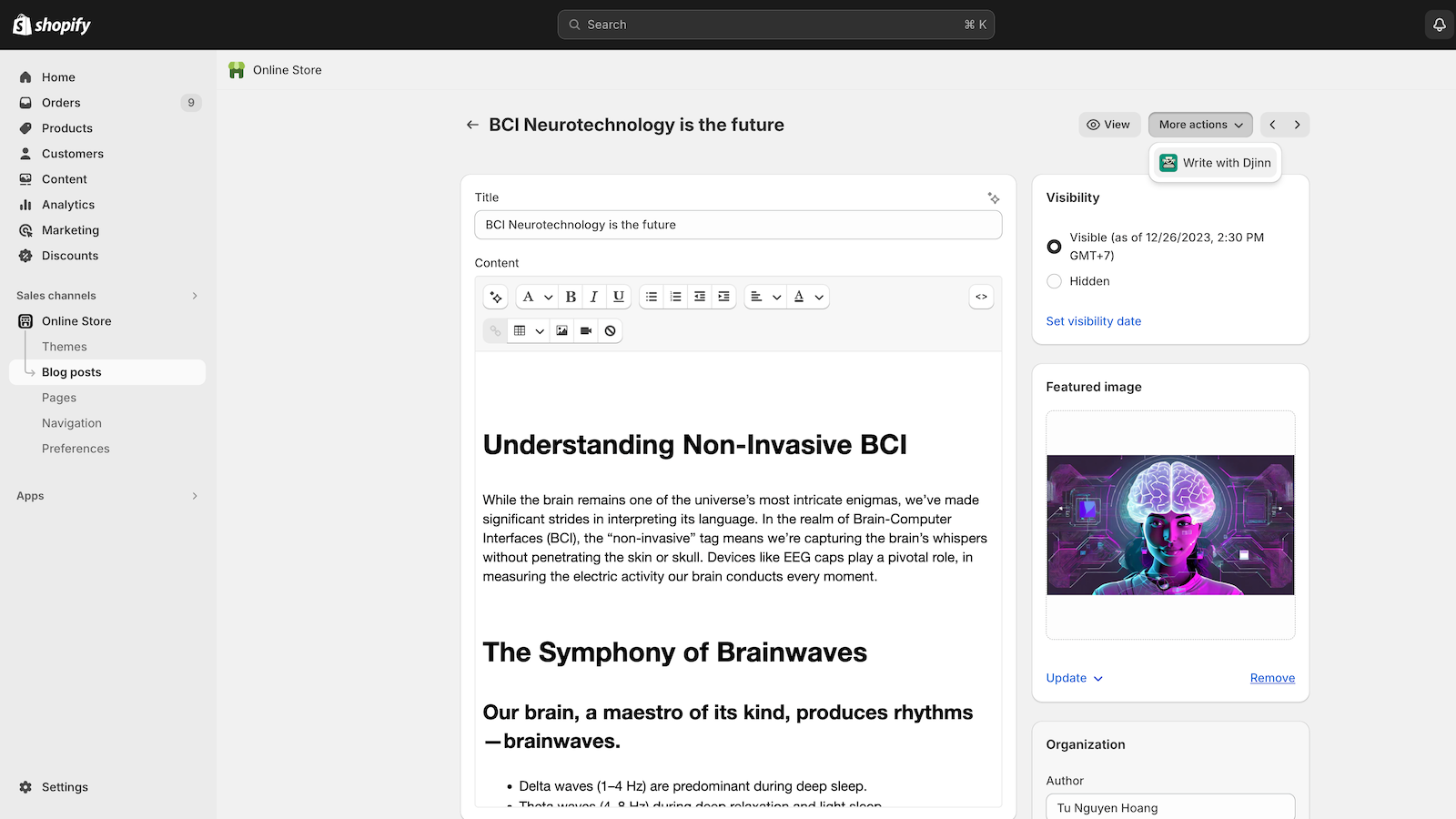
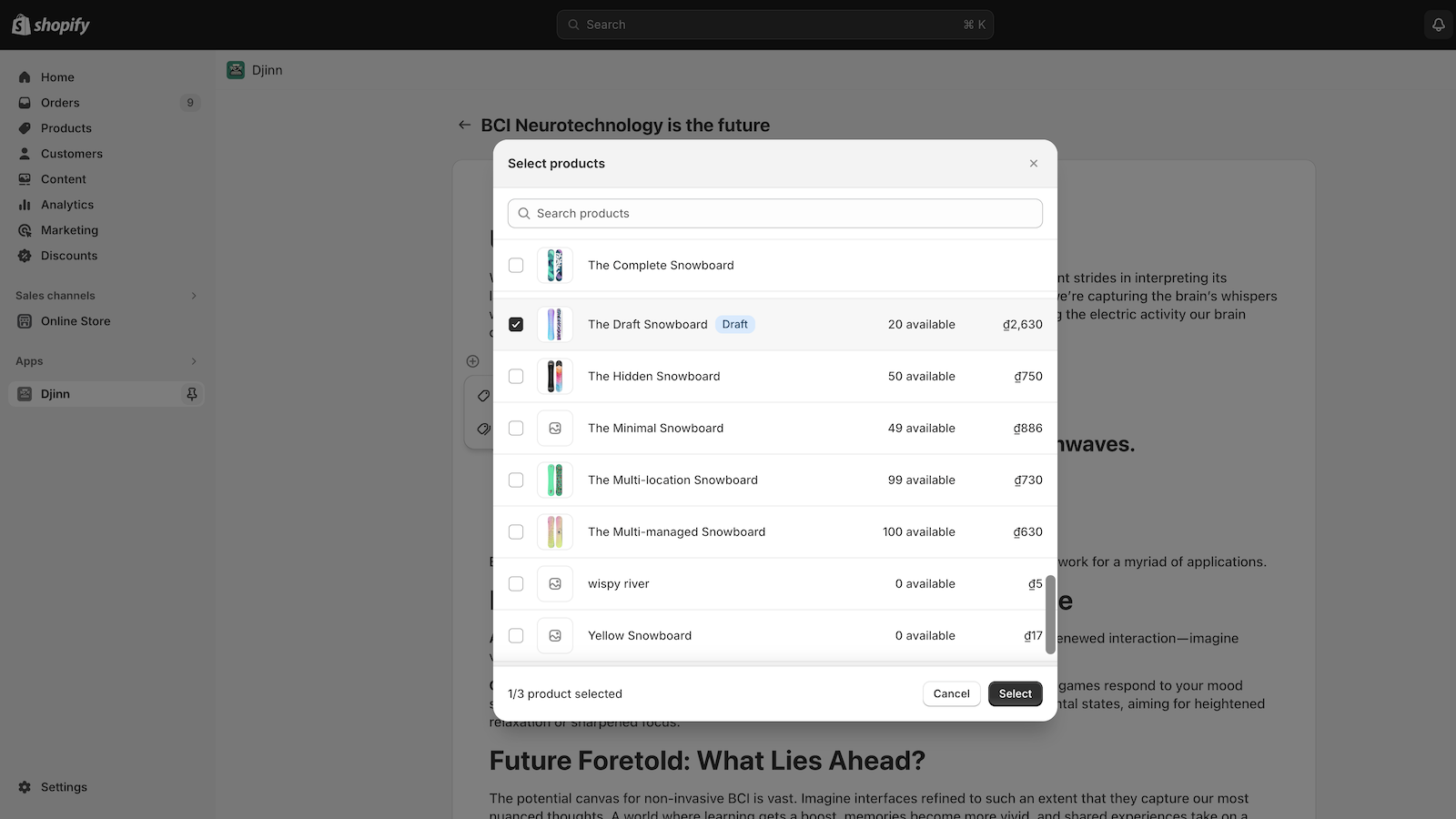
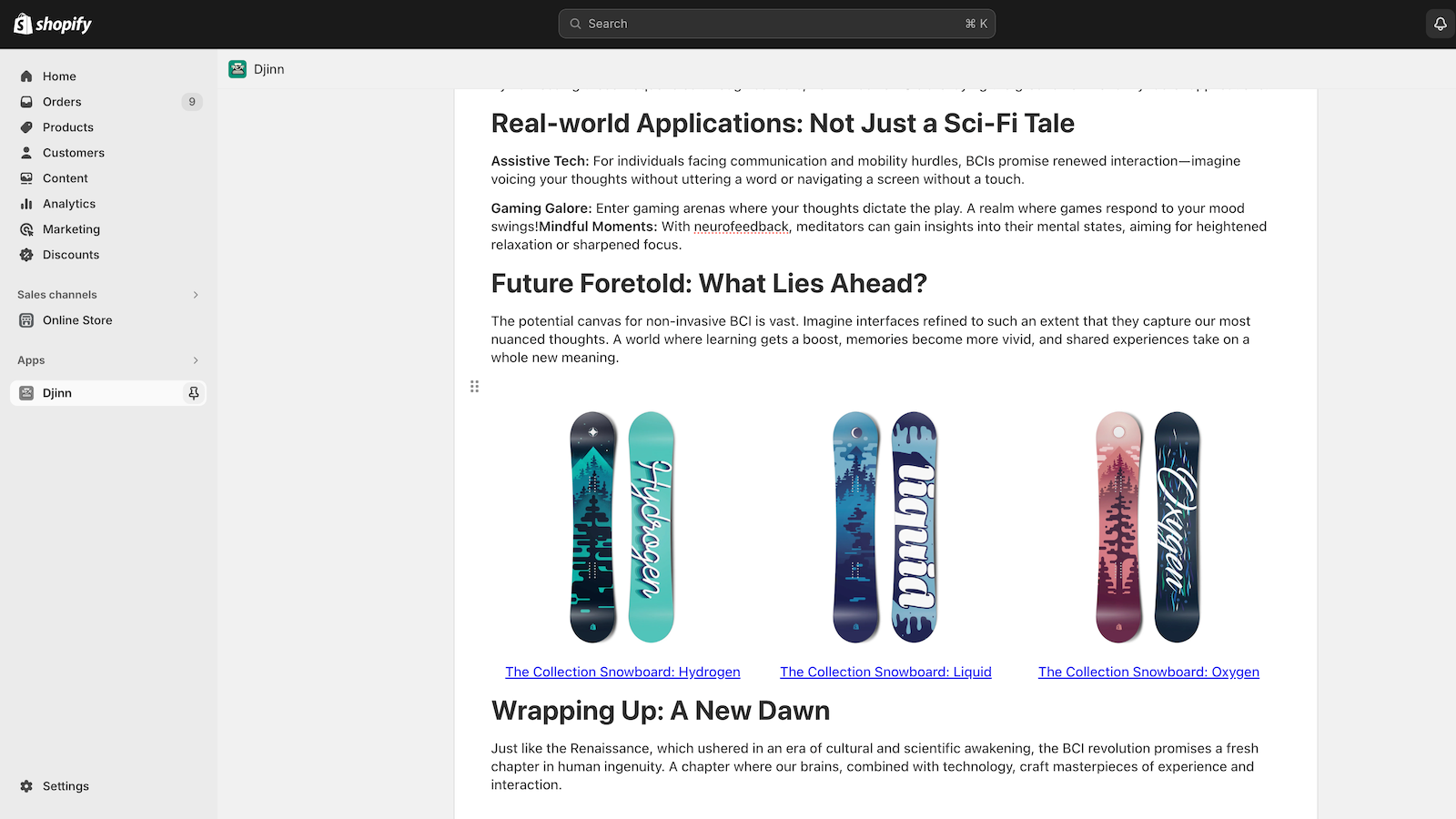
Embed Products or Collections Directly in Blog Posts with a Built-in Popup Selector As part of SEO optimization, creating internal links to flagship products is crucial. The Djinn Editor helps store owners build blog posts with internal links to their selected products and collections in just a few clicks. Users no longer need to manually insert product URLs and images—Djinn displays a product list for them to choose from. Embedded products can be previewed instantly.
Core Functionality
- Select products/collections from a pop-up list to insert into blog posts
- Preview products in the article immediately
- Drag and drop to reorder content blocks
Merchant-Friendly
- Content-focused E-commerce
- Independent Station Merchants
- Brand E-commerce
Basic Information
- Developer:Bitbriks
- Address:Hanoi University, Trung Van ward, Nam Tu Liem district, Hanoi, 100000, VN
- Price: Free / Free plan
- Rating:1 / 5
- Comment Count:1 comment
- Release Date:2024-2-26
- Supported languages:English
- Compatible products:Shopify
Application Screenshot
Price Plan
Free
Free Plan
User Location & Comments
User Location
Comments
Shopify API Used
- POST /admin/api/blogs/{blog_id}/articles/{article_id}/metafields.json
- GET /admin/api/products.json?limit=250
- GET /admin/api/collections.json?limit=250
Permission:read_products,read_collections,write_blog_articles
- GET /admin/api/blogs/{blog_id}/articles/{article_id}.json
- GET /admin/api/products/{product_id}.json
- GET /admin/api/collections/{collection_id}/products.json
Permission:read_blog_articles,read_products,read_collections
- PUT /admin/api/blogs/{blog_id}/articles/{article_id}.json
- GET /admin/api/blogs/{blog_id}/articles/{article_id}/blocks.json
- POST /admin/api/blogs/{blog_id}/articles/{article_id}/blocks/reorder.json
Permission:write_blog_articles,read_blog_articles



