Swatcher ‑ Color Swatch Option
App Introduction
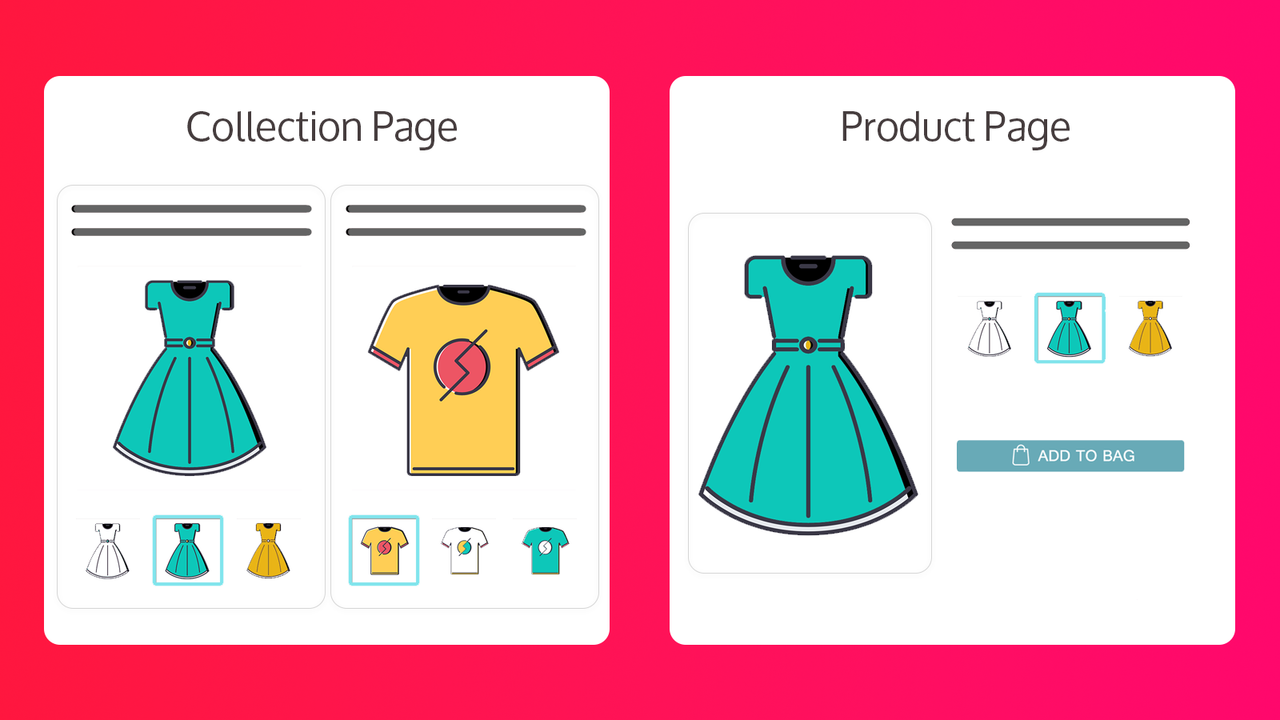
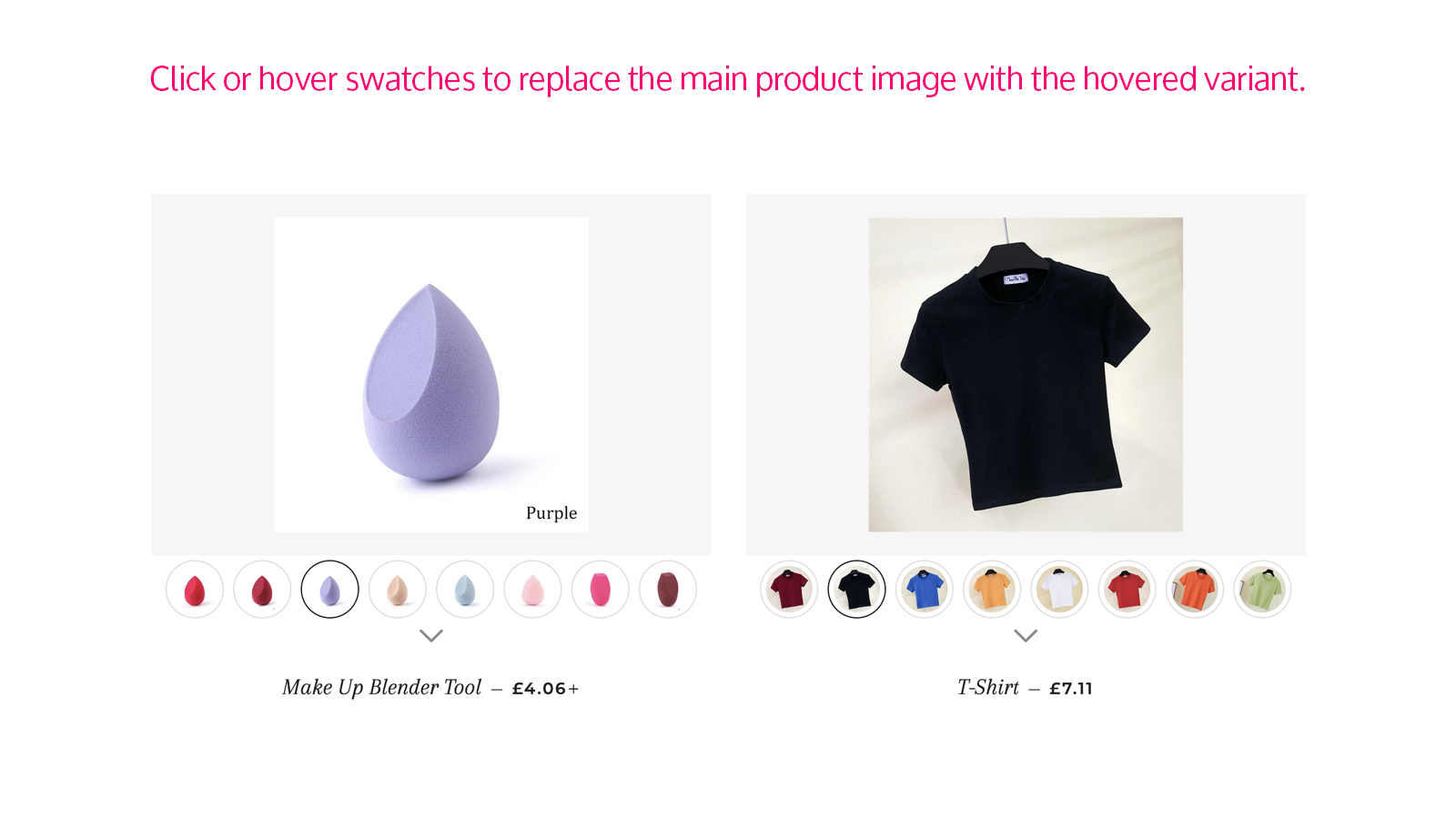
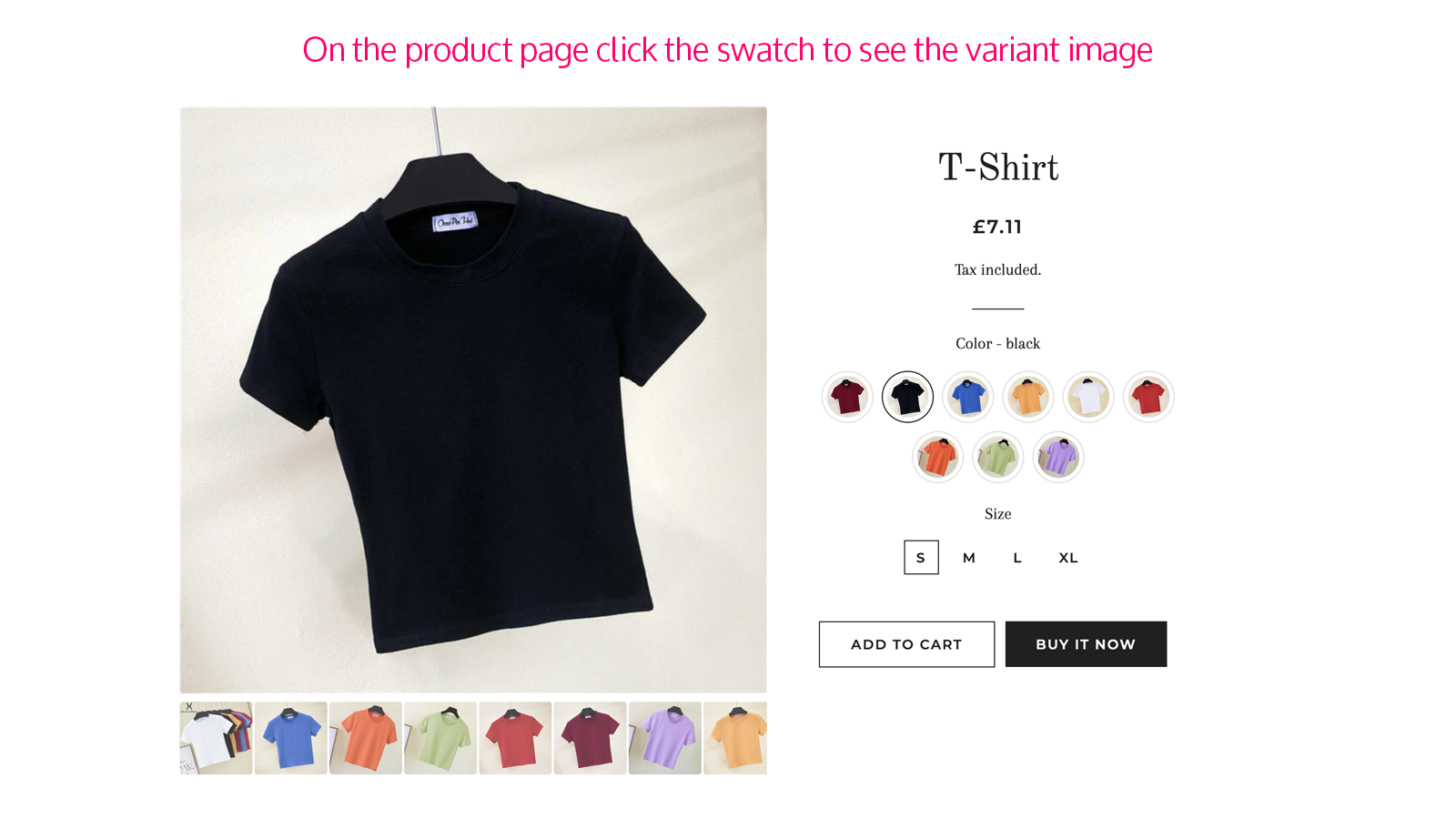
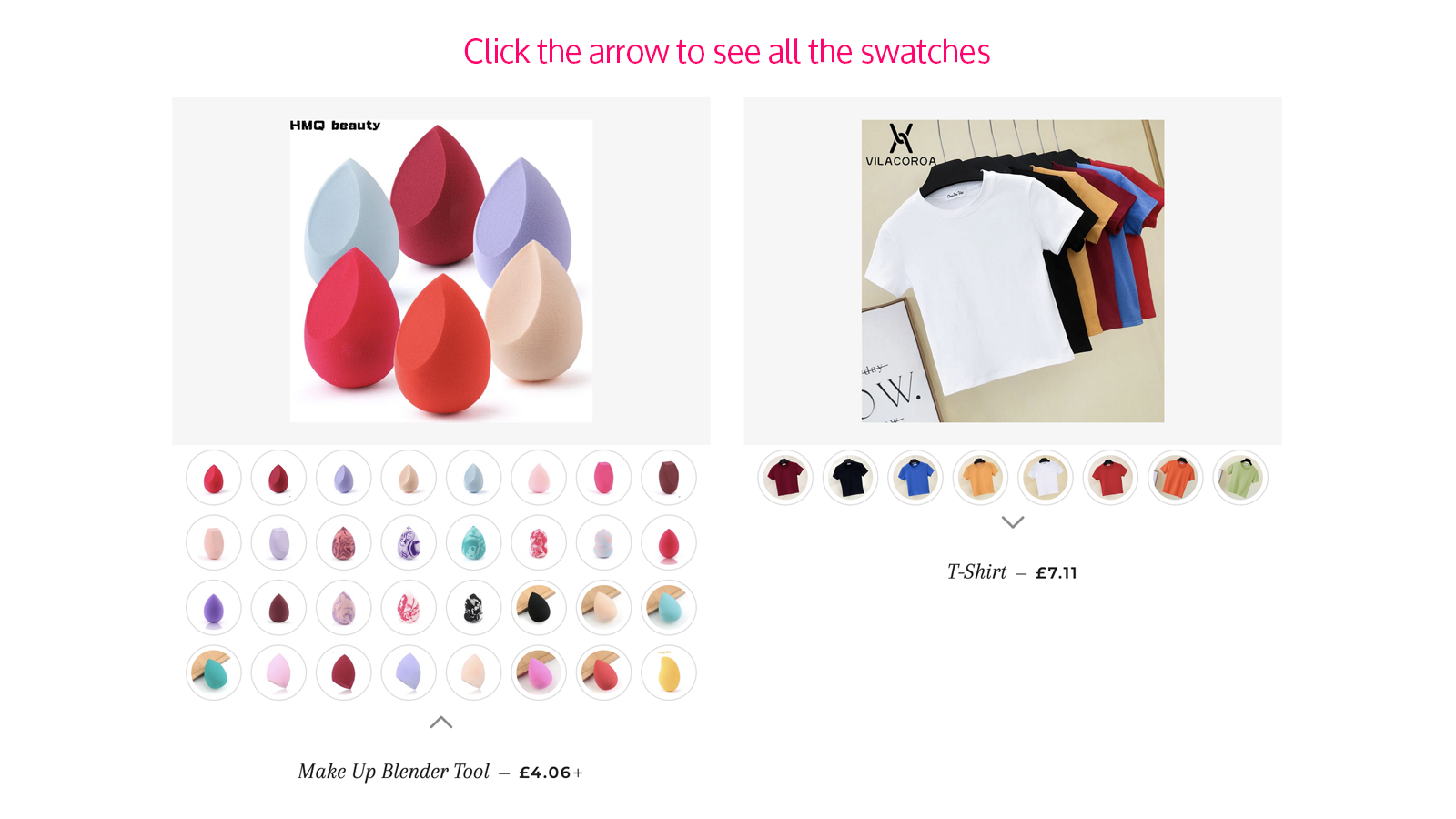
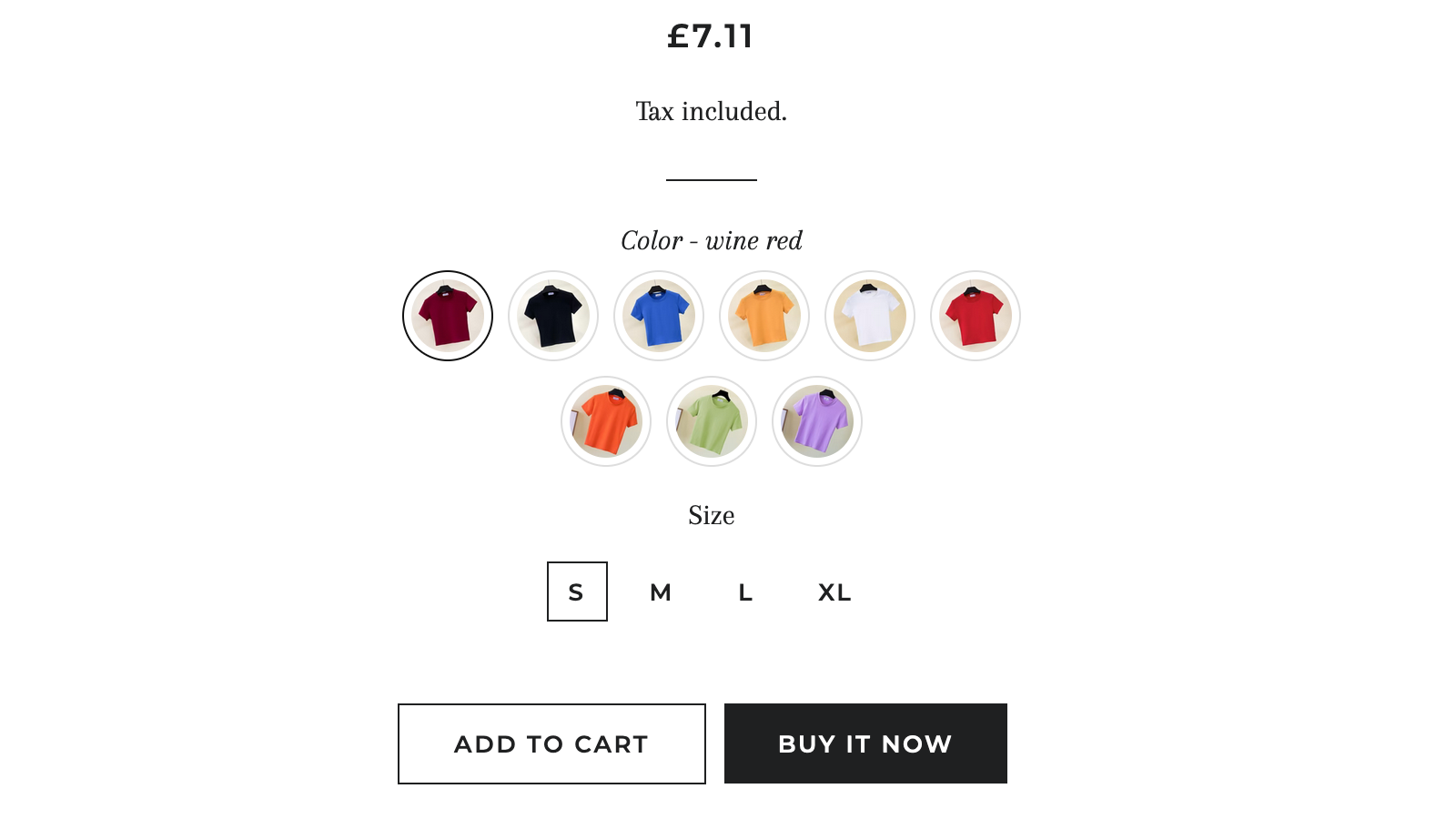
Add color swatches to your products. Link related products via swatches. Enhance product presentation. Add color variant swatches to your homepage, product pages, collections, and search results. Swatches auto-display based on the images assigned to your variants. Each swatch can be customized by uploading image files in the app’s admin panel. Use tags to link related products and showcase them as swatches on product pages. Let customers see all product variants at a glance. Improve the product browsing experience and visibility. Help customers make purchasing decisions faster and boost sales.
Core Functionality
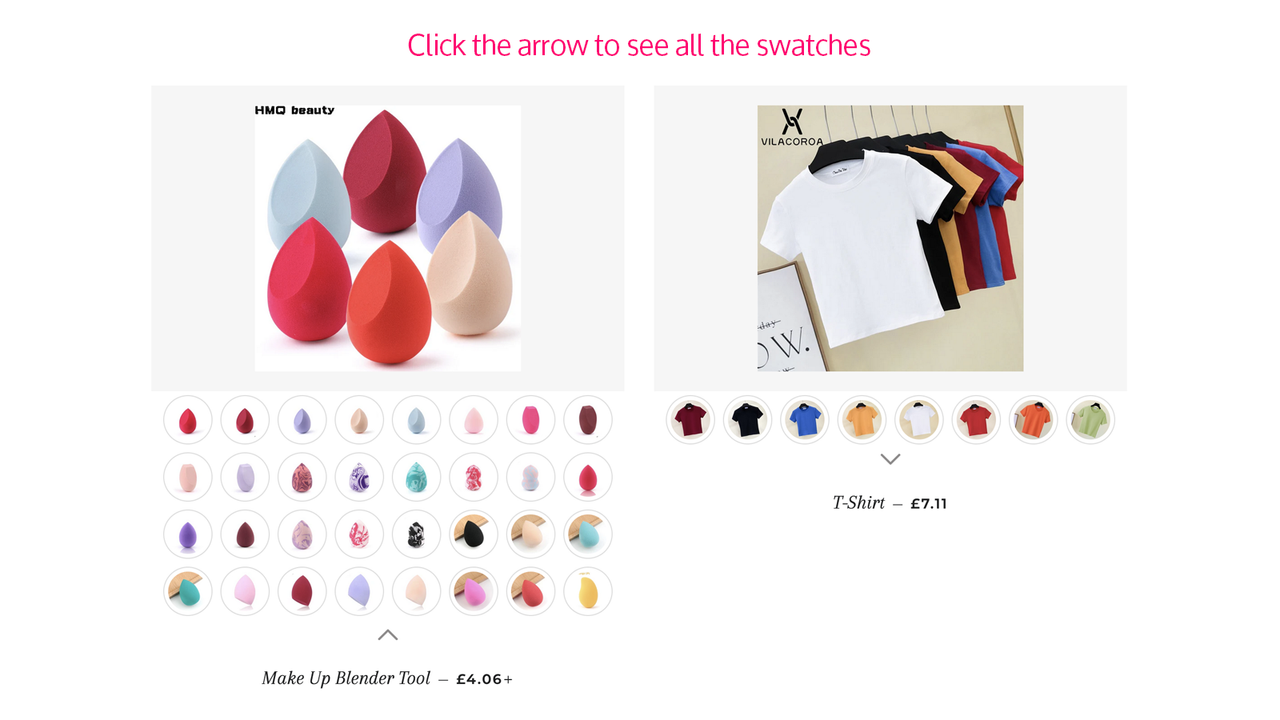
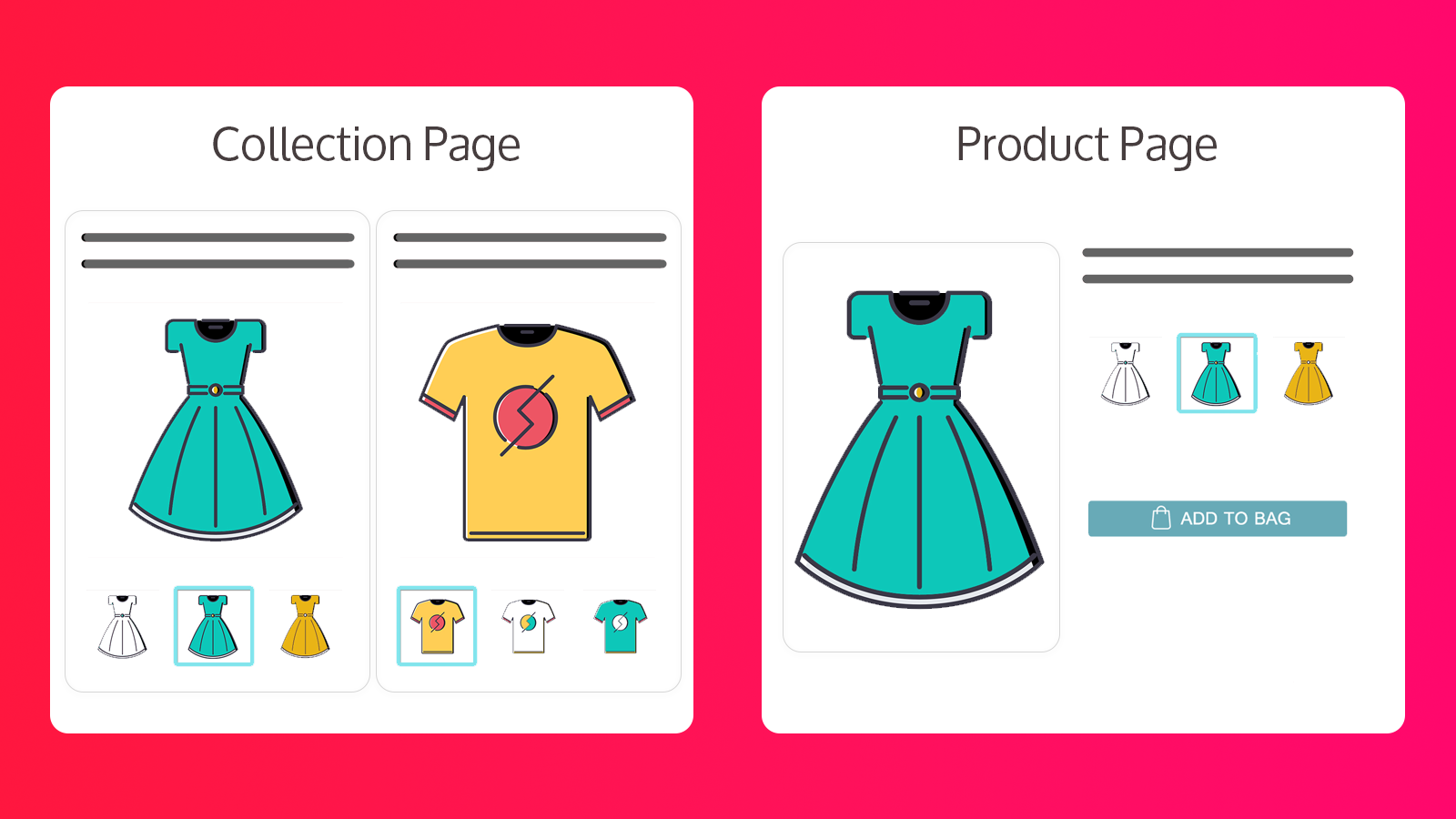
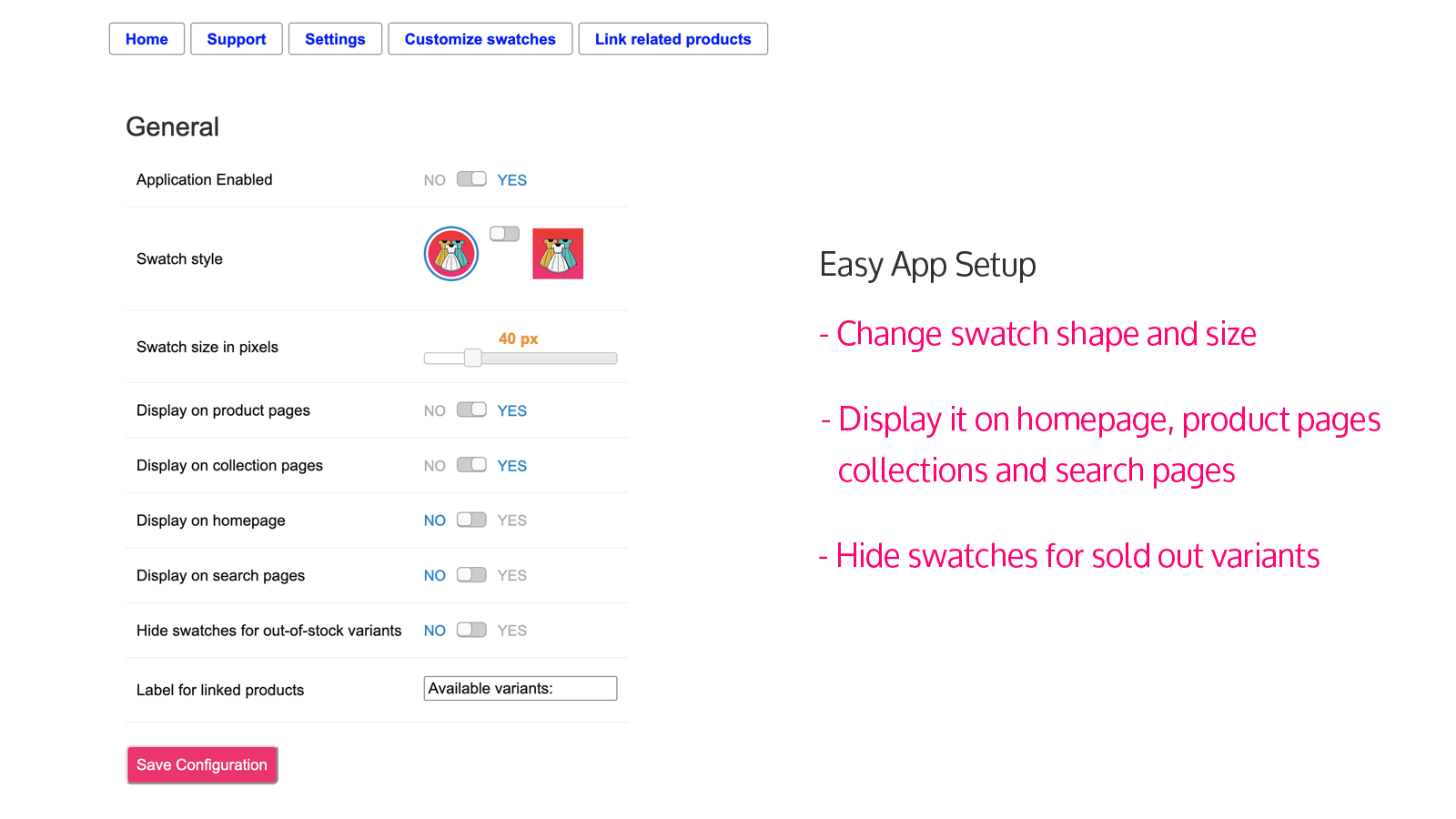
- Enable color swatches on homepage, product, collection, and search pages.
- Replace default product swatches by uploading images in the app admin panel.
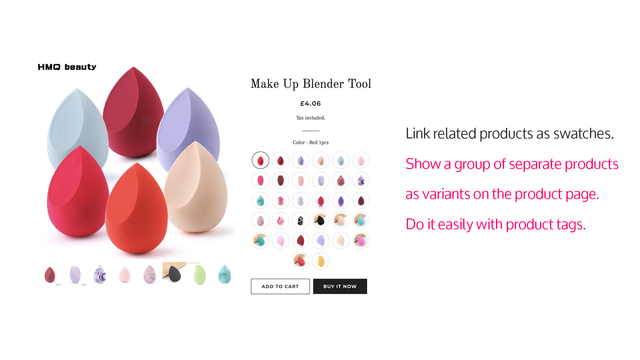
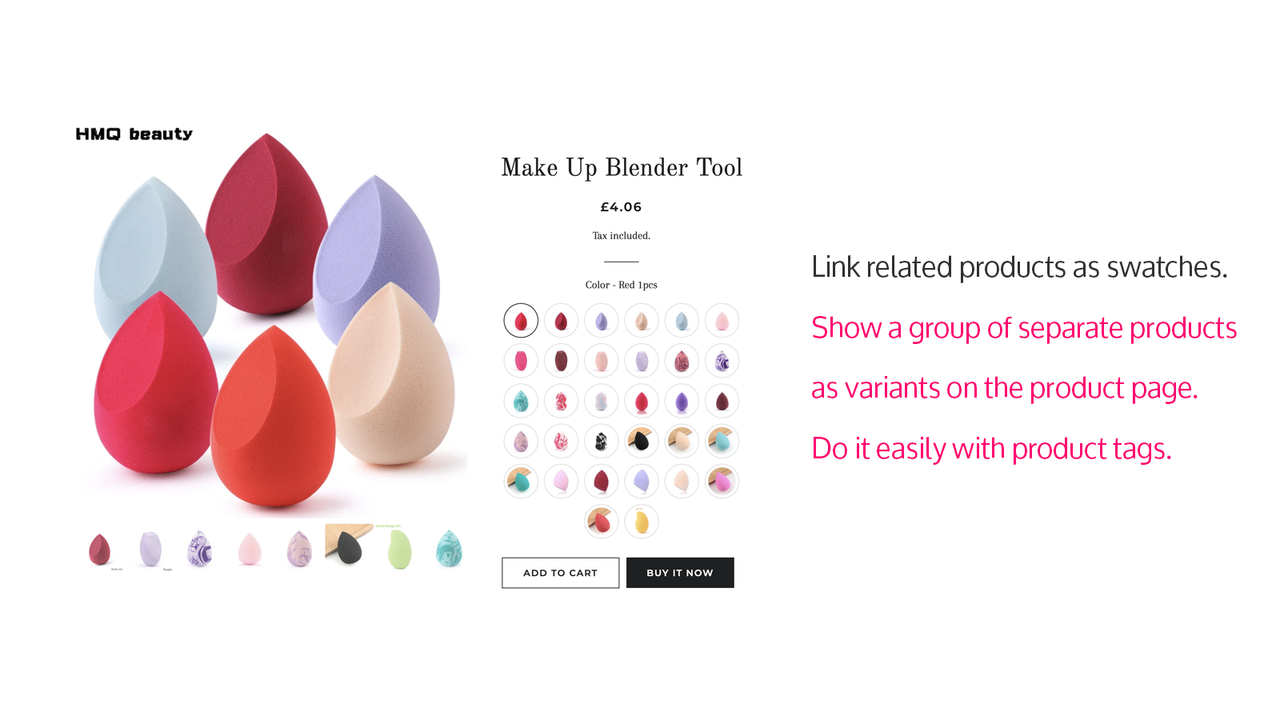
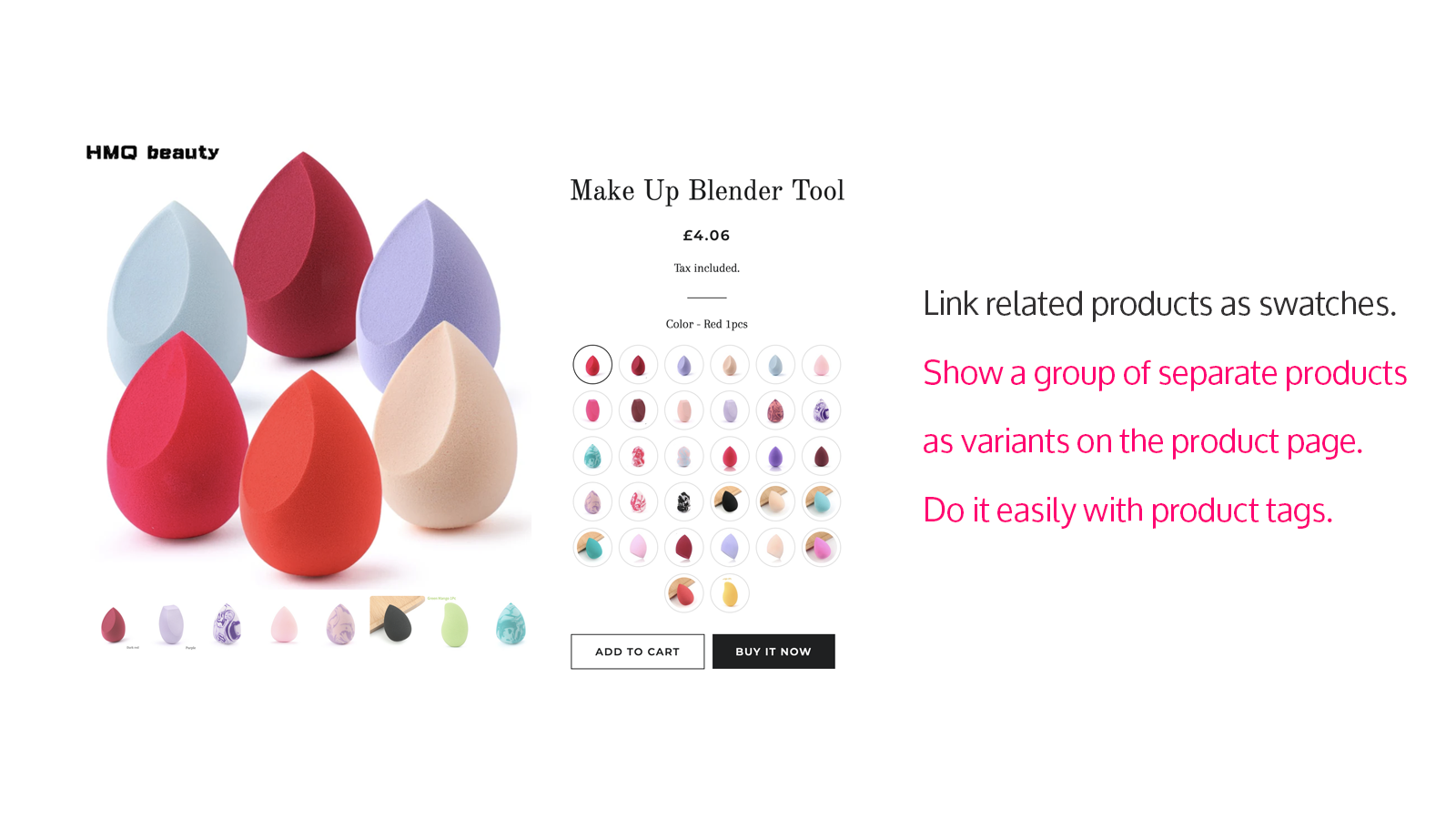
- Display a group of independent products as variants on product pages using tags.
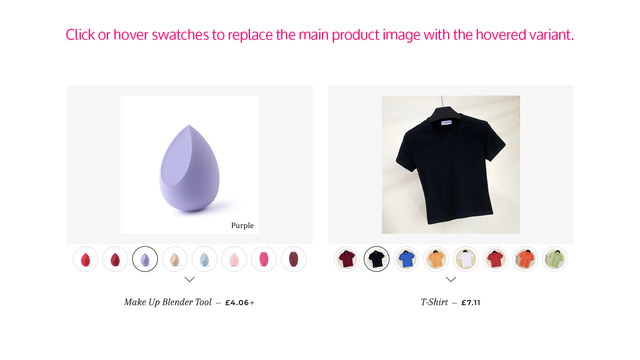
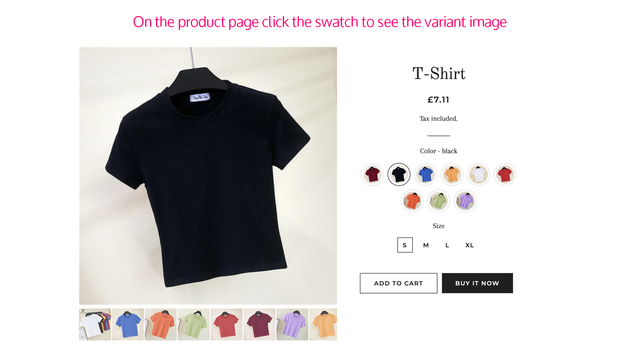
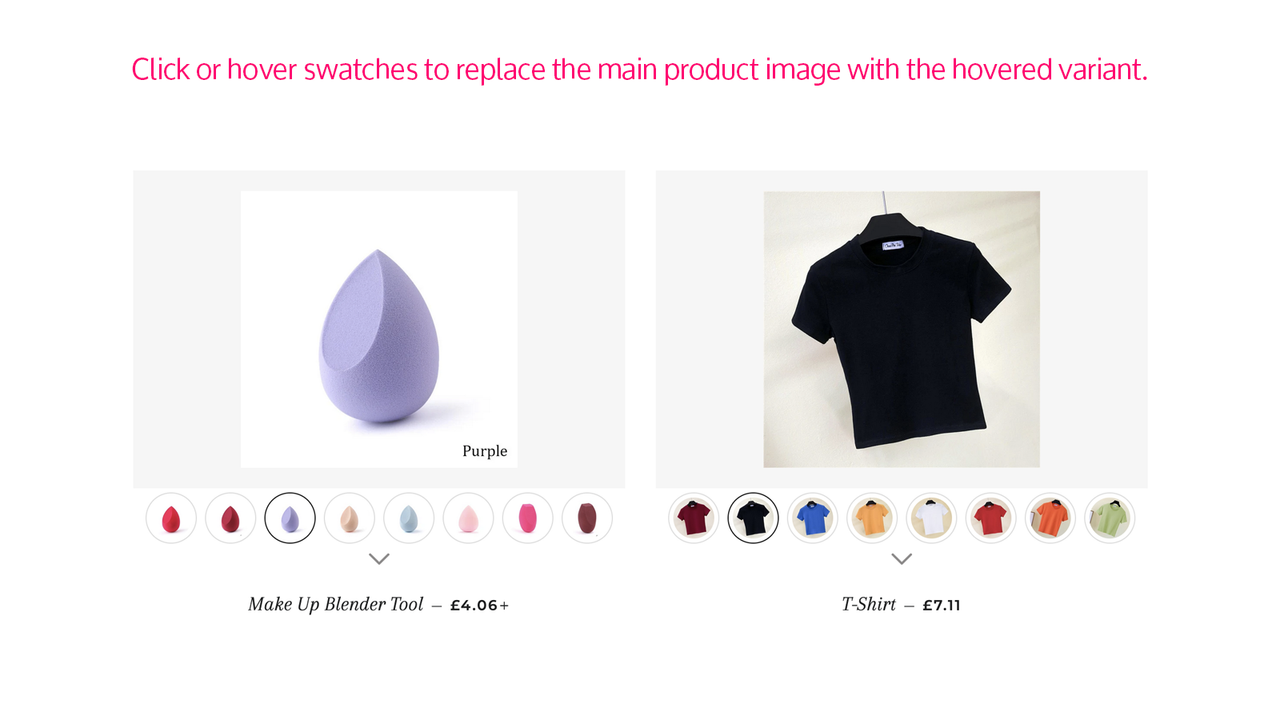
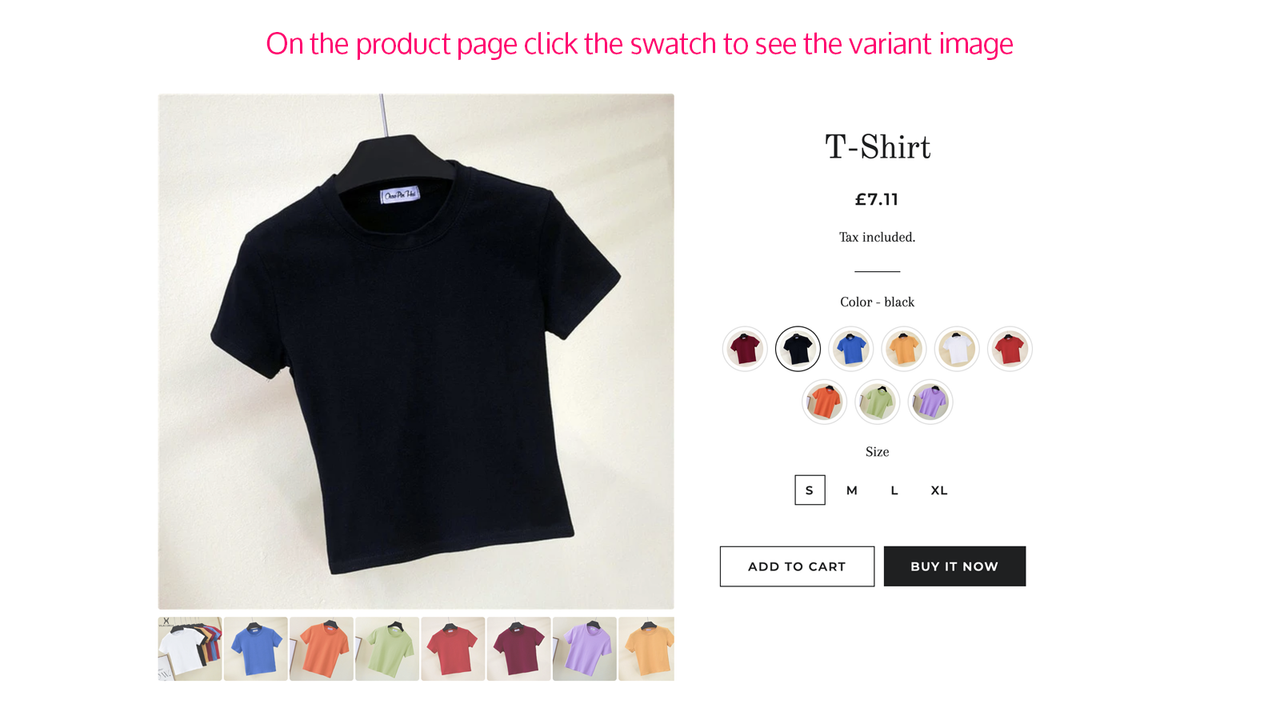
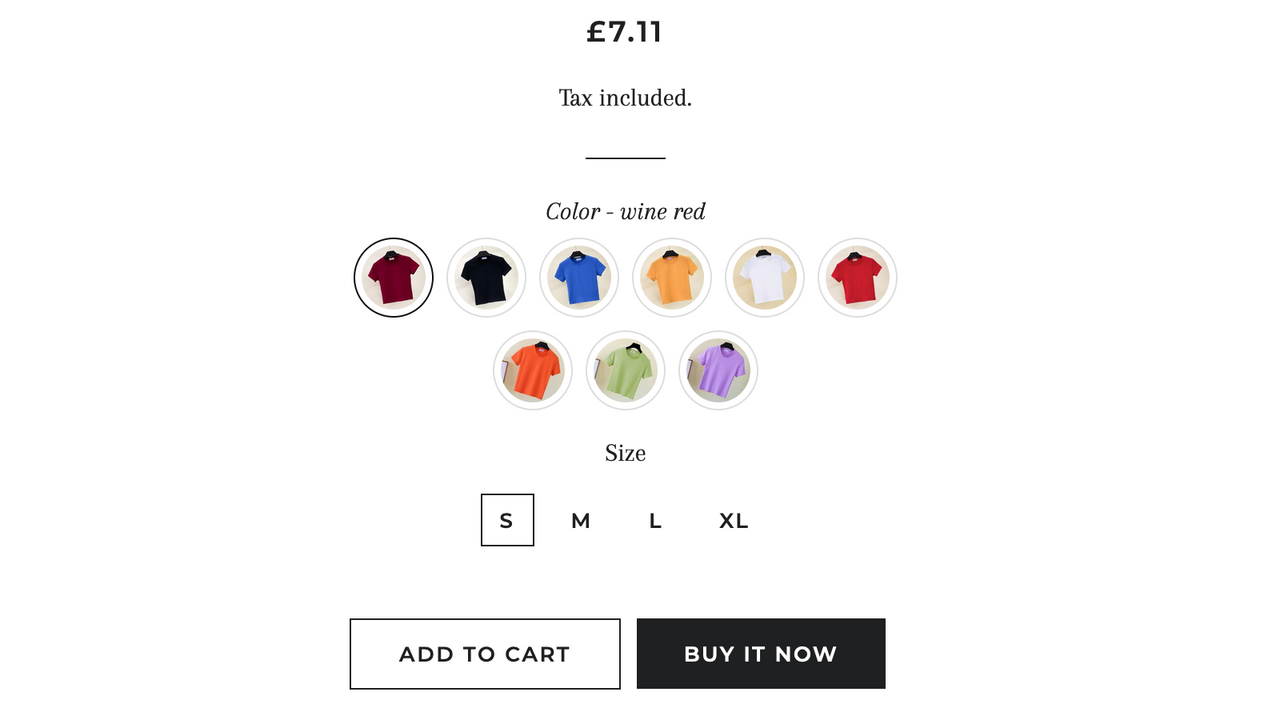
- Hover over or click a swatch to view the product variant image.
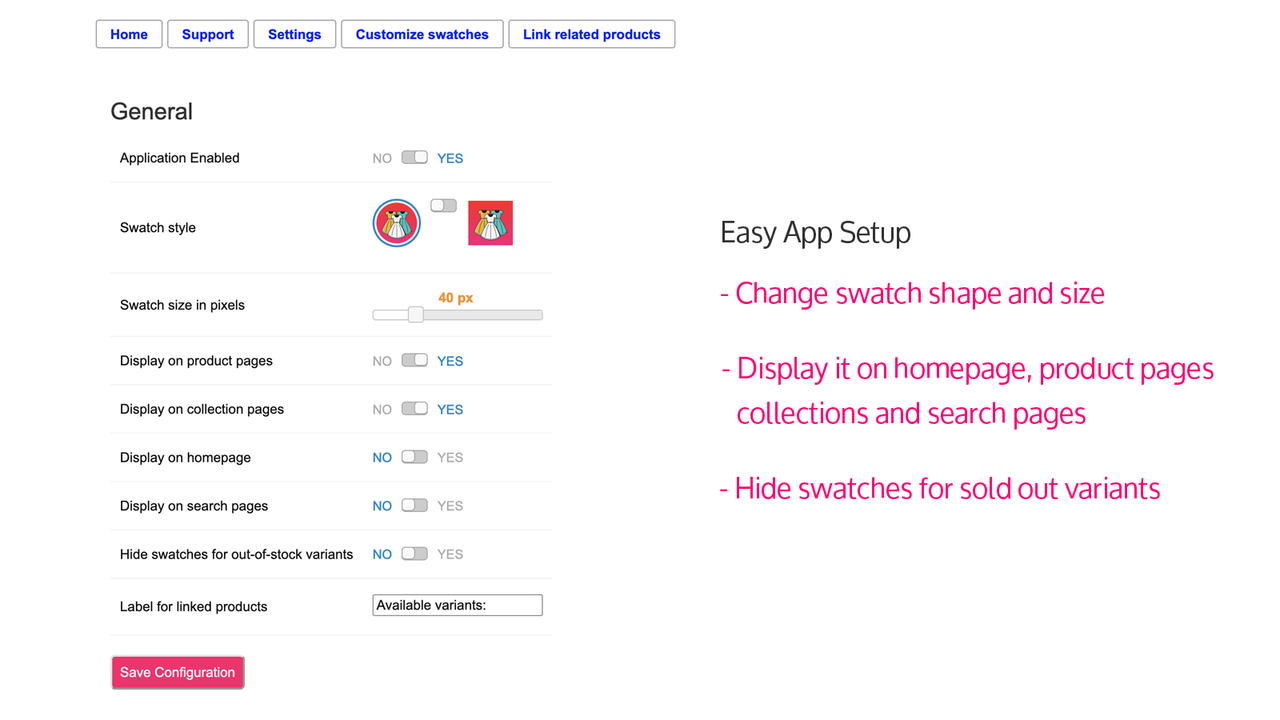
- Choose the swatch shape (circle or square) and pixel size.
Merchant-Friendly
- Fashion Apparel Merchants
- Home Decor Merchants
- Beauty & Skincare Merchants
- Electronic Product Merchants
Basic Information
- Developer:Gravity Software
- Address:Konstantynów łódzki, PL
- Price: Free / Free plan
- Rating:4.7 / 5
- Comment Count:19 comment
- Release Date:2021-4-26
- Supported languages:English
- Compatible products:Shopify
Application Screenshot
Price Plan
标准
- Includes all features
User Location & Comments
User Location
Comments
Shopify API Used
- POST /admin/api/online_store/themes/{theme_id}/settings.json
- GET /admin/api/online_store/themes/{theme_id}/settings.json
- PUT /admin/api/online_store/themes/{theme_id}/settings.json
Permission:read_themes,write_themes,manage_products
- POST /admin/api/assets.json
- GET /admin/api/assets.json
- PUT /admin/api/assets.json
Permission:read_themes,write_themes,manage_products
- POST /admin/api/products/{product_id}.json
- GET /admin/api/products/{product_id}.json
- PUT /admin/api/products/{product_id}.json
Permission:read_products,write_products,manage_products
- GET /admin/api/products/{product_id}/variants.json
- GET /admin/api/assets.json
- PUT /admin/api/online_store/themes/{theme_id}/settings.json
Permission:read_products,read_themes,write_themes
- PUT /admin/api/online_store/themes/{theme_id}/settings.json
- GET /admin/api/online_store/themes/{theme_id}/settings.json
- POST /admin/api/assets.json
Permission:read_themes,write_themes,manage_products



