
App Introduction
Run limited-time promotions and apply discounted pricing in minutes. Automate your store’s promotional campaigns. Turn complex Shopify promotions into simple, automated limited-time offers with Disco. Schedule discounts in advance, display countdown timers, and auto-update prices across your entire store. Create eye-catching promotional banners and apply discounts to specific products or your entire catalog—no code required. Need to showcase special deals? Build landing pages to highlight your best offers. Perfect for merchants looking to run professional promotions without technical hassle.
Core Functionality
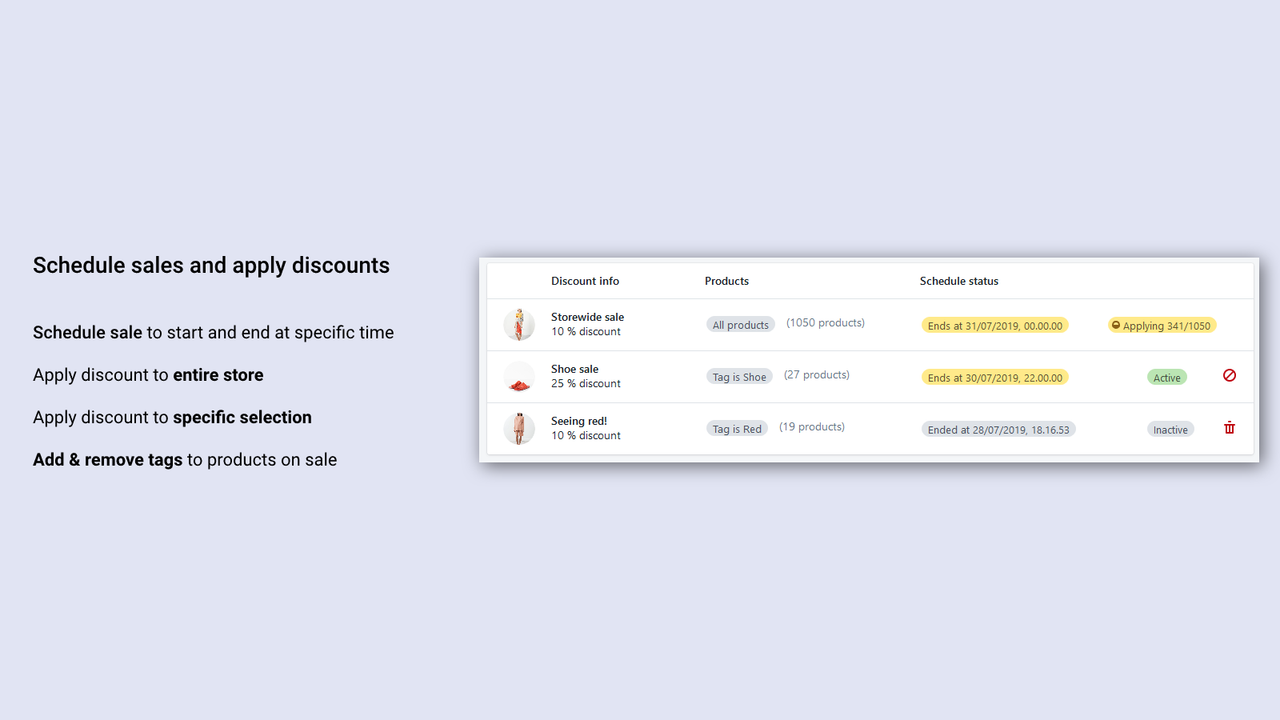
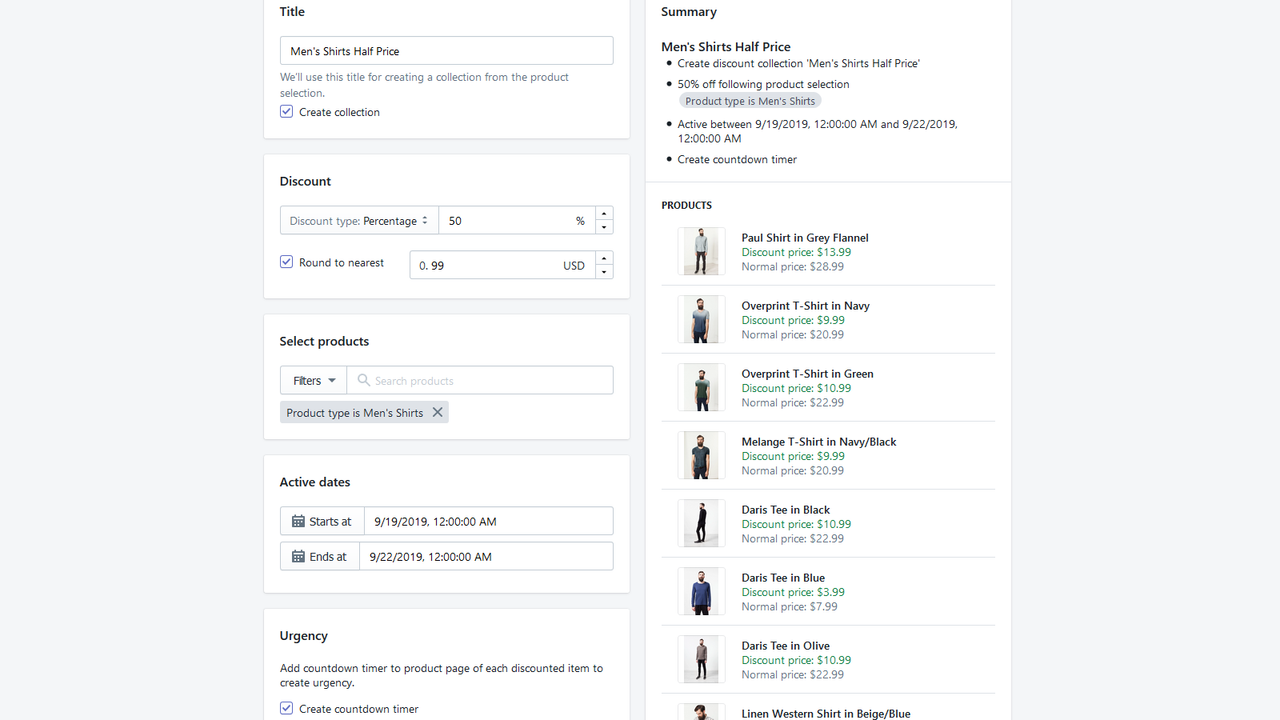
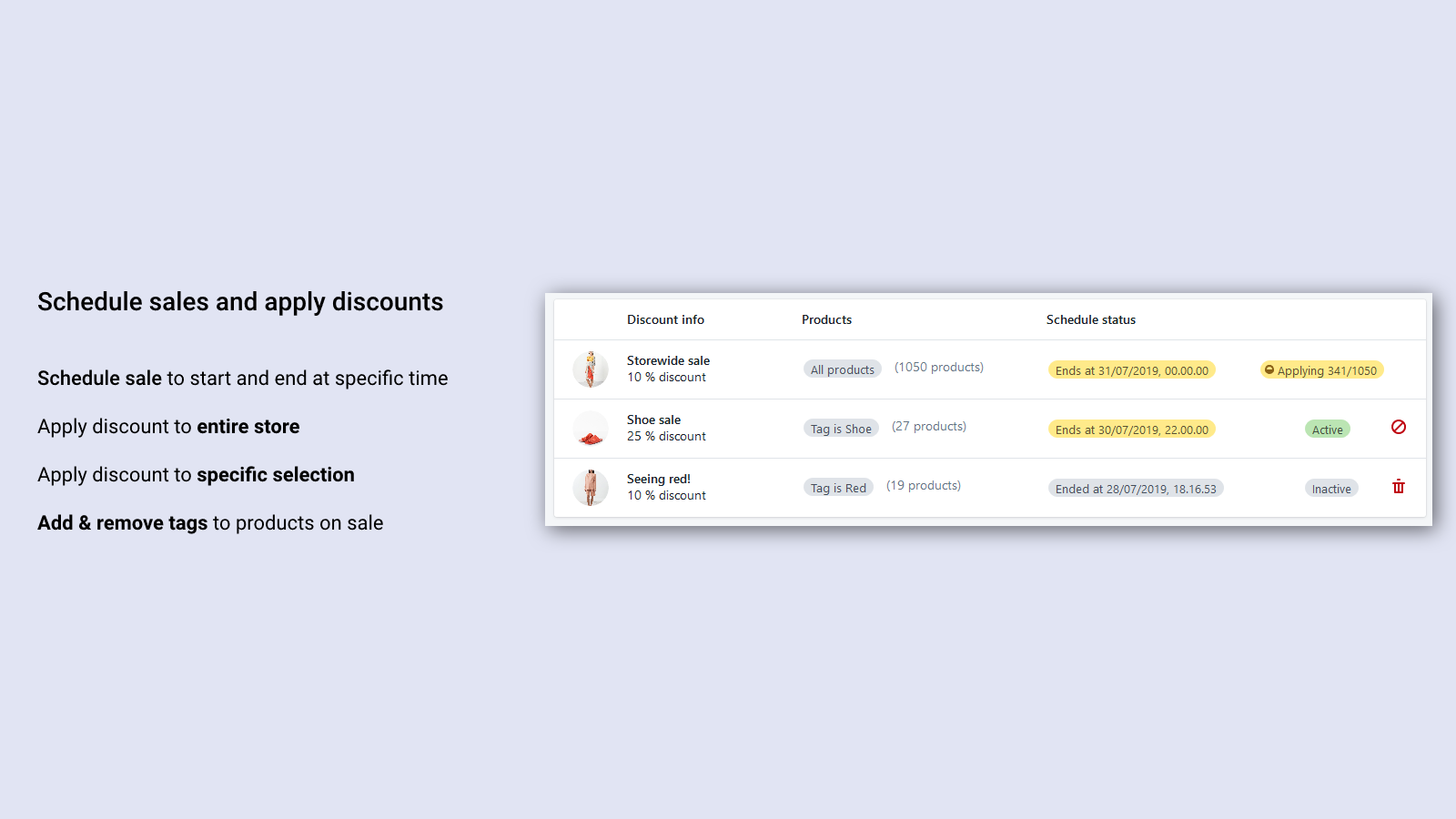
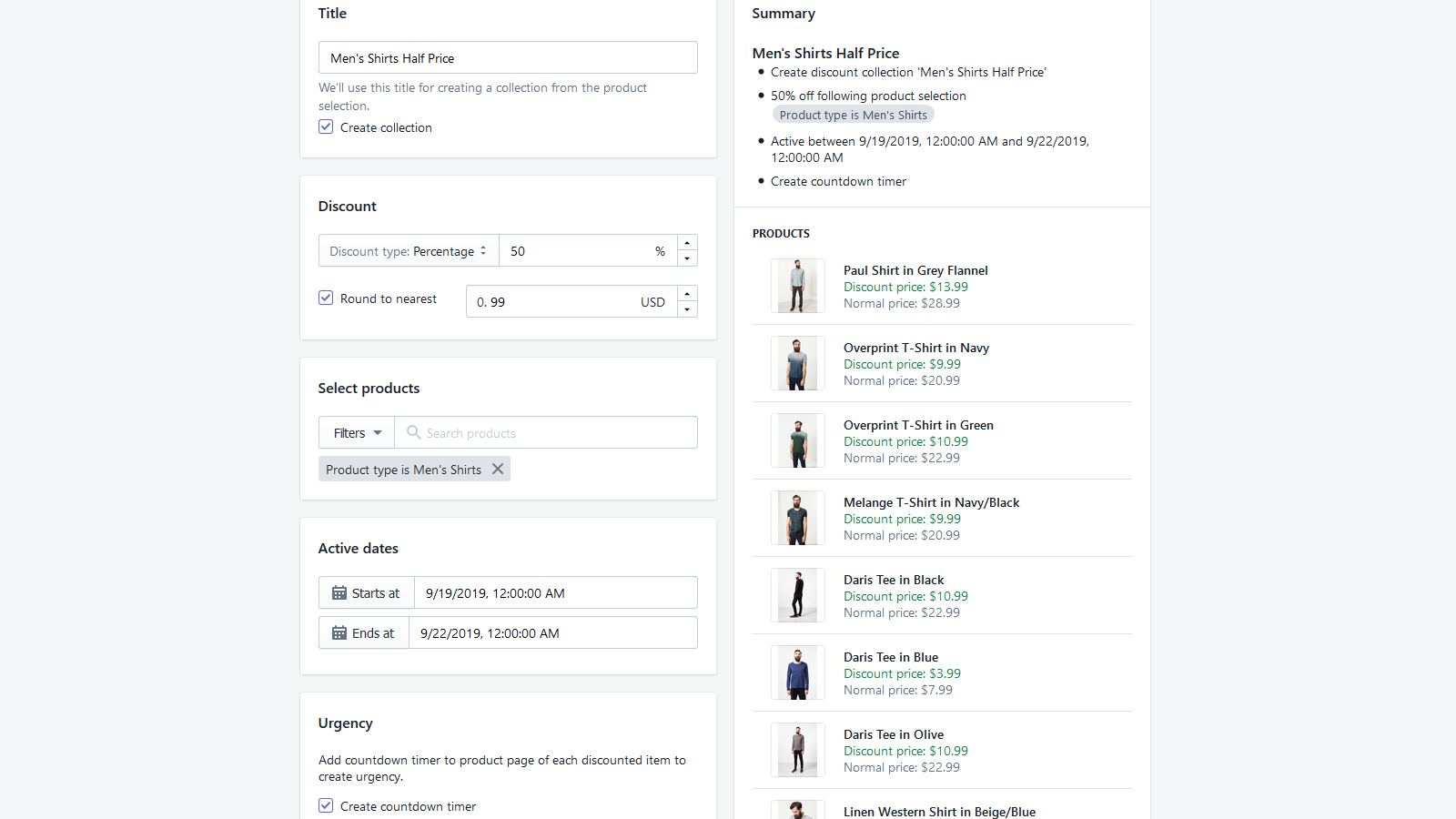
- Schedule multiple limited-time promotions with custom start and end dates
- Bulk apply discounts to specific products, collections, or your entire store
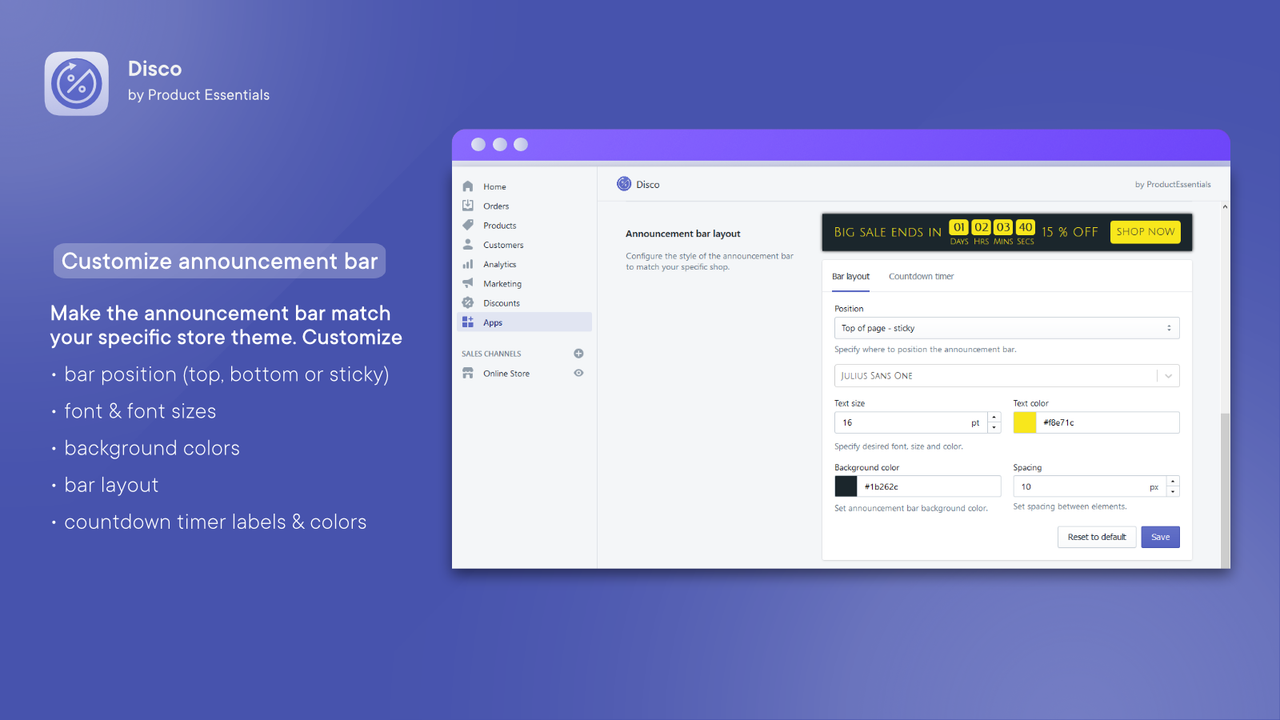
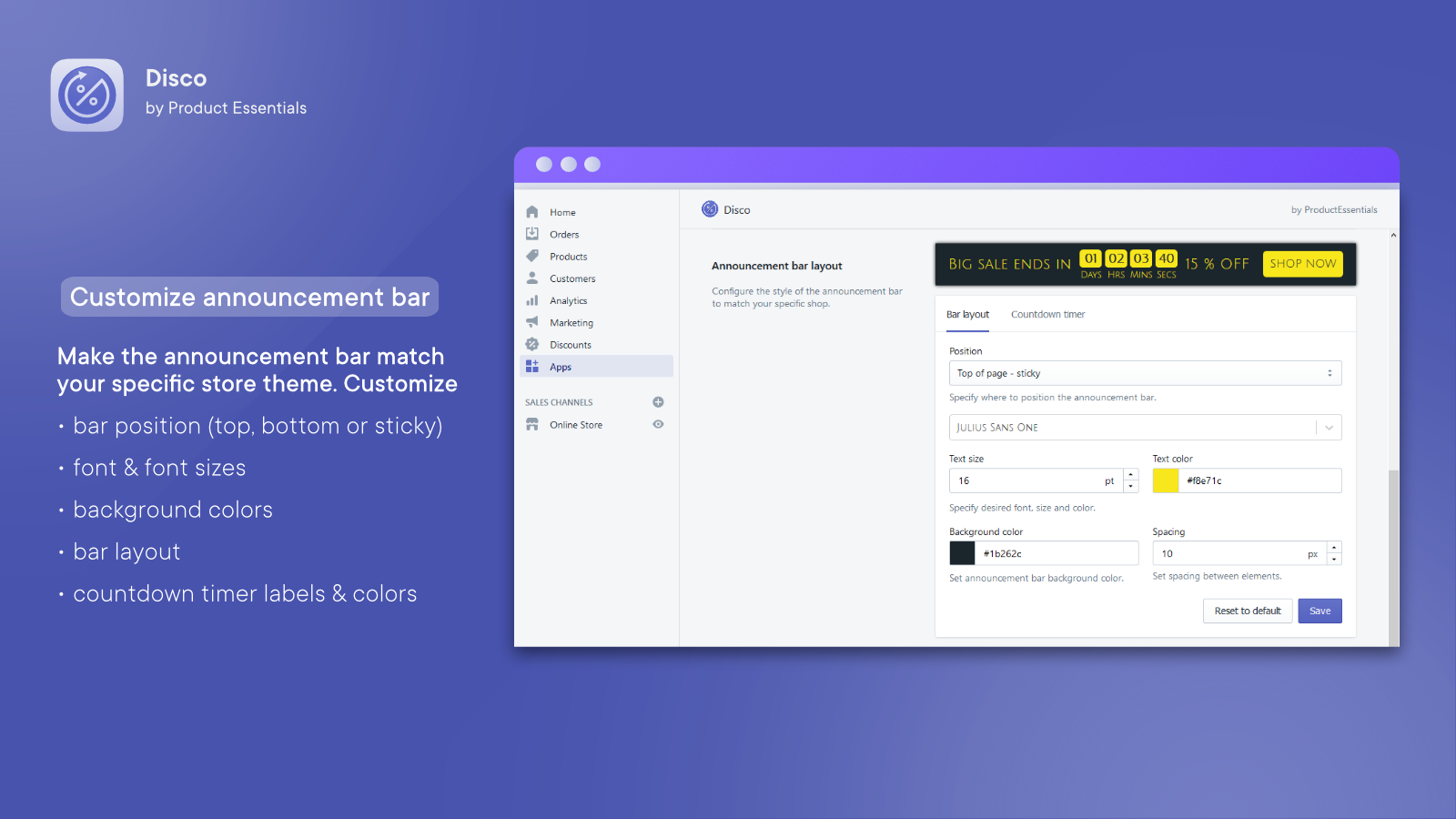
- Add countdown timers and announcement bars to any page
- Display promotion badges and banners across your entire store
- Show discounted prices on product and collection pages
Merchant-Friendly
- Independent Station Merchants
- Promotion-focused Merchants
- Multi-category E-commerce
- Cross-border E-commerce
Basic Information
- Developer:ProductEssentials
- Address:Overblikket 29, 1. tv, Aalborg, 9000, DK
- Price: Free / Free plan
- Rating:4.7 / 5
- Comment Count:71 comment
- Release Date:2019-8-30
- Supported languages:English
- Compatible products:Shopify
Application Screenshot




Price Plan
Starter
- 30 discounted products
- 2 events
- unified discount type
- schedule promotions
- countdown timer
- create promotion collection
- select products from filter
Lite
- 300 Discounted Products
- 10 Promotions
- All Features of Starter
- Banner
- Promotion Badge
- Widget Customization
- Product Exclusion Rules
- Chat & Technical Support
Professional
- 1500 Discount Products
- 30 Events
- All Features of Lite
- All Discount Types
- Limited-Time Promotion Page
- Automatic Tagging
- Chat & Technical Support
Elite
- 7500 Discount Products
- 100 Campaigns
- Full Access to All Features
- Chat and Technical Support
User Location & Comments
User Location
Comments
Shopify API Used
- POST /admin/api/smart_collections.json
- PUT /admin/api/smart_collections/{id}.json
- GET /admin/api/smart_collections.json
Permission:write_smart_collections,read_smart_collections,manage_discounts
- POST /admin/api/discounts.json
- PUT /admin/api/discounts/{id}.json
- GET /admin/api/discounts.json
Permission:write_discounts,read_discounts,manage_products
- POST /admin/api/sections.json
- PUT /admin/api/sections/{id}.json
- GET /admin/api/sections.json
Permission:write_sections,read_sections,manage_online_store
- POST /admin/api/themes.json
- PUT /admin/api/themes/{id}/assets.json
- GET /admin/api/themes.json
Permission:write_themes,read_themes,manage_online_store
- POST /admin/api/products.json
- PUT /admin/api/products/{id}.json
- GET /admin/api/collections.json
Permission:write_products,read_products,manage_collections



