miniOrange Discord Integration
App Introduction
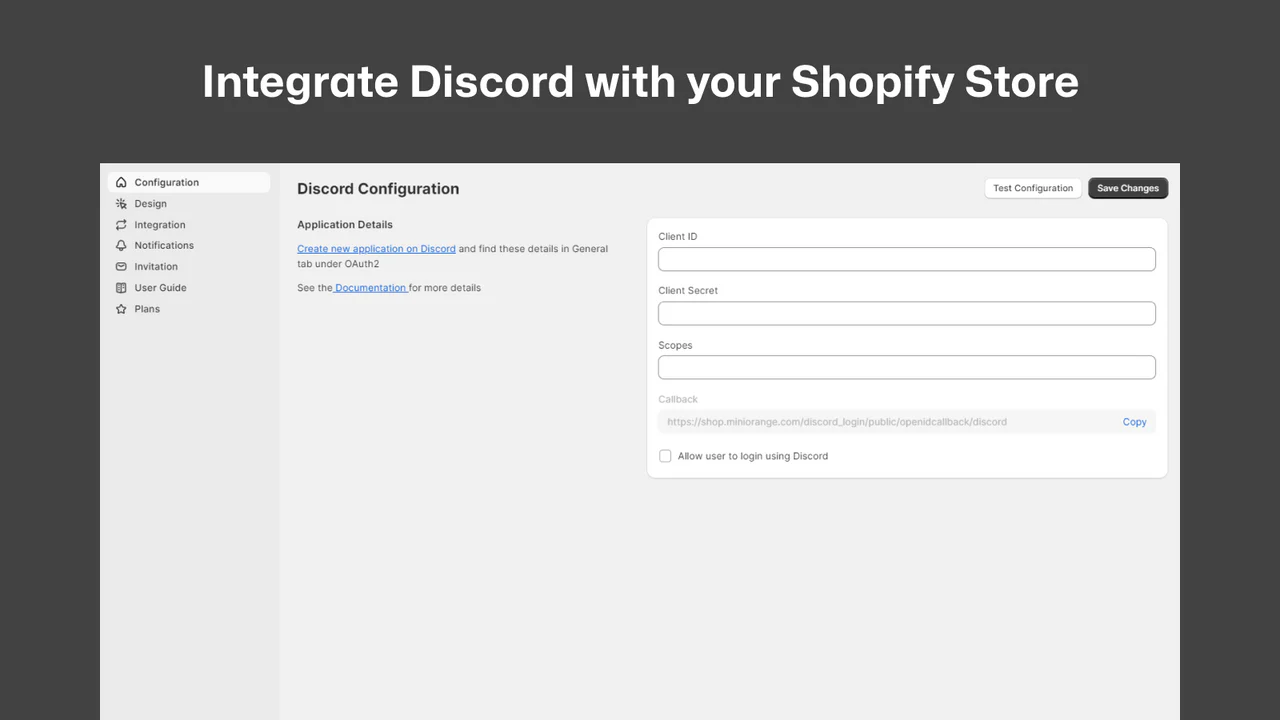
Seamlessly Integrate Your Store with Your Discord Server and Send Real-Time Notifications in Discord Sync your Shopify store with your Discord server. Enable customers to quickly log in and authenticate using their Discord account credentials. Automatically assign roles based on customer tags, purchased products, memberships, subscriptions, and more. Receive real-time Discord alerts for new sign-ups, orders, and inventory changes. Boost engagement and streamline store-to-server operations. Fully compatible with Shopify’s Horizon theme for seamless design and integration across all devices.
Core Functionality
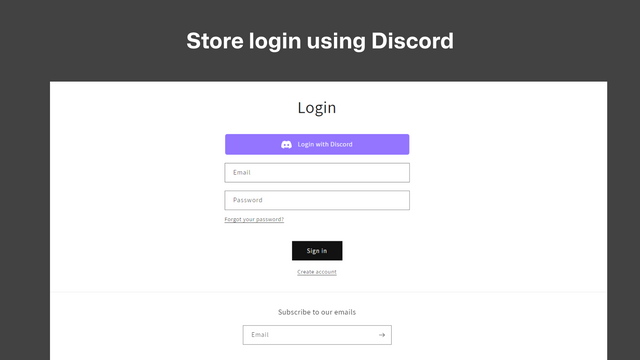
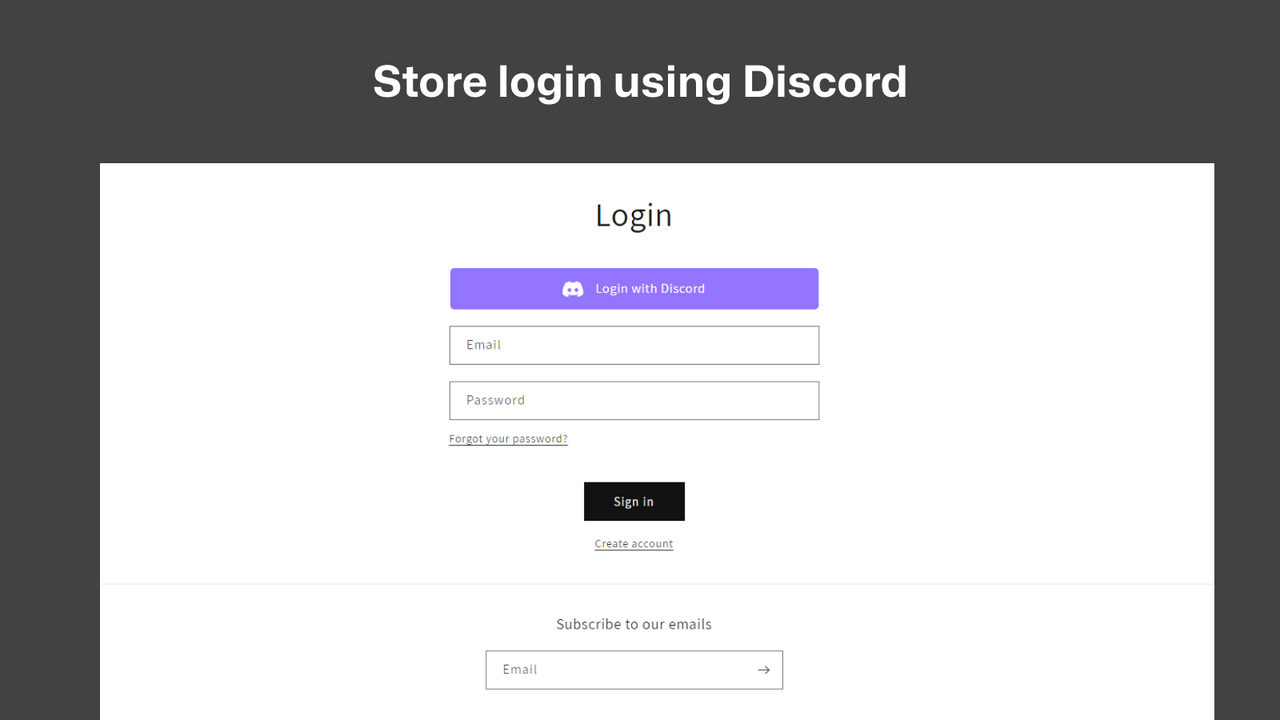
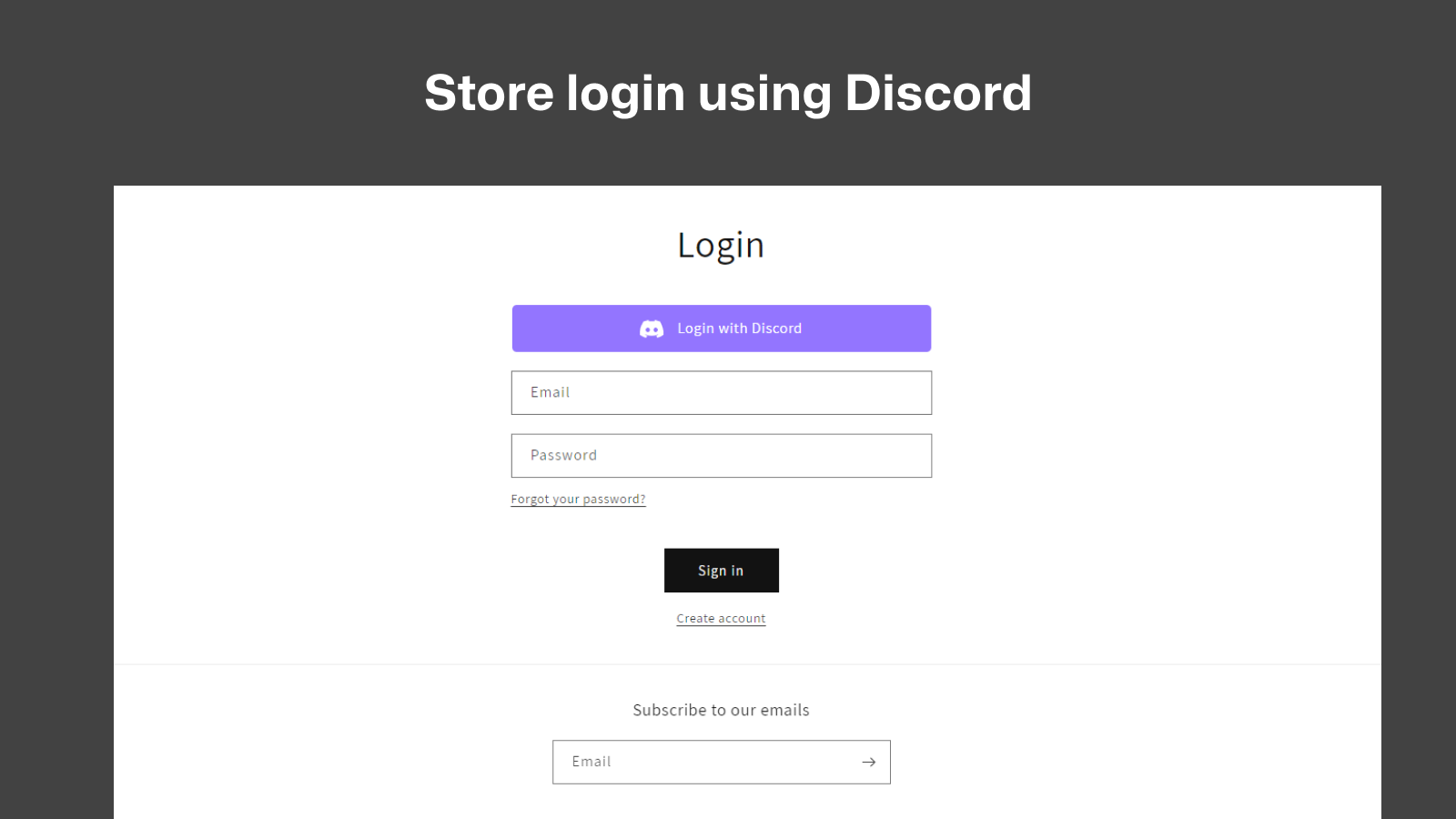
- Allow users to log in to your Shopify store using their Discord credentials
- Automatically add members to your Discord server when they log in with Discord credentials
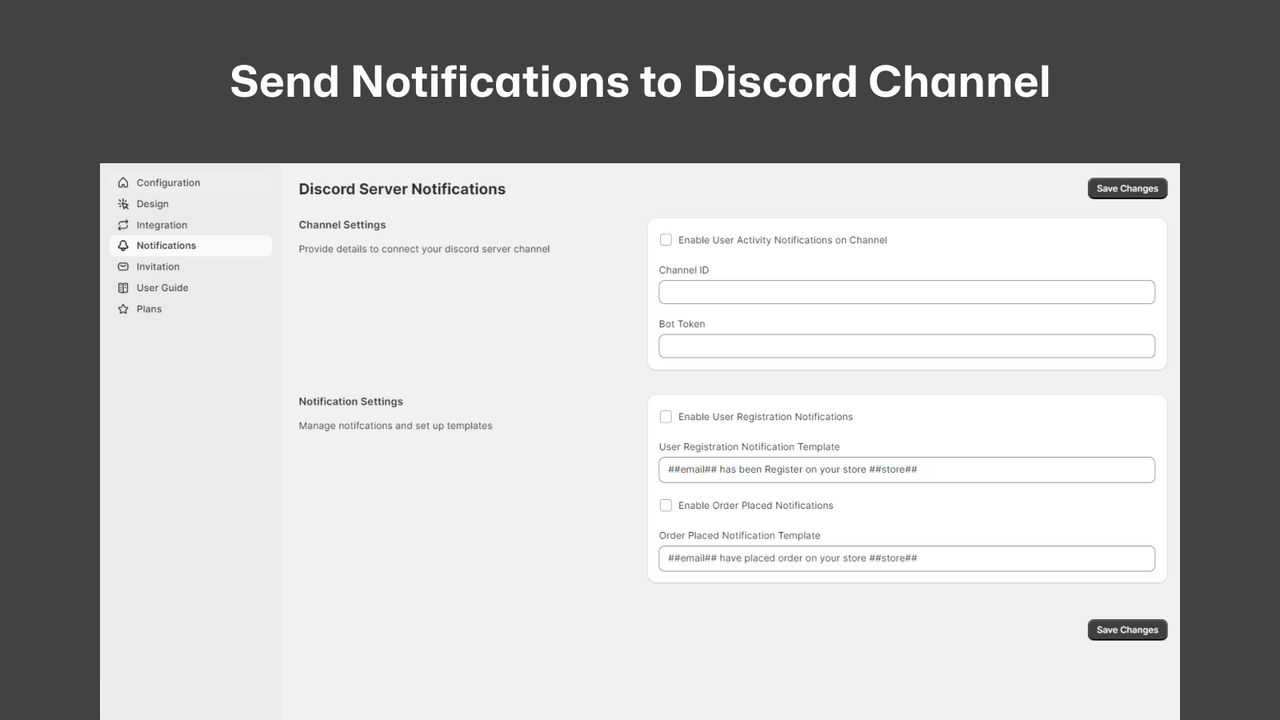
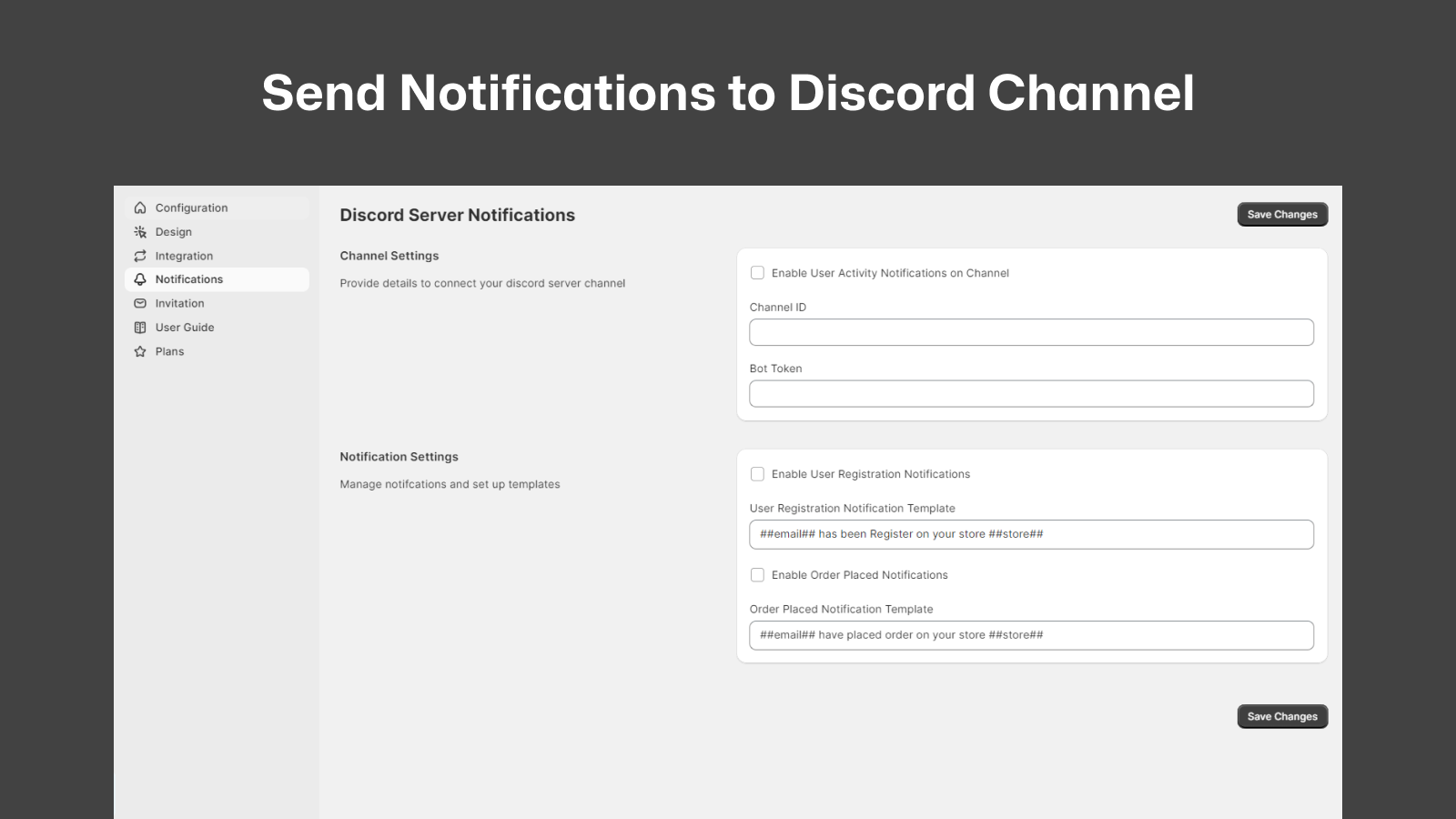
- Notify members in Discord: Receive Shopify updates directly in Discord channels
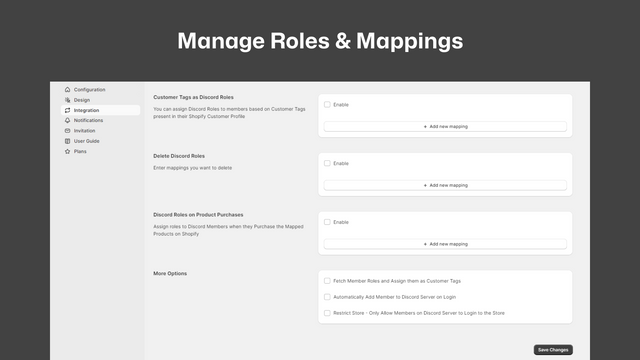
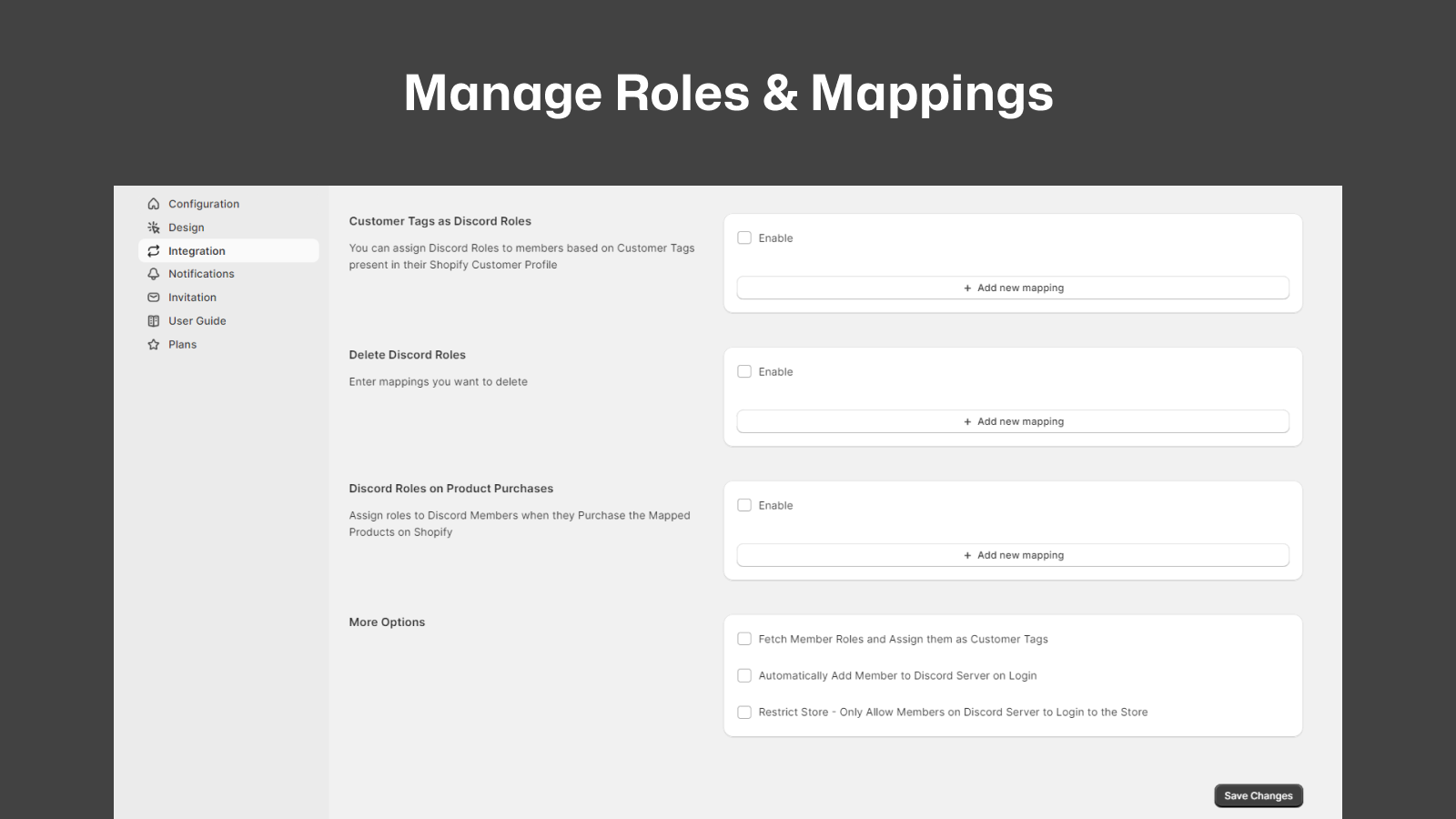
- Assign/remove Discord roles based on purchased products, customer tags, etc.
- Restrict Shopify store access to only users from your Discord server
Merchant-Friendly
- Game Peripheral E-commerce
- Community-driven Merchants
- Creator E-commerce Stores
- Membership Independent Stations
Basic Information
- Developer:miniOrange
- Address:Rainbow Apartment, Laxman Nagar, Baner, pune, MH, 411045, IN
- Price: Free / Free plan
- Rating:5 / 5
- Comment Count:5 comment
- Release Date:2021-8-16
- Supported languages:English
- Compatible products:Shopify
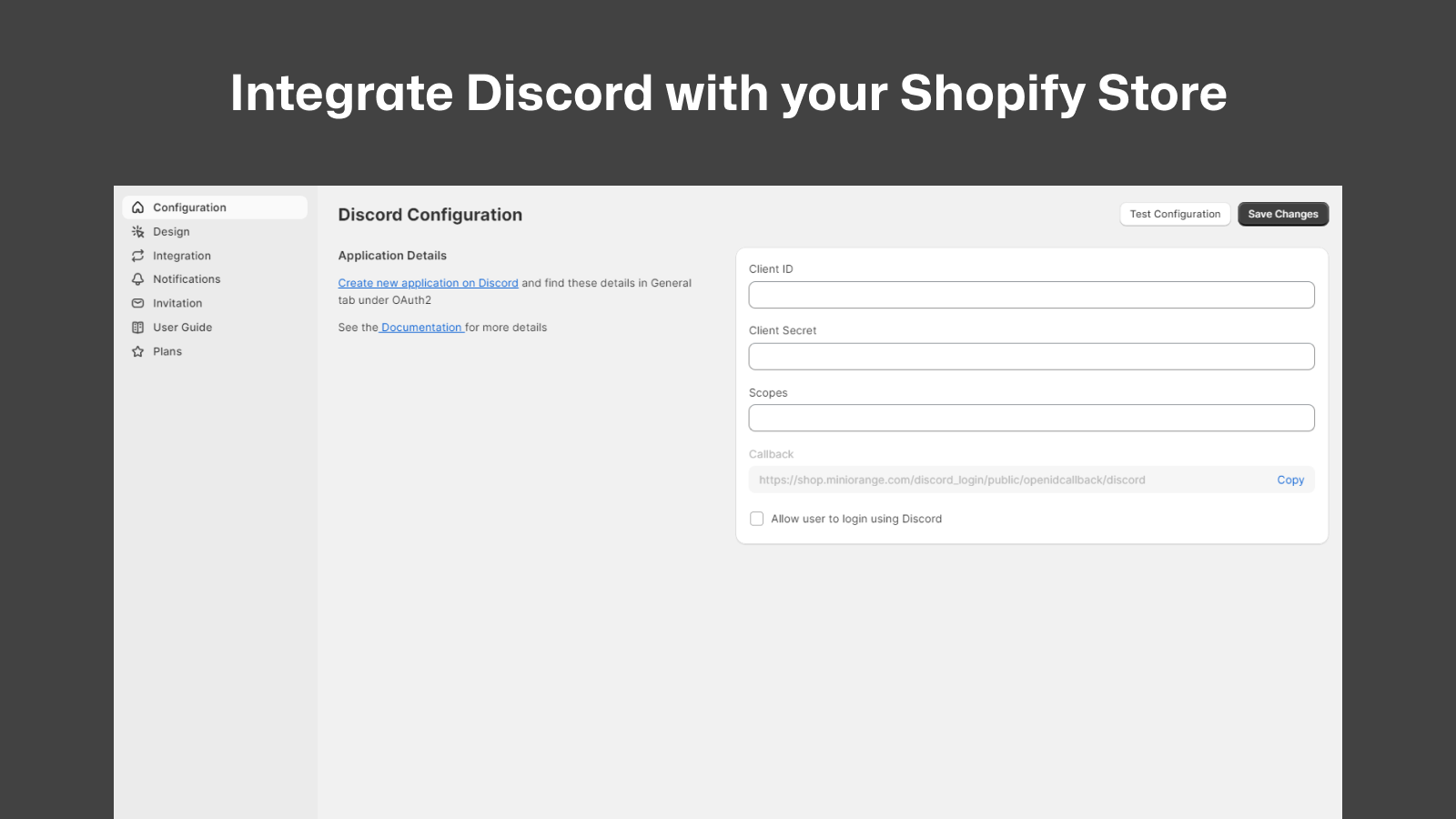
Application Screenshot

Price Plan
免费计划
- Login with Discord
- 100 logins per month
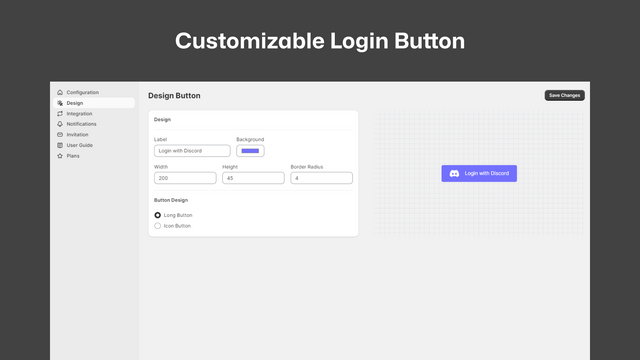
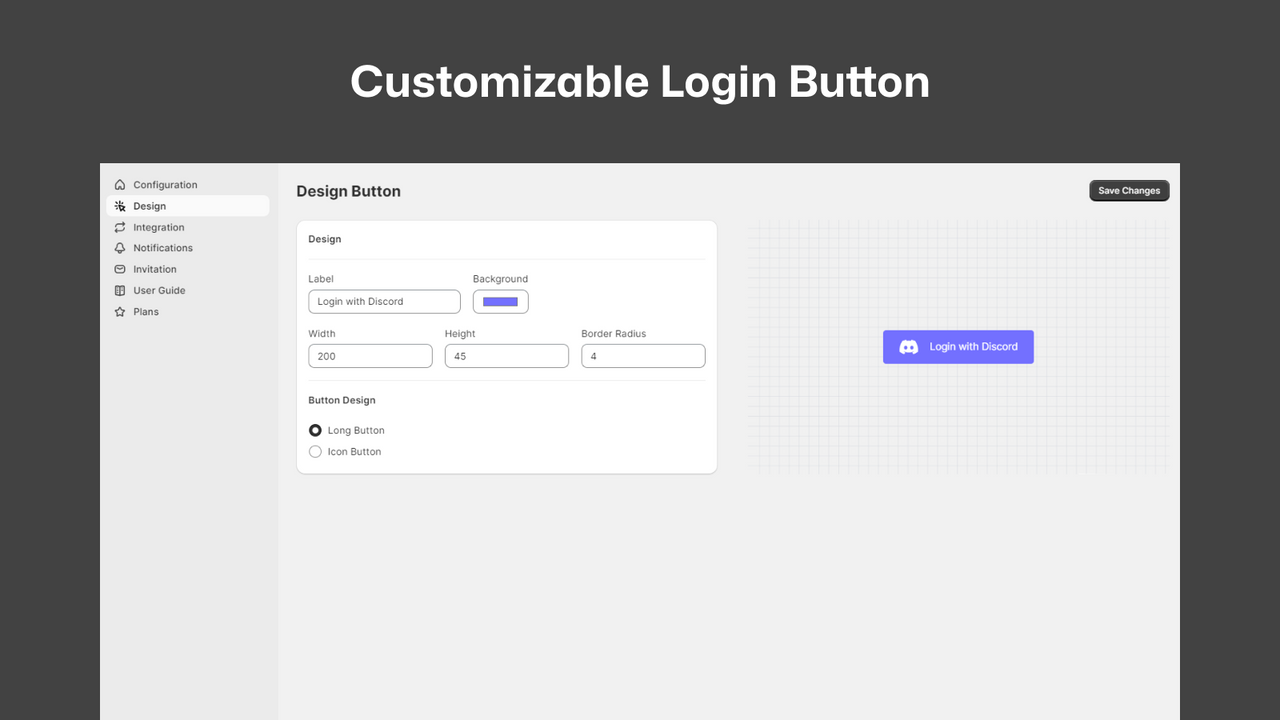
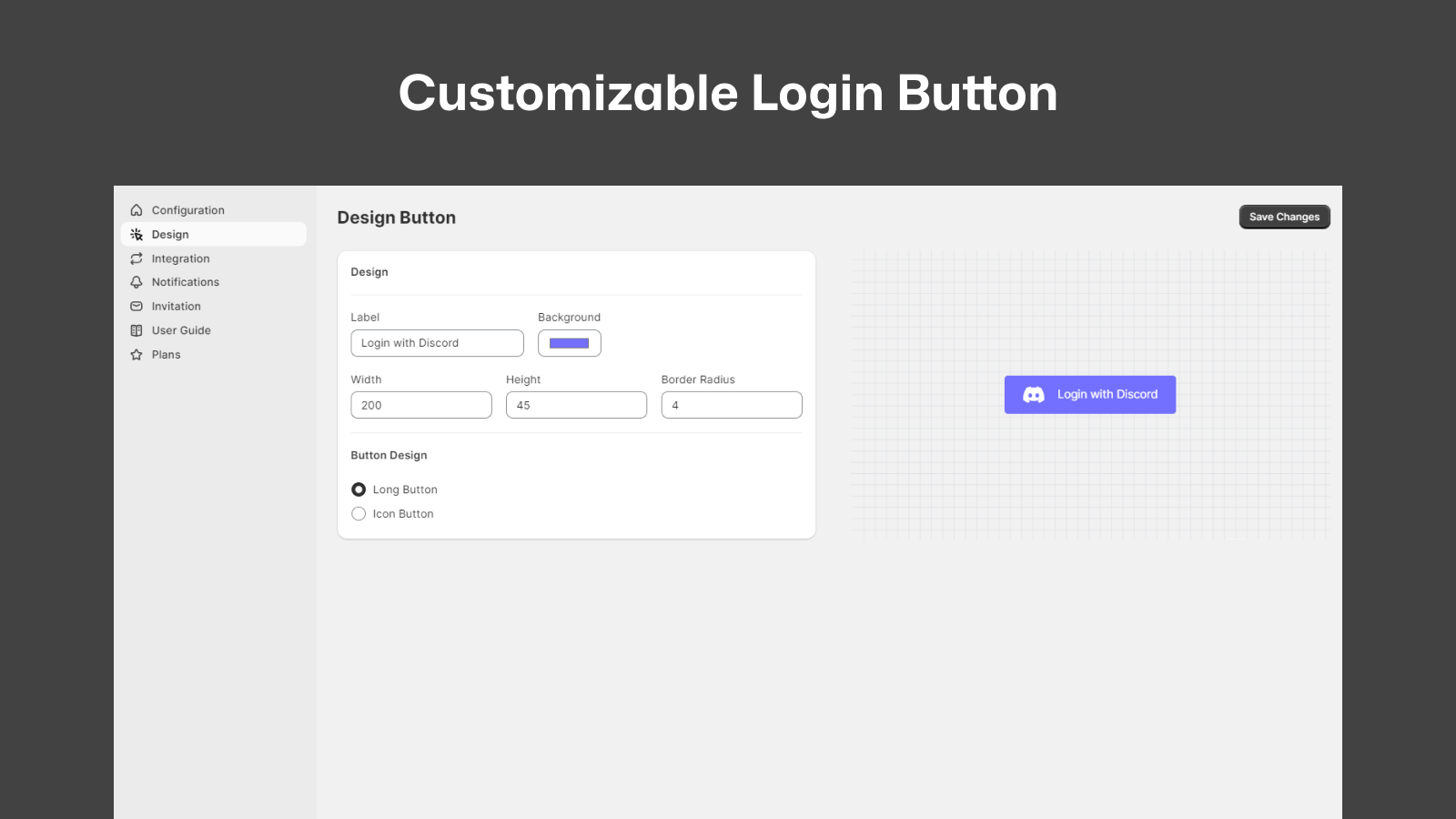
- Customizable login button
- Store Discord username in metafields
- Compatible with Shopify's Horizon theme
标准计划
- All Free Plan Features +
- 5,00 Monthly Logins
- Invite Users to Discord Server
- Custom Redirect After Login
- Discord Members Only Access
- Store Discord User ID in Store Metafields
高级计划
- All Standard Features +
- 7,00 Monthly Logins
- Automatically Add Members to Discord
- Discord Role Management
- Shopify Notifications on Discord
- Assign Roles Based on Purchased Products
User Location & Comments
User Location
Comments
Shopify API Used
- POST /admin/api/oauth/access_tokens.json
- GET /admin/api/customers/{customer_id}.json
- POST /admin/api/customers.json
Permission:write_customers,read_customers,manage_oauth
- POST /admin/api/discord/members.json
- GET /admin/api/discord/servers/{server_id}.json
- PUT /admin/api/discord/members/{member_id}.json
Permission:write_discord_members,read_discord_servers,manage_customers
- POST /admin/api/discord/channels/{channel_id}/messages.json
- GET /admin/api/discord/channels.json
- PUT /admin/api/discord/webhooks.json
Permission:write_discord_messages,read_discord_channels,manage_webhooks
- POST /admin/api/discord/roles/{role_id}/members/{member_id}.json
- GET /admin/api/discord/roles.json
- DELETE /admin/api/discord/roles/{role_id}/members/{member_id}.json
Permission:write_discord_roles,read_discord_roles,manage_products
- GET /admin/api/discord/members/{member_id}/roles.json
- PUT /admin/api/customers/{customer_id}/tags.json
- POST /admin/api/access/scopes.json
Permission:read_discord_roles,write_customers,manage_access