
App Introduction
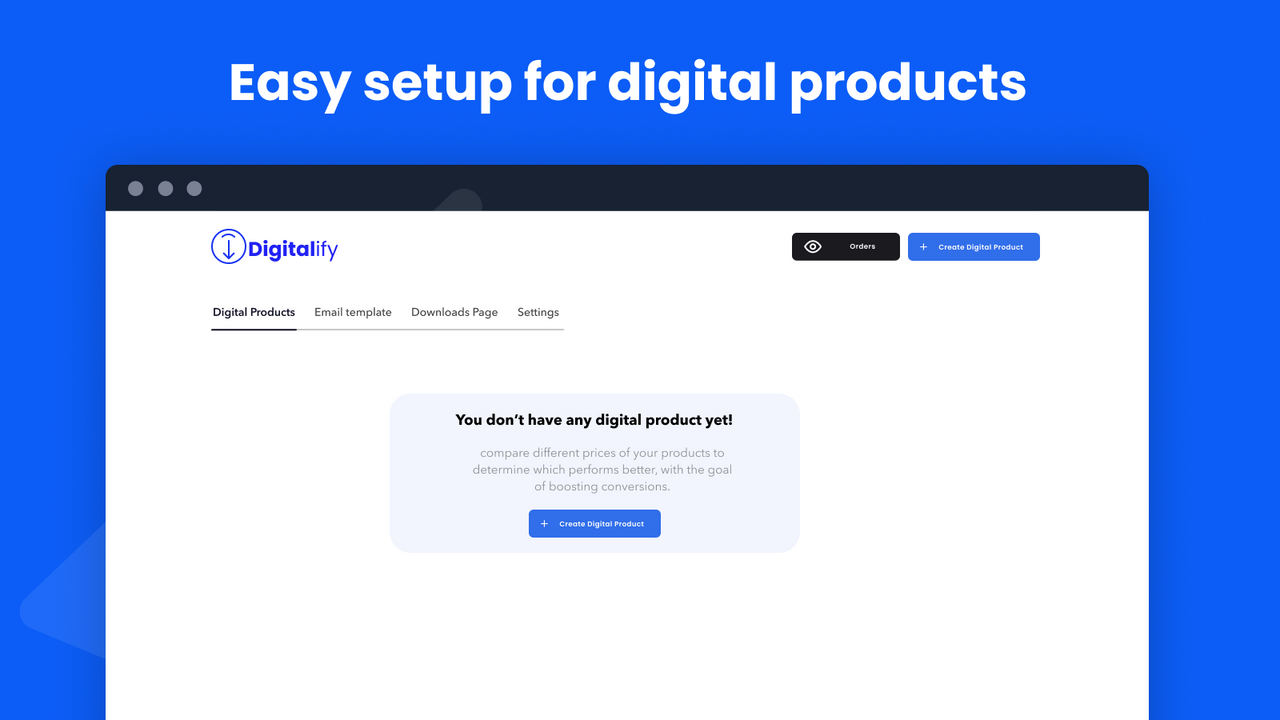
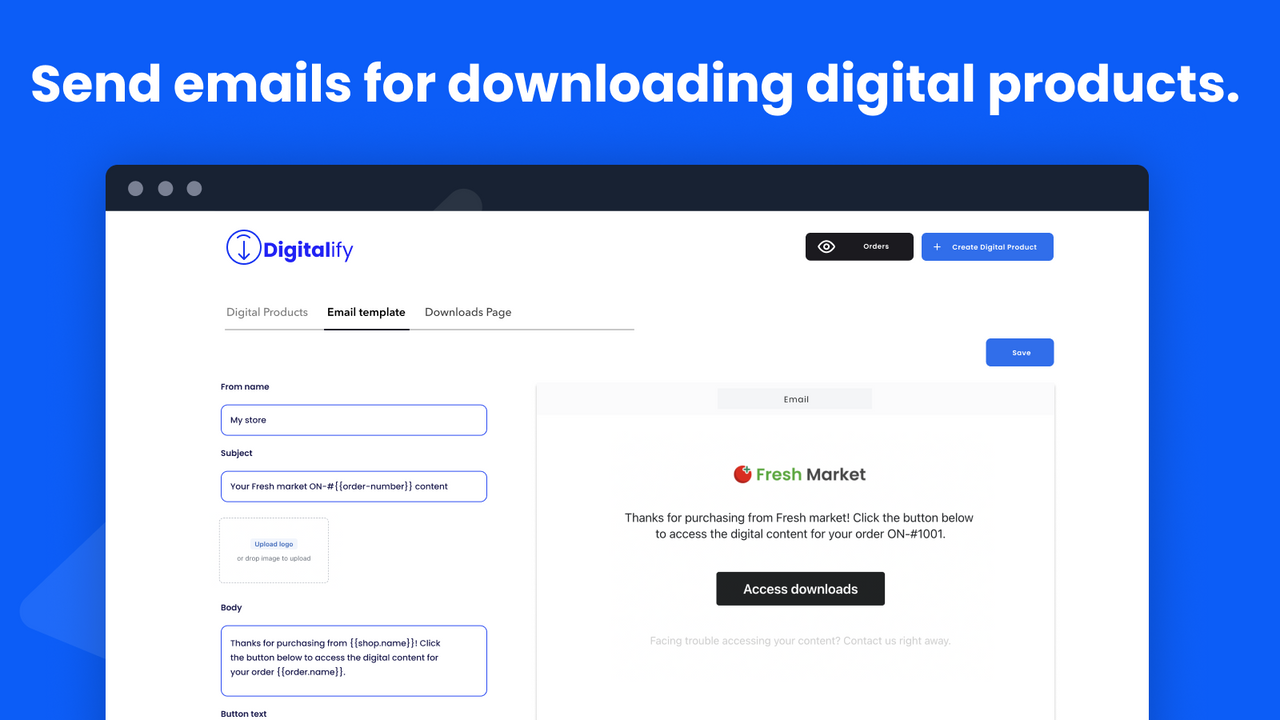
Digitalify helps you manage digital downloads, e-books, PDFs, and digital assets Digitalify makes it easy to sell digital products like e-books, PDFs, guides, videos, software, digital assets, licenses, and custom projects (e.g., artwork). Just follow three simple steps: upload your files, connect them to your product listings, and activate email delivery. Customize every aspect to match your brand identity. Effortlessly give customers instant access to their digital purchases right after checkout. Tailor the entire experience to reflect your brand’s aesthetics.
Core Functionality
- Sell any digital product in three quick steps
- Customize all content to match your brand
- Easily deliver custom digital products like artwork
Merchant-Friendly
- Digital Product Creators
- Brand Independent Station Merchants
- Creative Service Providers
Basic Information
- Developer:Perspective Tech
- Address:HAY WALAA IMM 9 NR 1TR 4SEC 1S M CSA, CASABLANCA, 20610, MA
- Price: Free / Free plan
- Rating:0 / 5
- Comment Count:0 comment
- Release Date:2024-4-22
- Supported languages:English
- Compatible products:Shopify
Application Screenshot




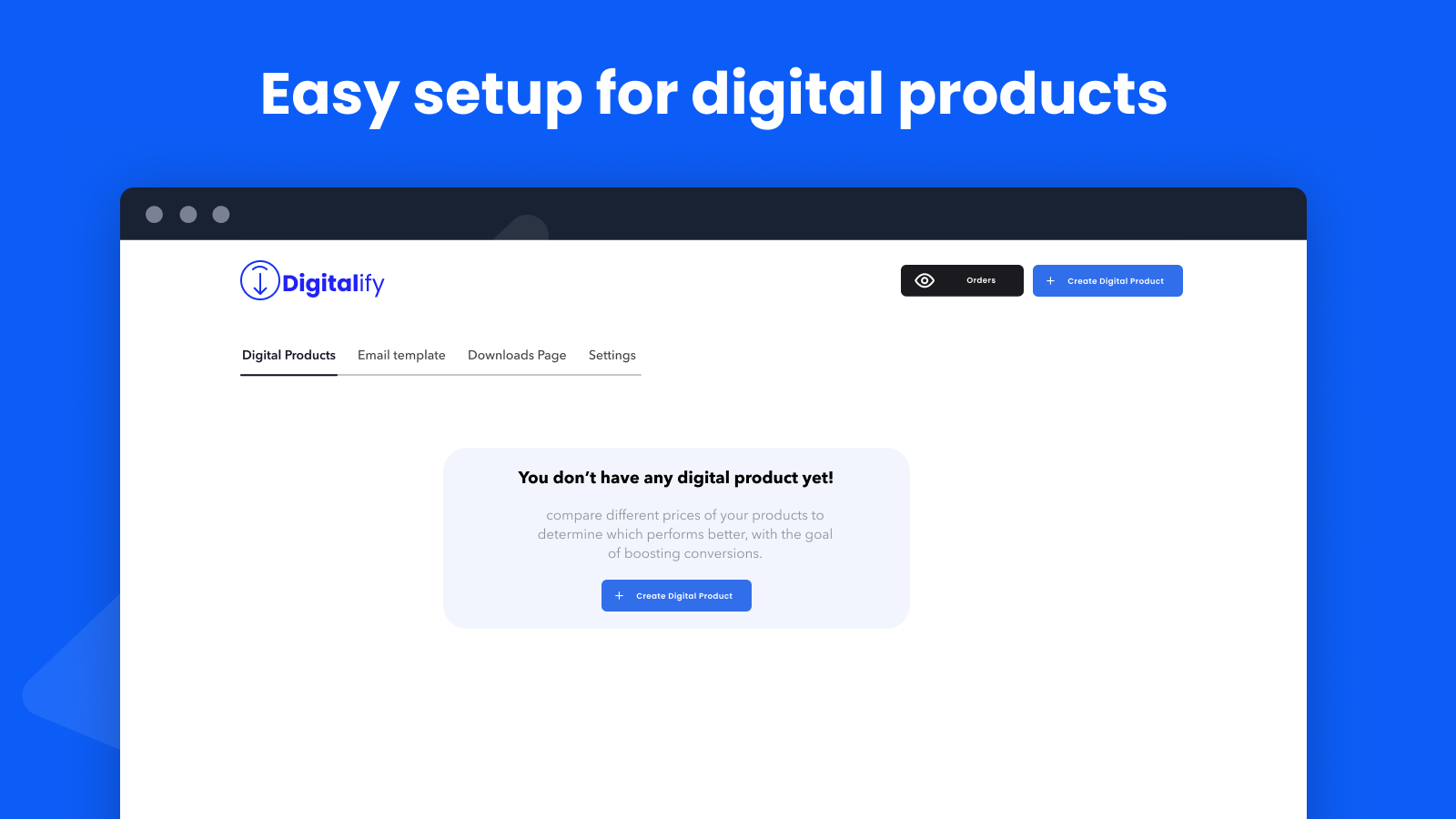
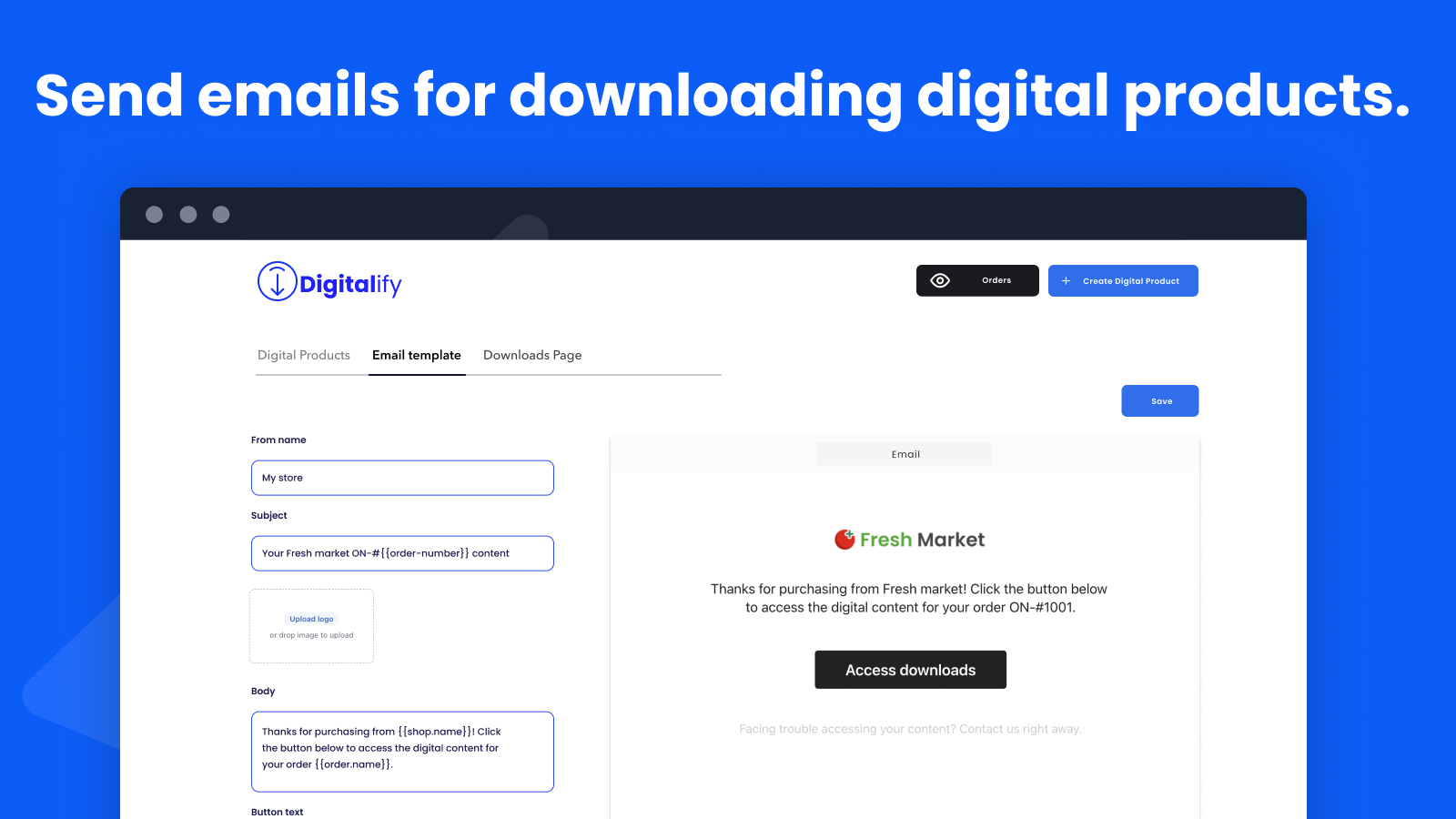

Price Plan
Free Plan
免费
- Sell any file type
- Unlimited downloads
- 30 orders per month
- Email support
Basic
$6.99
- Sell Any File Type
- Unlimited Downloads
- Automatic Email Sending
- Add Your Branding
- Upload Up to 10GB
- 200 Monthly Orders
- Download from Thank You Page
Standard
$9.99
- Sell Any File Type
- Unlimited Downloads
- Automatic Email Sending
- Add Your Brand
- Upload Up to 100GB
- 400 Orders Per Month
- Download from Thank You Page
Premium
$14.99
- Sell any file type
- Unlimited downloads
- Automatic email sending
- Add your brand
- Upload up to 1000GB
- 1000 orders per month
- Download from thank you page
User Location & Comments
User Location
Comments
Shopify API Used
- POST /admin/api/products.json
- PUT /admin/api/products/{product_id}.json
- GET /admin/api/products/{product_id}.json
Permission:write_products,read_products,manage_products
- POST /admin/api/themes/{theme_id}/assets.json
- PUT /admin/api/themes/{theme_id}/assets/{asset_key}.json
- GET /admin/api/themes/{theme_id}/assets.json
Permission:write_themes,read_themes,manage_themes
- POST /admin/api/orders/{order_id}/fulfillments.json
- PUT /admin/api/orders/{order_id}/fulfillments/{fulfillment_id}.json
- GET /admin/api/orders/{order_id}/fulfillments.json
Permission:write_orders,read_orders,fulfill_orders



