
App Introduction
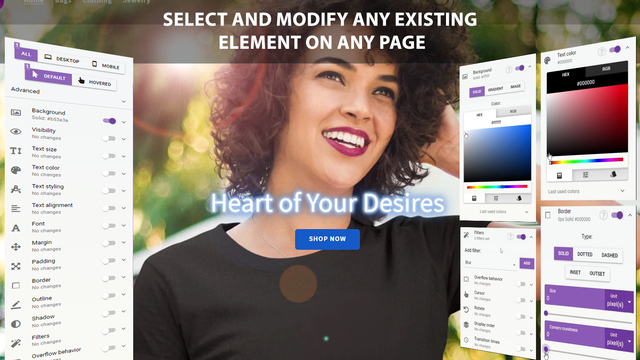
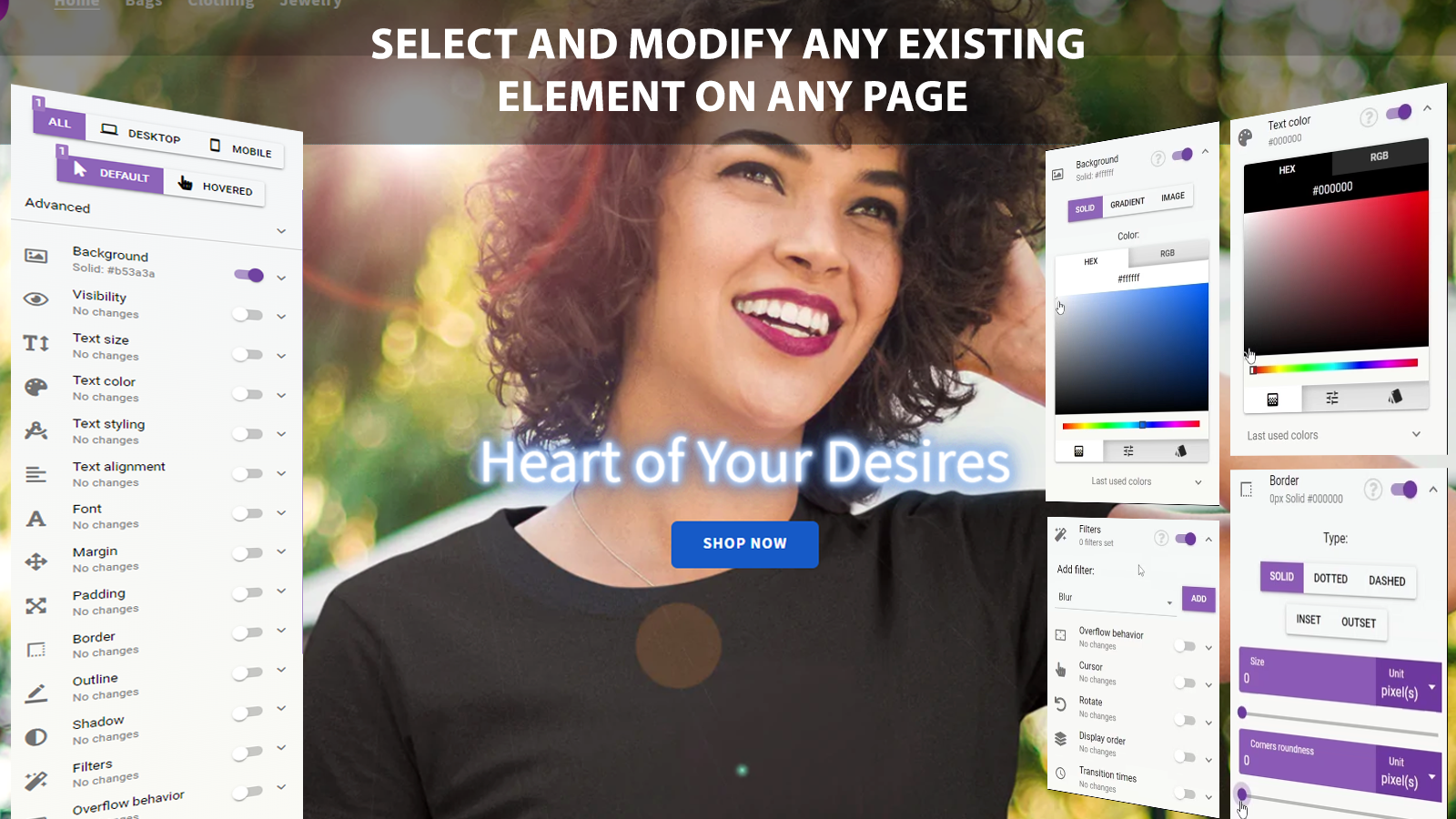
A visual CSS editor for customizing, fixing, or animating any existing element on any page, and adding new app blocks Designy gives you full control over your Shopify store’s design—no coding required. No more being limited by theme options: use our intuitive visual editor to click any element on your page (text, images, buttons, sections) and fine-tune its appearance with precision. Tweak spacing, change colors and fonts, modify borders and backgrounds, or even add subtle animations to make your store truly unique and perfectly aligned with your brand identity.
Core Functionality
- Visually modify CSS for any existing element on any page without coding
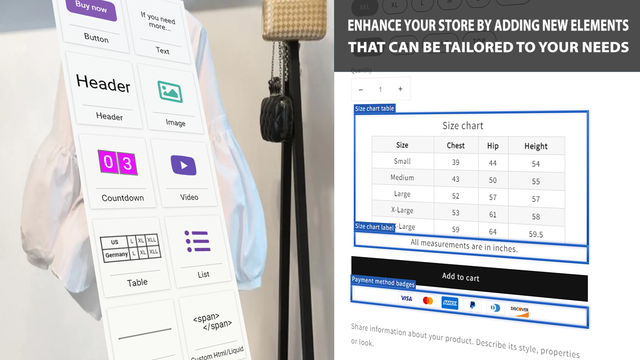
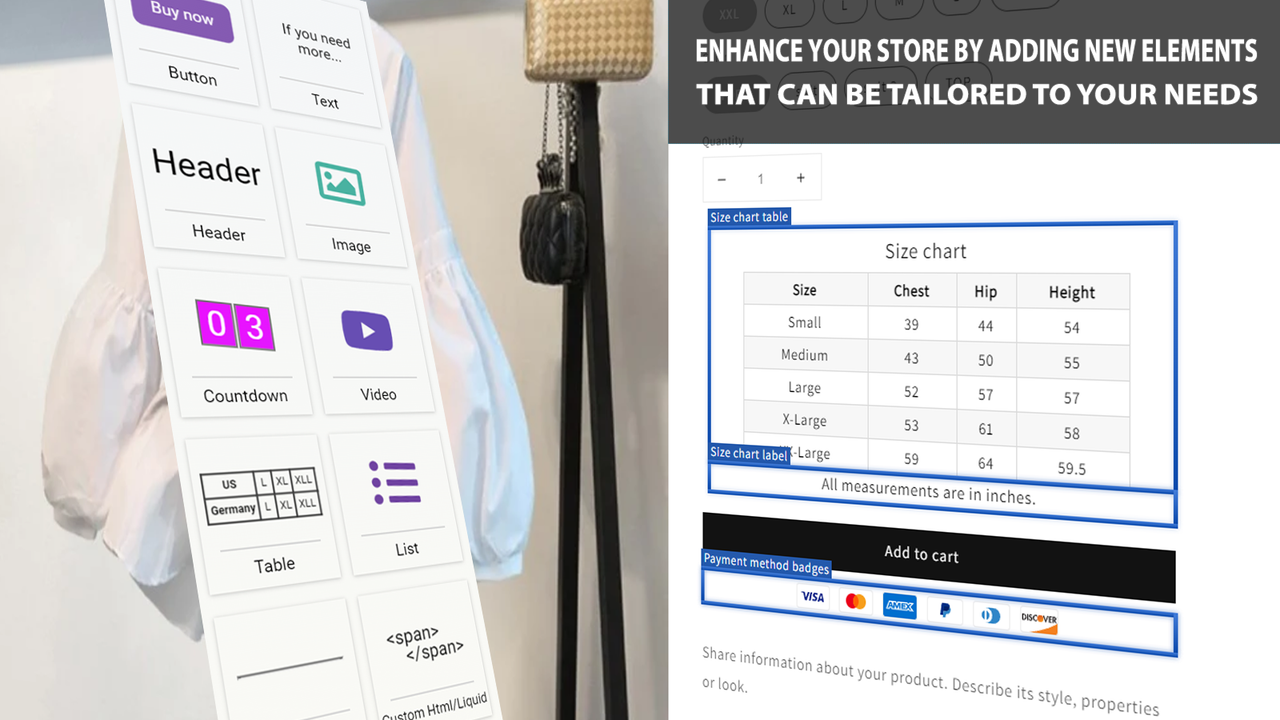
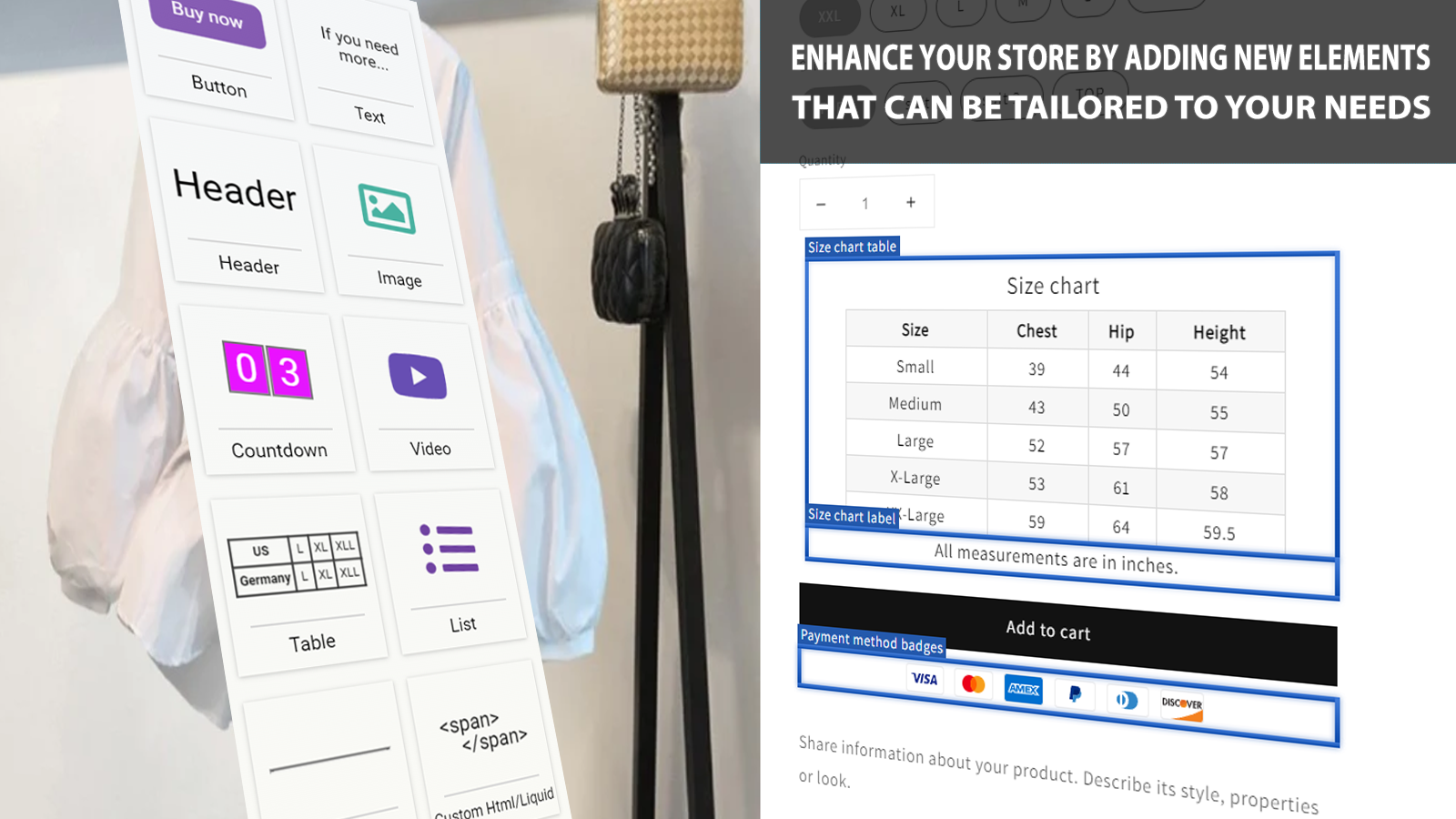
- Enhance your store by adding new app blocks, which can be customized to your needs
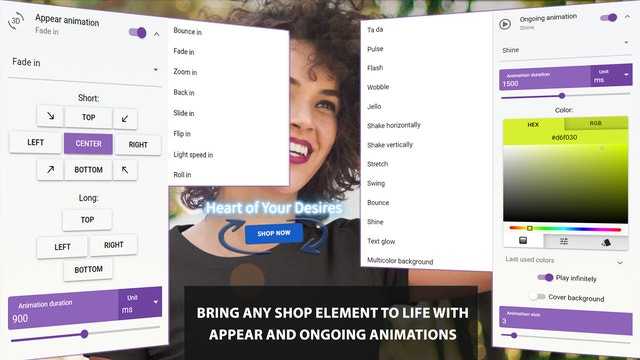
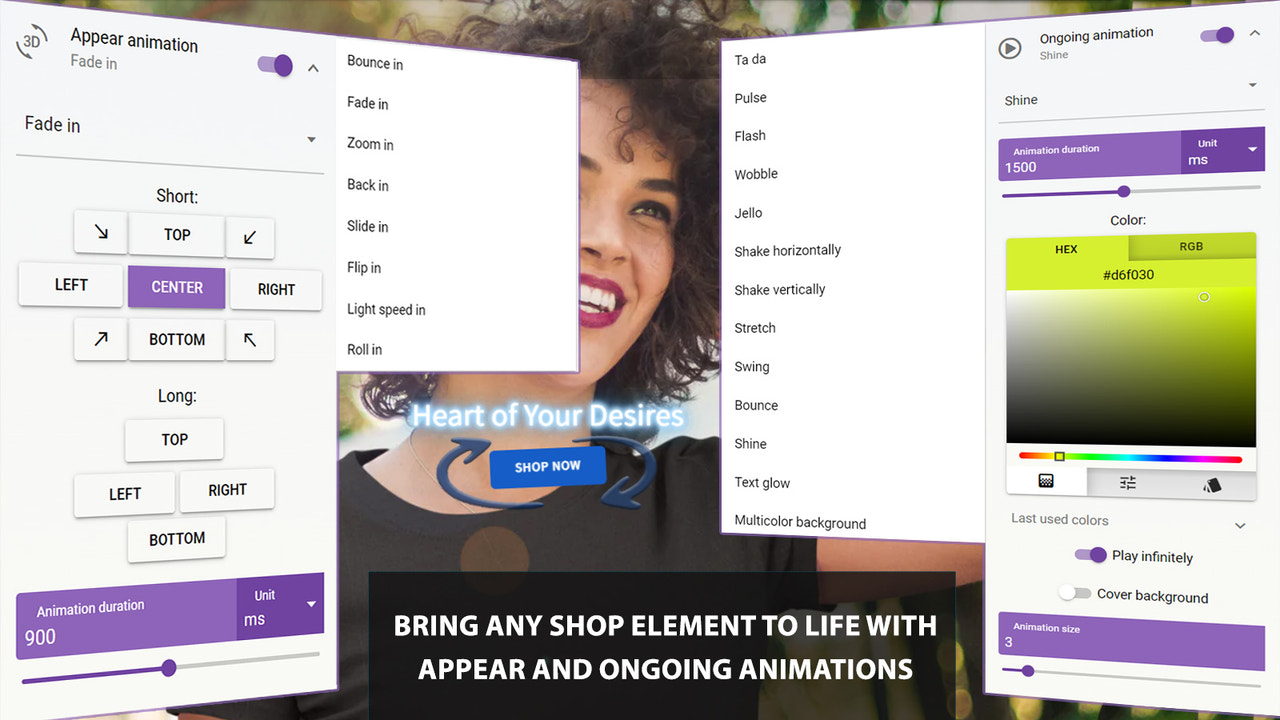
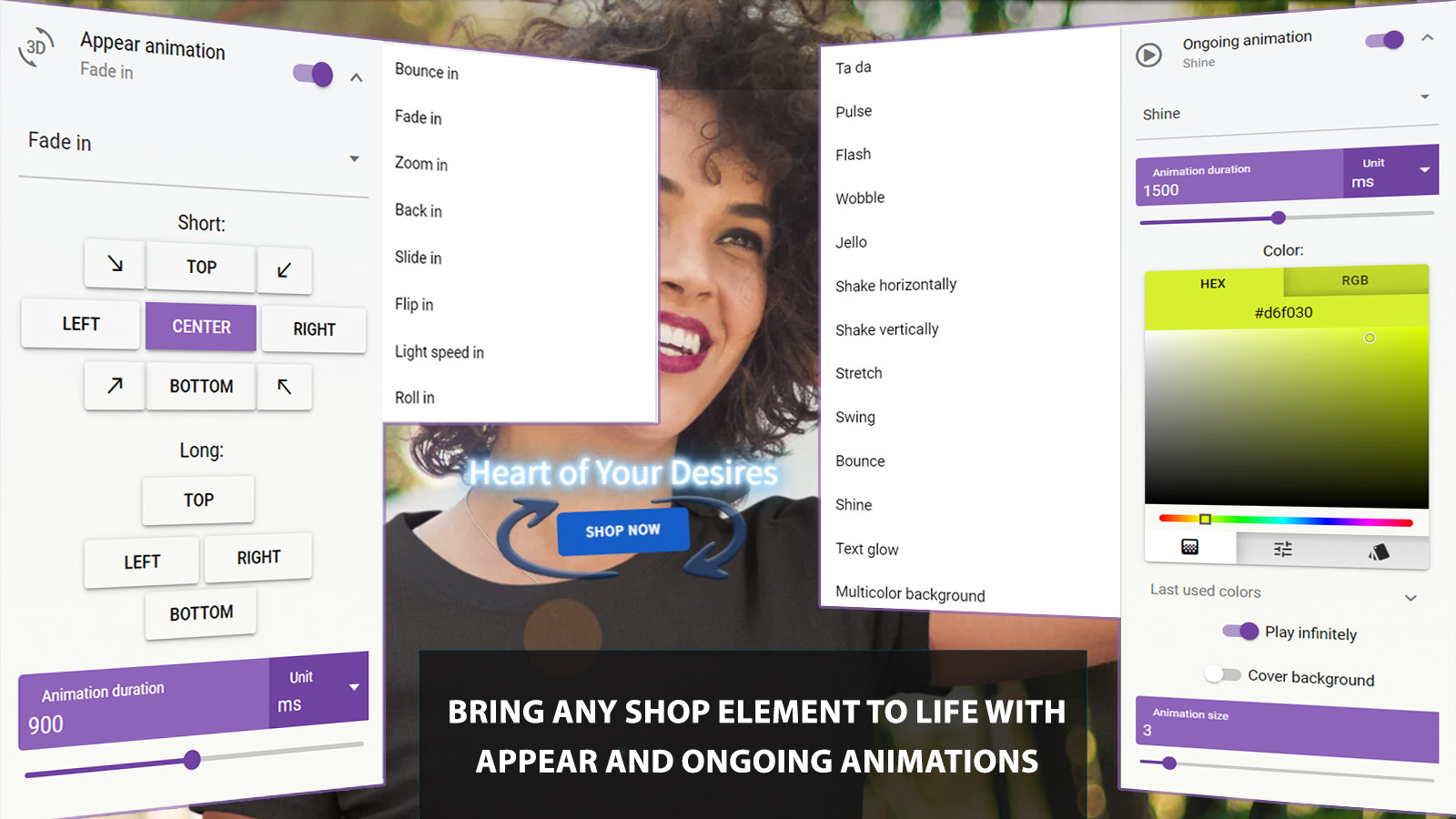
- Add animation effects to any element in your store with appearance and duration animations
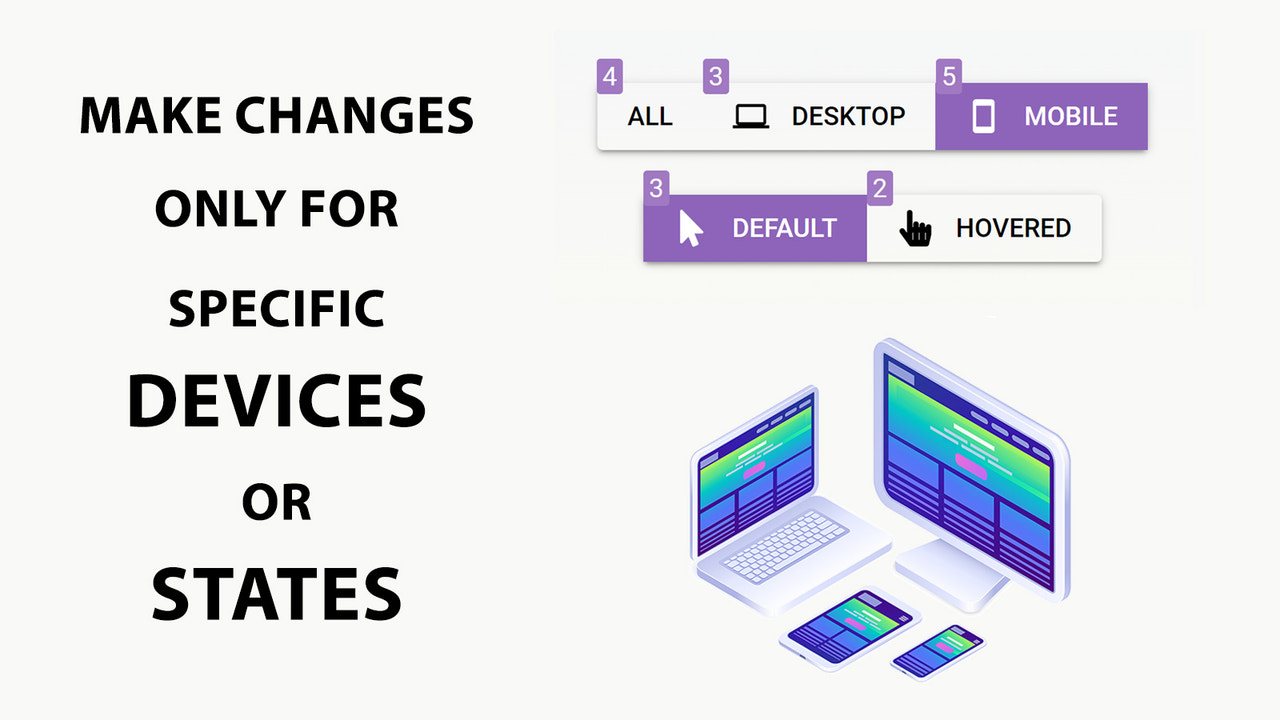
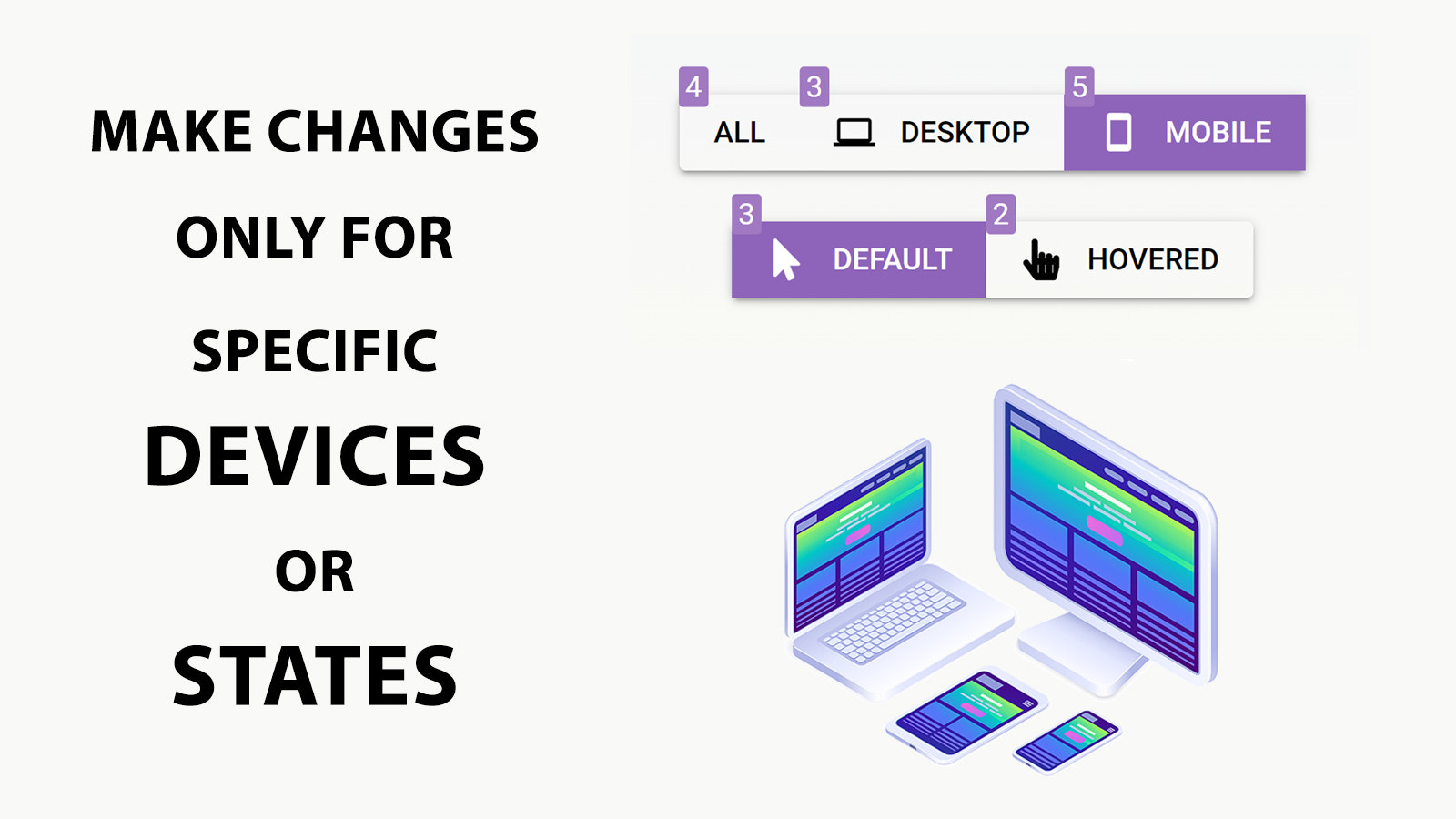
- Choose to apply changes only to desktop, mobile, or hover states
- Preview changes in desktop, tablet, and mobile views
Merchant-Friendly
- Independent Station Merchants
- Brand E-commerce
- Cross-border E-commerce
- SMB E-commerce
Basic Information
- Developer:Designy
- Address:11 Listopada 6/8, Lidzbark Warmiński, 11-100, PL
- Price: Free / Free plan
- Rating:5 / 5
- Comment Count:2 comment
- Release Date:2024-4-15
- Supported languages:English
- Compatible products:Shopify
Application Screenshot


Price Plan
Starter
- Limited App Features
- Up to 1 Selected Element
- No App Blocks
- Tutorials and Q&A Resources
Unlimited
- All App Features
- Unlimited Selected Elements
- Unlimited App Blocks
- Tutorials and Q&A Resources
User Location & Comments
User Location
Comments
Shopify API Used
- POST /admin/api/themes/{theme_id}/assets.json
- PUT /admin/api/themes/{theme_id}/assets.json
- GET /admin/api/themes/{theme_id}/assets.json
Permission:write_themes,read_themes,manage_online_store
- POST /admin/api/themes/{theme_id}/sections.json
- PUT /admin/api/themes/{theme_id}/sections.json
- GET /admin/api/themes/{theme_id}/sections.json
Permission:write_themes,read_themes,manage_apps
- POST /admin/api/themes/{theme_id}/assets.json
- PUT /admin/api/themes/{theme_id}/assets.json
- GET /admin/api/themes/{theme_id}/assets.json
Permission:write_themes,read_themes,manage_online_store
- POST /admin/api/themes/{theme_id}/assets.json
- PUT /admin/api/themes/{theme_id}/assets.json
- GET /admin/api/themes/{theme_id}/assets.json
Permission:write_themes,read_themes,manage_online_store
- GET /admin/api/themes/{theme_id}/preview.json
- POST /admin/api/themes/{theme_id}/preview.json
- PUT /admin/api/themes/{theme_id}/preview.json
Permission:read_themes,manage_online_store,preview_themes



