
App Introduction
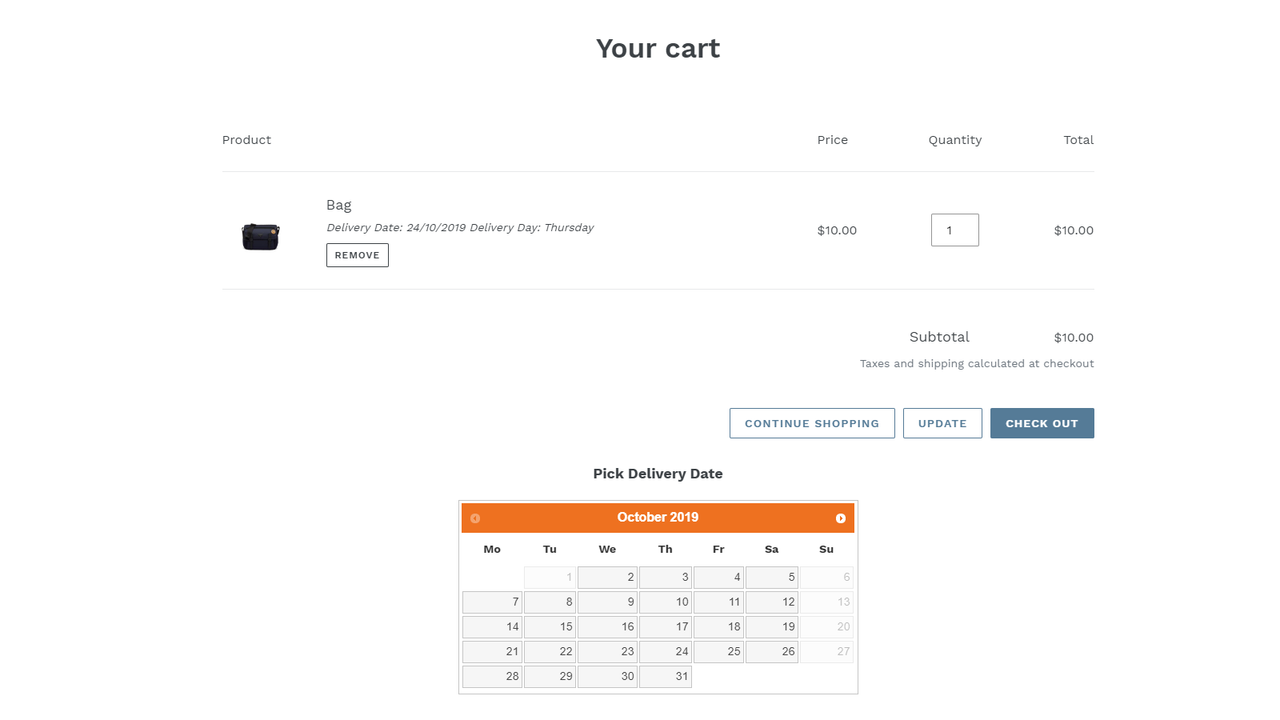
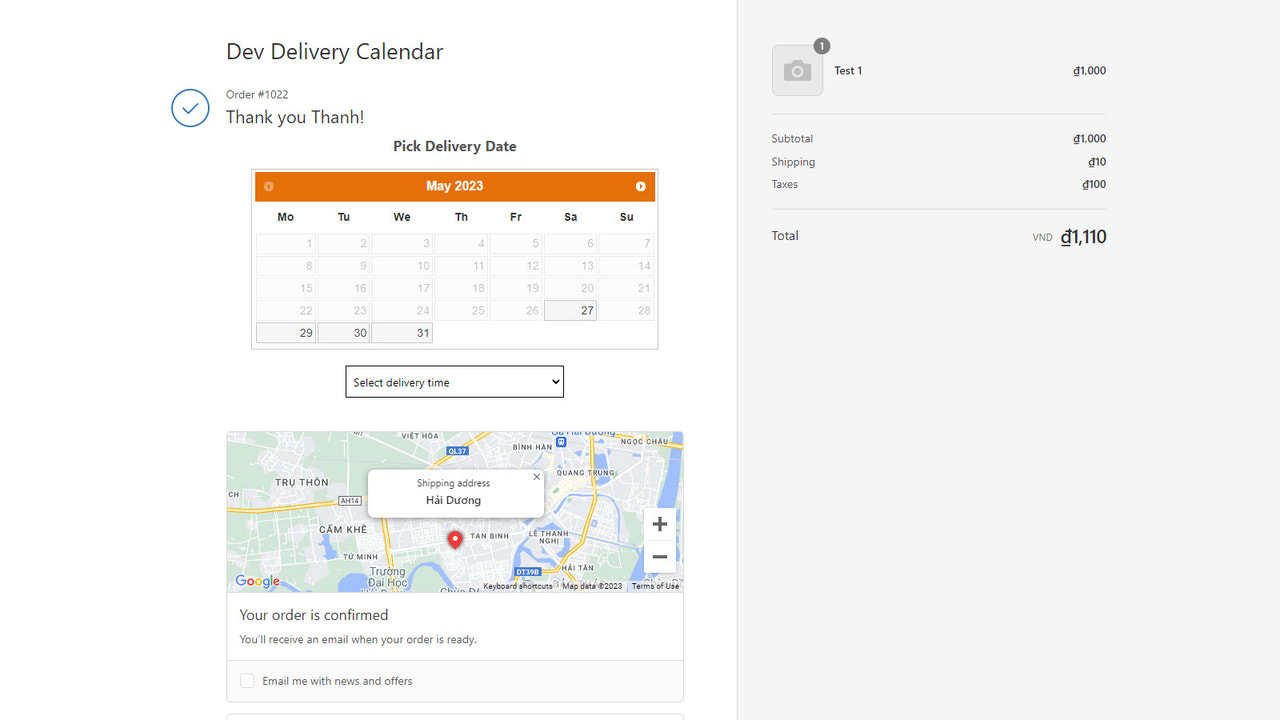
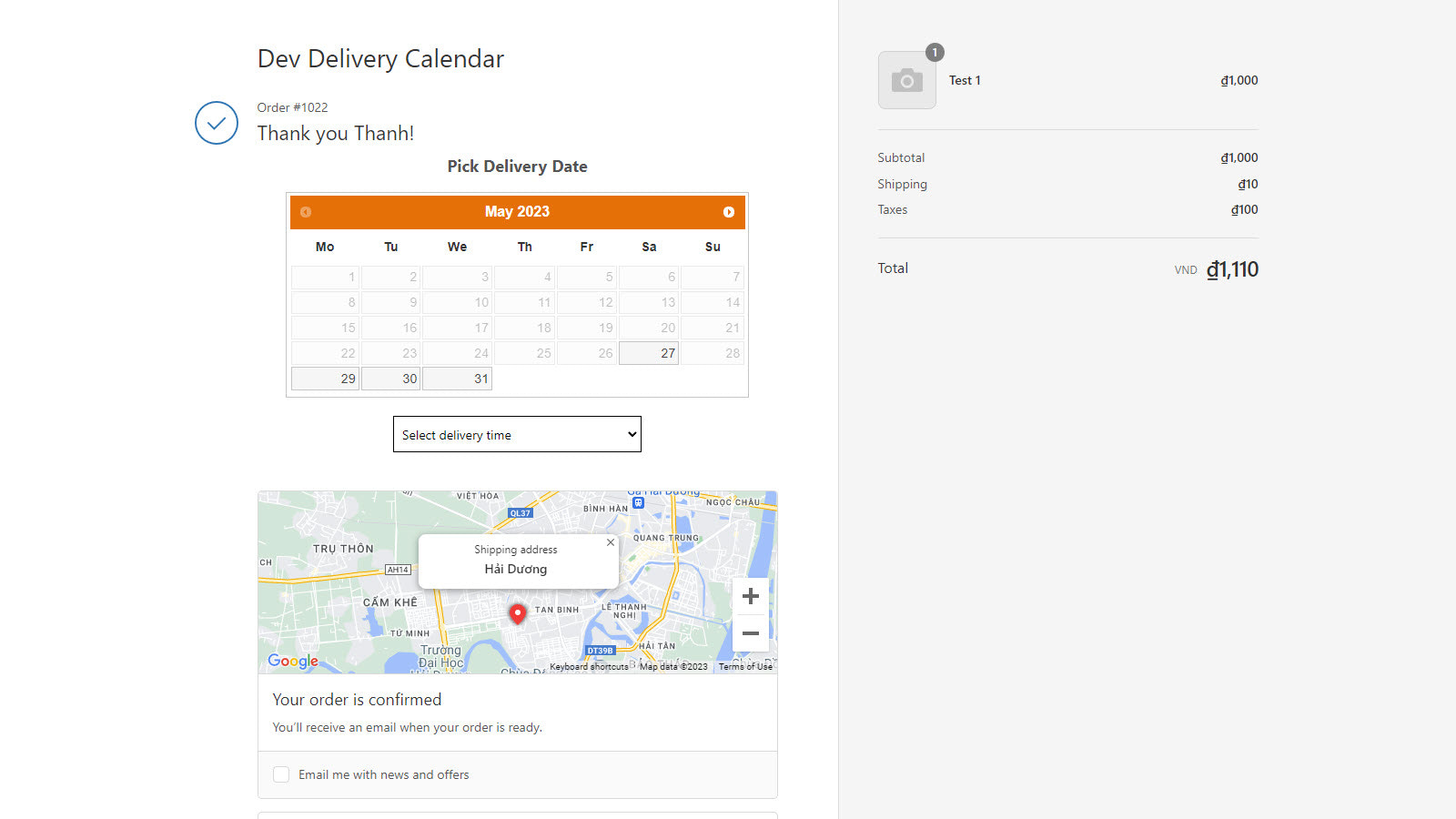
Let your customers choose their delivery date and time. **New Update**: You can now add a delivery calendar to your order thank-you page and integrate it with shipping options. Add a calendar to your product or cart page so customers can select their delivery date and time—they’ll always know when to expect their order. Fully customize the calendar: block specific days or dates for delivery based on your needs.
Core Functionality
- Let your customers choose delivery dates and times.
- Integrate shipping options.
- Highly customizable options.
- Auto-installs and integrates seamlessly with Shopify 2.0 theme sections.
Merchant-Friendly
- Local Delivery Merchants
- Time-limited Delivery E-commerce
- Personalized Service Merchants
Basic Information
- Developer:ThanhBT App
- Address:Binh Di - Dai Son - Tu Ky, Hai Duong, 170000, VN
- Price: Free / Free plan
- Rating:4.7 / 5
- Comment Count:2 comment
- Release Date:2021-5-12
- Supported languages:English
- Compatible products:Shopify
Application Screenshot
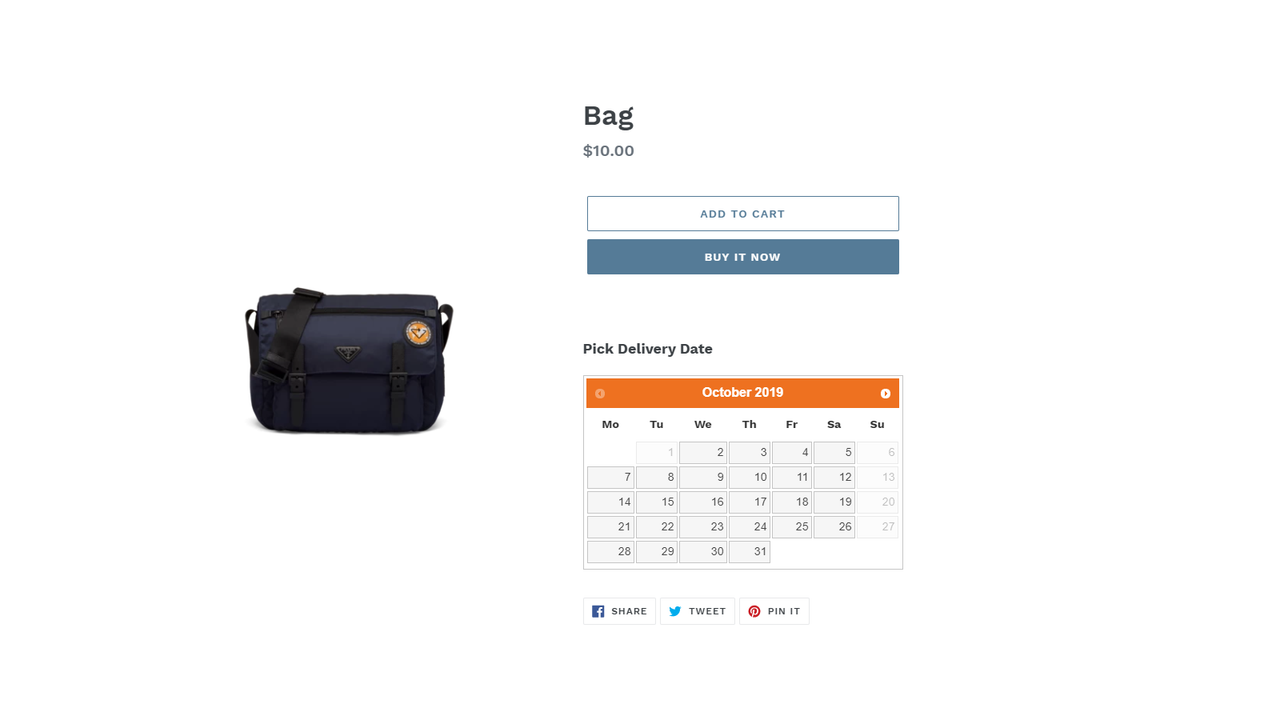
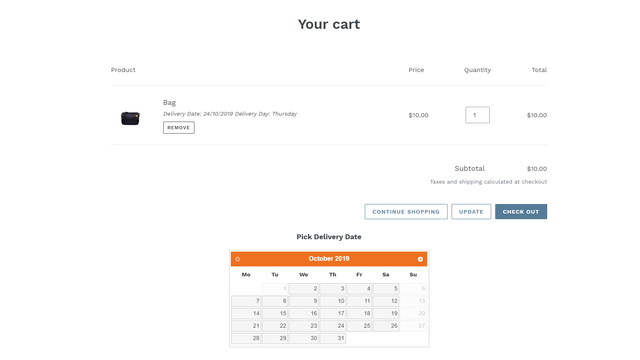
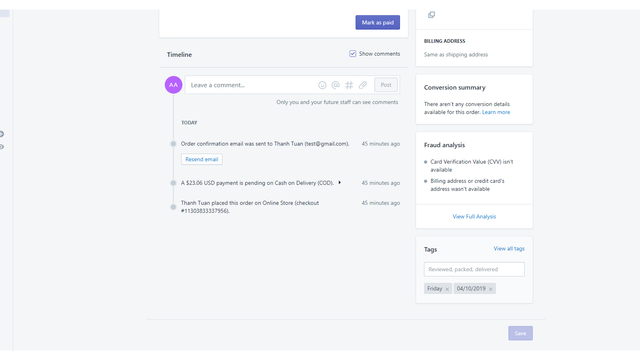
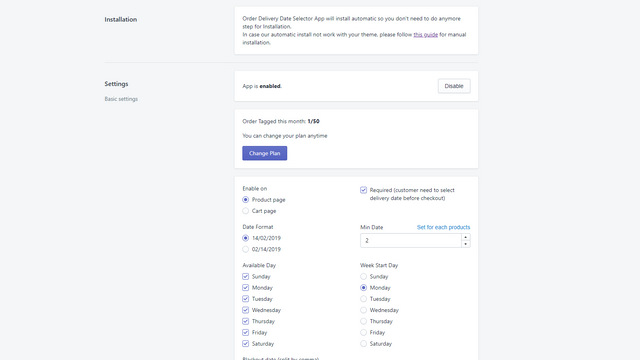
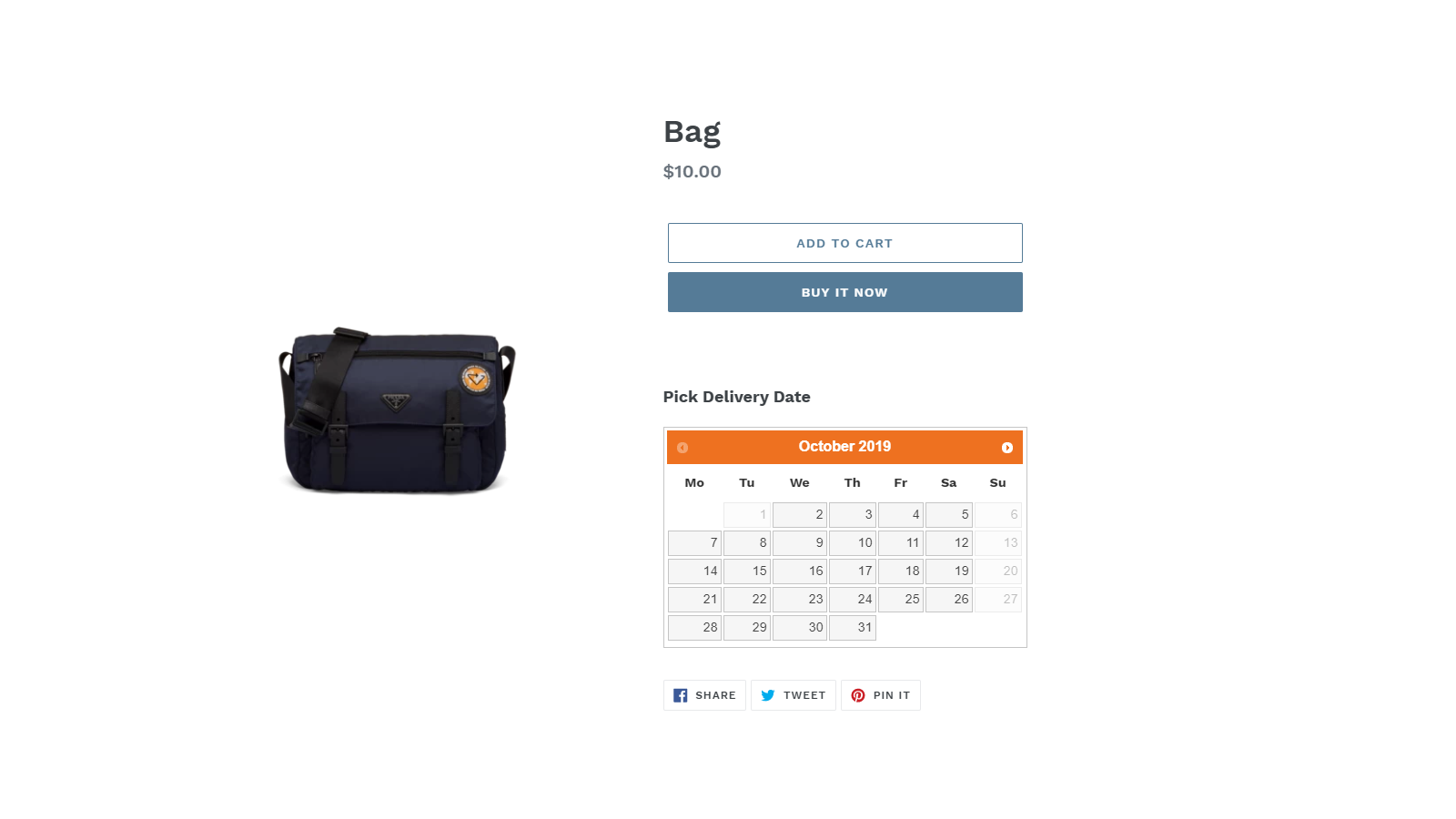
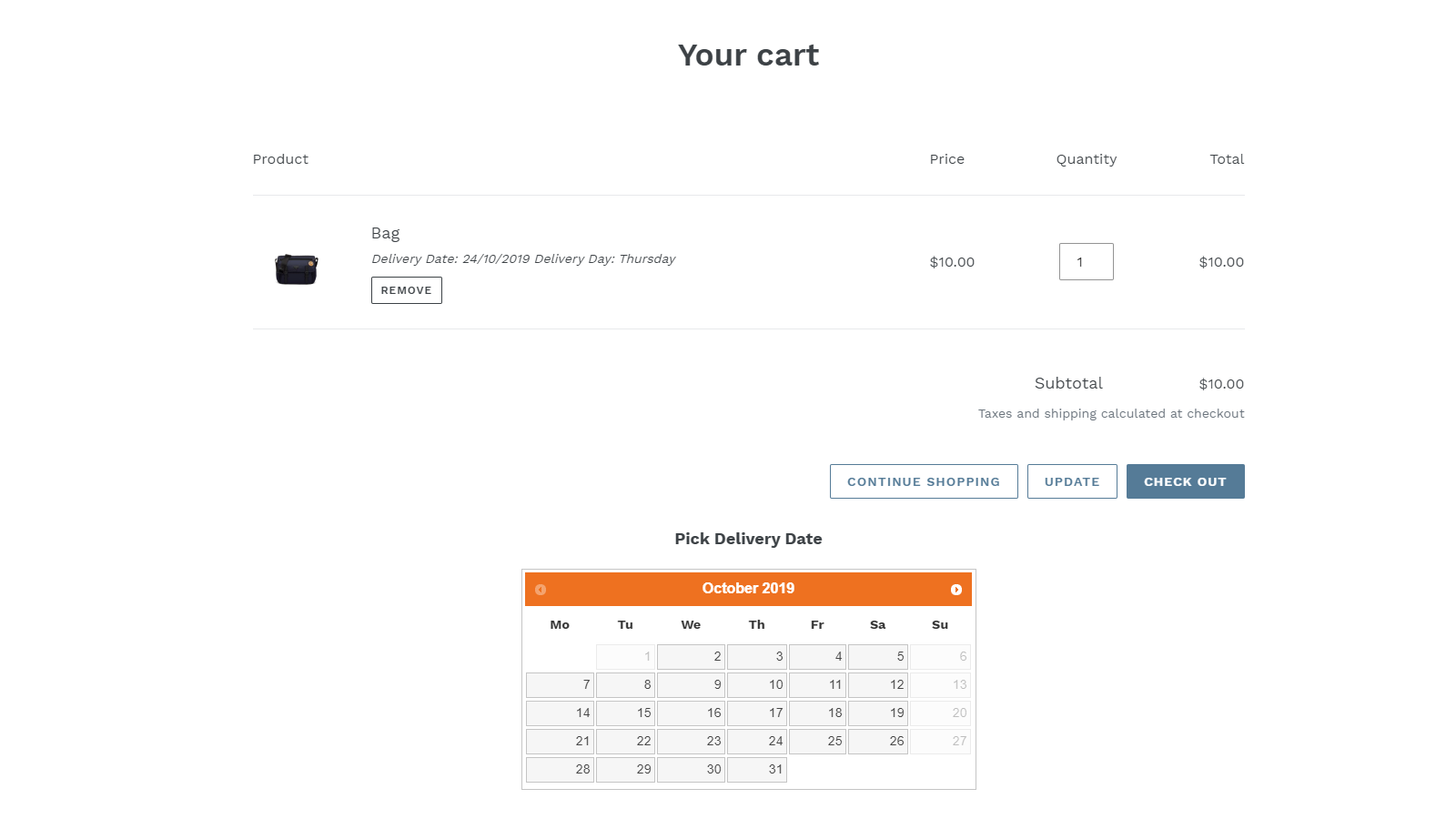
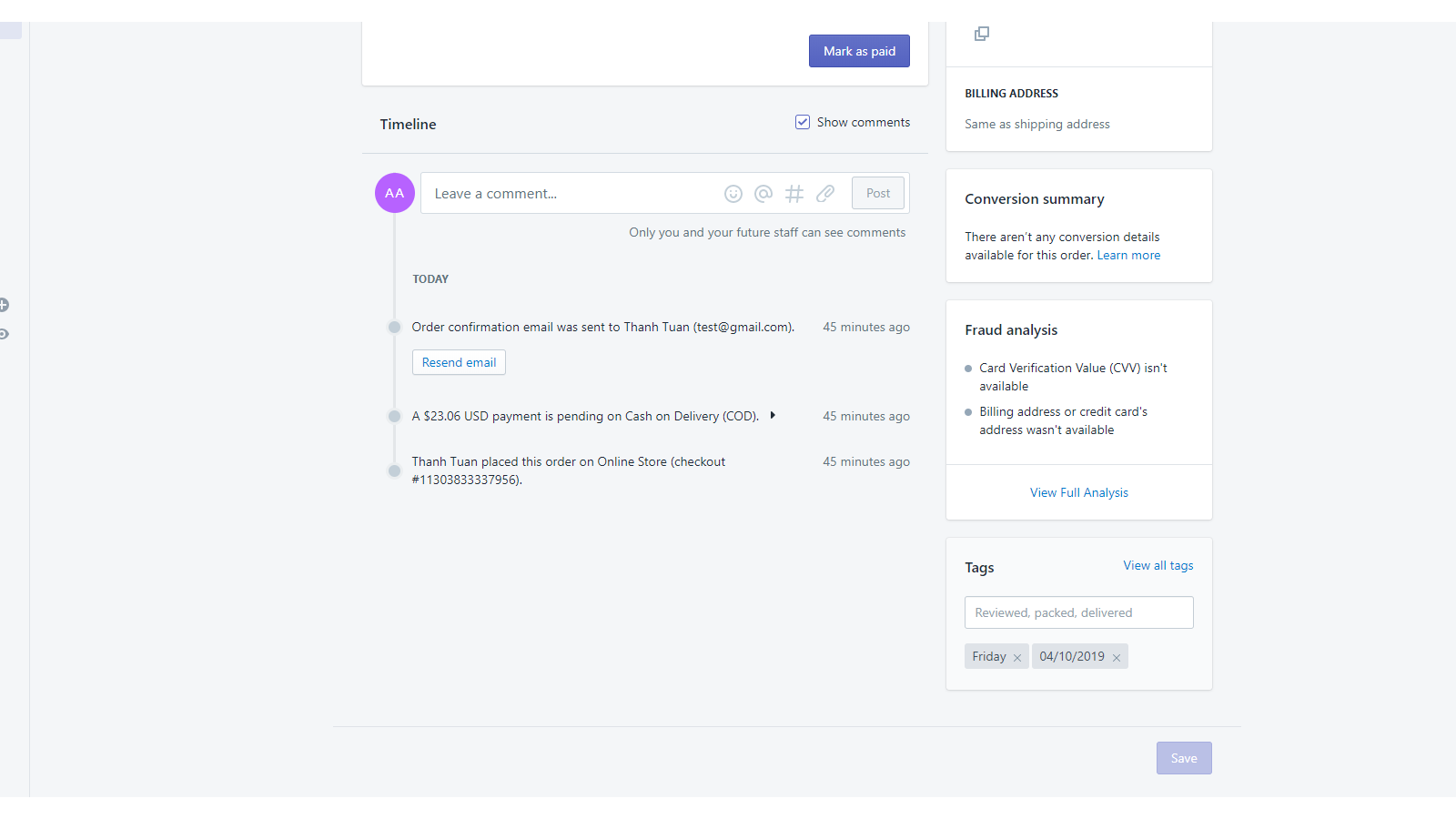
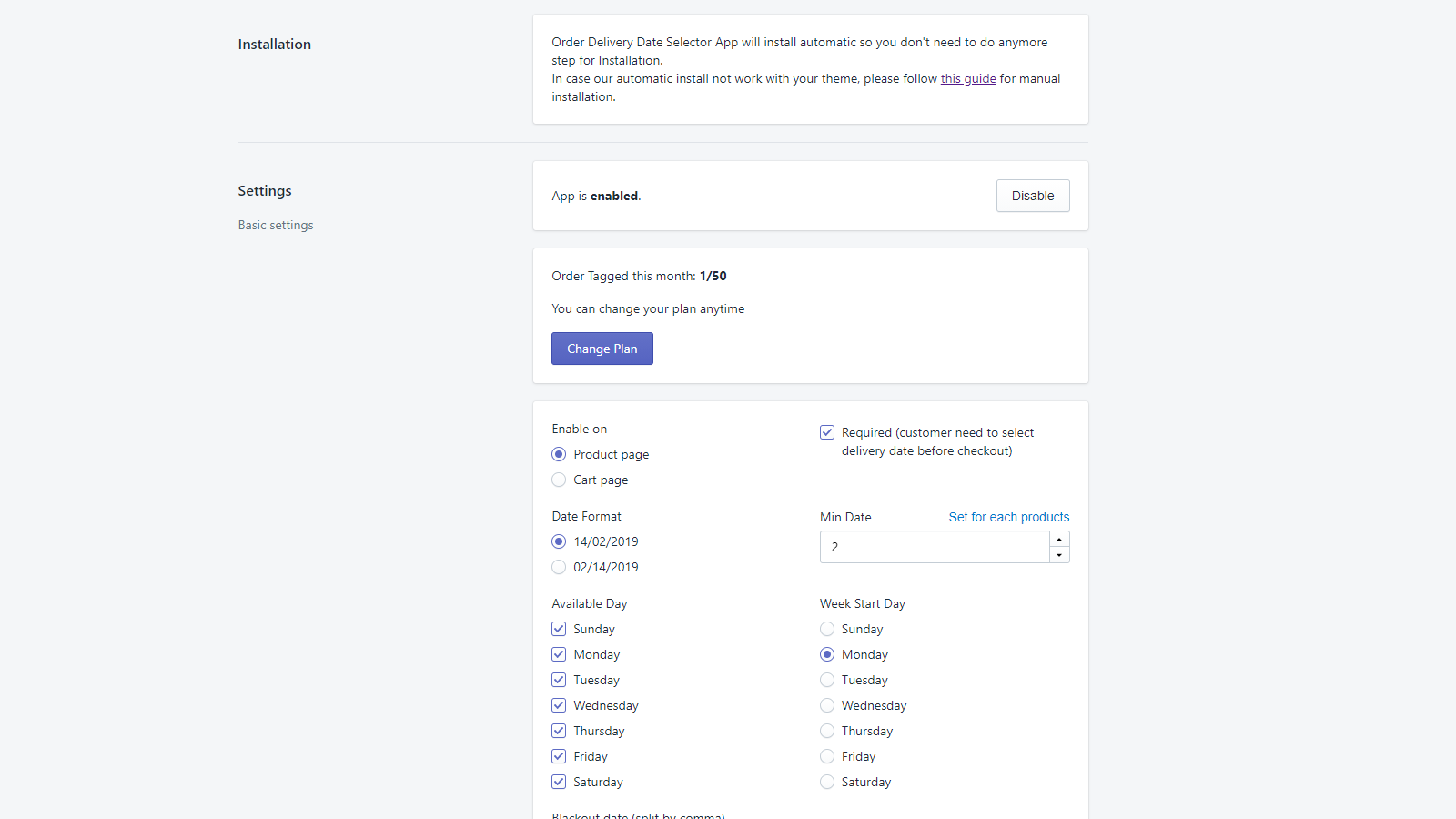
Price Plan
基础版
免费
- Unlimited delivery calendar display.
- Mark up to 5 orders per month.
入门版
$4.95
- Unlimited delivery calendar display.
- Mark up to 50 orders per month.
专业版
$9.95
- Unlimited delivery calendar display.
- Unlimited order tagging.
User Location & Comments
User Location
Comments
Shopify API Used
- POST /admin/api/delivery_calendar/settings.json
- PUT /admin/api/delivery_calendar/settings/{id}.json
- GET /admin/api/delivery_calendar/settings.json
Permission:write_shipping,read_shipping,manage_settings
- POST /admin/api/shipping_providers/integrations.json
- PUT /admin/api/shipping_providers/integrations/{id}.json
- GET /admin/api/shipping_providers/integrations.json
Permission:write_shipping,read_shipping,manage_carriers
- POST /admin/api/delivery_customizations.json
- PUT /admin/api/delivery_customizations/{id}.json
- GET /admin/api/delivery_customizations.json
Permission:write_shipping,read_shipping,manage_themes