App Introduction
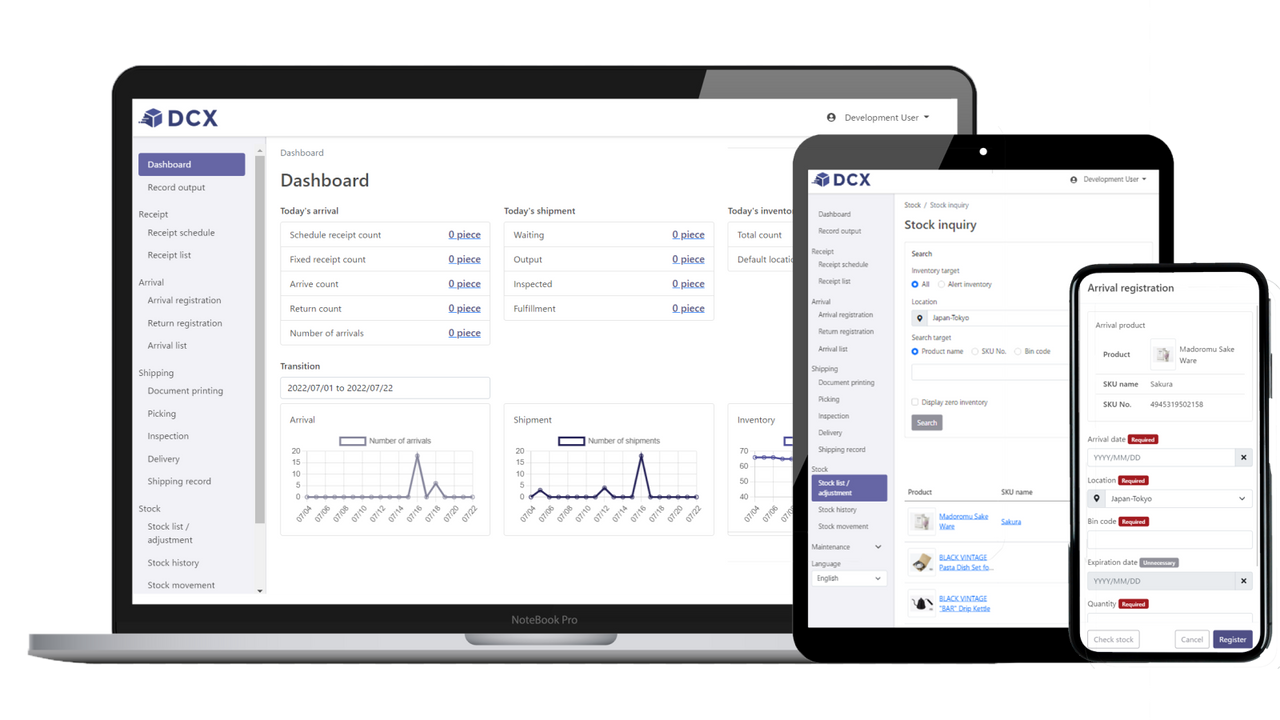
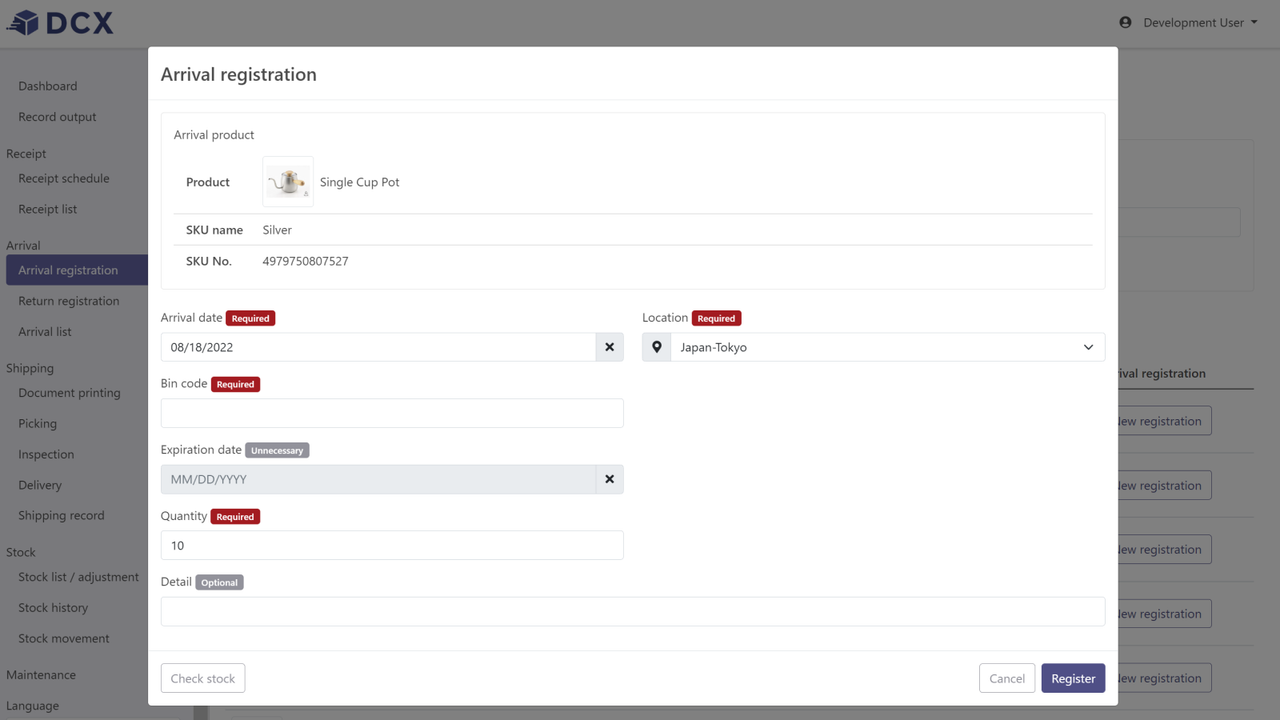
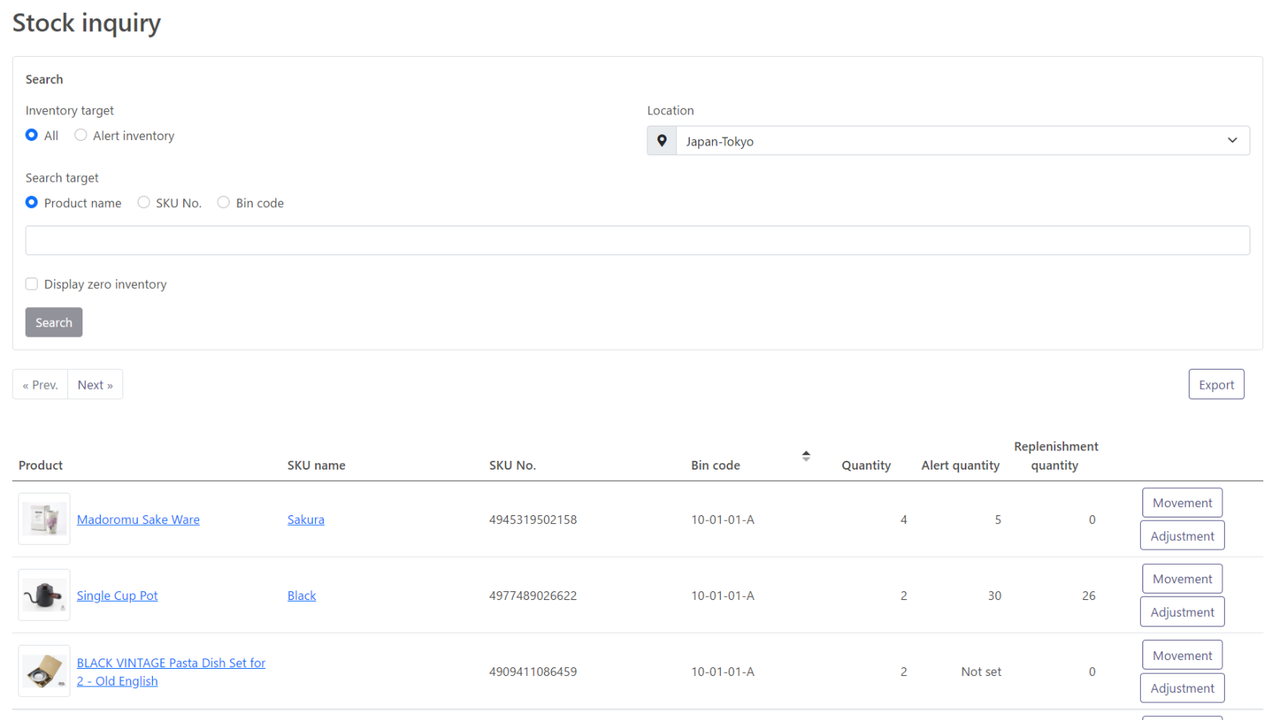
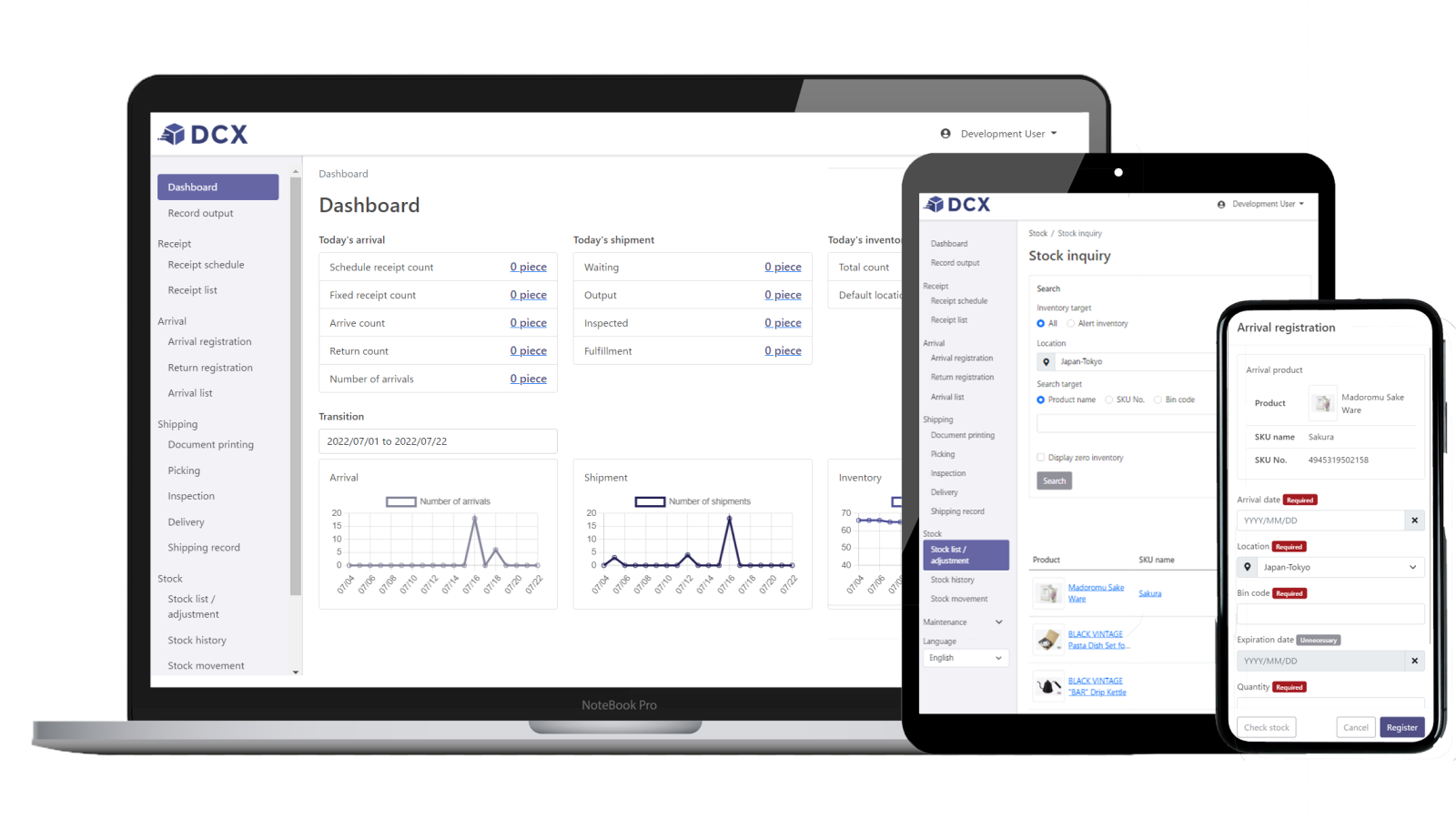
DCX WMS to Manage Your Inventory / DCX Fulfillment to Outsource Your Store’s Fulfillment to NX Group DCX is a logistics web app from Nippon Express, offering two service options: ◆ (1) DCX WMS, a cloud-based in-house WMS integrated with Shopify, available in 3 plans; ◆ (2) DCX Fulfillment, a logistics fulfillment outsourcing service. Leveraging a global network spanning over 48 countries, DCX delivers high-quality logistics services, including centralized inventory management for both physical and online stores. For details, please contact us—acceptance criteria may vary by country, region, product category, order volume, and season.
Core Functionality
- Two types of services to fit all store sizes and shipping volumes
- DCX WMS for those who want to manage and monitor their inventory in-house
- DCX Fulfillment for outsourced logistics fulfillment to Nippon Express
- Real-time sync with Shopify for inventory, orders, product masters, etc.
- DCX Fulfillment allows easy management of physical and online store inventory
Merchant-Friendly
- SME E-commerce Merchants
- Omnichannel Retailers
- Cross-border E-commerce Merchants
- Self-storage E-commerce
Basic Information
- Developer:日本通運株式会社 | NIPPON EXPRESS CO., LTD.
- Address:神田和泉町2番地, 千代田区, JP-13, 101-8647, JP
- Price: Free / Free plan
- Rating:0 / 5
- Comment Count:0 comment
- Release Date:2022-9-2
- Supported languages:Japanese、English
- Compatible products:Shopify
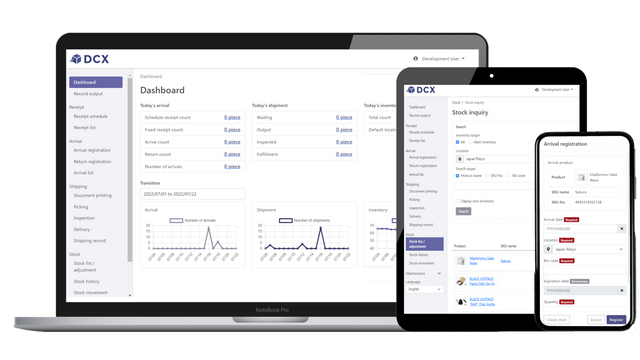
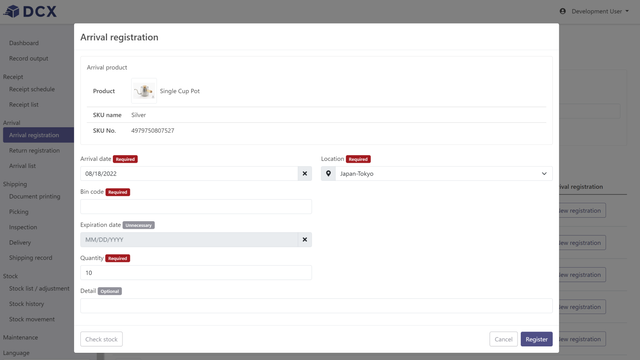
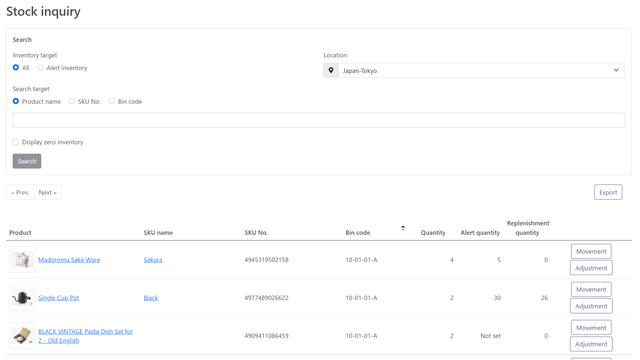
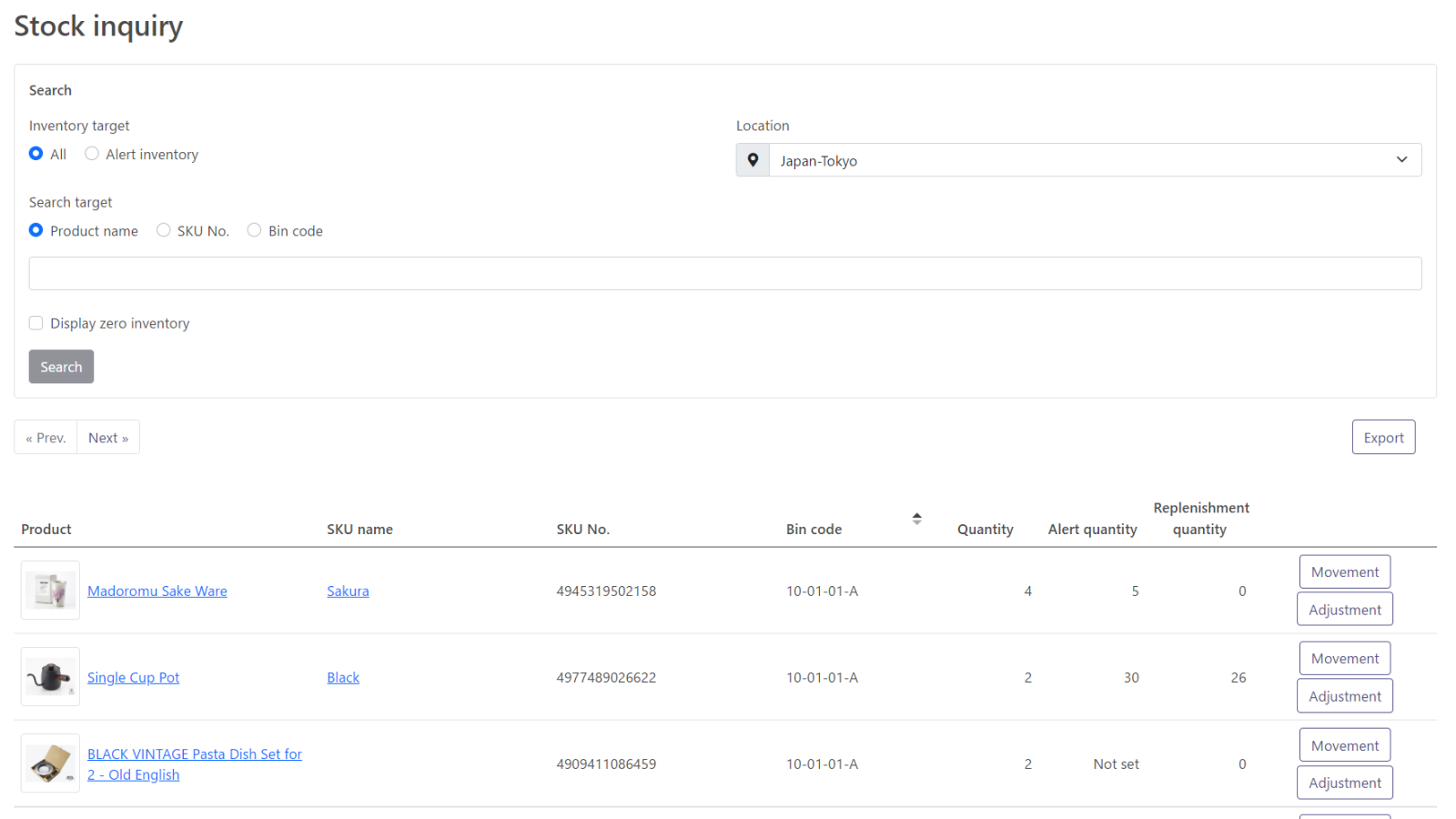
Application Screenshot







Price Plan
DCX Fulfillment
- Good for medium to large stores. Outsource store fulfillment to NX Group's warehouse. All DCX features are available for this plan.
Basic Plan
- Good for small businesses. Includes basic WMS functions for receiving, inventory management, and shipping while connecting to Shopify
Standard Plan
- Good for small to medium sized stores. Includes customized picking list and packing slips, inventory quantity alerts etc.
Premium Plan
- Good for medium-sized stores. Allows you to output performance data at any time and manage expiration dates.
User Location & Comments
User Location
Comments
Shopify API Used
- POST /admin/api/inventory_levels.json
- PUT /admin/api/inventory_levels/{id}.json
- GET /admin/api/inventory_levels.json
Permission:write_inventory,read_inventory,manage_products
- POST /admin/api/fulfillments.json
- PUT /admin/api/fulfillments/{id}.json
- GET /admin/api/fulfillments.json
Permission:write_fulfillments,read_fulfillments,manage_orders
- POST /admin/api/webhooks.json
- PUT /admin/api/webhooks/{id}.json
- GET /admin/api/orders.json
Permission:write_webhooks,read_orders,manage_products
- POST /admin/api/locations.json
- PUT /admin/api/locations/{id}.json
- GET /admin/api/inventory_levels.json
Permission:write_locations,read_inventory,manage_products