
App Introduction
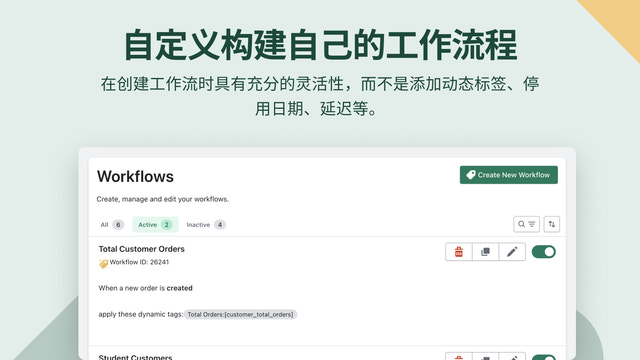
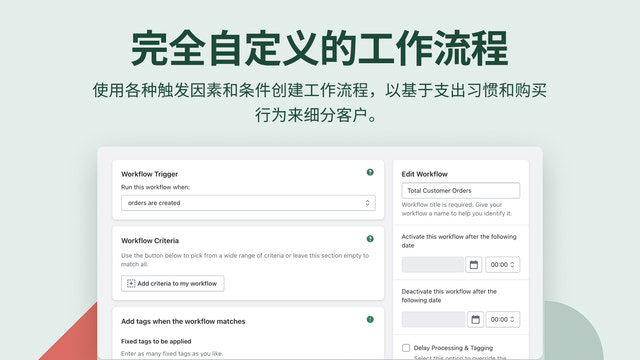
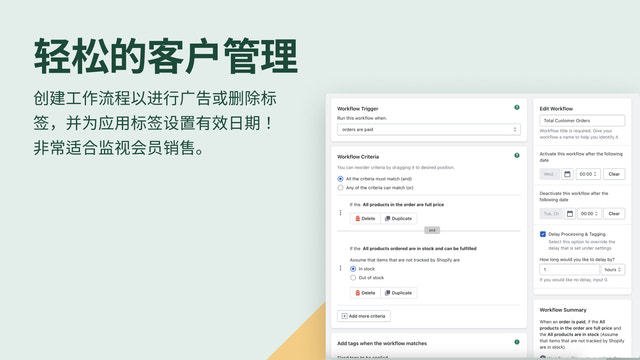
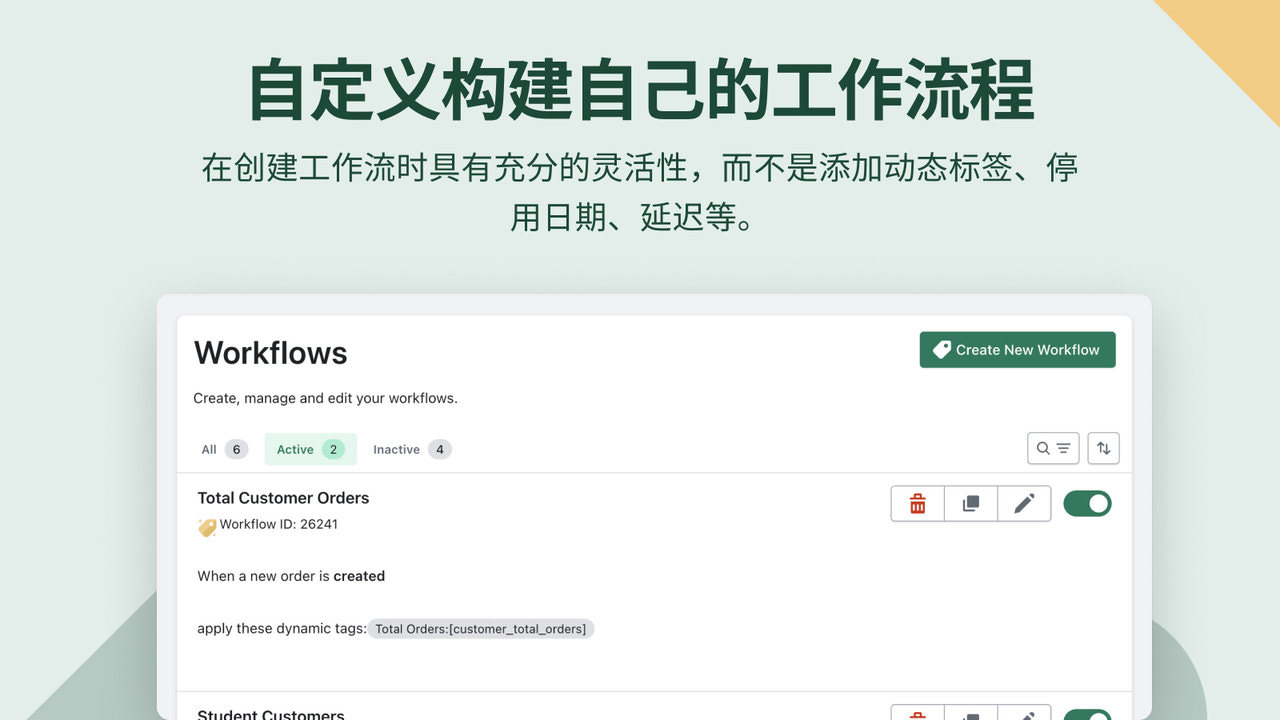
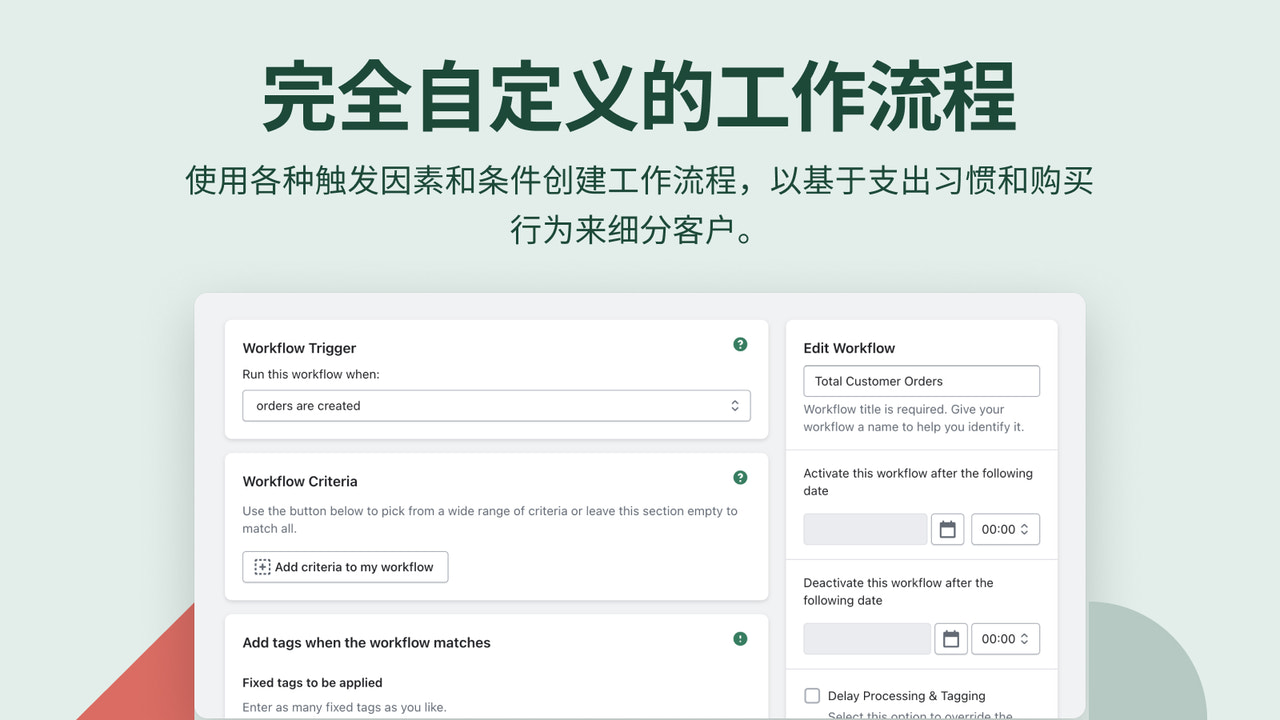
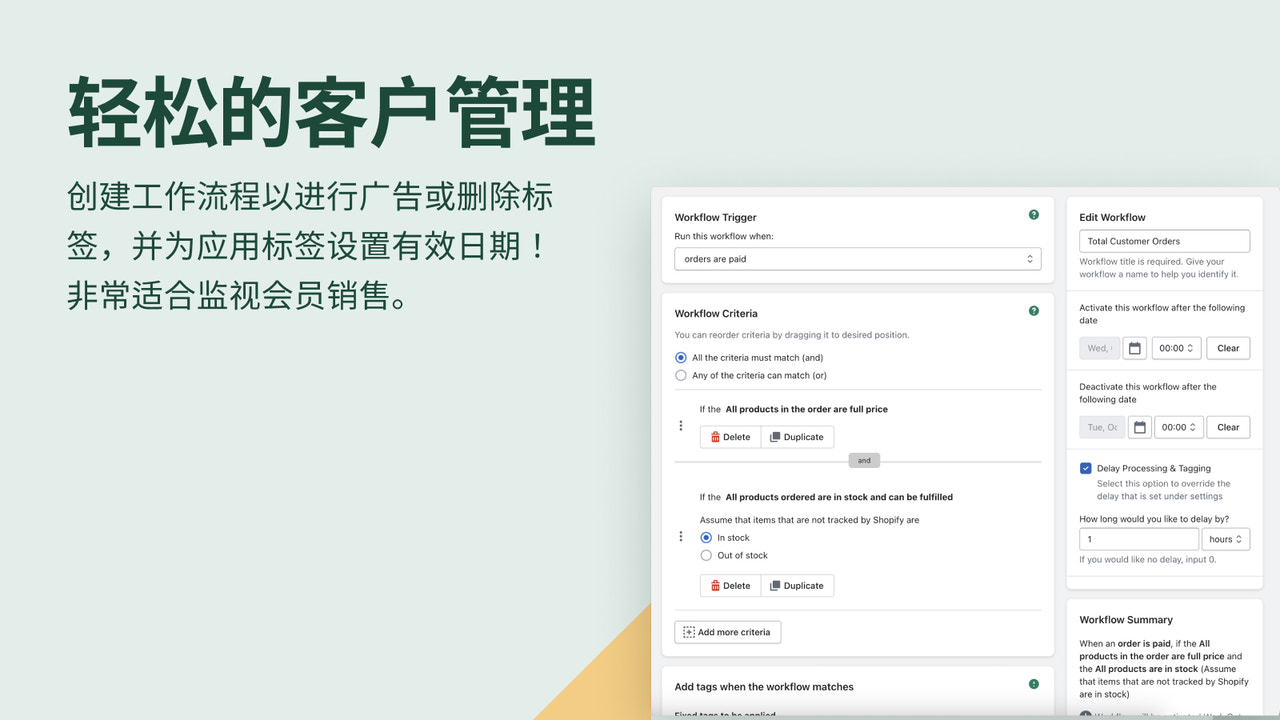
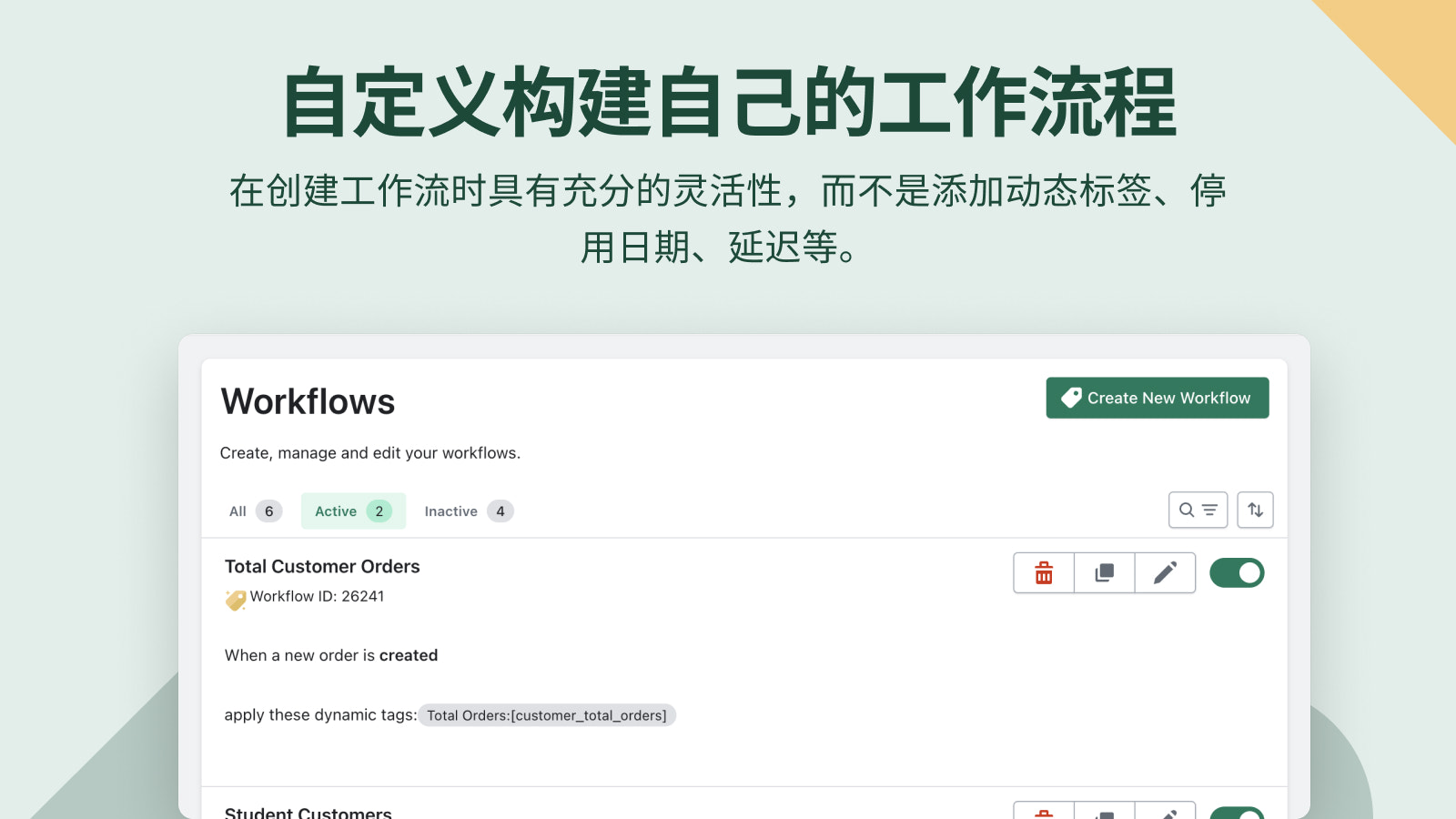
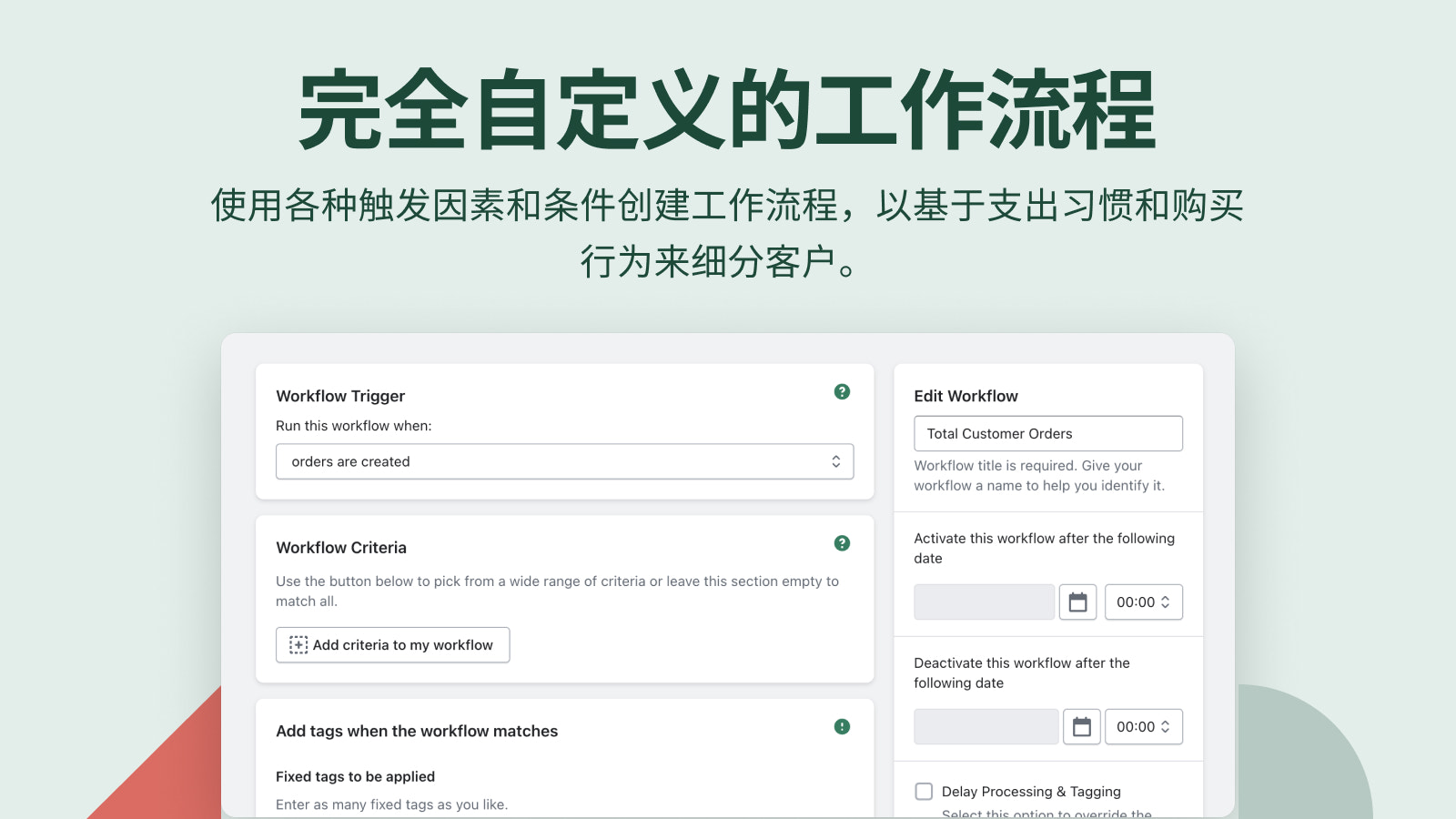
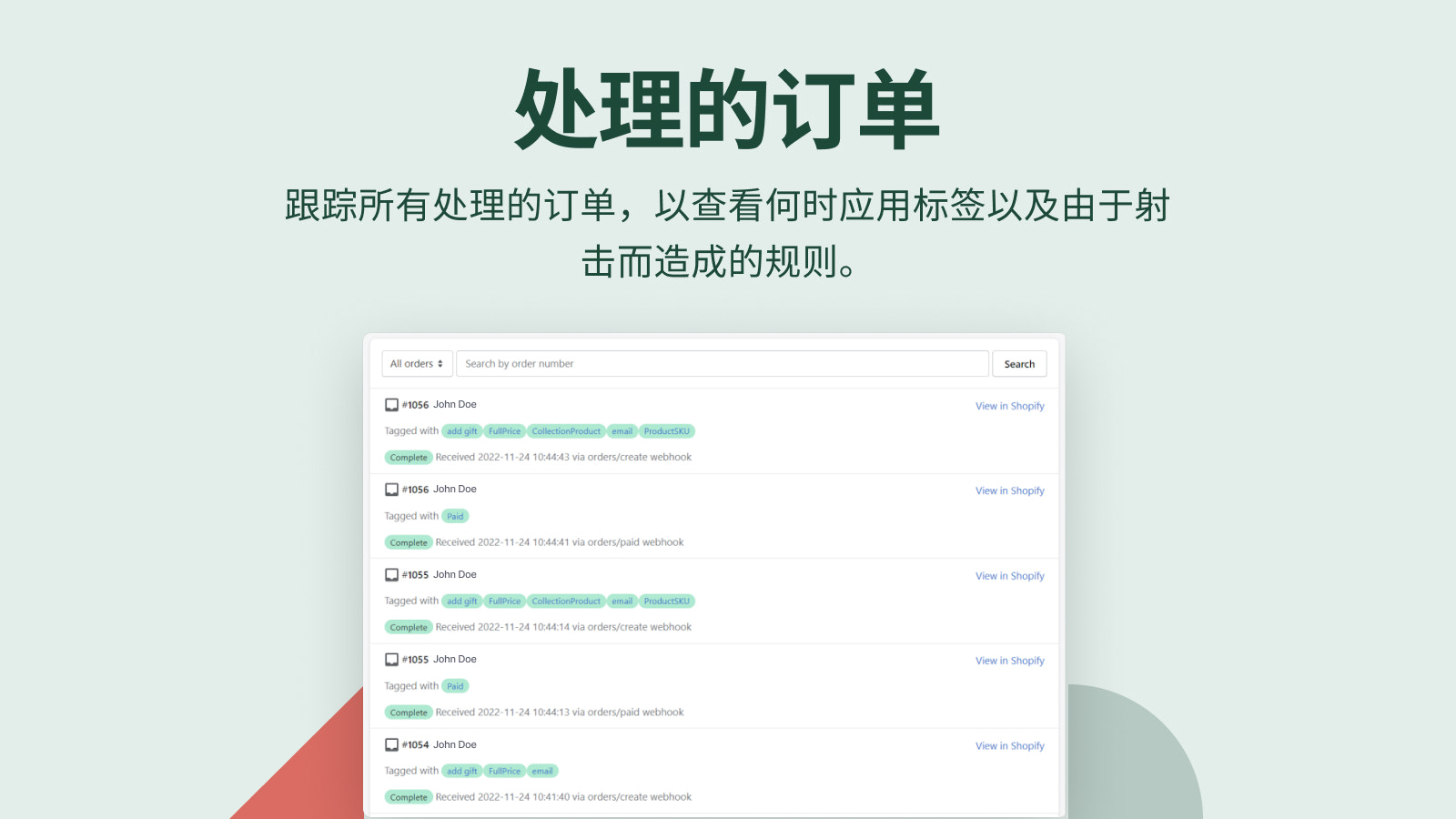
Smart Customer Segmentation, Workflow, and Seamless Automated Email Tagging The ultimate companion for targeting distinct customer segments in unique ways through the power of automation. Apply tags to customer records based on behavior, create diverse customer segments with multi-condition workflows. Leverage marketing automation to customize communications based on where shoppers are in their customer lifecycle. Use tags to trigger actions across different marketing platforms by leveraging Shopify email customer lists as a trusted single source of truth.
Core Functionality
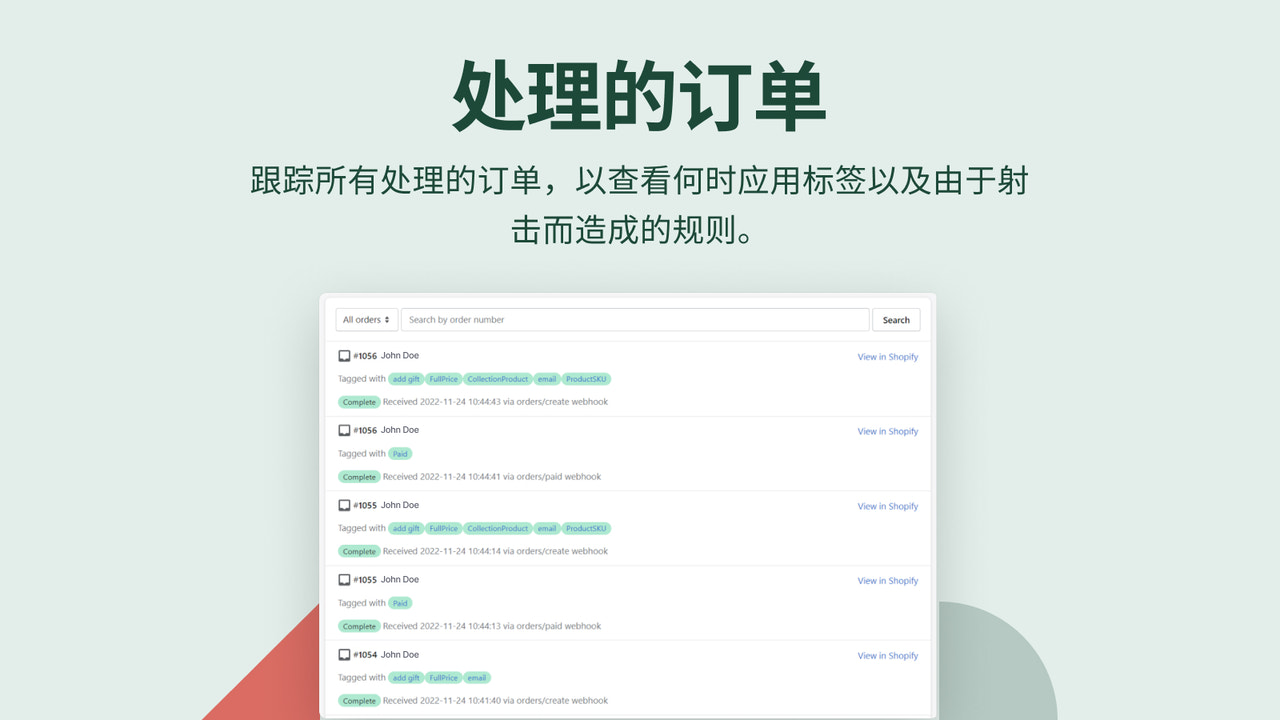
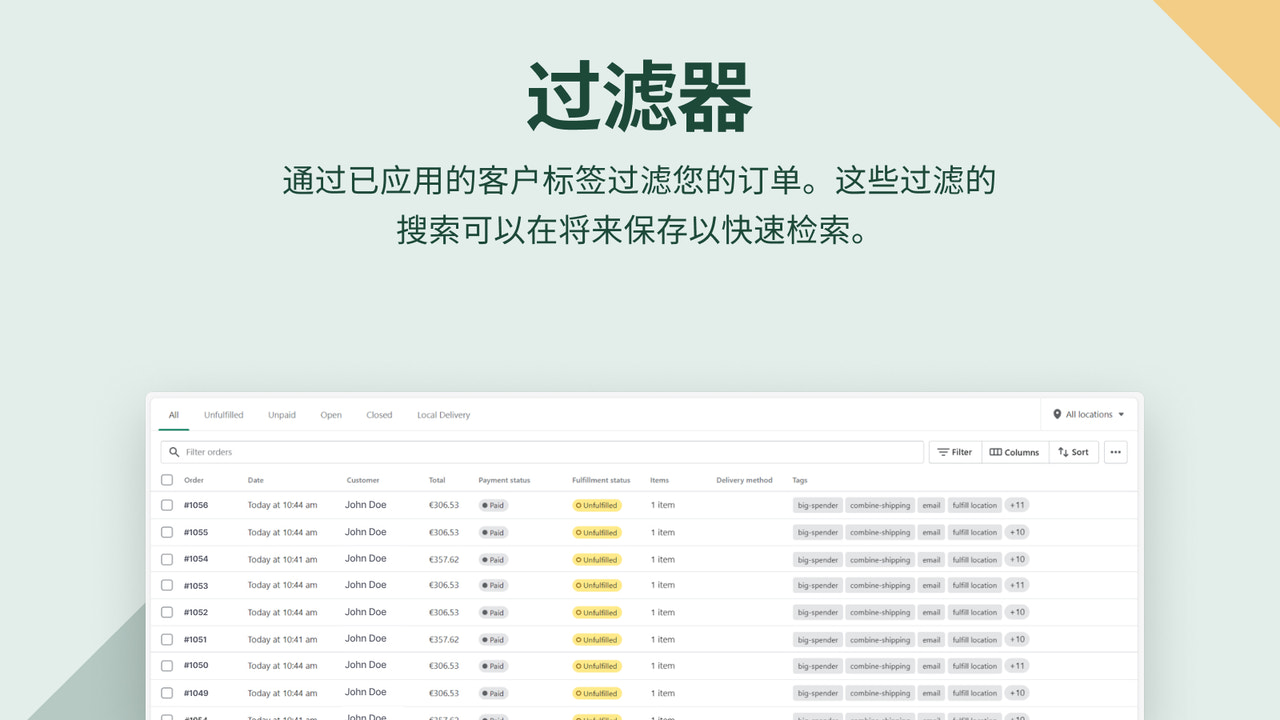
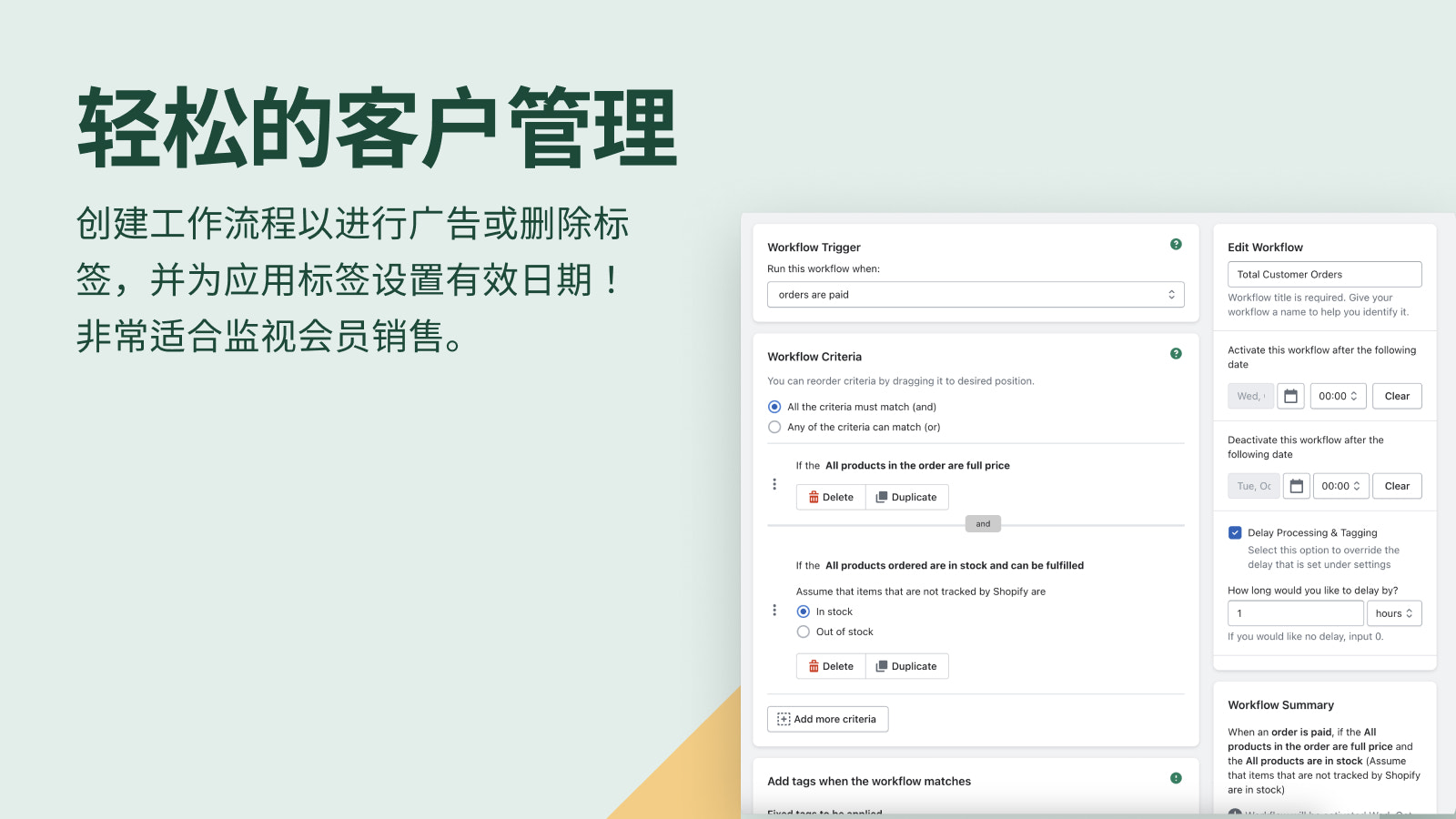
- Apply and remove tags based on buyer behavior to create customer segments.
- Streamline your lifecycle management communications with automation.
- Influence your email list by triggering actions across various platforms.
- Automatically create customer segments with tags as the standard.
- Connect with thousands of apps via Zapier for end-to-end automated workflows.
Merchant-Friendly
- Independent Station Merchants
- Social E-commerce Merchants
- Membership-based E-commerce
- Multi-channel Retail Merchants
Basic Information
- Developer:Shop Circle
- Address:One Kingdom Street, Paddington Central, London, ENG, W2 6BD, GB
- Price: Free / Free plan
- Rating:5 / 5
- Comment Count:61 comment
- Release Date:2018-6-7
- Supported languages:English、Spanish、French、German、Japanese、Portuguese (Brazil)、Simplified Chinese、Thai、Italian、Dutch、Swedish、Danish、Norwegian、Polish、Czech、Korean、Finnish、Turkish
- Compatible products:Shopify
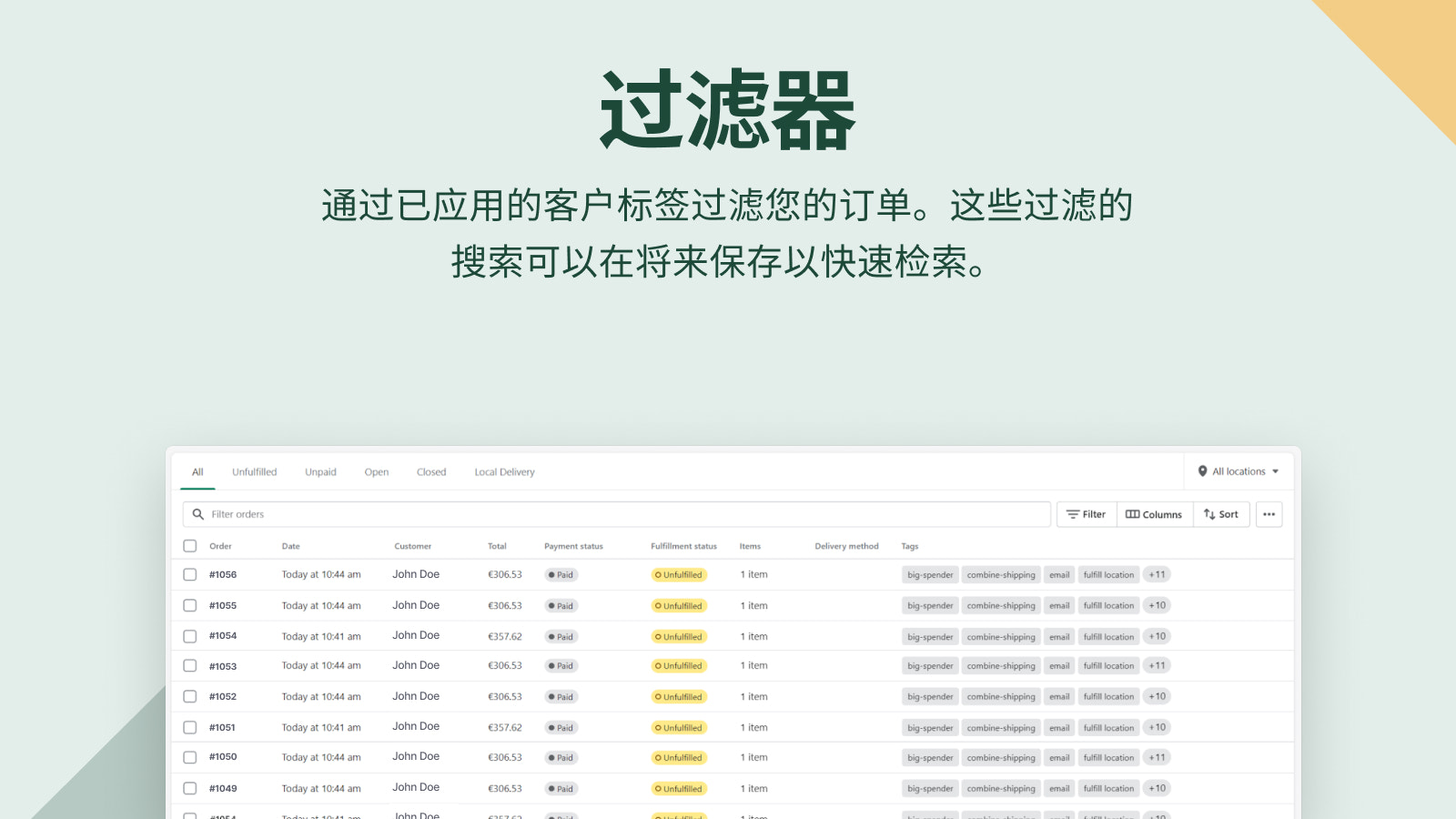
Application Screenshot
Price Plan
免费
- 1 Workflow
- 100 Free Order Labels
- Pre-built Workflows
- App Translation
- Label Delay
- Unlimited Label Deletion
入门
- Everything from Free
- 10 Active Workflows
- 500 Order Tags*
- Retroactive Orders**
生长
- Everything from Starter
- 50 Active Workflows
- 1,000 Order Tags*
- Dynamic Tags
- Workflow Scheduling
专业的
- Everything from Growth
- 100 Active Workflows
- 5,00 Order Tags*
- Personalized Onboarding
- Zapier
User Location & Comments
User Location
Comments
Shopify API Used
- POST /admin/api/customers/search.json
- POST /admin/api/customers/{customer_id}/tags.json
- DELETE /admin/api/customers/{customer_id}/tags.json
Permission:read_customers,write_customers,manage_tags
- POST /admin/api/automations/workflows.json
- PUT /admin/api/automations/workflows/{id}.json
- GET /admin/api/automations/workflows.json
Permission:manage_automations,read_automations,write_automations
- POST /admin/api/email_lists/actions.json
- PUT /admin/api/email_lists/{id}/subscribers.json
- GET /admin/api/email_lists.json
Permission:manage_email_lists,read_email_lists,write_email_lists
- POST /admin/api/customer_segments.json
- PUT /admin/api/customer_segments/{id}.json
- GET /admin/api/customer_segments.json
Permission:read_customer_segments,write_customer_segments,manage_tags
- POST /admin/api/apps/zapier/webhooks.json
- PUT /admin/api/apps/zapier/workflows.json
- GET /admin/api/apps/zapier/connections.json
Permission:manage_apps,read_apps,write_apps



