
Bonify Customer Account Fields
App Introduction
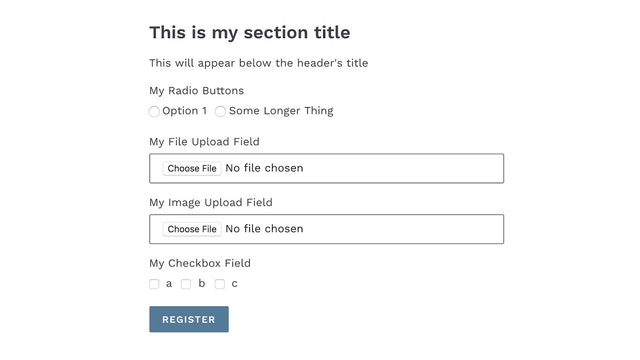
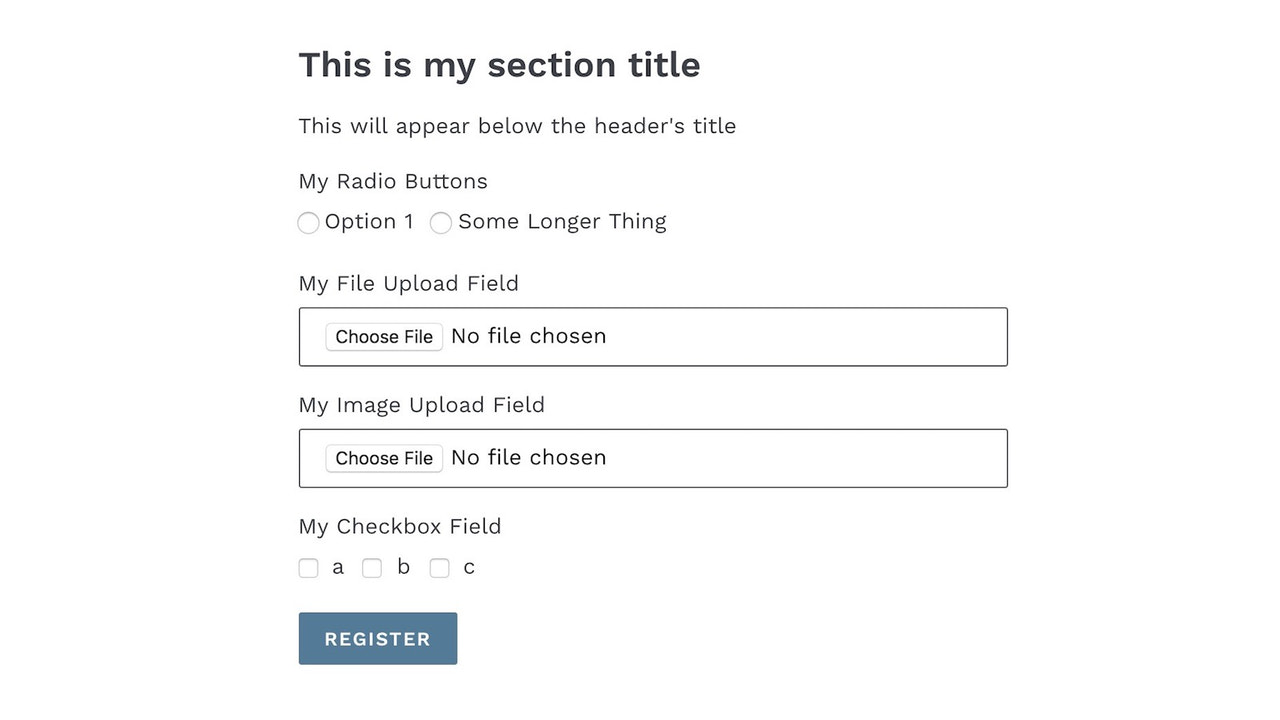
Create a user registration form to collect additional information when customers sign up. Your customers are more than just an email address. Do you need a dynamic user profile to help you segment customers? Do you need more than a simple sign-up page to capture users’ emails? Do you need an account registration form that can collect extra profile information when customers sign up for your store? If so, Bonify Customer Account Fields can help you—and since the data is stored in metafields, it’s available across the entire Shopify ecosystem.
Core Functionality
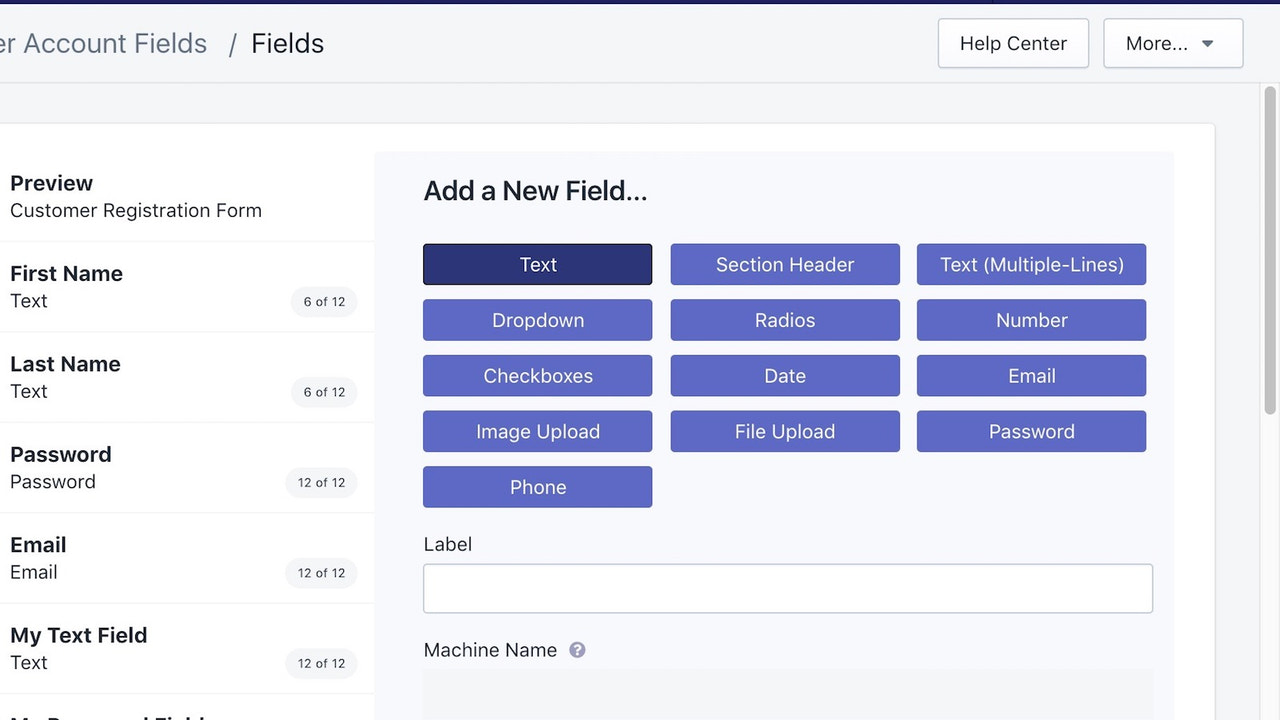
- Add basic registration fields, such as additional text fields, dates, numbers, etc.
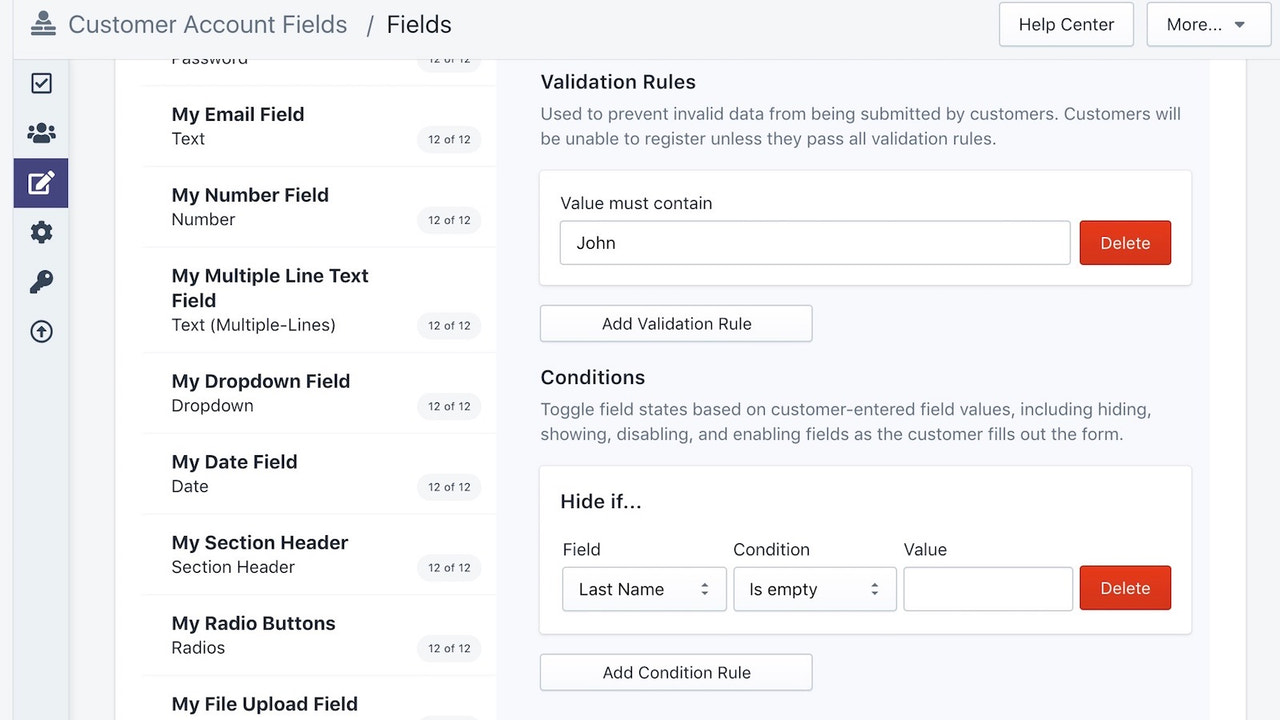
- Create conditional fields based on answers from other fields.
- Include hidden fields for internal store use only.
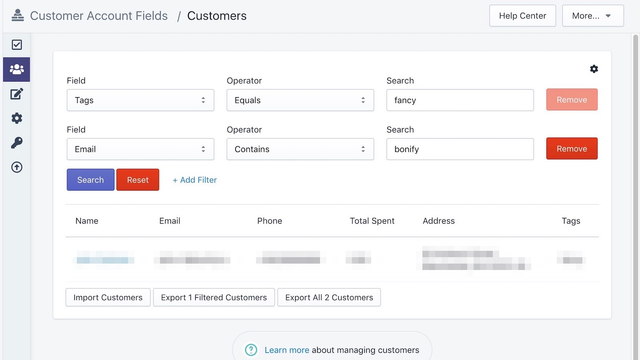
- Manage data in Excel using our import/export tool.
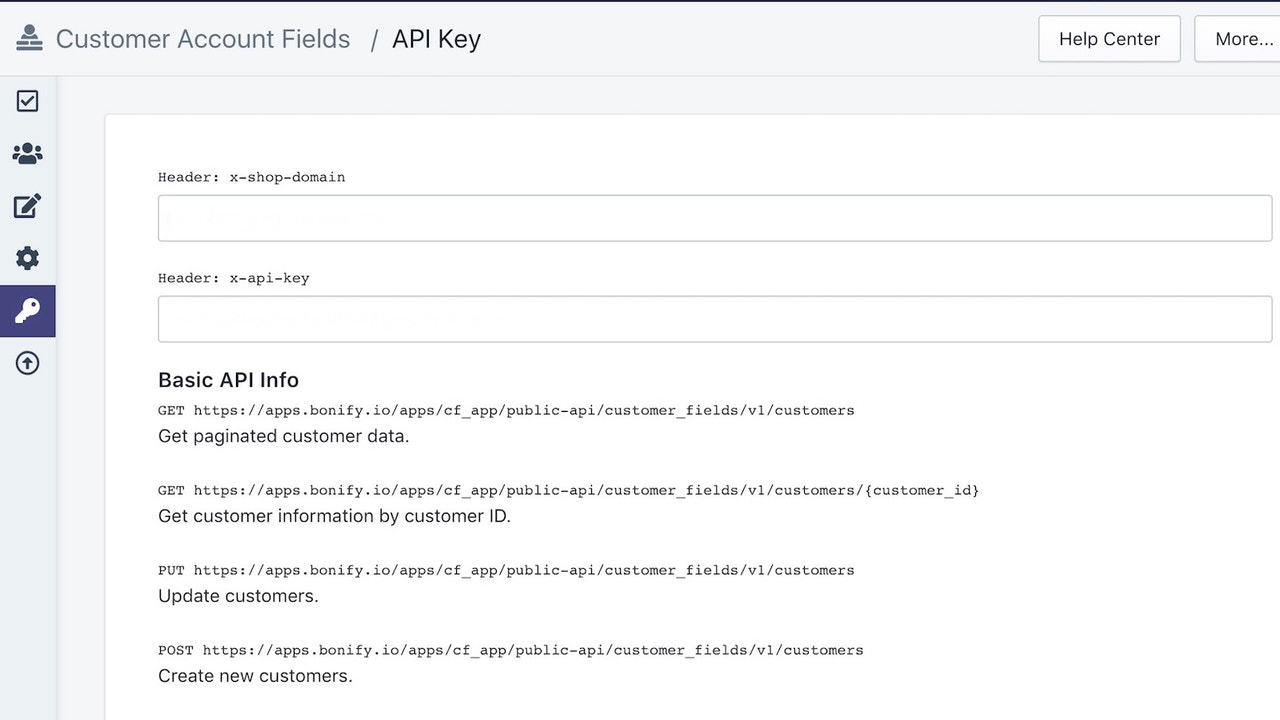
- Developers can access our data API or create custom forms.
Merchant-Friendly
- Independent Station Merchants
- E-commerce Sellers
- Brand Merchants
- Cross-border E-commerce
Basic Information
- Developer:Bonify
- Address:83 Amherst Street, FL 2, Manchester, NH, 03101, US
- Price: Free / Free plan
- Rating:5 / 5
- Comment Count:8 comment
- Release Date:2018-9-27
- Supported languages:English
- Compatible products:Shopify
Application Screenshot


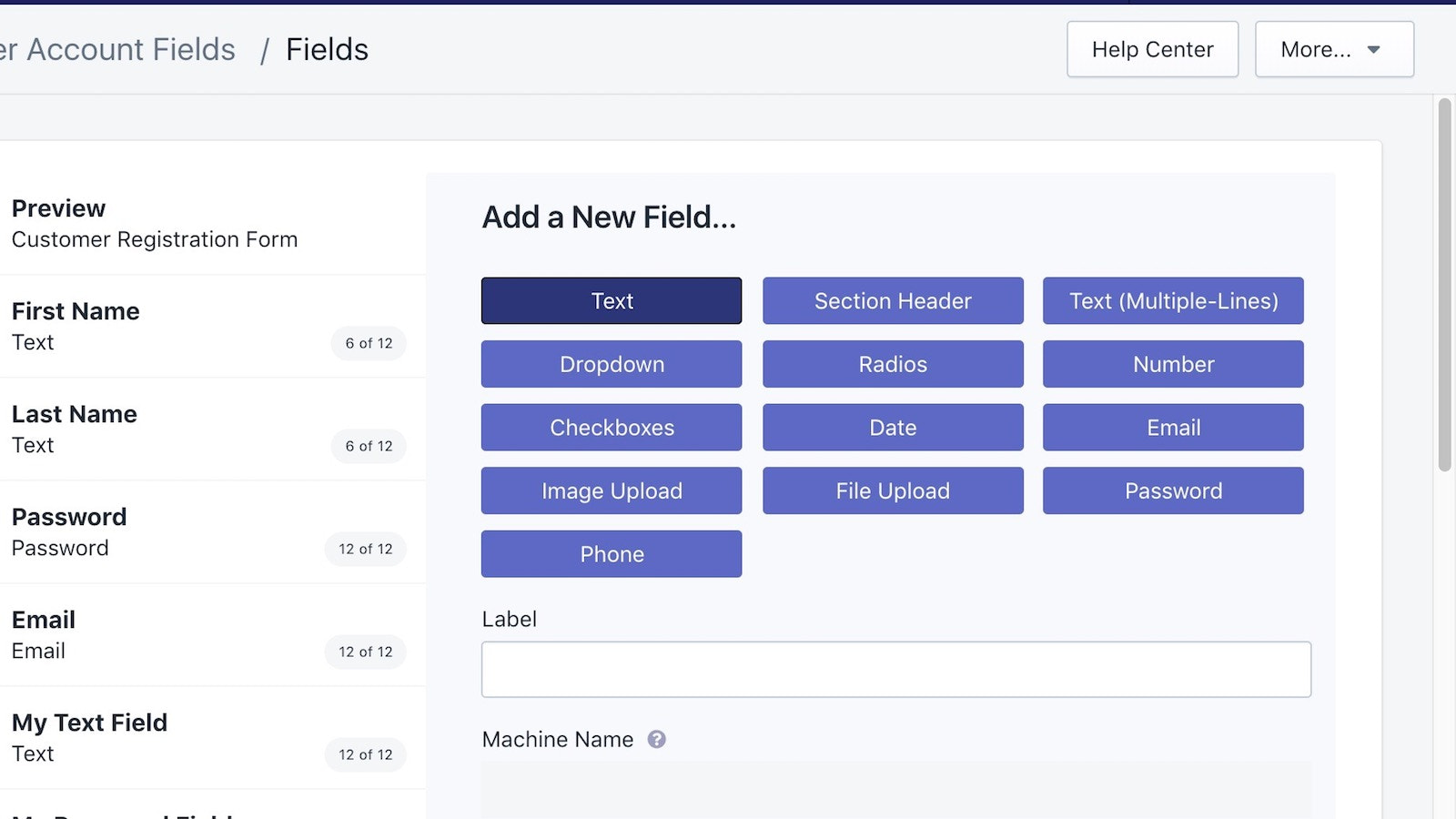
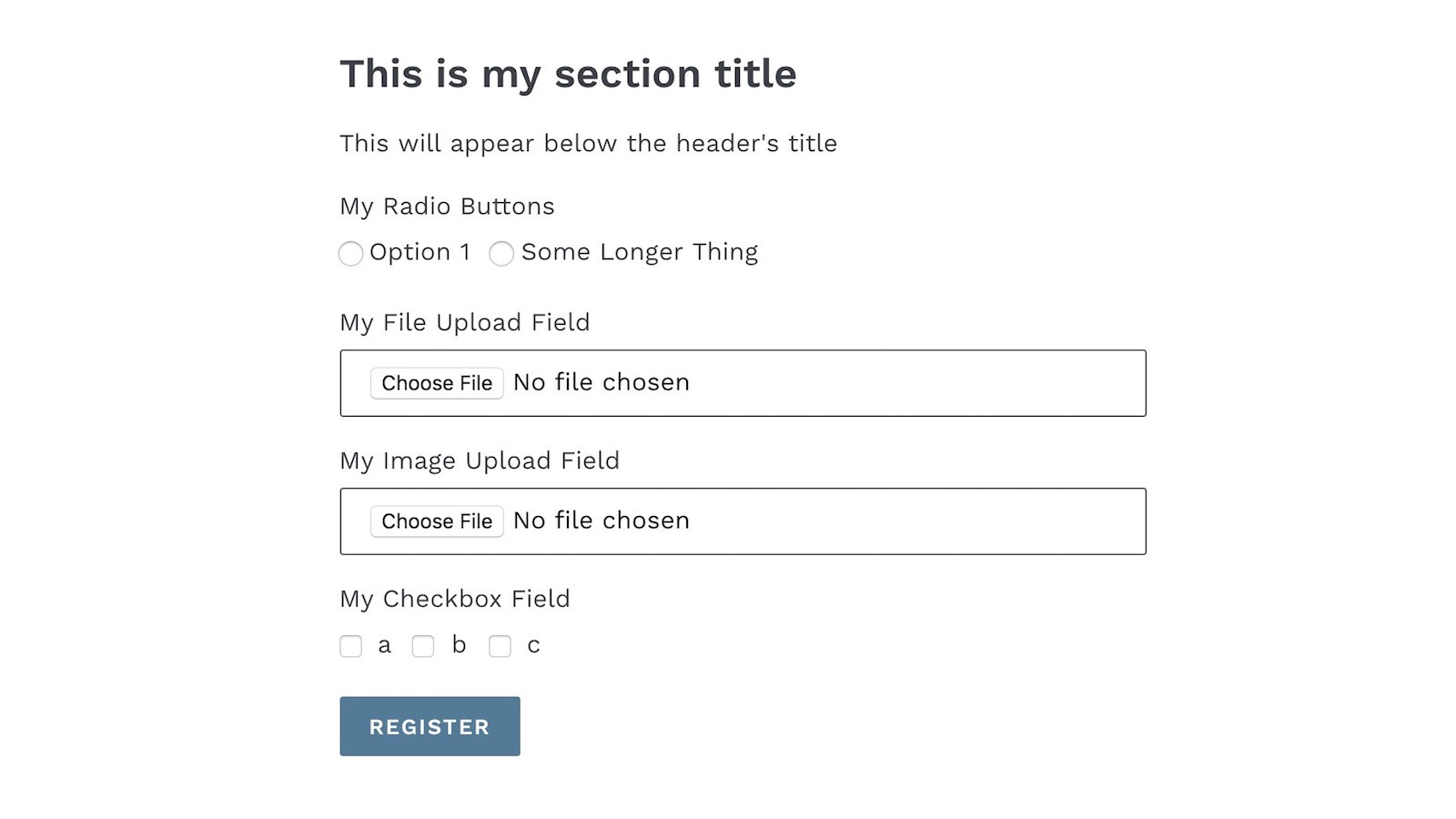

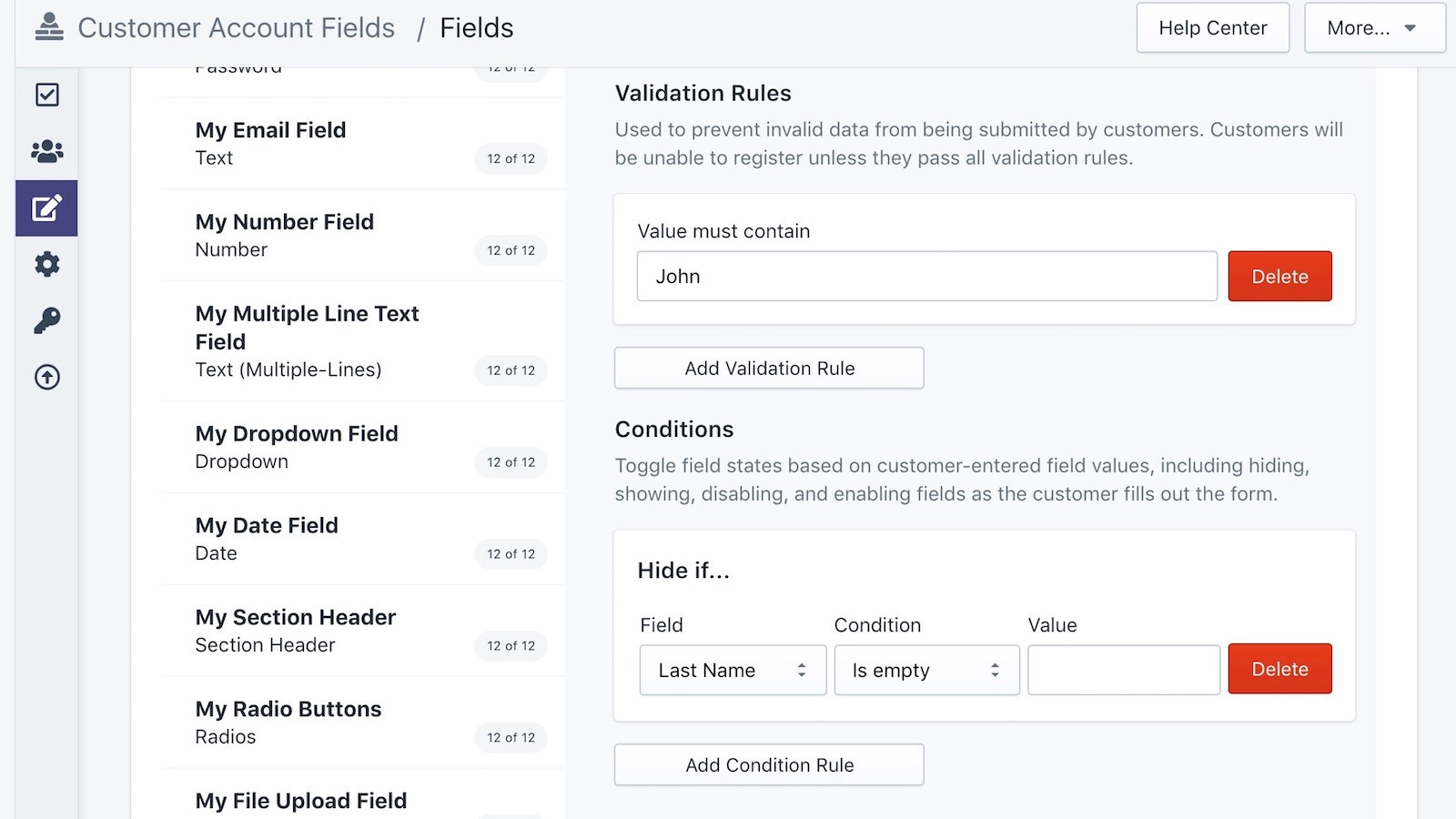

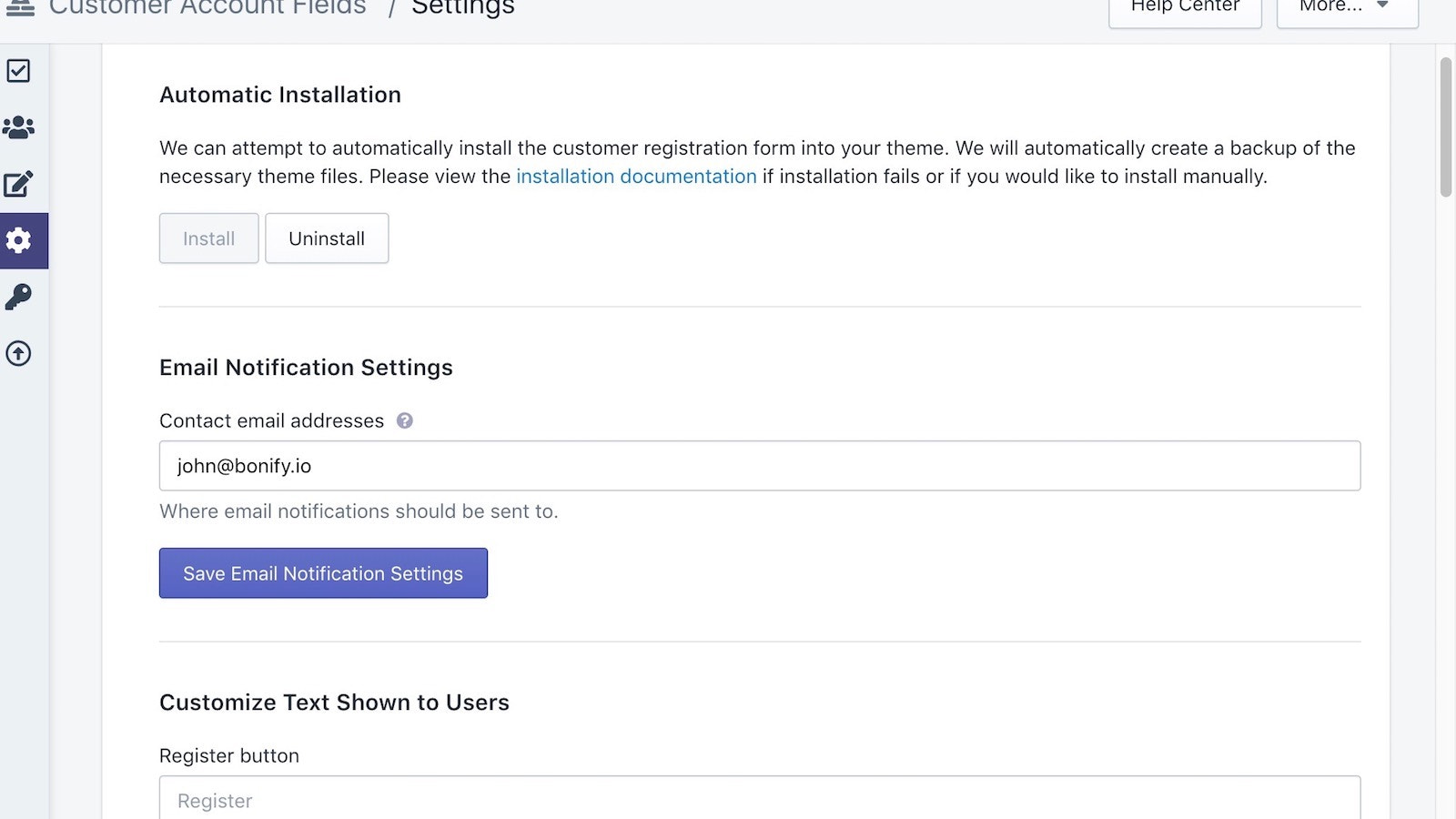
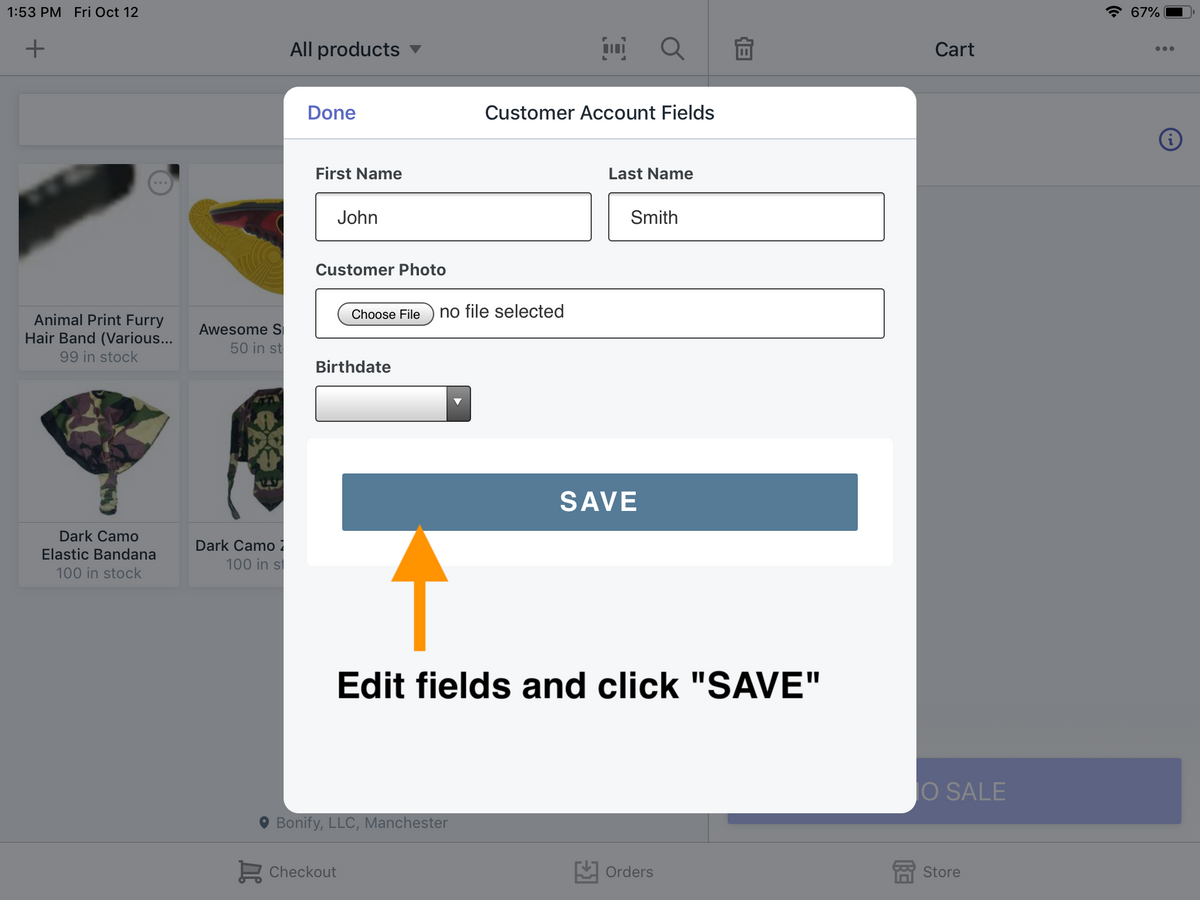
Price Plan
Free
- Create up to three fields
- Limited field types
Lite
- Create up to 3 fields
- Import and export up to 5,000 records
- Use all field types
- Upload images and files up to 1MB per file
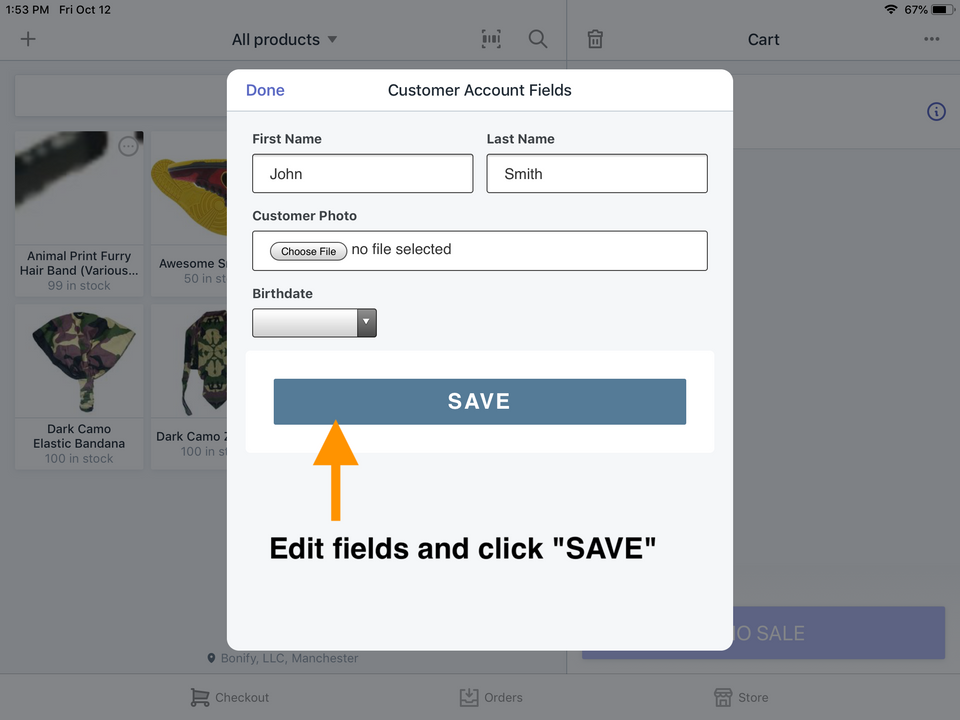
- Shopify POS integration
Premium
- Create unlimited fields
- Import and export up to 10,000 records
- Use all field types
- Upload images and files up to 5MB per file
Plus
- REST API for creating and fetching data
- Create unlimited fields
- Import and export over 10,000 records
- Upload images and files up to 15MB per file
User Location & Comments
User Location
Comments
Shopify API Used
- POST /admin/api/forms/fields.json
- PUT /admin/api/forms/fields/{field_id}.json
- GET /admin/api/forms/fields.json
Permission:write_forms,read_forms,manage_customers
- POST /admin/api/forms/conditional_fields.json
- PUT /admin/api/forms/conditional_fields/{id}.json
- GET /admin/api/forms/conditional_fields.json
Permission:write_forms,read_forms,manage_customers
- POST /admin/api/forms/hidden_fields.json
- PUT /admin/api/forms/hidden_fields/{id}.json
- GET /admin/api/forms/hidden_fields.json
Permission:write_forms,read_forms,manage_customers
- POST /admin/api/forms/export.json
- POST /admin/api/forms/import.json
- GET /admin/api/forms/export_status.json
Permission:write_forms,read_forms,manage_customers
- GET /admin/api/customers/{customer_id}/forms.json
- POST /admin/api/forms/custom_fields.json
- GET /admin/api/forms/data.json
Permission:read_customers,write_forms,manage_customers