
App Introduction
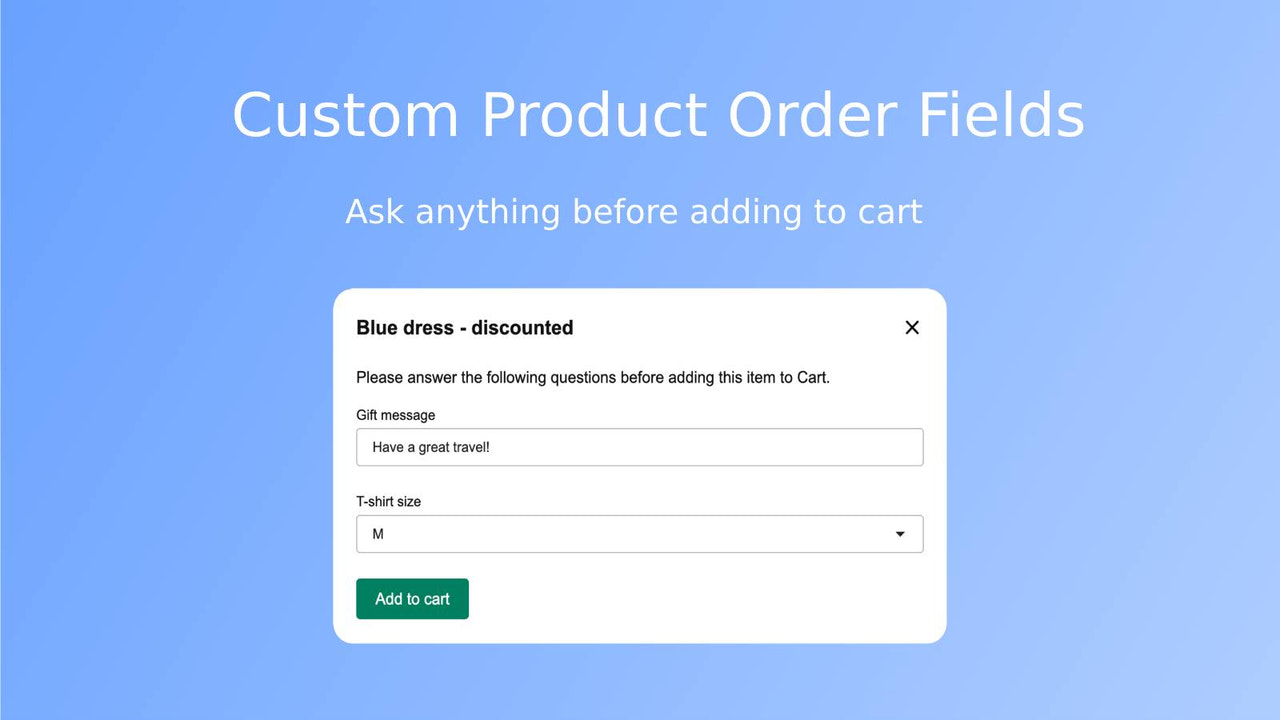
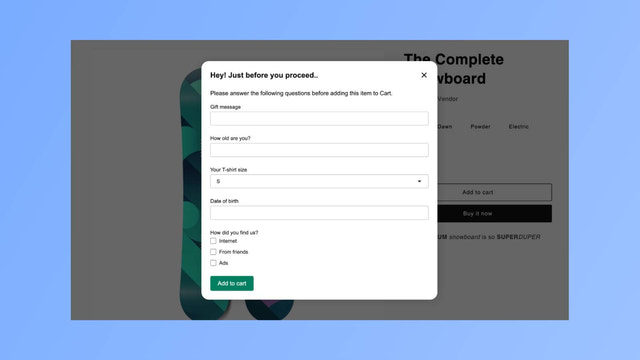
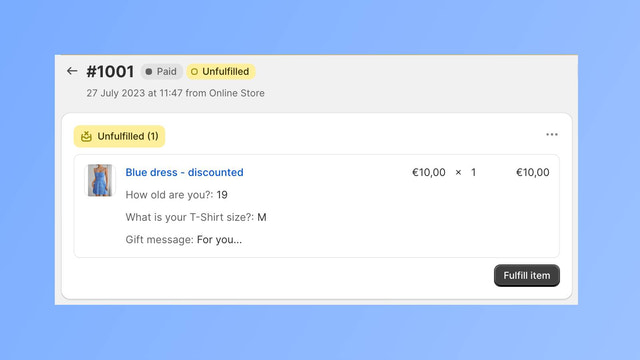
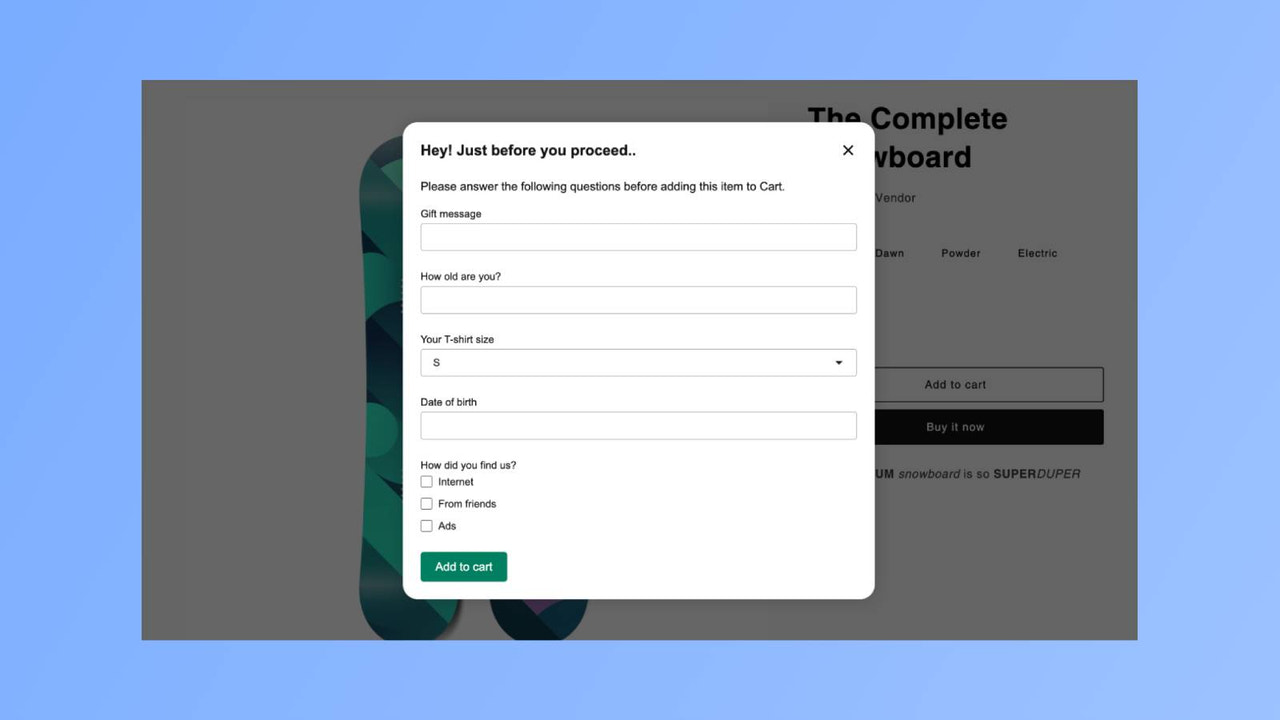
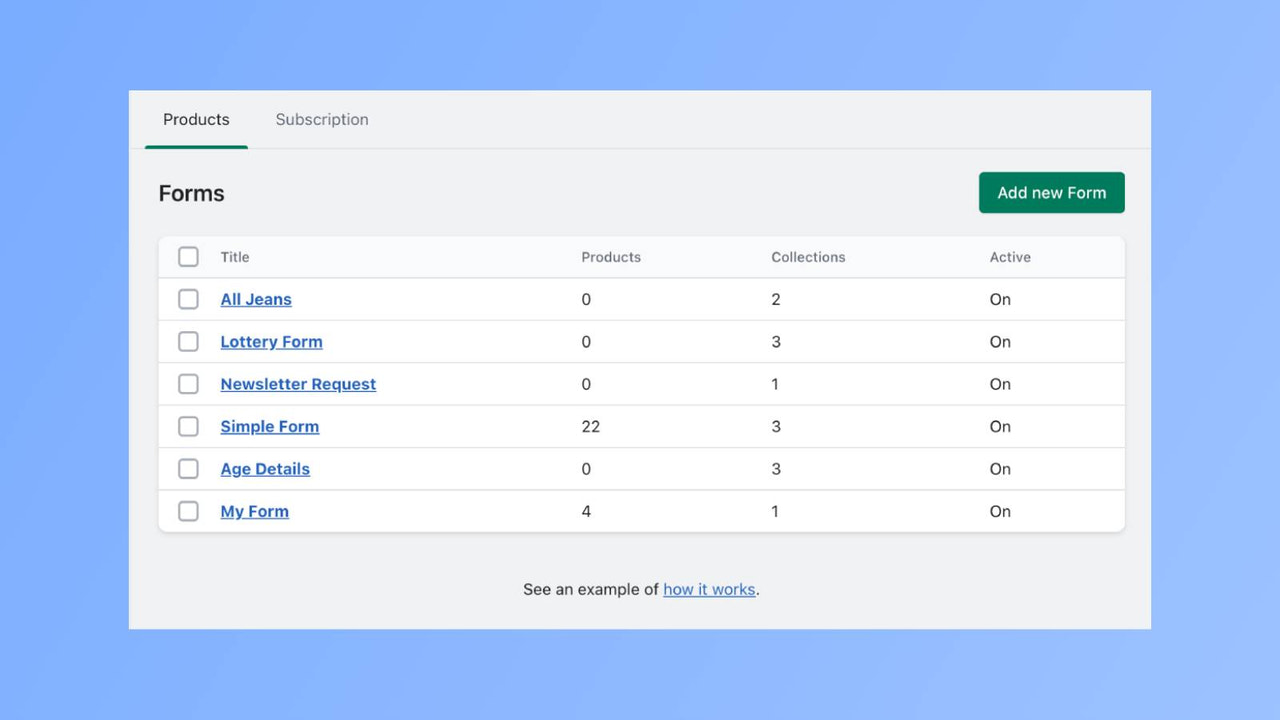
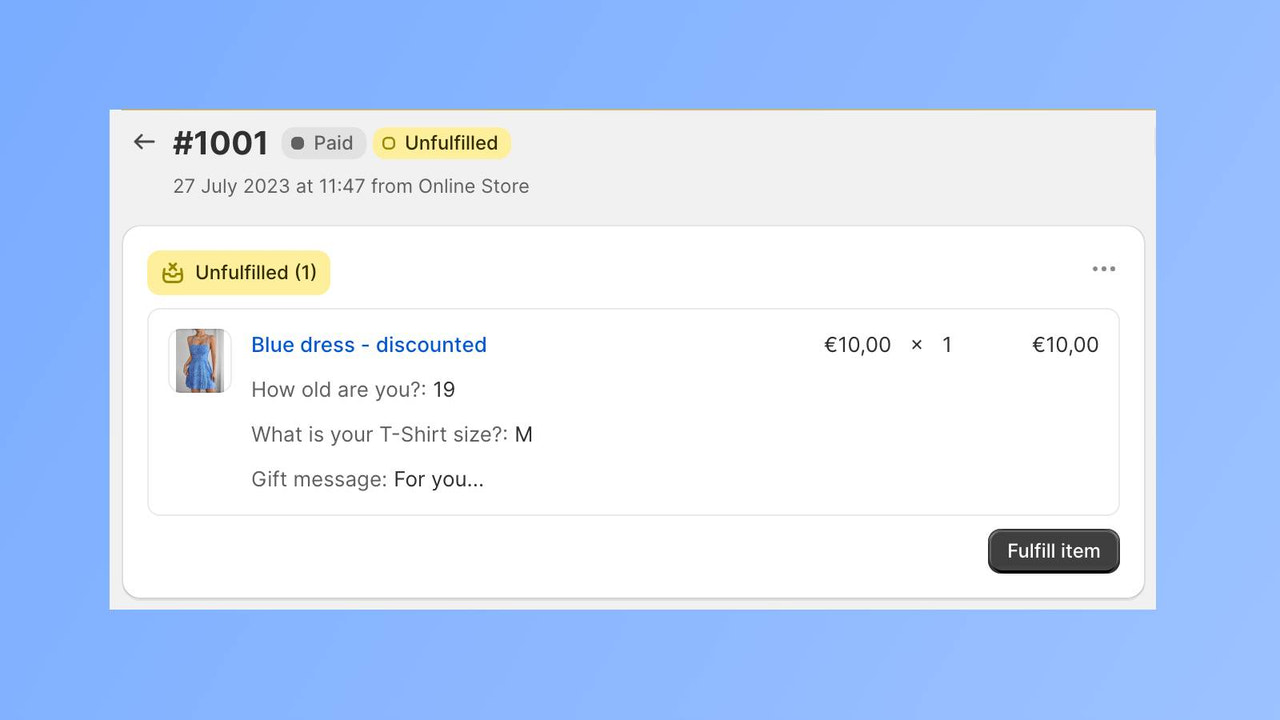
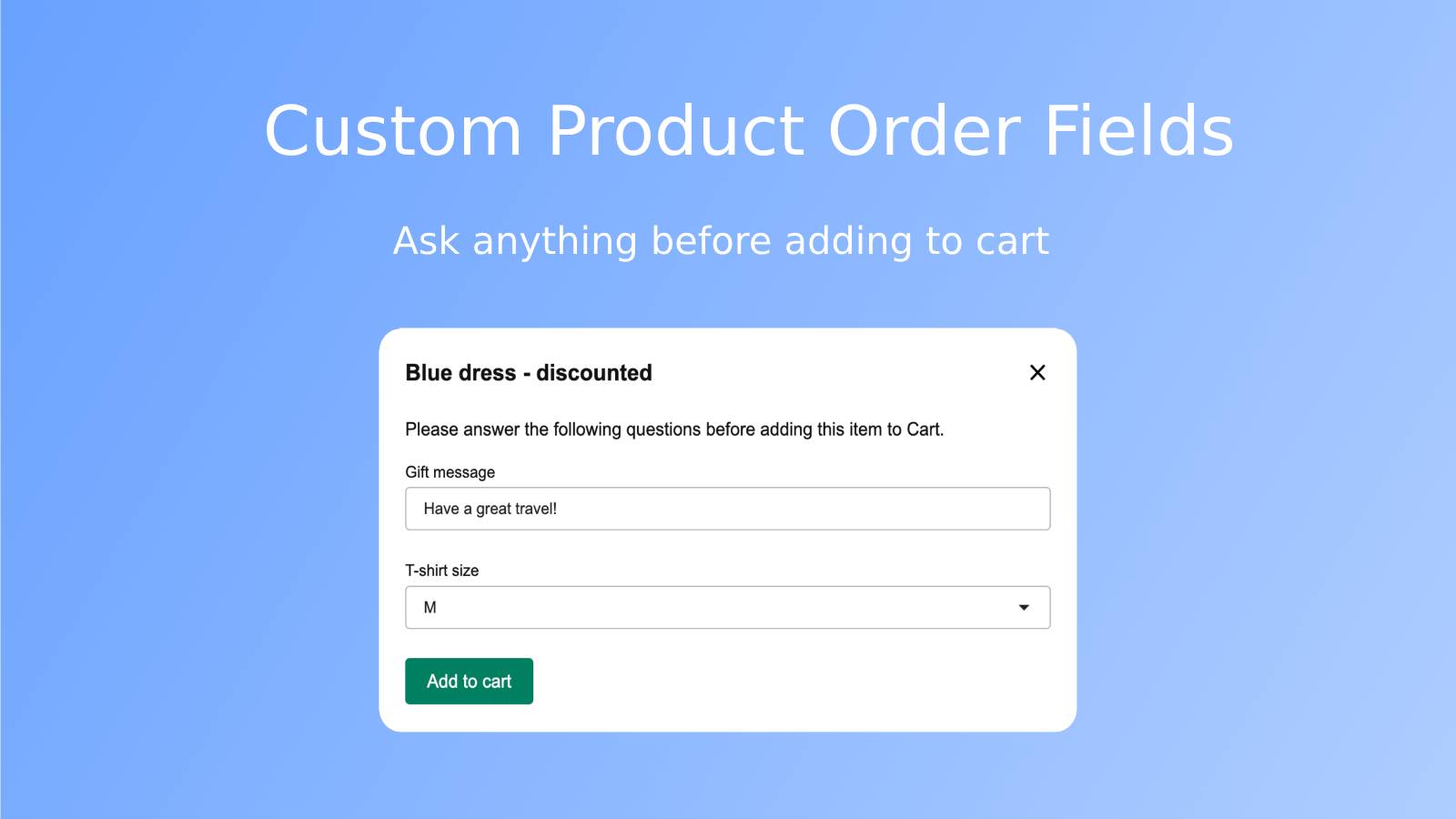
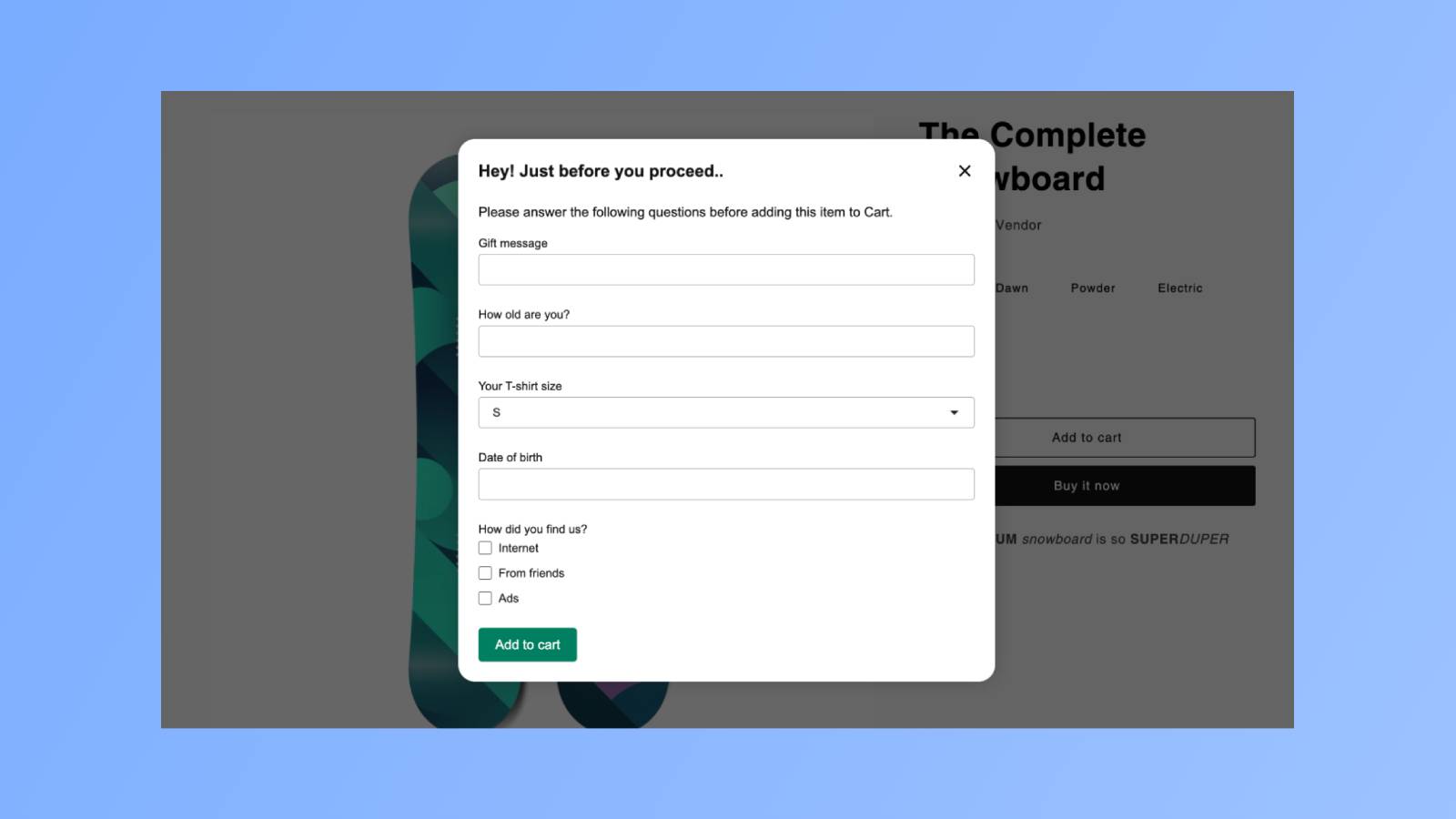
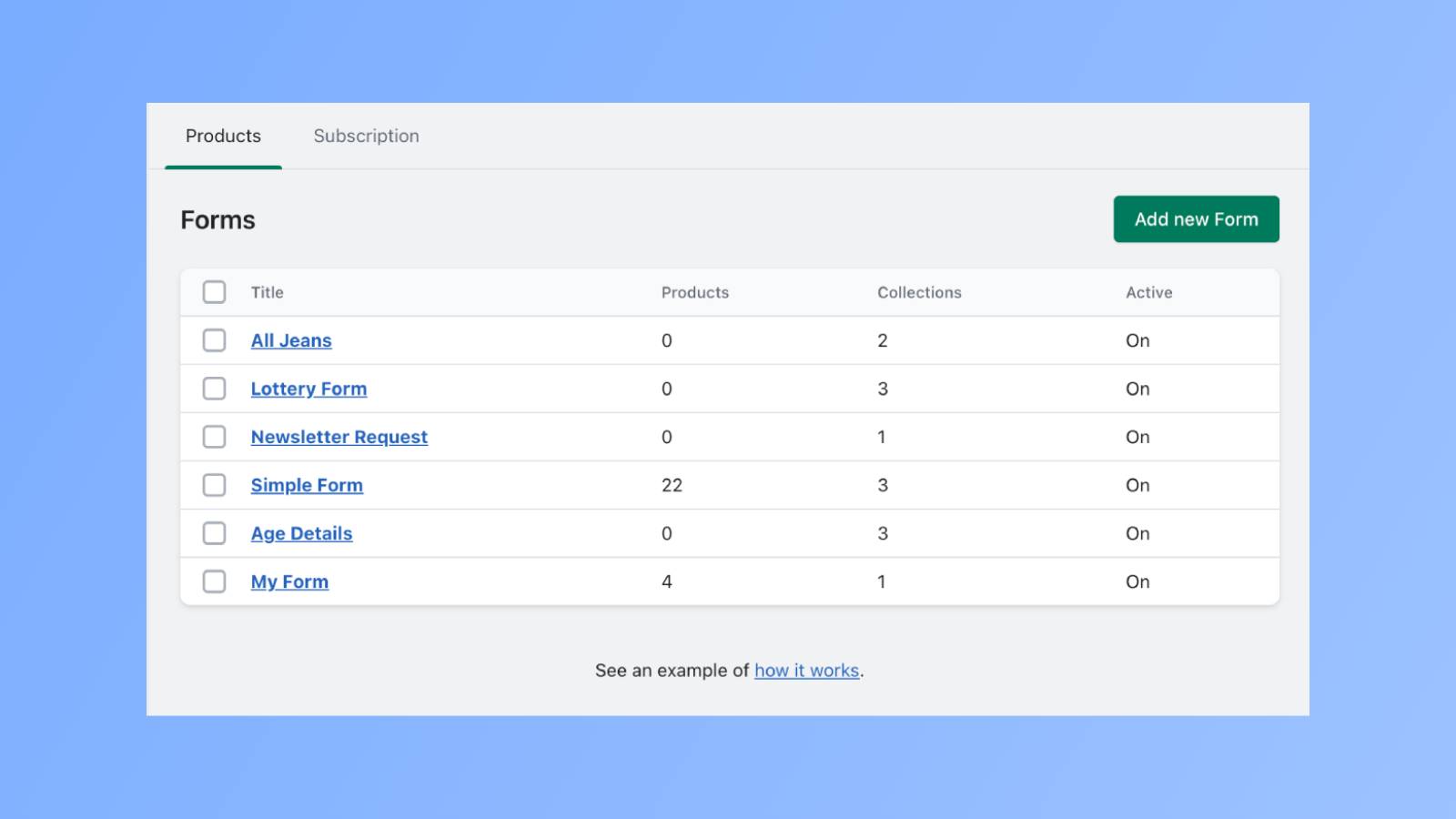
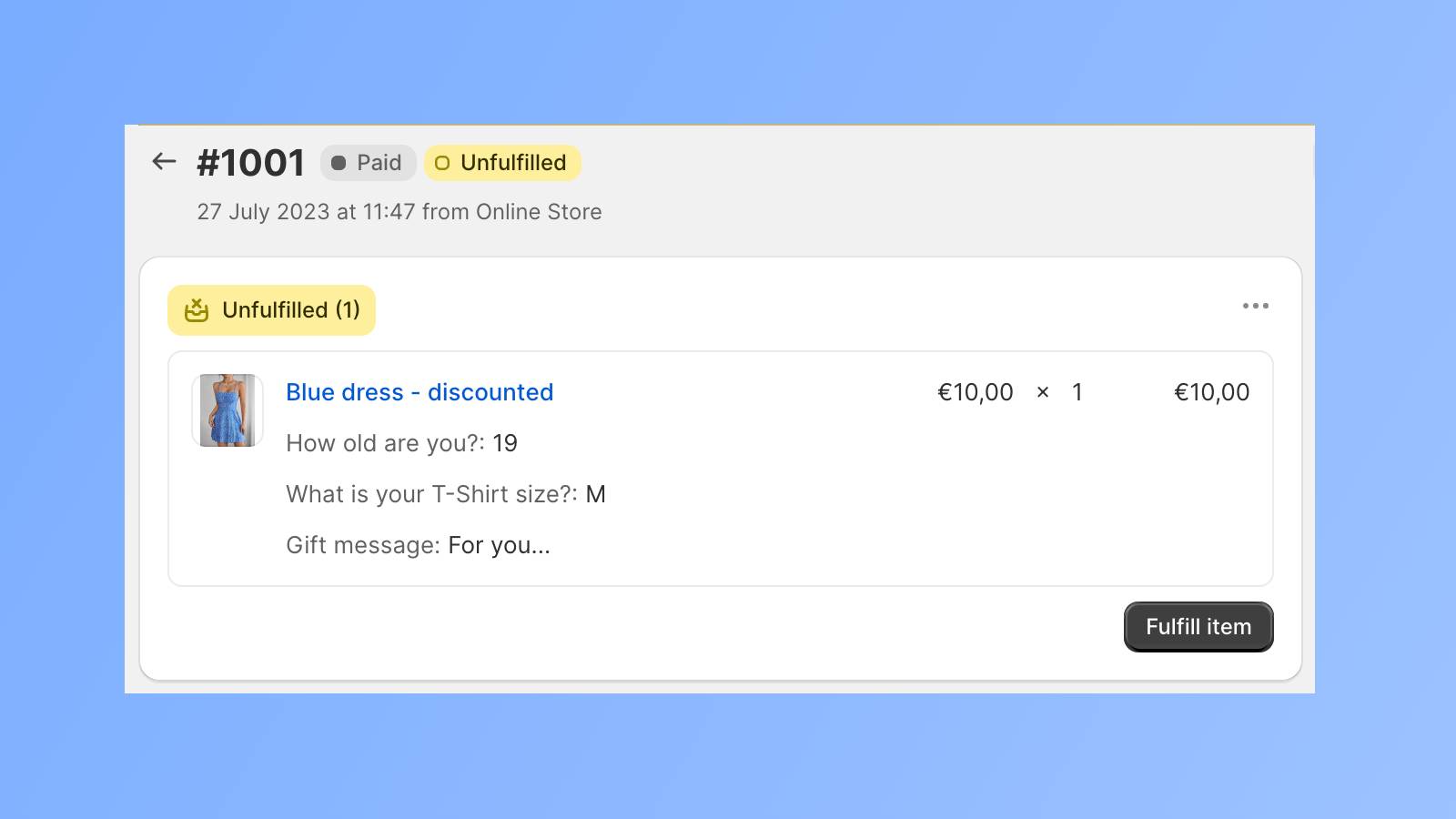
Attach a custom form to your "Add to Cart" button and ask your unique questions. Customize the "Add to Cart" button by adding an interactive form filled with your carefully crafted questions. When customers select their product, a pop-up window displaying your custom queries will appear. Their answers will be tagged along with each item in the cart. Once they check out, you can view all their answers in the order details. It’s like taking a guided tour through your customers’ preferences. So, give it a try and make the cart on your site more engaging!
Core Functionality
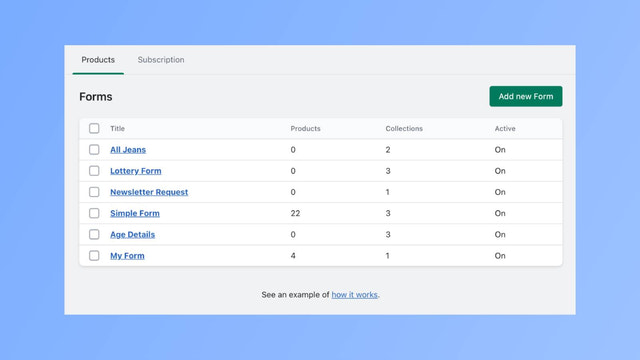
- Add a custom form to the 'Add to Cart' button for a unique touch.
- Ask your own questions before any product is added to the cart.
- Receive answers next to each line item in submitted orders.
Merchant-Friendly
- Independent Station Merchants
- Customized E-commerce
- Personalized Brand
Basic Information
- Developer:SKApps
- Address:Chausseestr. 41A, 4 OG, Berlin, 10115, DE
- Price: Free / Free plan
- Rating:3.7 / 5
- Comment Count:2 comment
- Release Date:2023-8-9
- Supported languages:English
- Compatible products:Shopify
Application Screenshot
Price Plan
入门
免费
- An Event Form
专业
$15
- Unlimited Event Forms
User Location & Comments
User Location
Comments
Shopify API Used
- POST /admin/api/metafields.json
- PUT /admin/api/metafields/{id}.json
- GET /admin/api/metafields.json
Permission:write_products,read_products,manage_metafields
- POST /admin/api/metafields.json
- PUT /admin/api/metafields/{id}.json
- GET /admin/api/metafields.json
Permission:write_products,read_products,manage_metafields
- POST /admin/api/orders/{id}/metafields.json
- PUT /admin/api/orders/{id}/metafields/{mid}.json
- GET /admin/api/orders/{id}/metafields.json
Permission:write_orders,read_orders,manage_metafields