
Custom Product Accordion Tabs
App Introduction
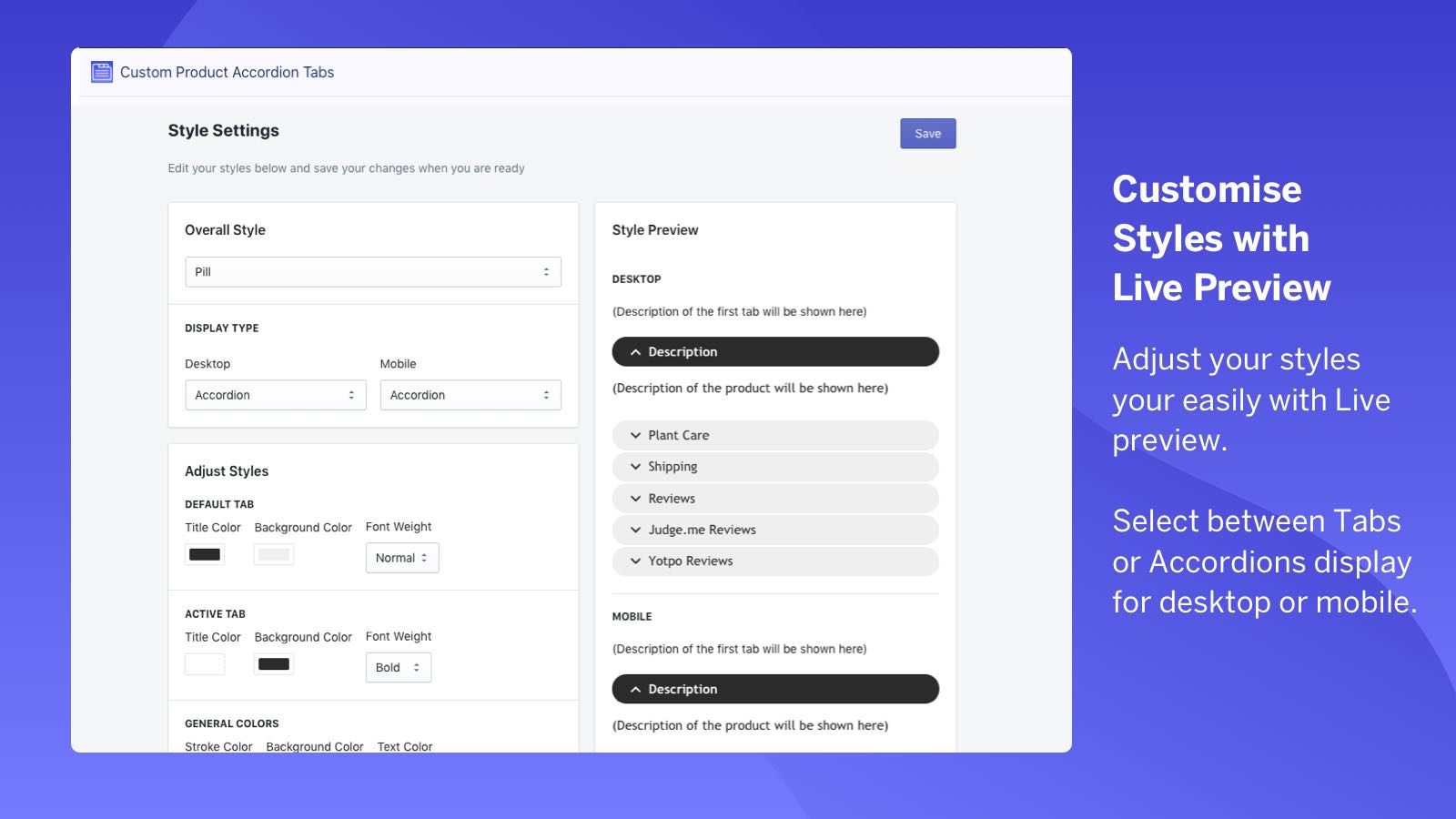
Organize your product and page content into tabs or accordions to deliver a superior customer experience The Custom Product Accordion Tabs help you structure content on your products and store pages into tabs or accordions for an enhanced customer experience. Choose from our curated styles that automatically integrate seamlessly with your store theme. If needed, you can further customize colors and icons. From creating size charts for different collections to embedding third-party review apps into one of the tabs, the possibilities are endless.
Core Functionality
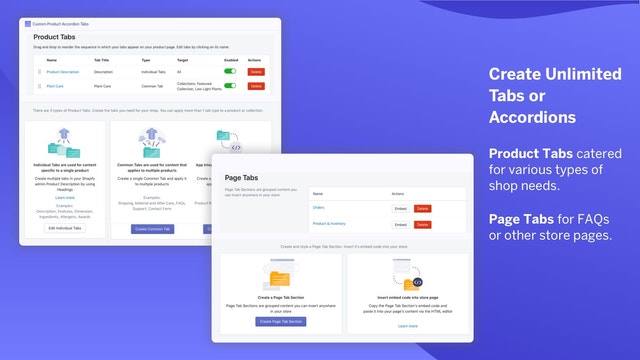
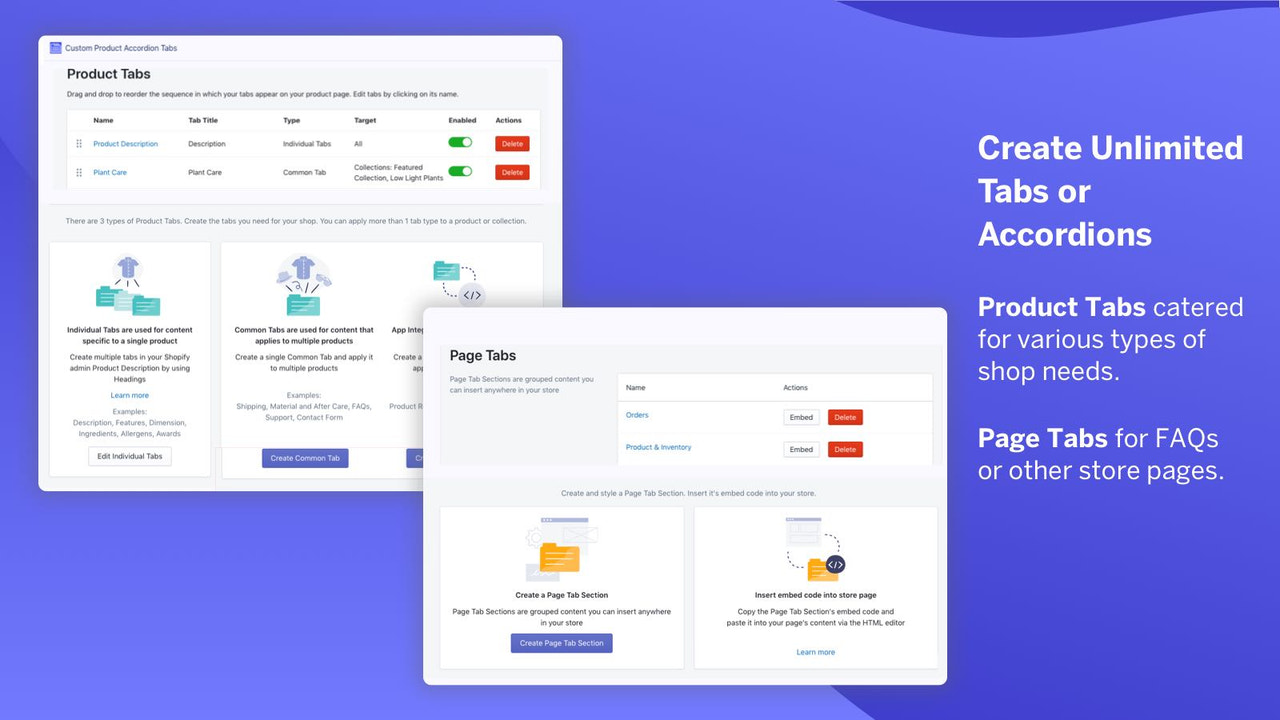
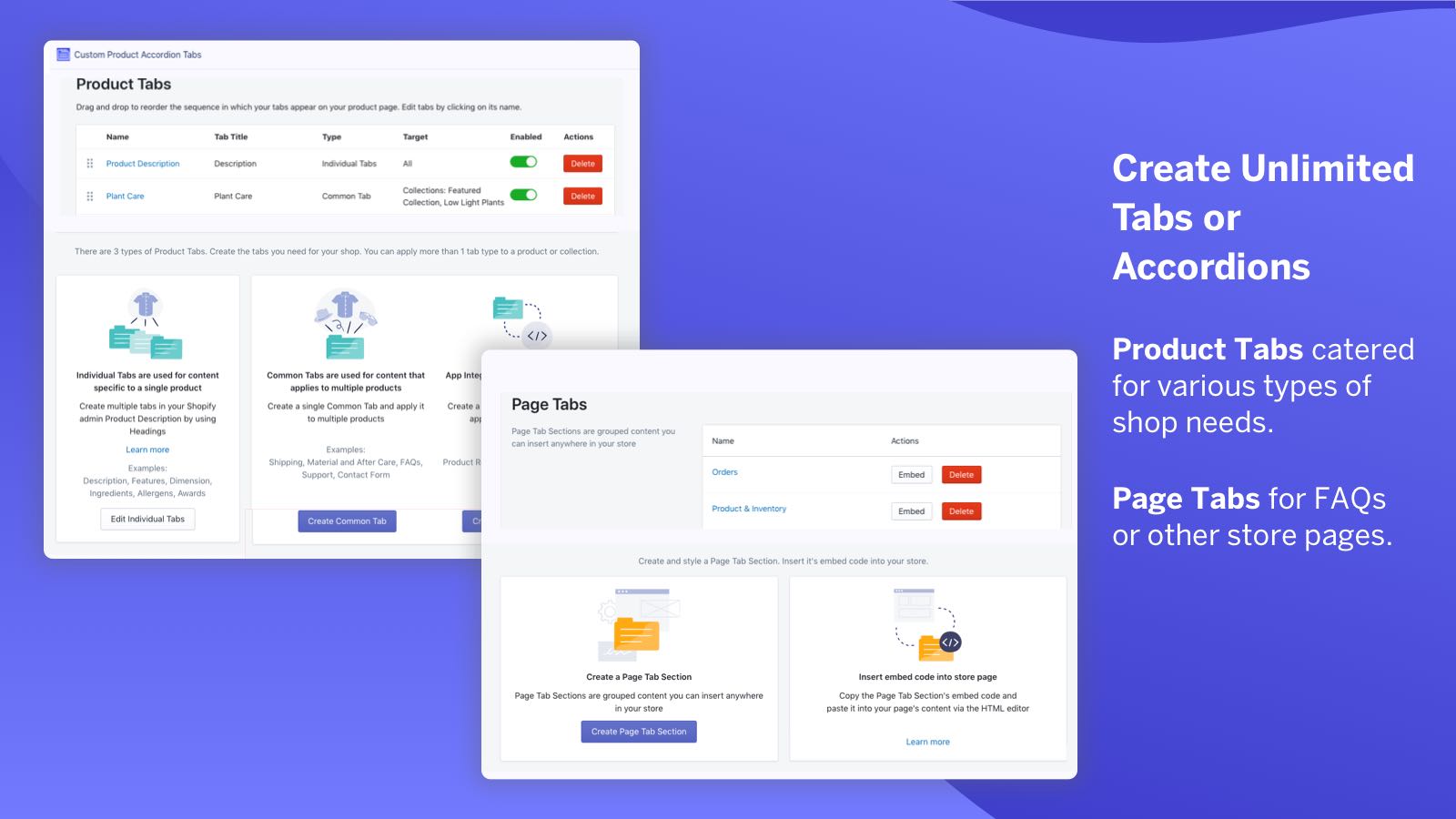
- Create separate tags for product-specific information
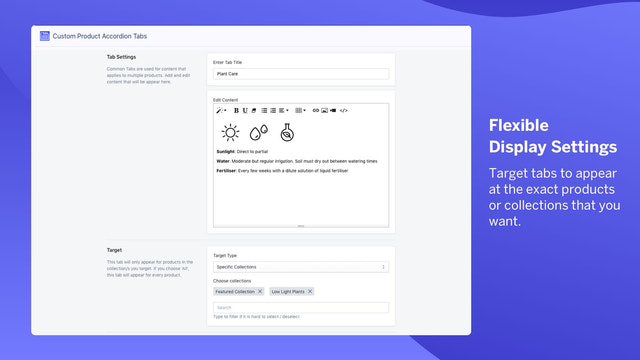
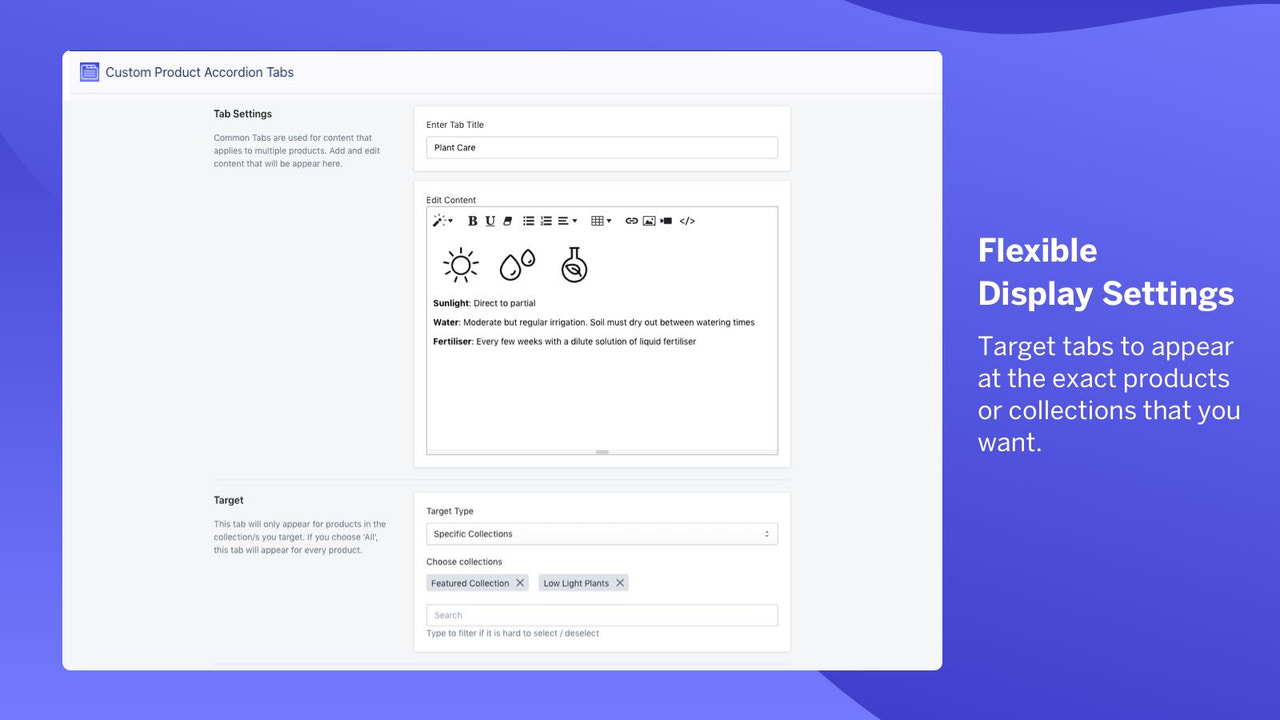
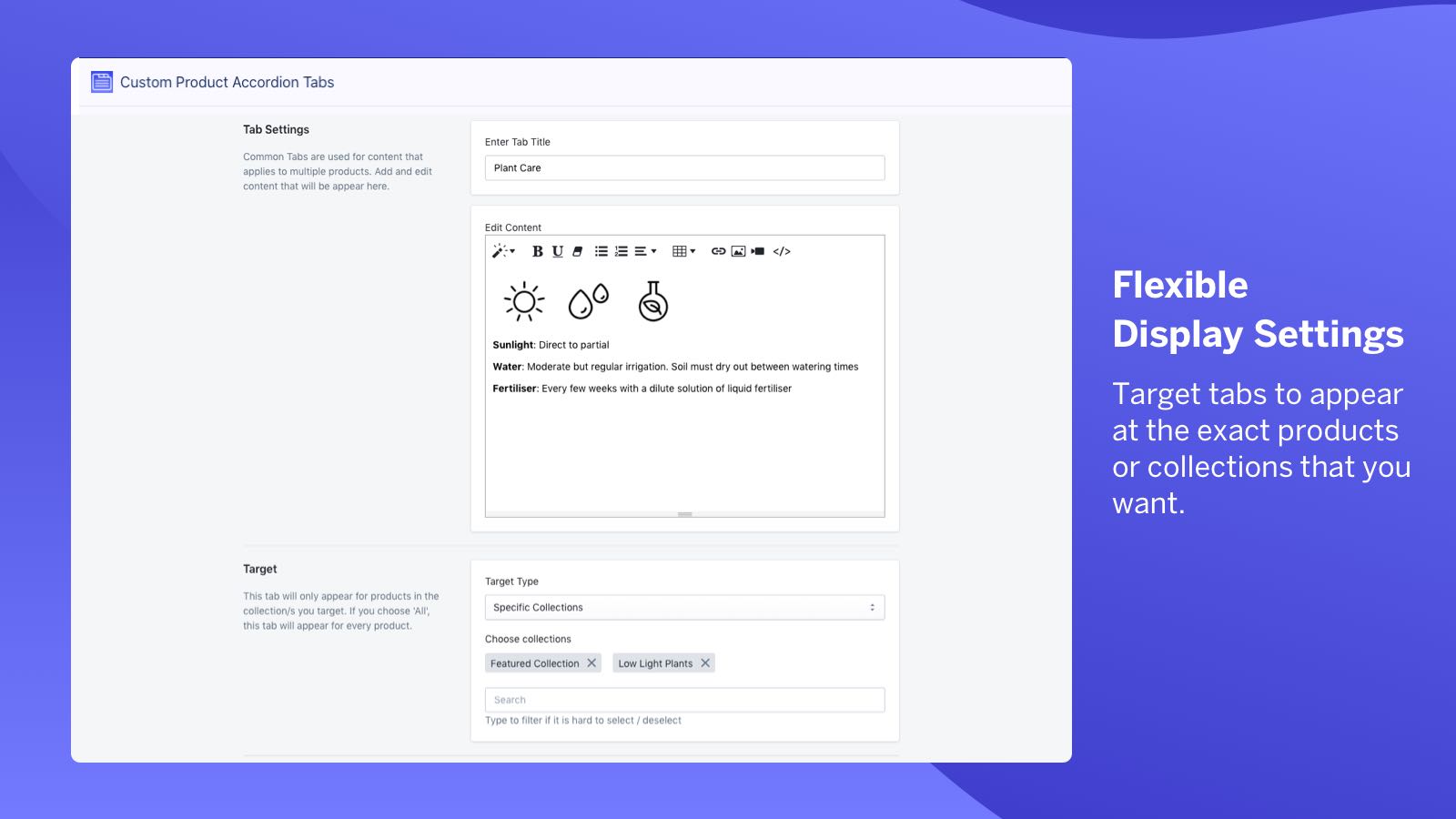
- Create universal tags for information related to specific collections or all products
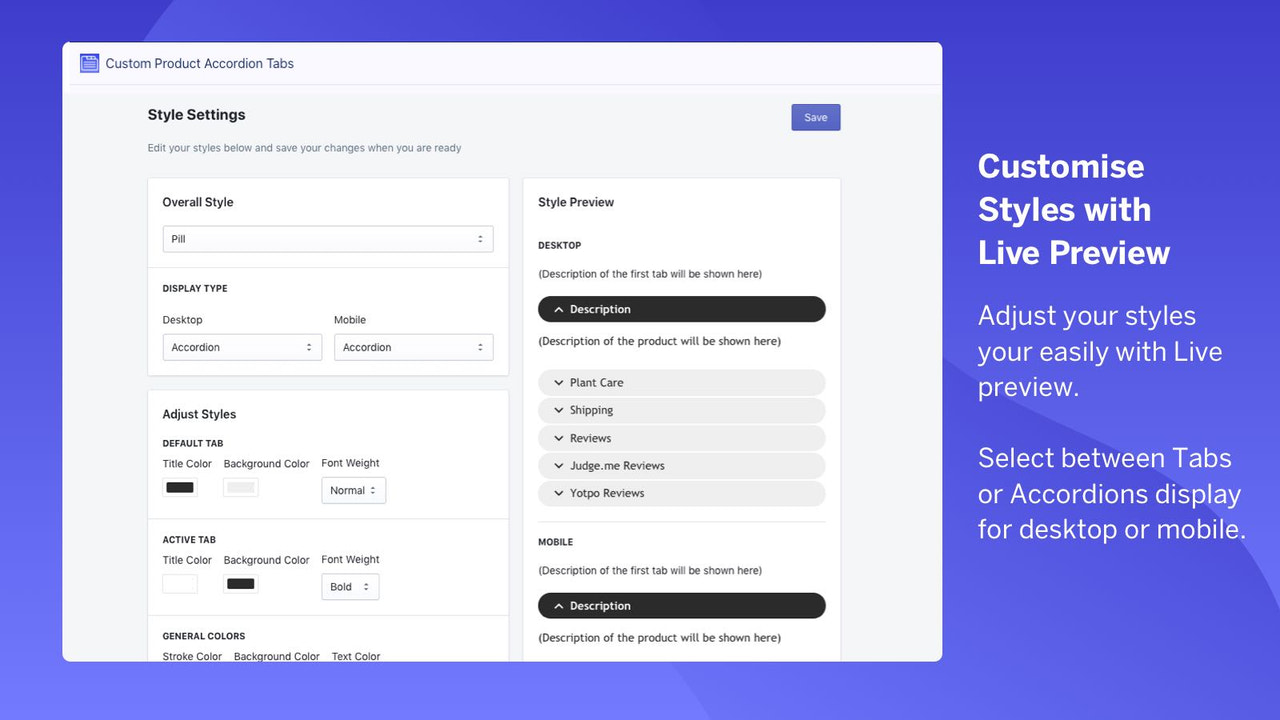
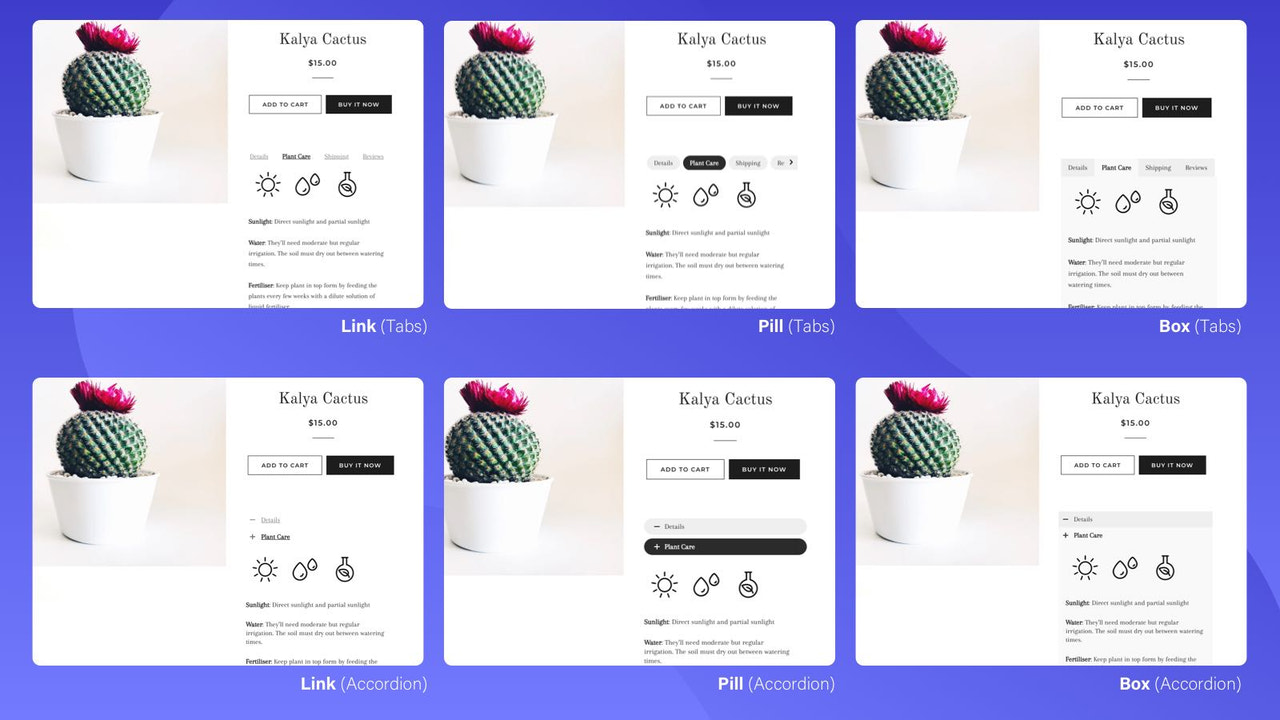
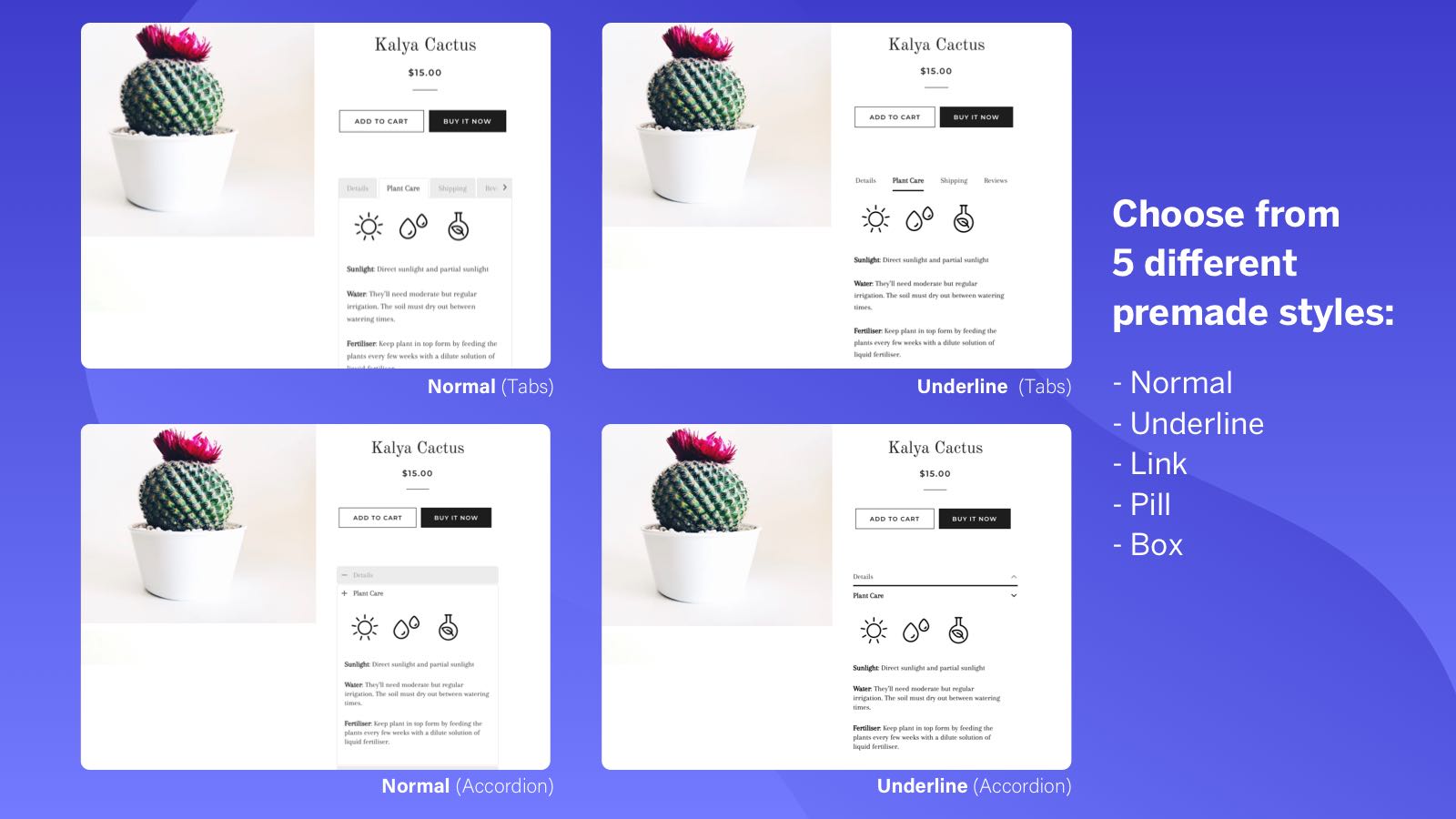
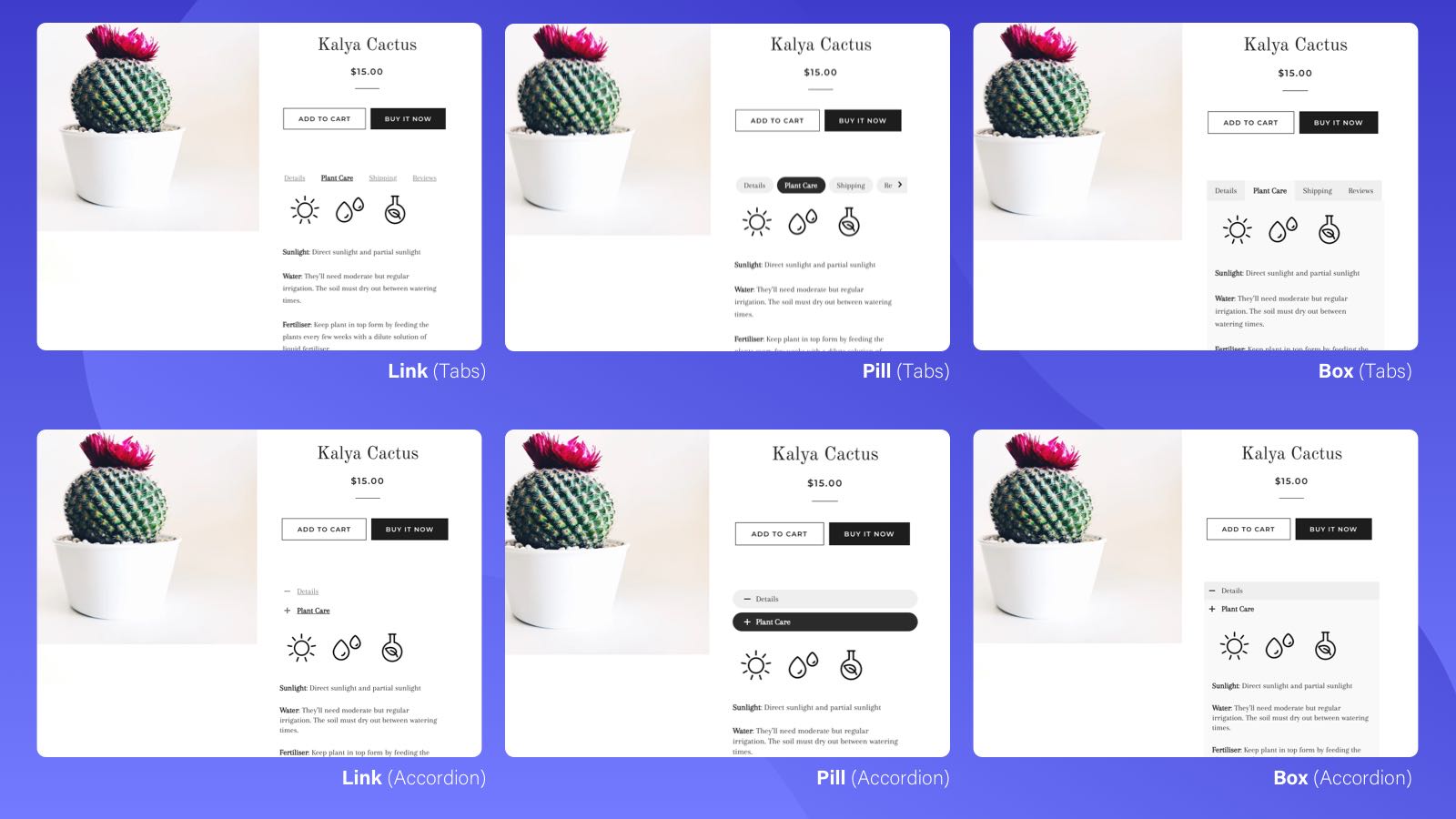
- Choose between tabs or accordions for desktop or mobile, with 5 preset styles to select from
- Integrate with third-party apps
- Use Shopify 2.0 app blocks to insert page tabs anywhere on any page or location
Merchant-Friendly
- Independent Station Merchants
- Multi-category E-commerce
- Boutique Merchants
- Cross-border E-commerce
Basic Information
- Developer:Voidworks
- Address:101 Upper Cross Street, #05-16, People's Park Centre, Singapore, 058357, SG
- Price: Free / Free plan
- Rating:4.4 / 5
- Comment Count:29 comment
- Release Date:2019-10-7
- Supported languages:English
- Compatible products:Shopify
Application Screenshot




Price Plan
付费计划
- Unlimited number of product + page tags
- Choose between tabs or accordions
- All style presets
- For all products or specific collections
User Location & Comments
User Location
Comments
Shopify API Used
- POST /admin/api/products.json
- PUT /admin/api/products/{product_id}.json
- GET /admin/api/products/{product_id}.json
Permission:write_products,read_products,manage_tags
- POST /admin/api/collections/{collection_id}.json
- PUT /admin/api/collections/{collection_id}.json
- GET /admin/api/collections/{collection_id}.json
Permission:write_collections,read_collections,manage_tags
- POST /admin/api/themes/{theme_id}/assets.json
- PUT /admin/api/themes/{theme_id}/assets.json
- GET /admin/api/themes/{theme_id}/assets.json
Permission:write_themes,read_themes,manage_online_store
- POST /admin/api/apps/{app_id}/settings.json
- PUT /admin/api/apps/{app_id}/settings.json
- GET /admin/api/apps/{app_id}/settings.json
Permission:write_apps,read_apps,manage_apps
- POST /admin/api/pages/{page_id}.json
- PUT /admin/api/pages/{page_id}.json
- GET /admin/api/pages/{page_id}.json
Permission:write_pages,read_pages,manage_online_store



