
App Introduction
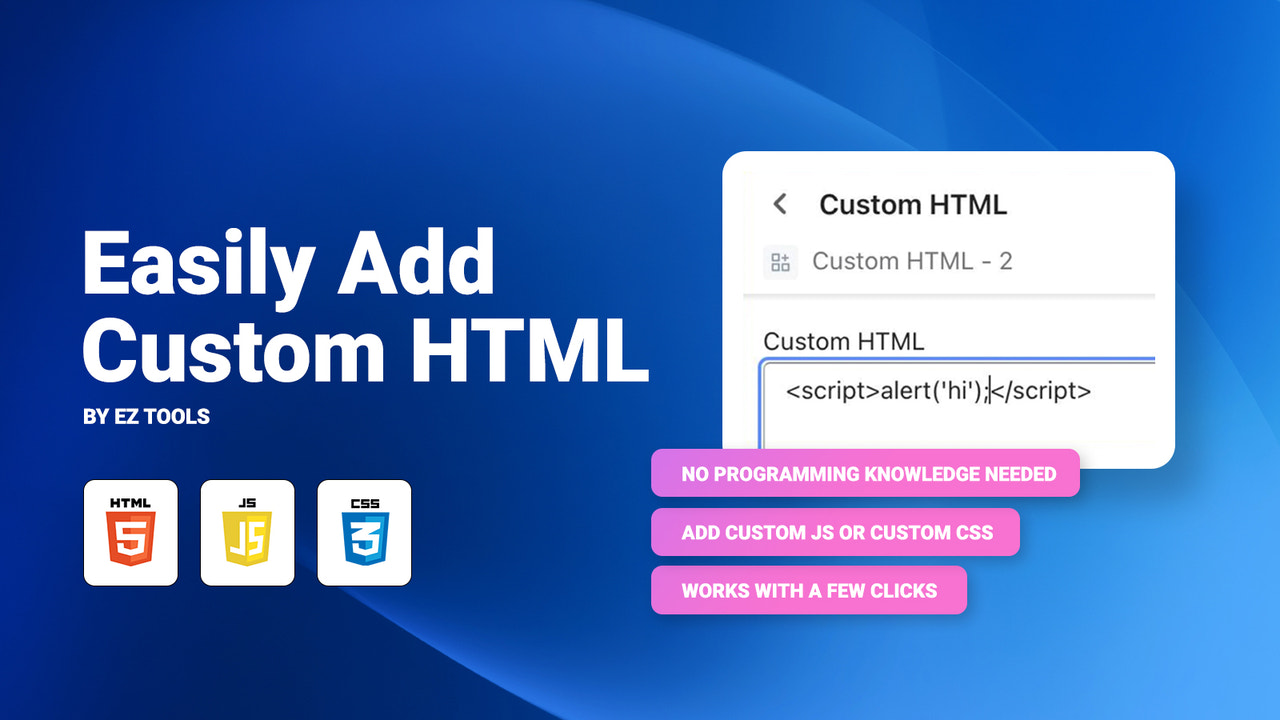
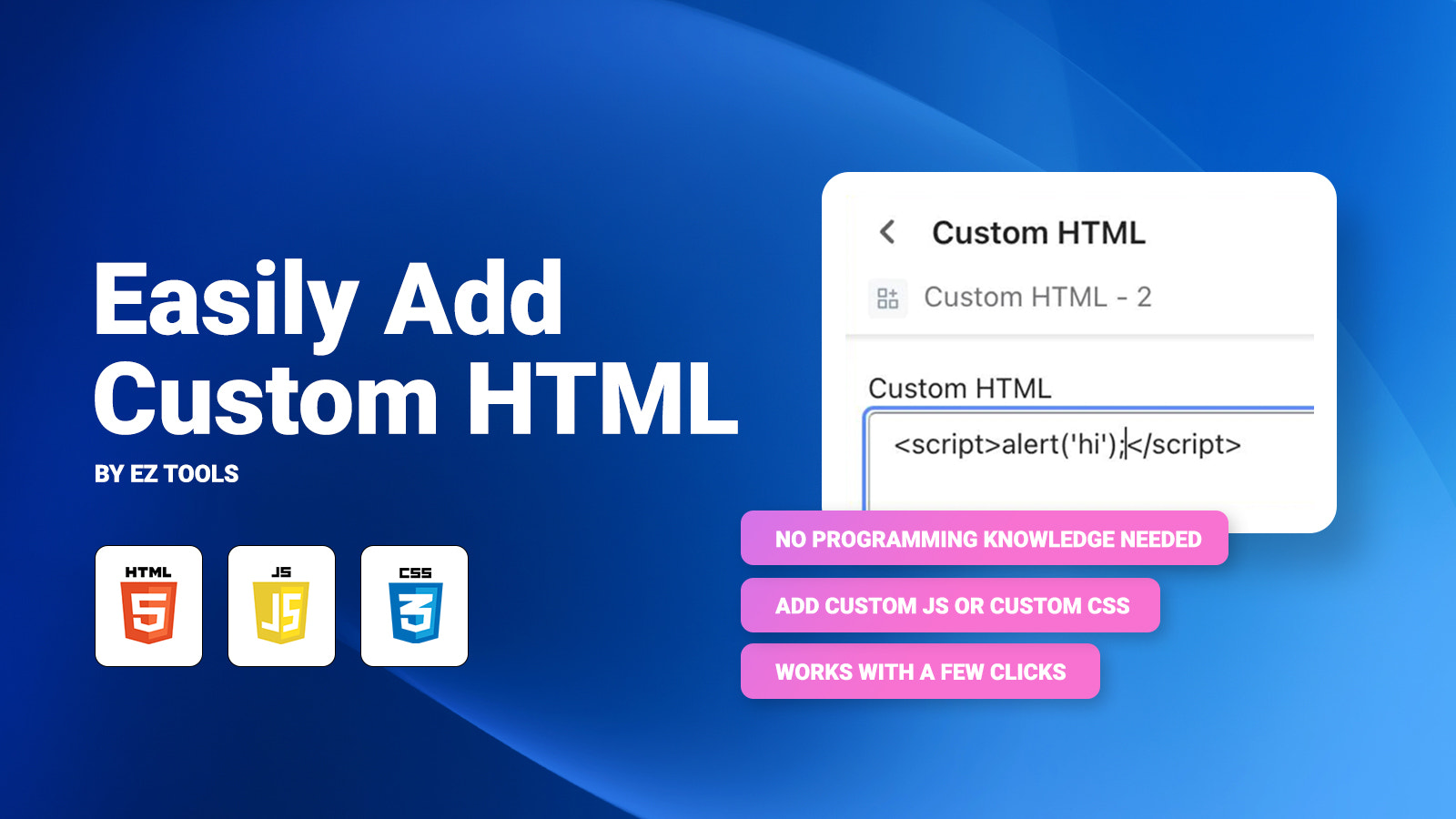
Easily add custom HTML. A custom HTML section compatible with Online Store 2.0 themes. Are you struggling with how to add a custom HTML section to Shopify? Do you want to avoid adding custom HTML to your theme's Liquid files? Are you interested in adding custom JS or custom CSS to your pages? Then this is the app for you! You don’t need any programming or coding experience to add custom HTML! As an app block in the theme editor, you can easily drag and drop to position your custom HTML.
Core Functionality
- Top-tier support. Typically responds within 24 hours, if not 1-2 hours.
- Add custom HTML to any page without JavaScript skills or knowledge.
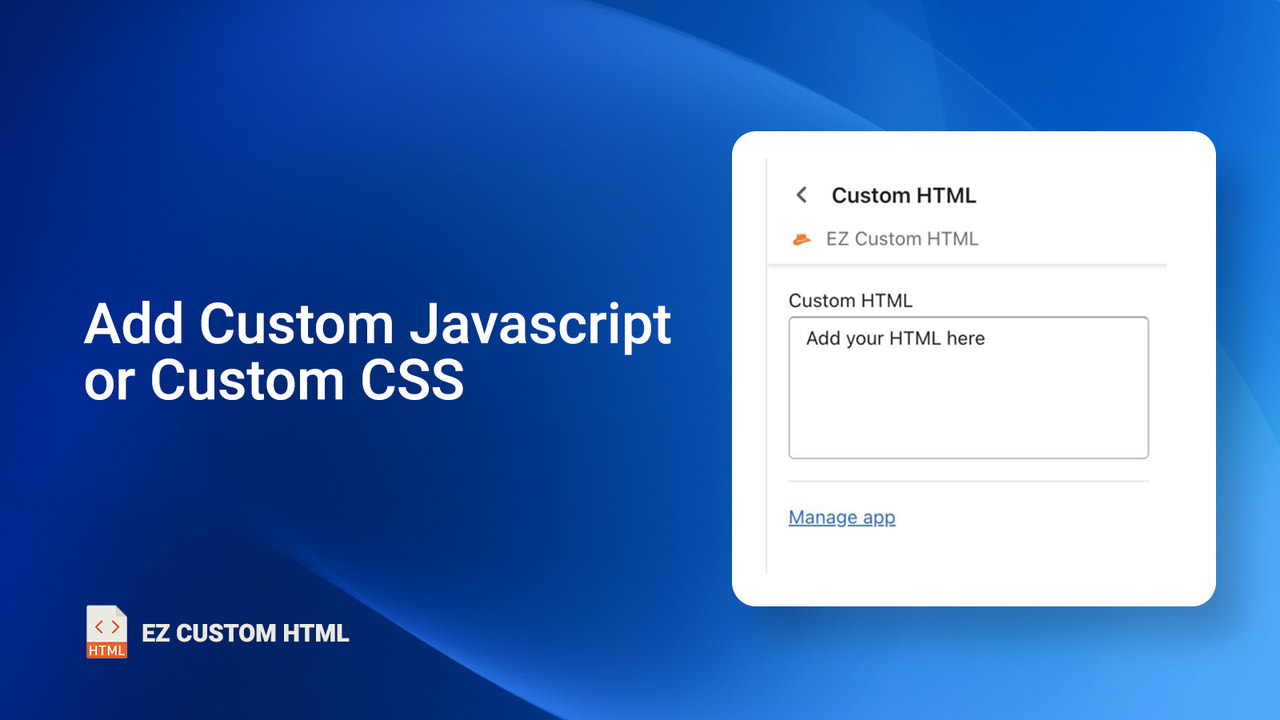
- Also add custom CSS or JavaScript (JS)!
- Easily add custom HTML to any Shopify page.
Merchant-Friendly
- Independent Station Merchants
- Small & Medium E-commerce Sellers
- Creative Stores
Basic Information
- Developer:Programmer Hat
- Address:7520 Hornwood Dr, 1305, Houston, TX, 77036, US
- Price: Free / Free plan
- Rating:5 / 5
- Comment Count:1 comment
- Release Date:2023-3-14
- Supported languages:English
- Compatible products:Shopify
Application Screenshot






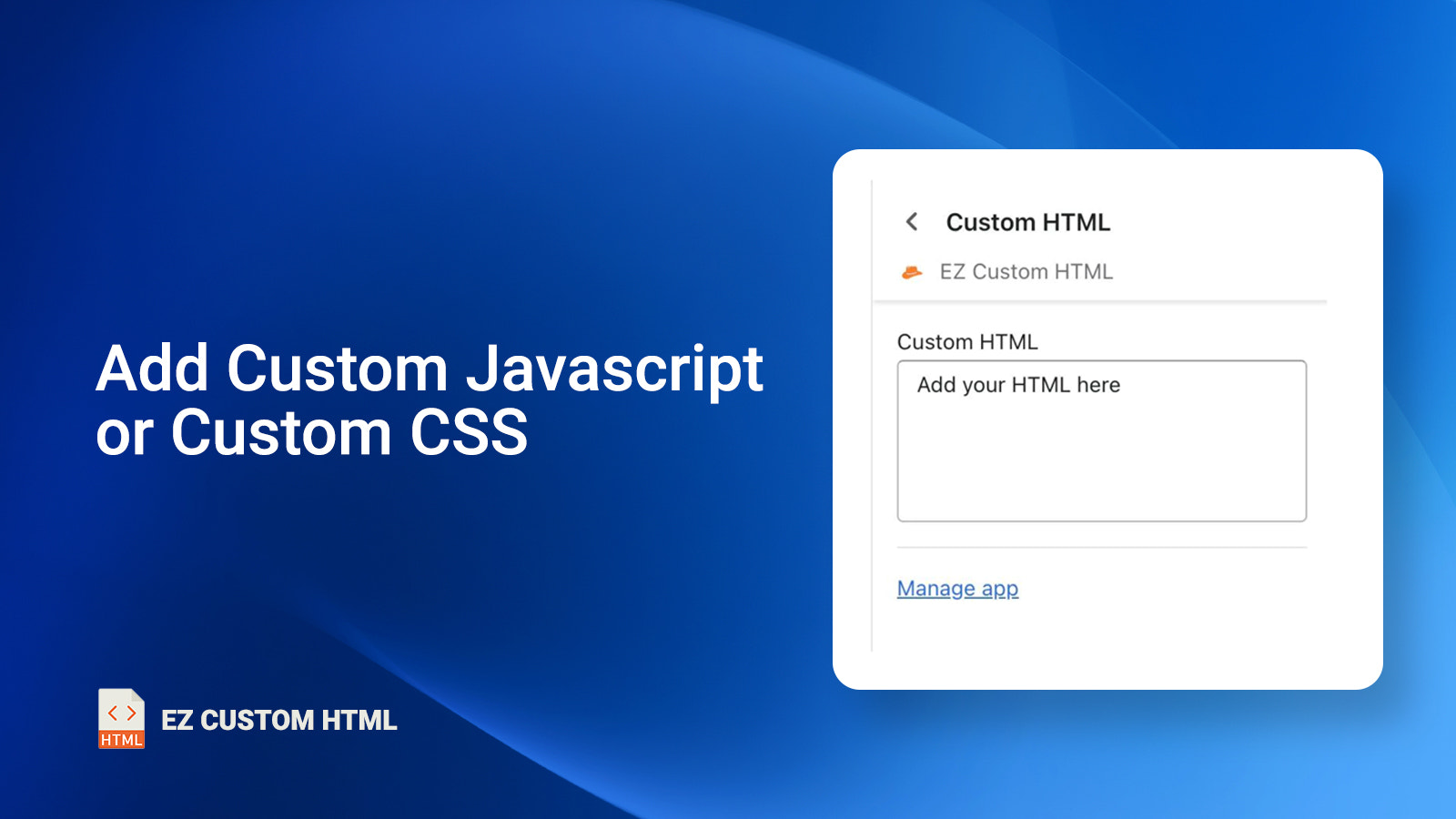
Price Plan
Basic
$4.98 / 或 $49.99/年(可节省 16%)
- No JavaScript skills or knowledge required
- You can also add custom CSS and JavaScript (JS)
- Easily add custom HTML.
User Location & Comments
User Location
Comments
Shopify API Used
- POST /admin/api/script_tags.json
- PUT /admin/api/script_tags/{id}.json
- GET /admin/api/script_tags.json
Permission:write_script_tags,read_script_tags,manage_theme
- POST /admin/api/asset.json
- PUT /admin/api/asset.json
- GET /admin/api/asset.json
Permission:write_asset,read_asset,manage_theme
- POST /admin/api/script_tags.json
- PUT /admin/api/script_tags/{id}.json
- GET /admin/api/script_tags.json
Permission:write_script_tags,read_script_tags,manage_theme