
App Introduction
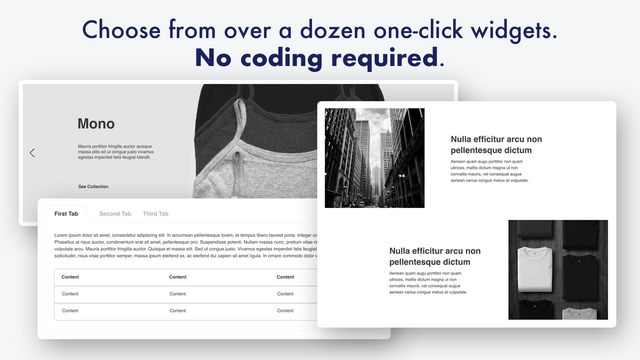
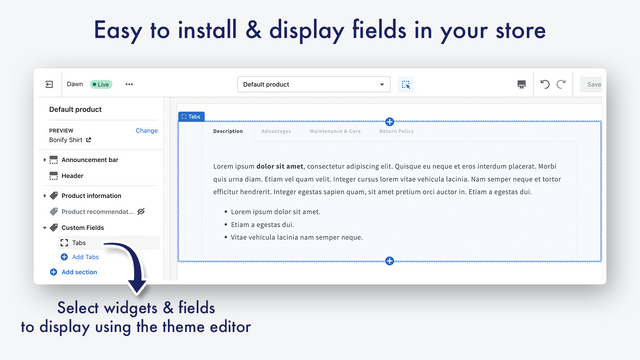
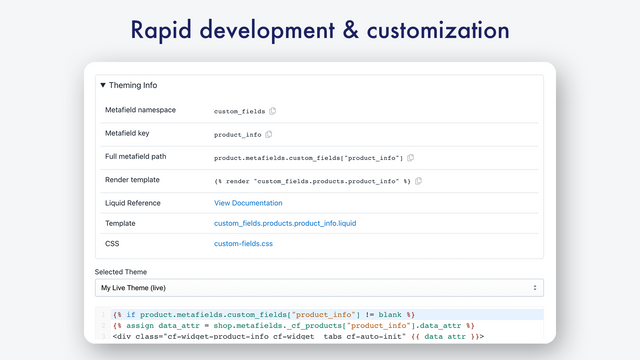
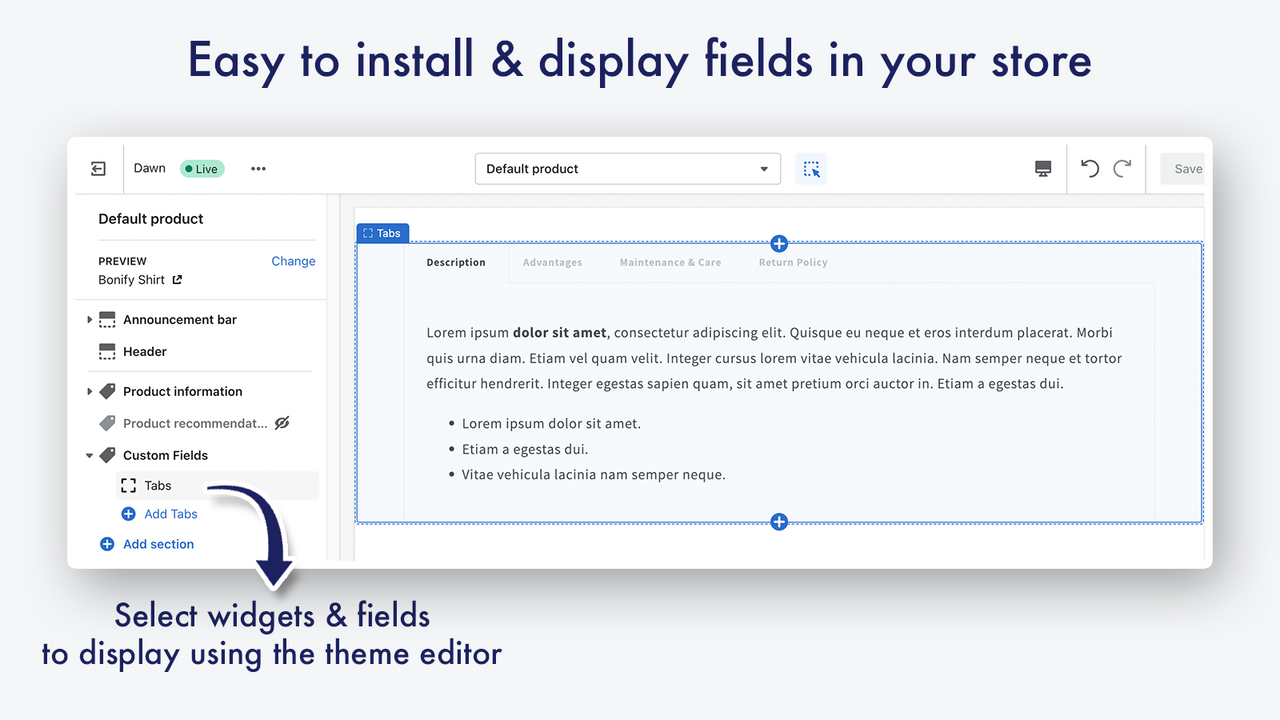
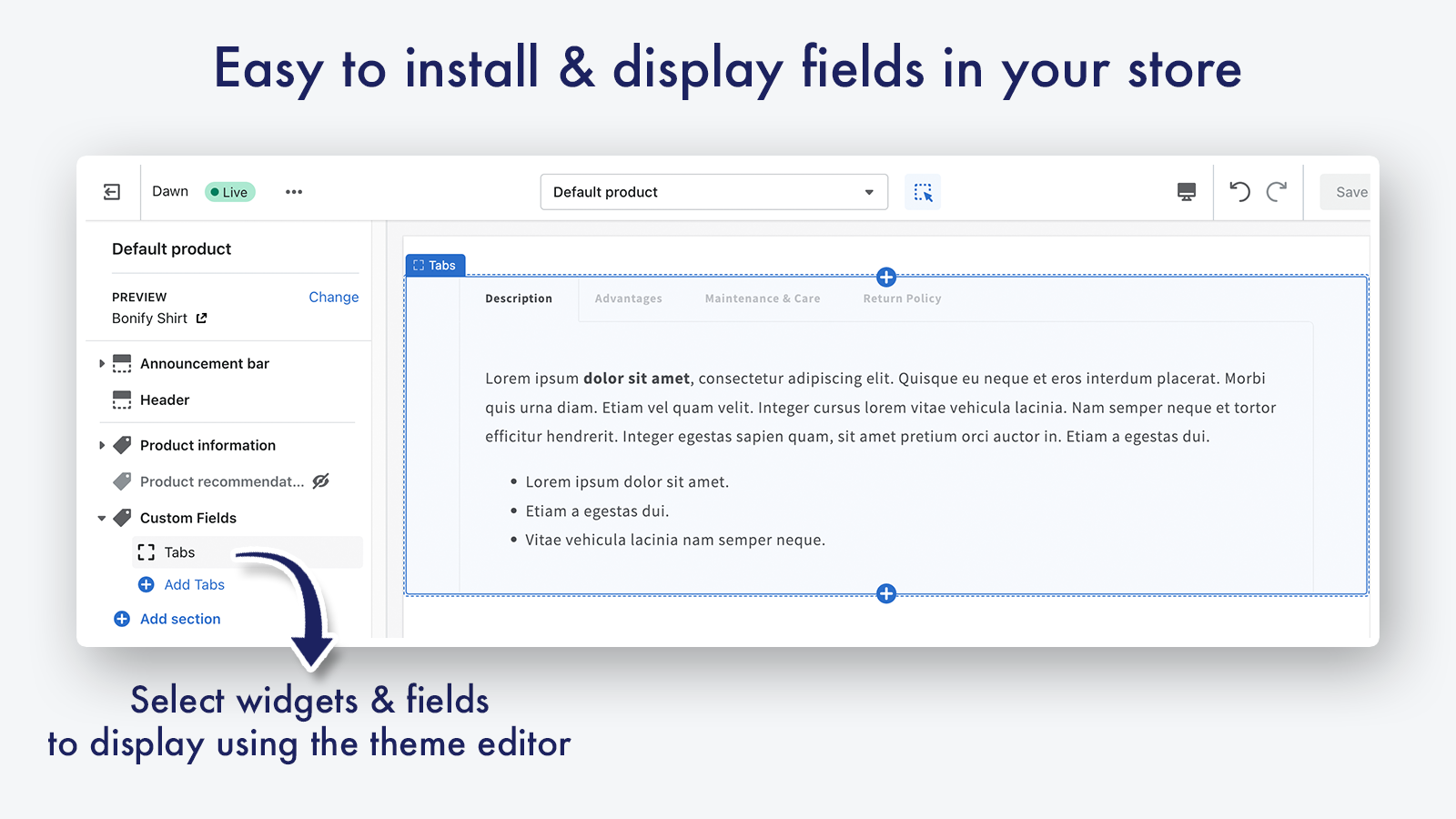
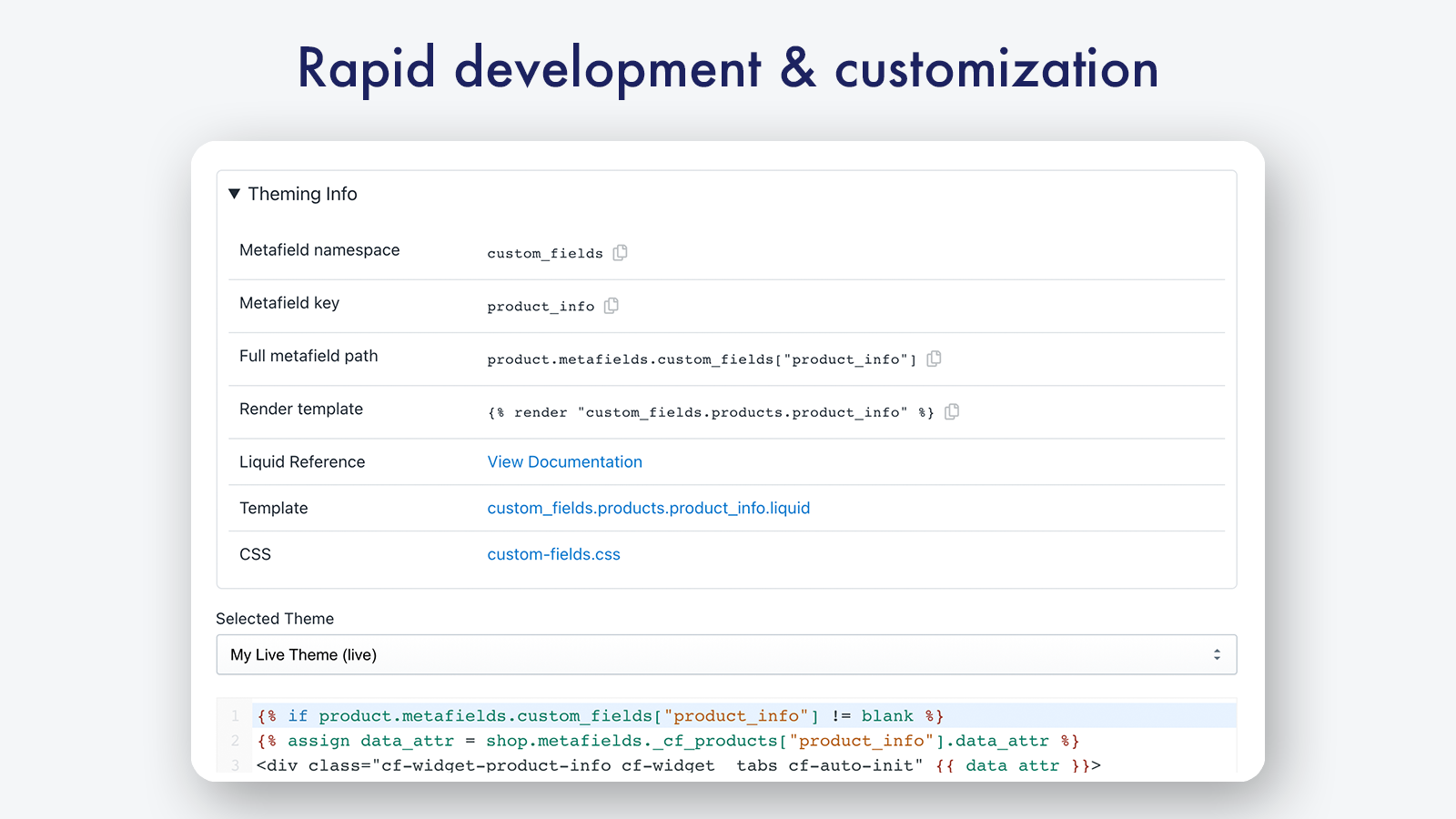
Customize with metafields, custom data, and widgets, and access eBay item-specific fields for seamless synchronization With Bonify Custom Fields, the native metafield manager simplifies store data management. Create custom fields, edit new or existing metafields, design and place custom widgets into your store via the theme editor, or implement custom coding as needed. Use the eBay connector to access eBay item-specific fields through a category-aware auto-generated form, complete with required/recommended groups and validation. Enjoy a streamlined setup where your data is saved to Shopify metafields and syncable via Marketplace Connect (or any connector).
Core Functionality
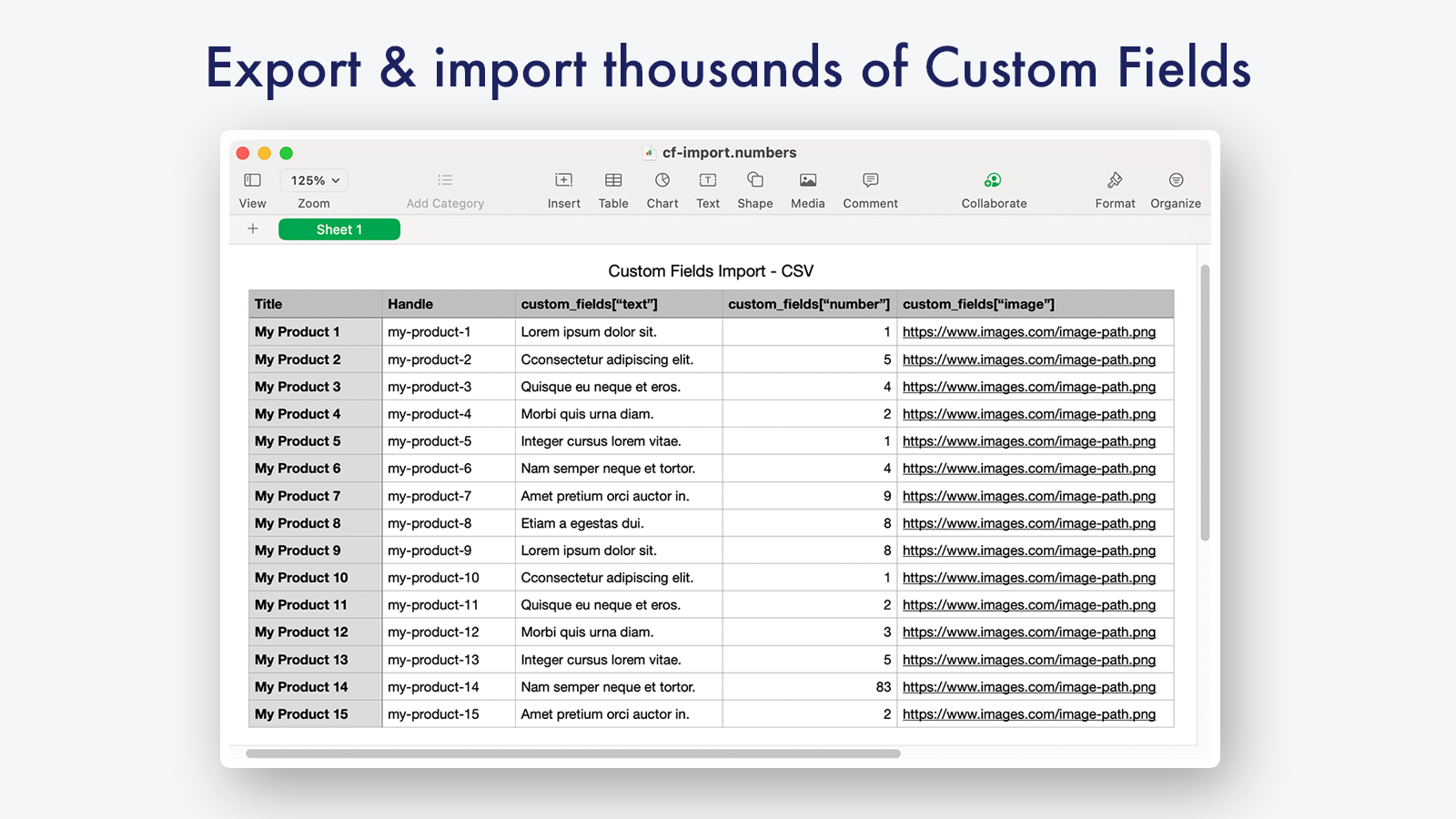
- Data import, including file/image import and all types of metafield data
- Supports all Shopify metafield data types and includes unique field types
- Build complex custom field groups with nested fields and object sections
- Automatically import metafield configurations, such as eBay item-specific fields
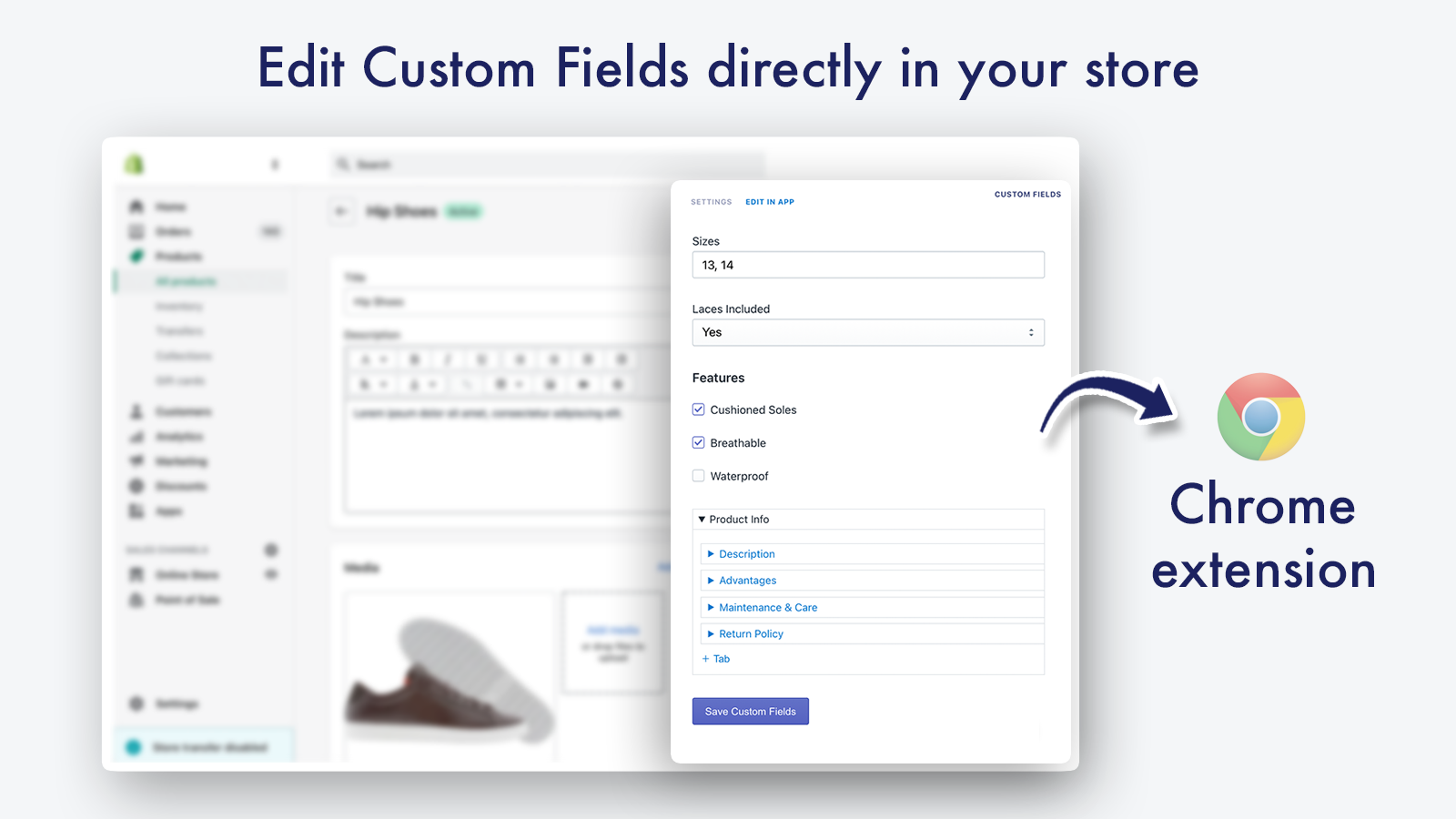
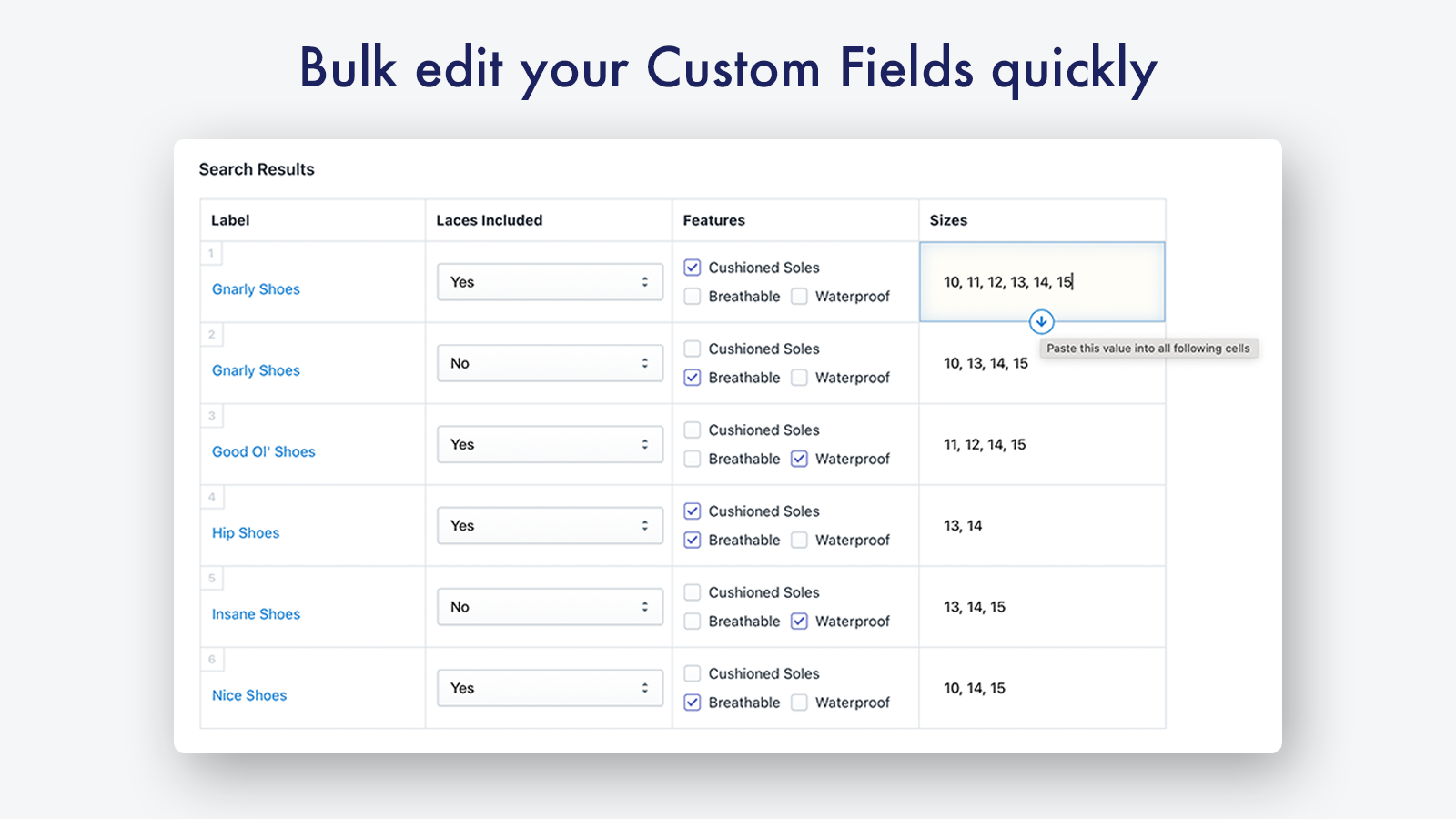
- Edit metafields directly in the admin backend or bulk-edit to update multiple items at once
Merchant-Friendly
- Cross-border E-commerce Merchants
- Independent Station Merchants
- Multi-category E-commerce
- Boutique Merchants
Basic Information
- Developer:Bonify
- Address:83 Amherst Street, FL 2, Manchester, NH, 03101, US
- Price: Free / Free plan
- Rating:4.3 / 5
- Comment Count:106 comment
- Release Date:2016-4-6
- Supported languages:English、German、French
- Compatible products:Shopify
Application Screenshot


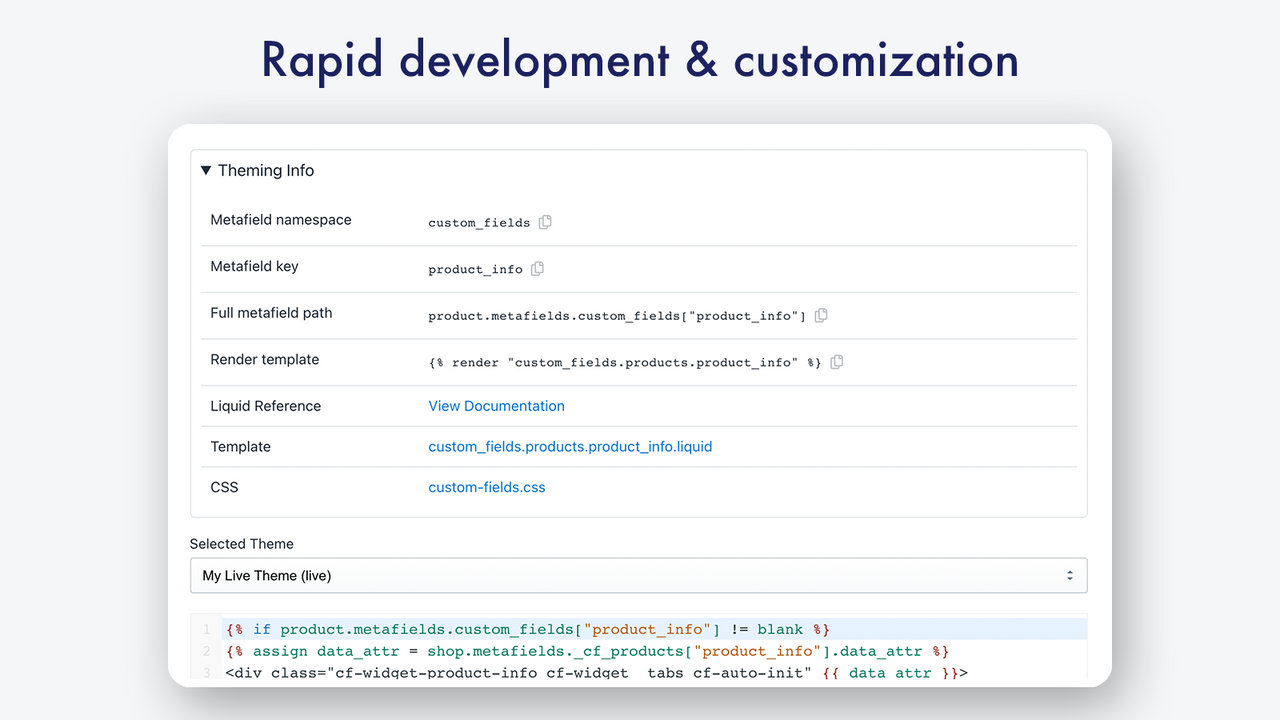
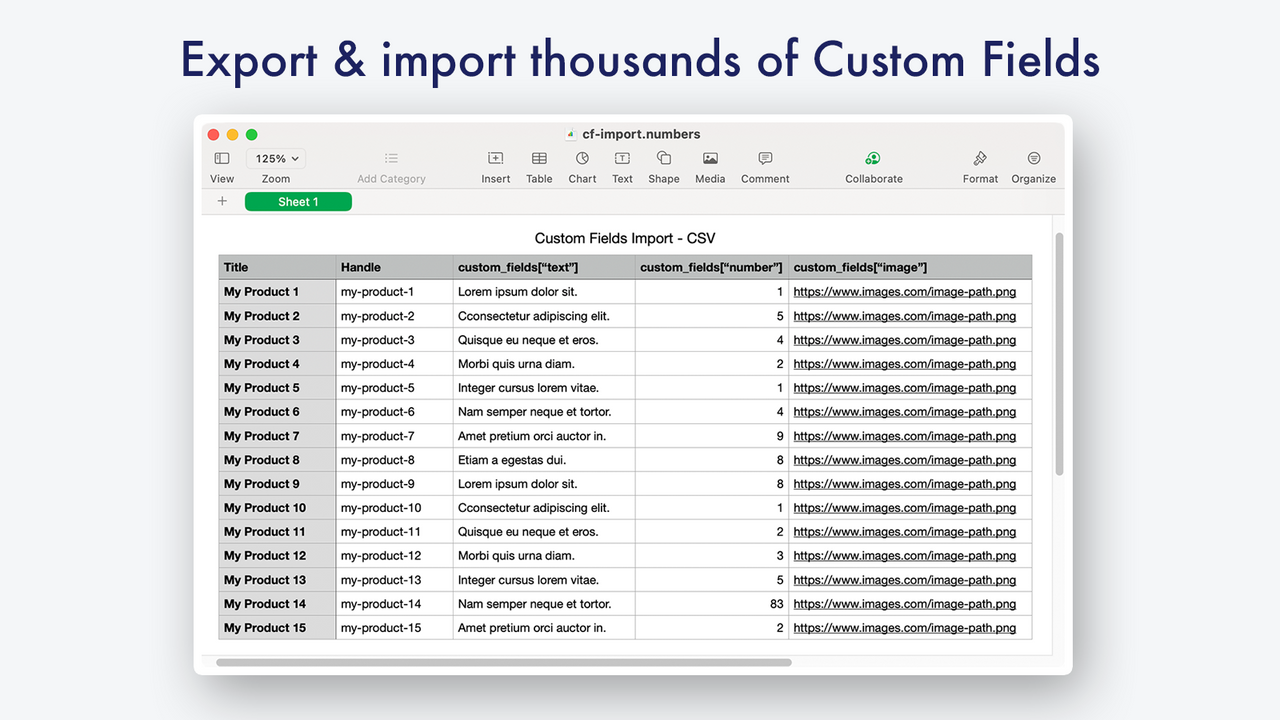
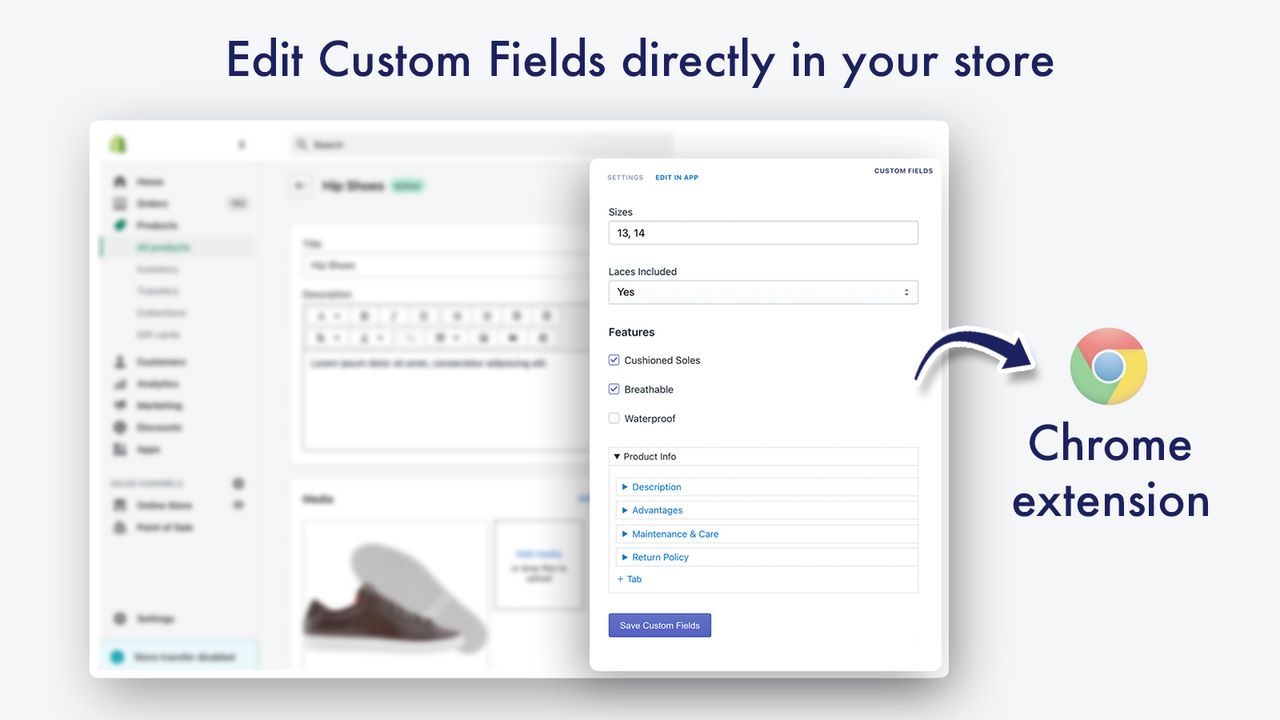
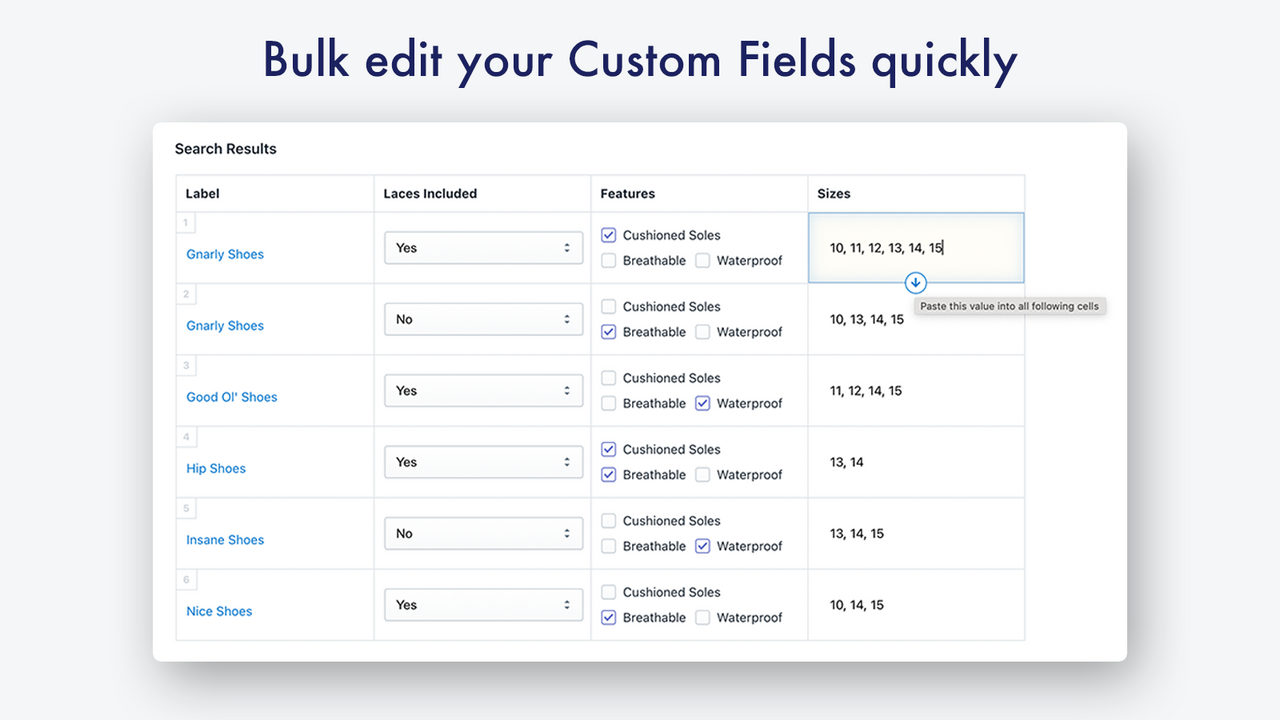




Price Plan
Free for Devs
- Build Your Store for Free
Pro
- Includes all features
- Includes all field types and widgets
- Unlimited fields
- Excellent support
Pro Plus
- All Features, Field Types, and Widgets
- Unlimited Fields
- Excellent Support
- Free for Development Stores
- Multi-Store Discounts Available
User Location & Comments
User Location
Comments
Shopify API Used
- POST /admin/api/metafields.json
- PUT /admin/api/metafields/{id}.json
- GET /admin/api/metafields.json
Permission:write_metafields,read_metafields,manage_products
- POST /admin/api/metafield_definitions.json
- PUT /admin/api/metafield_definitions/{id}.json
- GET /admin/api/metafield_definitions.json
Permission:write_metafield_definitions,read_metafield_definitions,manage_products
- POST /admin/api/metafield_definitions/bulk.json
- PUT /admin/api/metafield_definitions/bulk.json
- GET /admin/api/metafield_definitions.json
Permission:write_metafield_definitions,read_metafield_definitions,manage_products
- POST /admin/api/metafields/bulk.json
- PUT /admin/api/metafields/bulk.json
- GET /admin/api/metafields.json
Permission:write_metafields,read_metafields,manage_products