
App Introduction
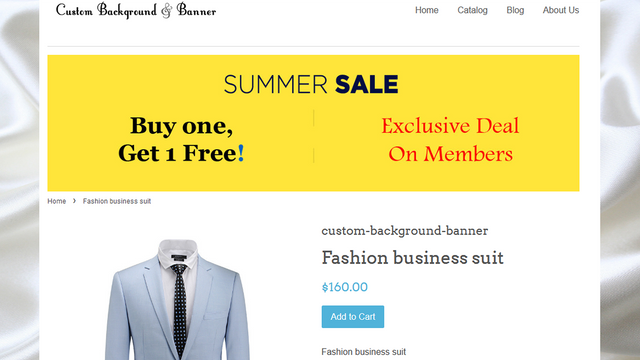
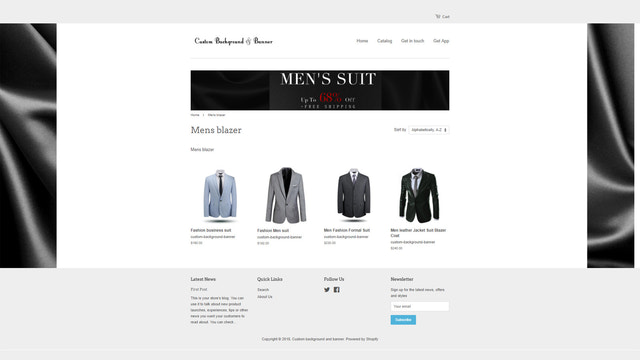
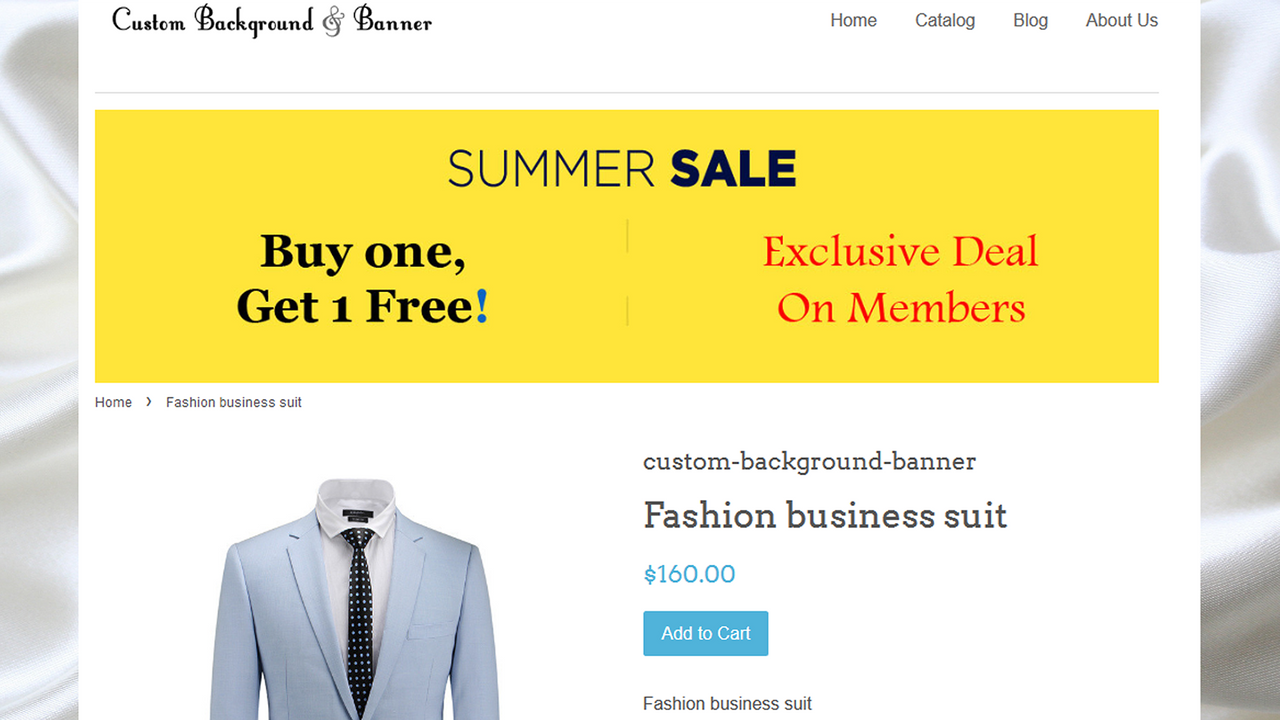
Display individual slides on any collection and product detail pages to boost revenue and increase sales! Merchants can set up product and collection banners for all specific collection and product pages. Sometimes, certain collections and products feature special offers or standout characteristics—but if customers spend only a short time on your product and collection pages, they may miss these deals or highlights. Placing a banner slider with prominent features or offers on specific product/collection pages can enhance your sales. Merchants can configure banner sliders for both collection pages and product pages.
Core Functionality
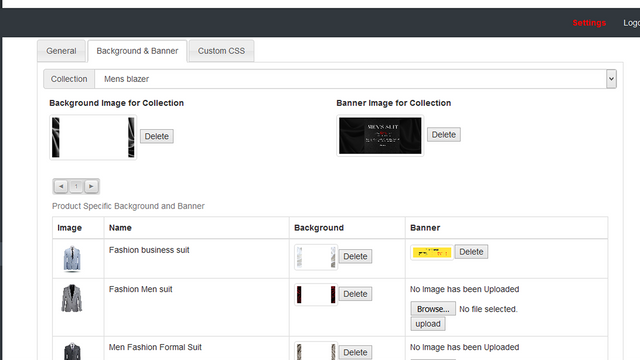
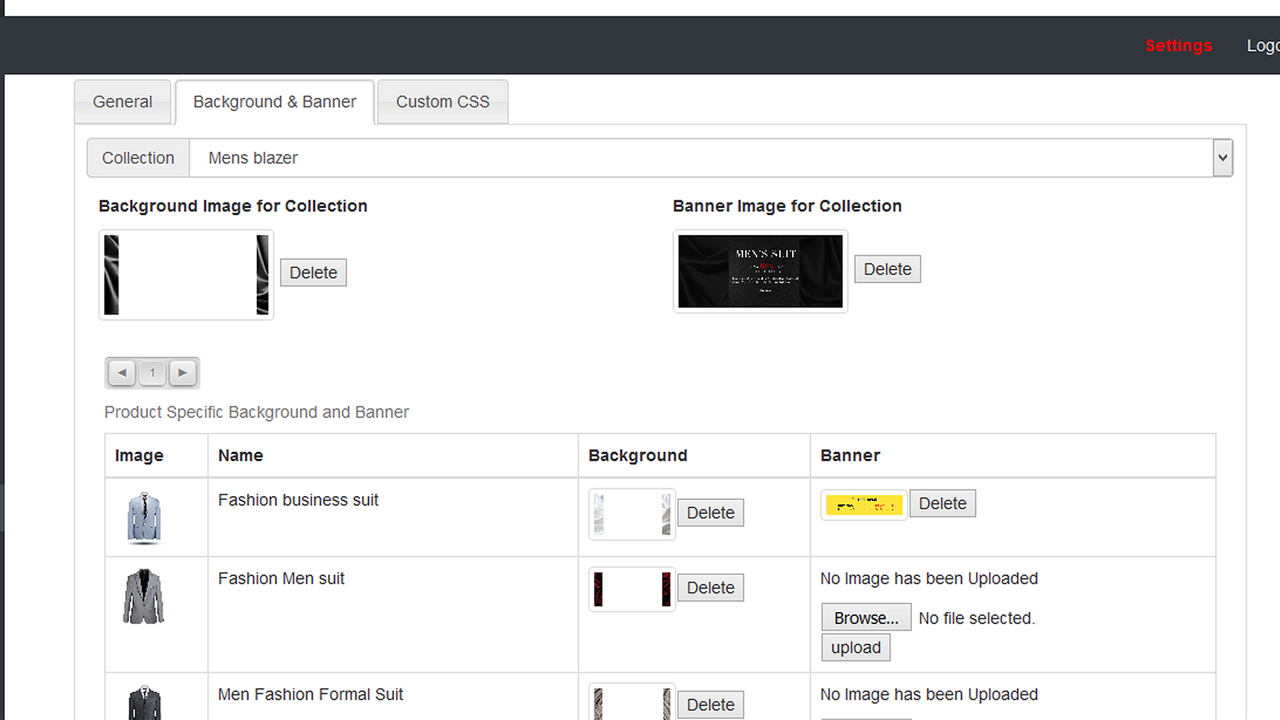
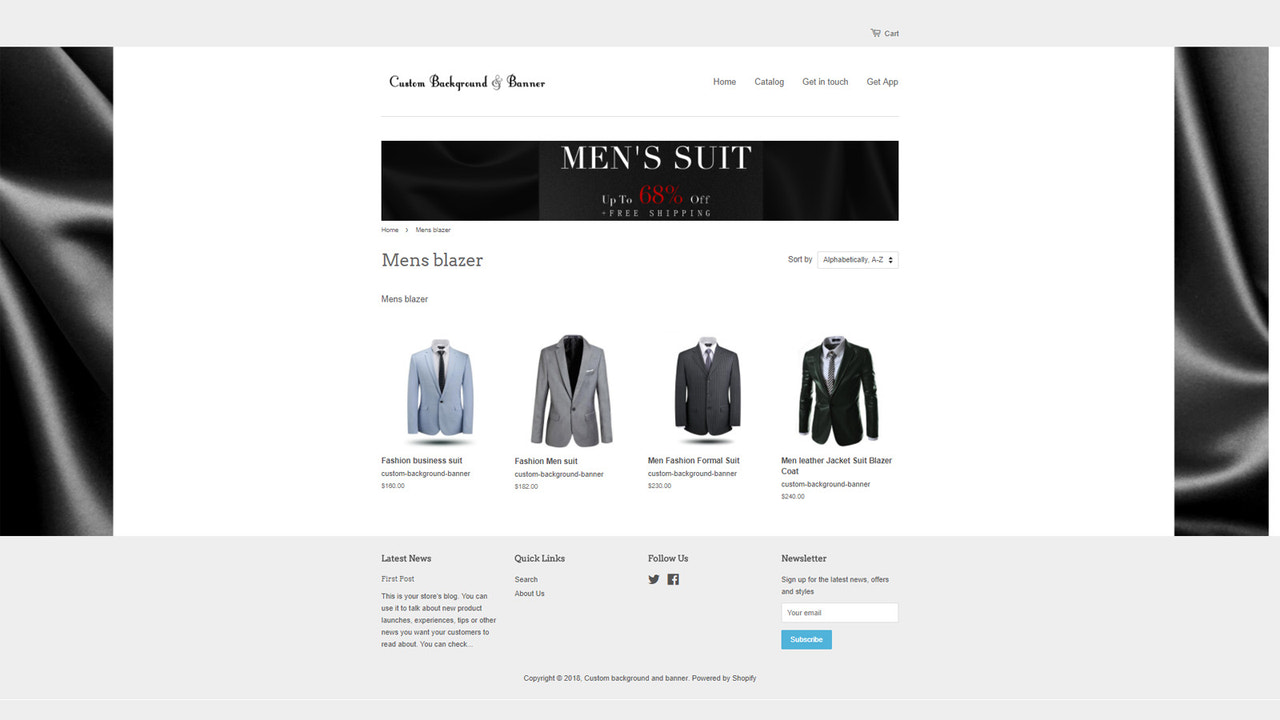
- Set up banner slideshows for specific collection pages and product detail pages
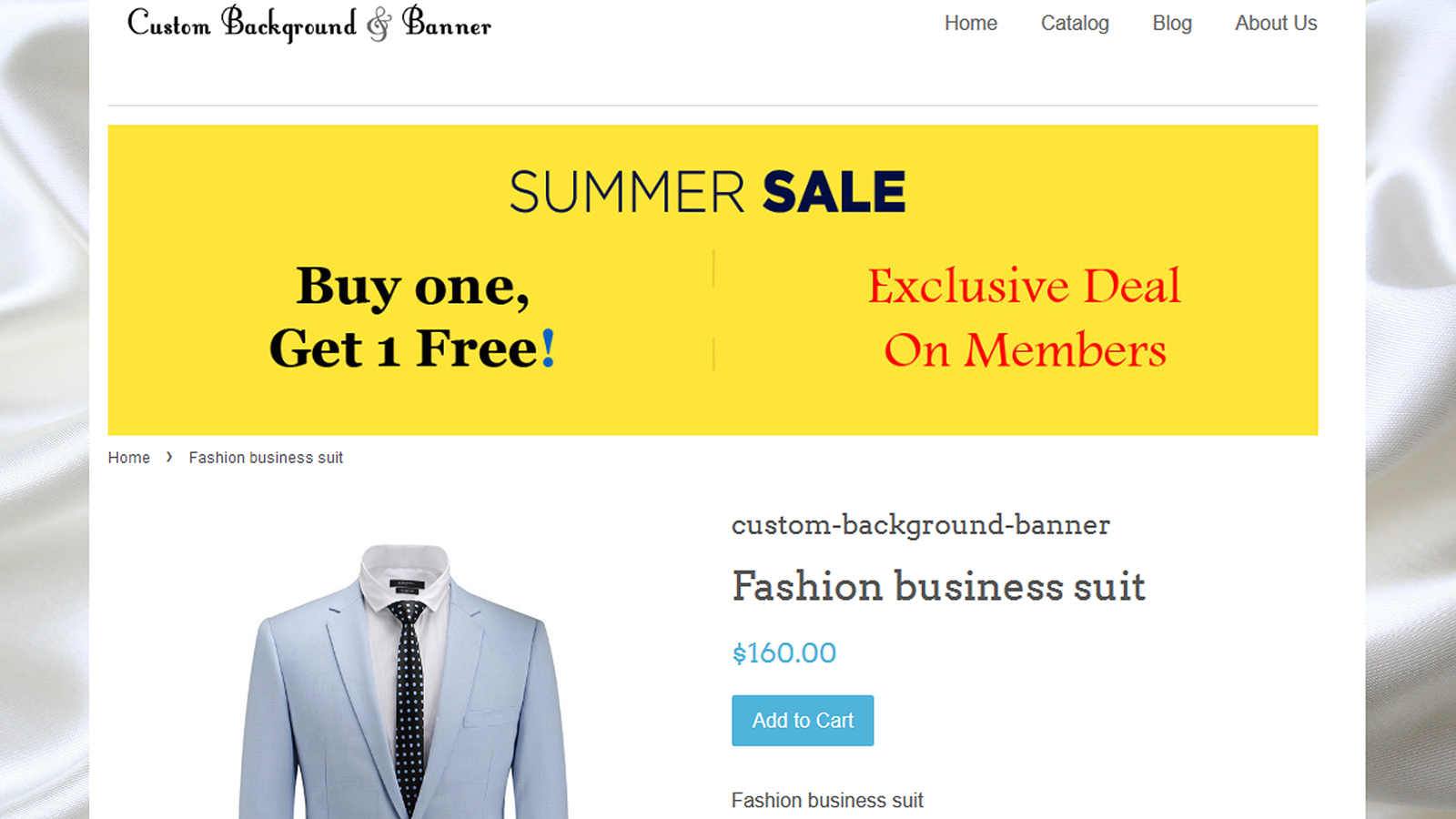
- Use banner carousels to display promotions on specific product detail and collection pages
- Set up redirect navigation links for slideshows
Merchant-Friendly
- Independent Station Merchants
- Multi-category E-commerce
- Promotional Merchants
Basic Information
- Developer:SolverCircle
- Address:271/A, Outer Circular Road, Bara Moghbazar, Dhaka, 1217, BD
- Price: Free / Free plan
- Rating:5 / 5
- Comment Count:4 comment
- Release Date:2016-1-5
- Supported languages:English
- Compatible products:Shopify
Application Screenshot
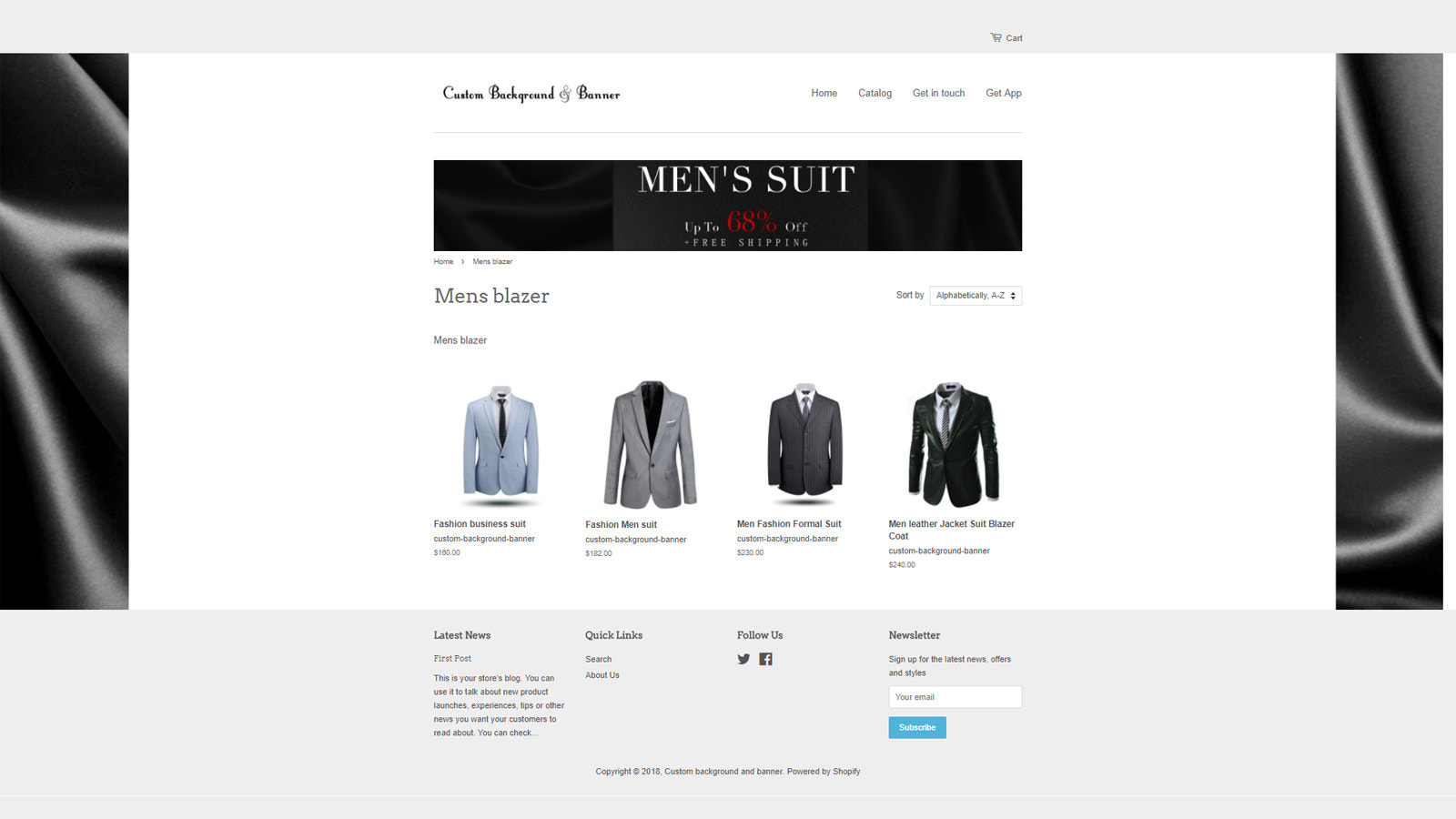
Price Plan
Premium
User Location & Comments
User Location
Comments
Shopify API Used
- POST /admin/api/banners.json
- PUT /admin/api/banners/{id}.json
- GET /admin/api/banners.json
Permission:write_banners,read_banners,manage_themes
- POST /admin/api/banners/items.json
- PUT /admin/api/banners/items/{item_id}.json
- GET /admin/api/banners/items.json
Permission:write_banners,read_banners,manage_discounts
- POST /admin/api/banners/items/{item_id}/links.json
- PUT /admin/api/banners/items/{item_id}/links/{link_id}.json
- GET /admin/api/banners/items/{item_id}/links.json
Permission:write_banners,read_banners,manage_navigation



