
Currency Converter ‑ Multicoin
by AppScoped · Category: Geographic Location
Free Plan
Built for Shopify
App Introduction
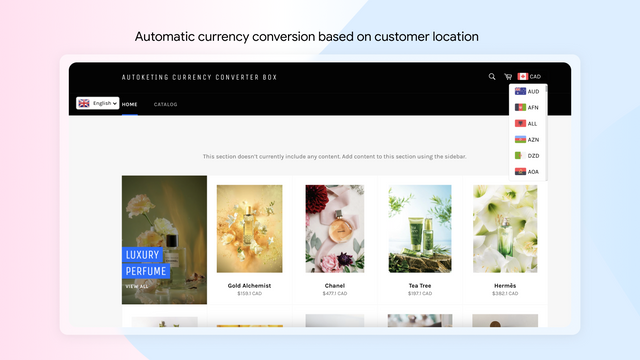
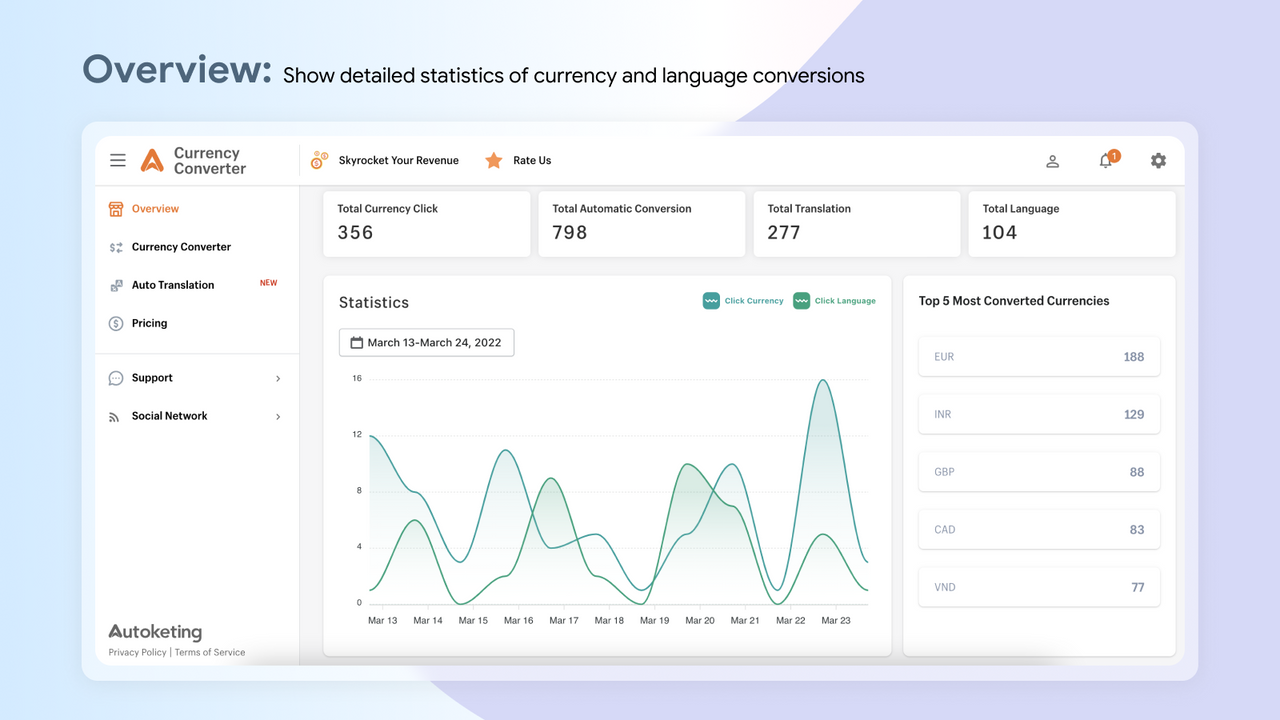
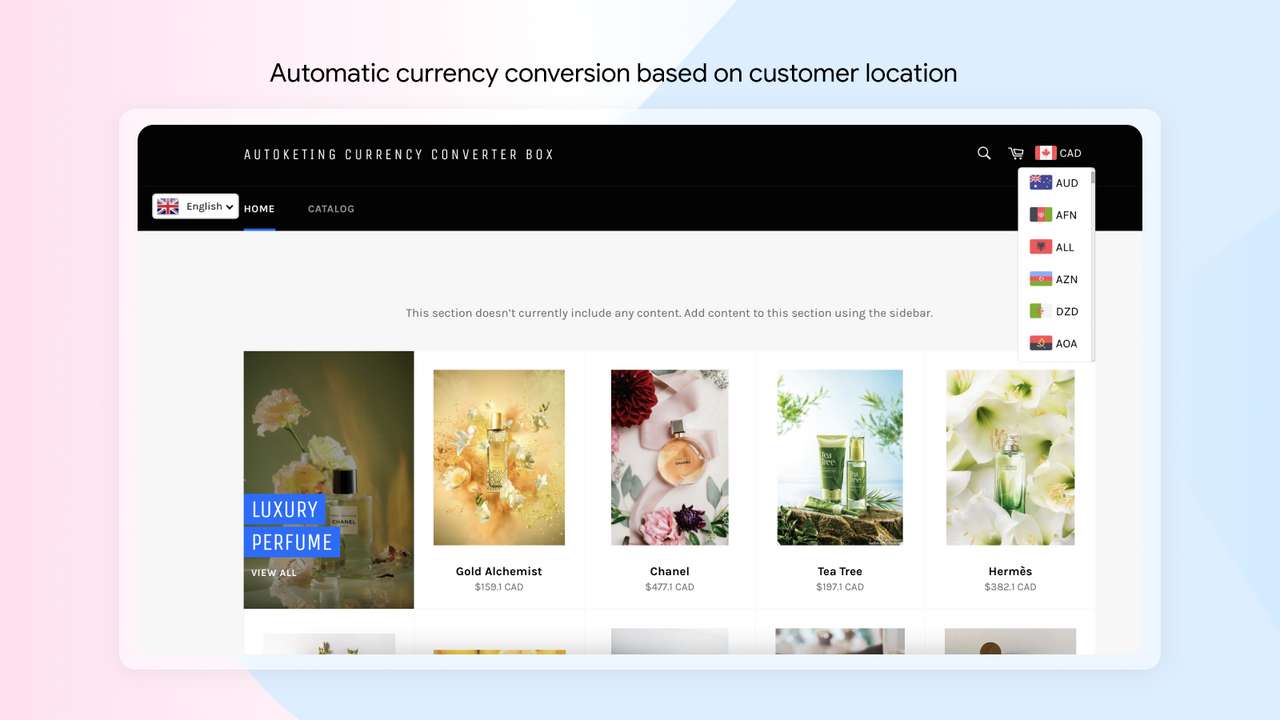
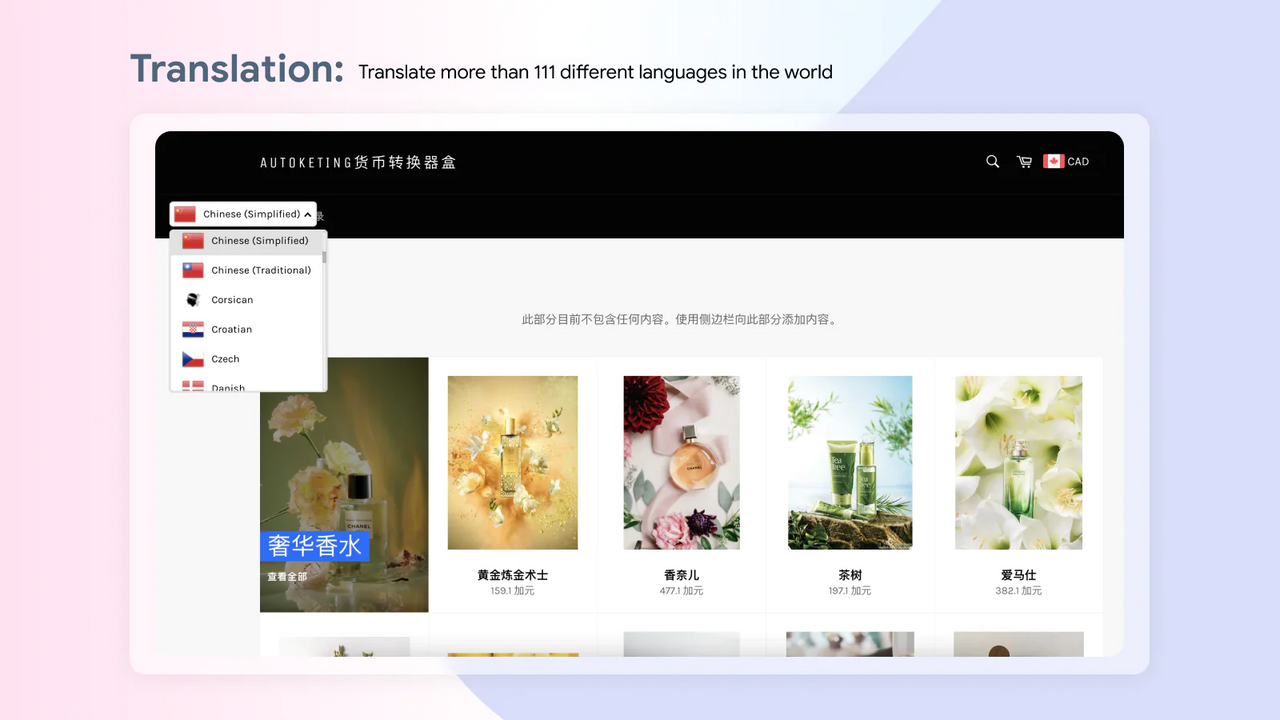
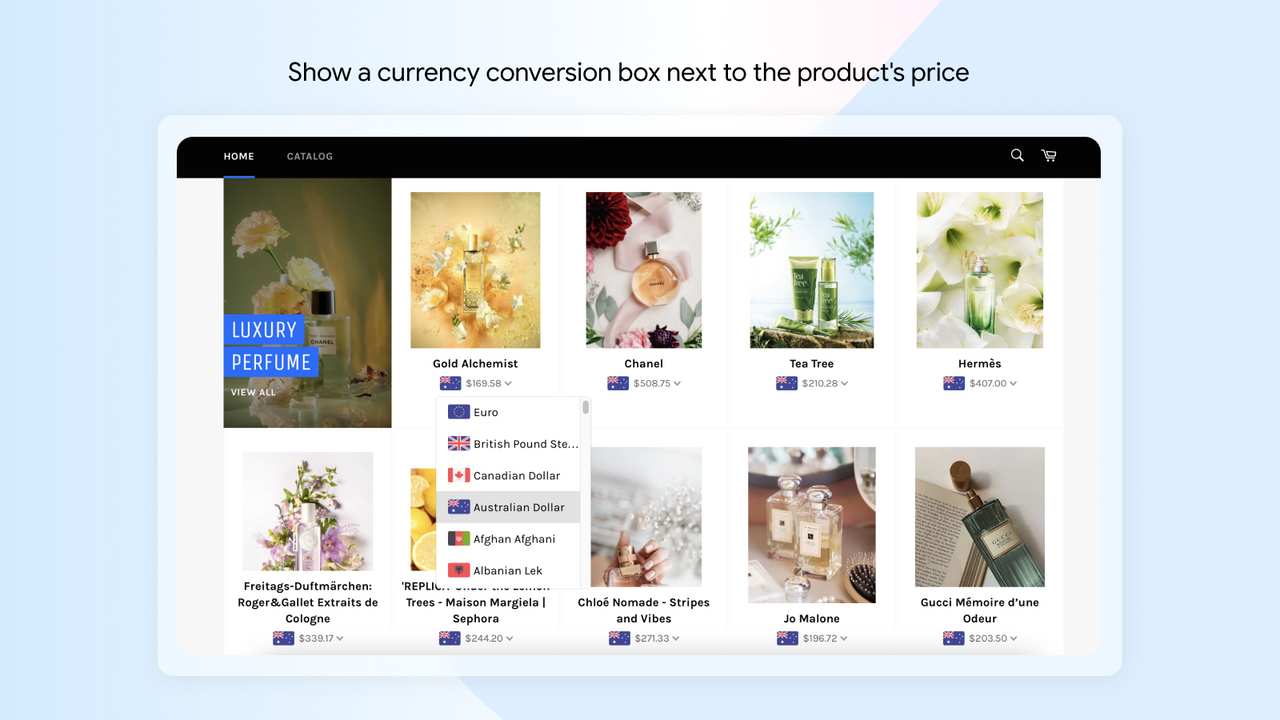
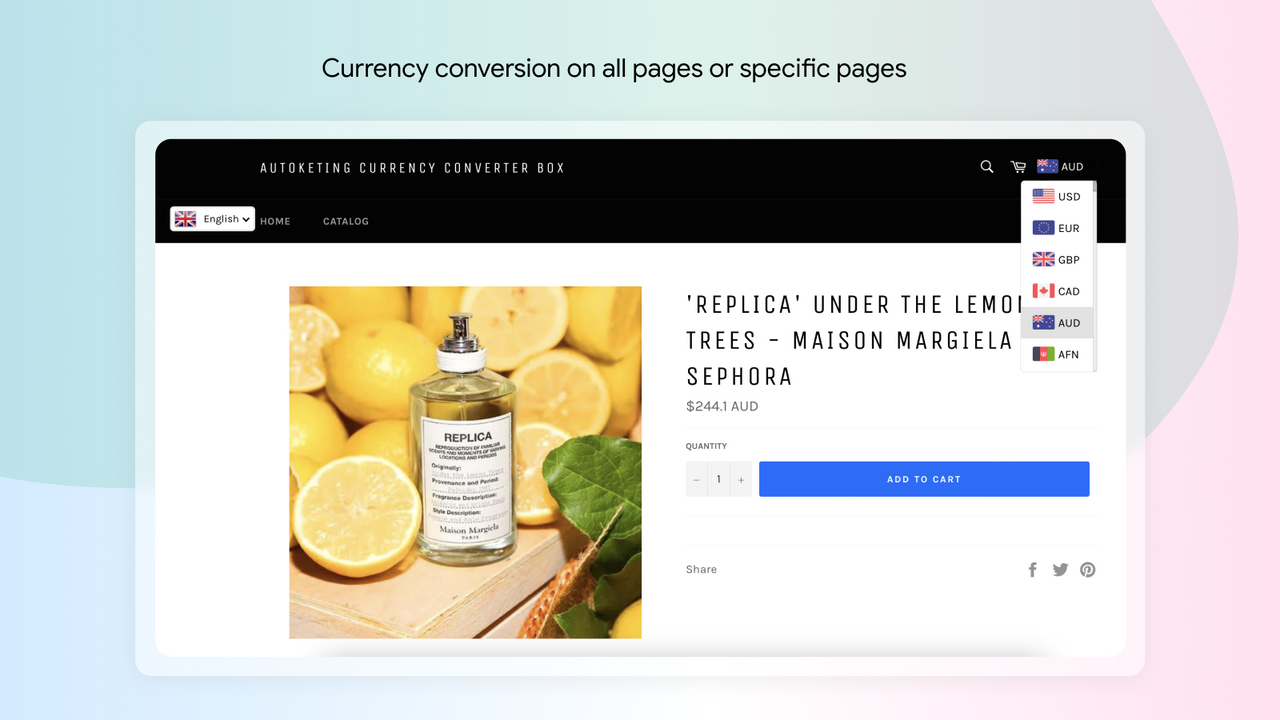
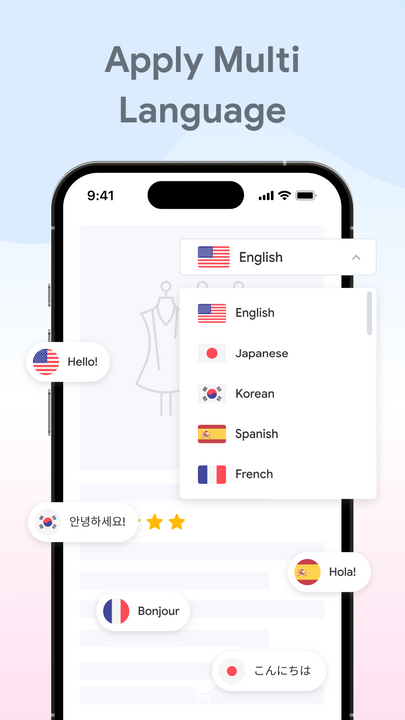
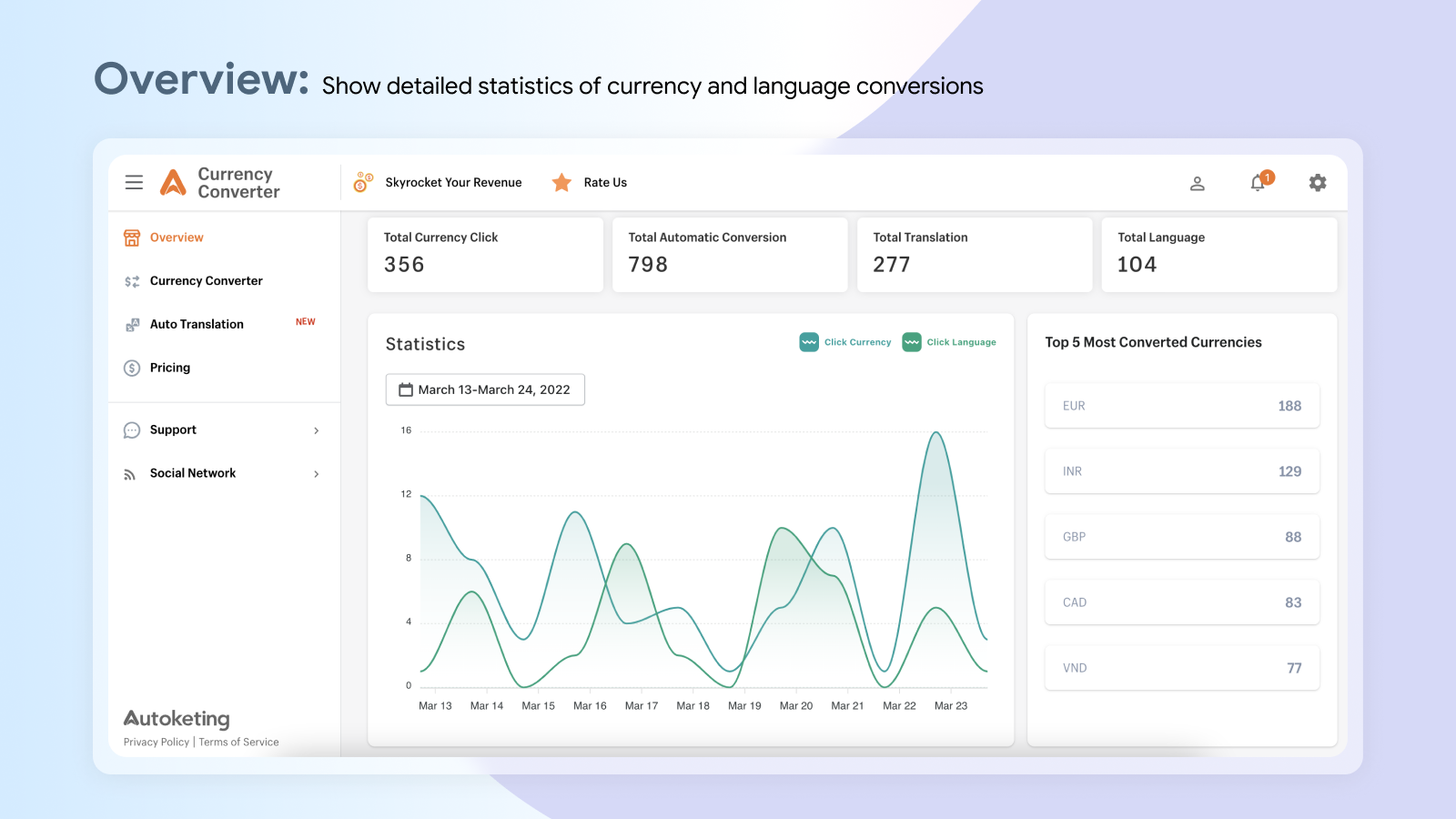
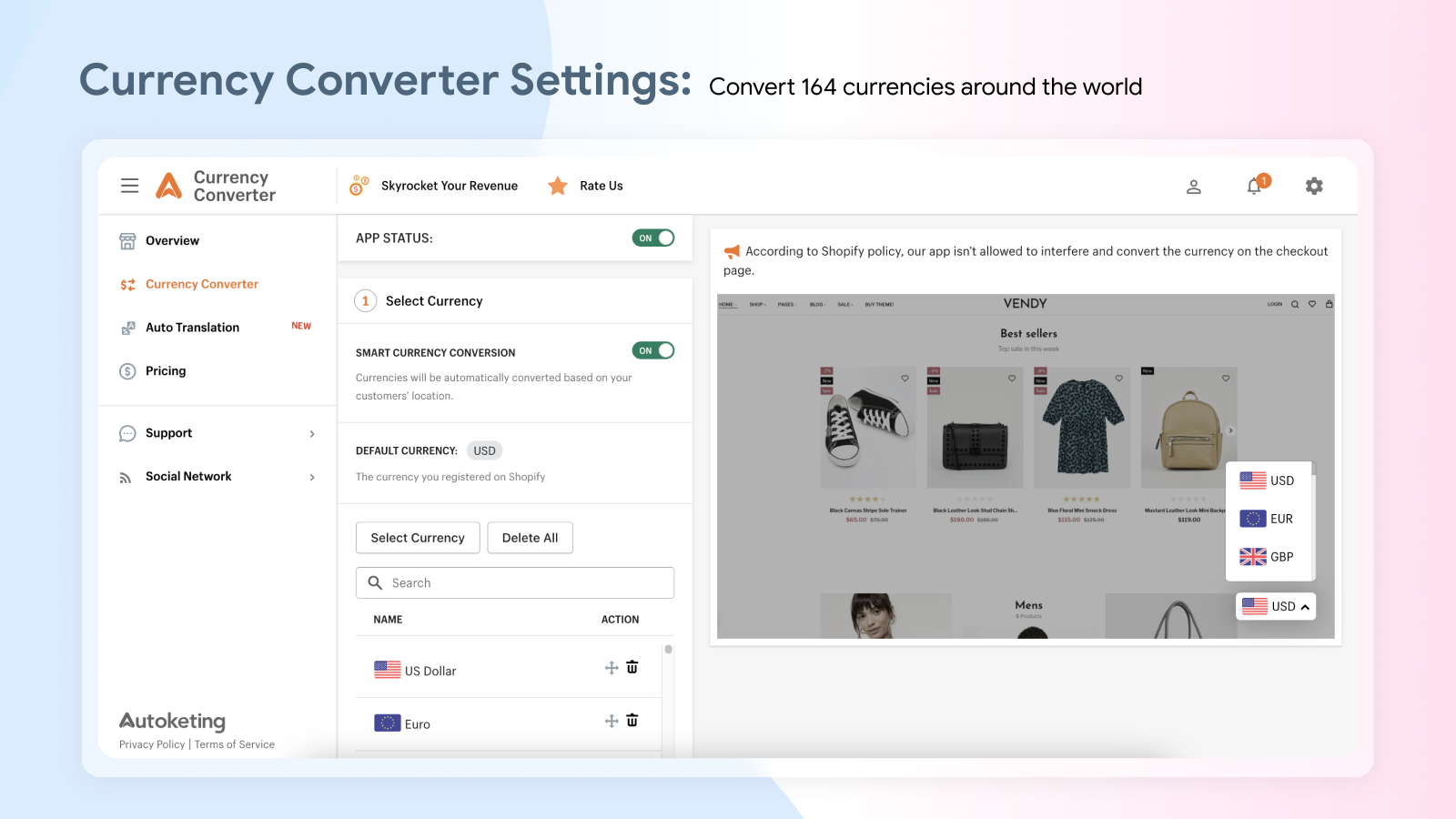
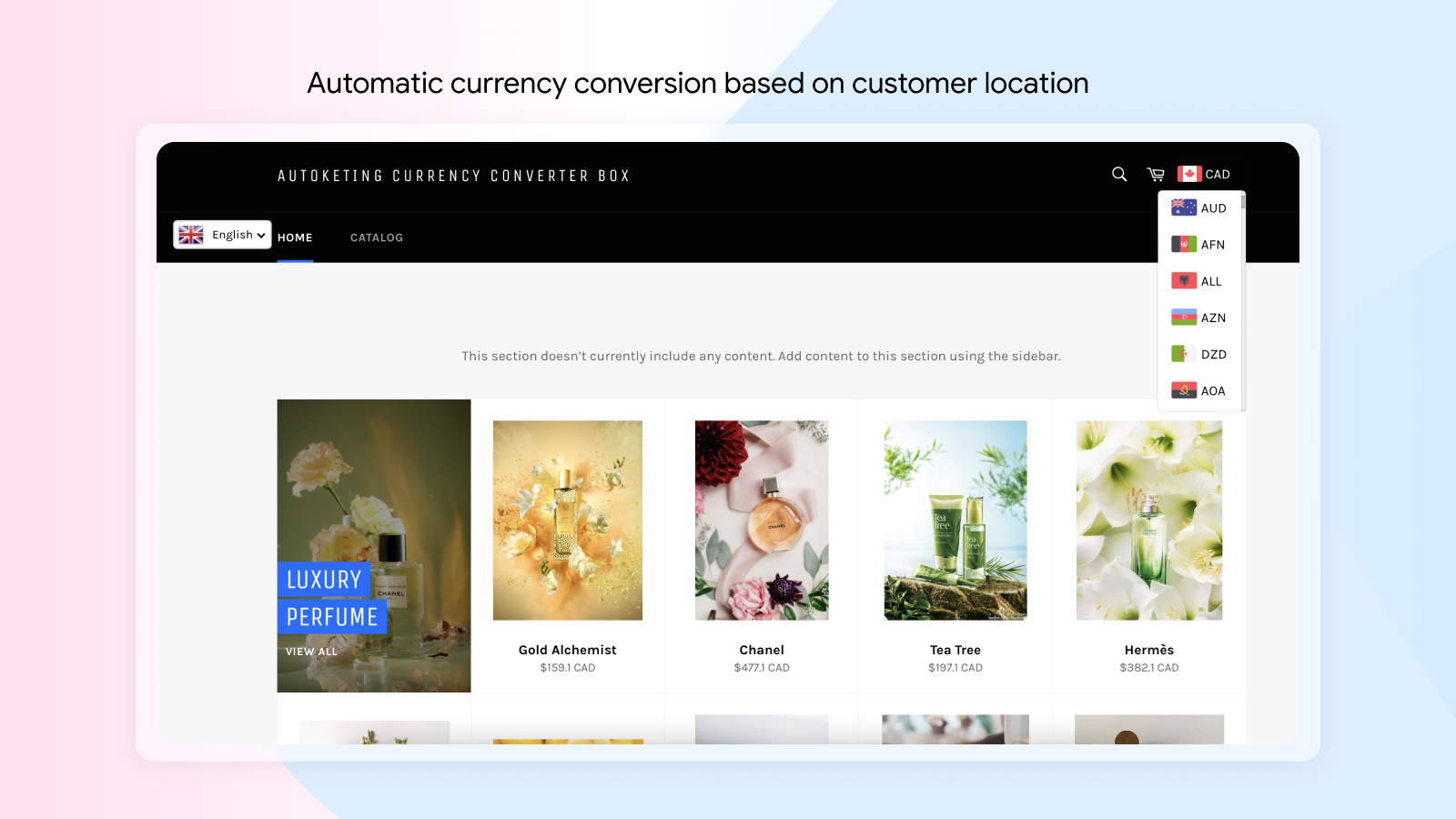
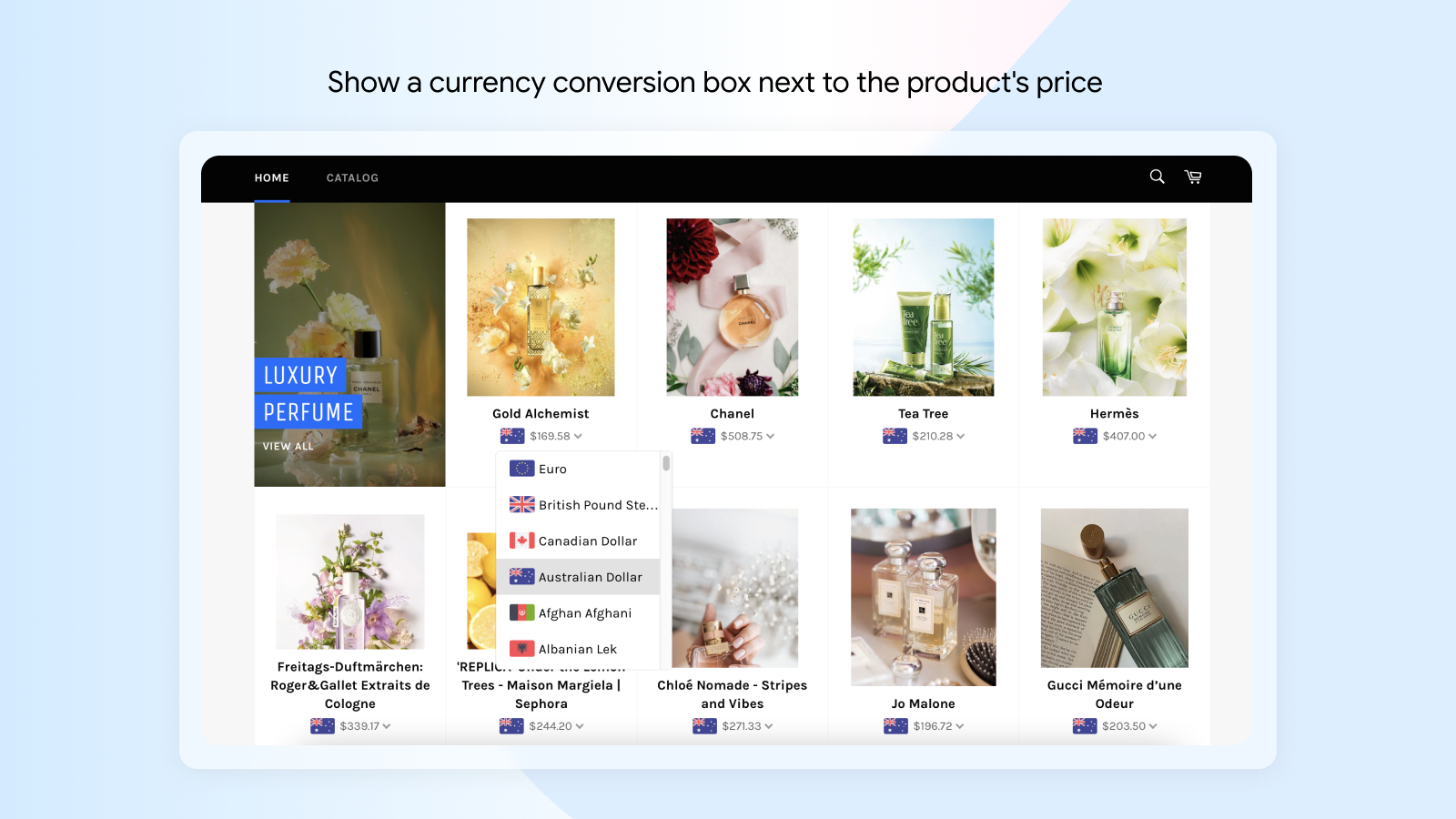
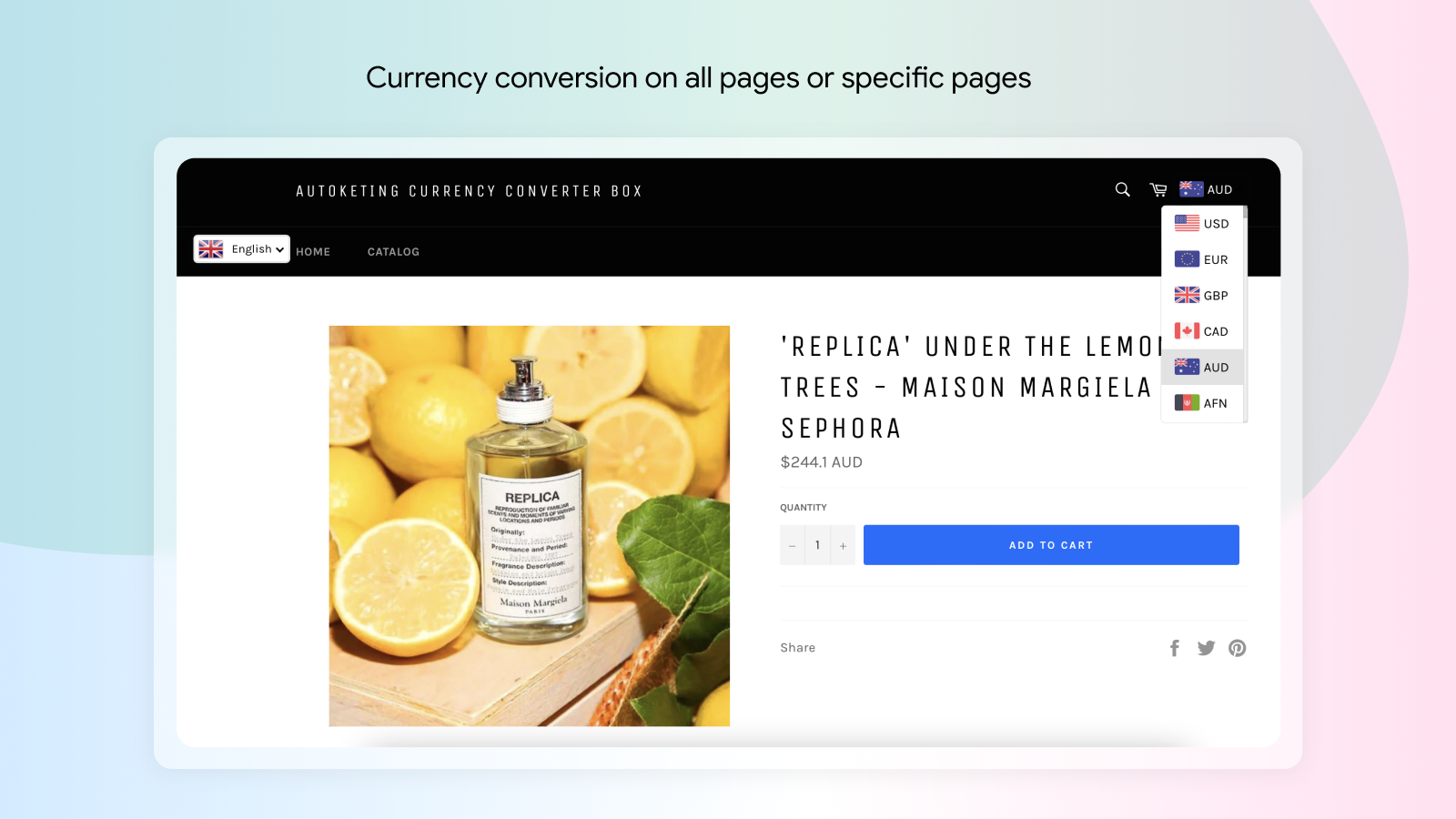
Help customers automatically convert currencies and languages to break down barriers in online shopping. Our app automatically converts 164+ global currencies based on the customer’s location. As a result, customers will know exactly how much they need to pay in their local currency when shopping on foreign websites. Additionally, our app supports translation for over 111 different languages worldwide. Language will no longer be a barrier, nor will it cause trouble for customers when looking for information. Easy to install, with fast currency and language conversion. Install now!
Core Functionality
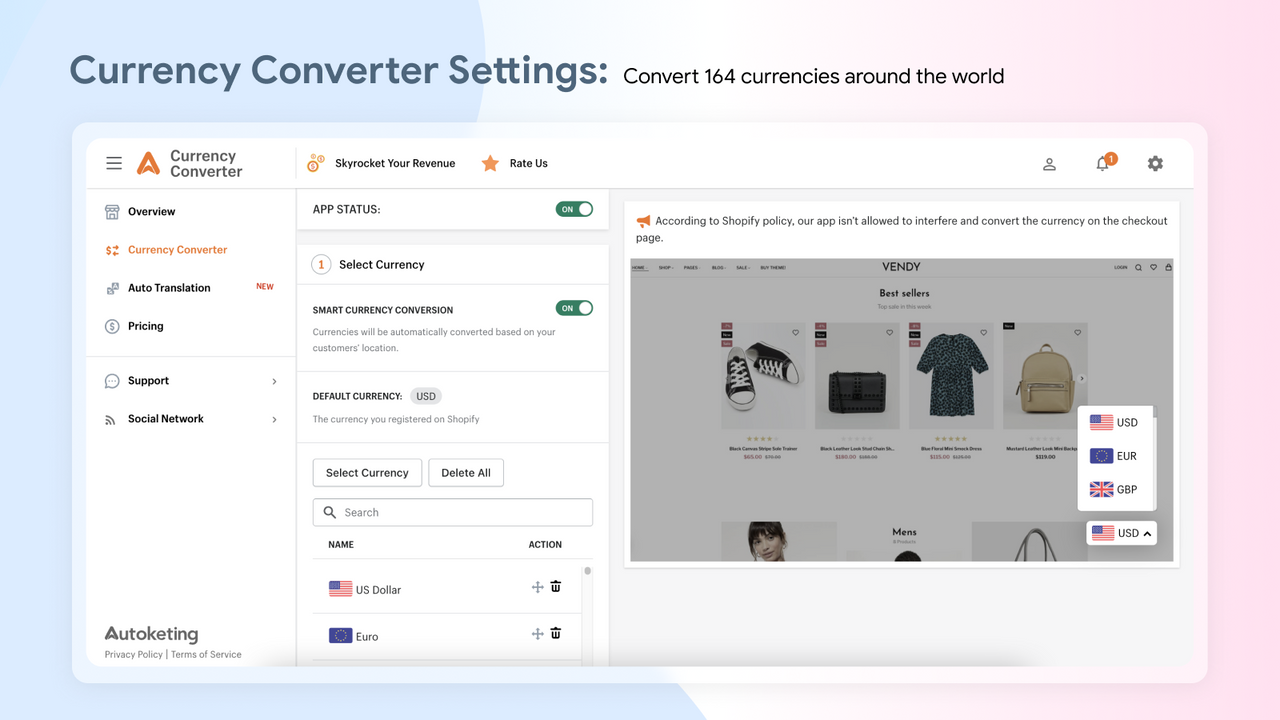
- Automatically convert 164 currencies based on your customers' locations.
- Easily and quickly translate over 111 different languages from around the world.
- Real-time currency exchange rates are updated every 3 hours to ensure accurate conversions.
- Enhance your customers' shopping experience with local currencies and boost sales.
- Attractive design, easy installation, and fast customer support.
Merchant-Friendly
- Cross-border E-commerce Merchants
- Multilingual Independent Stations
- Global Sales Merchants
Basic Information
- Developer:Autoketing
- Address:8th Floor, Vietnam Journalists Association Building, HN, VN, 8th Floor, Vietnam Journalists Association Building, HN, VN, Hà Nội, 100000, VN
- Price: Free / Free plan
- Rating:4 / 5
- Comment Count:42 comment
- Release Date:2018-9-26
- Supported languages:English
- Compatible products:Shopify
Application Screenshot





Price Plan
PREMIUM PLAN
$9.99
- 164+ Currencies
- 4 Professional Themes
- 8 Default Positions
- Auto-switch Based on Customer Location
- NEW - Translation Feature
- Design Support
User Location & Comments
User Location
Comments
Shopify API Used
- POST /admin/api/shop/currency_settings.json
- PUT /admin/api/shop/currency_settings.json
- GET /admin/api/shop/currency_settings.json
Permission:write_shop,read_shop,manage_currencies
- POST /admin/api/shop/language_settings.json
- PUT /admin/api/shop/language_settings.json
- GET /admin/api/shop/language_settings.json
Permission:write_shop,read_shop,manage_translations
- POST /admin/api/shop/exchange_rates.json
- PUT /admin/api/shop/exchange_rates.json
- GET /admin/api/shop/exchange_rates.json
Permission:write_shop,read_shop,manage_currencies