
App Introduction
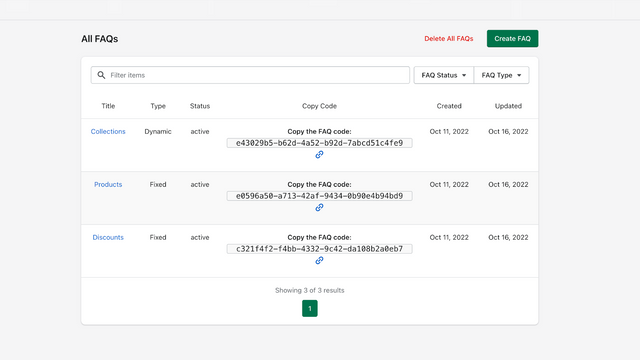
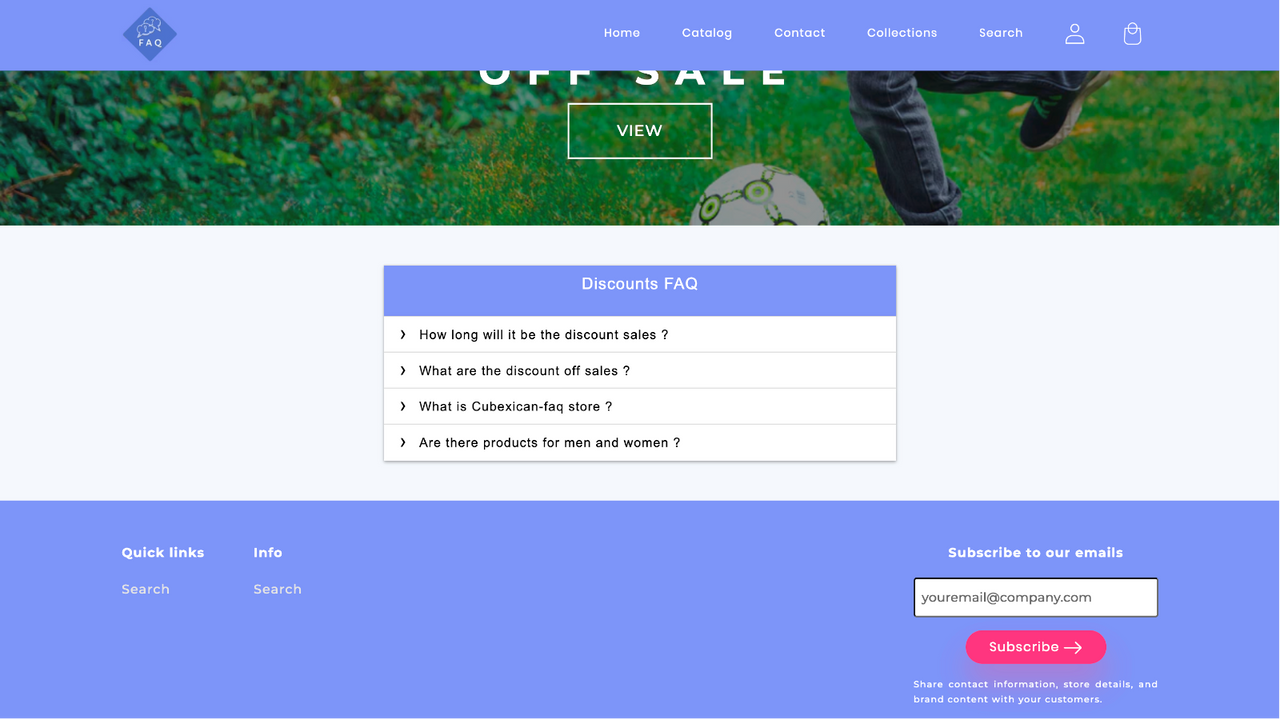
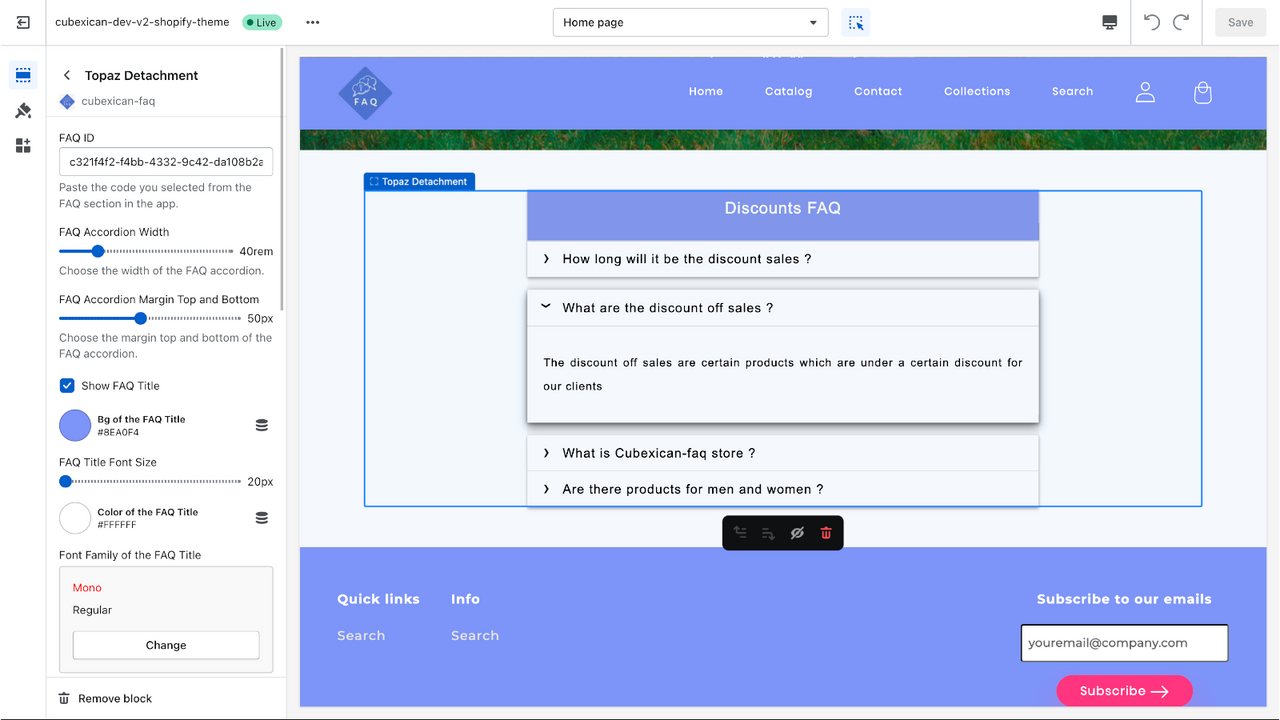
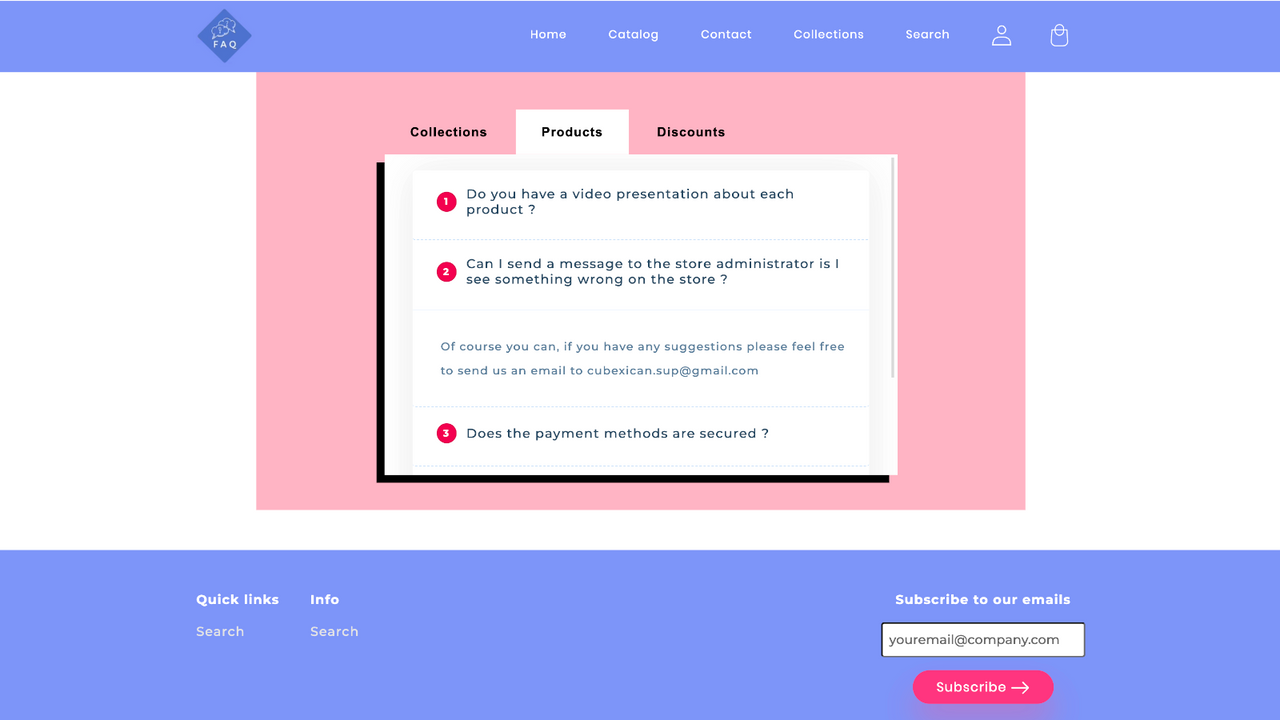
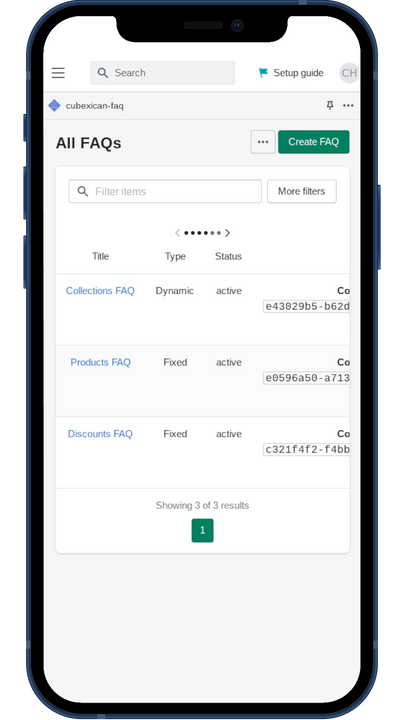
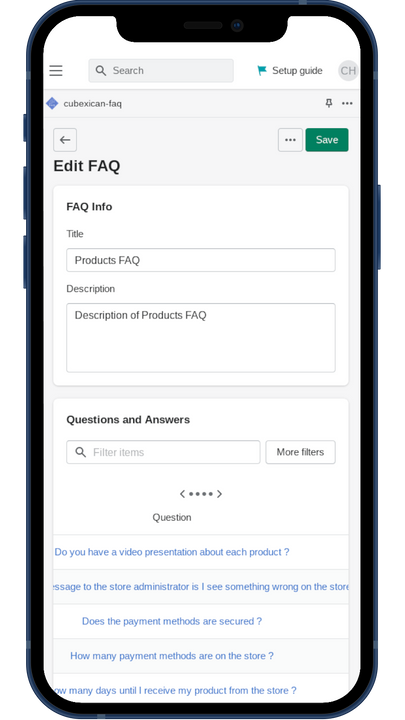
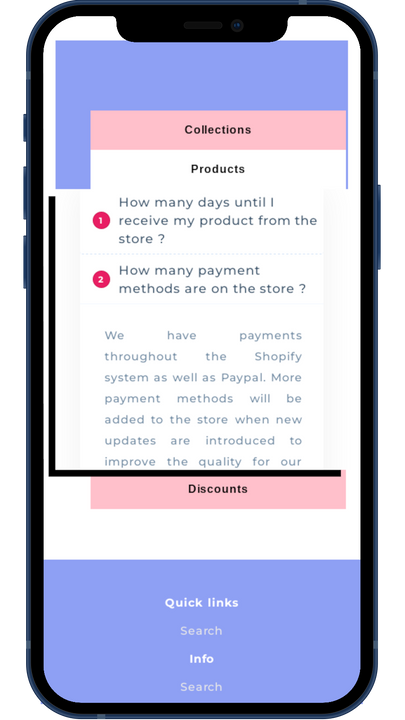
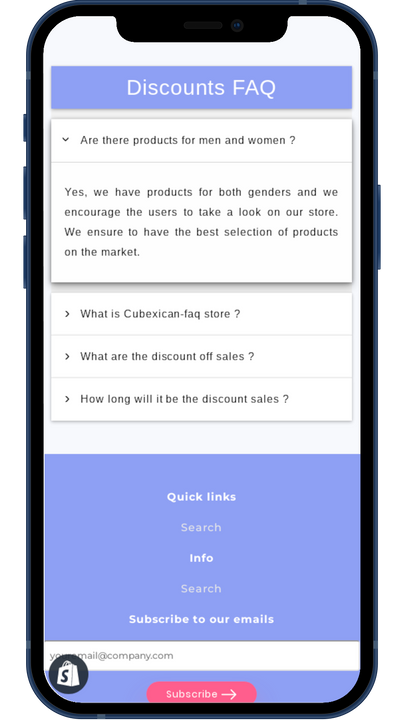
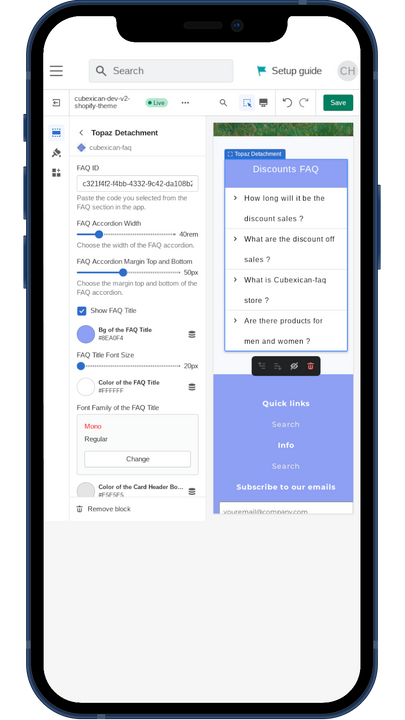
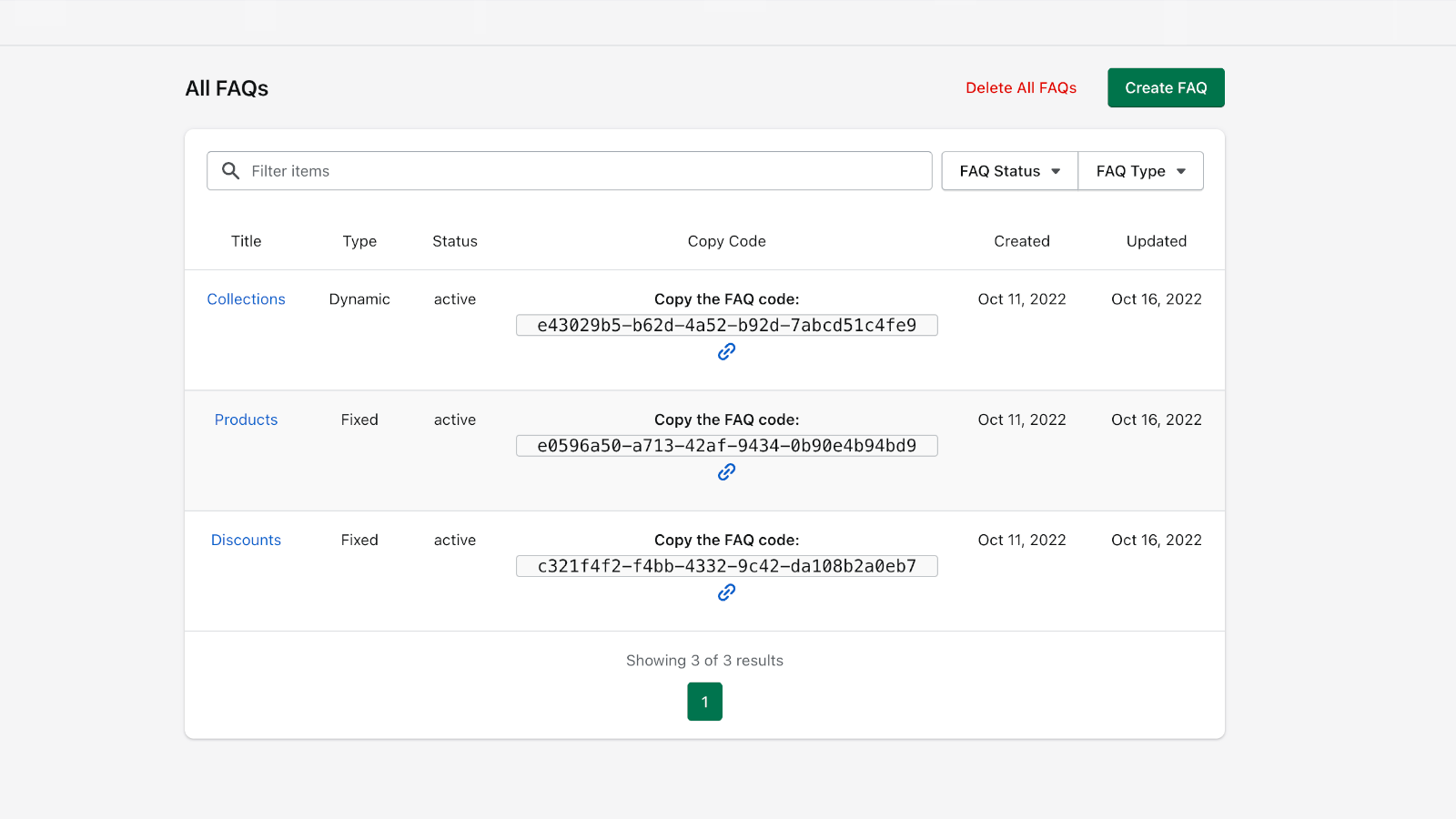
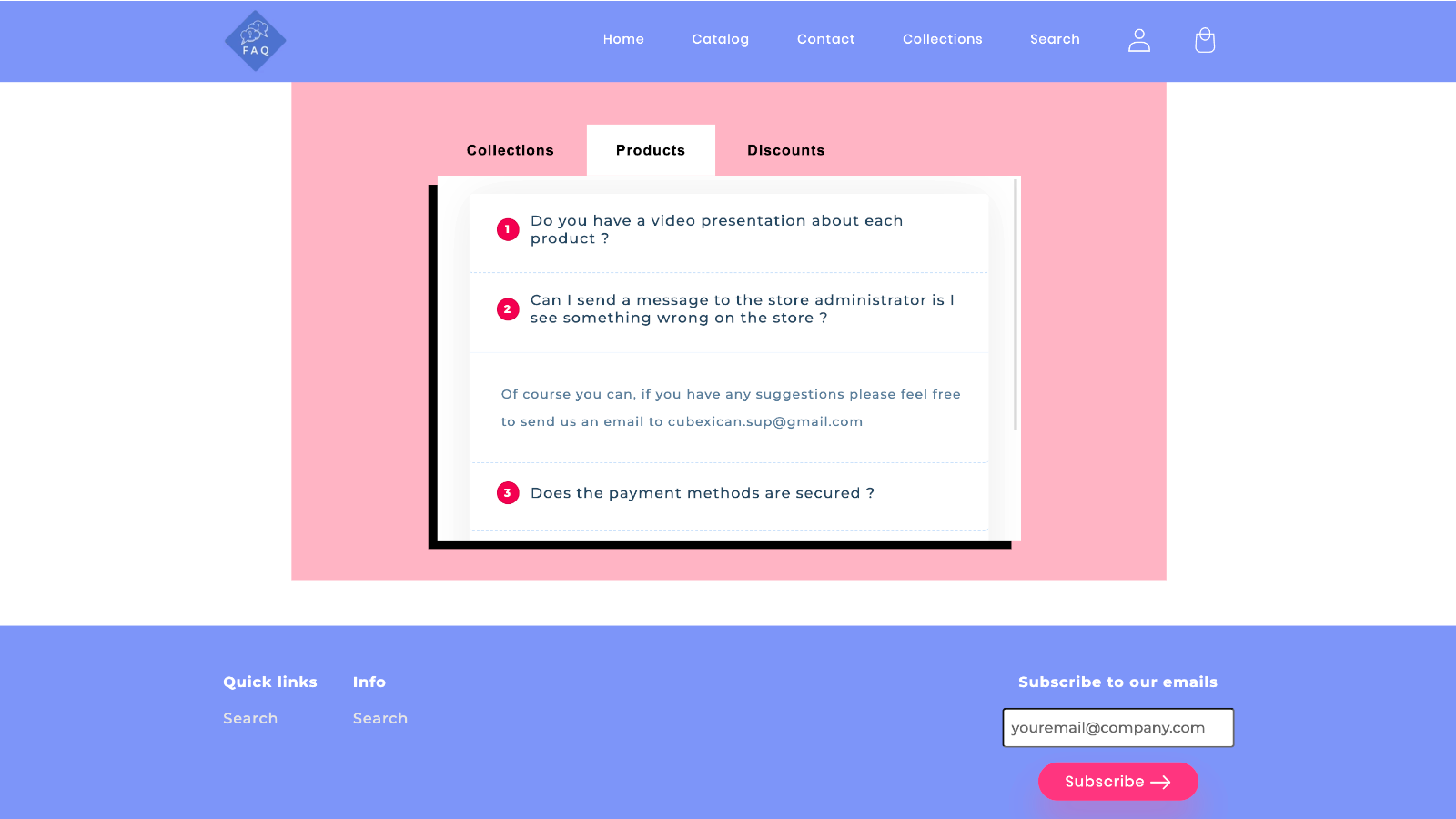
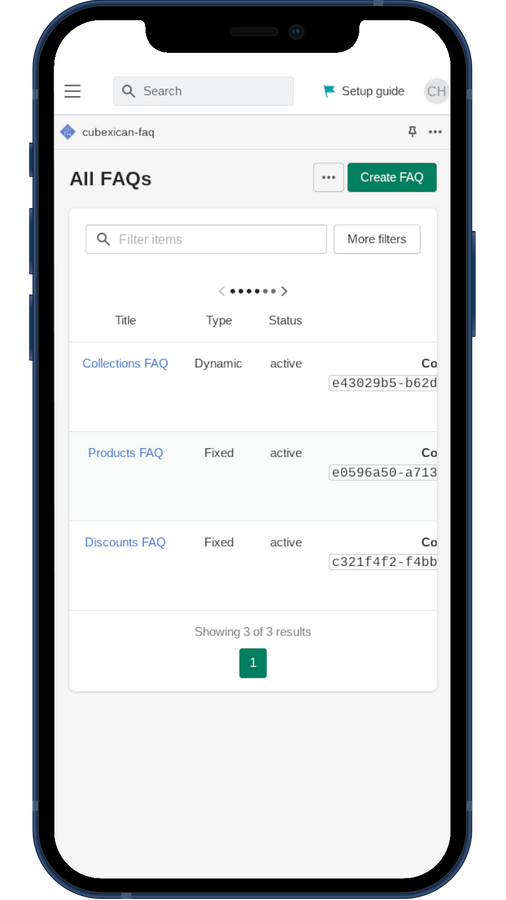
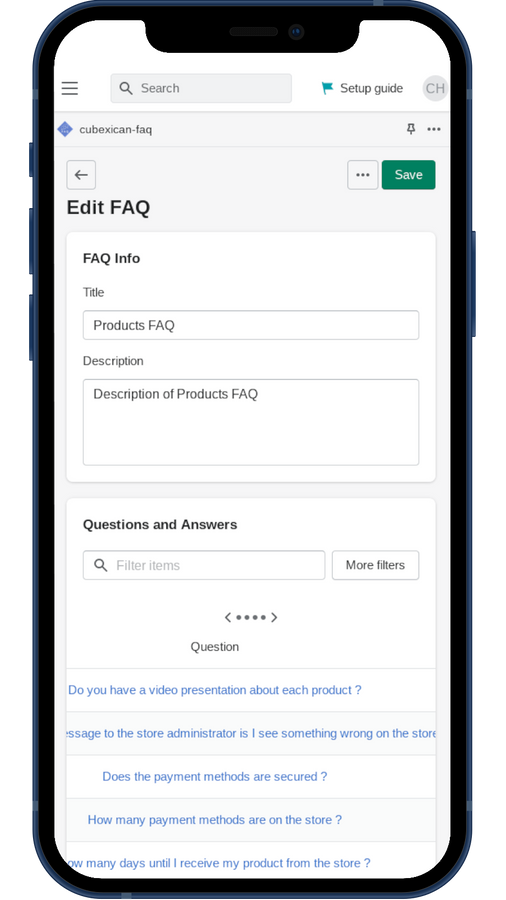
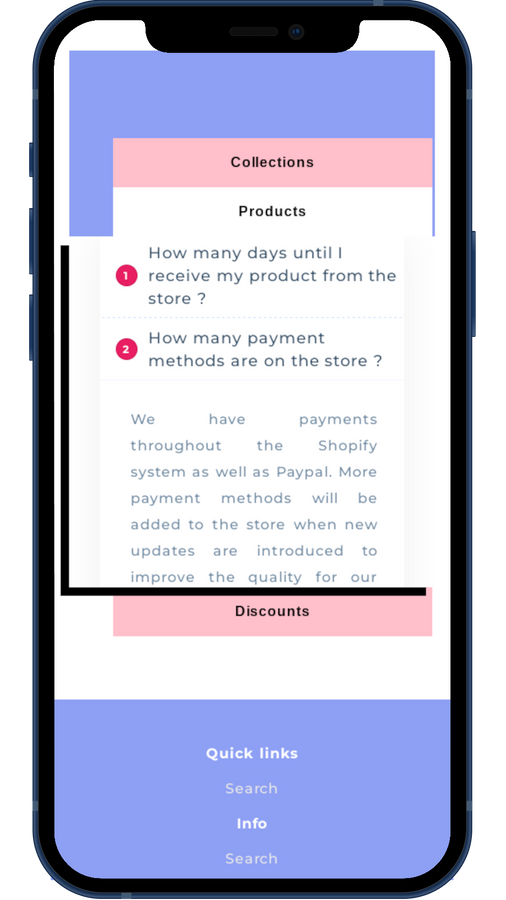
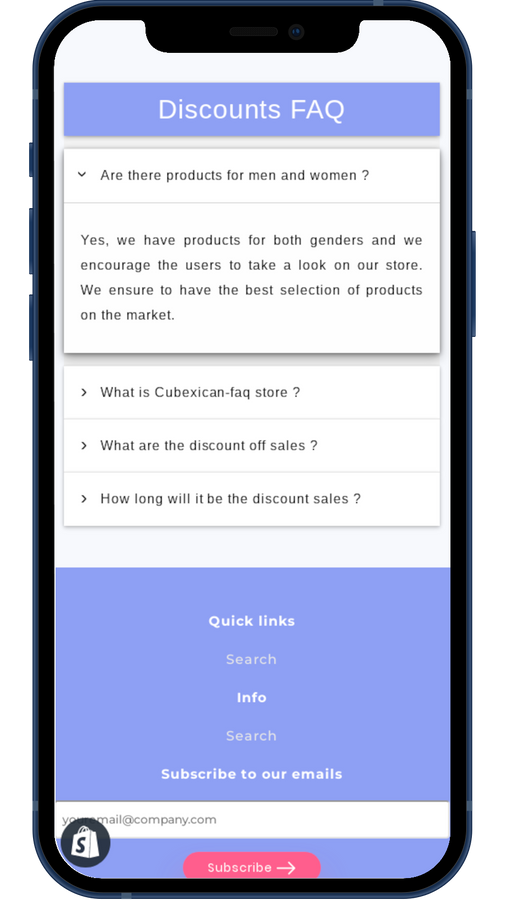
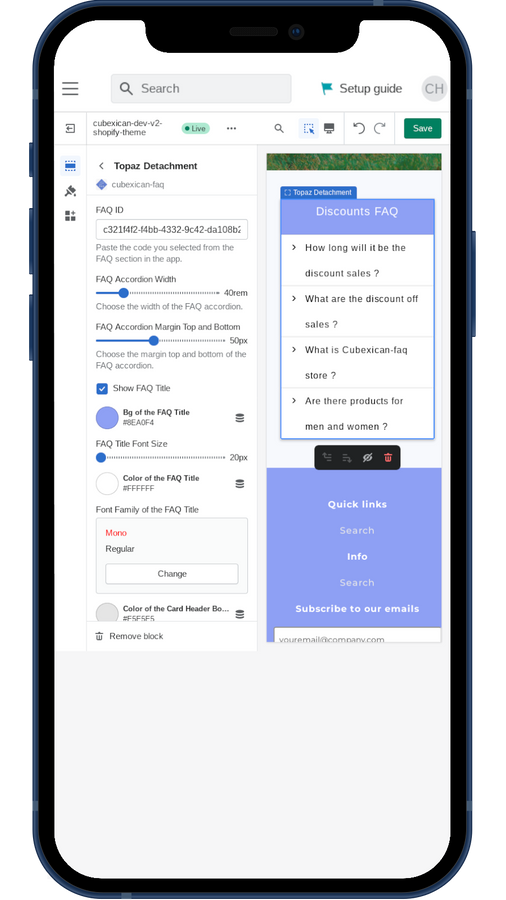
Create and manage FAQs on your store’s frontend Use different dynamic FAQ designs on your store’s frontend With Cubexican-FAQ, you can manage FAQs and add them to any page of your store that accepts Shopify 2.0 theme app blocks. Theme app blocks let you choose exactly where to place your desired FAQs—no longer confined to a single page with all your FAQs. Customize your FAQs by adjusting style settings and creating unique designs to stand out from competitors. Boost your SEO strategy by injecting critical meta tags with our SEO Booster extension.
Core Functionality
- Add a FAQ design theme to any store page that accepts 2.0 theme app blocks.
- Sleek responsive design theme, fully responsive and CSS-customizable.
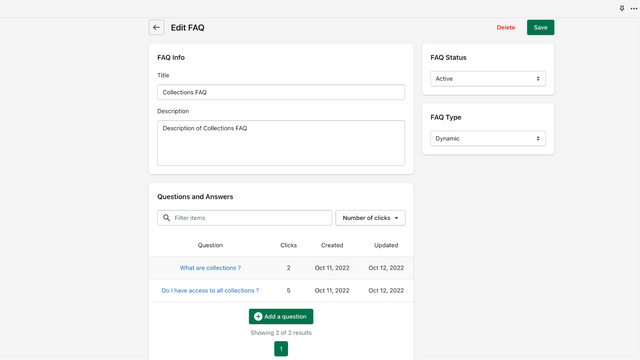
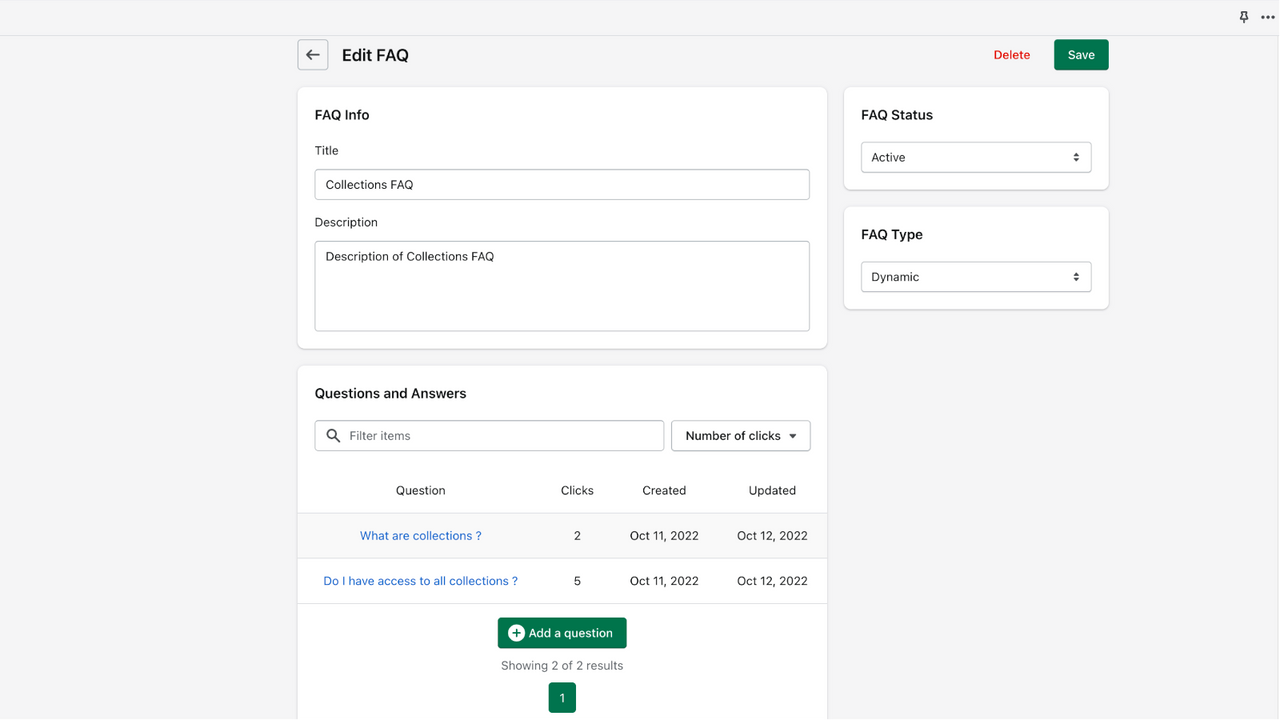
- Sort questions by click count to place them at the top of your FAQ.
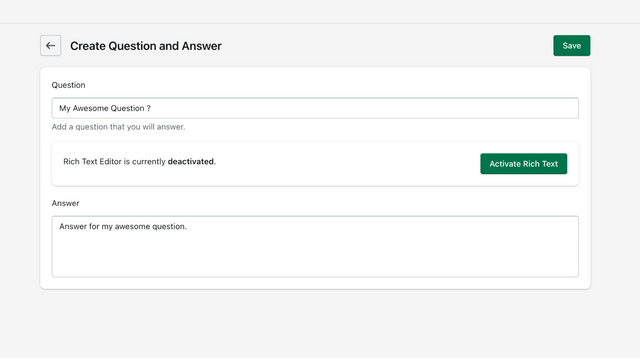
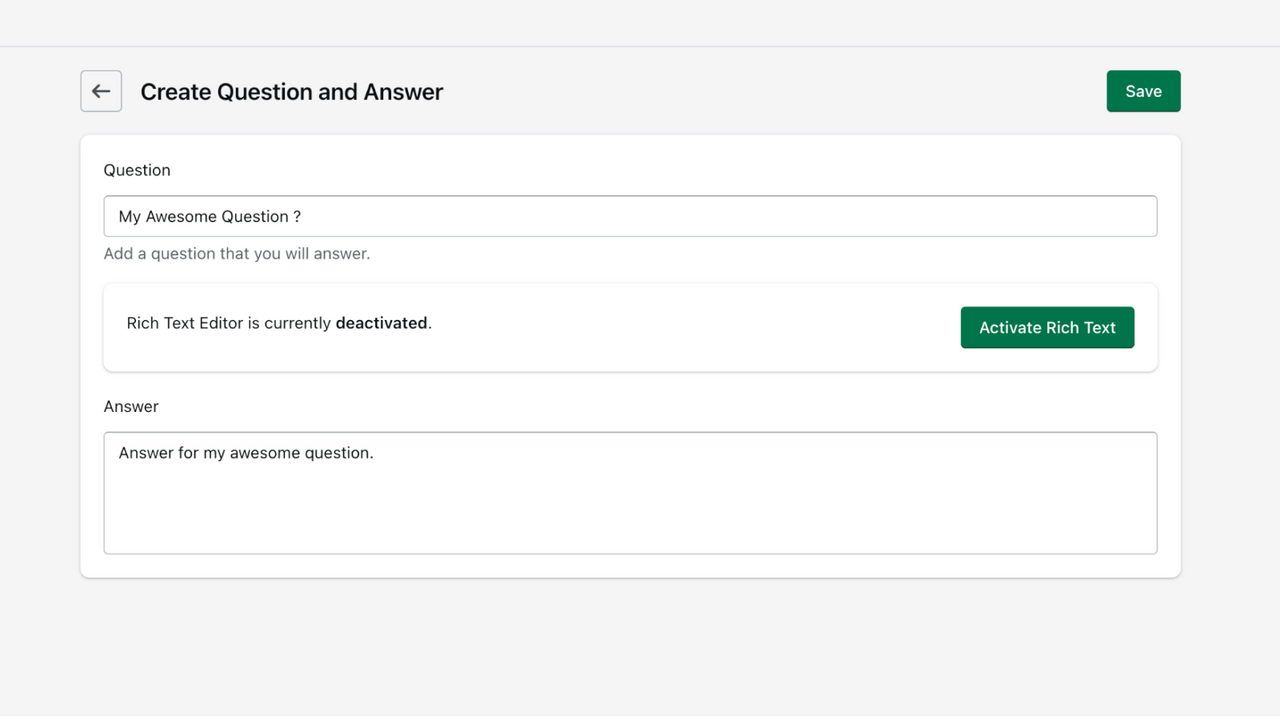
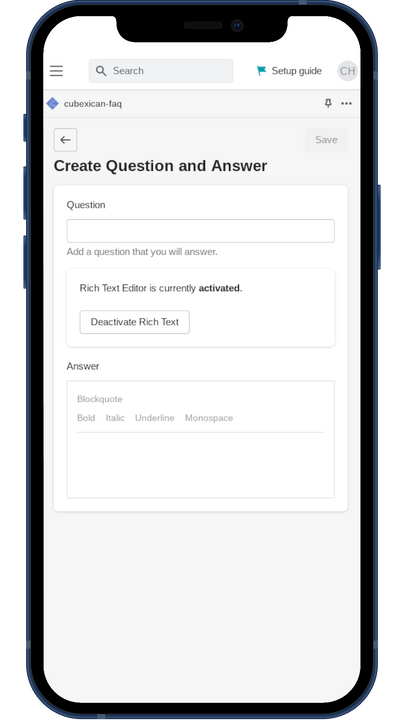
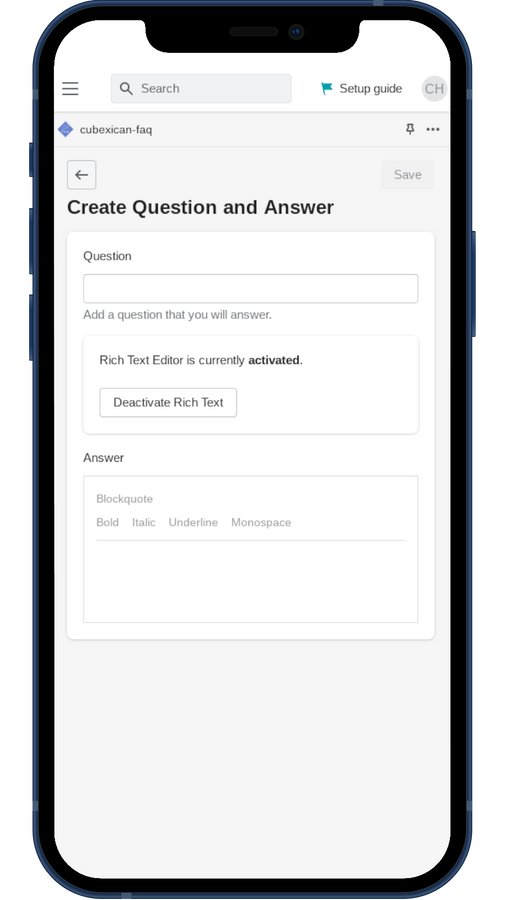
- Rich text integration—use bold, italic, quotes, and code in your questions.
- Extend with TABs theme app blocks to group up to three FAQs on the same page.
Merchant-Friendly
- Independent Station Merchants
- Multi-category E-commerce
- Service-based Merchants
- Brand E-commerce
Basic Information
- Developer:Cubexican Dev
- Address:800 SE Falcon Lane apt 11, Bentonville, AR, 72712, US
- Price: Free / Free plan
- Rating:0 / 5
- Comment Count:0 comment
- Release Date:2022-11-11
- Supported languages:English
- Compatible products:Shopify
Application Screenshot
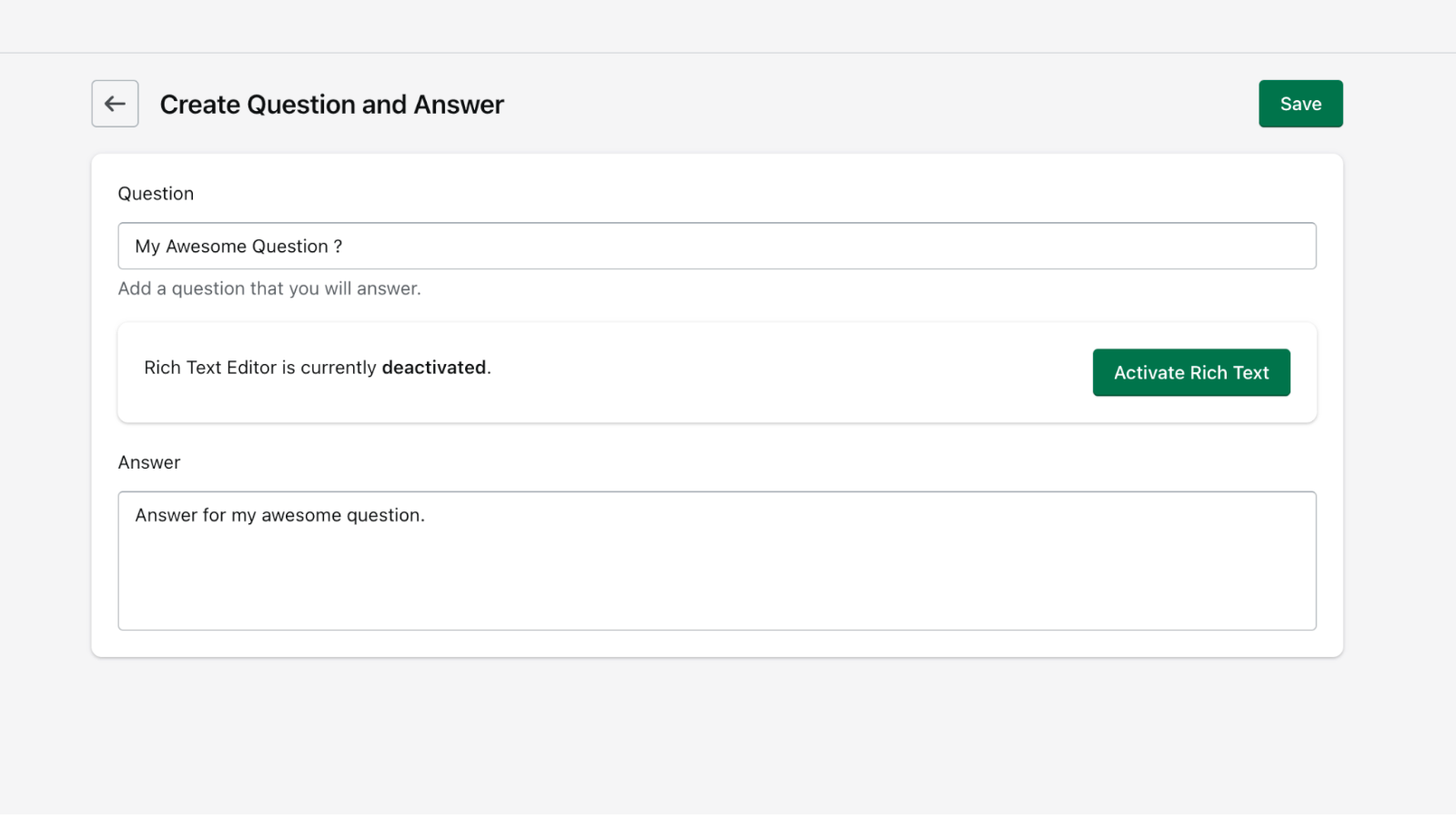
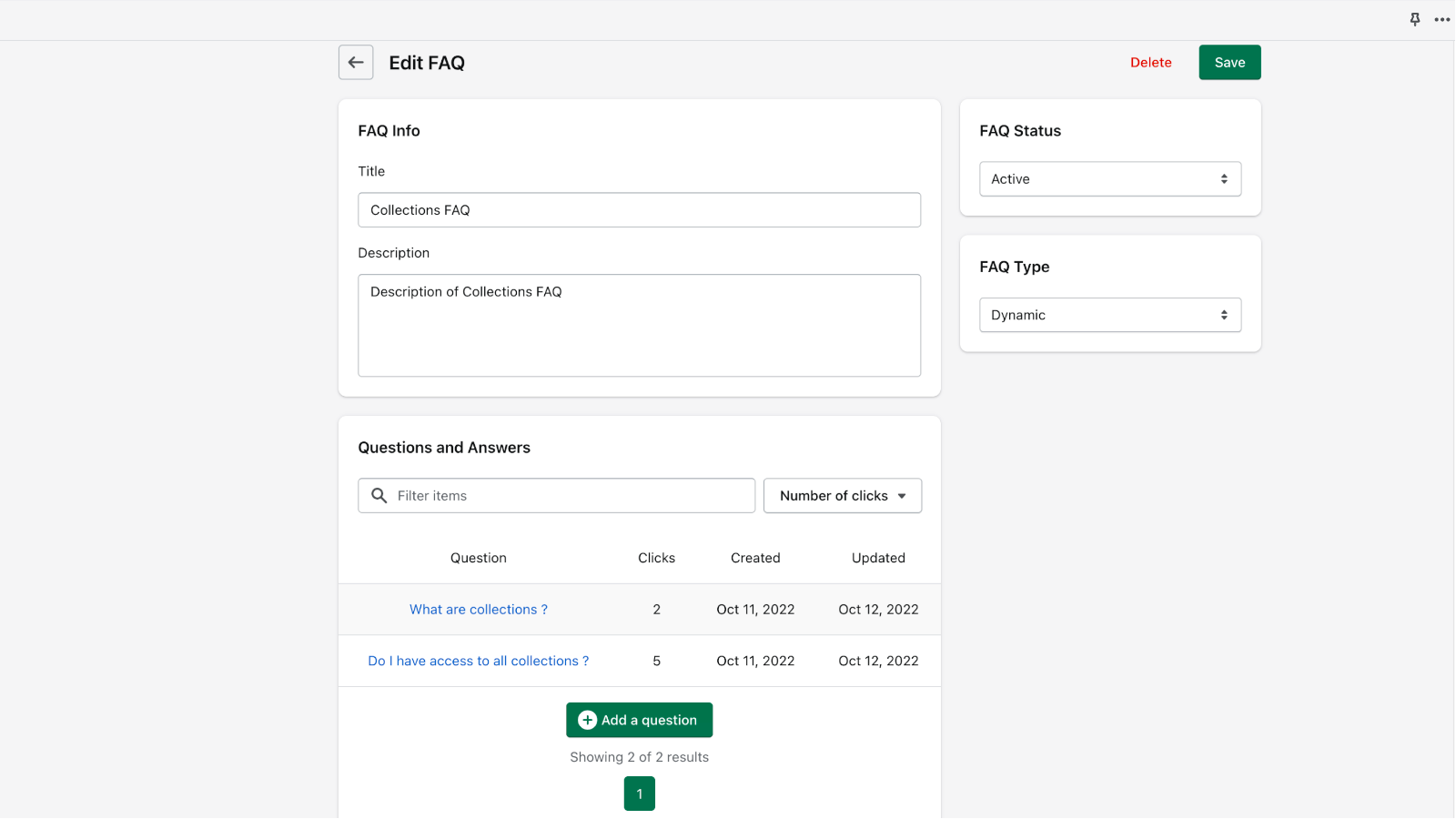
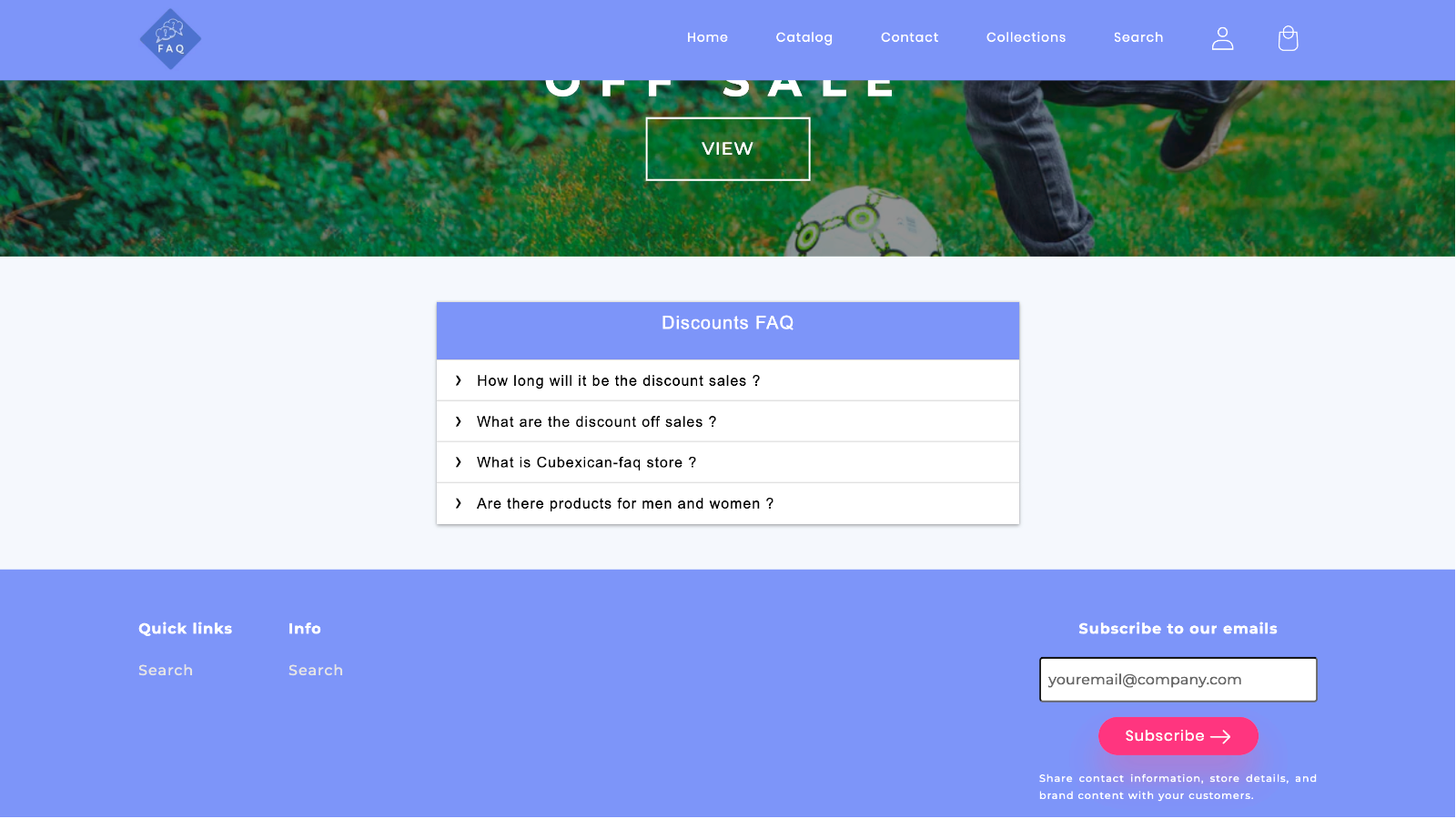
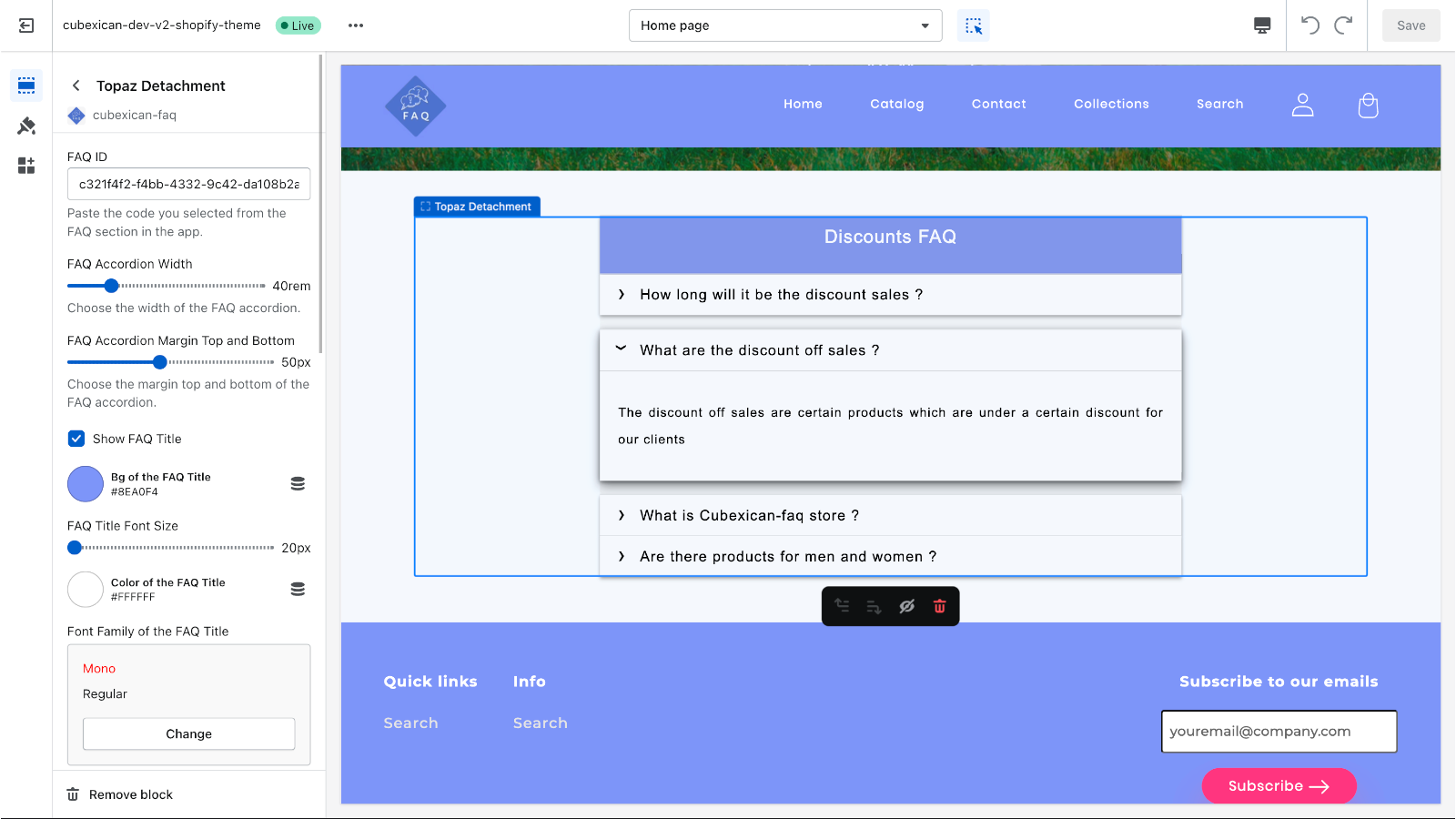
Price Plan
基础版
- 7-day free trial
- 1 dynamic design for FAQ
- Create up to 10 FAQs
- Basic text integration for questions
- 24/7 support
专业版
- 8 Dynamic Designs
- Unlimited FAQ Creation
- Rich Text for Questions
- 1 Dynamic TAB Design for FAQs
- Dynamic Questions
- SEO Booster
- 24/7 Support
User Location & Comments
User Location
Comments
Shopify API Used
- POST /admin/api/themes/{theme_id}/assets.json
- PUT /admin/api/themes/{theme_id}/assets.json
- GET /admin/api/themes/{theme_id}/assets.json
Permission:write_themes,read_themes,manage_online_store
- POST /admin/api/themes/{theme_id}/assets.json
- PUT /admin/api/themes/{theme_id}/assets.json
- GET /admin/api/themes/{theme_id}/assets.json
Permission:write_themes,read_themes,manage_online_store
- POST /admin/api/metafields.json
- PUT /admin/api/metafields/{id}.json
- GET /admin/api/metafields.json
Permission:write_metafields,read_metafields,manage_products
- POST /admin/api/metafields.json
- PUT /admin/api/metafields/{id}.json
- GET /admin/api/metafields.json
Permission:write_metafields,read_metafields,manage_products
- POST /admin/api/themes/{theme_id}/assets.json
- PUT /admin/api/themes/{theme_id}/assets.json
- GET /admin/api/themes/{theme_id}/assets.json
Permission:write_themes,read_themes,manage_online_store



