
Crush: Speed & Image Optimizer
App Introduction
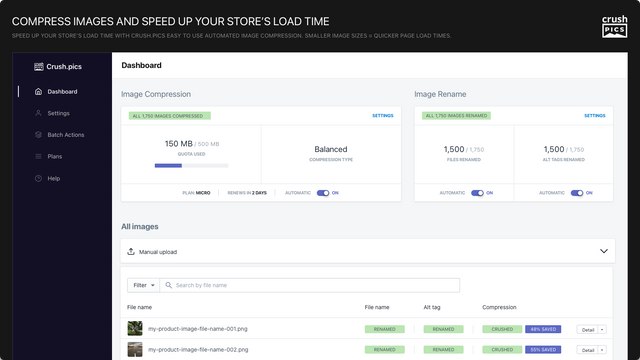
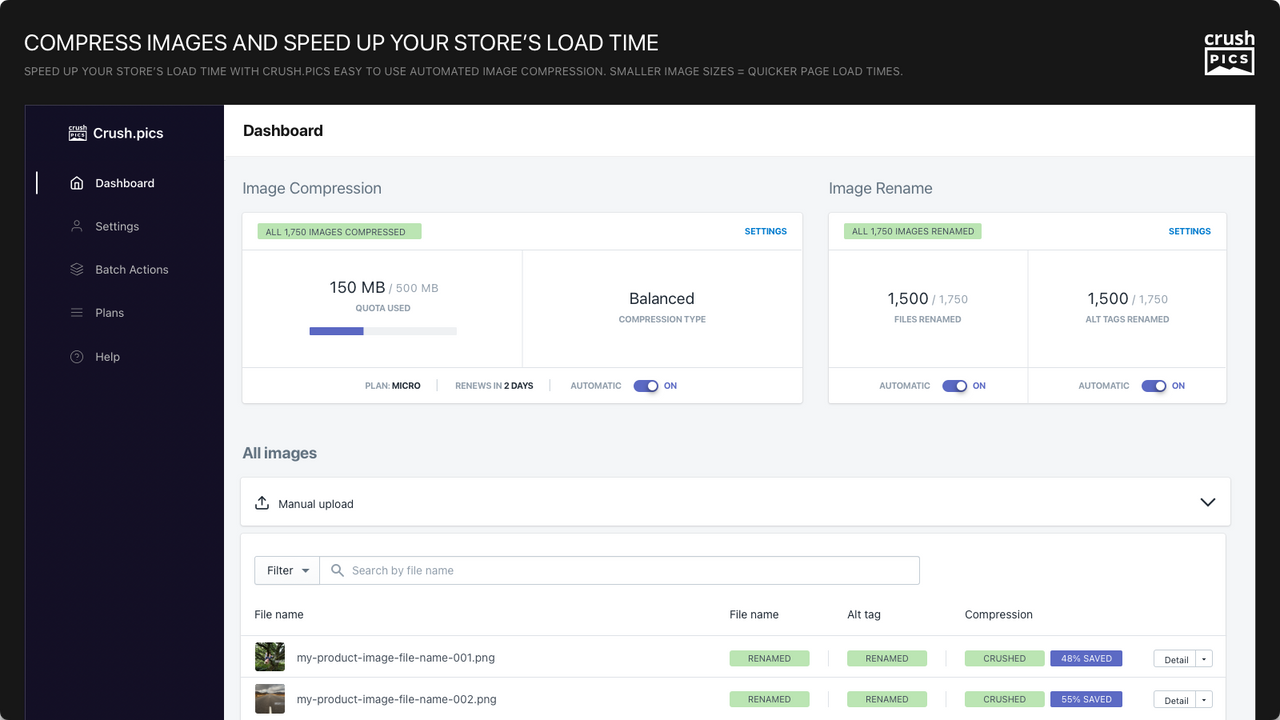
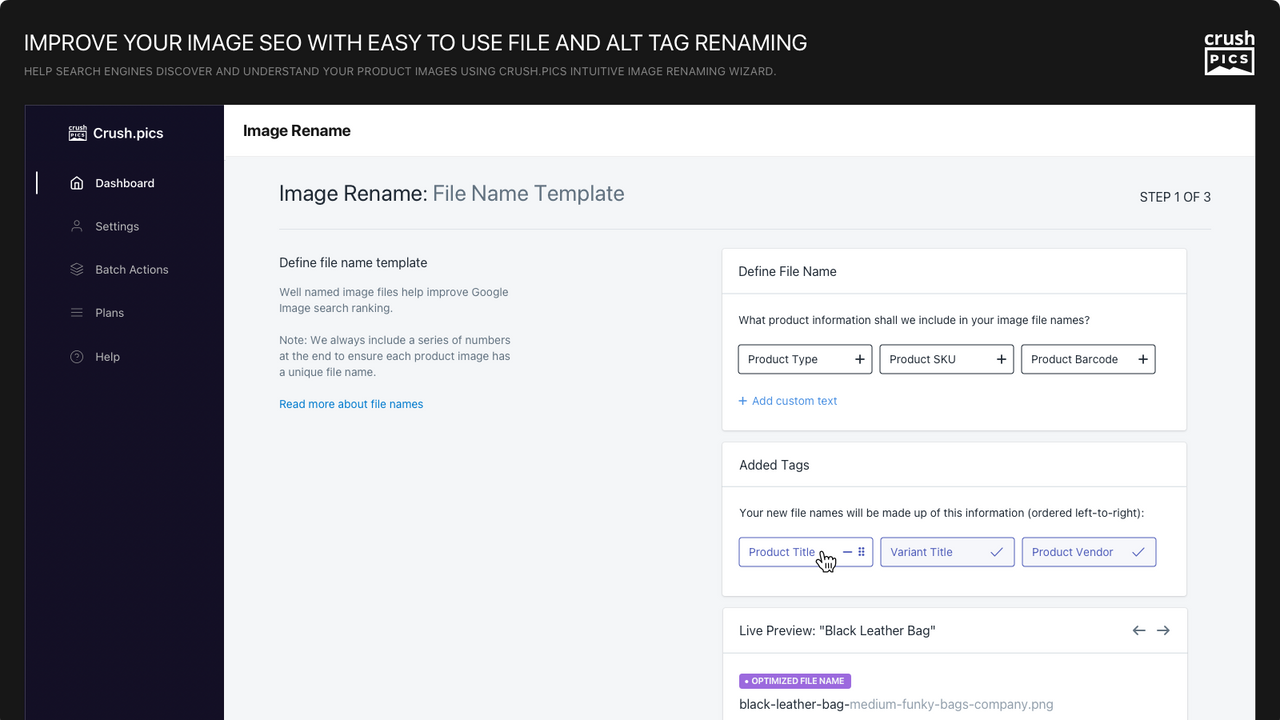
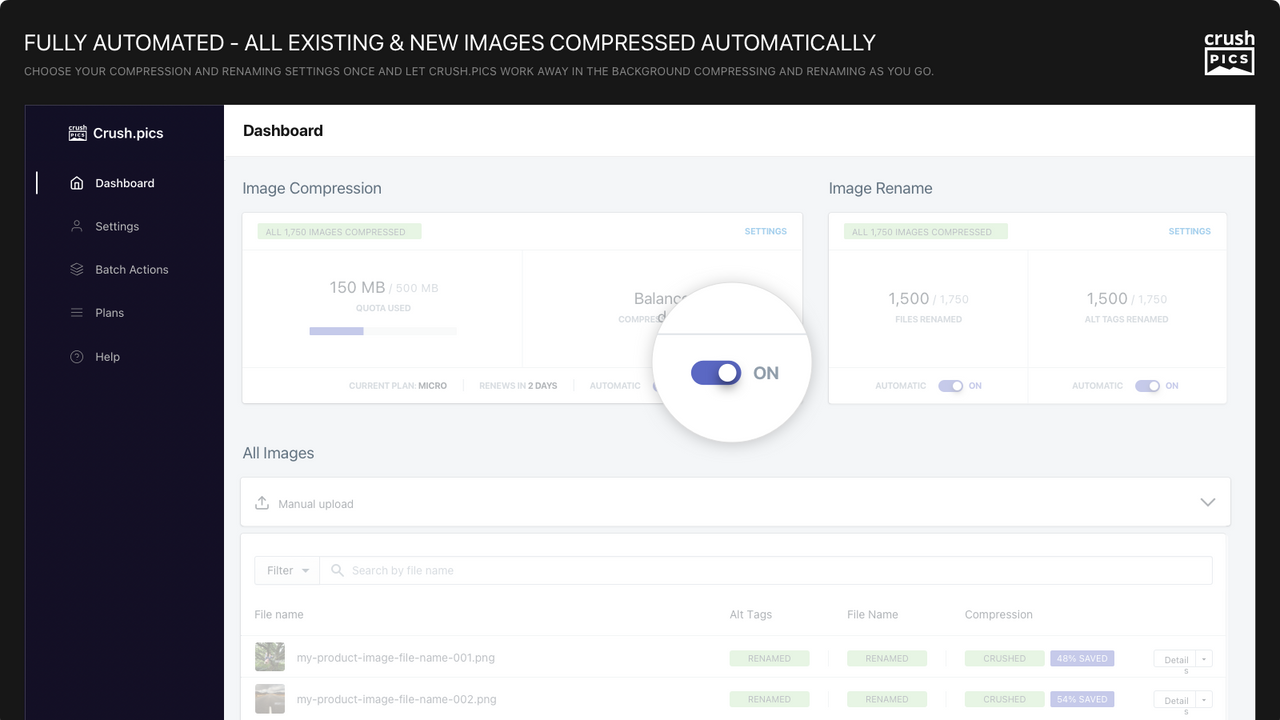
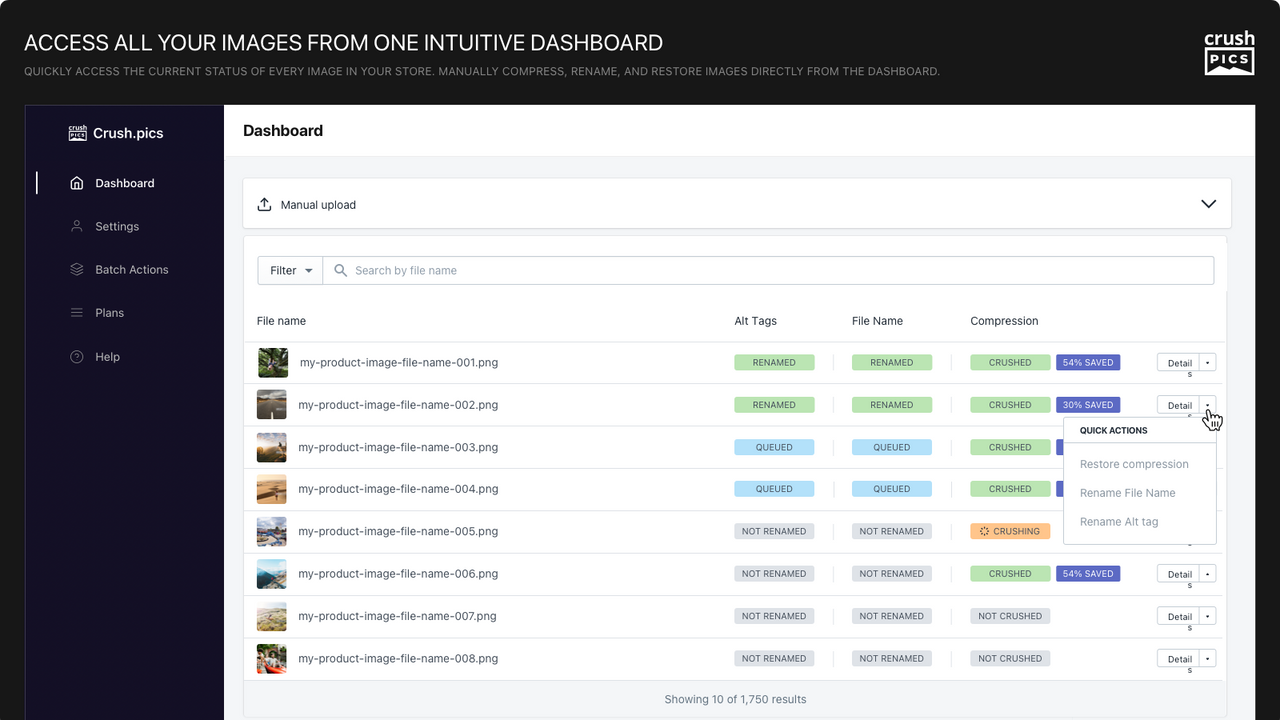
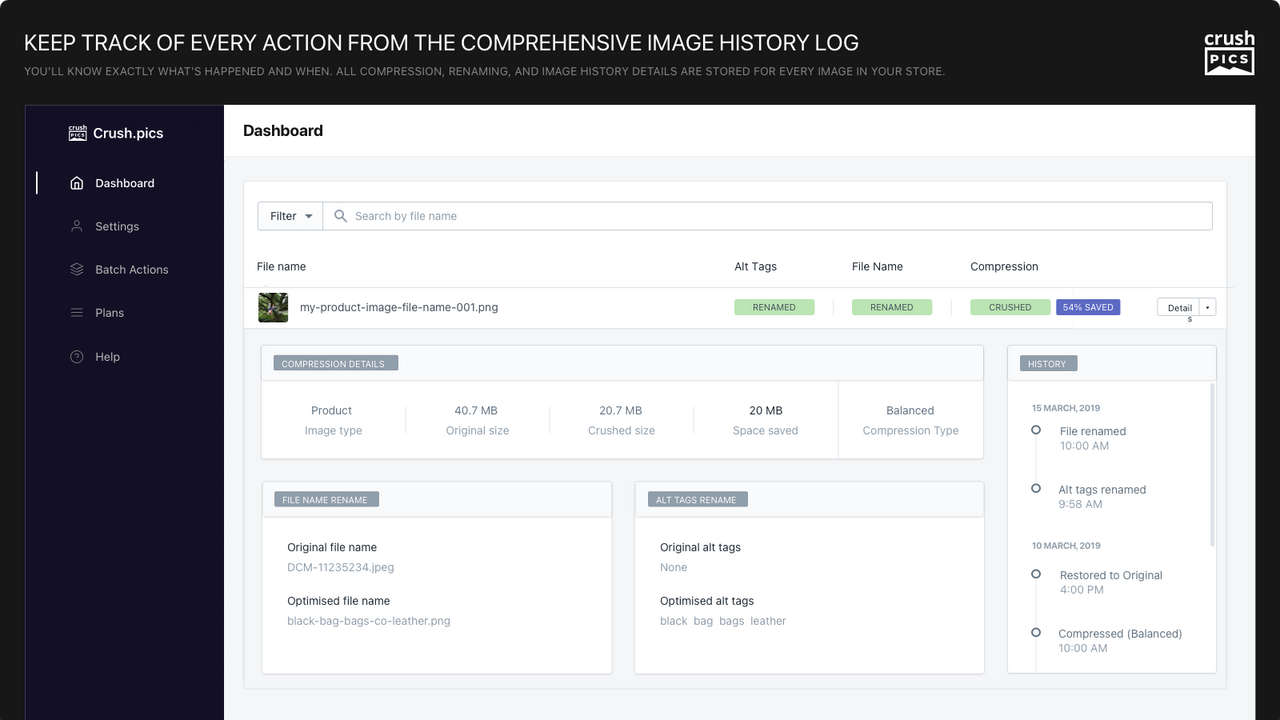
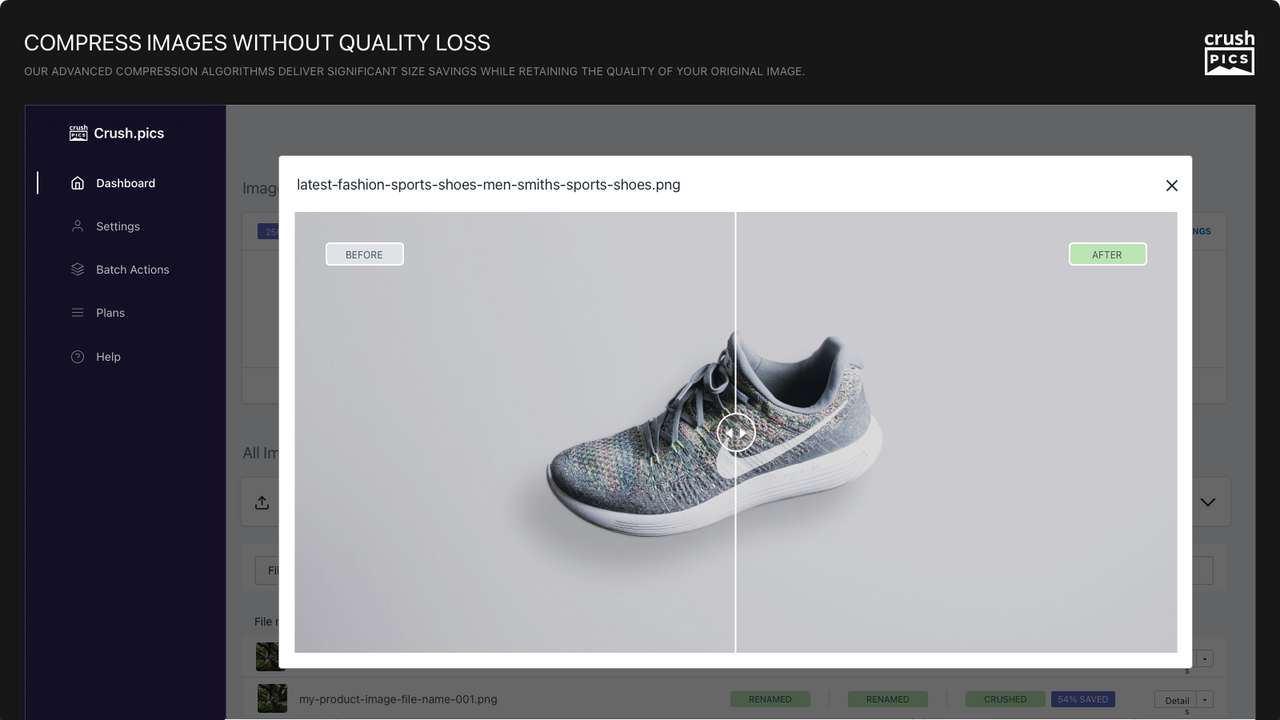
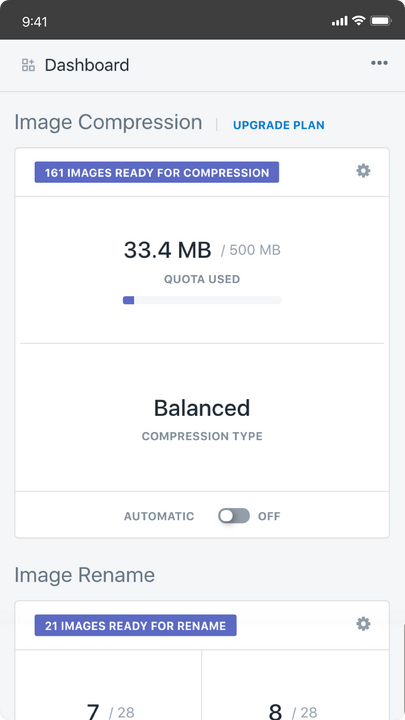
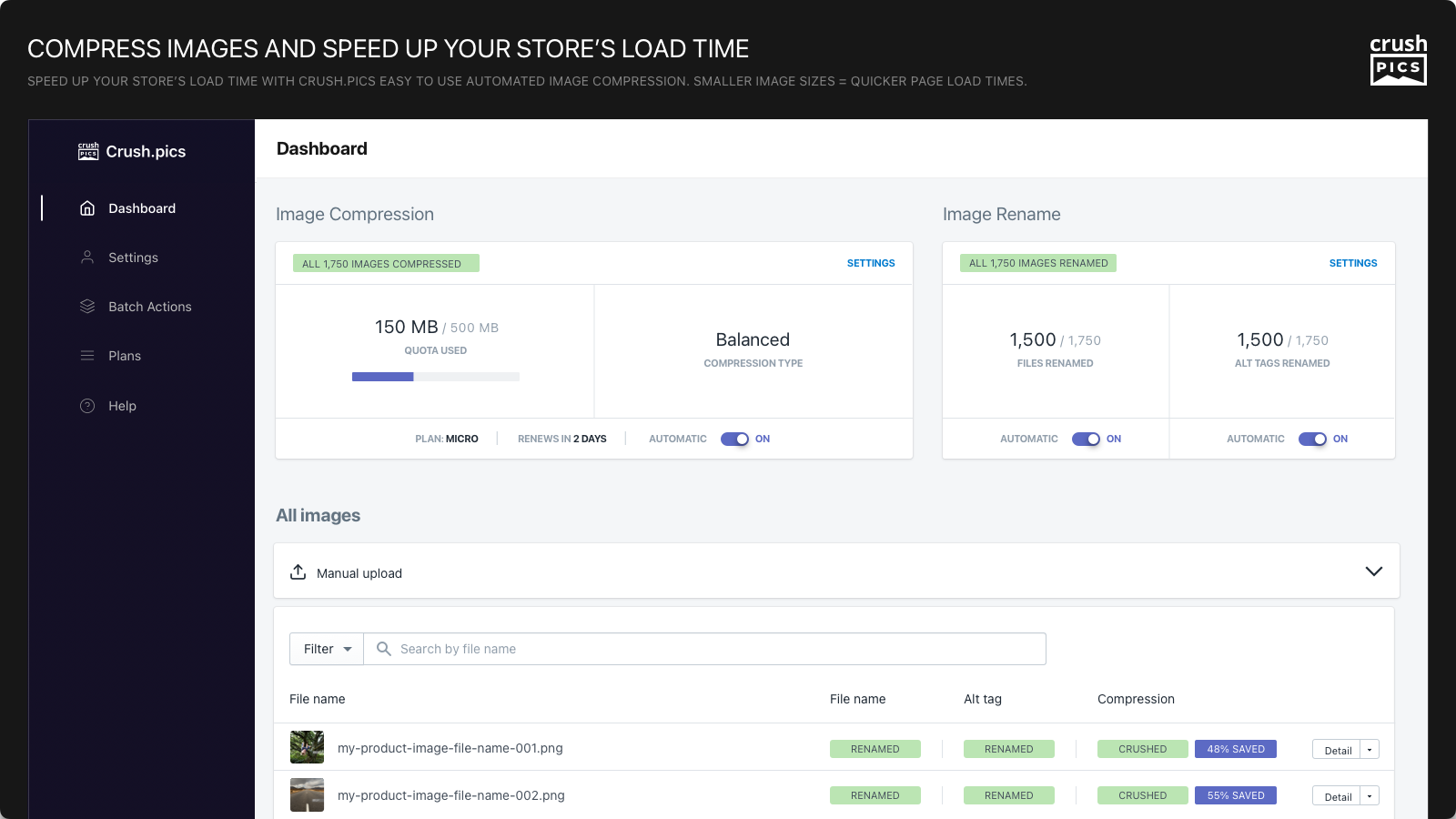
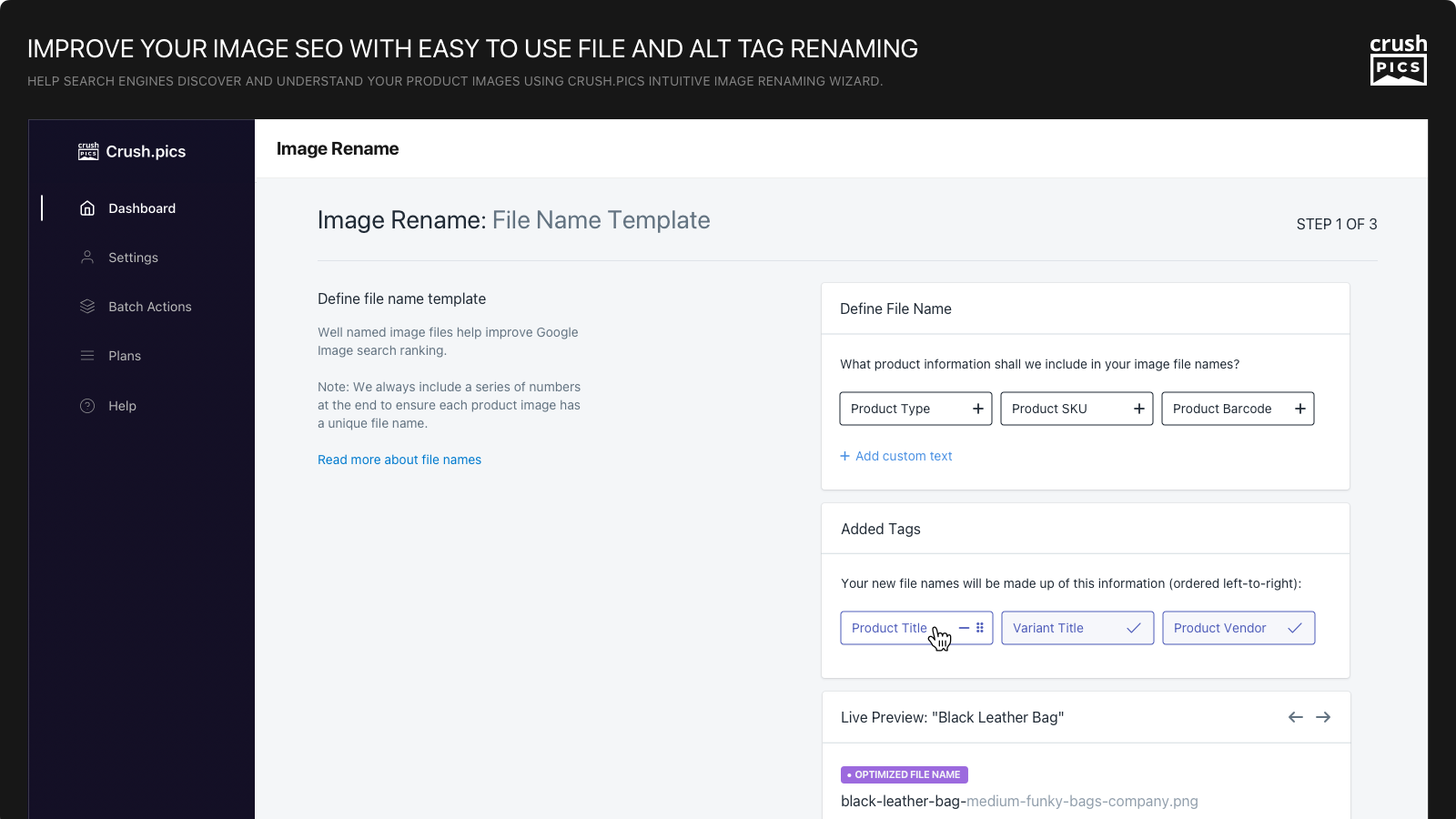
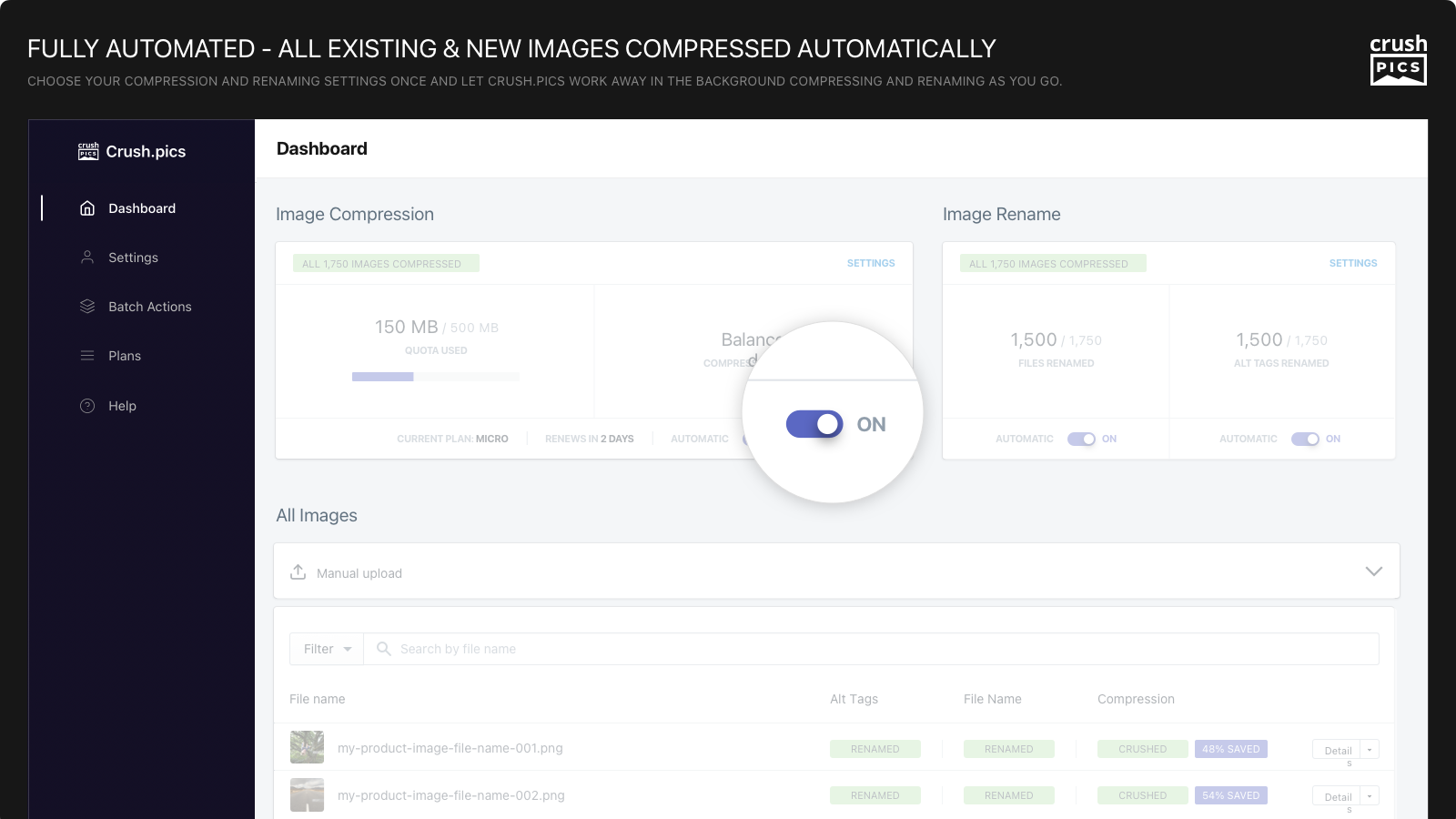
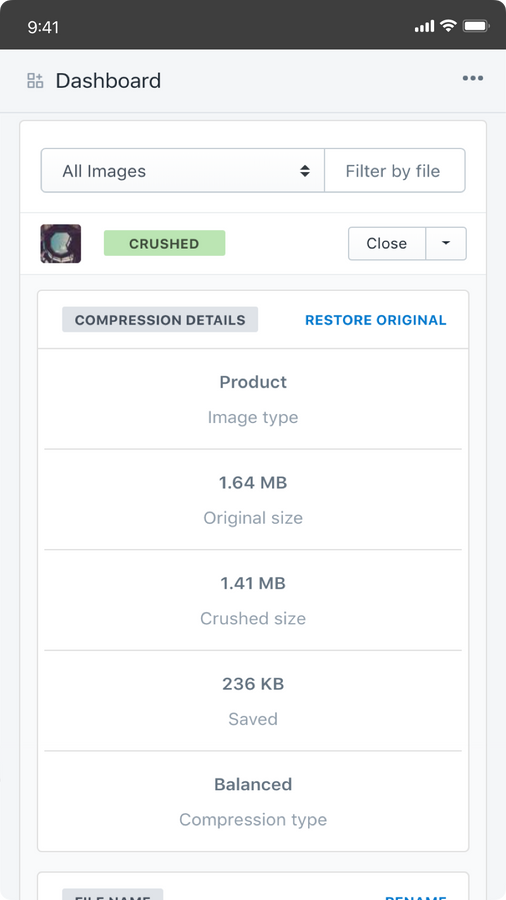
Speed Up Your Store & Boost Image SEO with Crush Image Optimizer & Renamer Crush Image Optimizer reduces your store’s image file sizes and accelerates your store’s loading speed—smaller image files mean faster page load times. The app also offers an intuitive way to optimize your image SEO: by renaming your images and ALT tags to describe the products they represent, you’ll help search engines categorize your images more effectively. Set your compression and renaming preferences once, then let Crush handle optimization and renaming in the background.
Core Functionality
- Optimize your store with Crush Images and boost image SEO
- Automatically rename image files and ALT tags to improve discoverability in search engines
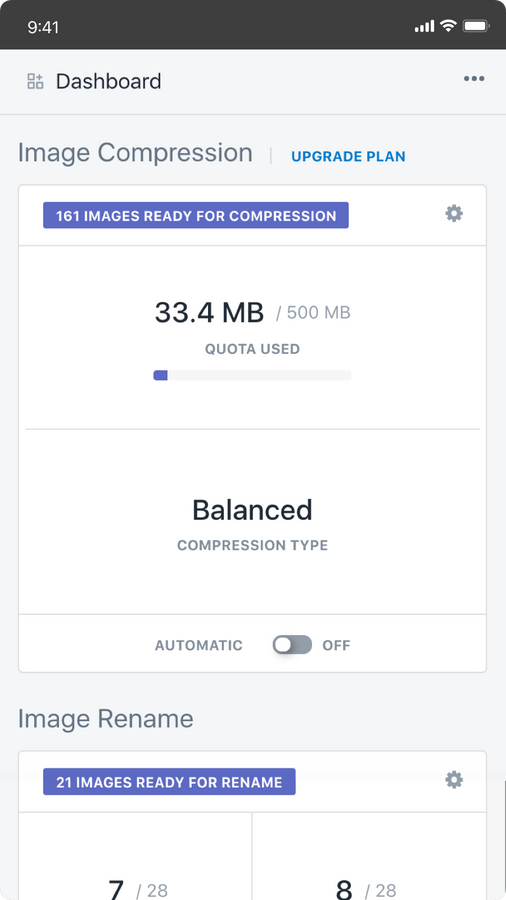
- Set your compression and renaming preferences once, then let Crush Images do the work
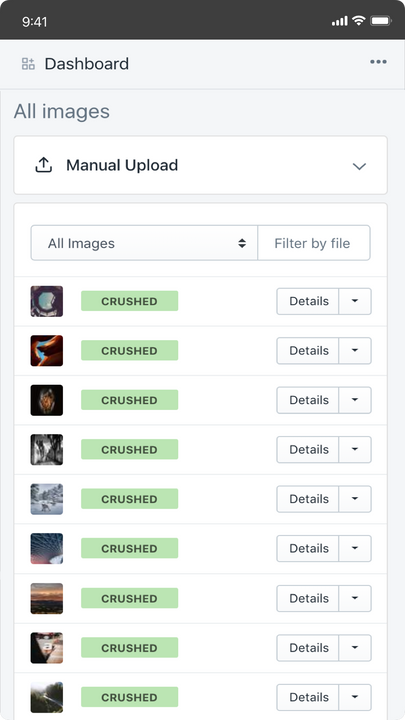
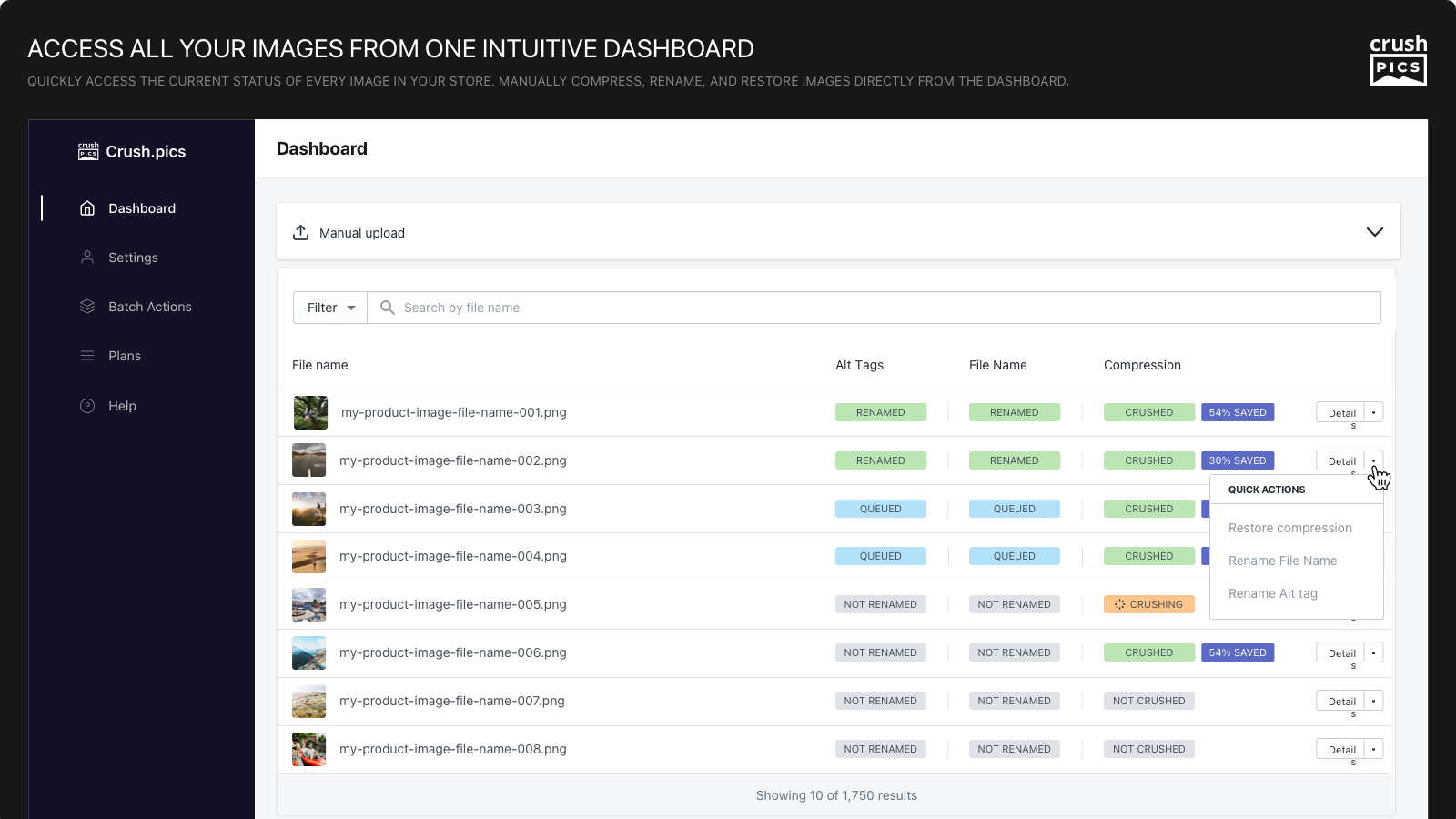
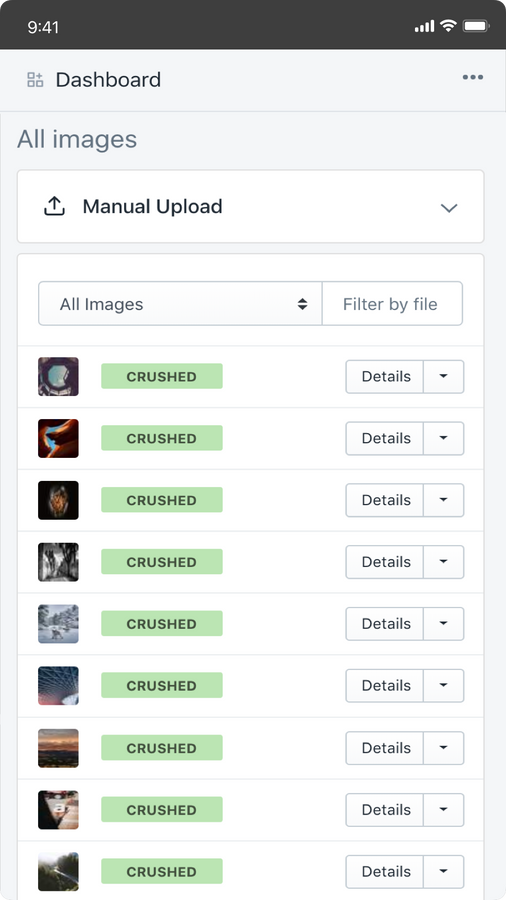
- Manually add and compress images (Shopify doesn’t grant access to all images)
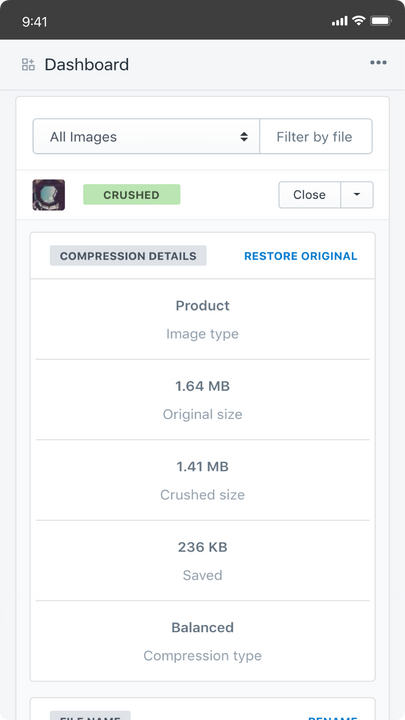
- Test and choose from different image compression algorithms
Merchant-Friendly
- Independent Station Merchants
- E-commerce Sellers
- Image-intensive Merchants
- Foreign Trade E-commerce
Basic Information
- Developer:Space Squirrel Ltd.
- Address:9 POUND LANE, GODALMING, ENG, GU7 1BX, GB
- Price: Free / Free plan
- Rating:4.9 / 5
- Comment Count:458 comment
- Release Date:2016-6-6
- Supported languages:English
- Compatible products:Shopify
Application Screenshot




Price Plan
免费
- 25 MB (One - time)
- Product Images Only
- Manual Upload and Compression
- 30 - Day Backup
微型
- 500MB Monthly Image Quota
- Automatic & Manual Compression
- Product & Asset Images
- SEO + ALT Renaming
- 30-Day Backup
专业
- 2GB Image Storage Monthly
- Automatic & Manual Compression
- Product & Asset Images
- SEO + ALT Renaming
- 30-Day Backup
高级
- 5GB of images per month
- Automatic and manual compression
- Product and asset images
- SEO + ALT renaming
- 30-day backup
User Location & Comments
User Location
Comments
Shopify API Used
- POST /admin/api/shop/assets.json
- PUT /admin/api/shop/assets/{key}.json
- GET /admin/api/shop/assets.json
Permission:write_assets,read_assets,manage_products
- POST /admin/api/products/{product_id}/images.json
- PUT /admin/api/products/{product_id}/images/{image_id}.json
- GET /admin/api/products/{product_id}/images.json
Permission:write_products,read_products,manage_assets
- POST /admin/api/apps/{app_id}/settings.json
- PUT /admin/api/apps/{app_id}/settings.json
- GET /admin/api/apps/{app_id}/settings.json
Permission:write_app,read_app,manage_assets
- POST /admin/api/shop/assets.json
- PUT /admin/api/shop/assets/{key}.json
- GET /admin/api/shop/assets.json
Permission:write_assets,read_assets,manage_products
- POST /admin/api/apps/{app_id}/image_compression_tests.json
- PUT /admin/api/apps/{app_id}/image_compression_tests/{test_id}.json
- GET /admin/api/apps/{app_id}/image_compression_tests.json
Permission:write_app,read_app,manage_assets



