App Introduction
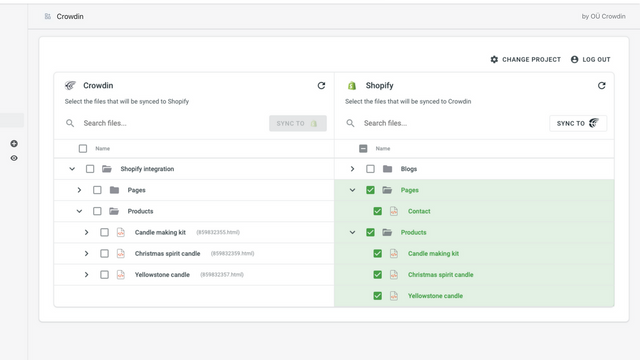
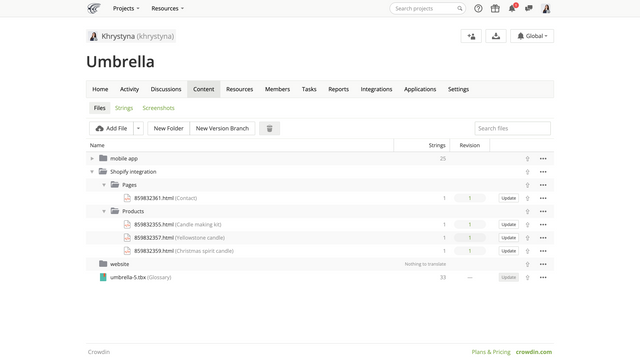
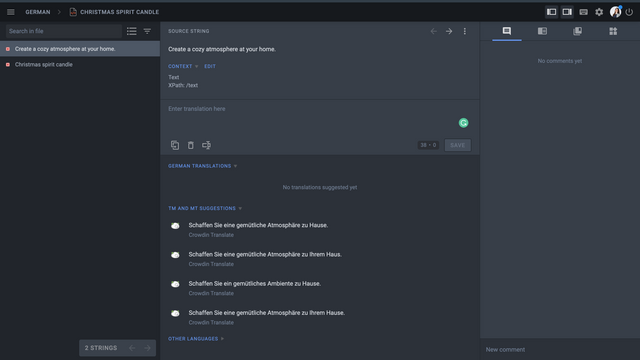
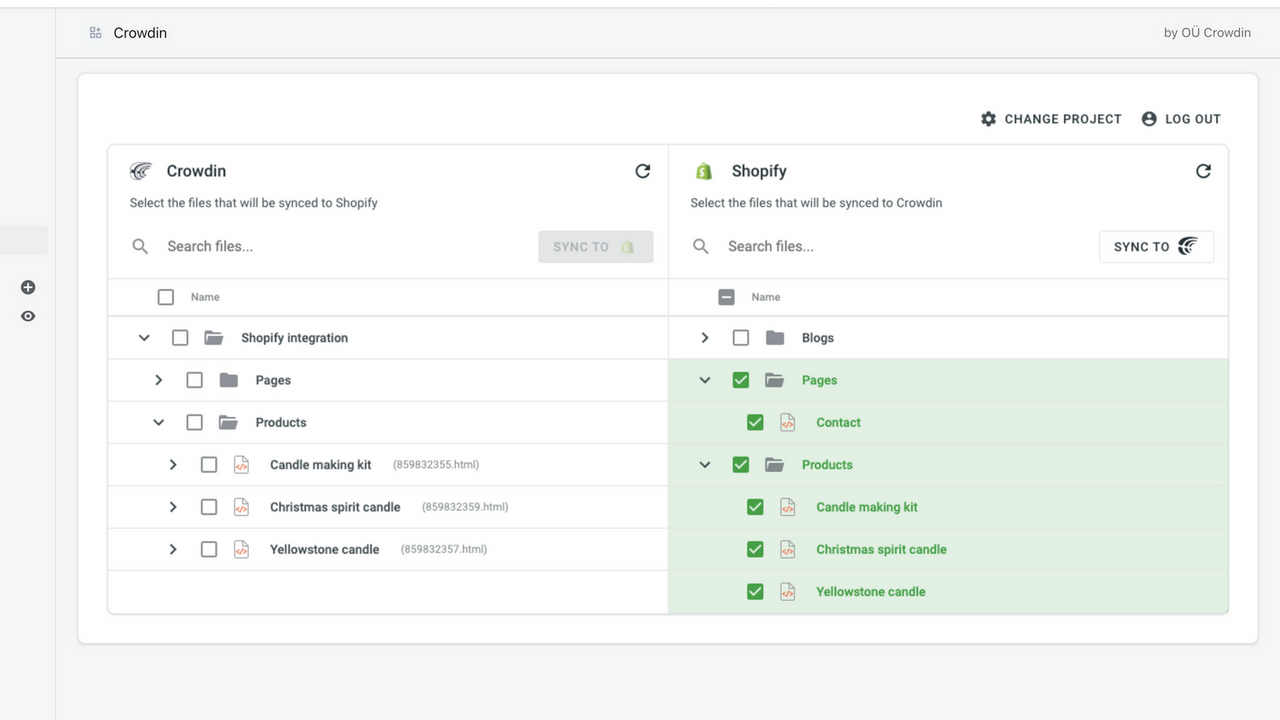
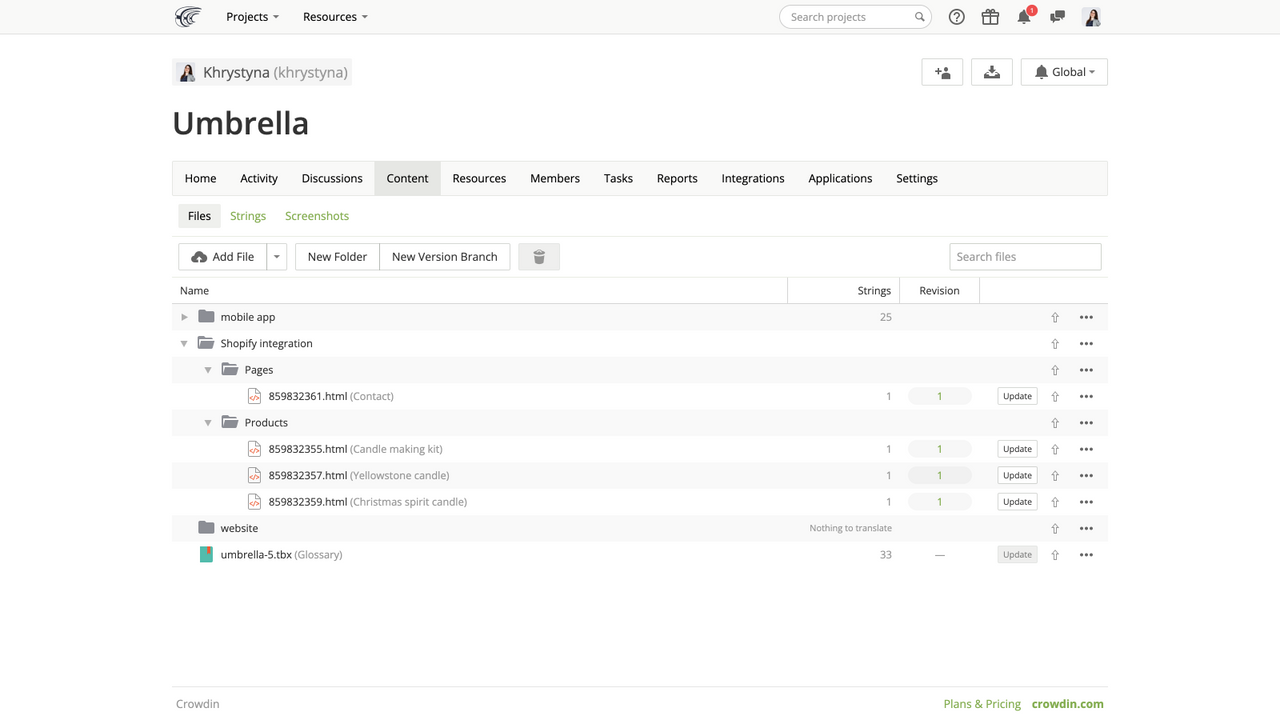
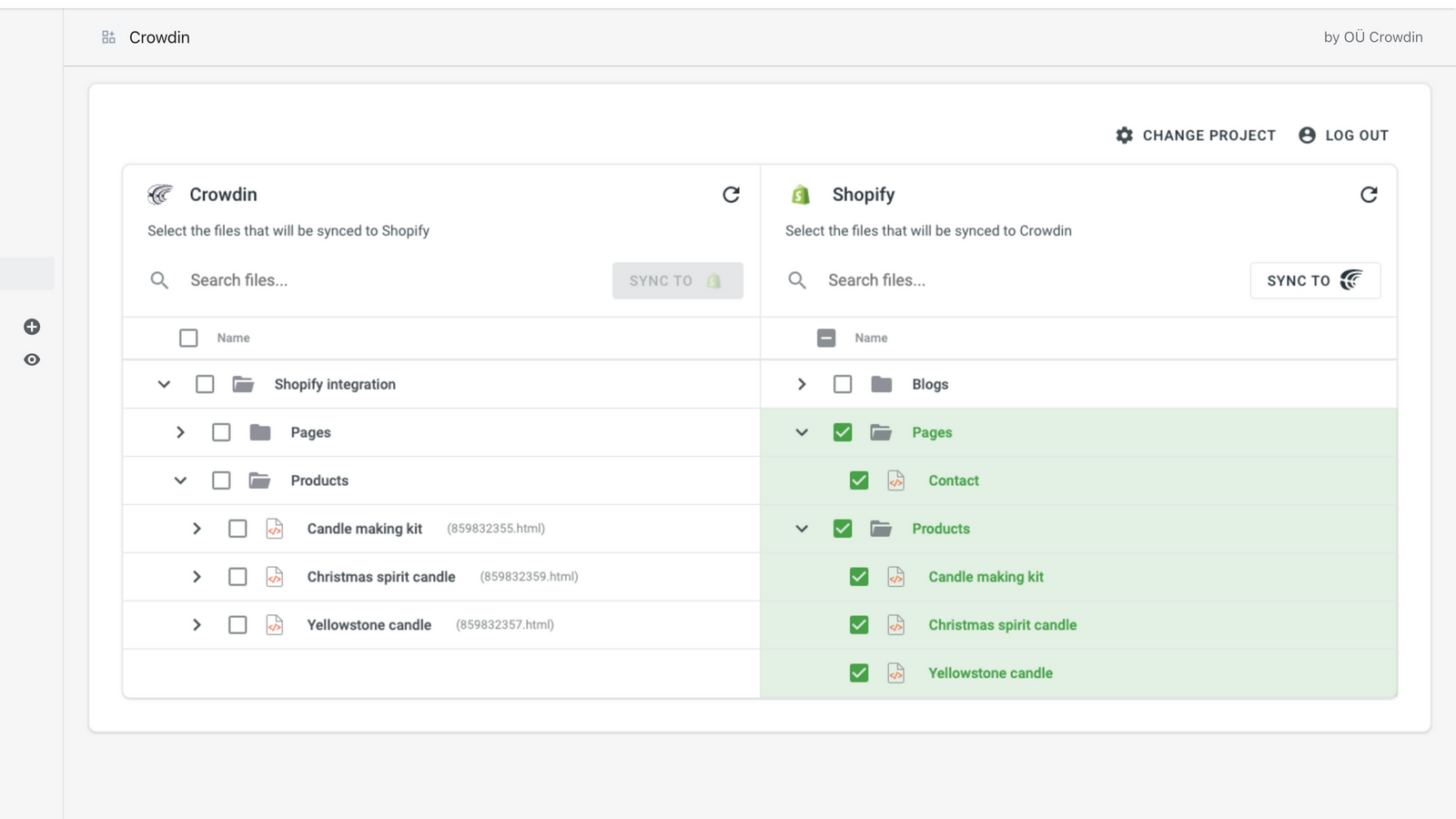
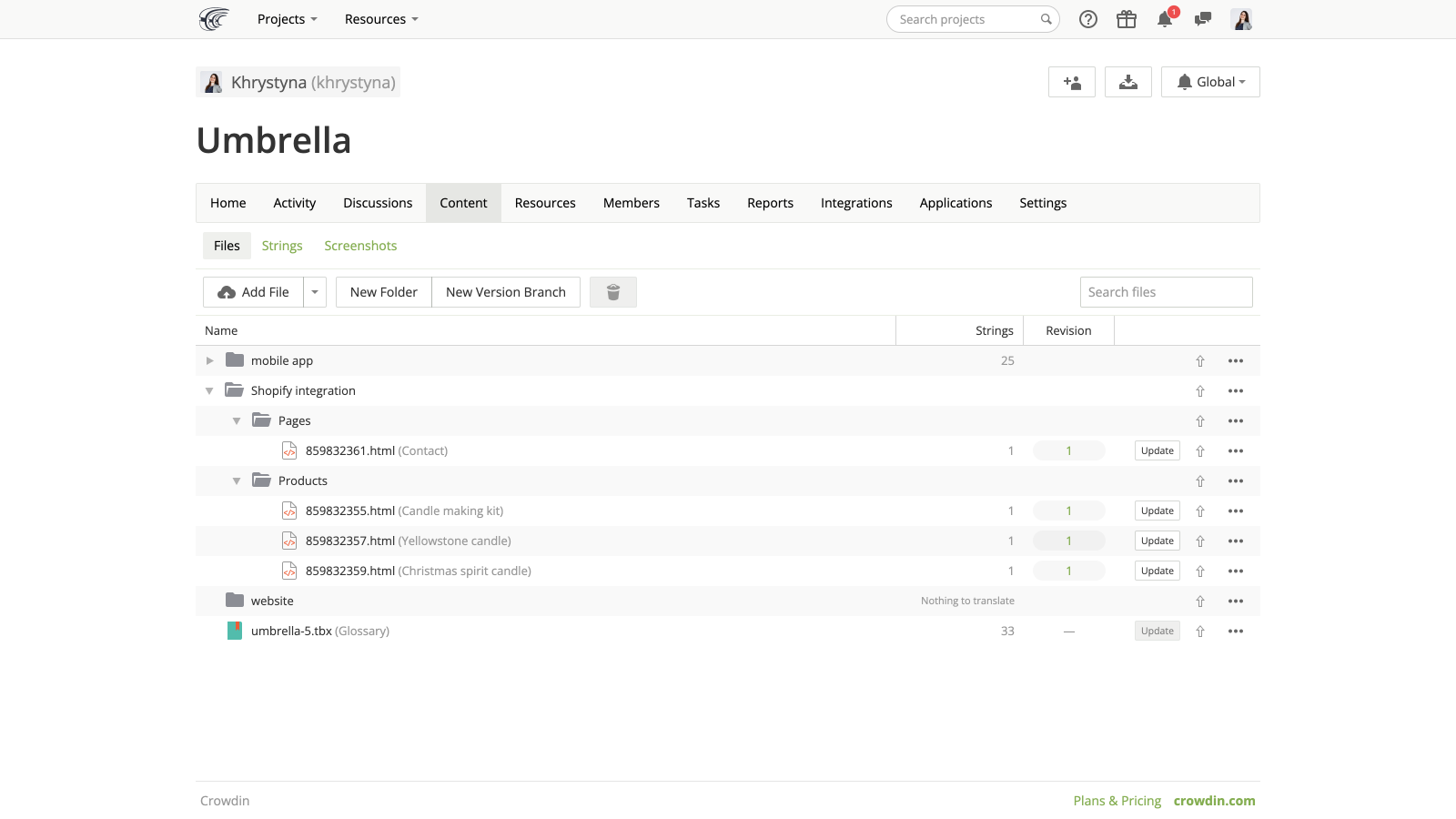
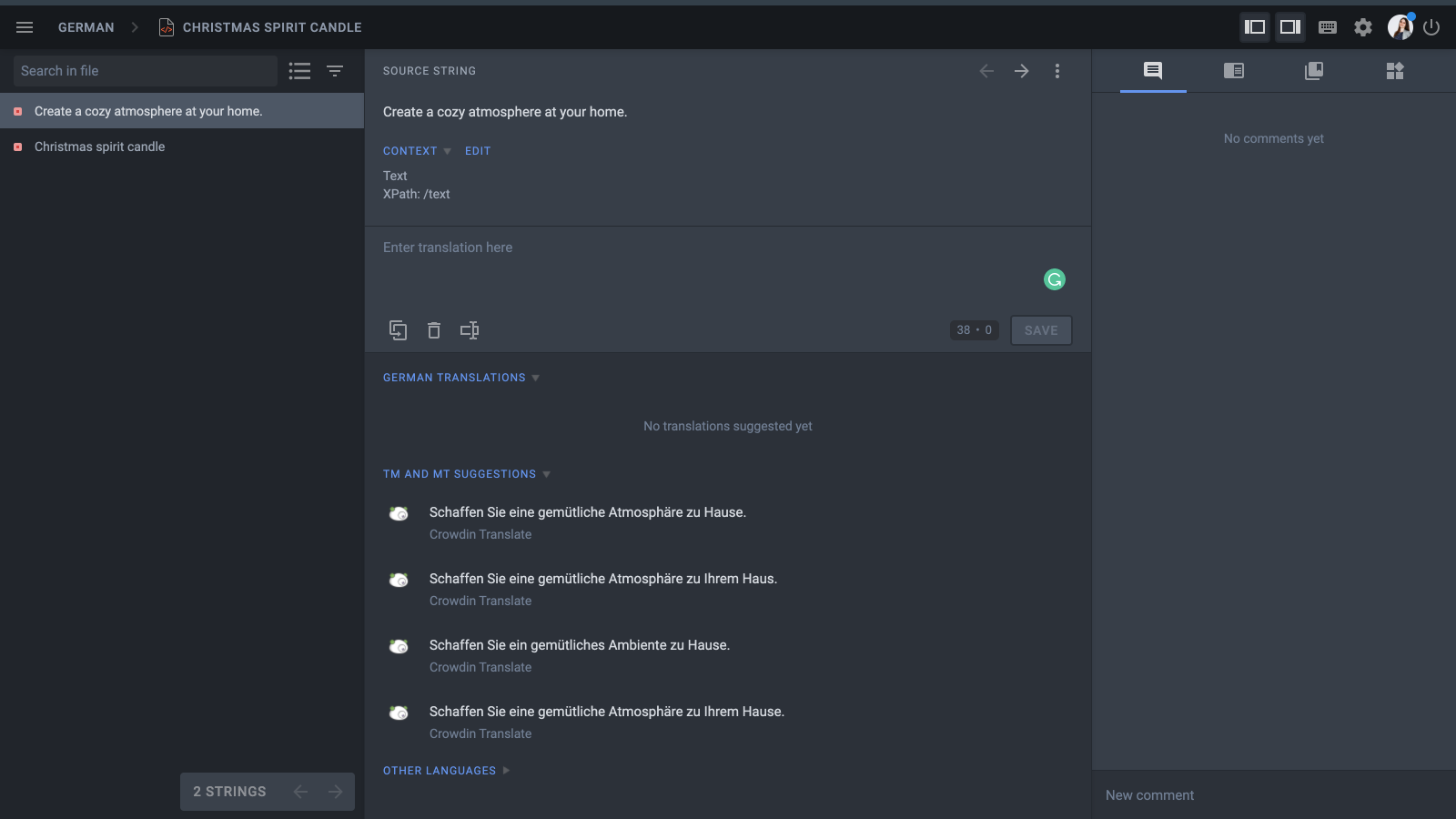
Reach more potential customers with Crowdin’s localization software. Use the app to translate your store No need to manually upload translation files to Shopify. Automatically sync source content and translations with Crowdin to save time. With one click, send your primary language content from Shopify to your localization project in Crowdin. Download completed translations directly from the Crowdin app without leaving your Shopify store. Synced translations will be immediately available in the languages published on your store.
Core Functionality
- Ensure translation quality through quality checks
- Add a glossary to ensure correct terminology translation
- Translate to any language, dialect, or even custom languages
- Support for RTL languages
- 24/7 customer support
Merchant-Friendly
- Cross-border E-commerce Merchants
- Multilingual Independent Stations
- Global Brand Stores
- Regionalized E-commerce
Basic Information
- Developer:OÜ Crowdin
- Address:Mustamäe tee 44/1, Kristiine linnaosa, Harju maakond, Tallinn, 10621, EE
- Price: Free / Free plan
- Rating:0 / 5
- Comment Count:0 comment
- Release Date:2021-11-16
- Supported languages:English
- Compatible products:Shopify
Application Screenshot

Price Plan
Free
User Location & Comments
User Location
Comments
Shopify API Used
- POST /admin/api/translations/quality_check.json
- GET /admin/api/translations/quality_check/{id}.json
- PUT /admin/api/translations/quality_check/{id}/status.json
Permission:read_translations,write_translations,manage_translations
- POST /admin/api/translations/glossary.json
- PUT /admin/api/translations/glossary/{term_id}.json
- DELETE /admin/api/translations/glossary/{term_id}.json
Permission:read_translations,write_translations,manage_translations
- POST /admin/api/translations.json
- GET /admin/api/translations/{translation_id}.json
- PUT /admin/api/translations/{translation_id}.json
Permission:read_translations,write_translations,manage_translations
- POST /admin/api/translations/rtl_config.json
- GET /admin/api/translations/rtl_config.json
- PUT /admin/api/translations/rtl_config/{lang}.json
Permission:read_translations,write_translations,manage_translations
- POST /admin/api/support/translation_ticket.json
- GET /admin/api/support/translation_ticket/{ticket_id}.json
- PUT /admin/api/support/translation_ticket/{ticket_id}/status.json
Permission:read_support_tickets,write_support_tickets,manage_shop