
App Introduction
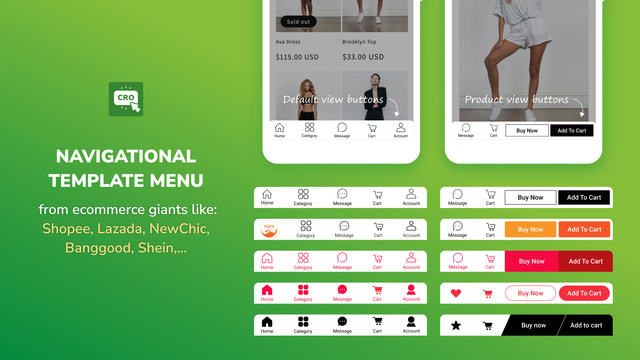
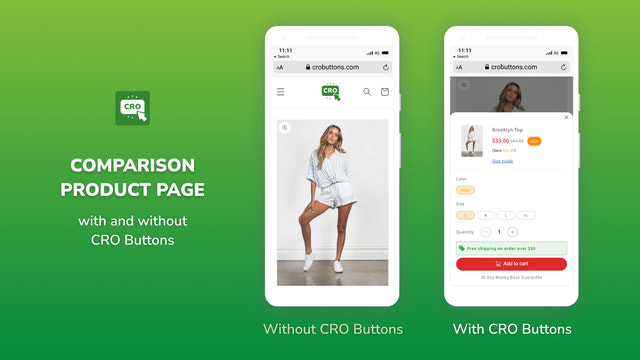
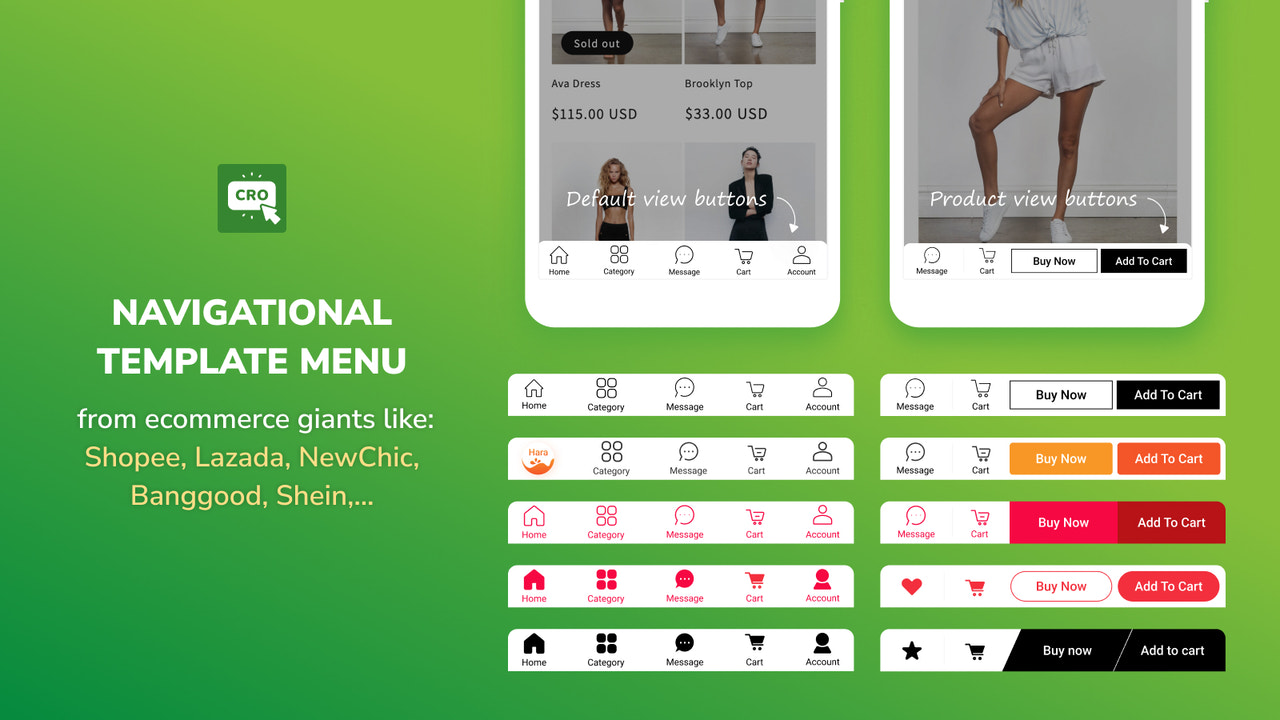
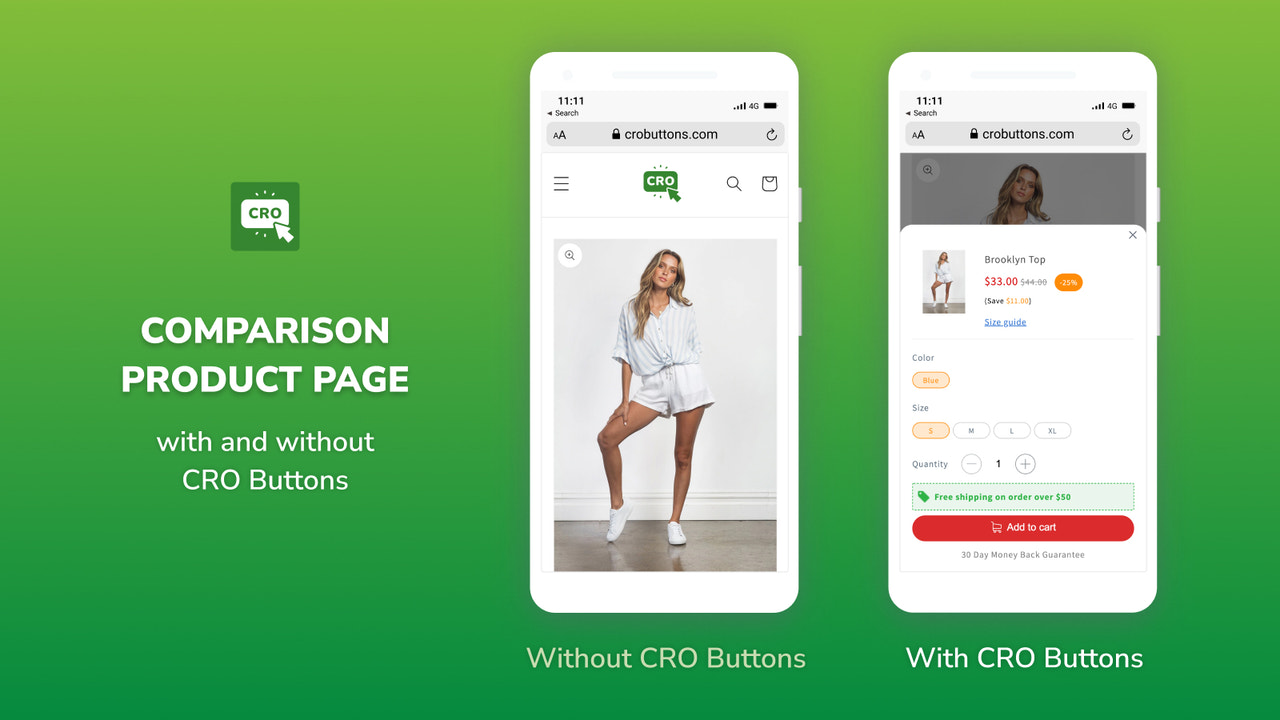
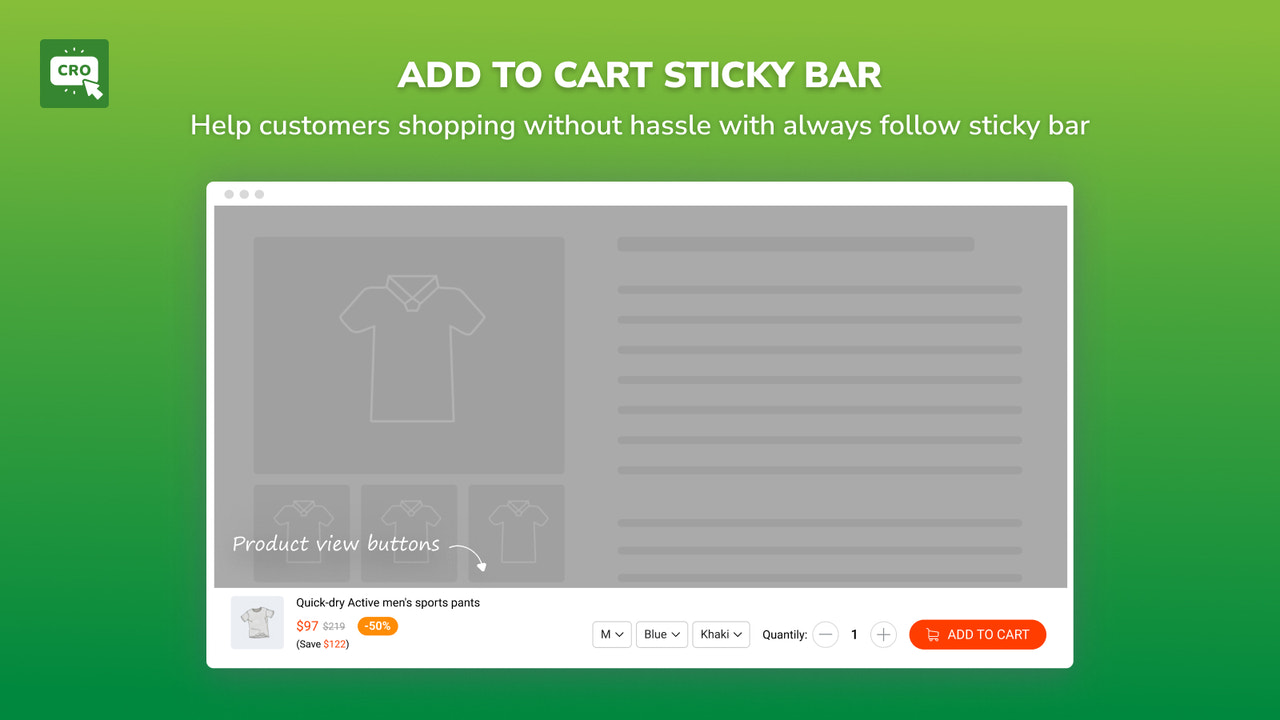
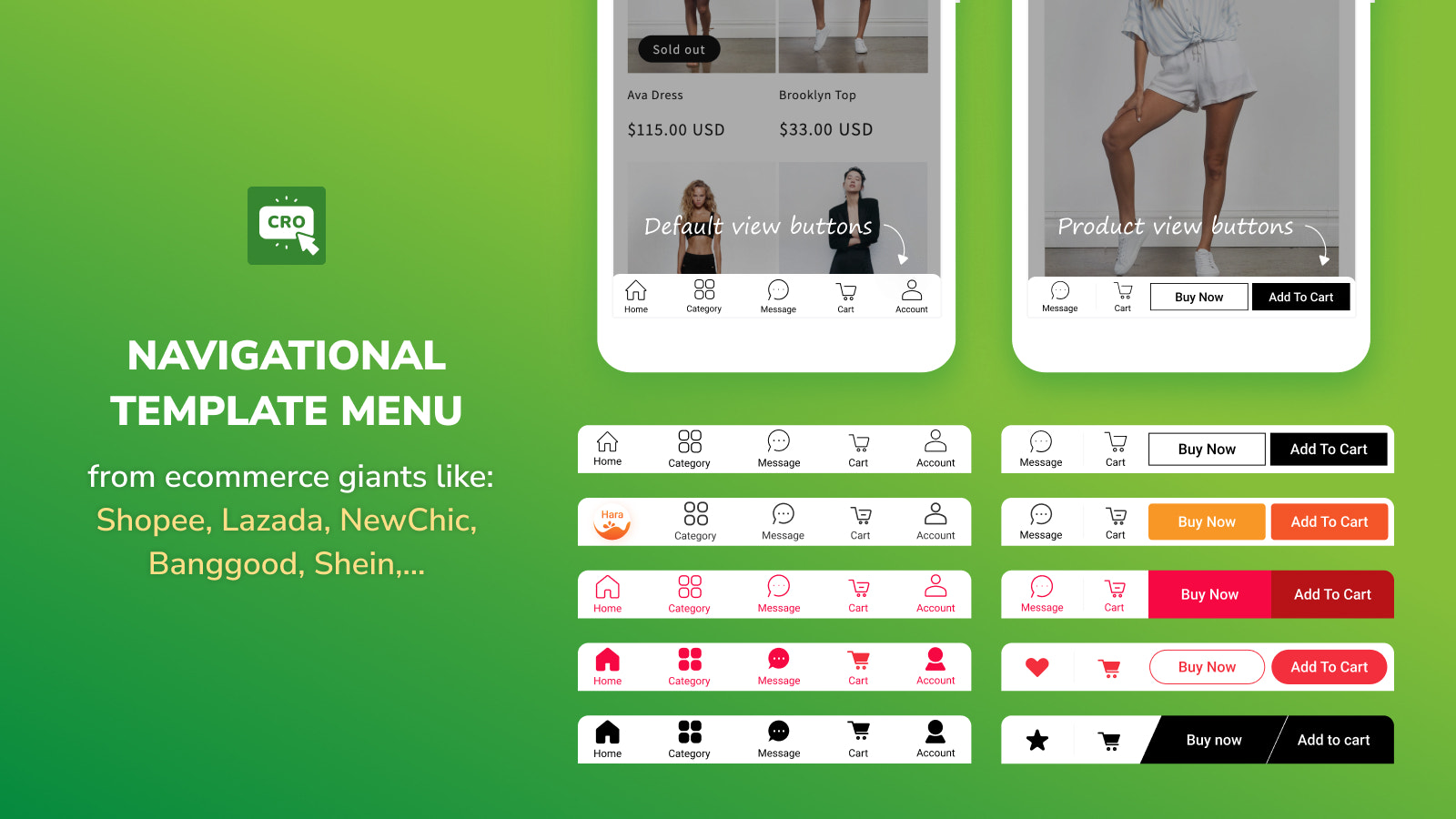
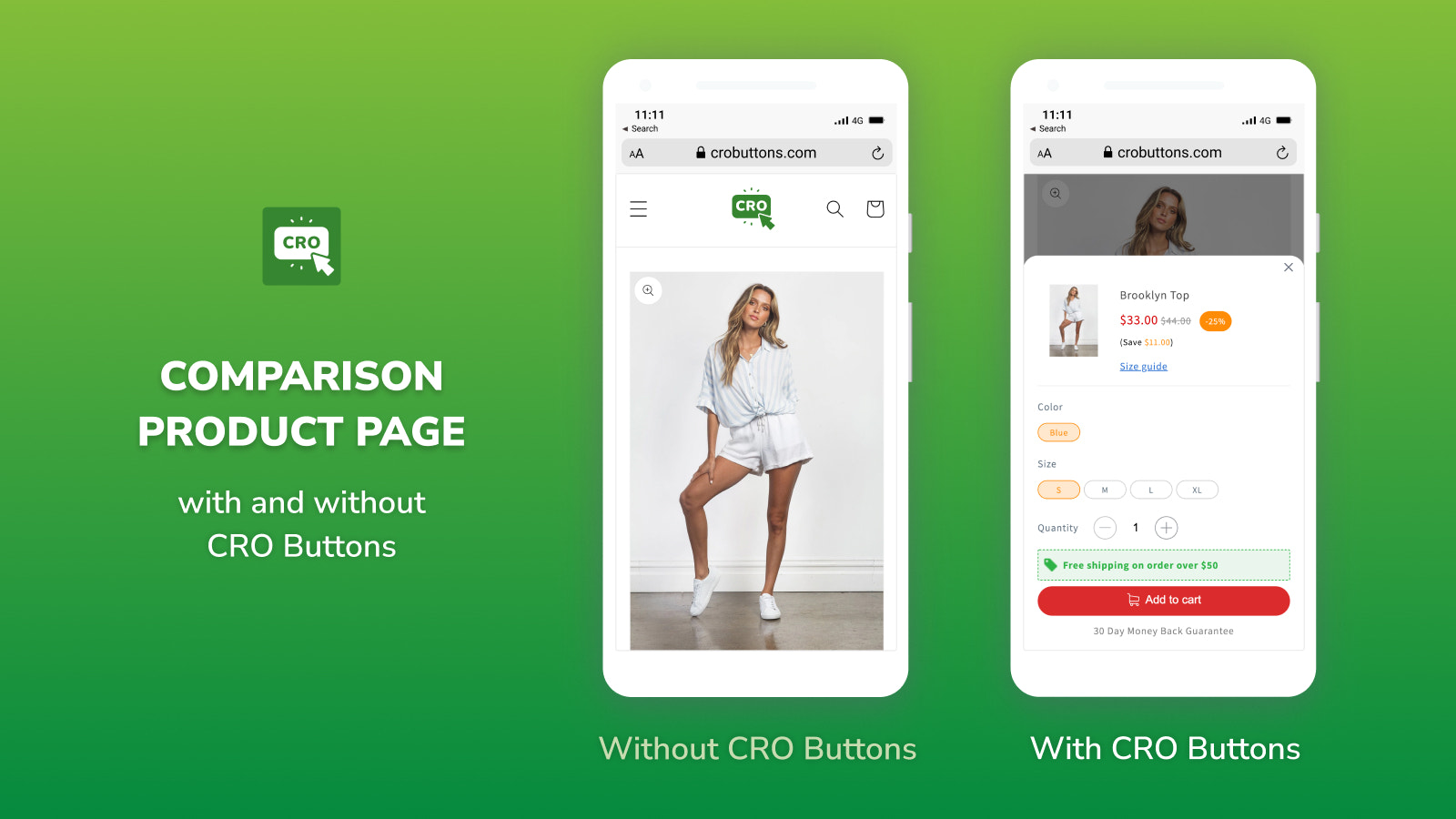
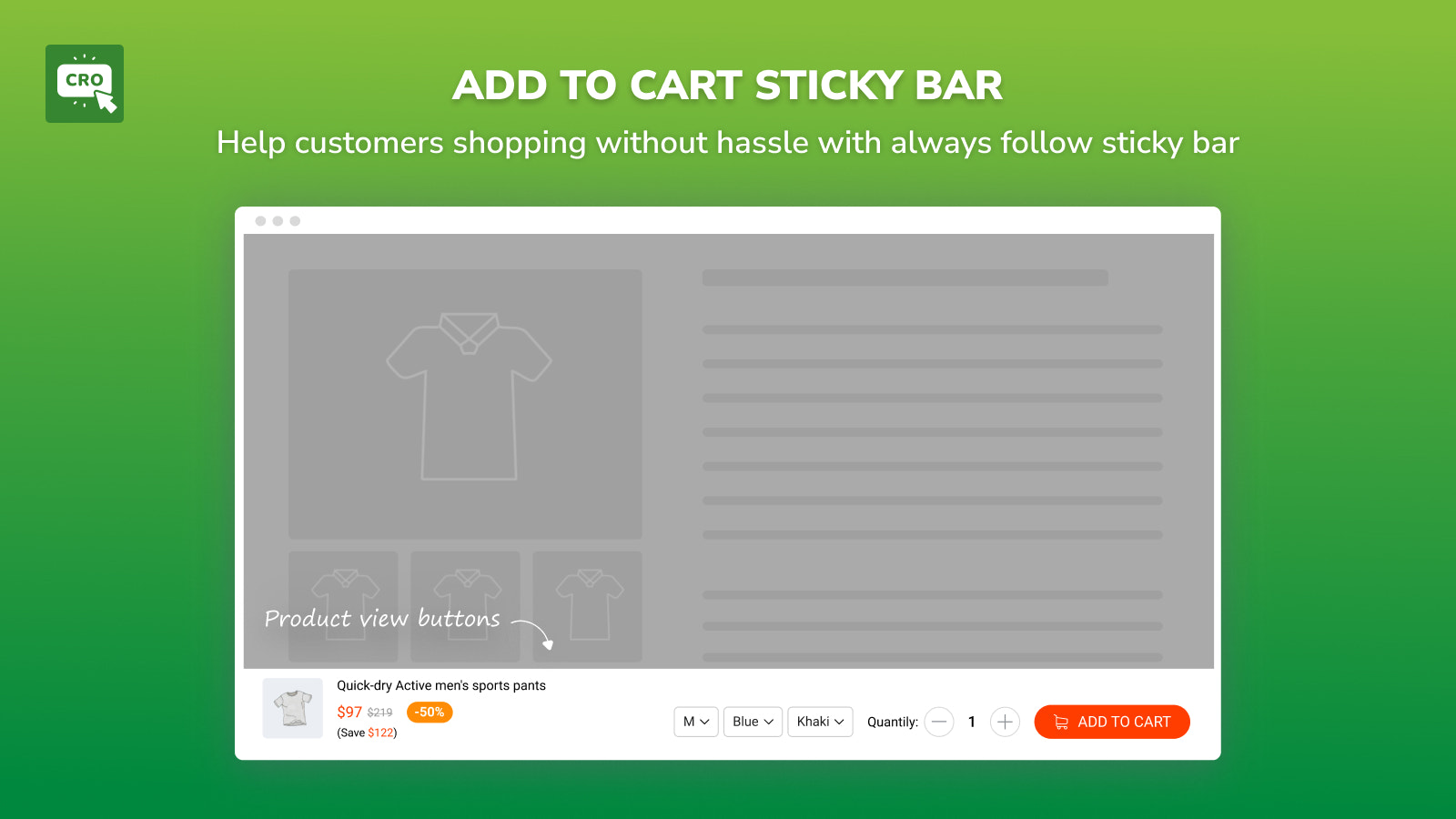
CRO Buttons provides stores with the best e-commerce buttons to boost sales and delight customers! CRO Buttons enables store owners to create a mobile menu for their store navigation, driving higher sales and increasing customer engagement. On desktop, our "Add to Cart" sticky button follows users, boosting the likelihood of customers adding more items to their cart. The shopping experience feels as easy as a walk in the park—wherever customers browse, the button is always within reach, letting them simply compare and add their favorite products to the cart.
Core Functionality
- Add buttons from top e-commerce giants to your store.
- Create a delightful shopping experience with app-like navigation buttons.
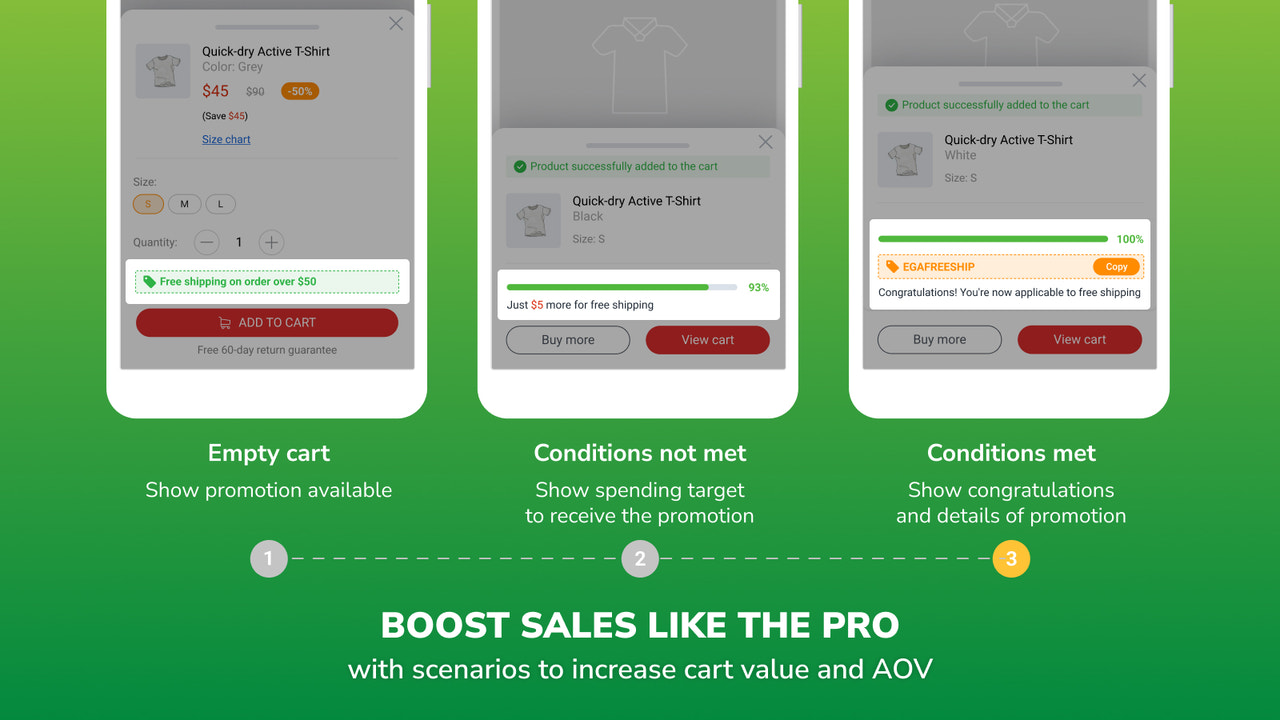
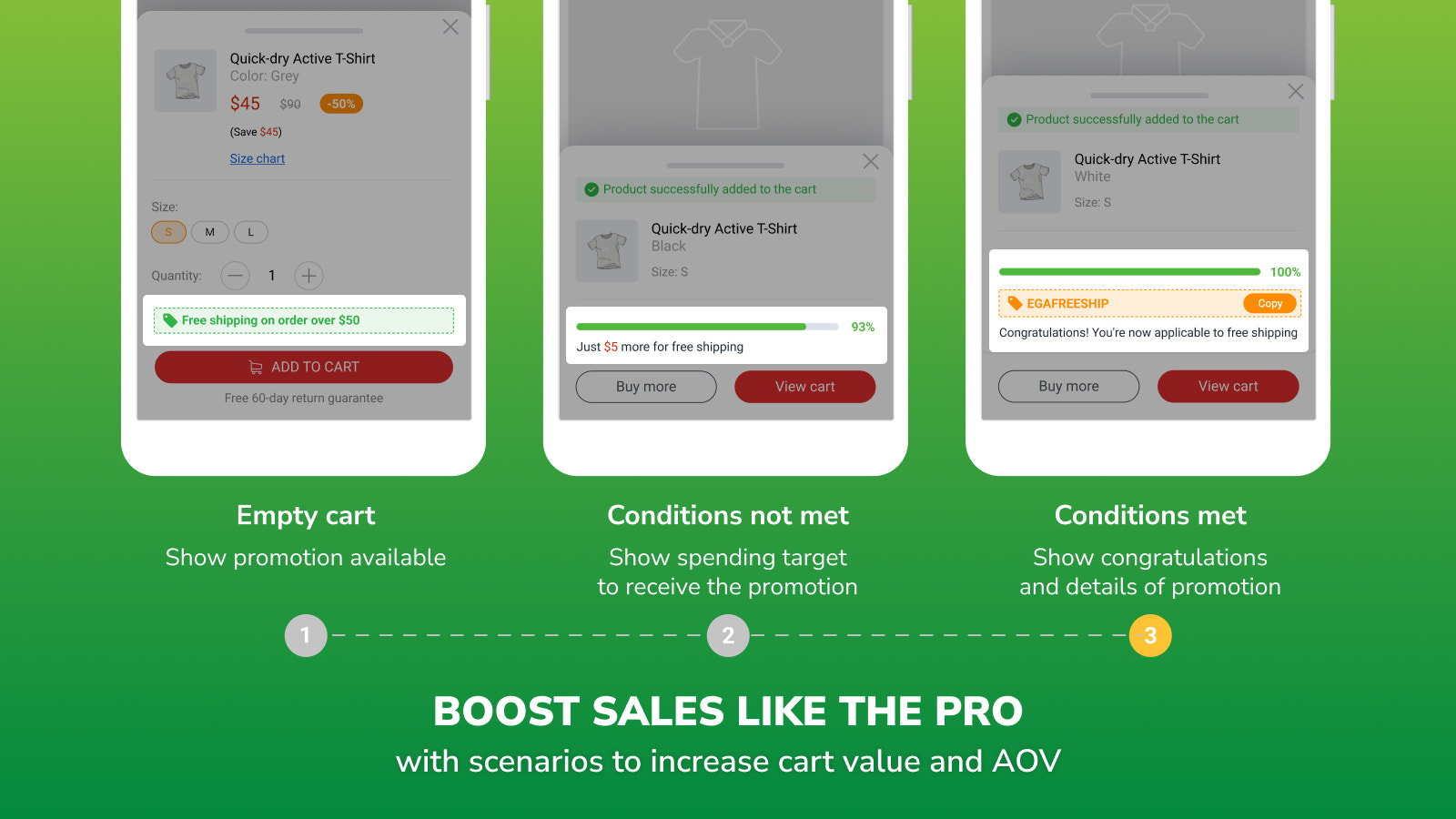
- Boost sales like a professional e-commerce expert.
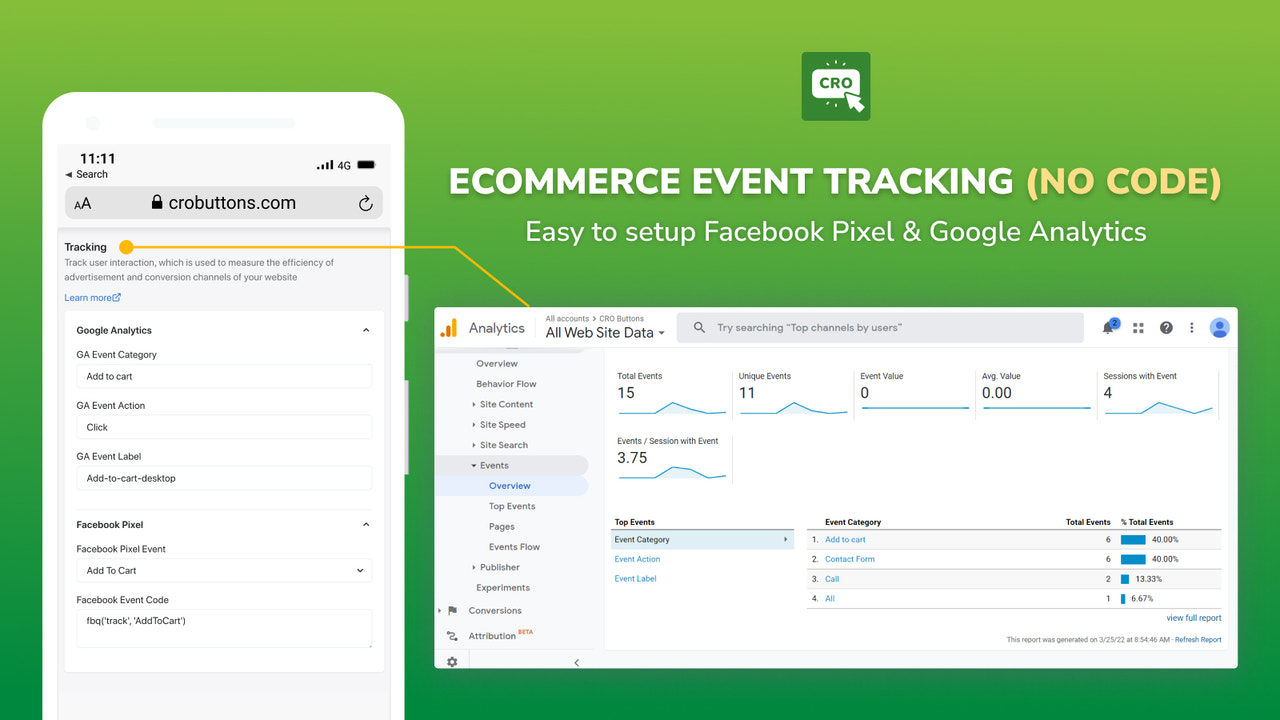
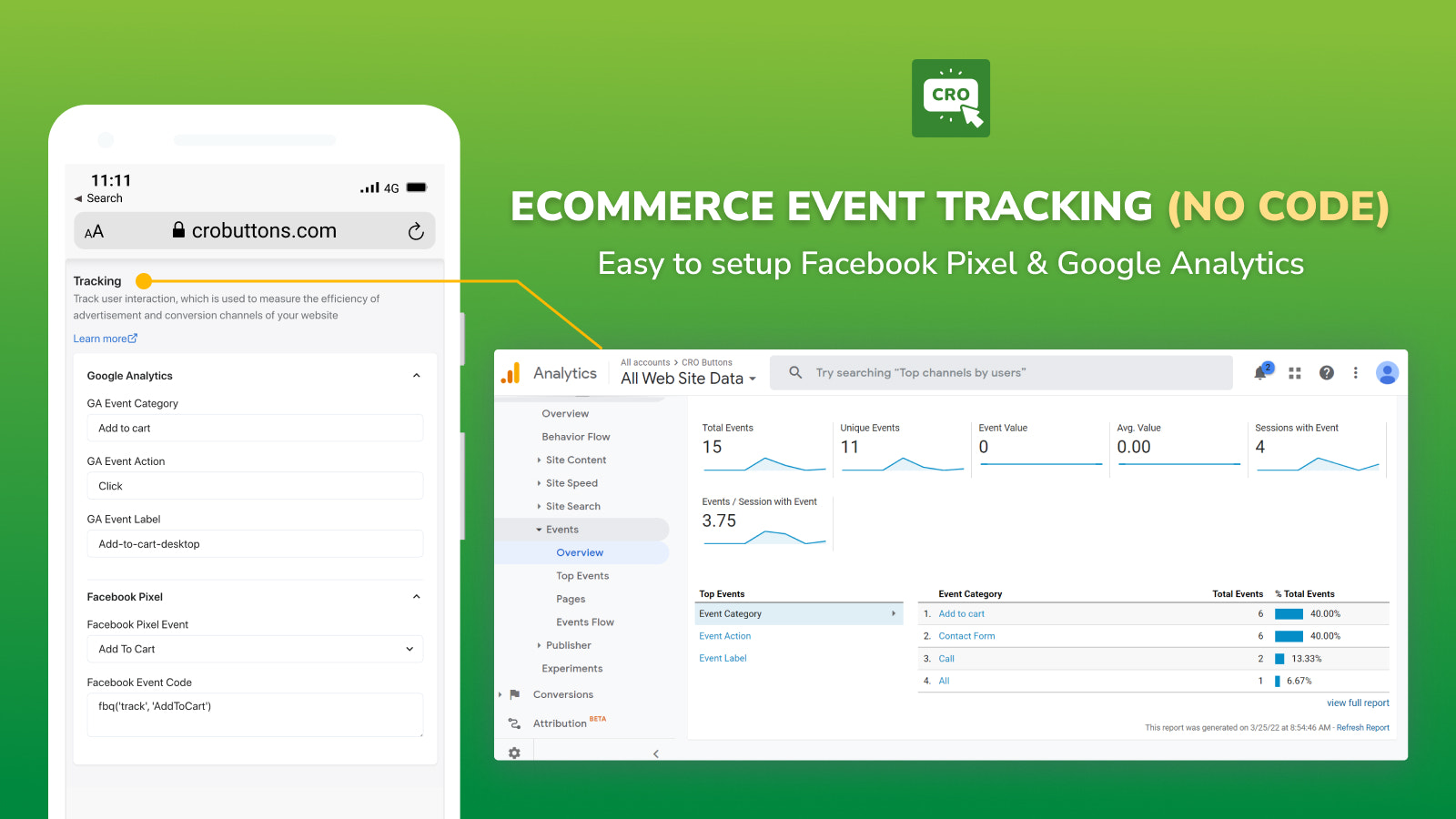
- Add e-commerce tracking with a no-code tool. No developers required.
- Add a sticky Add to Cart button to your desktop store
Merchant-Friendly
- Independent Station Merchants
- Small & Medium E-commerce Sellers
- Brand E-commerce Stores
- Cross-border E-commerce Merchants
- Multi-category E-commerce
Basic Information
- Developer:EGA Technology LLC
- Address:12899 S TORTOISE LN, RIVERTON, UT, 84096-5500, US
- Price: Free / Free plan
- Rating:1.5 / 5
- Comment Count:2 comment
- Release Date:2022-6-24
- Supported languages:English
- Compatible products:Shopify
Application Screenshot





Price Plan
FREE
- 2202 clicks
- Mobile app-like navigation
- Sticky Add to Cart bar
- 8+ mobile buttons
- 5 skins
- Free Shipping Bar app
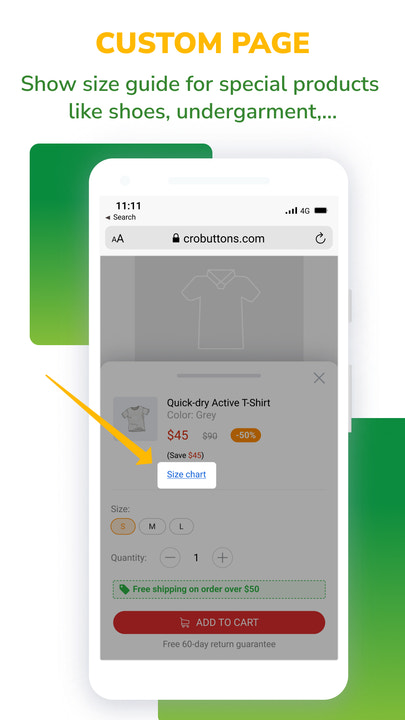
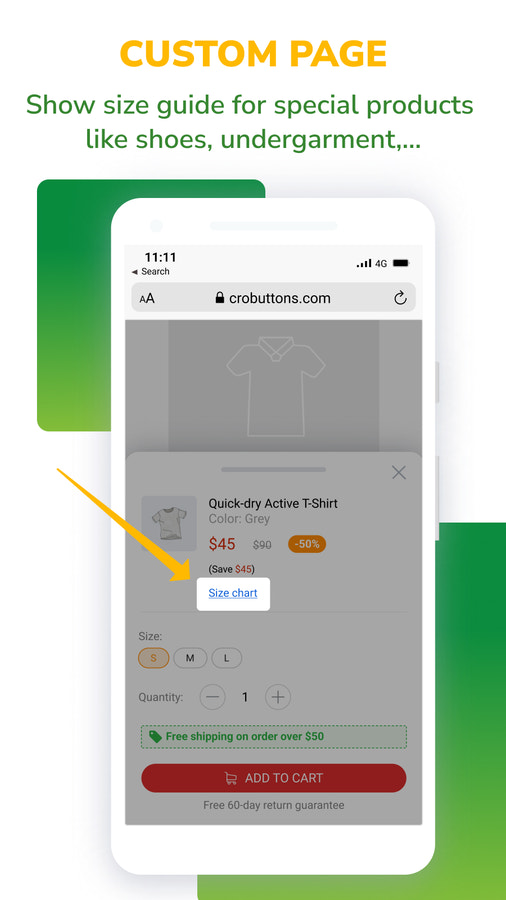
- Size Chart app
- Standard Support
PRO
- Unlimited Clicks
- All content in the FREE plan, plus:
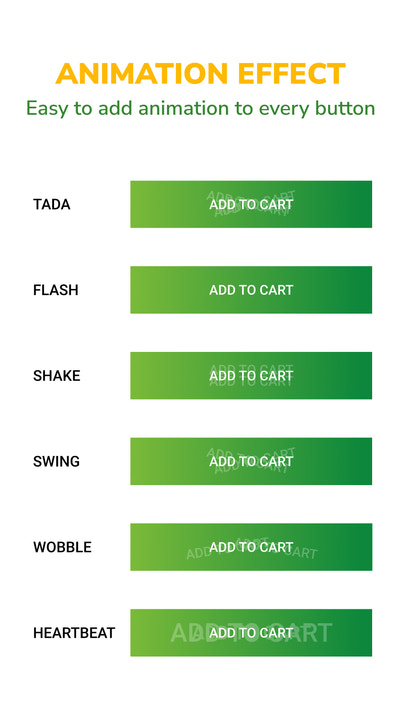
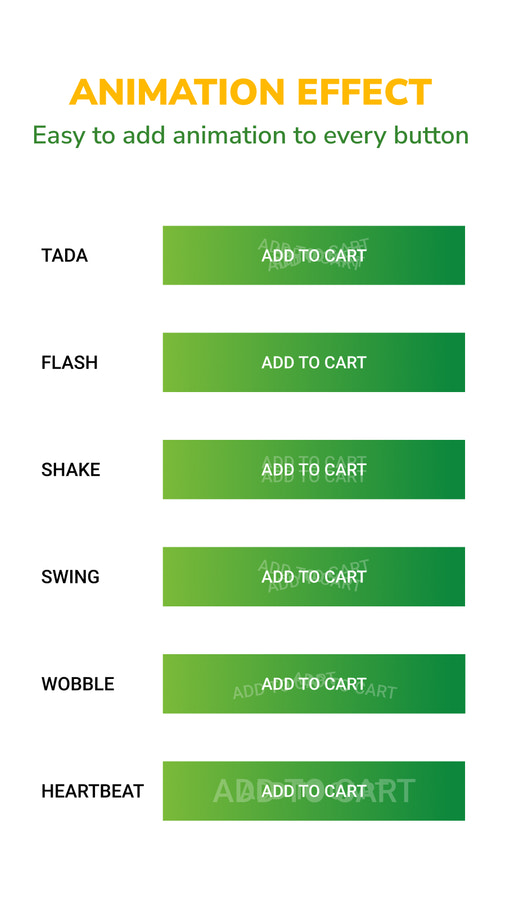
- Button Animation Effects
- No-Code Ecommerce Tracking
- Product Review Plugin
- Premium Support
User Location & Comments
User Location
Comments
Shopify API Used
- POST /admin/api/sections.json
- PUT /admin/api/sections/{id}.json
- GET /admin/api/sections.json
Permission:write_themes,read_themes,manage_online_store
- POST /admin/api/menu_items.json
- PUT /admin/api/menu_items/{id}.json
- GET /admin/api/menus.json
Permission:write_menus,read_menus,manage_online_store
- POST /admin/api/metafields.json
- PUT /admin/api/metafields/{id}.json
- GET /admin/api/metafields.json
Permission:write_metafields,read_metafields,manage_products
- POST /admin/api/scripts.json
- PUT /admin/api/scripts/{id}.json
- GET /admin/api/scripts.json
Permission:write_scripts,read_scripts,manage_online_store
- POST /admin/api/sections.json
- PUT /admin/api/sections/{id}.json
- GET /admin/api/sections.json
Permission:write_themes,read_themes,manage_online_store



