
App Introduction
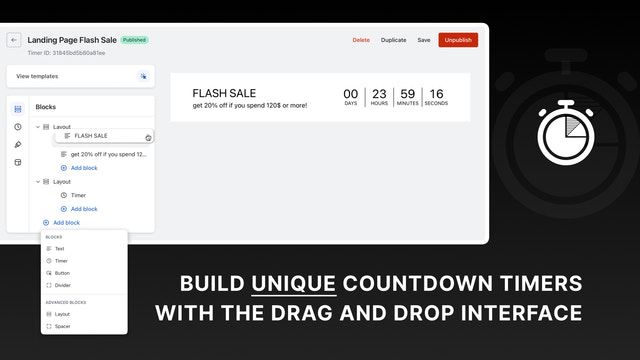
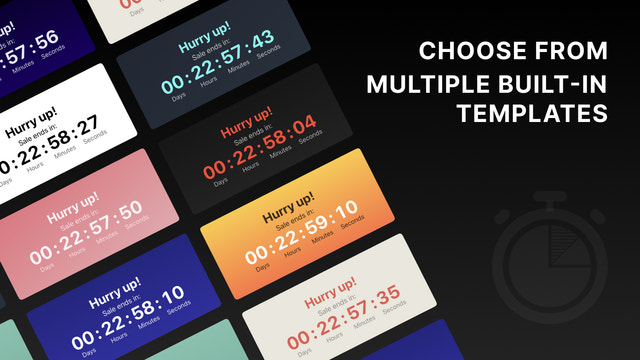
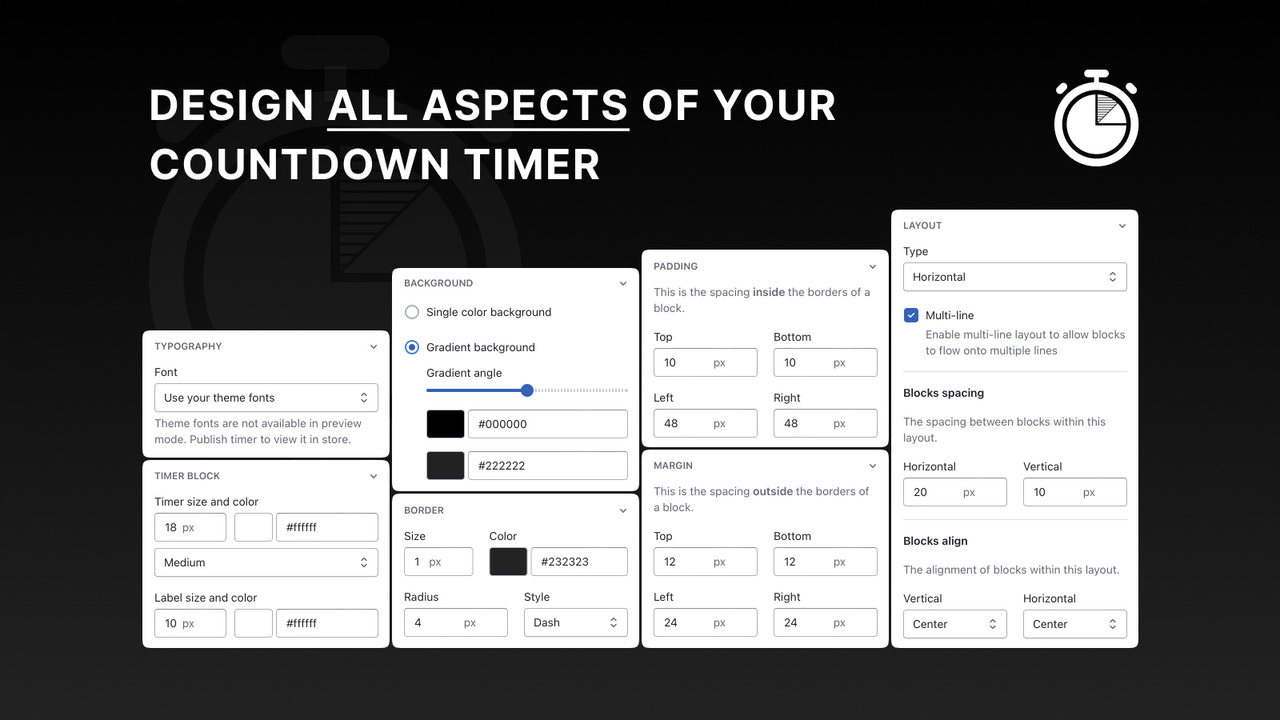
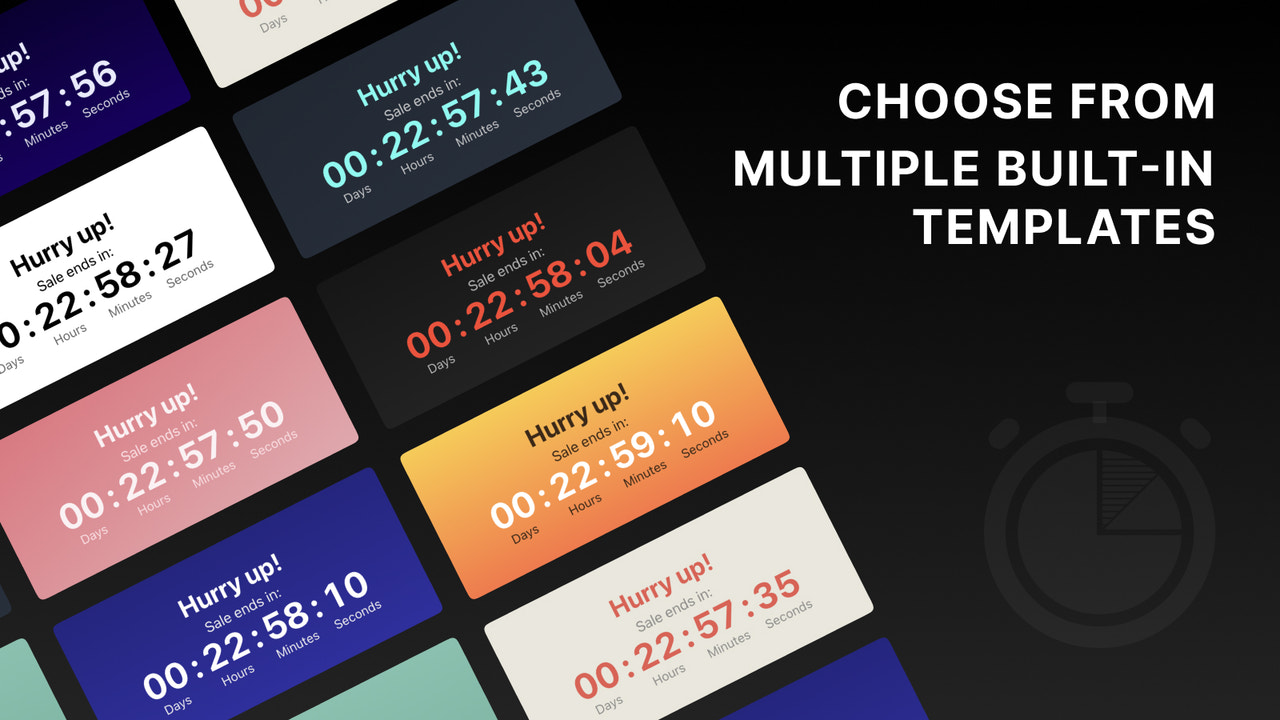
Boost urgency and drive conversions with a countdown timer—easy to use and fully customizable. With Focal Countdown Timer Builder, you can effortlessly create unique countdown timers via a drag-and-drop interface. Customize every aspect of your timer to make your store stand out and outperform competitors. Strategically deploy countdown timers for flash sales, product launches, or limited-time offers to fuel urgency, lift conversion rates, and leave a lasting brand impression. Start designing today!
Core Functionality
- Drag-and-Drop Builder. Create countdown timers using a drag-and-drop interface.
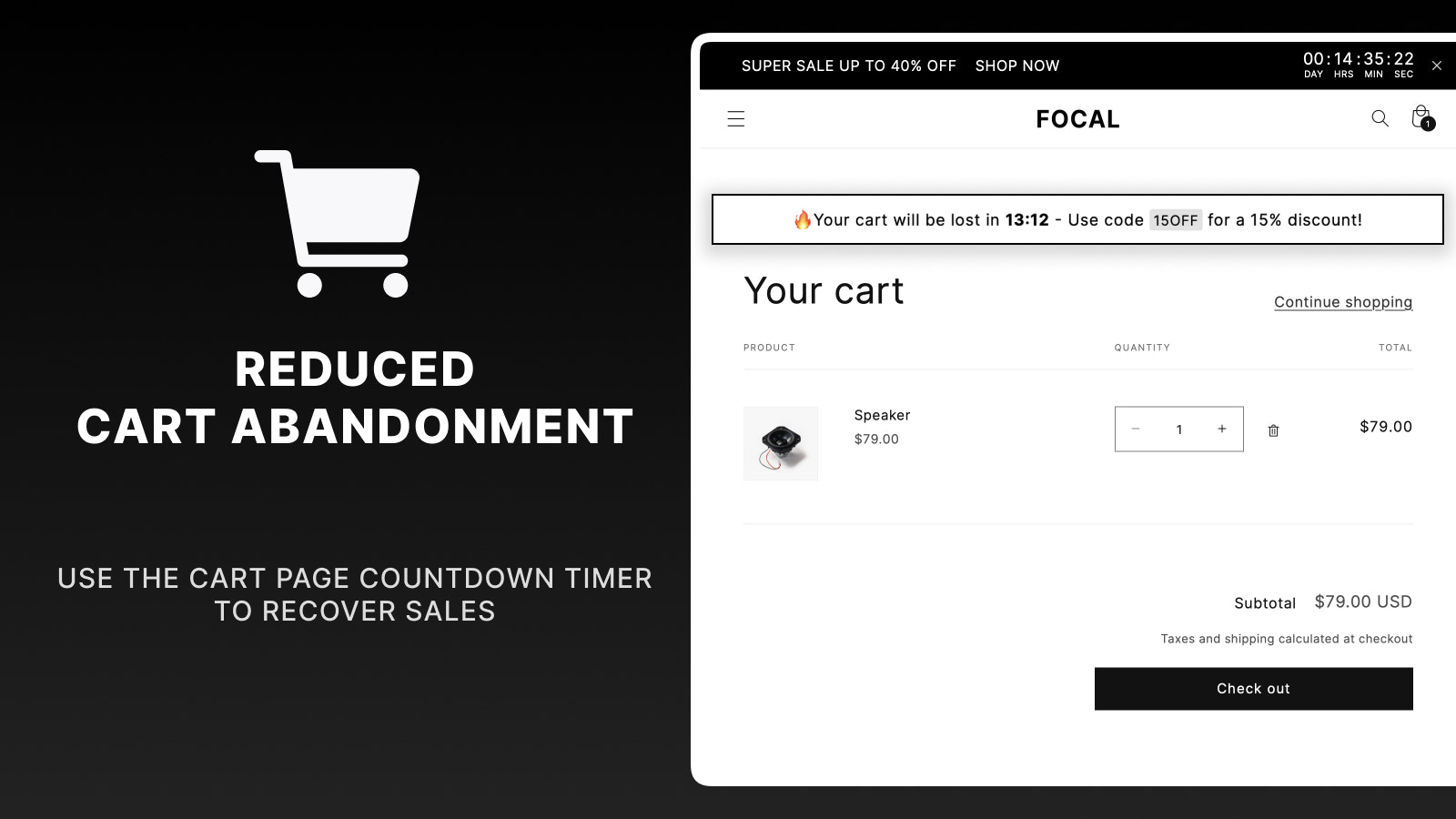
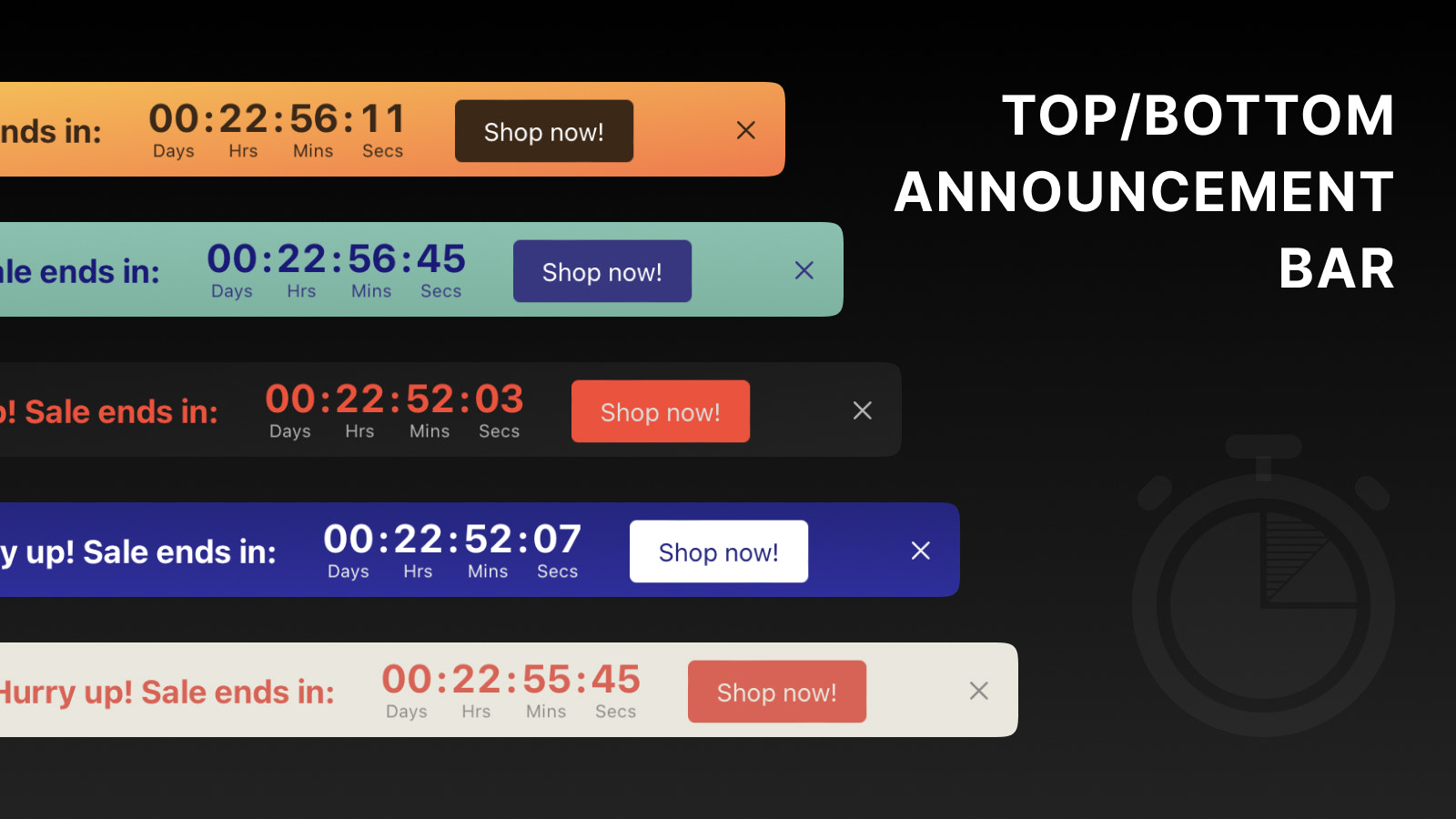
- Multi-Functional Timer. Timers for products, announcement bars, landing pages, and carts.
- Unlimited Customization. Uniquely design style blocks to match your store’s brand.
- Flexible Timer Options. Schedule, set daily repeats, and configure fixed durations.
- Seamless Placement. Flexibly display timers anywhere in your store.
Merchant-Friendly
- Promotion-focused Merchants
- Independent Store Sellers
- Brand E-commerce Merchants
- Multi-scene Operators
Basic Information
- Developer:Focal Apps
- Address:318 Russel St, Melbourne, VIC, 3000, AU
- Price: Free / Free plan
- Rating:2 / 5
- Comment Count:1 comment
- Release Date:2023-6-13
- Supported languages:English
- Compatible products:Shopify
Application Screenshot



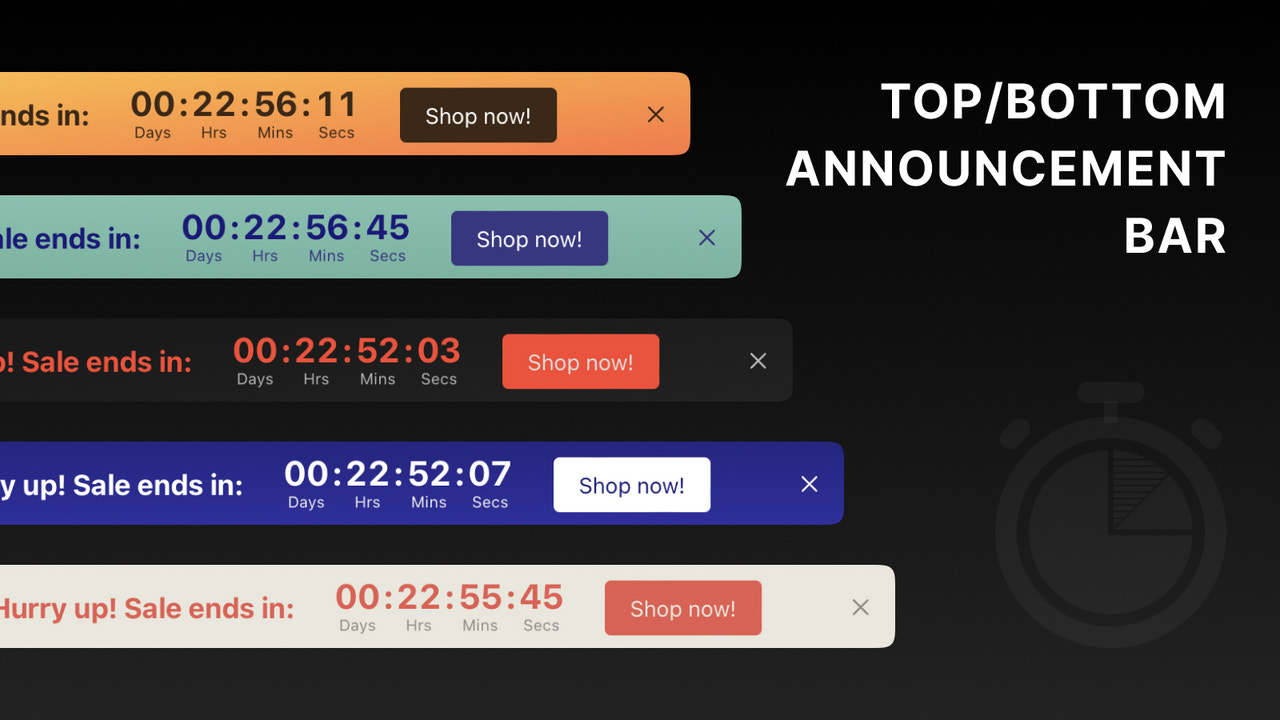
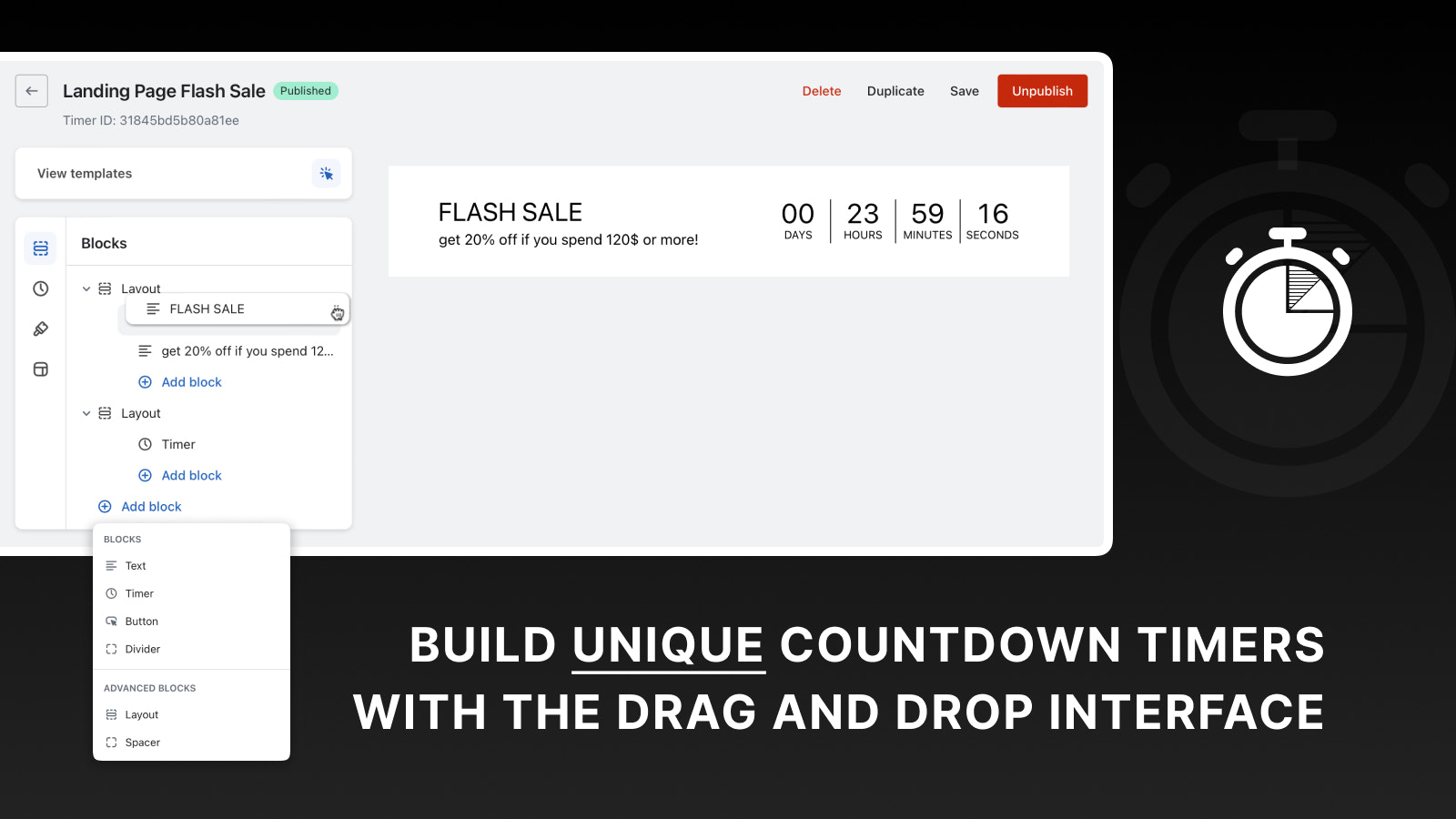
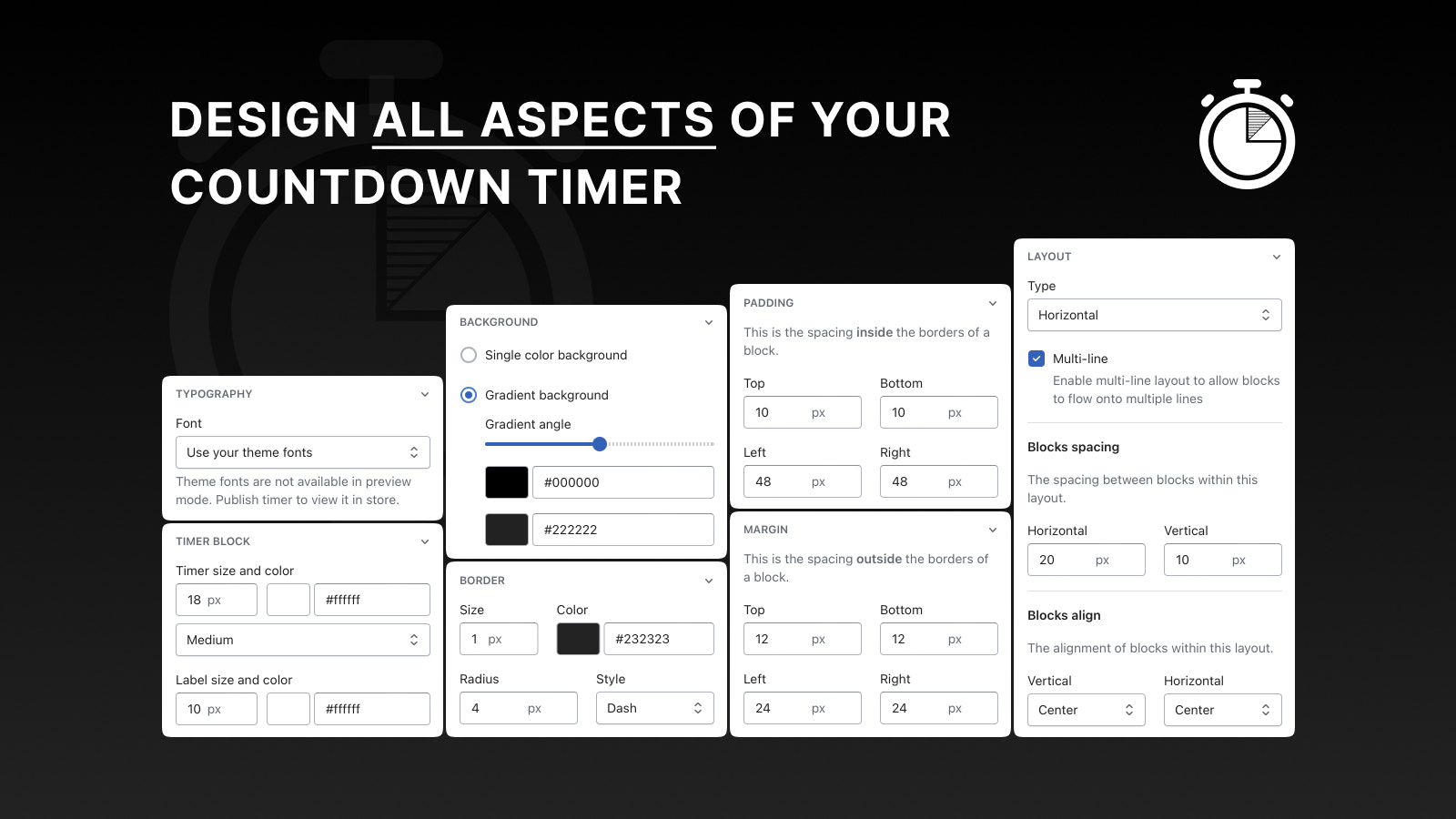
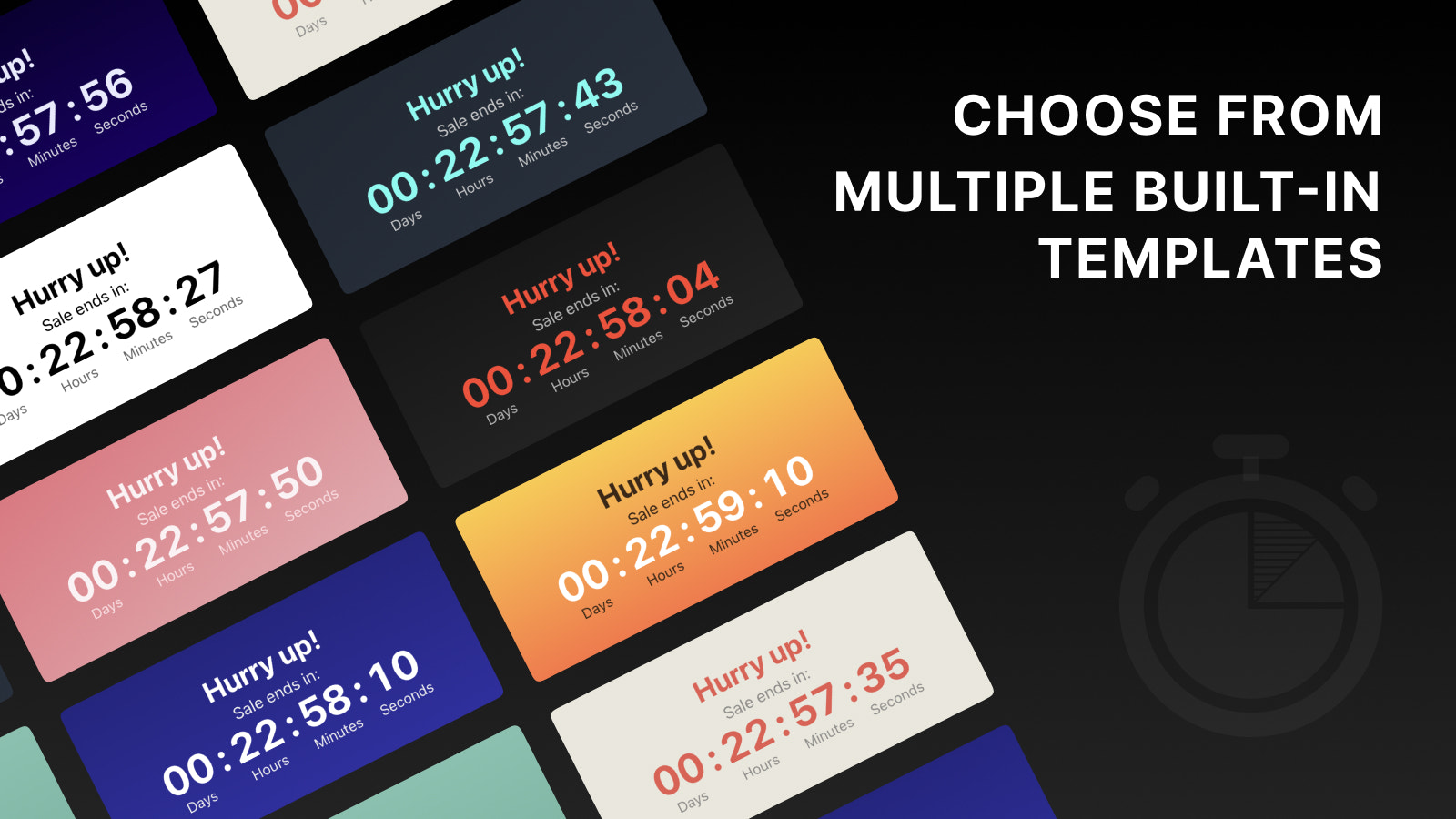
Price Plan
免费
免费
- Up to 1,000 timer views per month
- Unlimited product page timers
- Unlimited announcement bar timers
入门
$6.99 / 或 $67.08/年(可节省 20%)
- All features in the Free Plan
- Up to 10,000 timer views per month
- Unlimited landing page timers
- Recurring timers
- Timer scheduling
- Custom mobile styles
核心
$9.99 / 或 $95.88/年(可节省 20%)
- All features in the Starter Plan
- Up to 50,000 timer views per month
- Unlimited cart page timers
- Geolocation
- Translation (Coming Soon)
高级
$19.99 / 或 $191.88/年(可节省 20%)
- All features in the Core Edition
- Unlimited timer viewing
- Advanced page positioning
- All advanced features
User Location & Comments
User Location
Comments
Shopify API Used
- POST /admin/api/timer.json
- PUT /admin/api/timer/{id}.json
- GET /admin/api/timer.json
Permission:write_timer,read_timer,manage_themes
- POST /admin/api/timer/scene.json
- PUT /admin/api/timer/scene/{id}.json
- GET /admin/api/timer/scene.json
Permission:write_timer,read_timer,manage_products
- POST /admin/api/timer/style.json
- PUT /admin/api/timer/style/{id}.json
- GET /admin/api/timer/style.json
Permission:write_timer,read_timer,manage_themes
- POST /admin/api/timer/option.json
- PUT /admin/api/timer/option/{id}.json
- GET /admin/api/timer/option.json
Permission:write_timer,read_timer,manage_orders
- POST /admin/api/timer/position.json
- PUT /admin/api/timer/position/{id}.json
- GET /admin/api/timer/position.json
Permission:write_timer,read_timer,manage_themes