货币换算: Multi Currency Converter
App Introduction
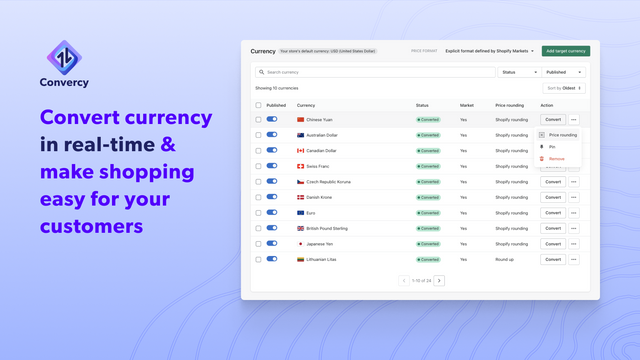
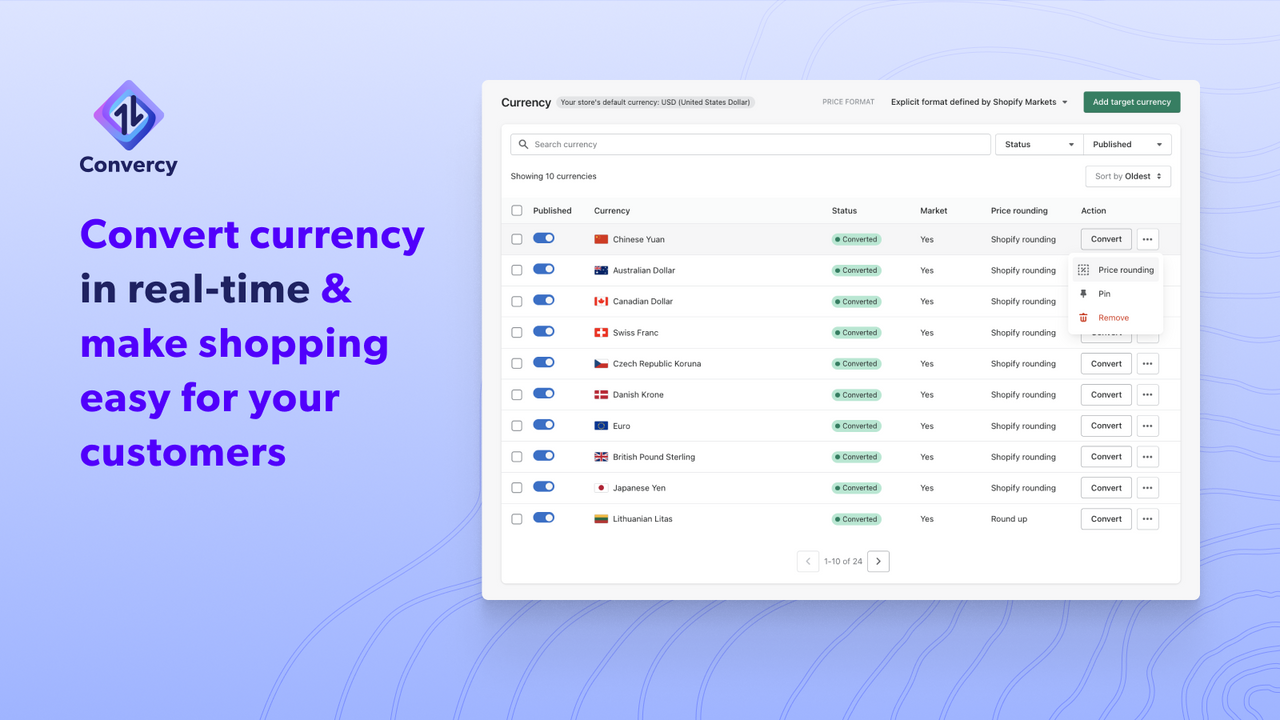
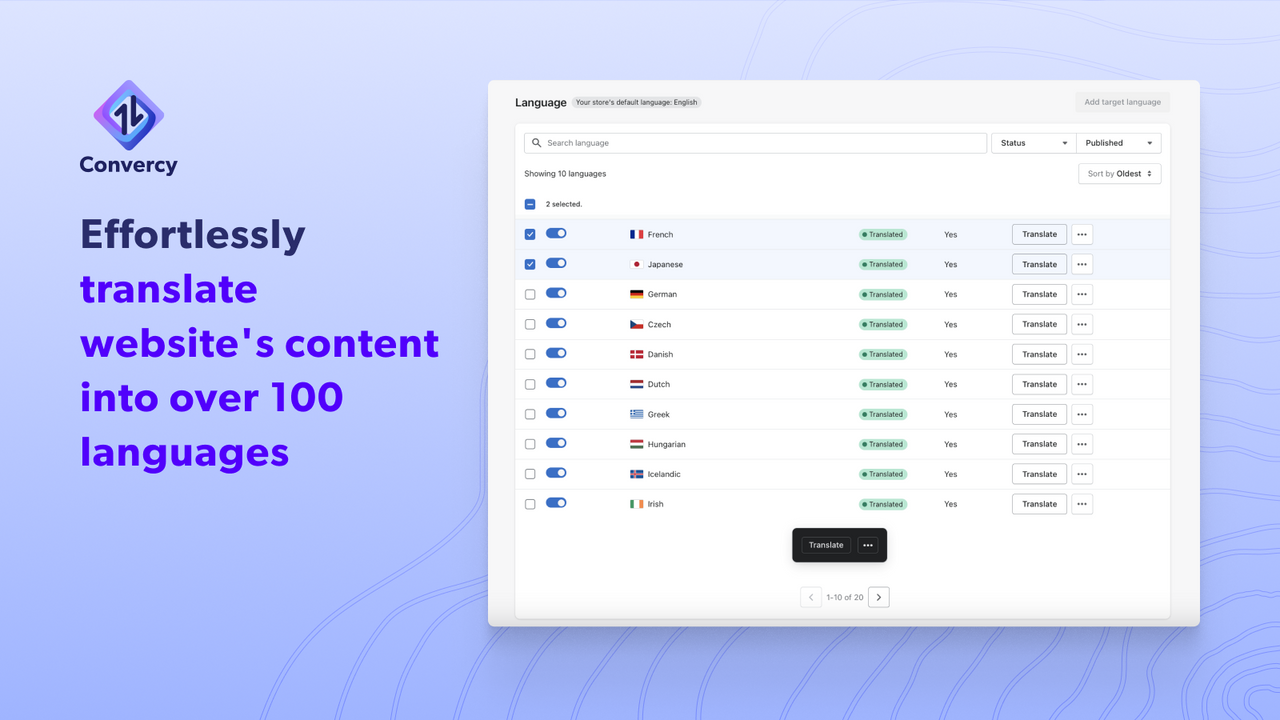
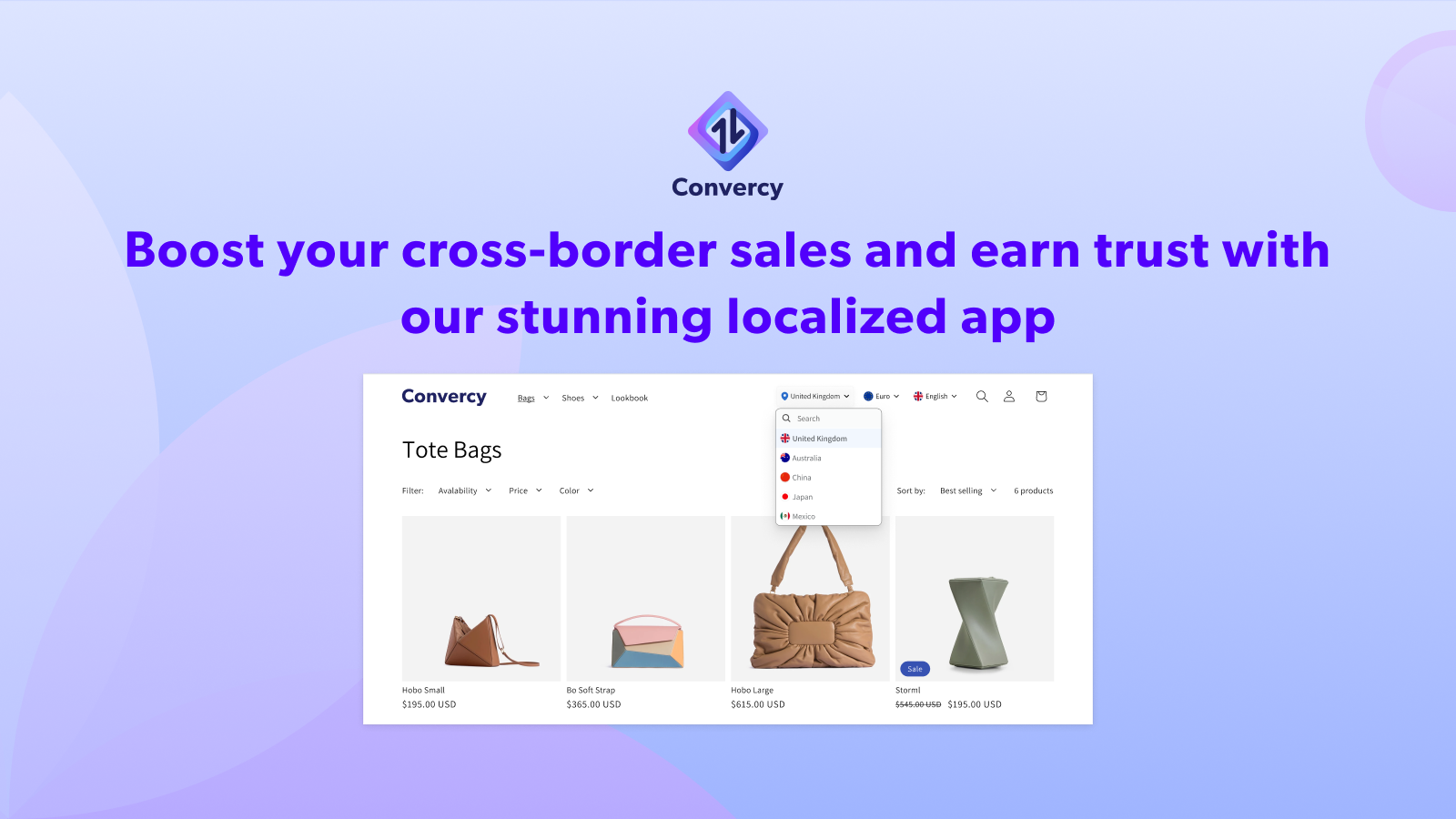
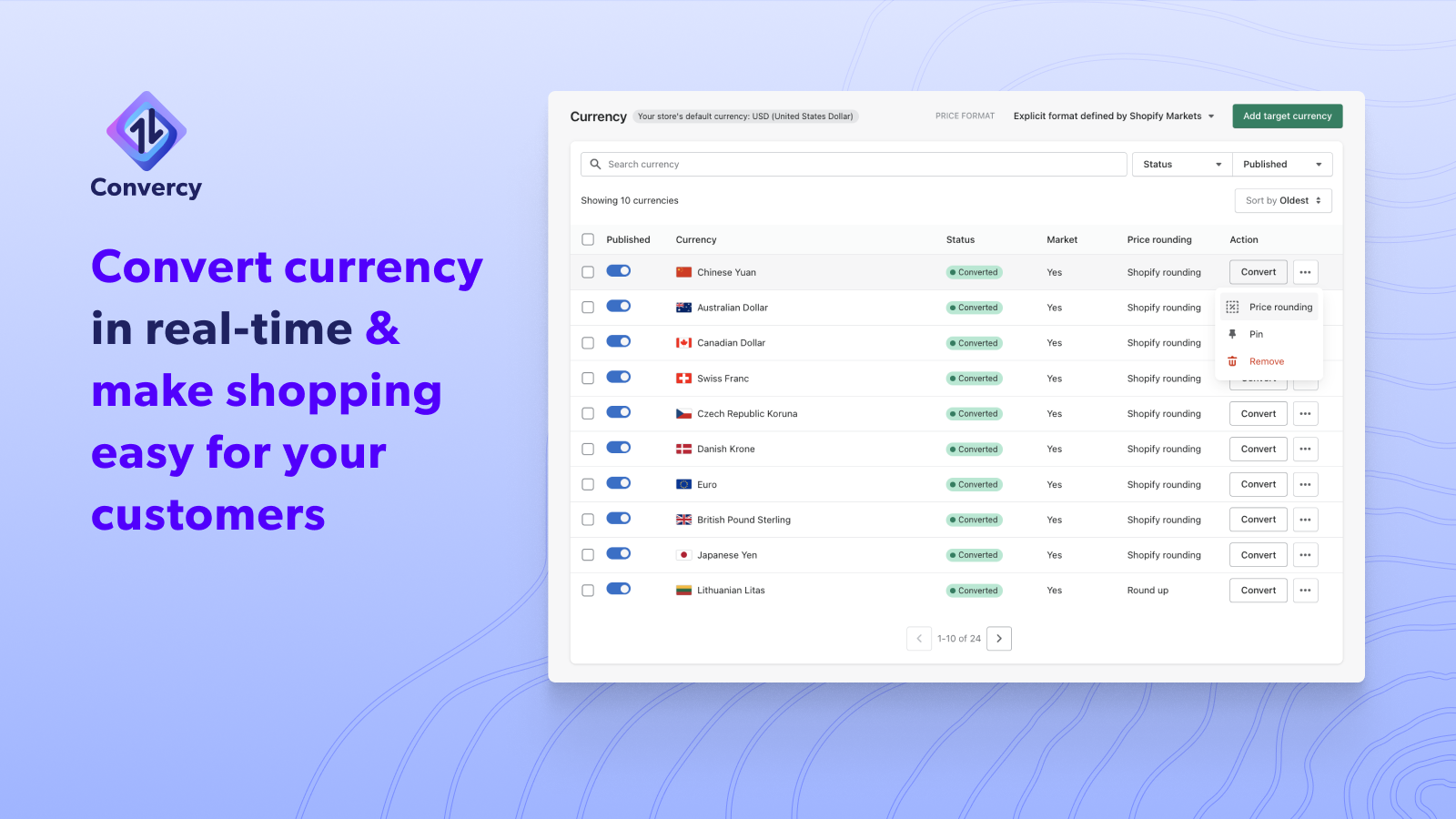
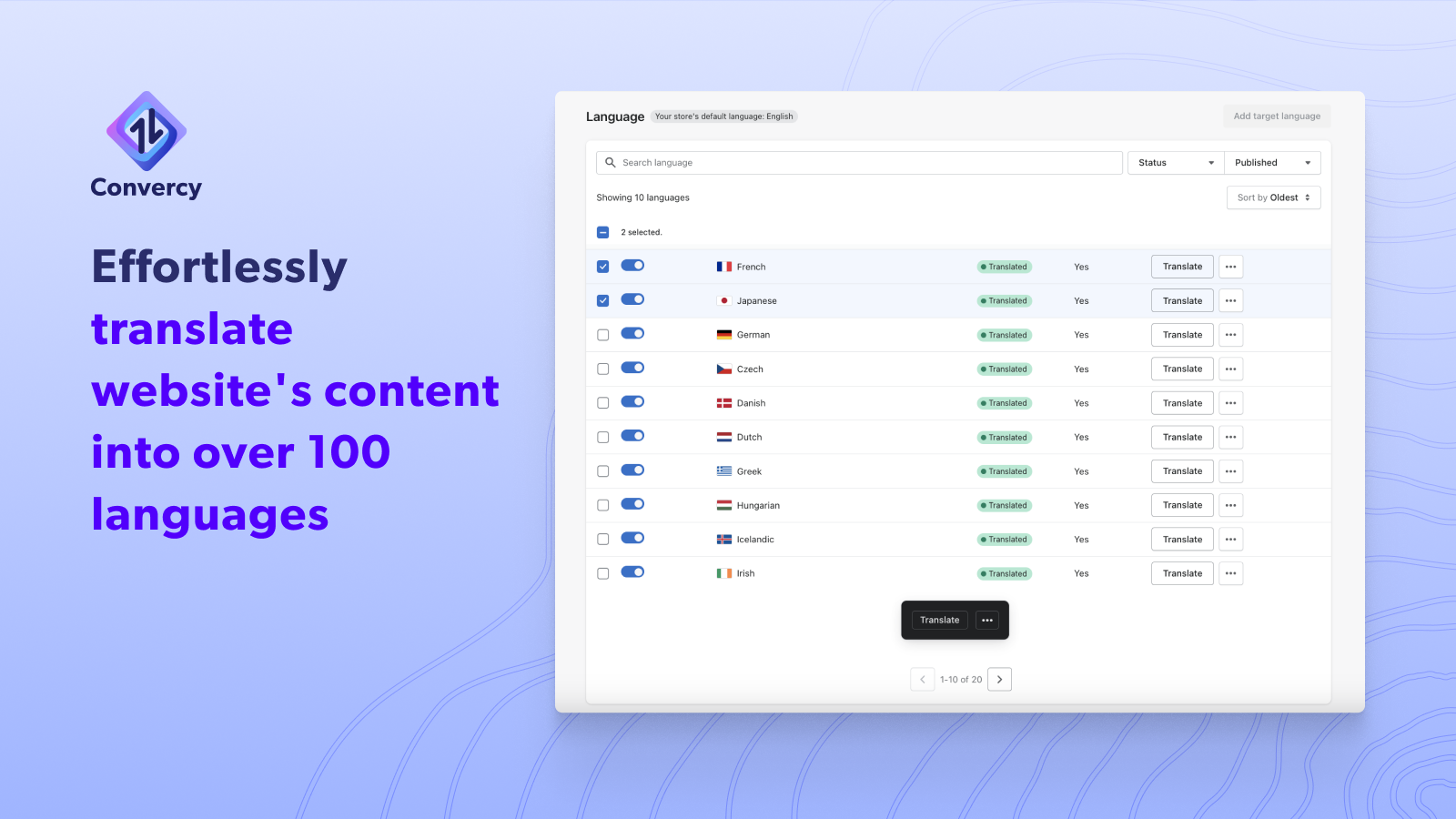
Convert prices to customers' local currencies and instantly translate store content in minutes With Convercy, you can automatically translate your store content via AI machine learning and convert your prices to any currency using up-to-date exchange rates. Convercy is also optimized for speed and performance, so your store will load quickly and smoothly on any device. By using Convercy, you can enhance your store’s trustworthiness and relevance in different markets, create a customized and seamless shopping experience, attract more global traffic, and boost your cross-border conversions and sales.
Core Functionality
- Allow visitors to view converted prices and check out in their local currencies
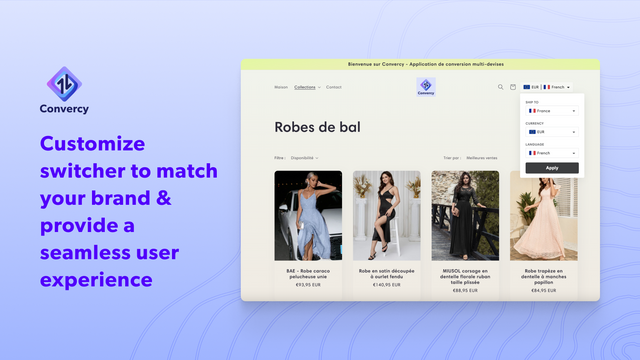
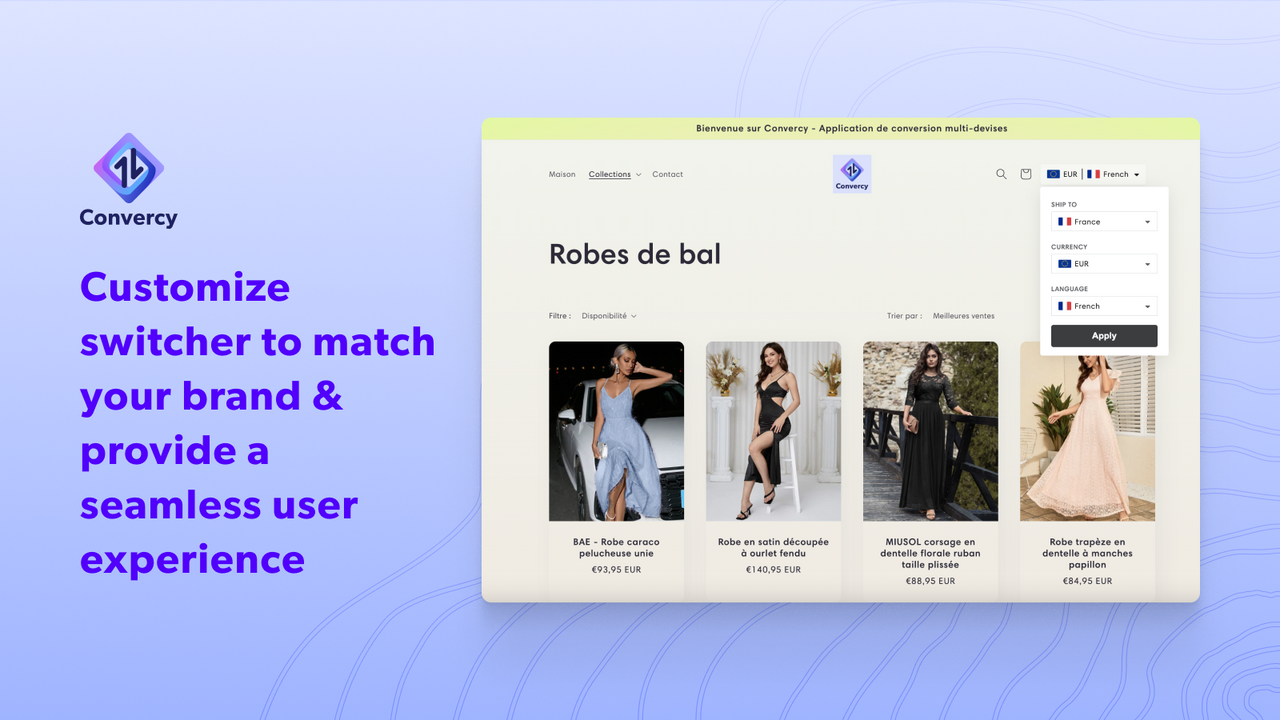
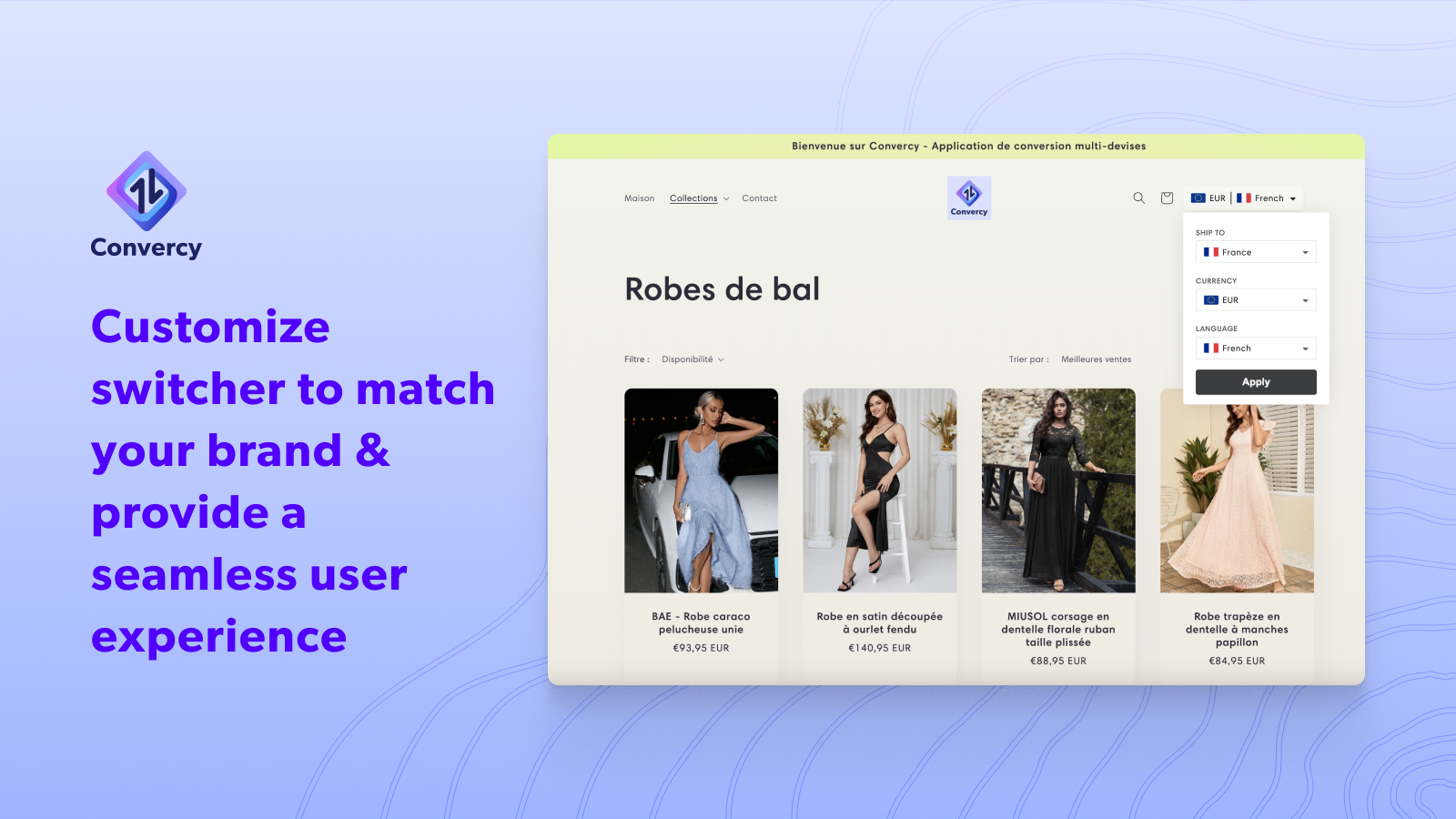
- Customizable embedded currency switcher that can be placed anywhere in your theme to match your store’s design
- Recommend currency and language based on visitors’ browser preferences and location
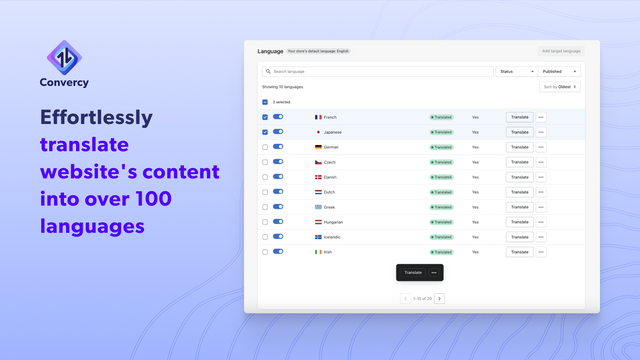
- Auto-translate your store in minutes with high-quality results, unlimited words, and unlimited pageviews
- Auto-update translations whenever your store content changes—freeing up more time for your business
Merchant-Friendly
- Cross-border E-commerce Merchants
- Multilingual Independent Stores
- Global Brand Stores
- Foreign Trade E-commerce Merchants
Basic Information
- Developer:Convercy ‑ Currency Converter
- Address:2086 Hillside Drive, San Leandro, CA, 94577, US
- Price: Free / Free plan
- Rating:4.7 / 5
- Comment Count:119 comment
- Release Date:2023-5-1
- Supported languages:English
- Compatible products:Shopify
Application Screenshot



Price Plan
Free
User Location & Comments
User Location
Comments
Shopify API Used
- POST /admin/api/shop/currencies.json
- GET /admin/api/shop/currencies.json
- PUT /admin/api/shop/currencies/{code}.json
Permission:write_shop,read_shop,manage_checkout
- POST /admin/api/themes/{theme_id}/assets.json
- GET /admin/api/themes/{theme_id}/assets.json
- PUT /admin/api/themes/{theme_id}/assets.json
Permission:write_themes,read_themes,manage_assets
- GET /admin/api/shop/geolocation.json
- POST /admin/api/shop/languages.json
- GET /admin/api/shop/languages.json
Permission:read_shop,manage_geolocation,manage_translations
- POST /admin/api/translations.json
- GET /admin/api/translations.json
- PUT /admin/api/translations/{id}.json
Permission:write_translations,read_translations,manage_shop
- POST /admin/api/translations/update.json
- GET /admin/api/translations/updates.json
- PUT /admin/api/translations/settings.json
Permission:write_translations,read_translations,manage_shop