
App Introduction
Build powerful custom forms (e.g., contact forms) and connect them to any third-party API—no coding required. This all-in-one contact form builder helps you capture more leads and boost sales. You can integrate these forms with any third-party apps, such as Mailchimp, Mailbuster, HubSpot, Klaviyo, or your custom CRM. Create any type of professional form—contact forms, surveys, registration forms, application forms, inquiry forms, quote request forms, booking forms, order forms, file upload forms, newsletter sign-ups, and more—with zero coding knowledge. Easy to edit, and Google reCAPTCHA is included for security.
Core Functionality
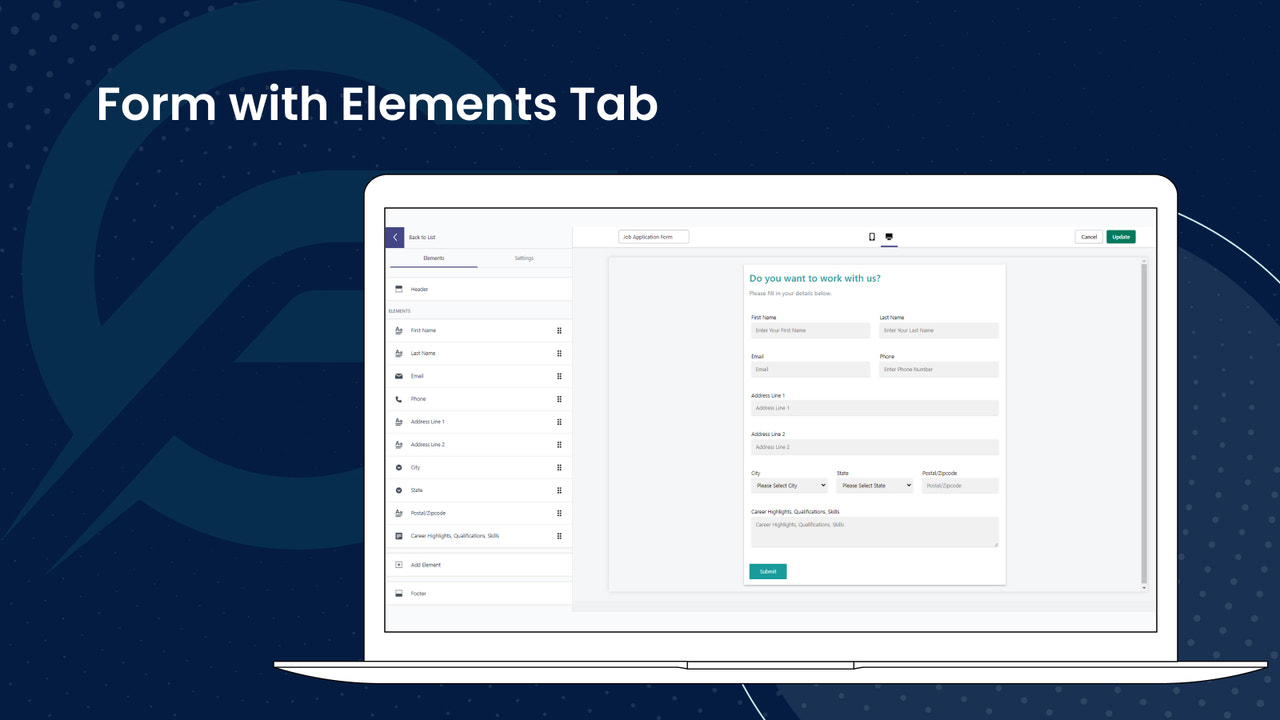
- Easily build personalized forms without technical skills. Unlimited fields.
- Connect forms to third-party apps like Mailchimp and HubSpot using API connectors.
- Supports all form types, including file uploads with Google ReCaptcha.
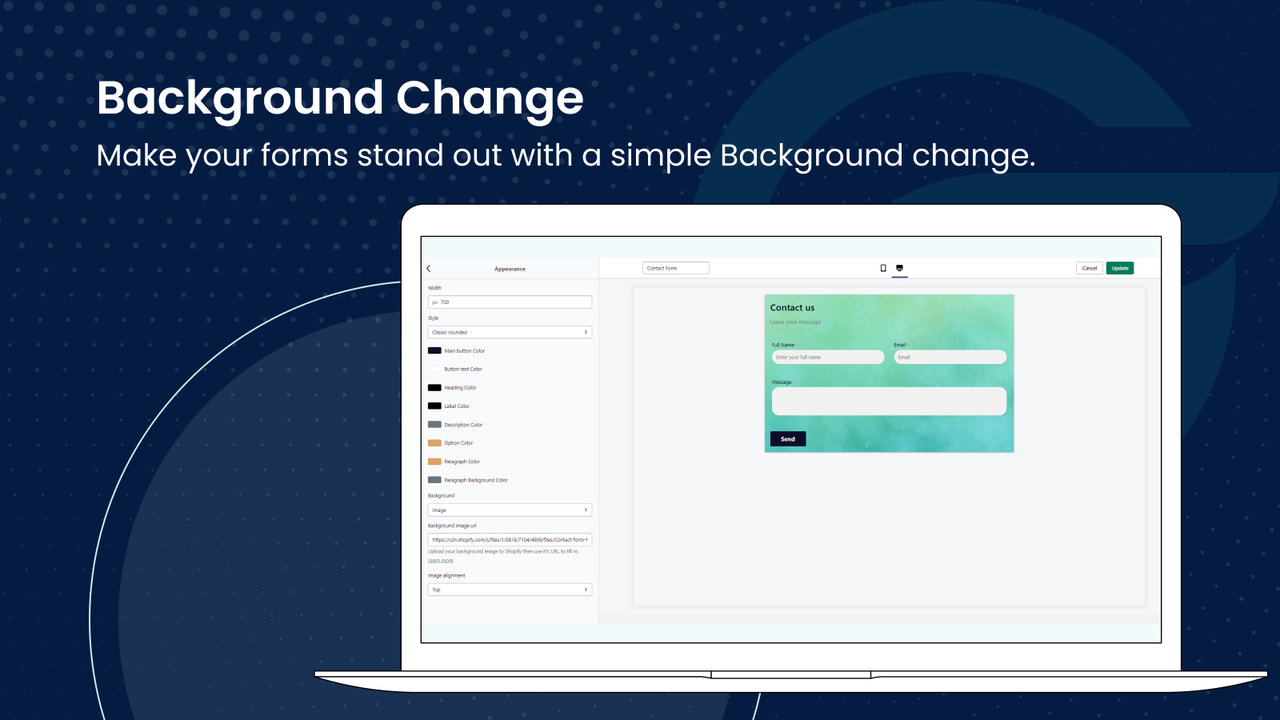
- Apply custom styling to your forms. Personalize the appearance of individual fields.
- Unlimited submissions - view in-app, via email, or export as CSV.
Merchant-Friendly
- Independent Station Merchants
- Small & Medium E-commerce Sellers
- Content E-commerce Creators
- Brand-owned E-commerce
Basic Information
- Developer:IT Path Solutions Private Limited
- Address:IT Path Solutions, Binori B Square 1, 801, 8th floor, BRTS road, Ambli, Ahmedabad, GJ, 380058, IN
- Price: Free / Free plan
- Rating:4.1 / 5
- Comment Count:2 comment
- Release Date:2023-10-6
- Supported languages:English
- Compatible products:Shopify
Application Screenshot





Price Plan
免费
- Unlimited Forms and Fields
- Unlimited Submissions
- Real-time Form Preview
- Custom Form and Field UI
- File Upload
- Custom Email Content
高级
- All features of the Free Plan
- reCaptcha v2
- Date and Time Fields
- HTML and URL Fields
- Export Submissions
- Integration with Third-Party APIs
User Location & Comments
User Location
Comments
Shopify API Used
- POST /admin/api/forms.json
- PUT /admin/api/forms/{form_id}.json
- GET /admin/api/forms.json
Permission:write_forms,read_forms,manage_store
- POST /admin/api/forms/connections.json
- PUT /admin/api/forms/connections/{conn_id}.json
- GET /admin/api/forms/connections.json
Permission:write_forms,read_forms,manage_apps
- POST /admin/api/forms/fields.json
- PUT /admin/api/forms/fields/{field_id}.json
- GET /admin/api/forms/fields.json
Permission:write_forms,read_forms,manage_files
- POST /admin/api/forms/themes.json
- PUT /admin/api/forms/themes/{theme_id}.json
- GET /admin/api/forms/themes.json
Permission:write_forms,read_forms,manage_themes
- GET /admin/api/forms/submissions.json
- POST /admin/api/forms/submissions/export.json
- PUT /admin/api/forms/submissions/{sub_id}.json
Permission:read_forms,write_forms,manage_export