
App Introduction
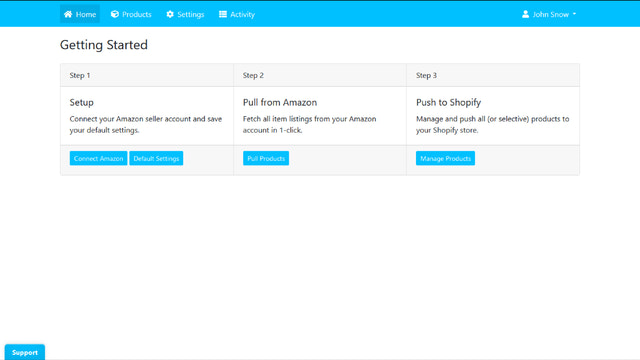
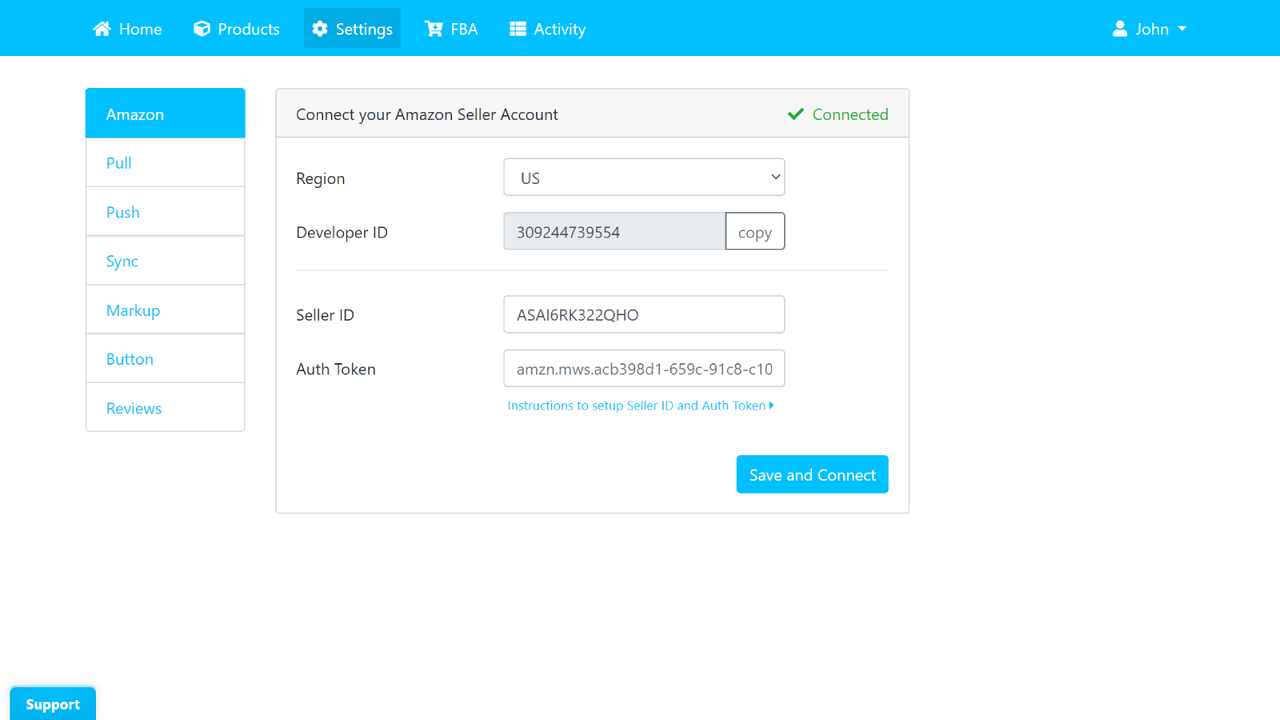
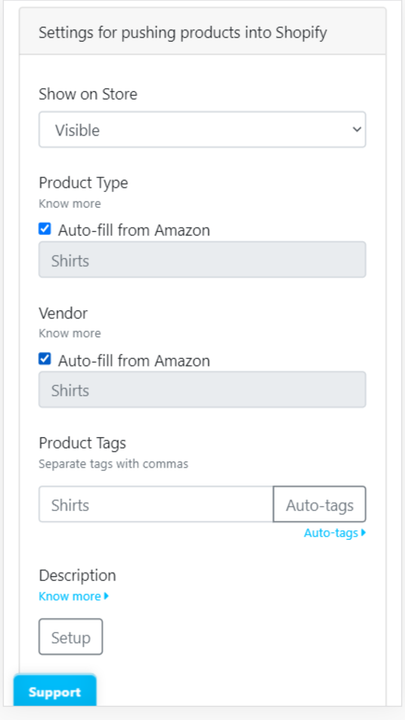
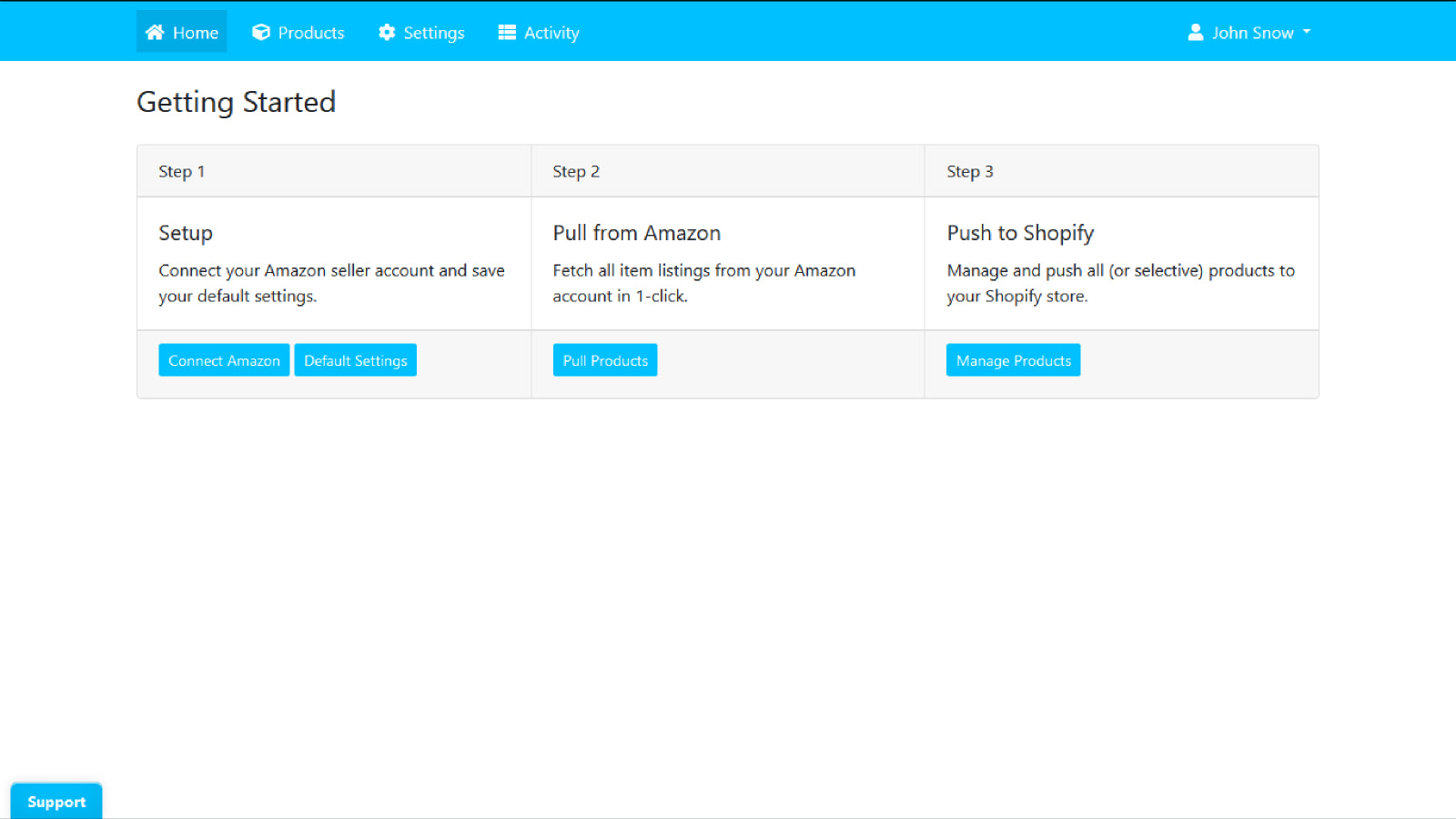
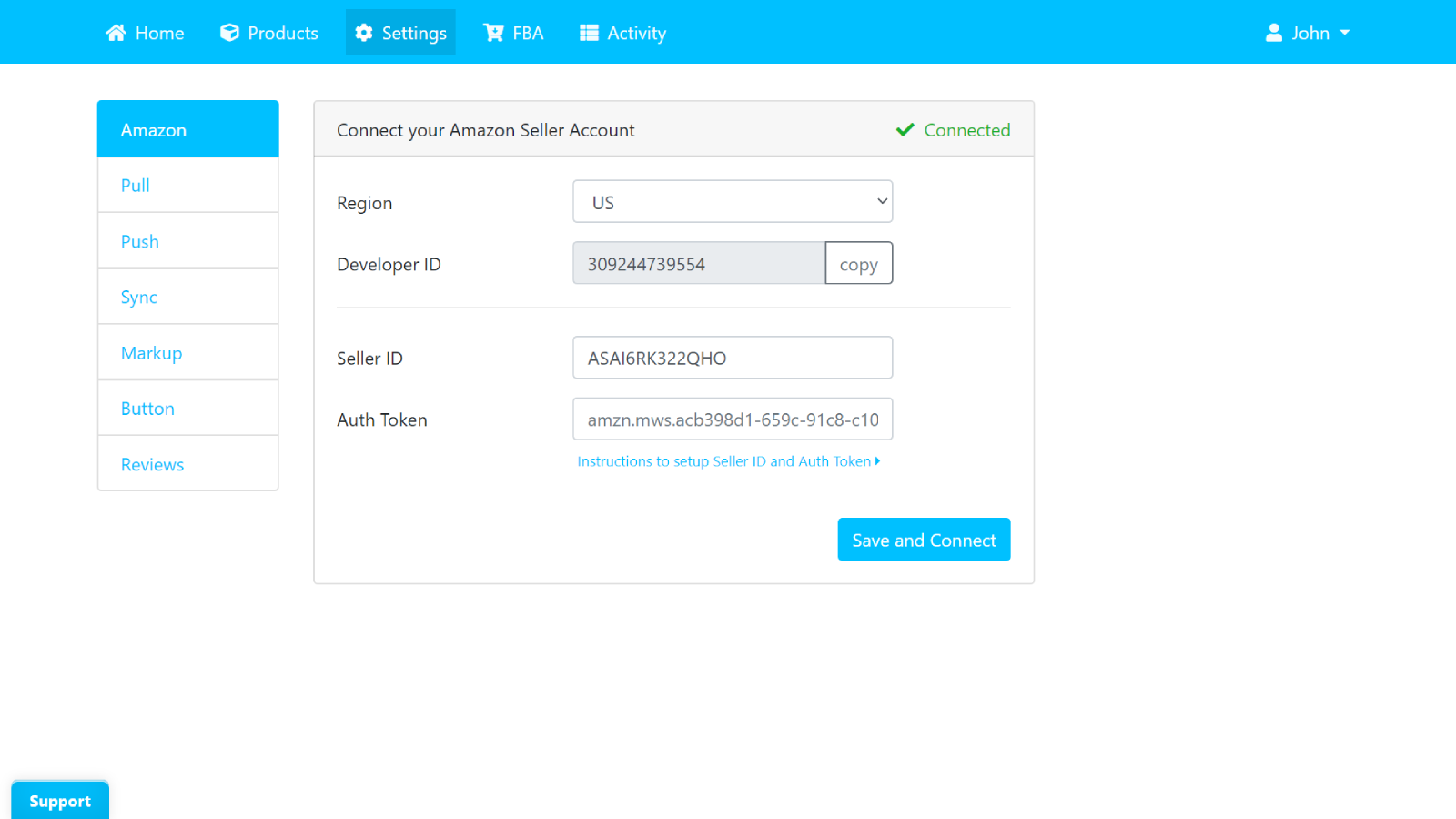
Import and sync products from Amazon Seller Central. Fulfill orders with FBA/MCF. Automate and save time. Connect your Amazon Seller account with Shopify to enable multi-channel selling. #Import from Amazon Capture all Amazon product data, including variants, images, prices, inventory, product categories, and full product descriptions. #Inventory & Price Sync Sync inventory and prices from Amazon on demand or set up automatic syncing. #Fulfill with FBA/MCF Fulfill Shopify orders using your Amazon FBA account. Keep inventory at Amazon and manage orders for both Amazon and Shopify from a single dashboard.
Core Functionality
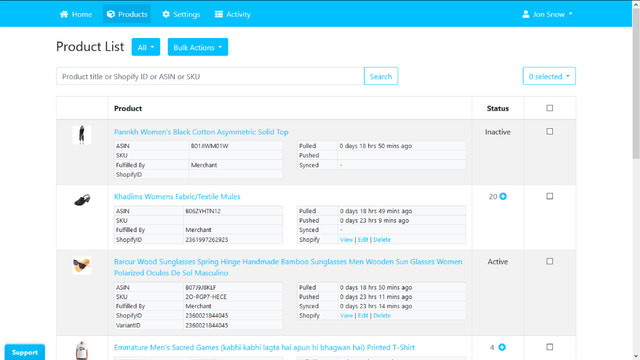
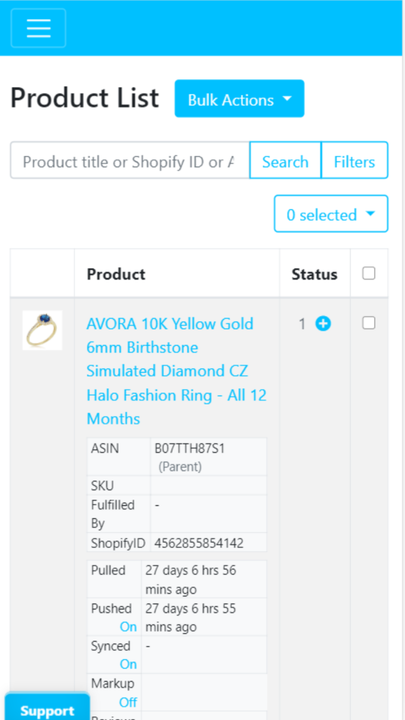
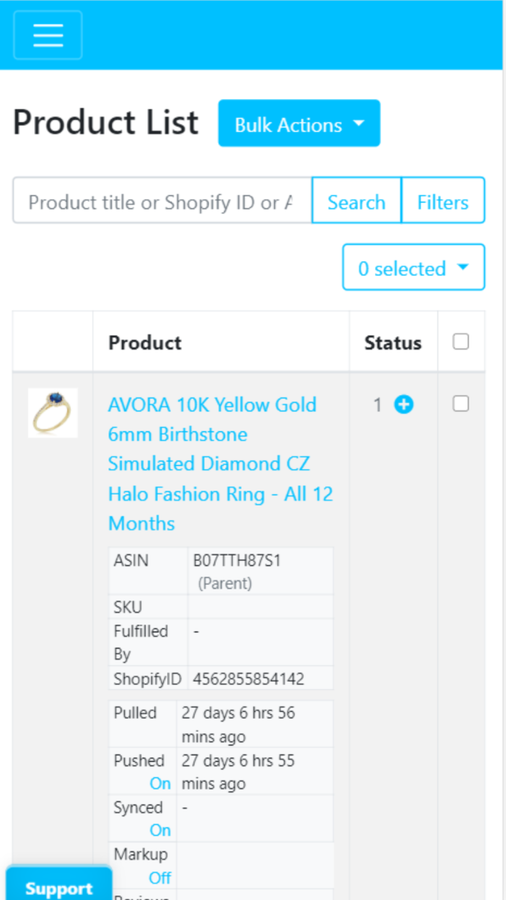
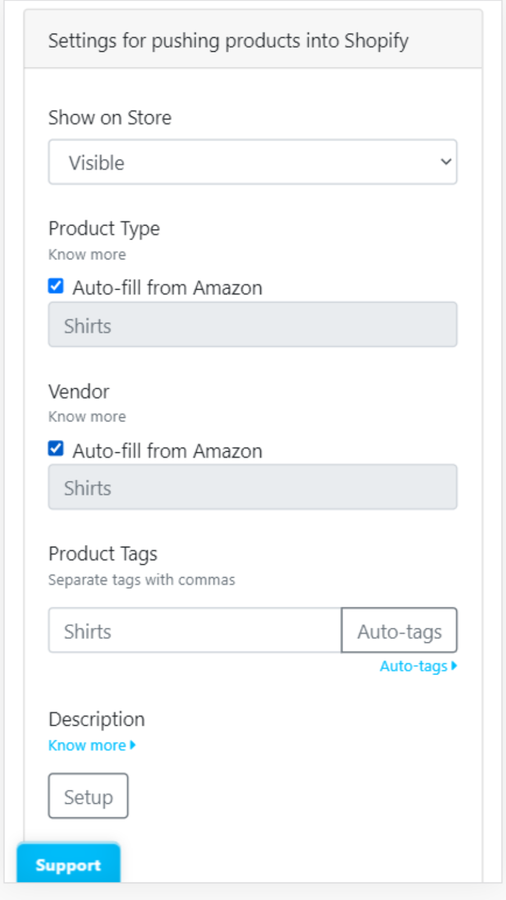
- Import all or specific items. Supports importing images, variants, reviews, categories, etc.
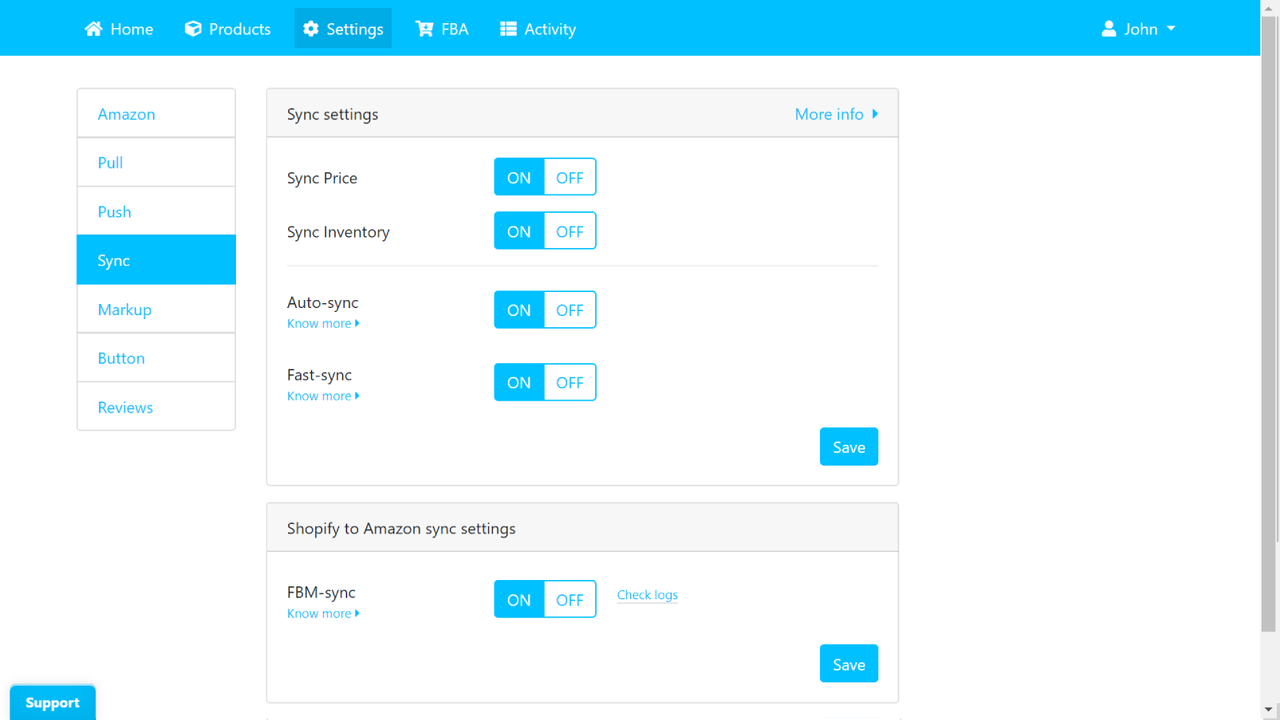
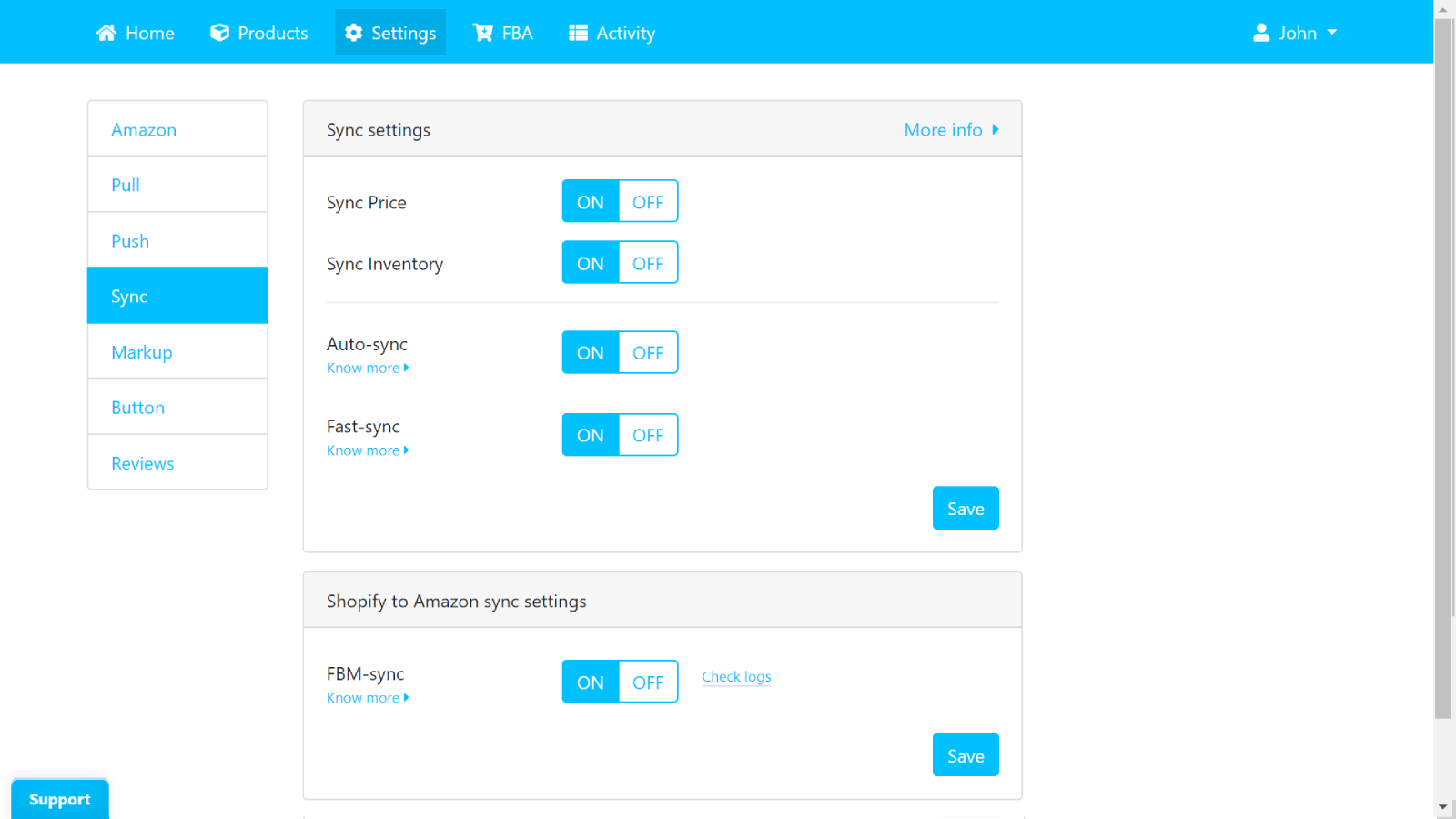
- Automatically sync prices and inventory. Reverse FBM sync option available.
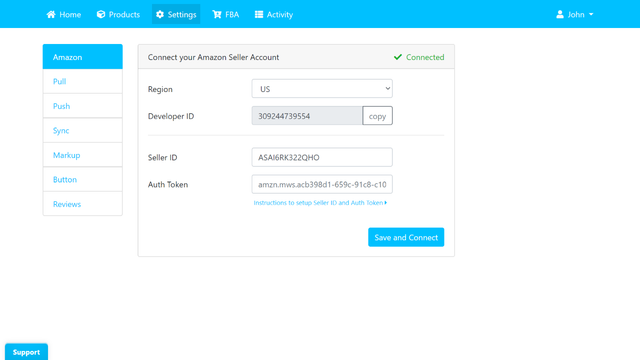
- Multi-region support. Compatible with FBA and FBM products. Latest API integration.
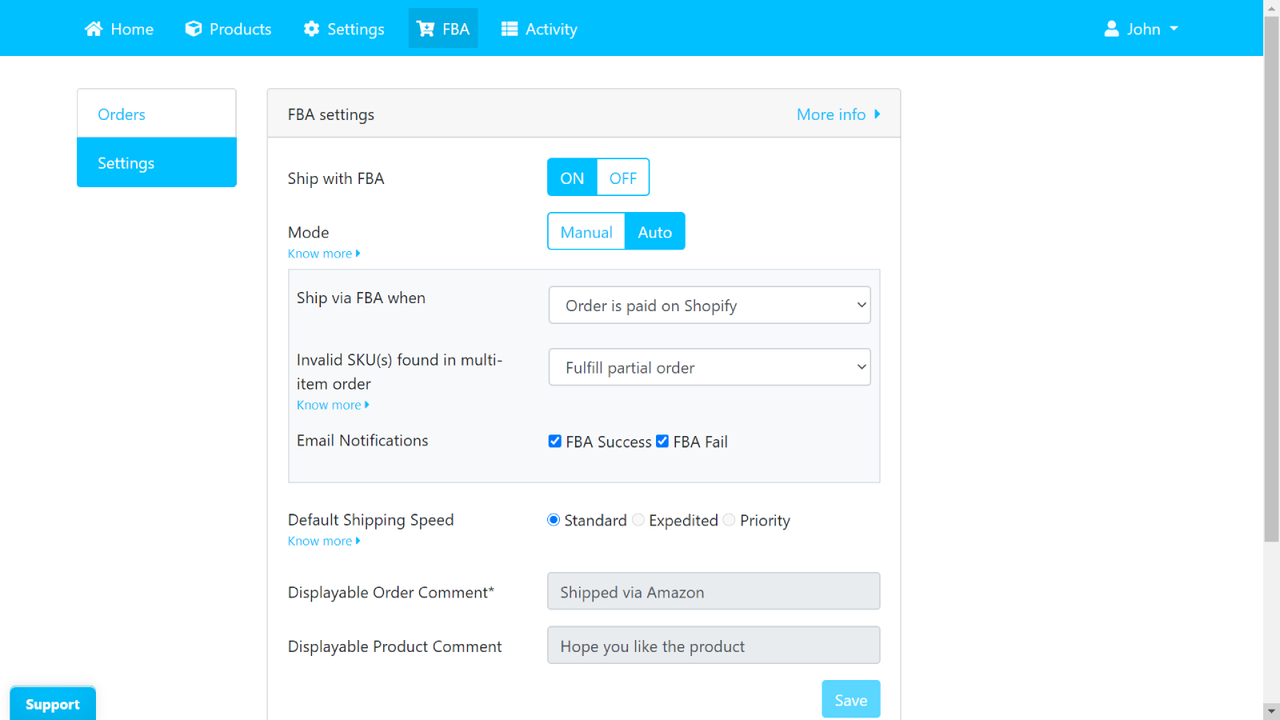
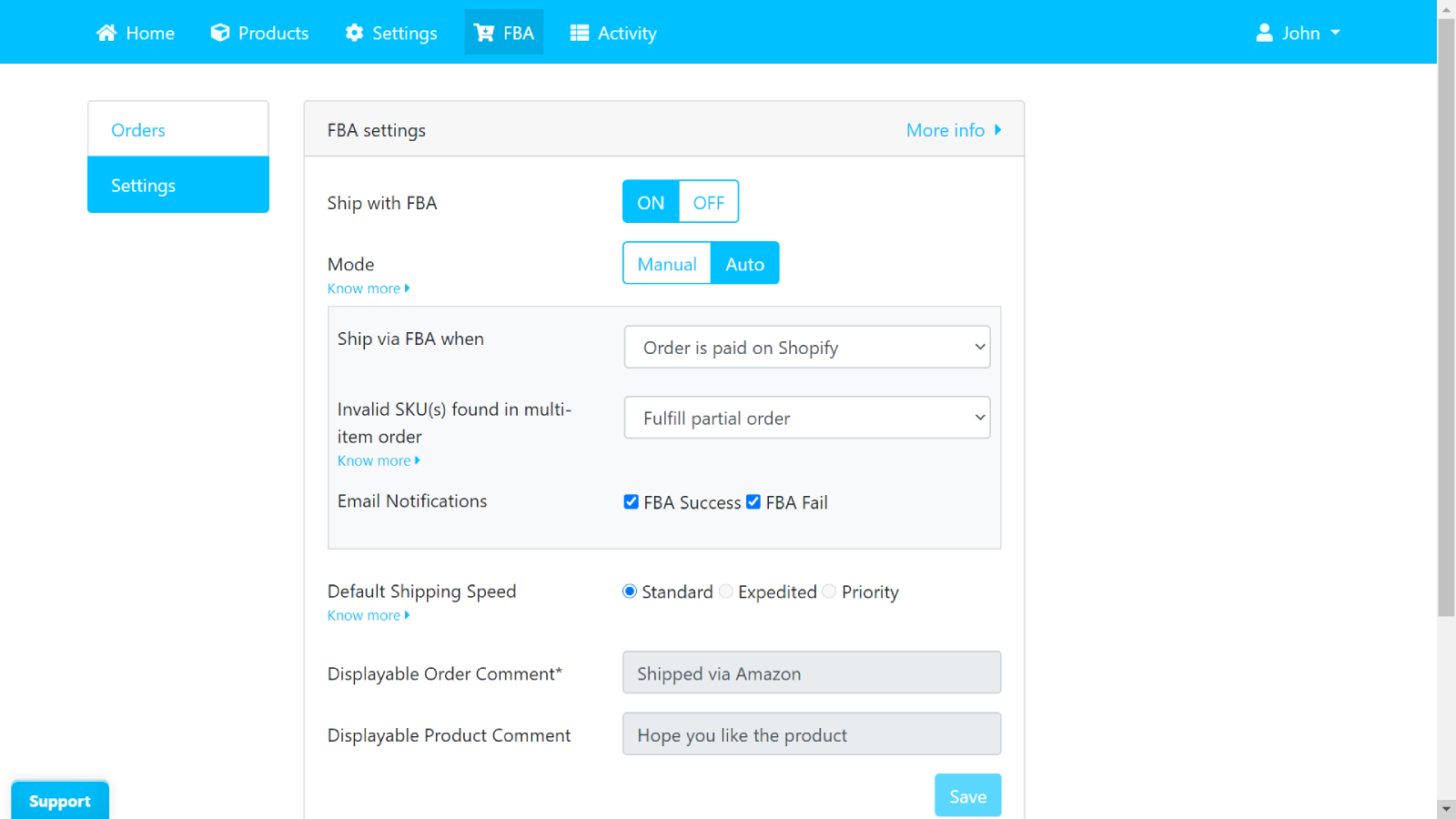
- Automatically fulfill orders via FBA/MCF. Manual fulfillment option included. Preview fulfillment costs. Customizable fulfillment settings.
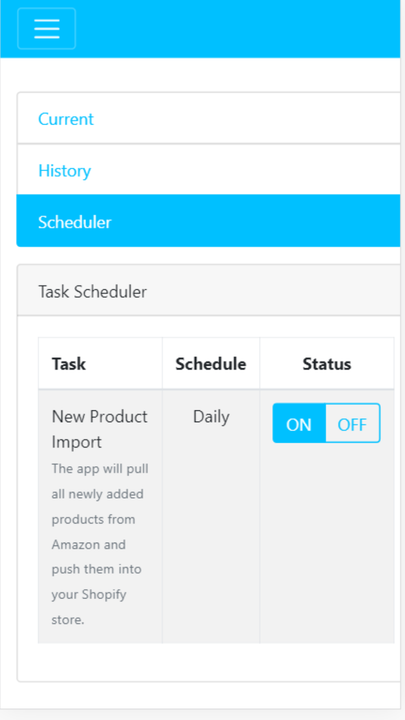
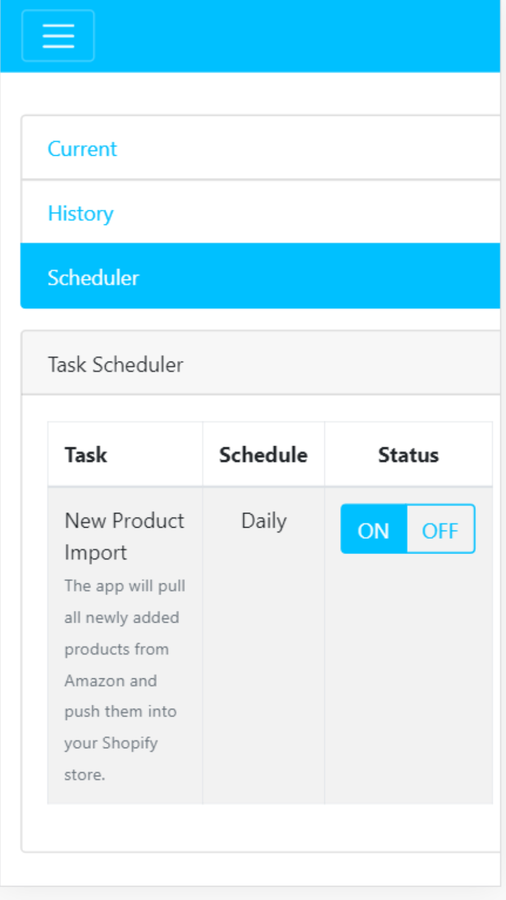
- Advanced features: Amazon link button, price marking, import scheduler, and more.
Merchant-Friendly
- Cross-border E-commerce Merchants
- Amazon FBA Sellers
- Multi-channel Retailers
- FBM Self-fulfillment Merchants
Basic Information
- Developer:Thalia
- Address:380 Happy Home, Shankar Matham Rd, Mumbai, MH, 400019, IN
- Price: Free / Free plan
- Rating:4.2 / 5
- Comment Count:52 comment
- Release Date:2019-2-4
- Supported languages:English
- Compatible products:Shopify
Application Screenshot




Price Plan
免费计划
- Suitable for Shopify stores during the trial period
- Up to 25 SKUs
基础维护
- Import All SKUs
- Full List
- Auto Tagging
- Inventory Sync
- Price Sync
- Multi-Region
- Import Reviews
- Export Data
- Button Link
- Ship with FBA
User Location & Comments
User Location
Comments
Shopify API Used
- POST /admin/api/bulk_operations.json
- POST /admin/api/products/import.json
- POST /admin/api/product_variants/import.json
Permission:write_products,read_products,manage_bulk_operations
- PUT /admin/api/products/{id}/price.json
- PUT /admin/api/inventory_levels.json
- GET /admin/api/inventory_levels.json
Permission:write_products,write_inventory,read_inventory
- POST /admin/api/products/{id}/regions.json
- GET /admin/api/products/regions.json
- PUT /admin/api/products/{id}/regions/{code}.json
Permission:write_products,read_products,manage_markets
- POST /admin/api/fulfillments.json
- GET /admin/api/fulfillment_orders.json
- PUT /admin/api/fulfillments/{id}.json
Permission:write_fulfillments,read_fulfillments,manage_orders
- POST /admin/api/metafields.json
- PUT /admin/api/settings/schedule.json
- GET /admin/api/metafields.json
Permission:write_products,write_settings,read_settings