App Introduction
The Ultimate Calculator & Configurator App for Selling Custom-Sized Products SUPREMATIK enables sellers to add order dimensions, calculate pricing and configurations, and bundle products. It includes a visual tool and is fully customizable. You can sell doors, windows, blinds, roofing, curtains, furniture, mattresses, wallpaper, fabric, stone, mirrors, kitchens, and solar panels. It also calculates clean energy, concrete, and tiles. It’s ideal for custom-order products. Plus, you can even sell food—including sandwiches. Have an idea? Write to us!
Core Functionality
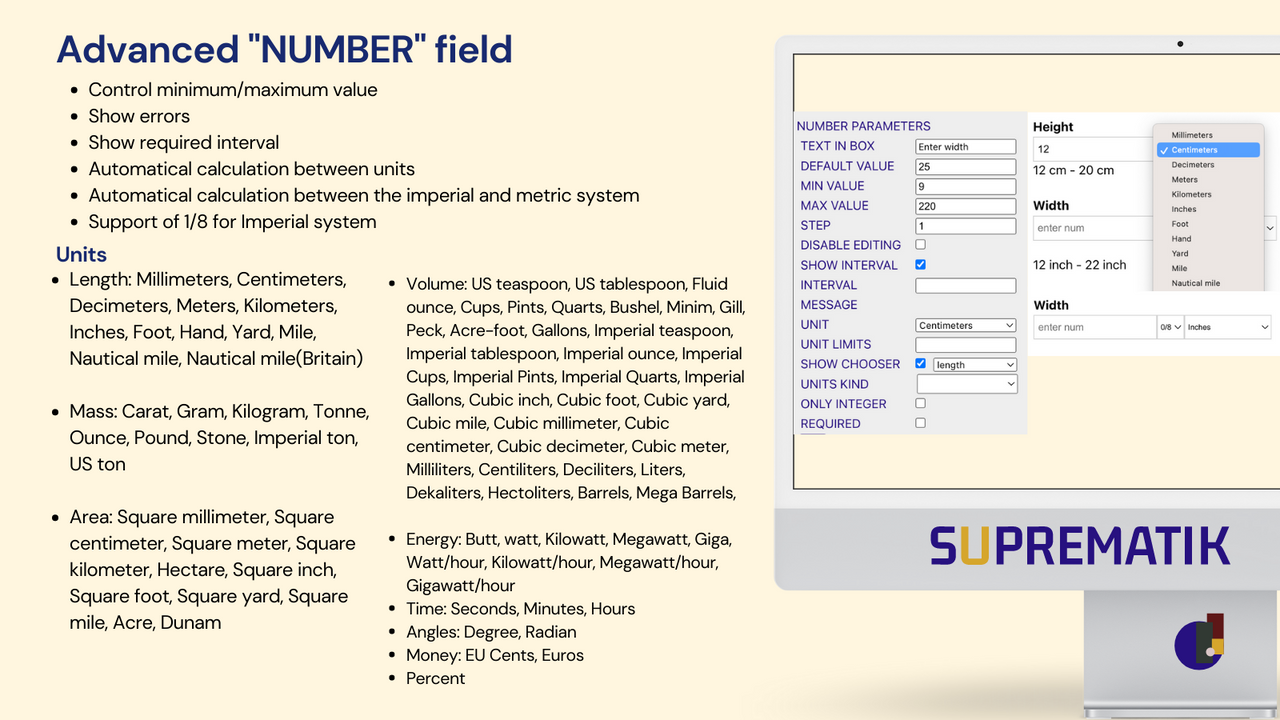
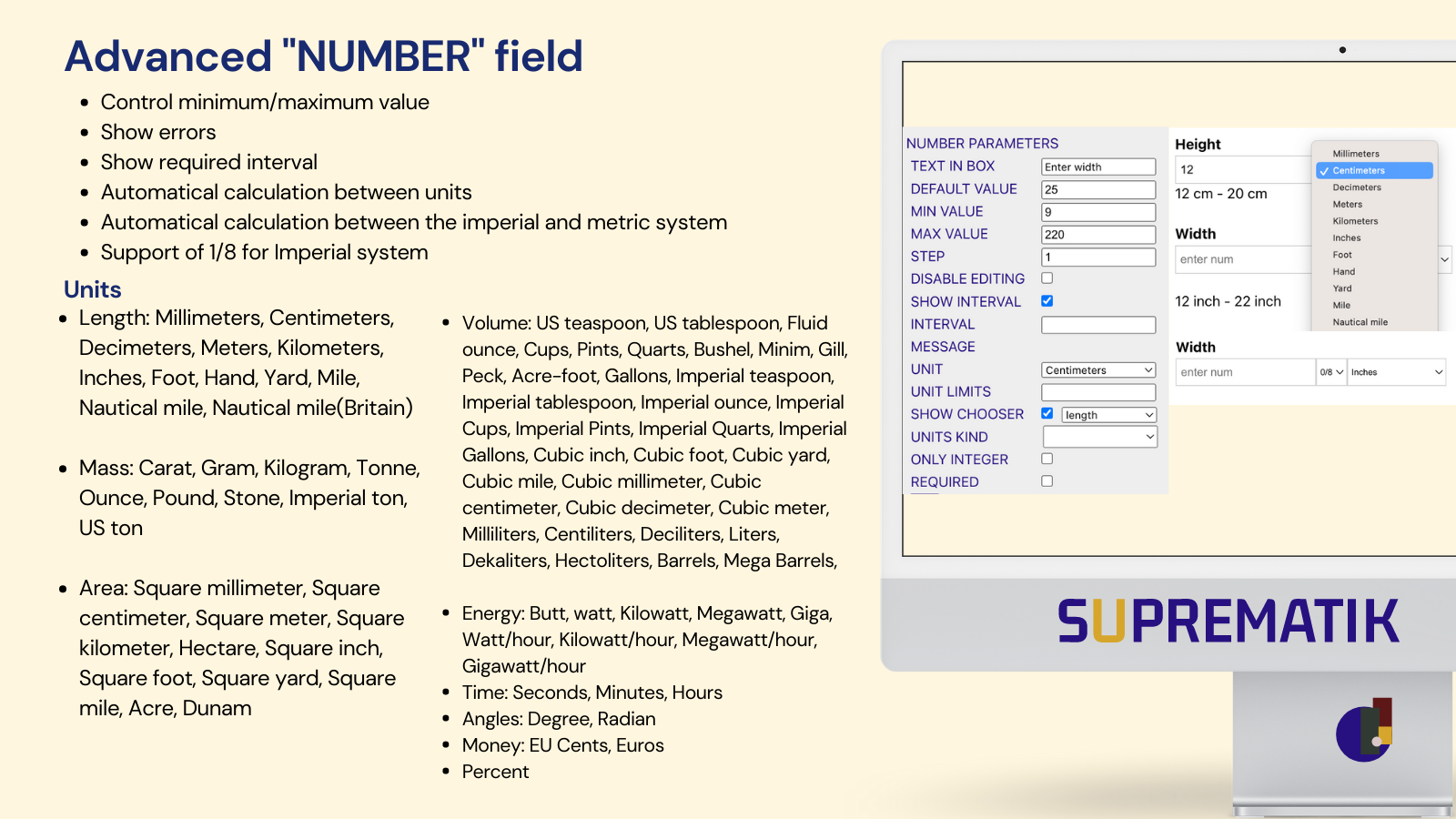
- Sell by length, weight, area, volume, percentage, time, angle, energy, and metric <> imperial units
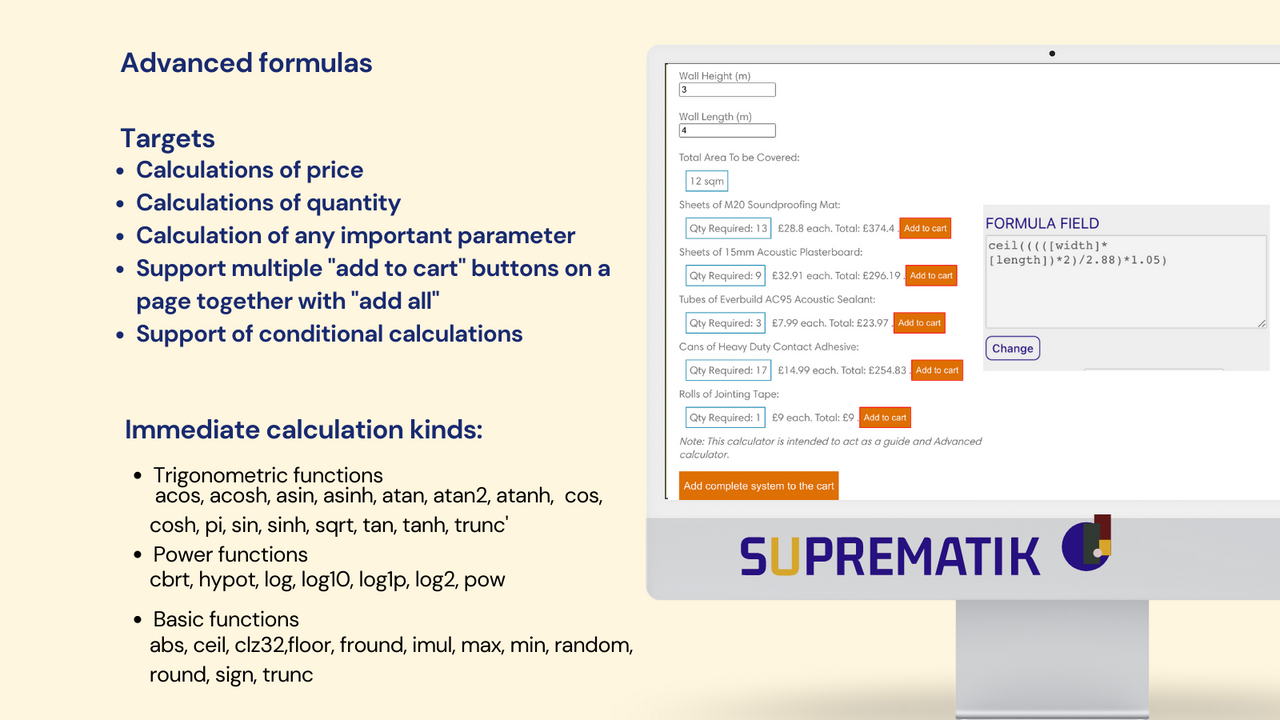
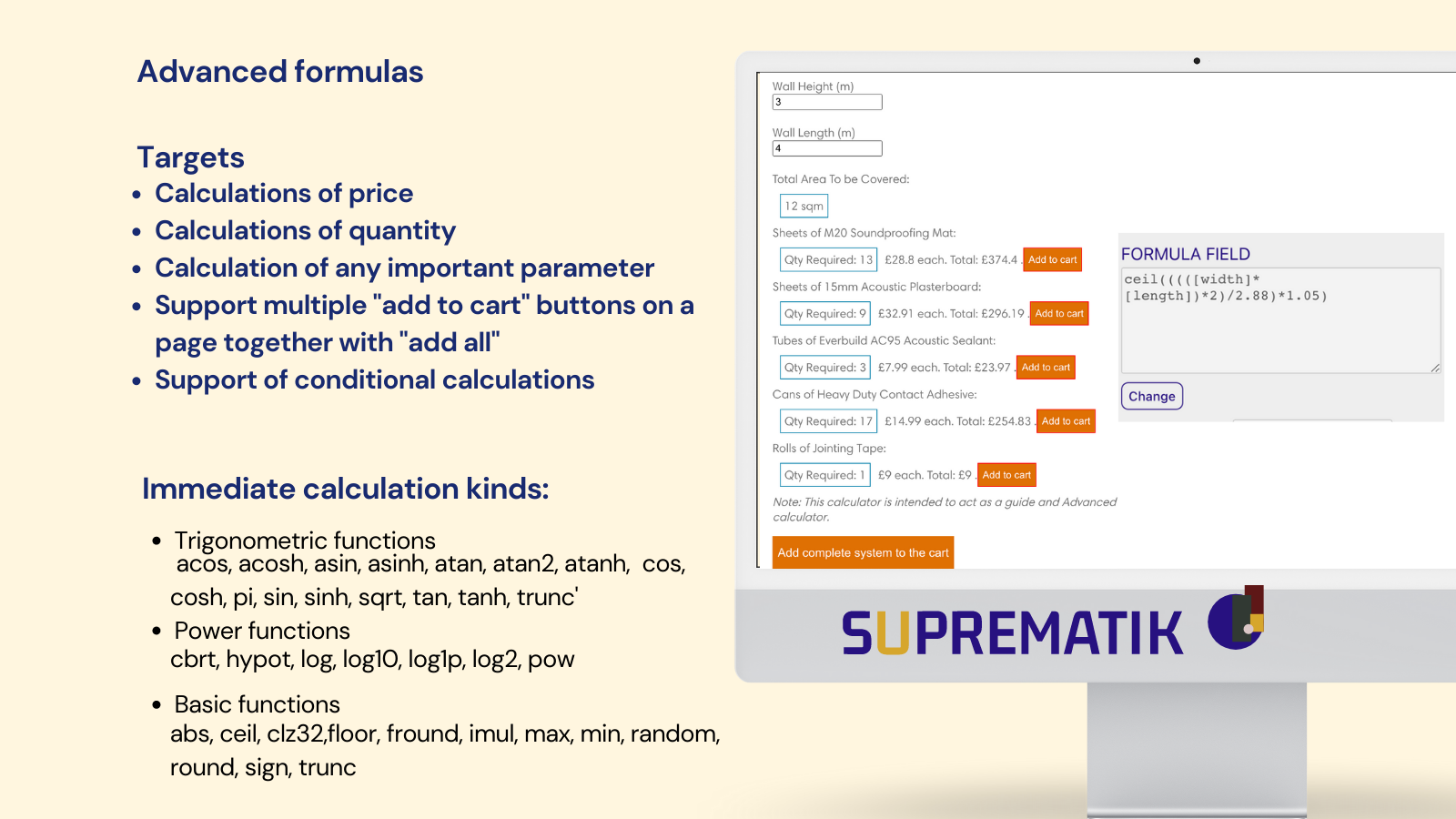
- Formula pricing, calculable add-on pricing, conditional pricing, AI, neural networks
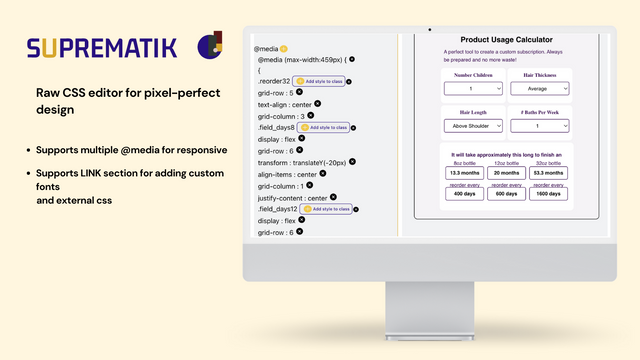
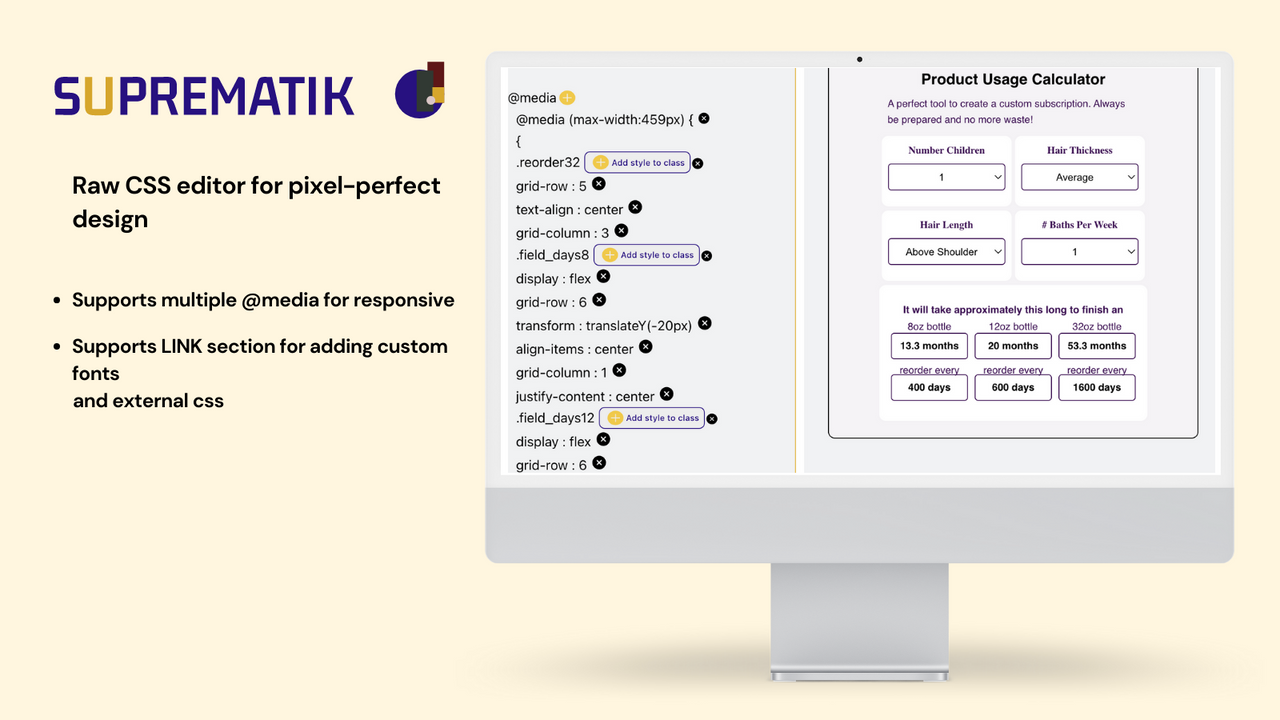
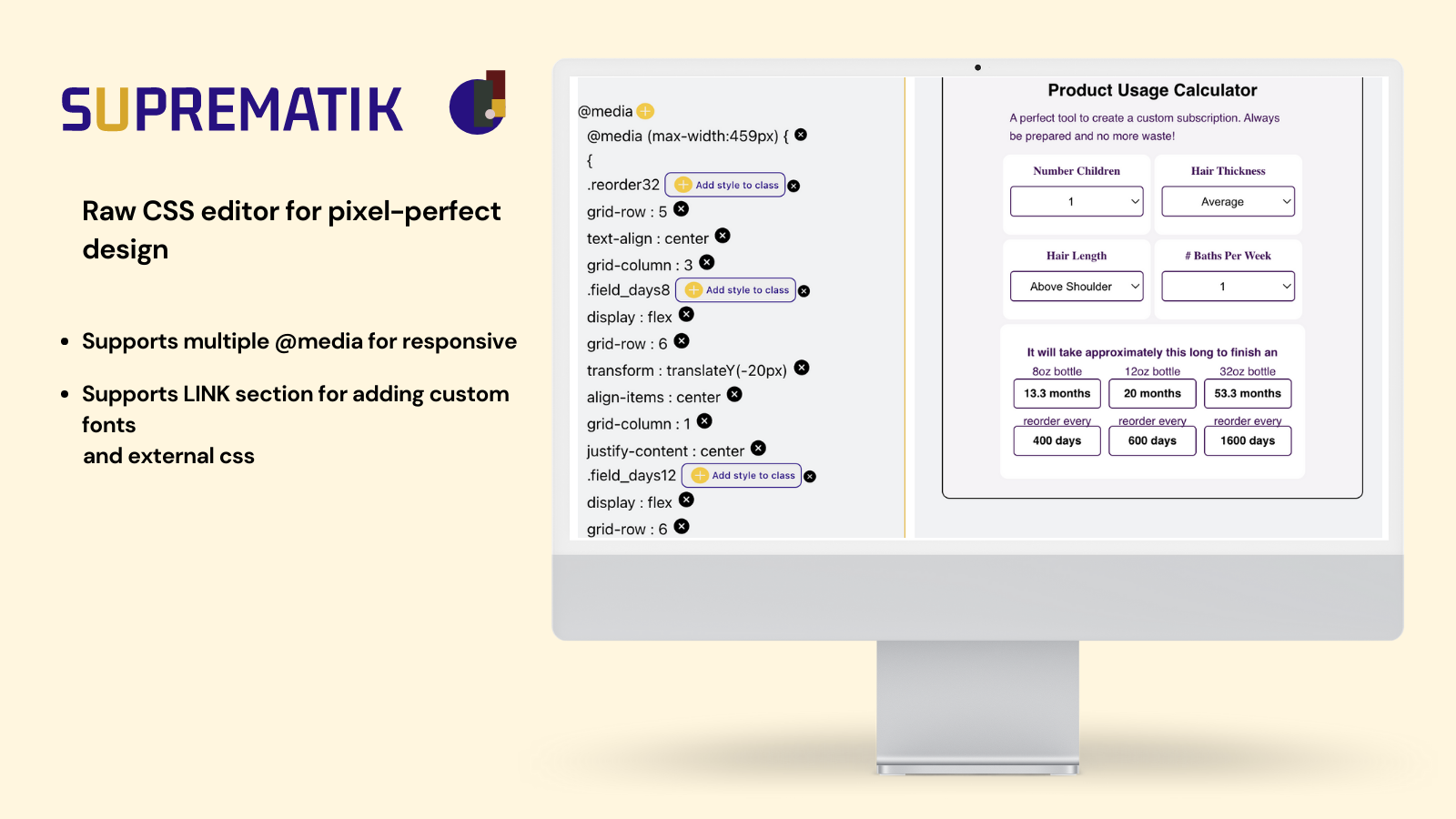
- All essential product options categorized into 14 elements. CSS editing
- Goal: One product, one page – use different designs on the same page
- File upload. Live preview. Quote support. Product visualizer with resizing functionality
Merchant-Friendly
- Custom Product Merchants
- Multi-dimension E-commerce
- Independent Station Designers
- Smart Pricing Merchants
Basic Information
- Developer:SUPREMATIK
- Address:Joseftal 13, 14, 14, Tel Aviv, 59322, IL
- Price: Free / Free plan
- Rating:3.7 / 5
- Comment Count:3 comment
- Release Date:2023-1-31
- Supported languages:English、German、Ukrainian、Spanish
- Compatible products:Shopify
Application Screenshot
Price Plan
免费
- Image/Color Swatch
- Checkbox
- Dropdown Menu
- Radio Button
- Number
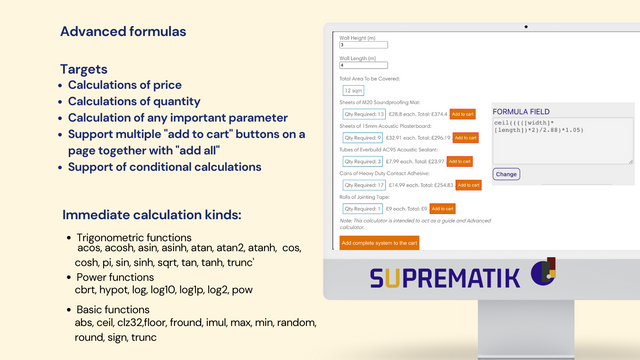
- Formula
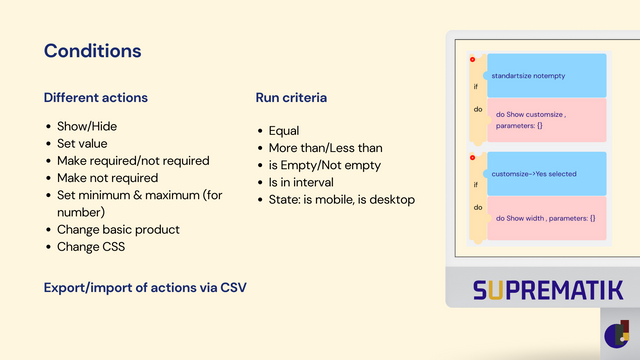
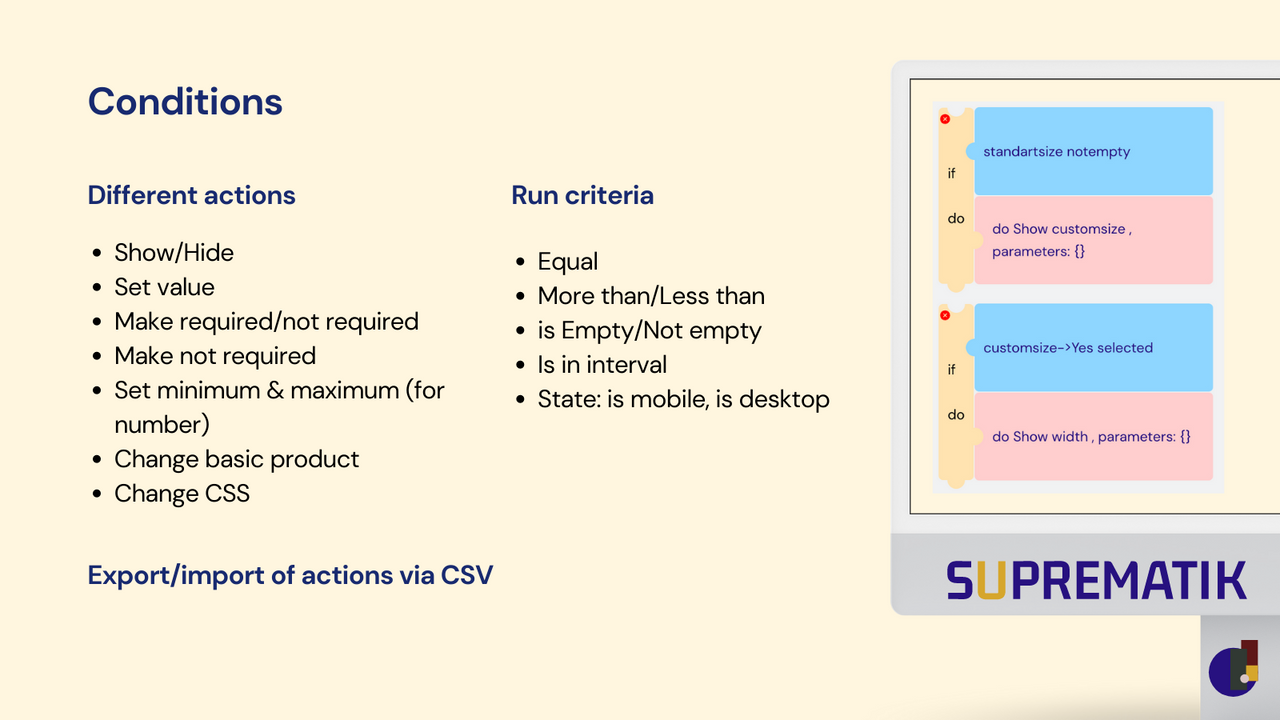
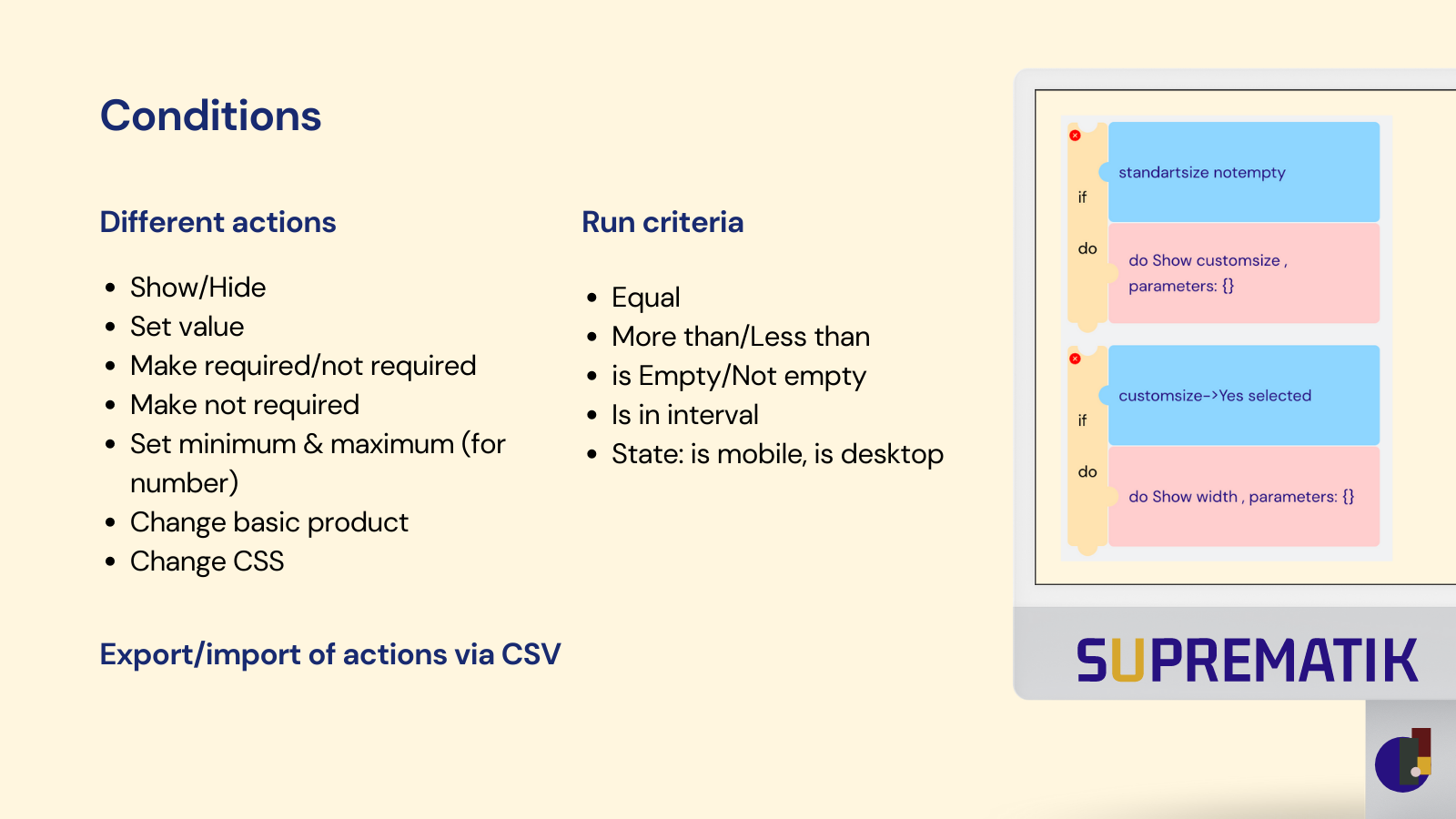
- Condition
- Price Calculation
- Edit Cart
- If Order >20 Months/No Watermark
白标
- Includes all features from the Free plan
- - No watermarks
- - Quotes
- - File upload
- - Advanced conditional logic
- - Modals
- - Bundles
标准
- "White Label" +
- - Real-time Preview / 2D Visualizer
- - Button @ Collection
- - Draft Order
- - Multi-step
- - Export Files Ready for Printing
XR/企业
- -XR Visualizer
- -Multi-Store
- -Monitoring
- -Dedicated Storage
- -Dedicated CDN Staff
- -Extended Integrations
- -Priority Support
User Location & Comments
User Location
Comments
Shopify API Used
- POST /admin/api/products.json
- PUT /admin/api/products/{product_id}.json
- GET /admin/api/products/{product_id}.json
Permission:write_products,read_products,manage_inventory
- POST /admin/api/product_variants.json
- PUT /admin/api/product_variants/{variant_id}.json
- GET /admin/api/product_variants/{variant_id}.json
Permission:write_products,read_products,manage_pricing
- POST /admin/api/products/{product_id}/options.json
- PUT /admin/api/products/{product_id}/options/{option_id}.json
- GET /admin/api/products/{product_id}/options.json
Permission:write_products,read_products,manage_options
- POST /admin/api/themes/{theme_id}/assets.json
- PUT /admin/api/themes/{theme_id}/assets/{asset_key}.json
- GET /admin/api/themes/{theme_id}/assets.json
Permission:write_themes,read_themes,manage_assets
- POST /admin/api/products/{product_id}/files.json
- PUT /admin/api/products/{product_id}/metafields.json
- GET /admin/api/products/{product_id}/files.json
Permission:write_files,read_files,manage_metafields