App Introduction
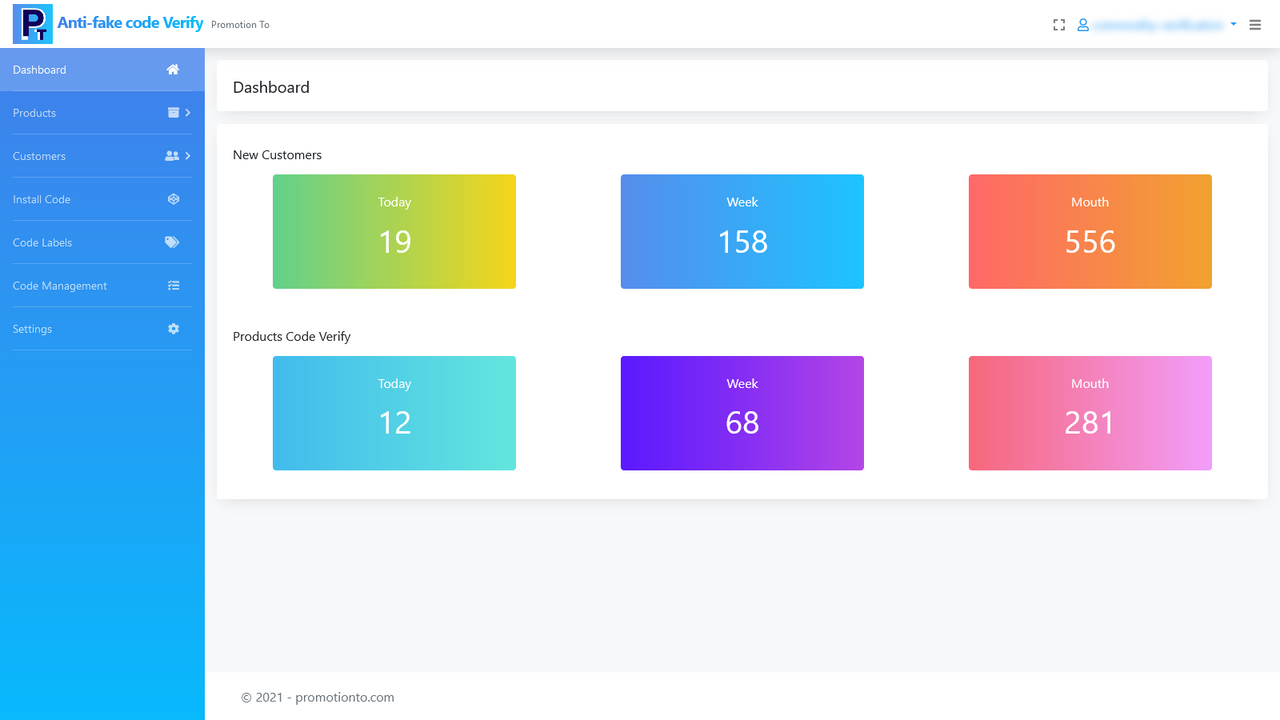
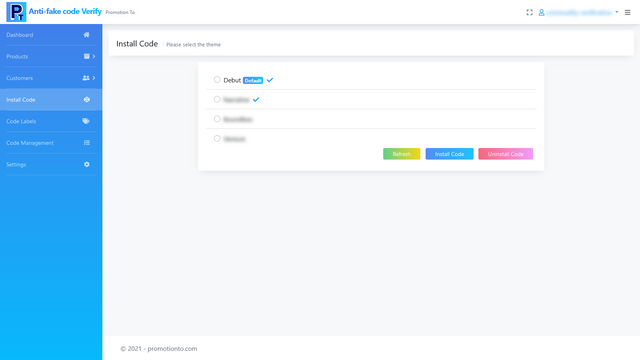
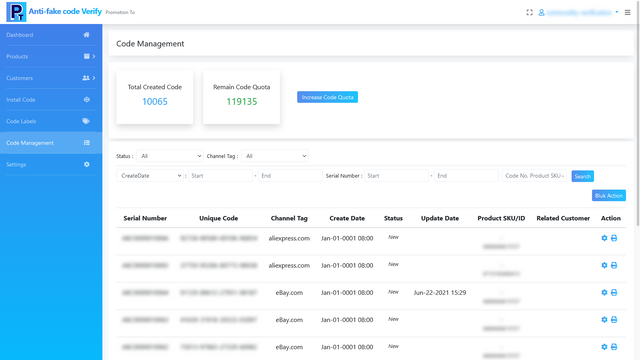
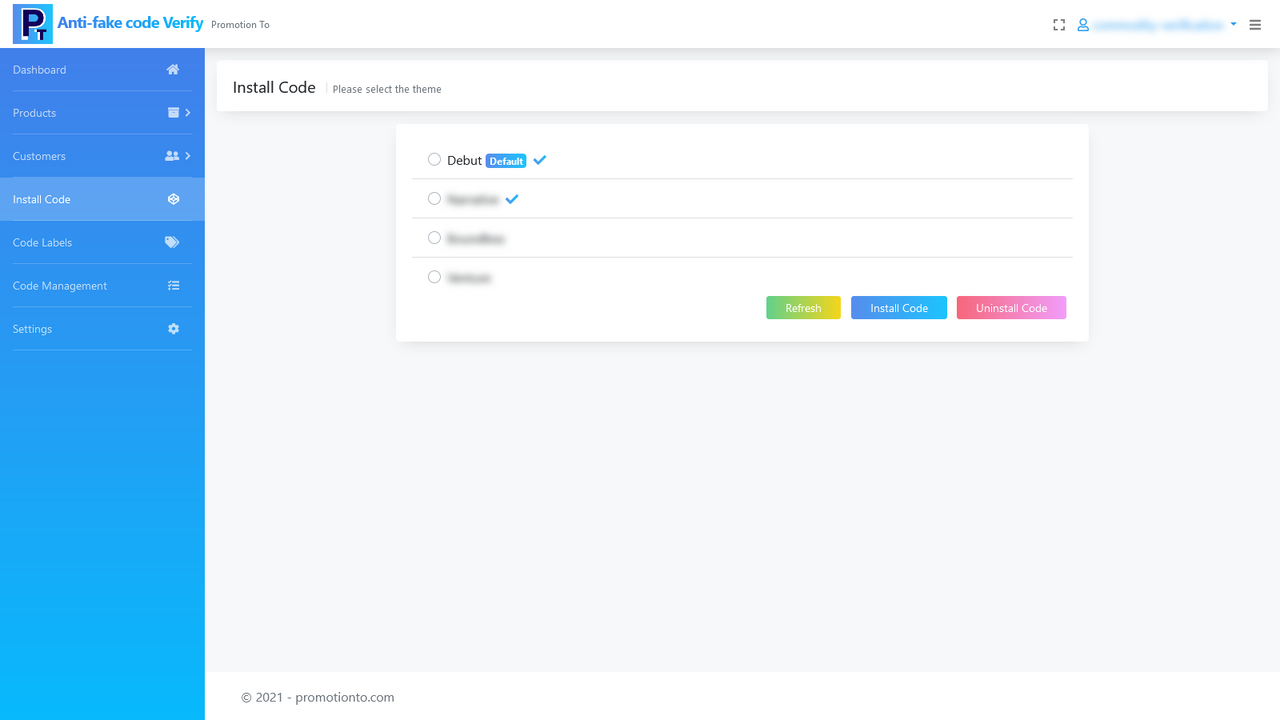
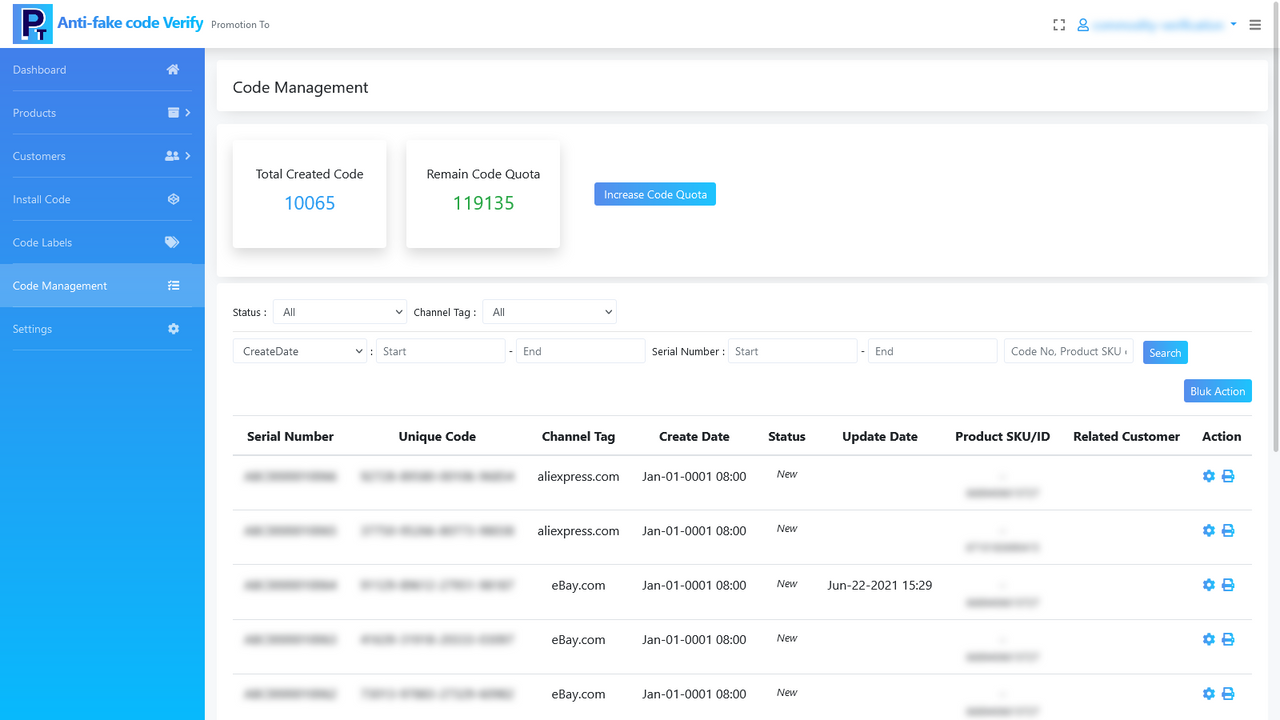
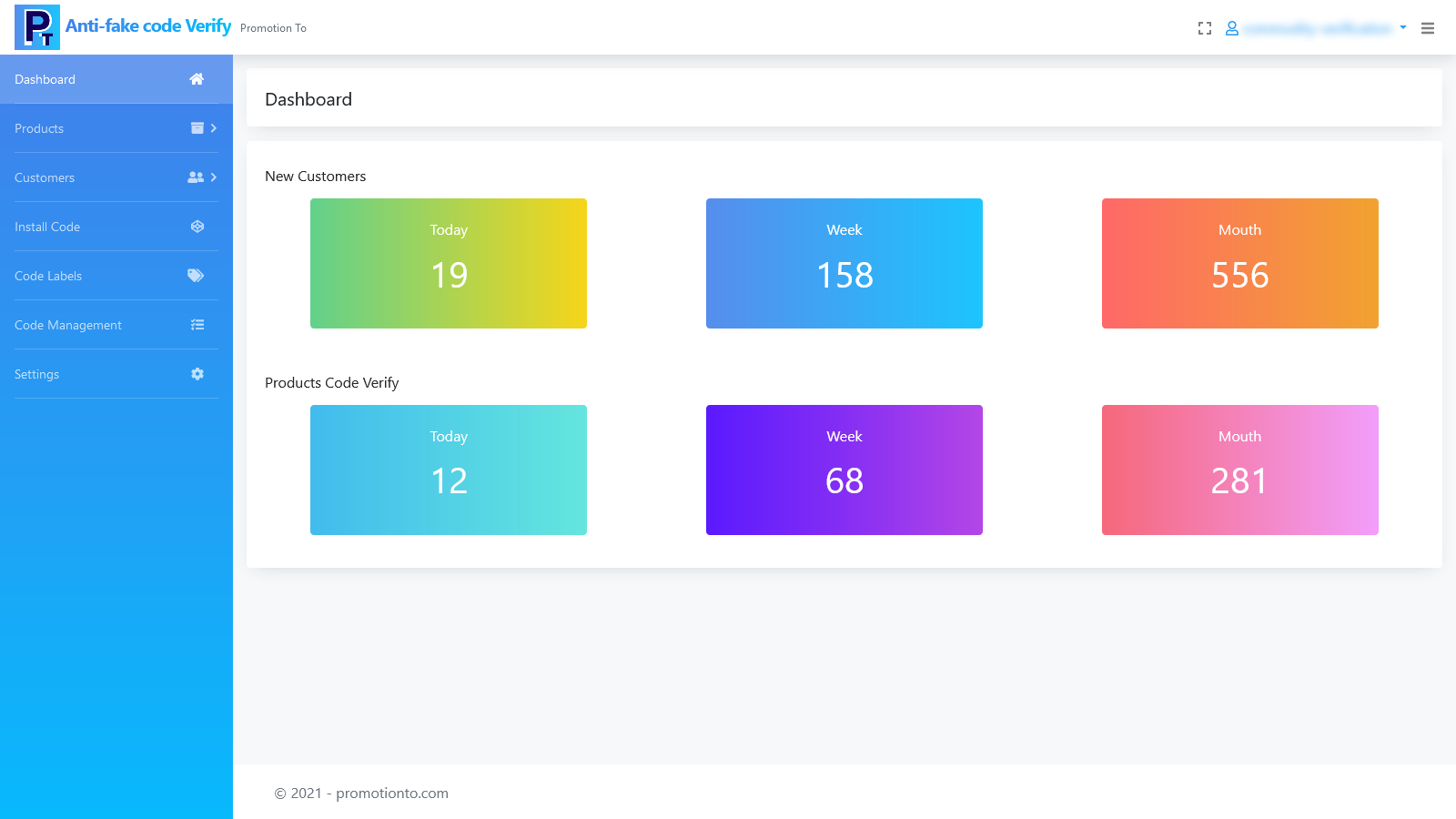
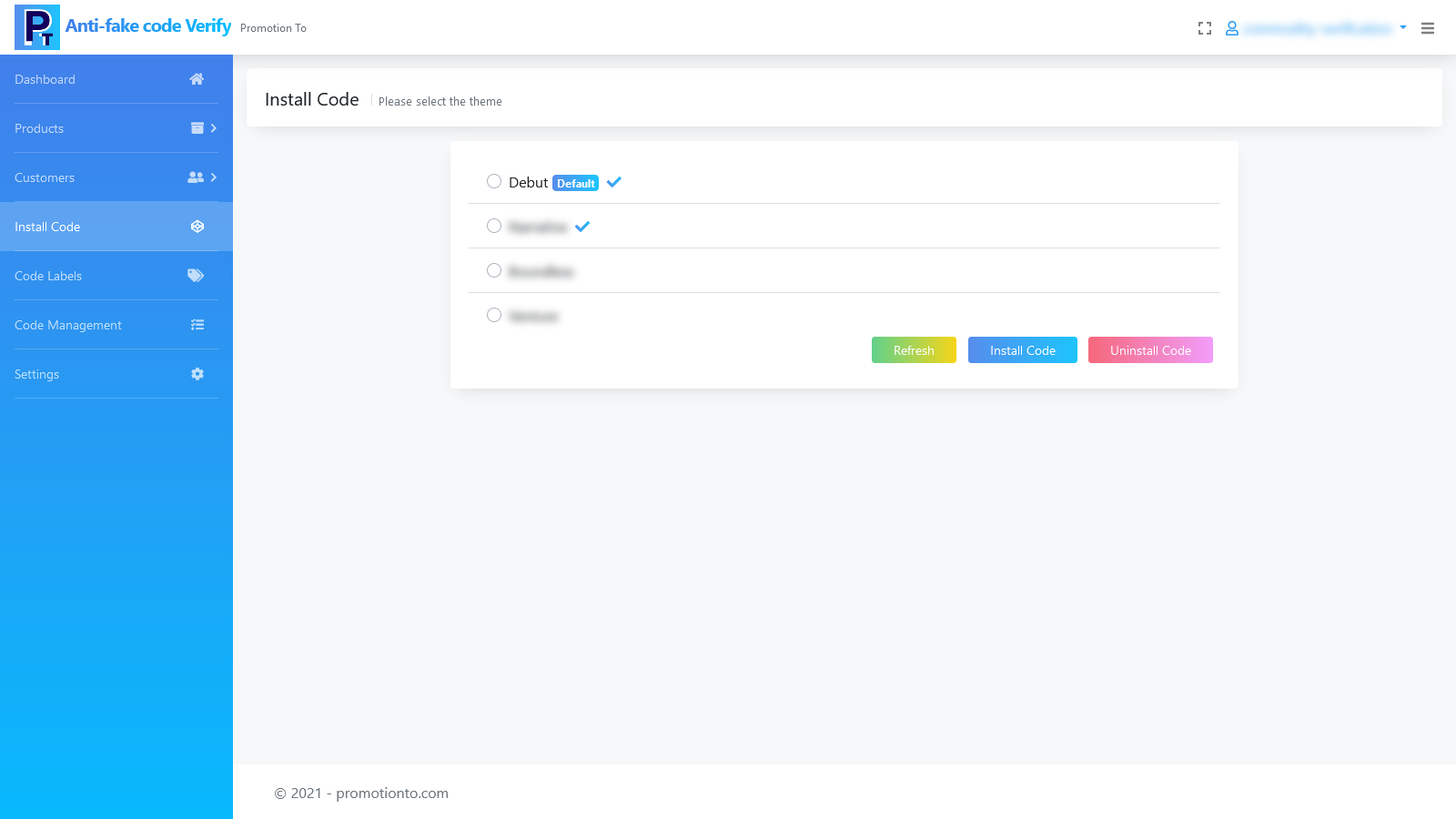
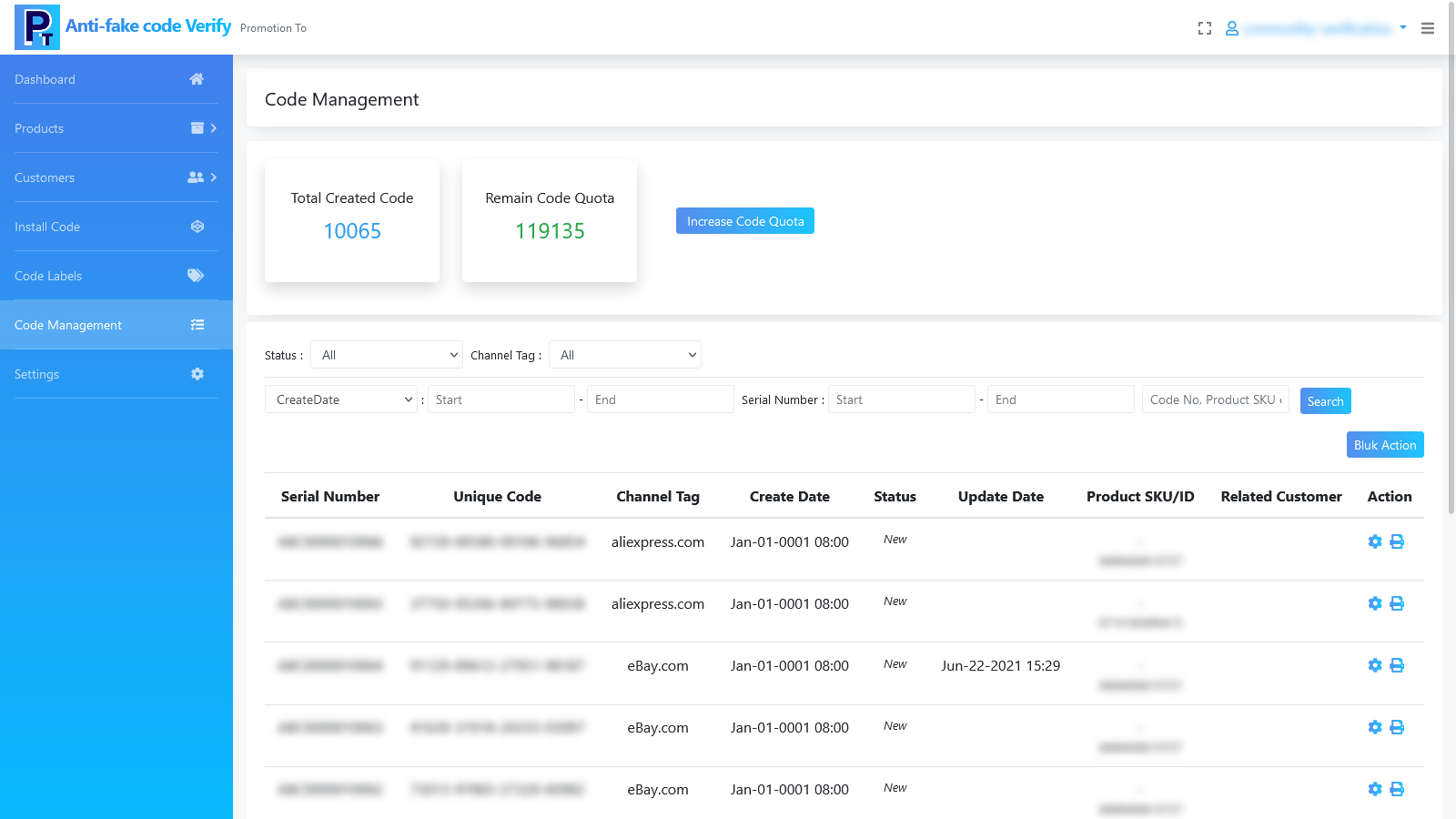
# Features 1. Assign a unique anti-counterfeit code to every product 2. Free merchants from the trouble of counterfeit products 3. Enable users across all sales channels (including but not limited to: online stores, third-party platforms, physical stores, and other agent/distribution channels) to verify product authenticity. This turns buyers into the brand’s online members, allowing the brand to engage with and remarket to these members. # Functions Create/manage anti-counterfeit codes, update code statuses, download and print codes, buyer code verification (requires login)... # How It Works Generate anti-counterfeit codes in bulk by SKU and attach them to products, ensuring each product has a unique corresponding code. Buyers scan the QR code on the product and submit the anti-counterfeit code in the merchant’s store to verify the item’s authenticity. ### STEP 1 Install the App 1. Install & Authorize: Search for the app in the Shopify App Store, then click the "Add app" button to install it. 2. Initial Setup: Configure the anti-counterfeit code’s serial number prefix and starting number. 3. Install Code: Go to the "Install Code" page, select a theme, and click the "Install Code" button. The code will be automatically added to this theme. When the store uses this theme, buyers can verify product anti-counterfeit codes in the store. ### STEP 2 Use the App 1. Sync Products: Go to "Products...
Core Functionality
- No core function information available at the moment
Merchant-Friendly
- There are currently no suitable merchants available
Basic Information
- Developer:Superchain
- Address:R1706 wanhui center 2 building, beicheng sky street, 重庆, CQ, 400000, CN
- Price: Free / Free plan
- Rating:5 / 5
- Comment Count:3 comment
- Release Date:2021-7-7
- Supported languages:
- Compatible products:Shopify
Application Screenshot