
Filterific: Collection Filter
App Introduction
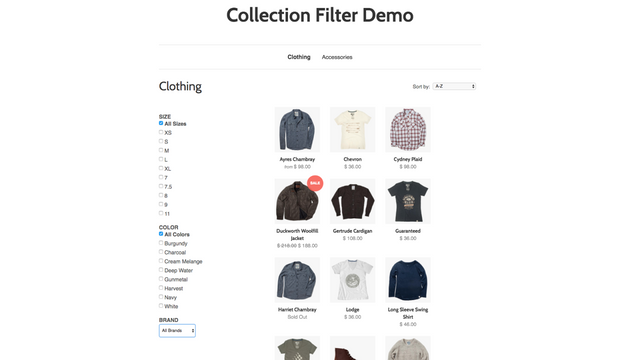
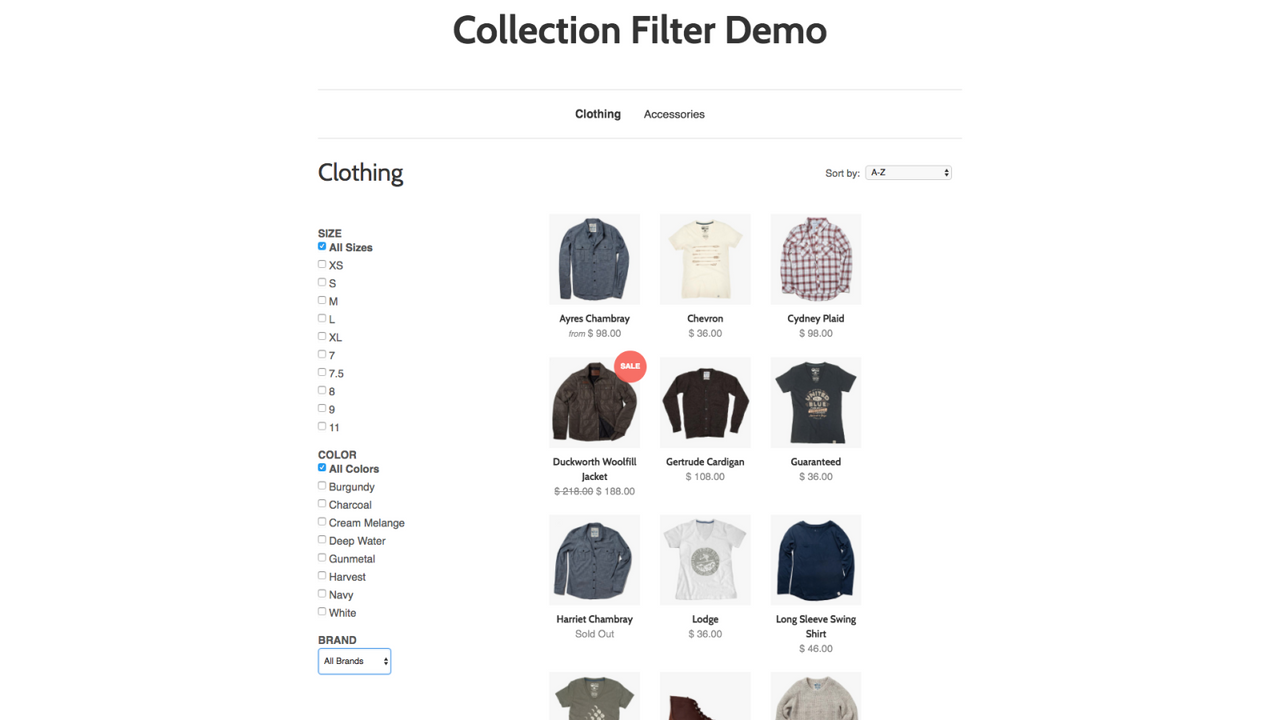
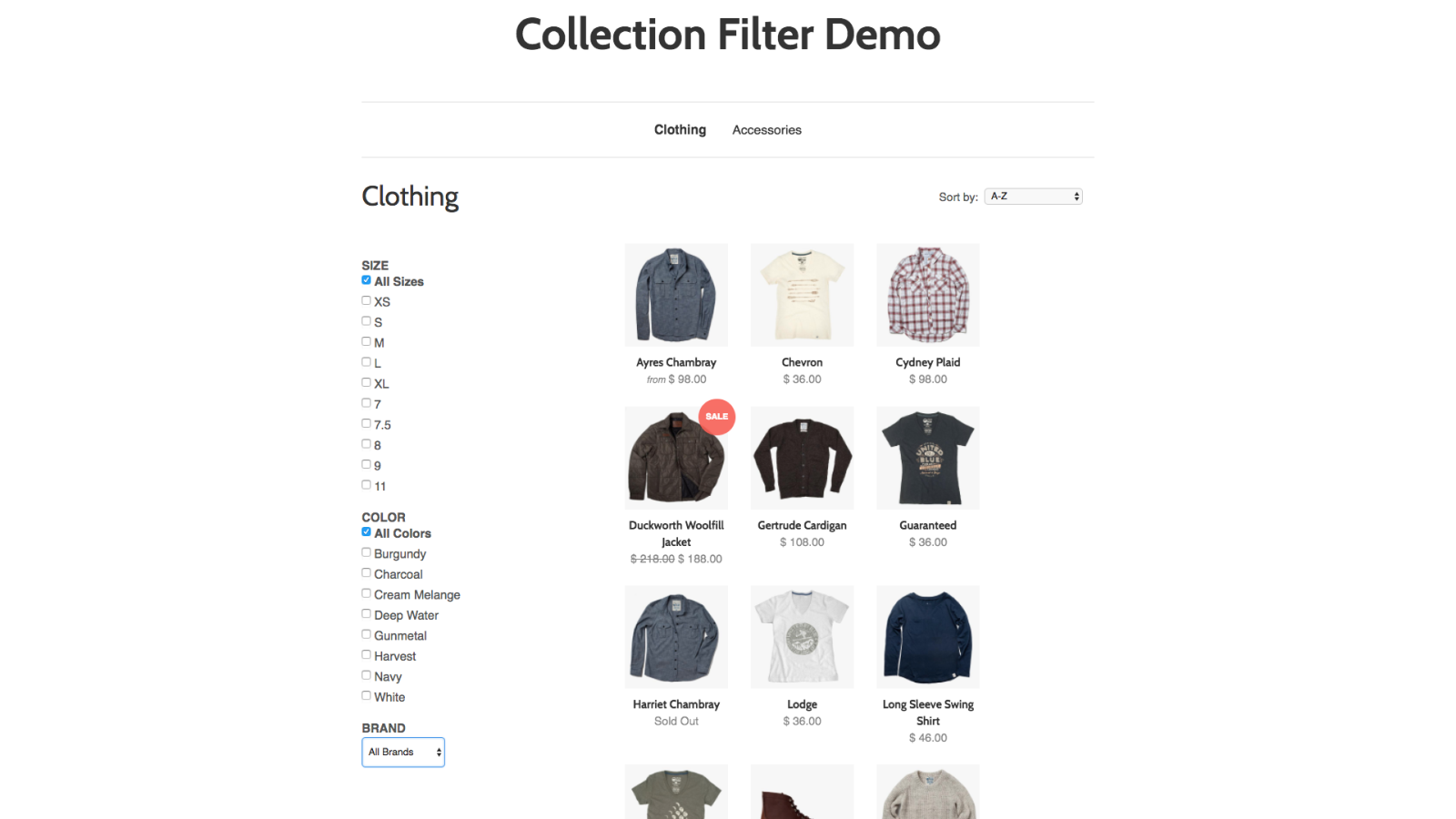
Organize your product collection so customers can easily find what they want! Customers can’t buy products they can’t find. Stores with large catalogs or many variants (like color, size, or brand) may find navigation gets out of hand quickly. For shoppers, clicking through pages of products to find what they’re looking for becomes overwhelming. That’s where the Collection Filter app comes in! It helps you organize your product collection so customers can find what they need—and you’re more likely to make sales.
Core Functionality
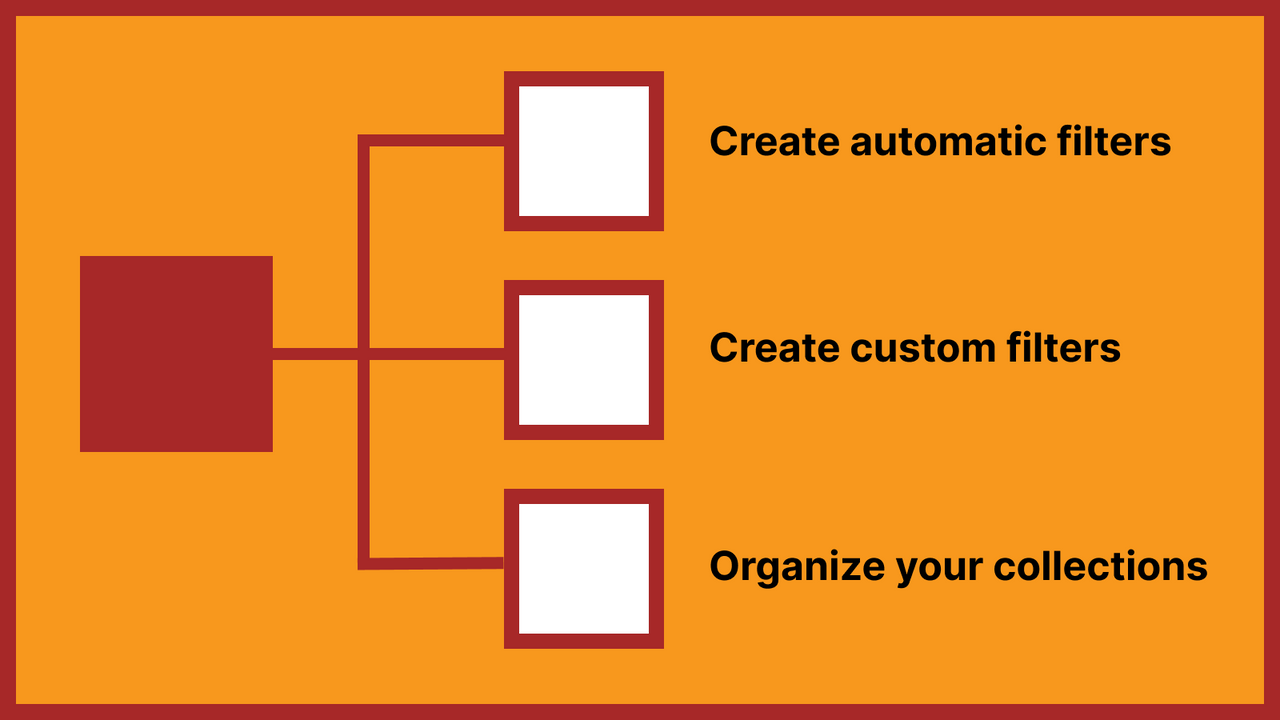
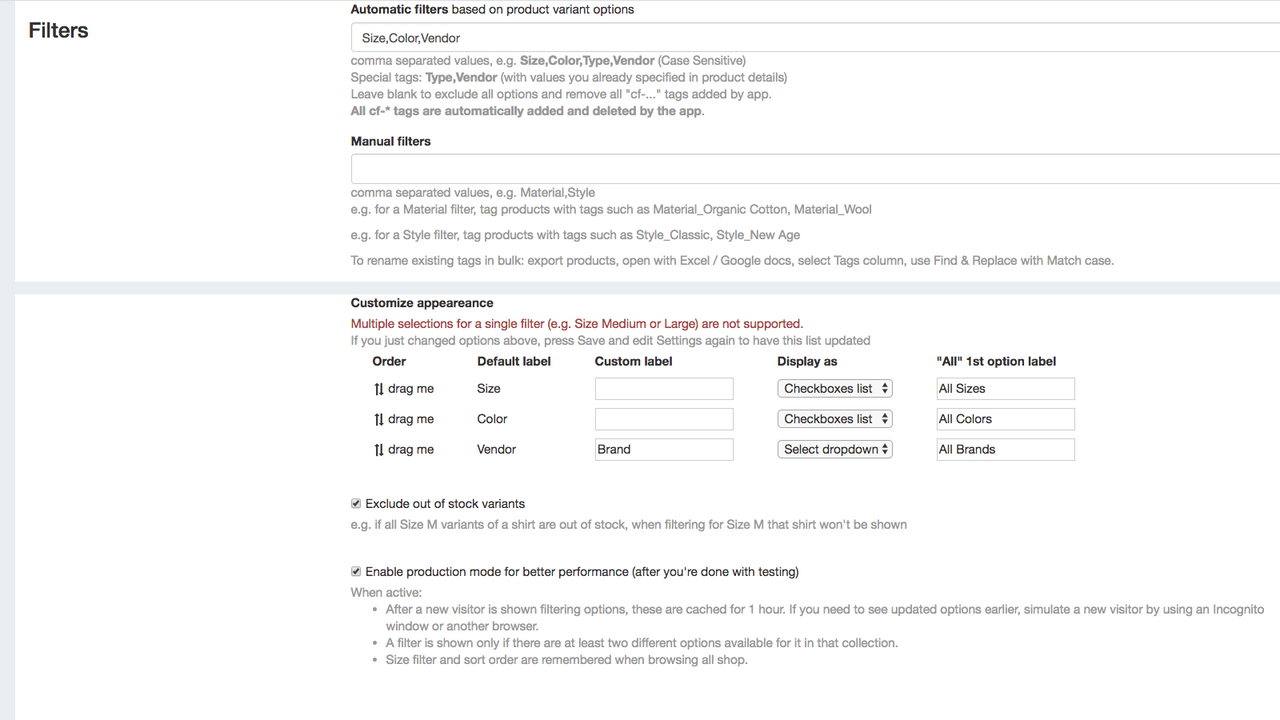
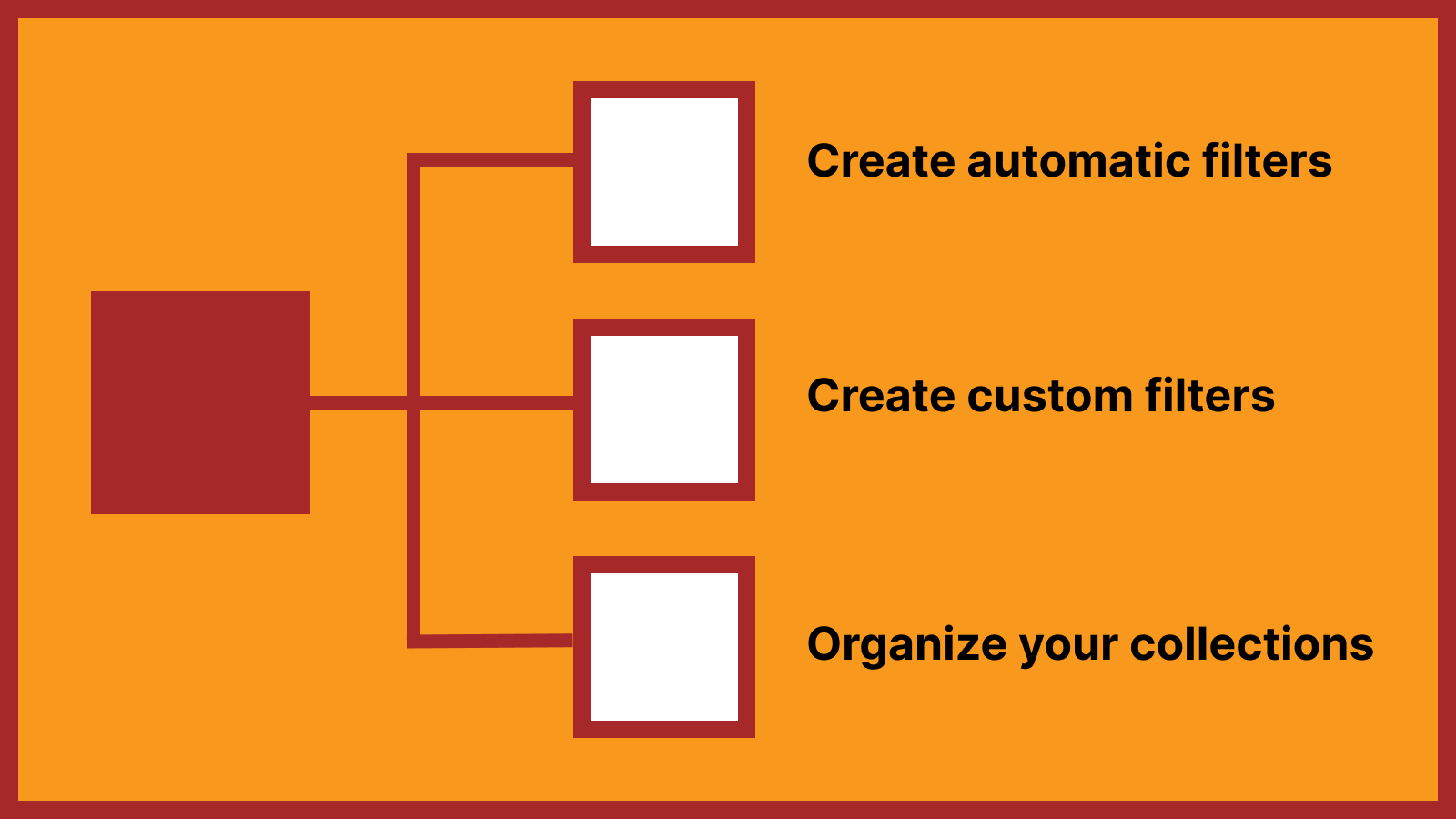
- Create custom filters (e.g., type, vendor, size, and color).
- Use filters as a custom navigation menu to help shoppers find their way.
- Show or hide out-of-stock variants.
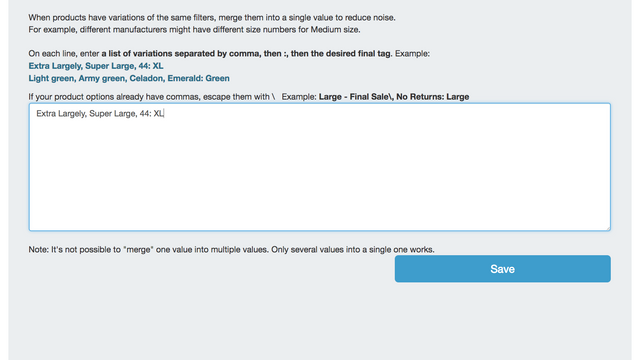
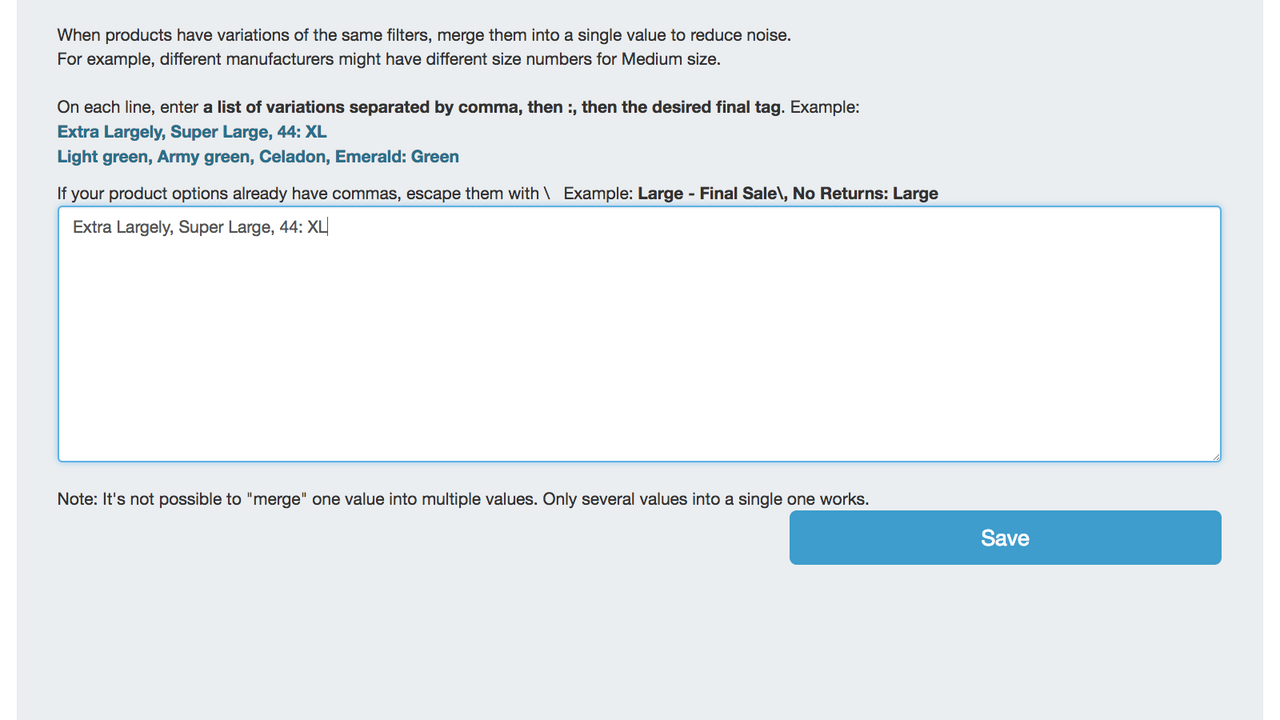
- Use the auto-tagging feature to let the app categorize and tag your products for you.
- Allow customers to select their preferred size or color within product collections.
Merchant-Friendly
- Apparel & Footwear Merchants
- Multi-category E-commerce
- Independent Store Sellers
- Home Goods Merchants
Basic Information
- Developer:Supple Apps
- Address:329 Howe St., PMB 2066, Vancouver, BC, V6C 3N2, CA
- Price: Free / Free plan
- Rating:4.5 / 5
- Comment Count:92 comment
- Release Date:2014-10-1
- Supported languages:English
- Compatible products:Shopify
Application Screenshot



Price Plan
基础计划
- Up to 100 product collections
专业计划
- Up to 500 product collections
企业计划
- Up to 5,000 product collections
User Location & Comments
User Location
Comments
Shopify API Used
- POST /admin/api/filters.json
- PUT /admin/api/filters/{id}.json
- GET /admin/api/filters.json
Permission:write_filters,read_filters,manage_products
- POST /admin/api/menus.json
- PUT /admin/api/menus/{id}/items.json
- GET /admin/api/menus.json
Permission:write_menus,read_menus,manage_online_store
- PUT /admin/api/products/{product_id}/variants/{variant_id}.json
- GET /admin/api/products/{product_id}/variants.json
- POST /admin/api/metafields.json
Permission:write_products,read_products,manage_inventory
- POST /admin/api/products/{product_id}/tags.json
- GET /admin/api/products.json
- PUT /admin/api/metafields.json
Permission:write_products,read_products,manage_tags
- PUT /admin/api/collections/{collection_id}/metafields.json
- GET /admin/api/collections/{collection_id}/products.json
- POST /admin/api/filters.json
Permission:write_collections,read_collections,manage_products