
Cohub Inventory Counting
by AppScoped · Category: Inventory Optimization
Free Plan
Built for Shopify
App Introduction
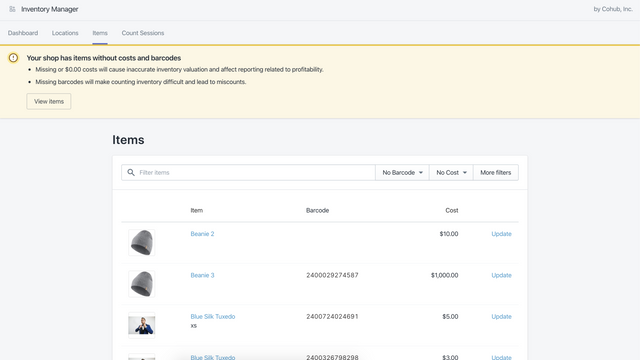
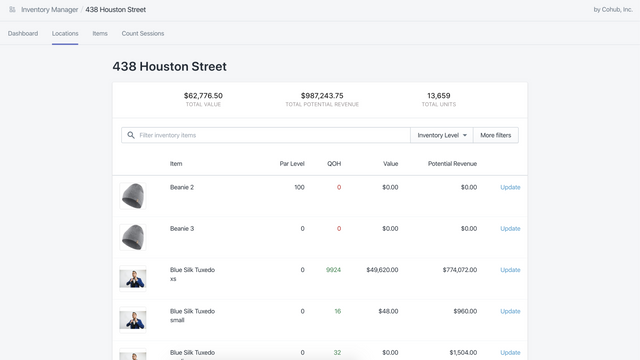
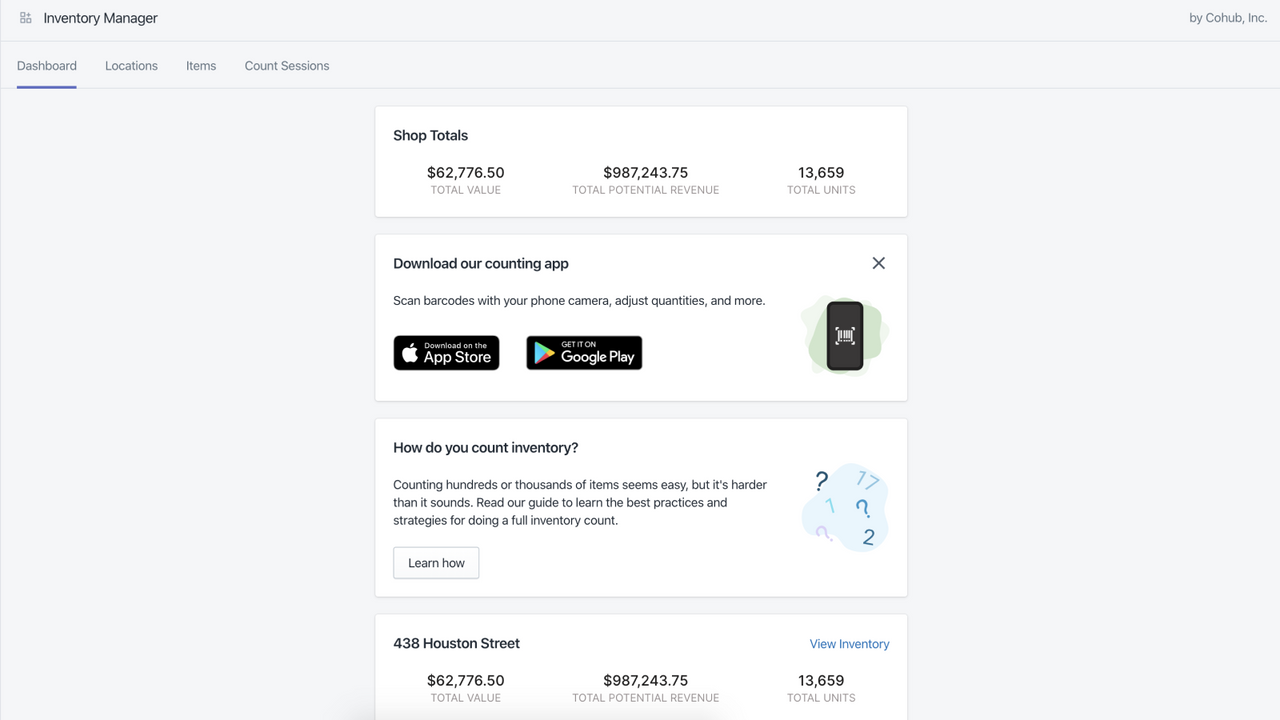
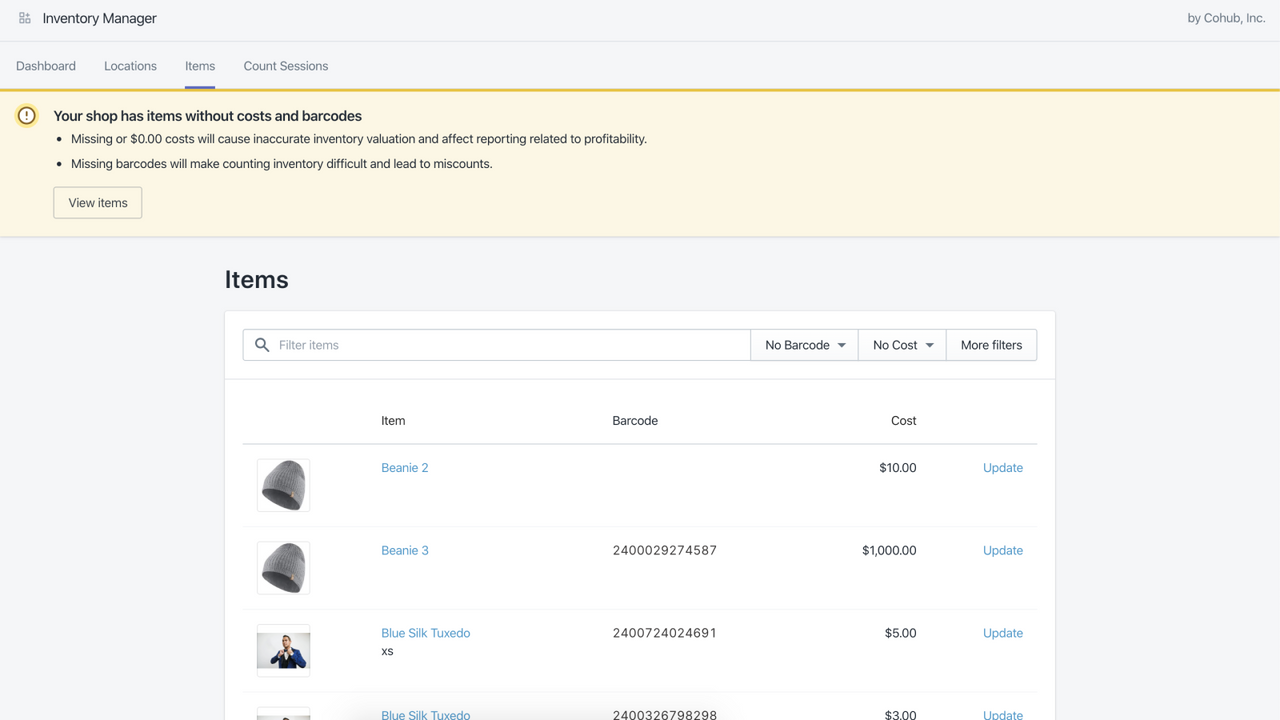
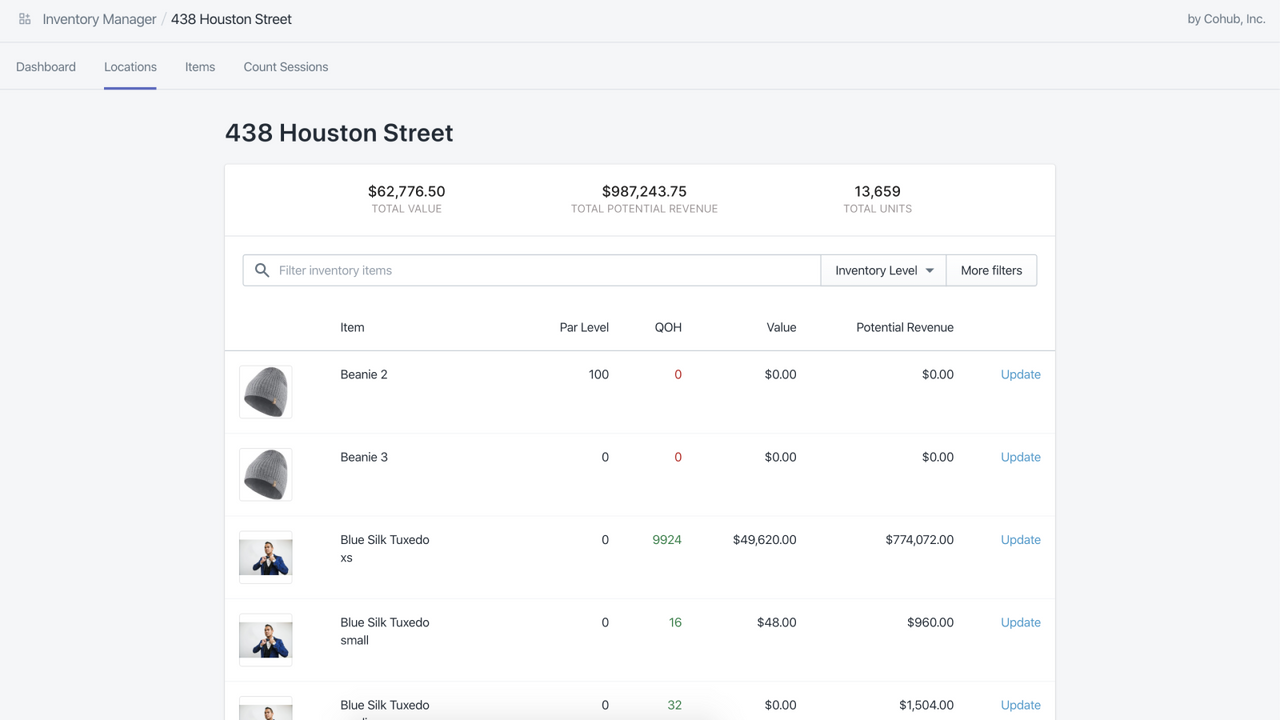
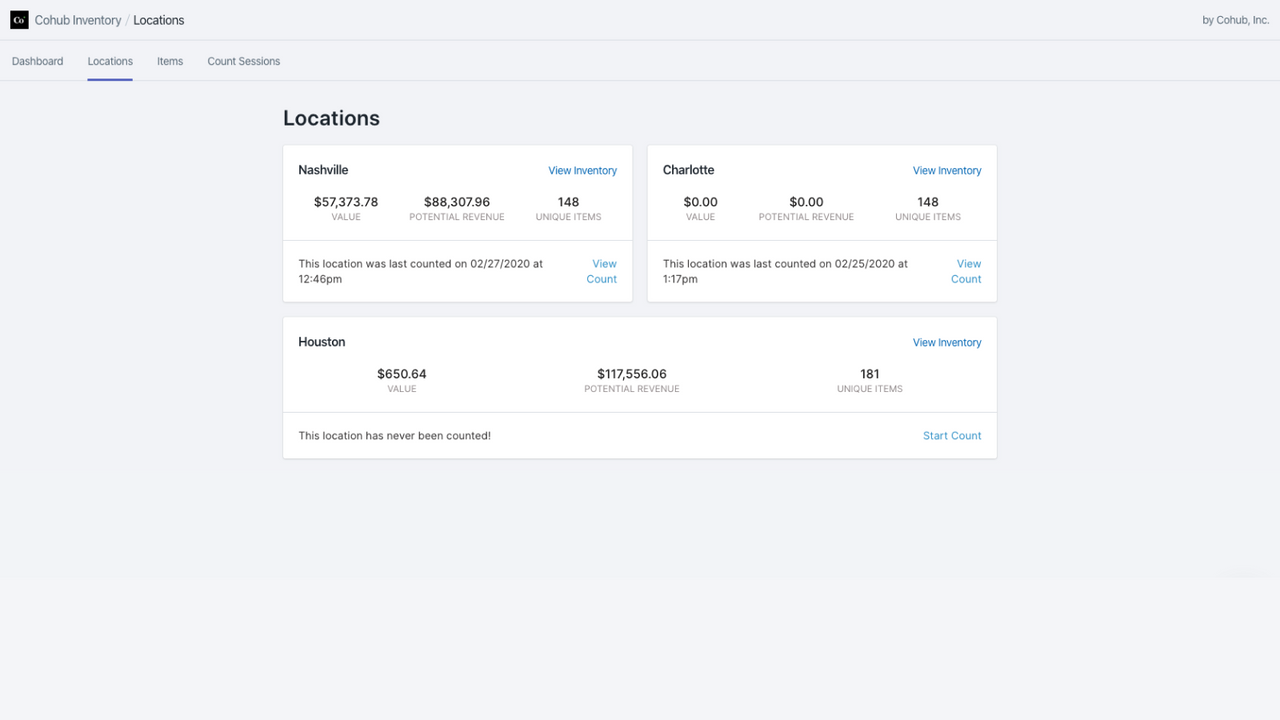
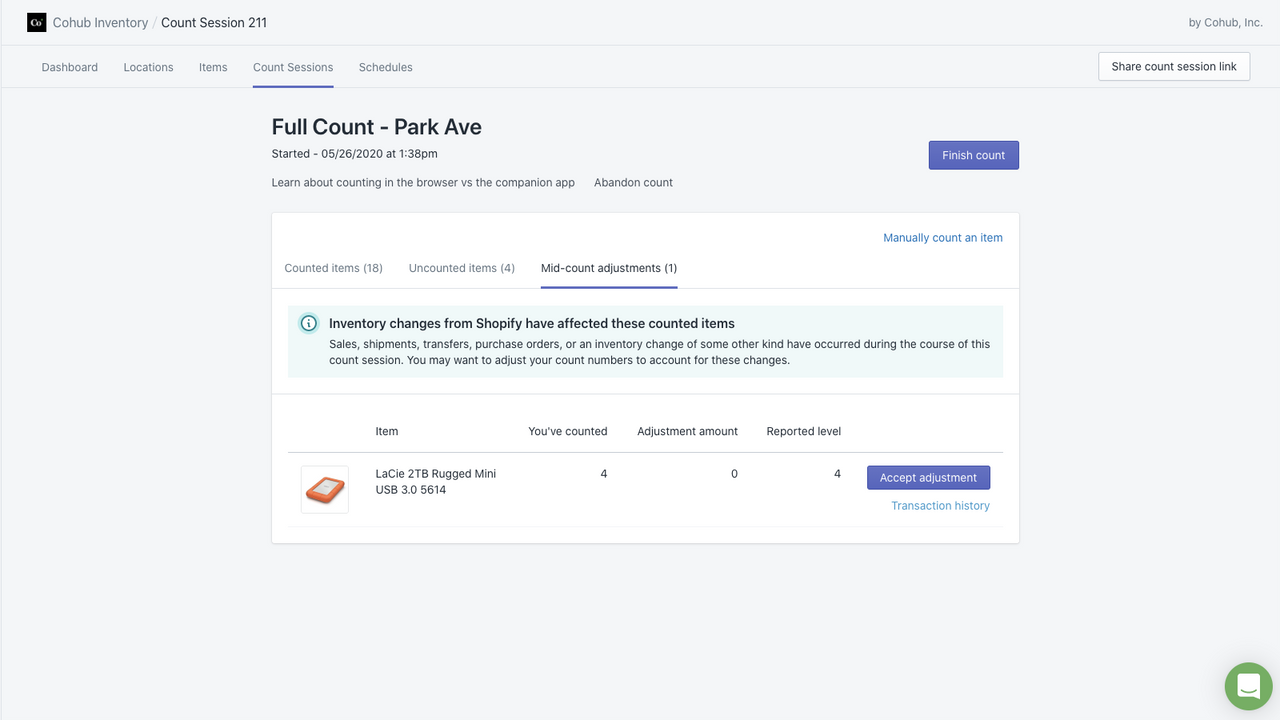
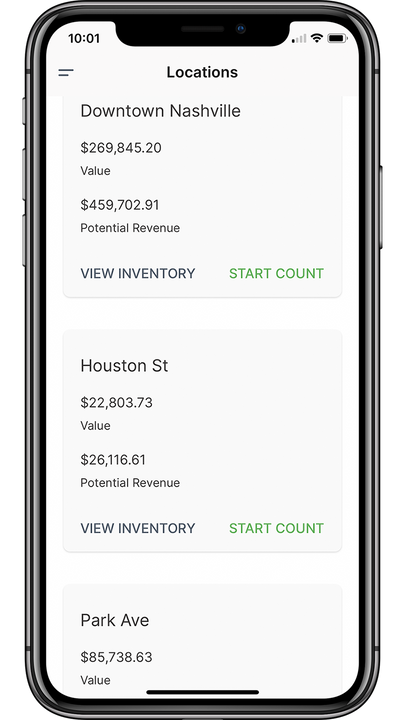
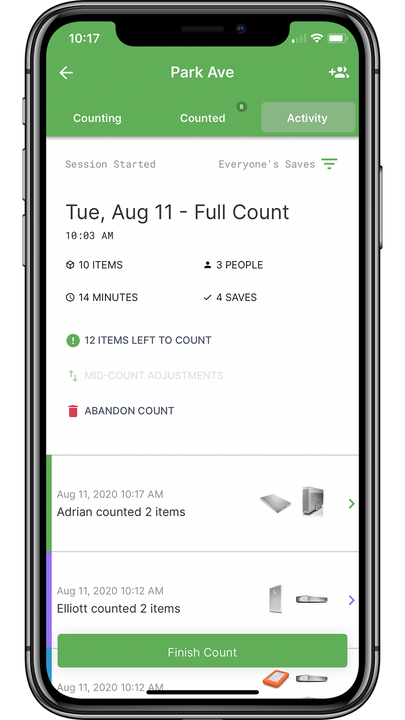
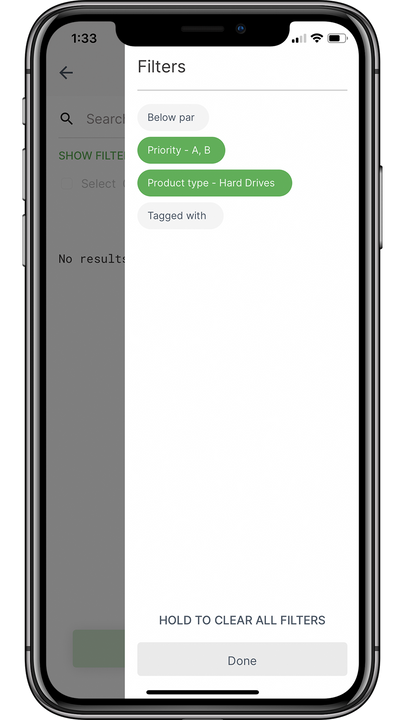
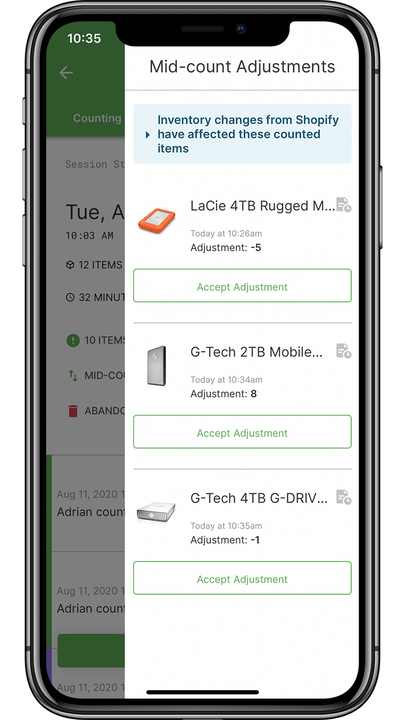
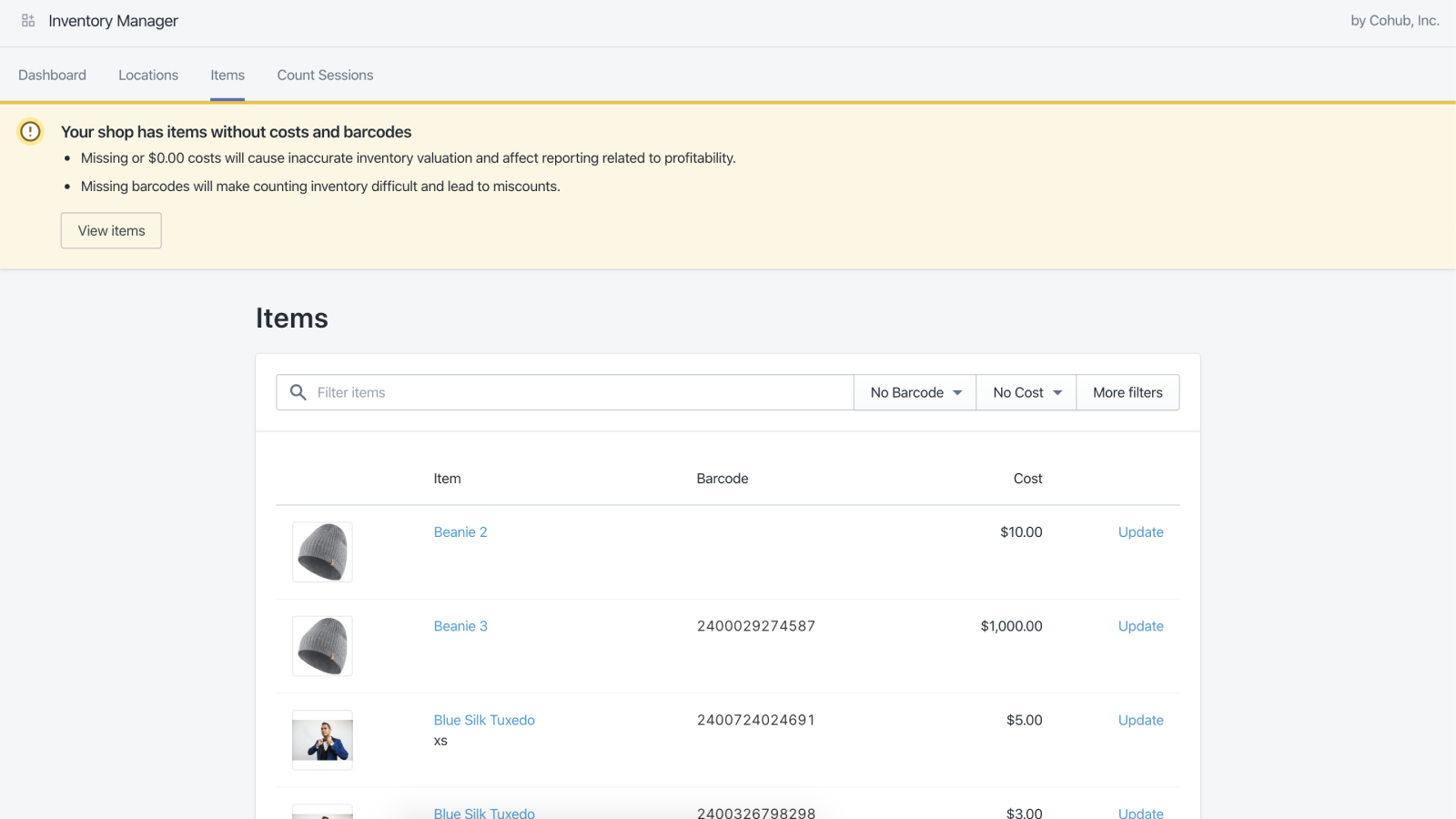
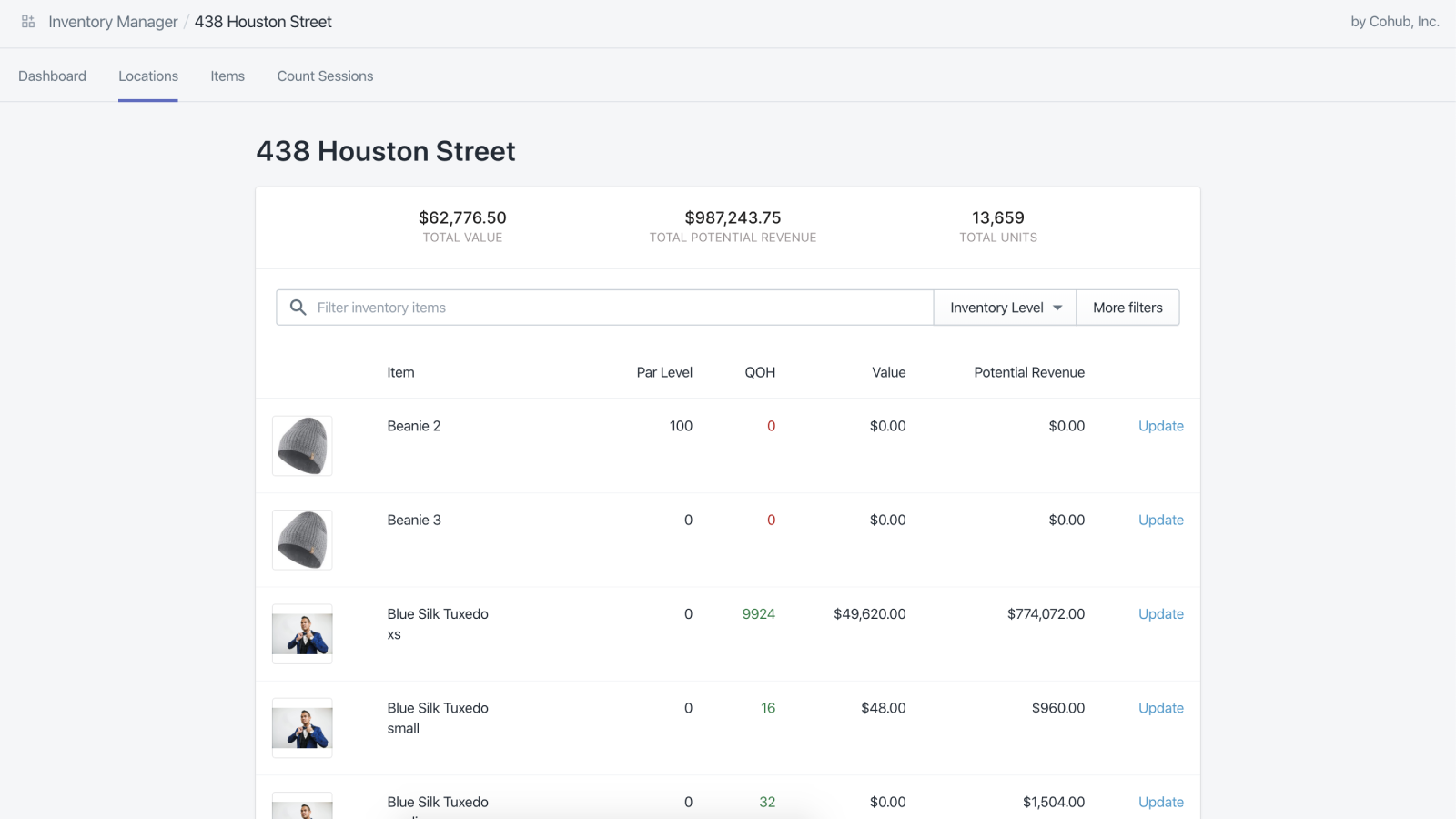
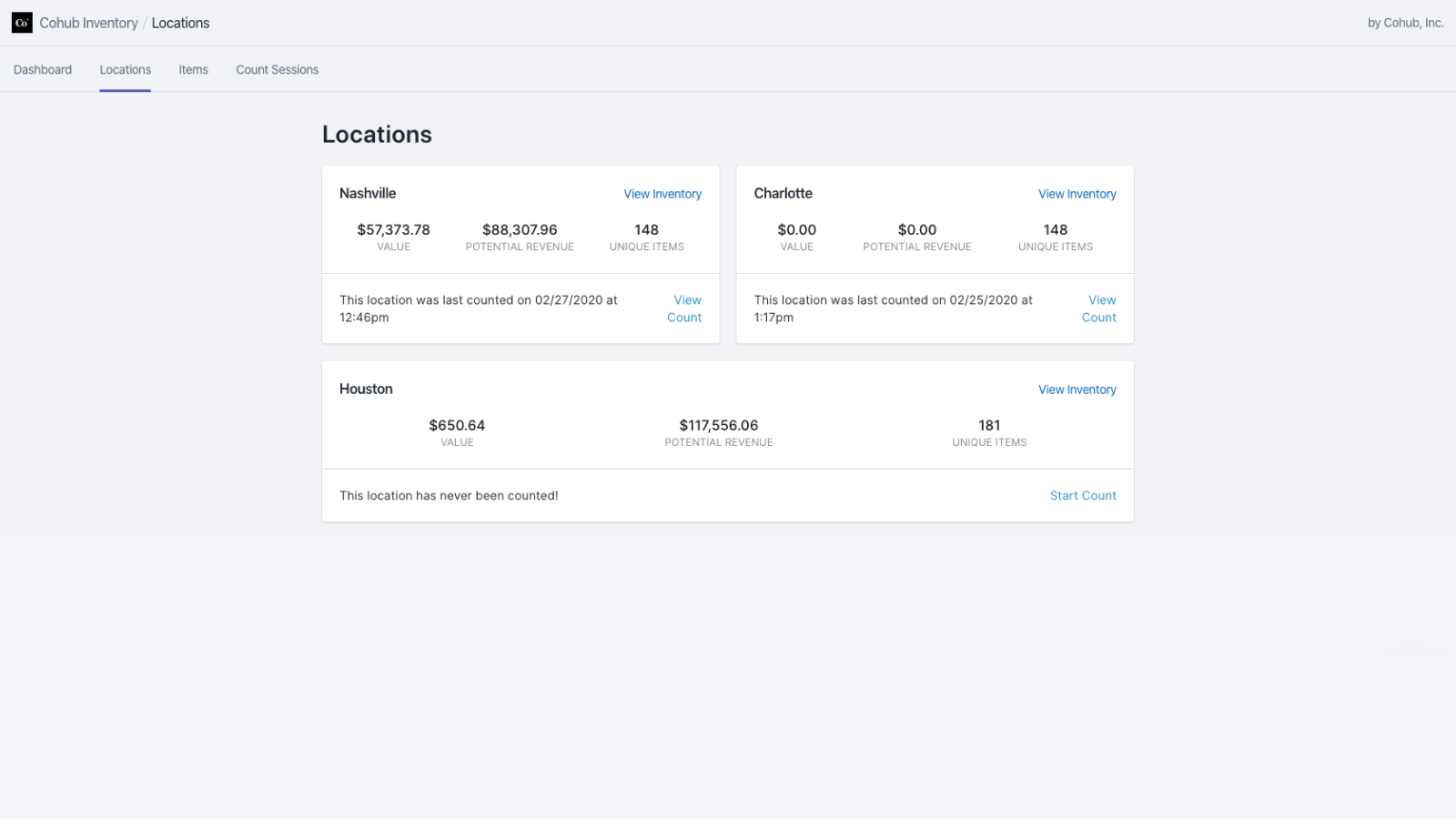
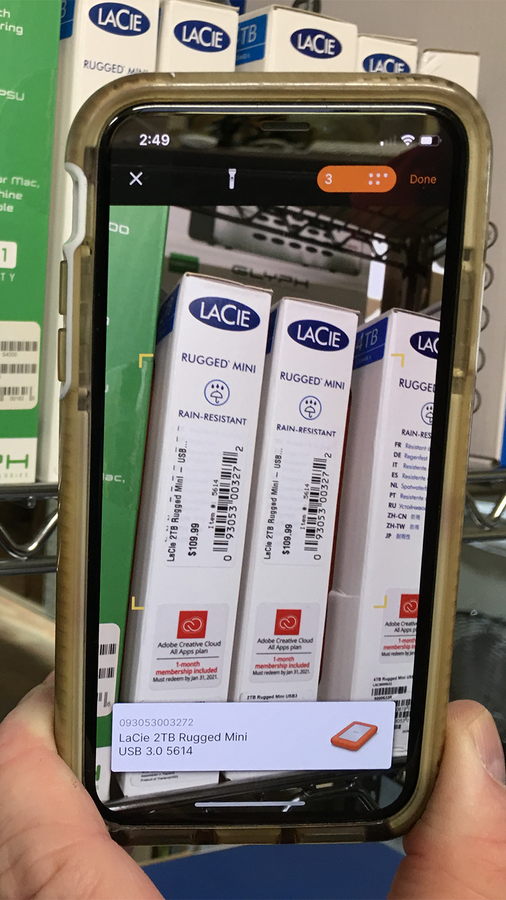
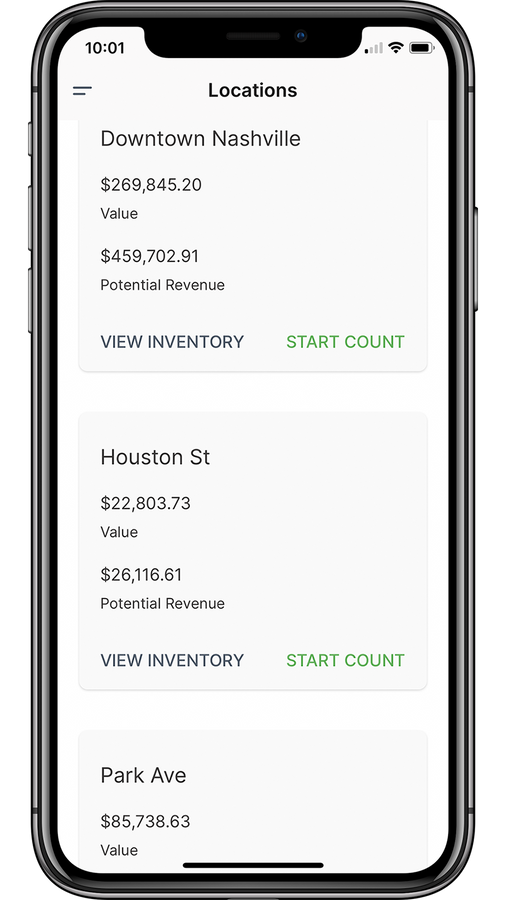
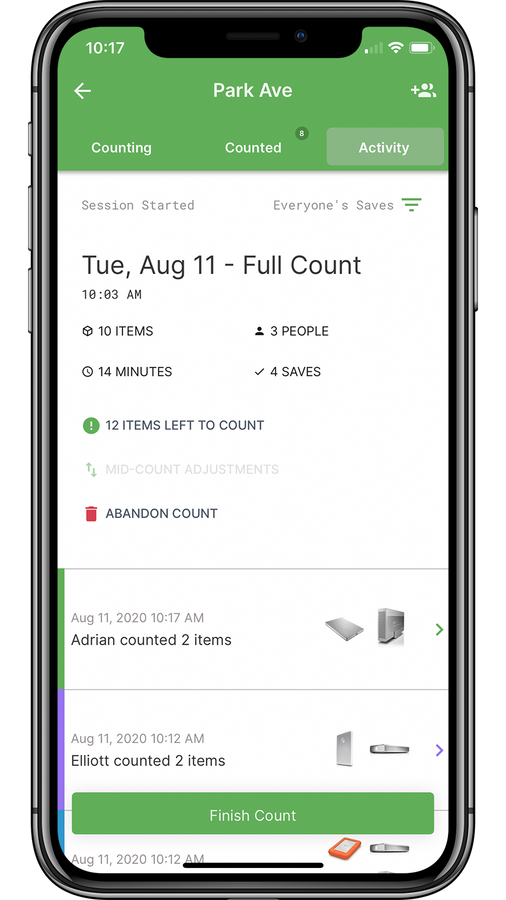
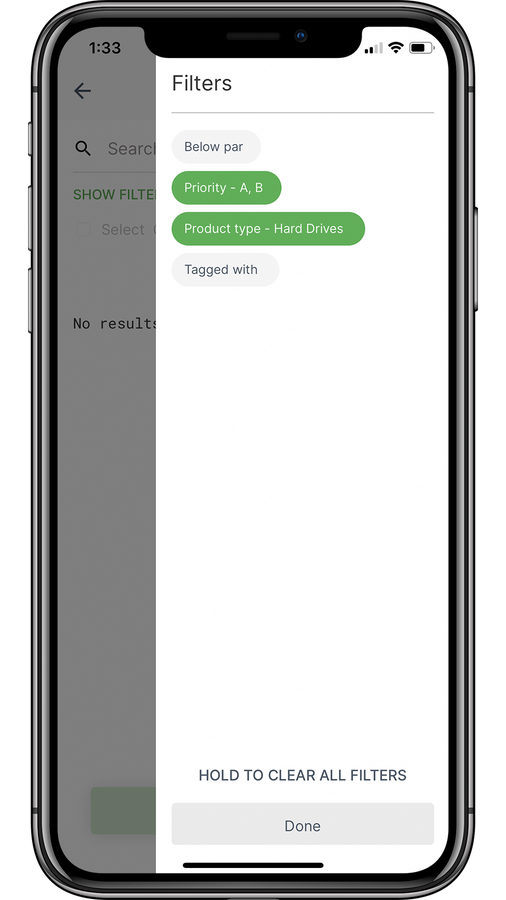
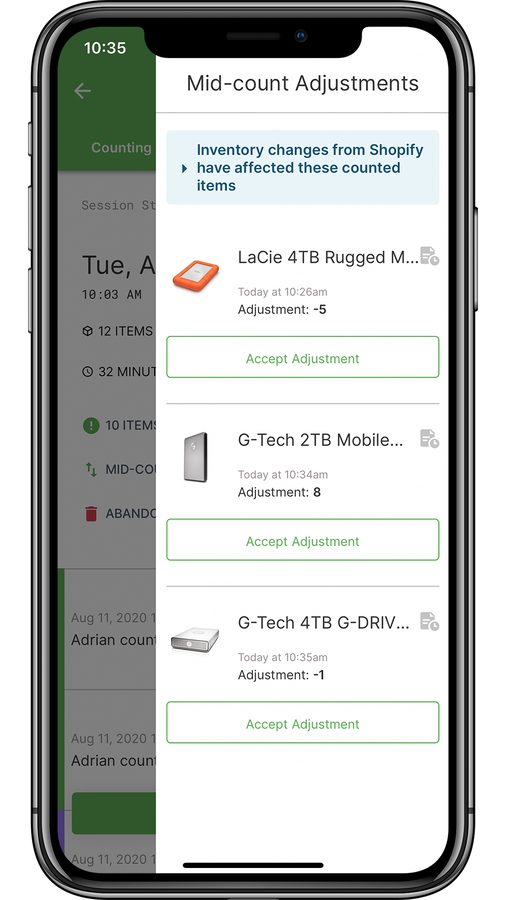
Cohub Inventory simplifies inventory counting with its user-friendly browser and mobile applications. Cohub Inventory makes inventory counting easy, fast, and efficient. Invite your team to join counts, use your smartphone as a barcode scanner, and complete your counts seamlessly. Take control of your inventory by setting minimum stock levels, viewing mid-count adjustments from sales and shipments, or using ABC analysis to prioritize your most critical items. When you’re not counting, use our browser app to view inventory overviews across all locations.
Core Functionality
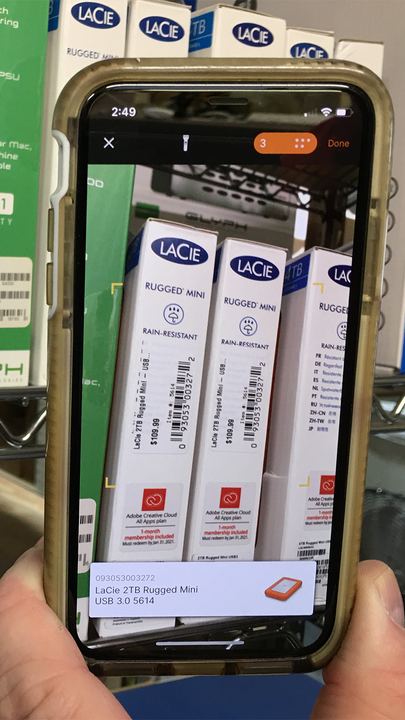
- Turn your smartphone into a barcode scanner with our free companion mobile app.
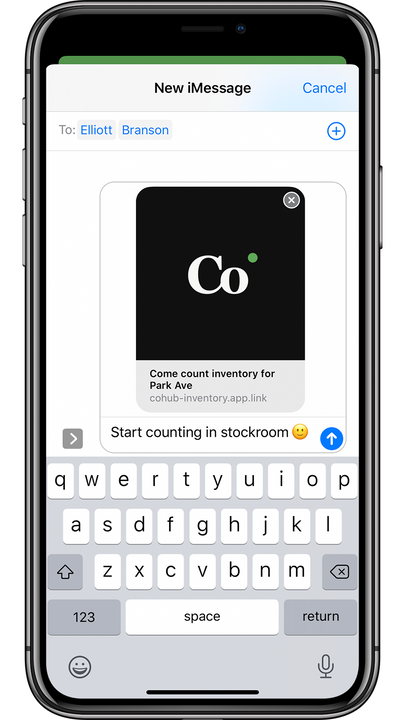
- Easily invite your team to count with you to speed up the counting process
- Use Time Travel to view historical inventory counts for any past day.
Merchant-Friendly
- Offline Retail Merchants
- Inventory Management Merchants
- Team Collaboration Merchants
- Multi-channel Sales Merchants
Basic Information
- Developer:Cohub LLC
- Address:504 Park Center Ave, Nashville, TN, 37205, US
- Price: Free / Free plan
- Rating:4.2 / 5
- Comment Count:23 comment
- Release Date:2020-2-18
- Supported languages:English
- Compatible products:Shopify
Application Screenshot




Price Plan
基础版
$19
- Up to 4 positions
- Full and periodic counting
- Midway adjustment
- Minimum stock level
- Planned counting
- Wait!
专业版
$29
- Up to 5 locations
- Full and periodic counts
- Mid-cycle adjustments
- Minimum stock level
- Planned counts
- Wait!
高级版
$59
- Up to 8 locations
- Full and periodic counts
- Mid-count adjustments
- Minimum stock level
- Planned counts
- Wait!
Plus
$99
- 99 USD for 9 positions + $5 extra for each additional position
- Full Count and Cycle Count
- Mid-cycle Adjustment
- Minimum Stock Level
- Planned Count
- Wait a minute!
User Location & Comments
User Location
Comments
Shopify API Used
- POST /admin/api/inventory_levels.json
- GET /admin/api/products.json?barcode={barcode}
- PUT /admin/api/inventory_levels/{id}.json
Permission:read_inventory,write_inventory,manage_products
- POST /admin/api/collaborators.json
- PUT /admin/api/collaborators/{id}.json
- GET /admin/api/collaborators.json
Permission:manage_collaborators,read_inventory,write_inventory
- GET /admin/api/inventory_levels.json?date={date}
- GET /admin/api/inventory_adjustments.json?created_at_min={date}
- GET /admin/api/products.json?inventory_date={date}
Permission:read_inventory,read_products,read_orders