
App Introduction
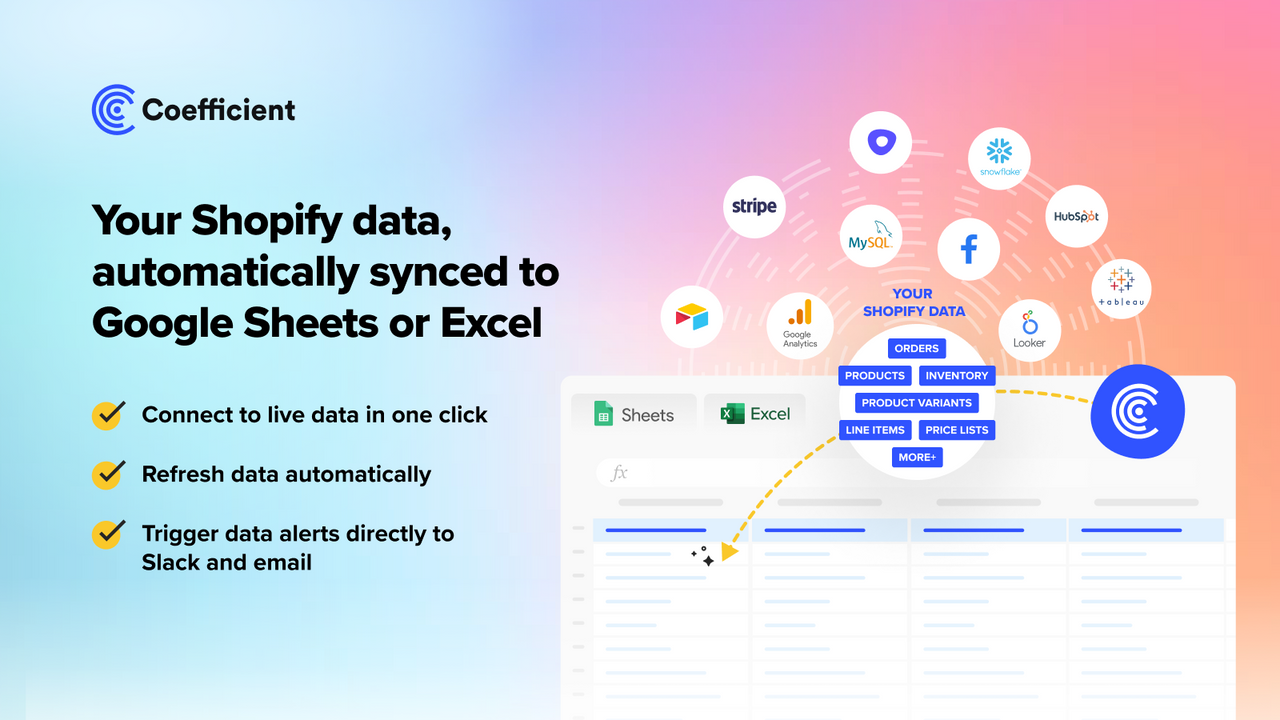
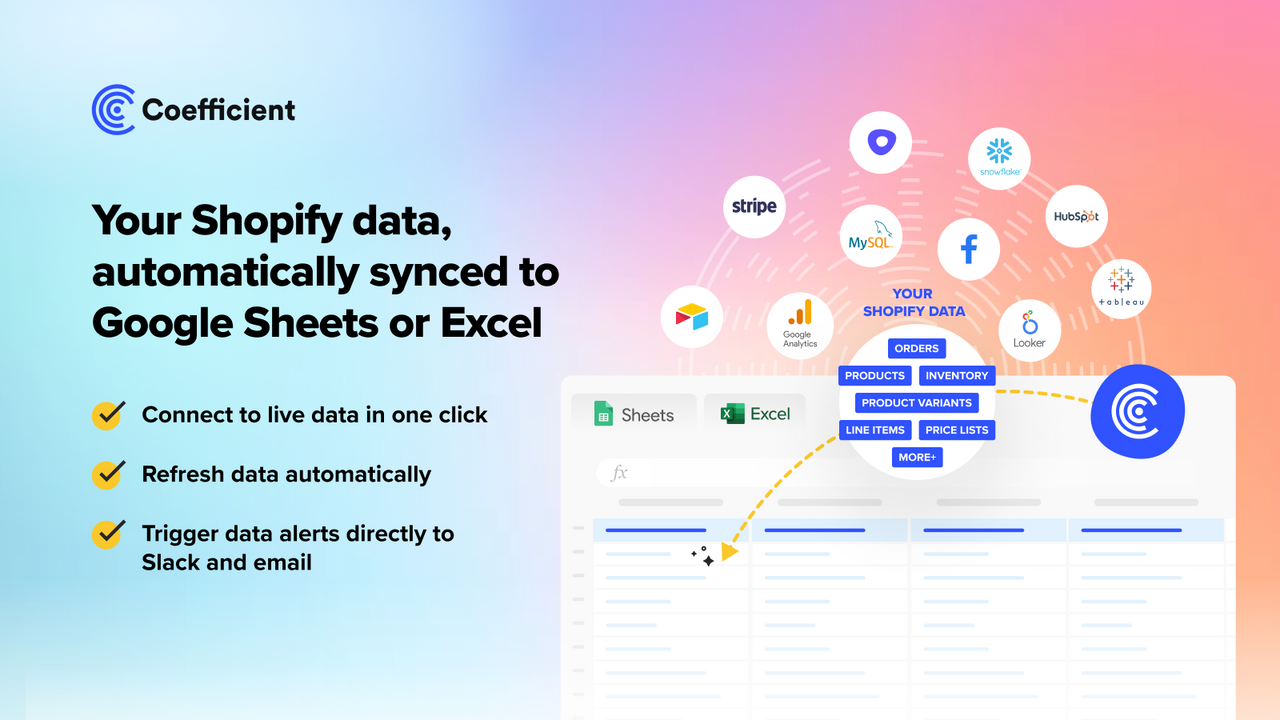
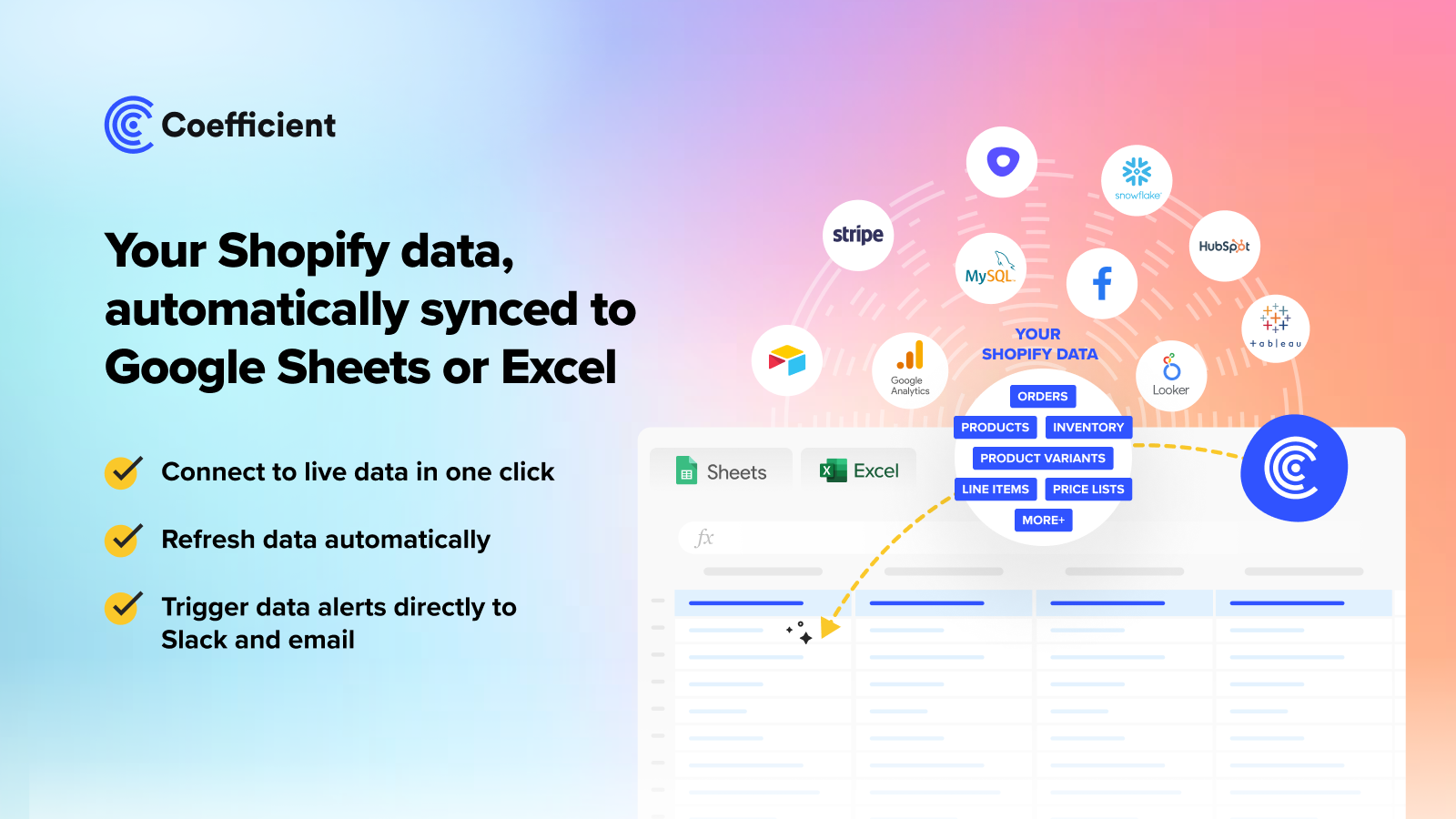
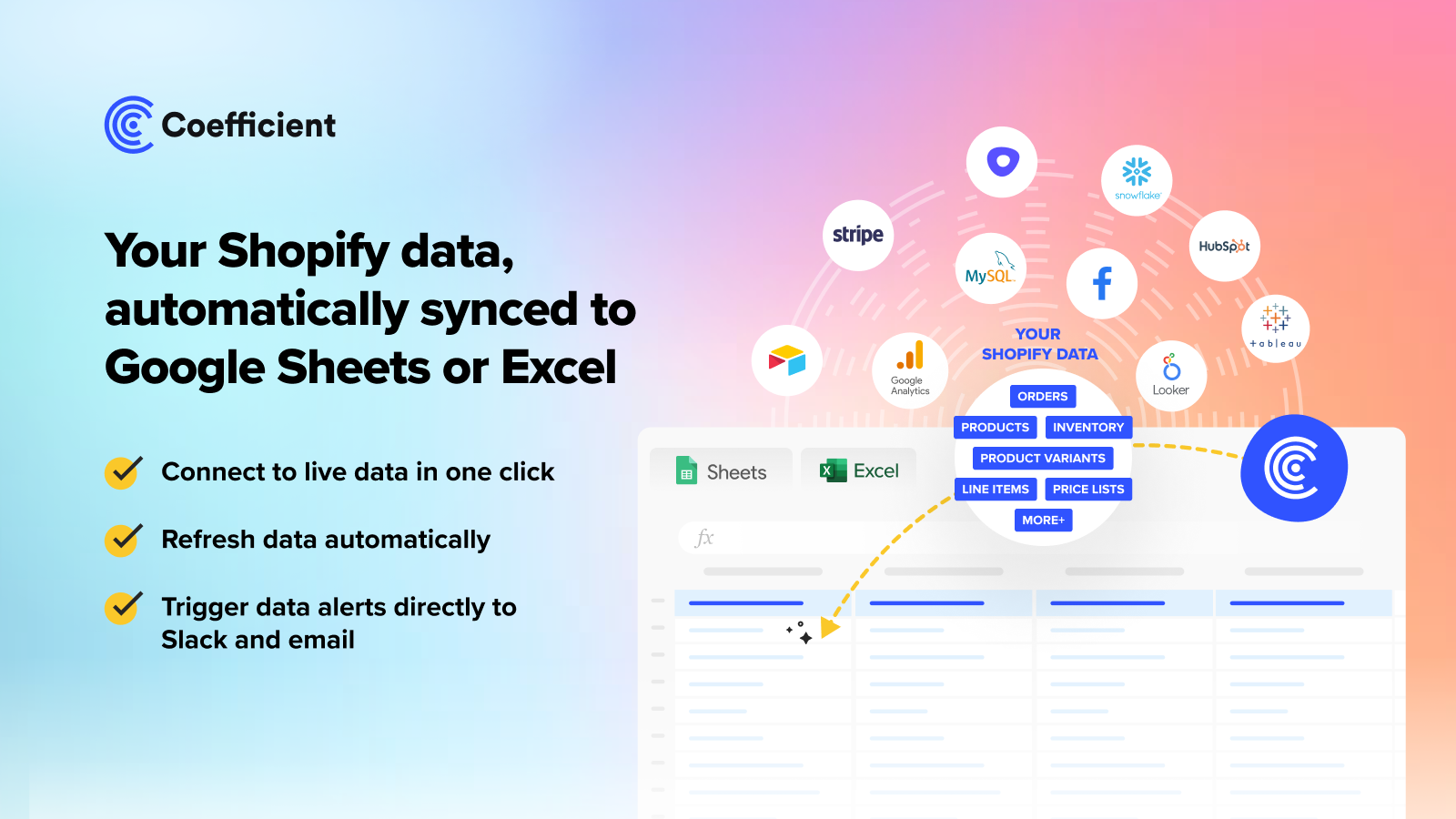
Easily sync your store data to Google Sheets or Excel. Save time and eliminate manual CSV exports. With Coefficient, effortlessly import your Shopify data into Google Sheets or Excel, set up data refresh schedules, and eliminate the need for manual CSV exports and imports into spreadsheets. Common use cases include importing orders (including line-item-level details), products, variants, and inventory. Combine it with other connectors (e.g., Google Ads, Facebook Ads, Google Analytics 4, Google Search Console, Stripe, Mailchimp, HubSpot, and Pipedrive) to build reports in your spreadsheets.
Core Functionality
- Automatically sync your Shopify data to Google Sheets or Excel
- Import your orders, line items, products, variants, inventory, and other data
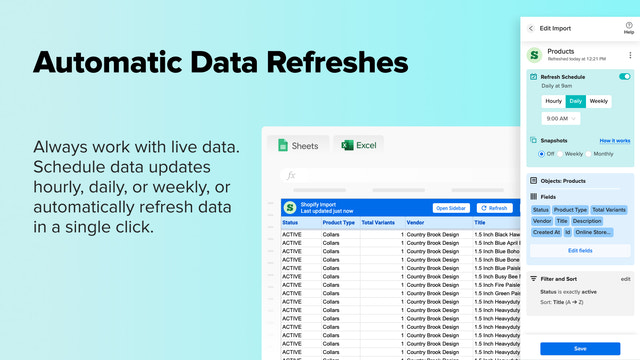
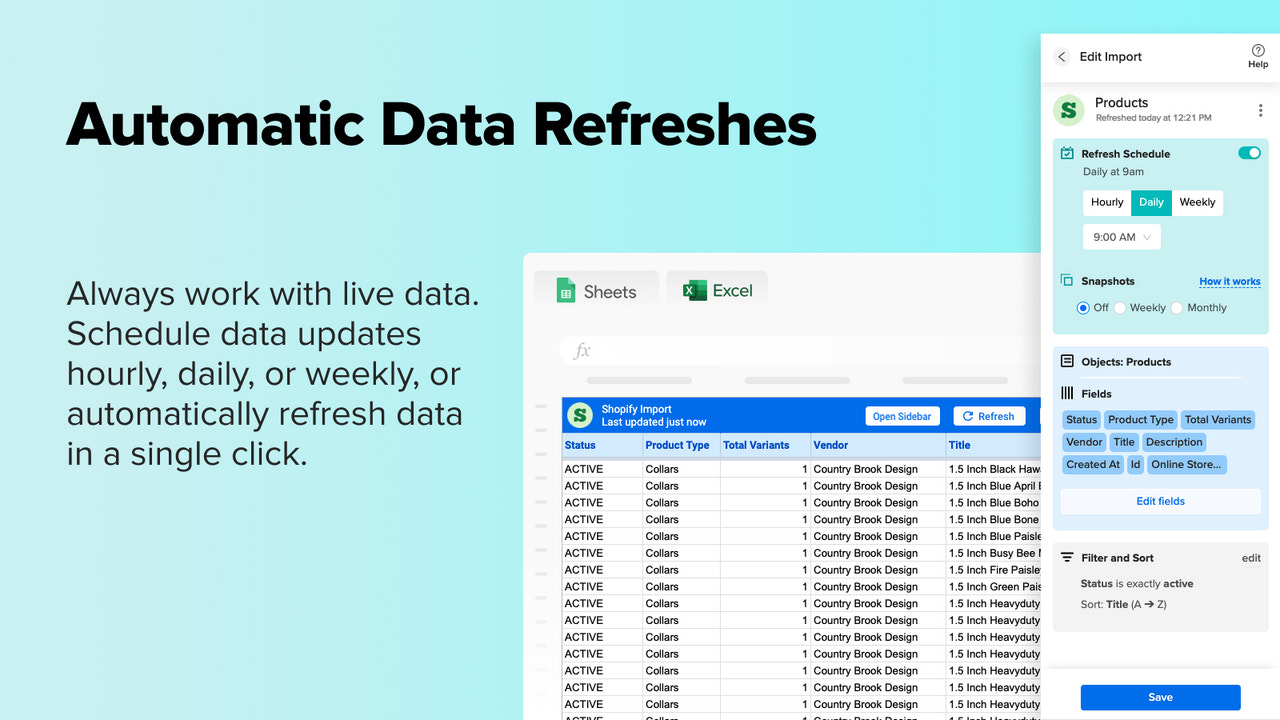
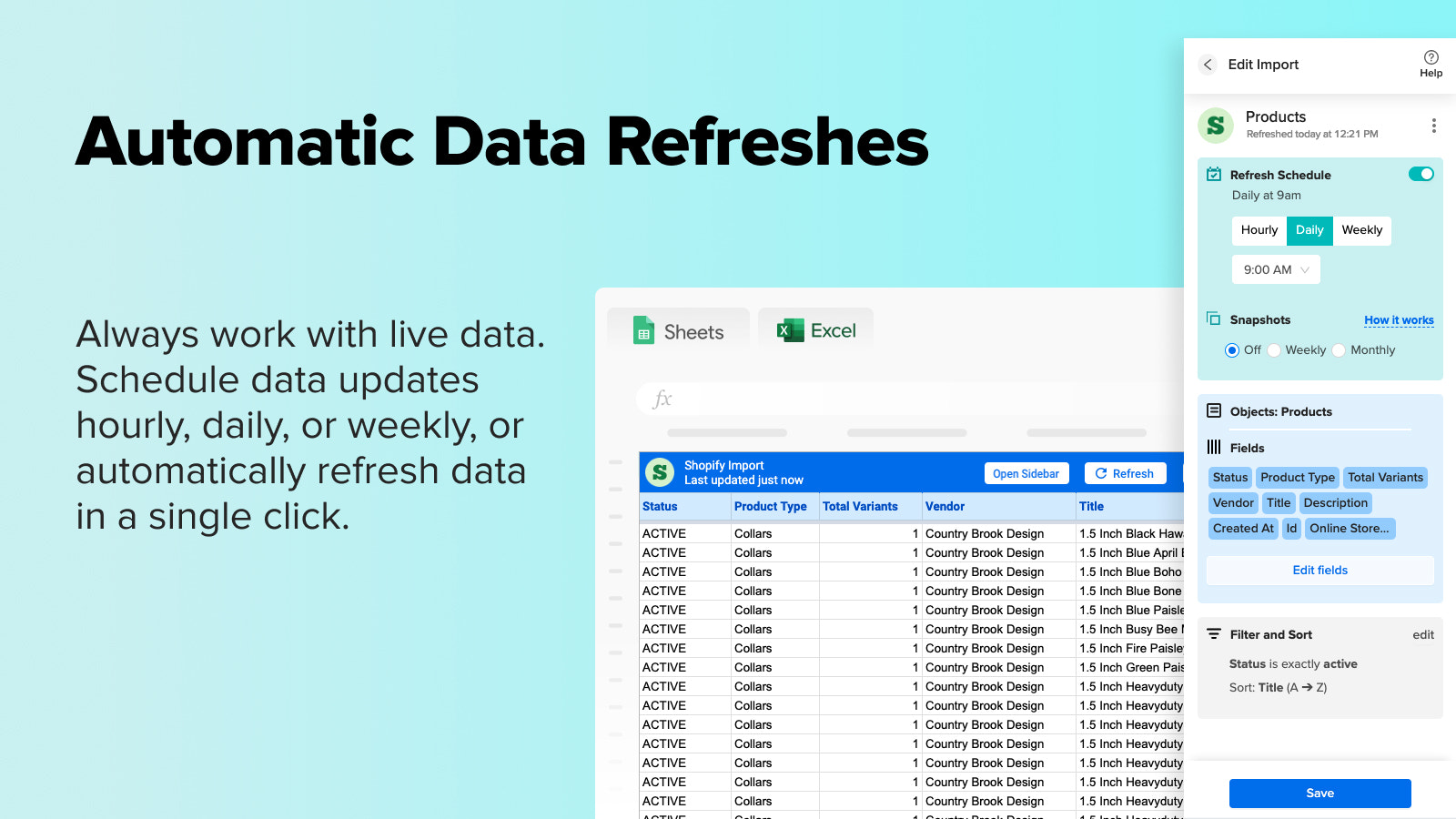
- Refresh data hourly or daily
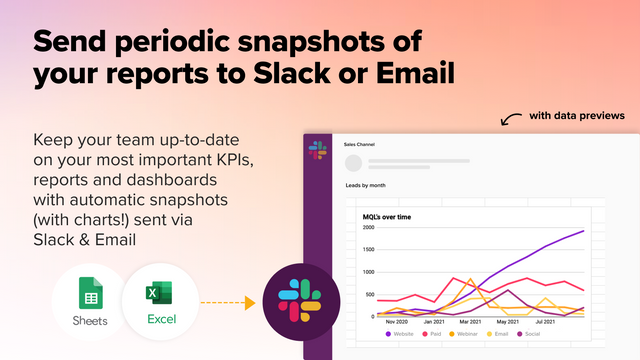
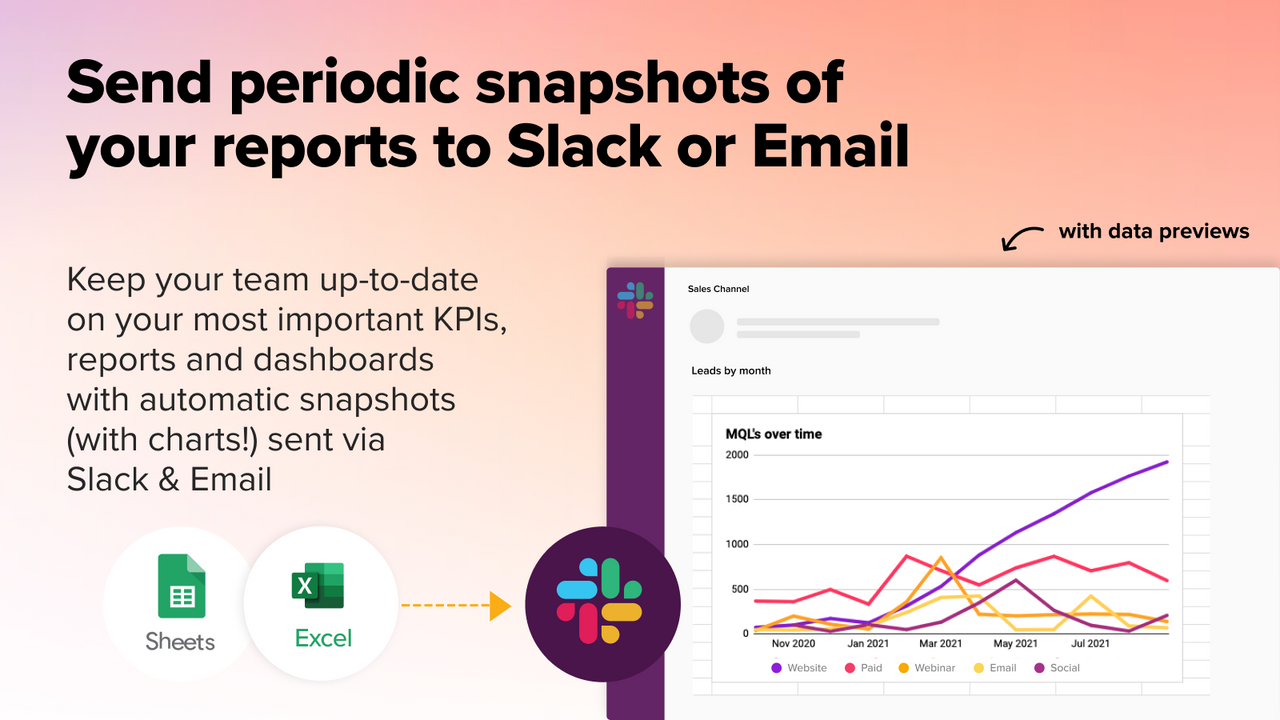
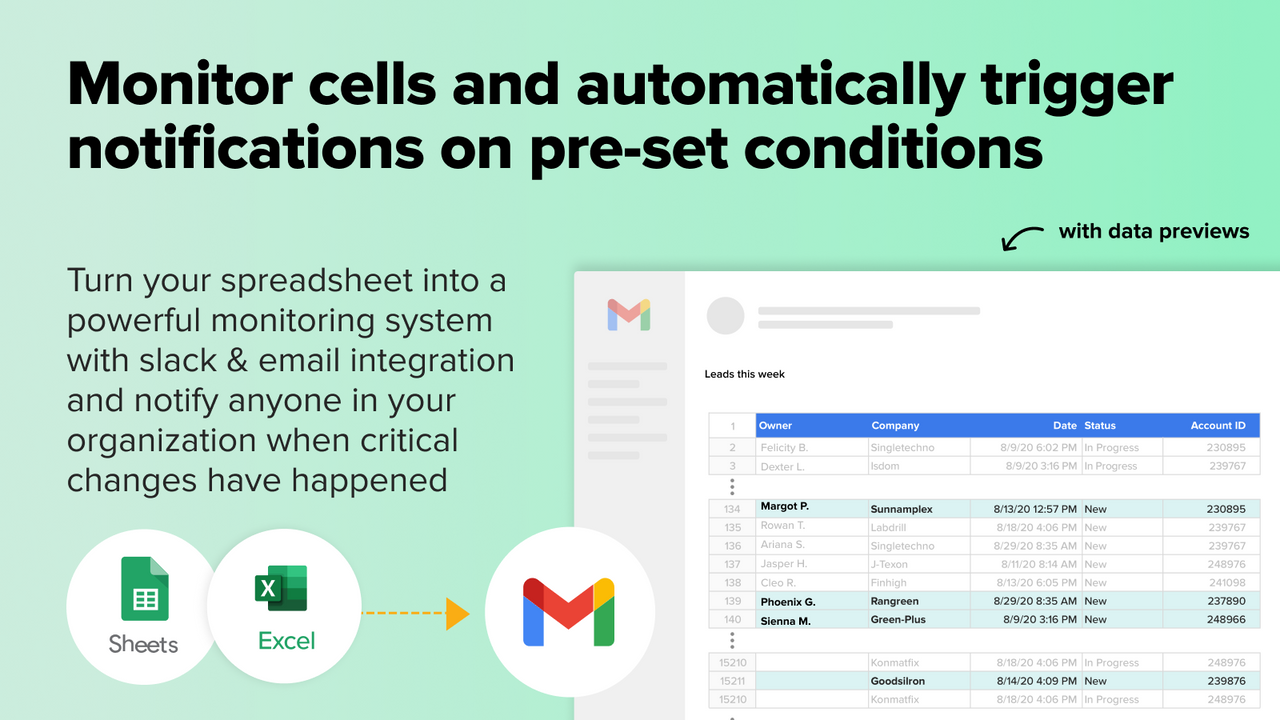
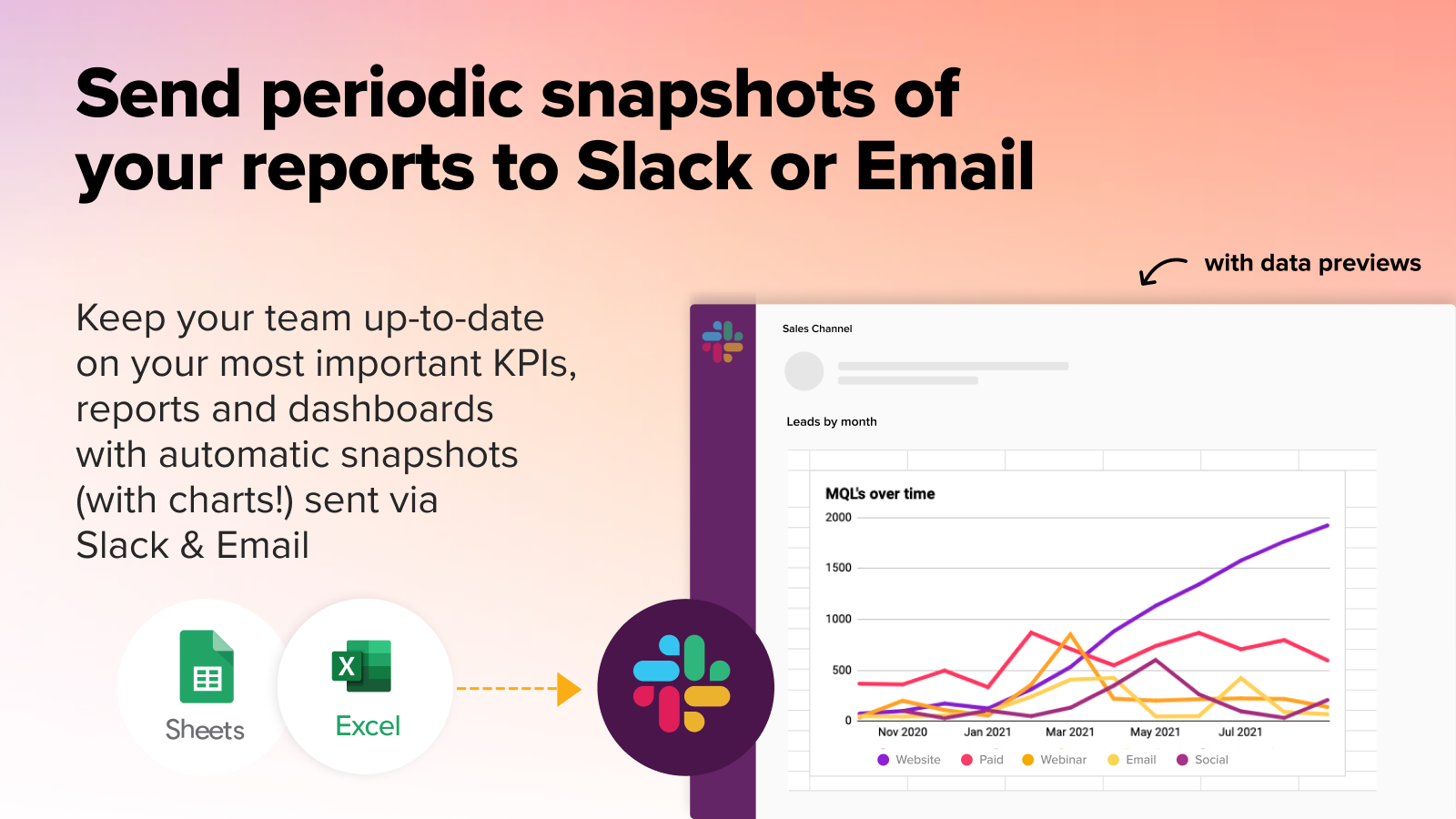
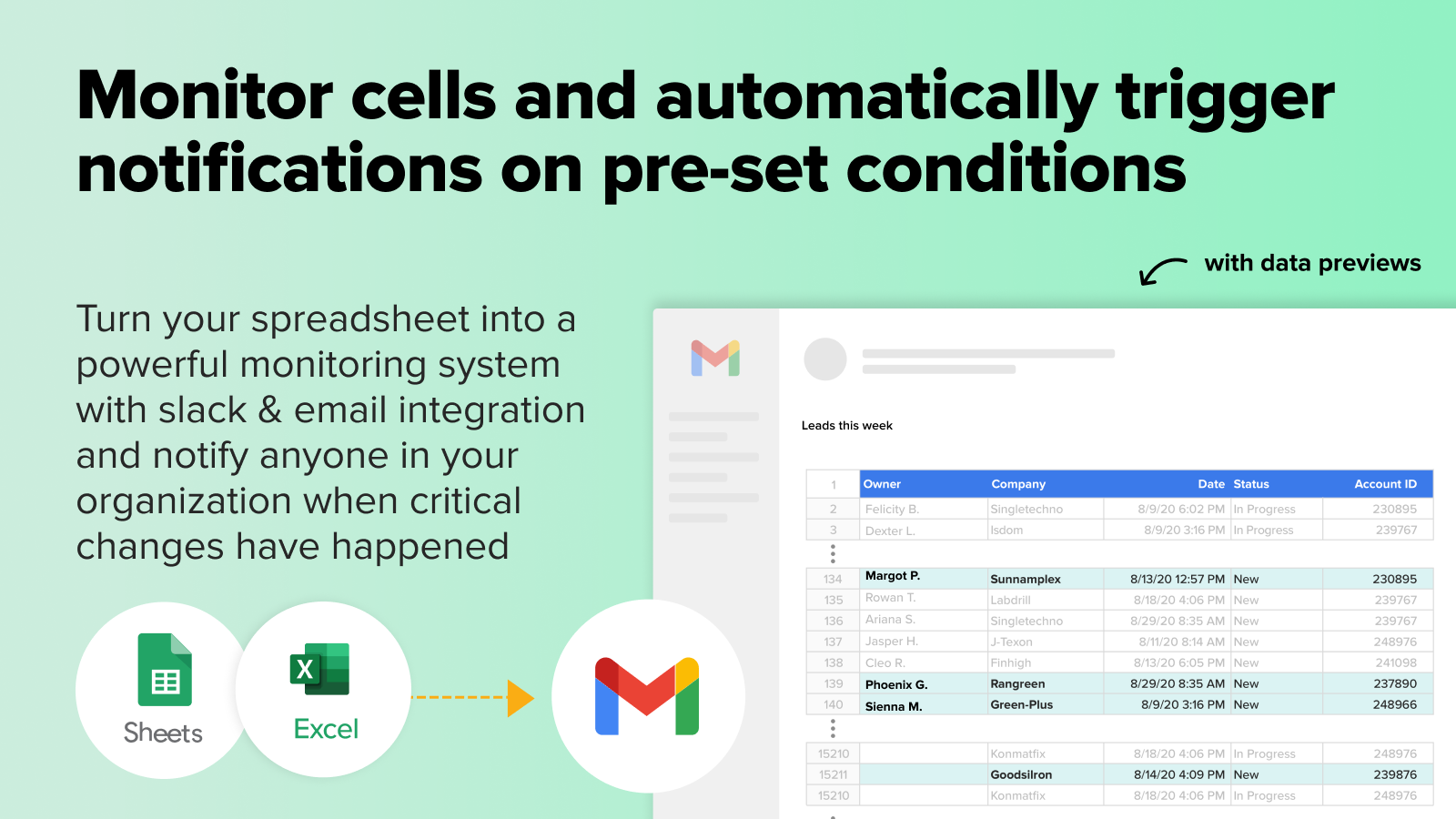
- Set up data alerts in Sheets to send emails or Slack messages
- Build custom reports and analyze your data with pivot tables
Merchant-Friendly
- Small & Medium E-commerce Merchants
- Shopify Store Sellers
- Data-driven Merchants
- Multi-category Retailers
Basic Information
- Developer:Coefficient - Data Exporter
- Address:800 W El Camino, Real #180, Mountain View, CA, 94040, US
- Price: Free / Free plan
- Rating:4 / 5
- Comment Count:6 comment
- Release Date:2022-6-29
- Supported languages:English
- Compatible products:Shopify
Application Screenshot




Price Plan
Free
User Location & Comments
User Location
Comments
Shopify API Used
- POST /admin/api/data_syncer/connections.json
- PUT /admin/api/data_syncer/connections/{id}.json
- GET /admin/api/data_syncer/connections.json
Permission:read_orders,read_products,read_inventory
- POST /admin/api/data_importer/jobs.json
- GET /admin/api/data_importer/jobs/{id}.json
- PUT /admin/api/data_importer/jobs/{id}/resume.json
Permission:read_orders,read_products,read_inventory
- POST /admin/api/data_syncer/schedules.json
- PUT /admin/api/data_syncer/schedules/{id}.json
- DELETE /admin/api/data_syncer/schedules/{id}.json
Permission:write_data_syncer,read_data_syncer
- POST /admin/api/alerts/settings.json
- PUT /admin/api/alerts/settings/{id}.json
- GET /admin/api/alerts/settings.json
Permission:manage_alerts,read_data
- POST /admin/api/reports/custom.json
- GET /admin/api/reports/custom/{id}.json
- PUT /admin/api/reports/custom/{id}.json
Permission:read_analytics,read_data



