
App Introduction
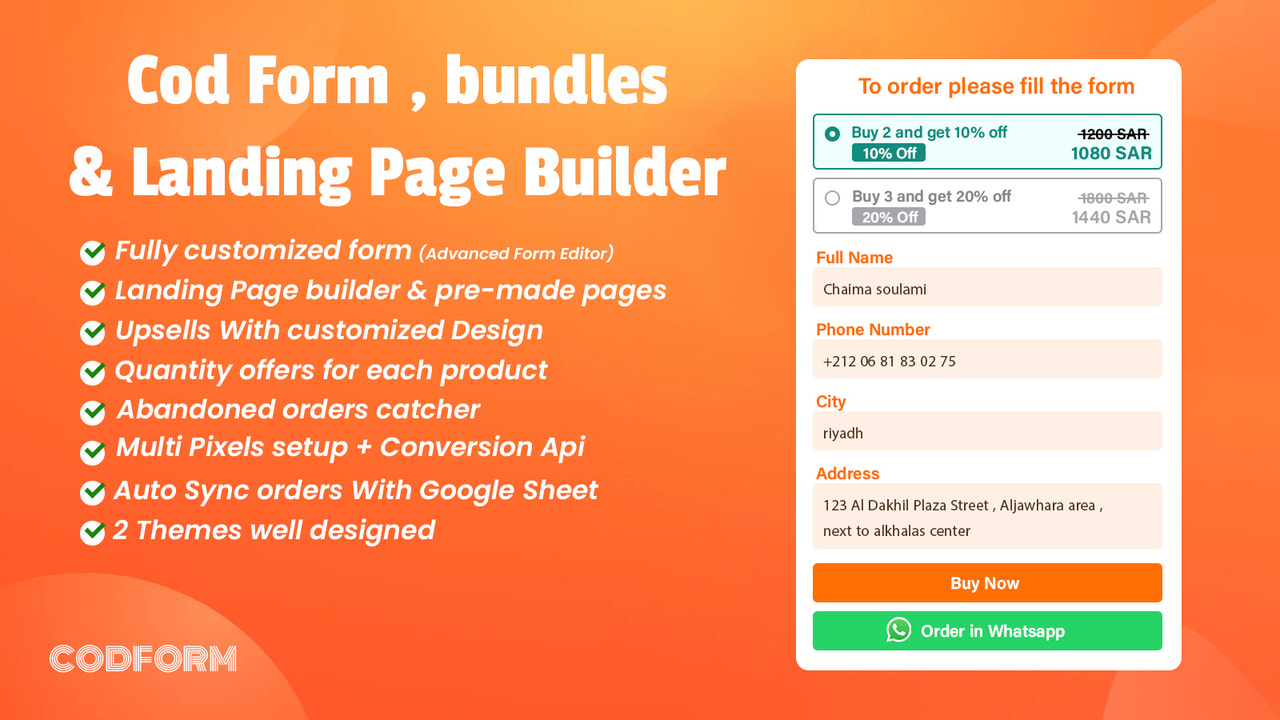
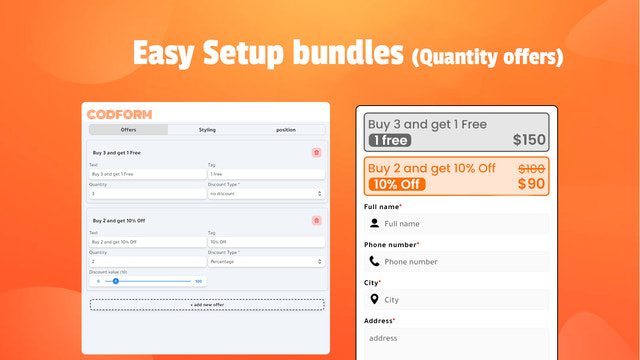
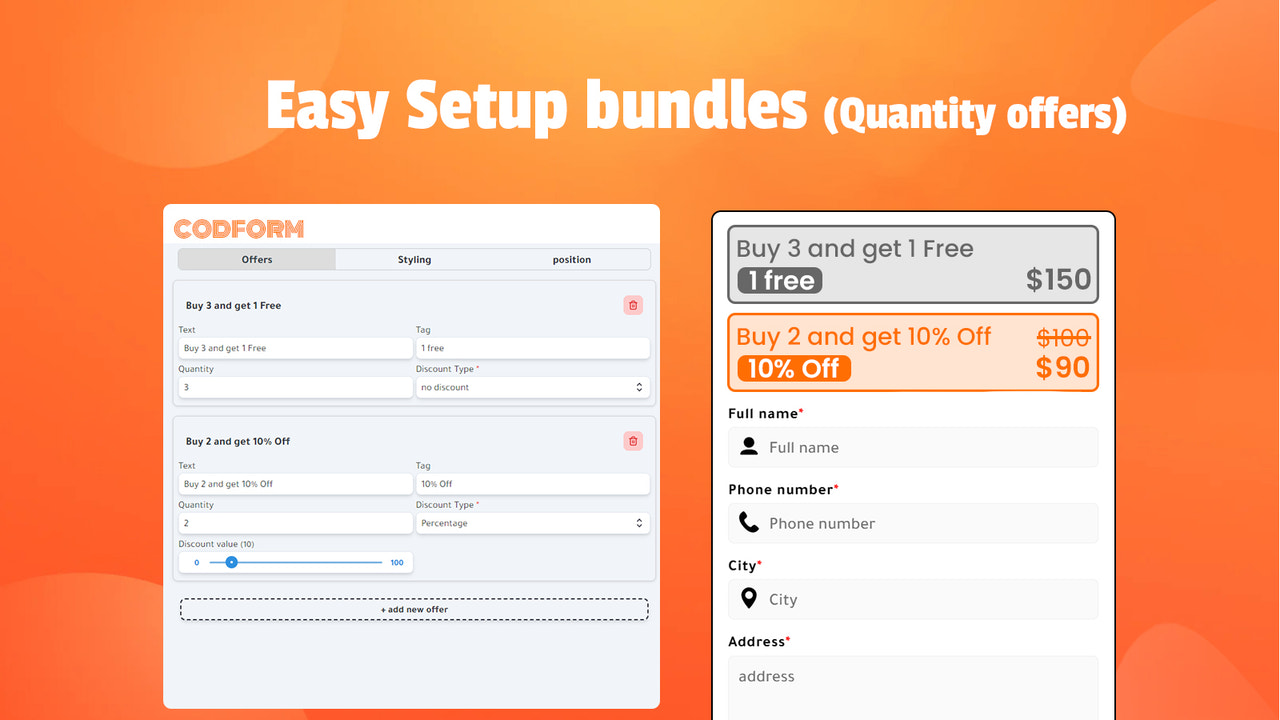
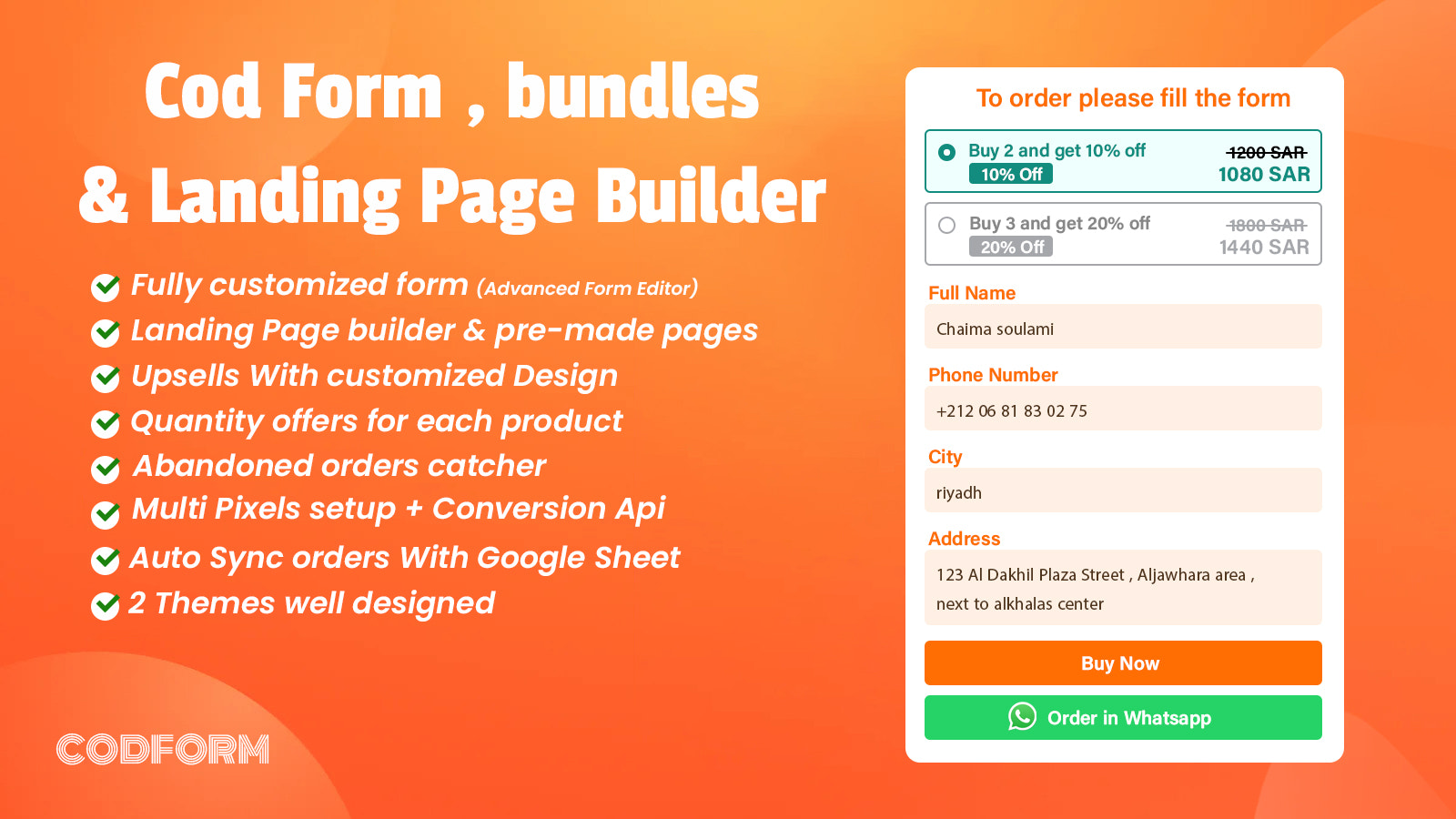
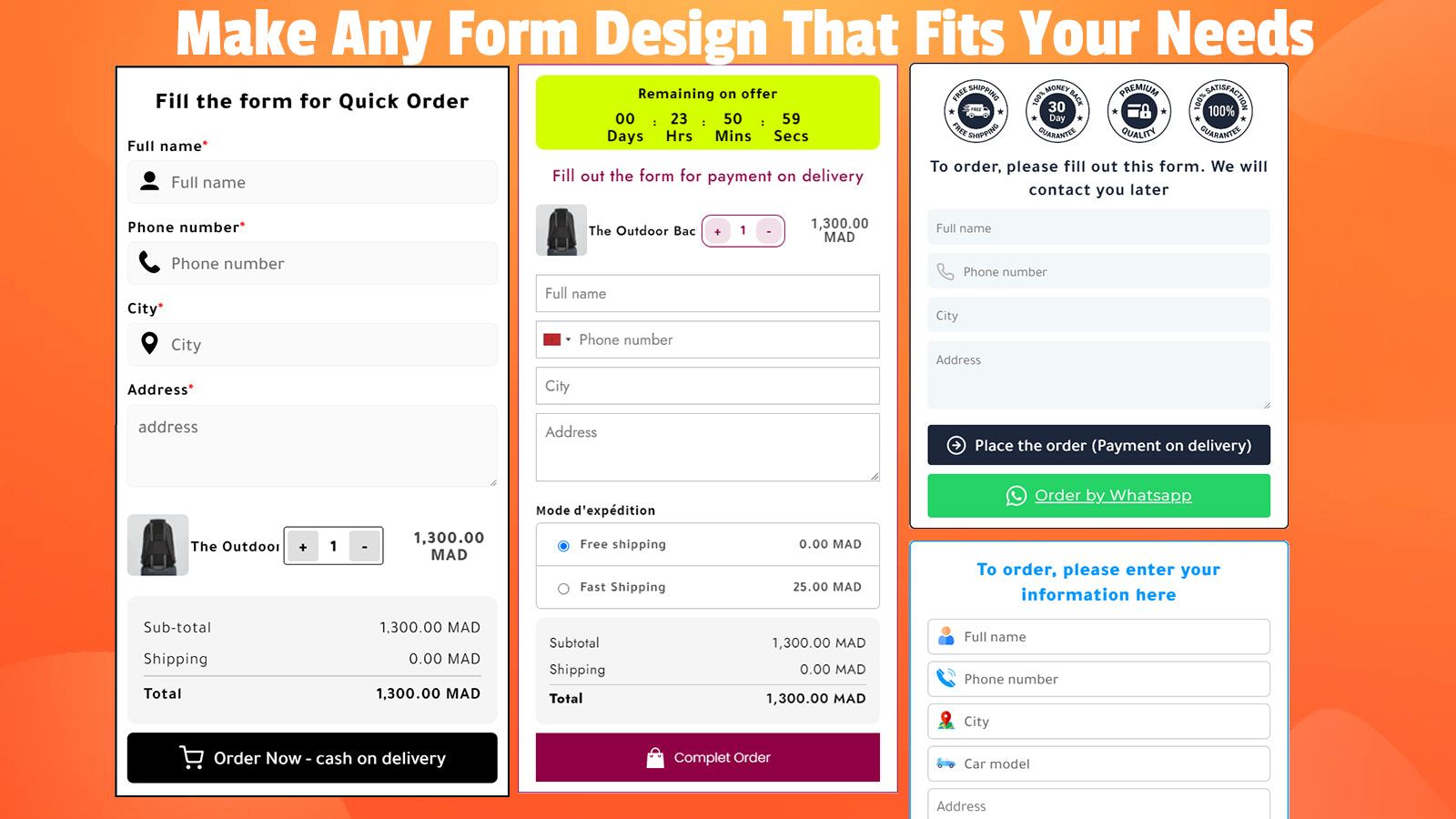
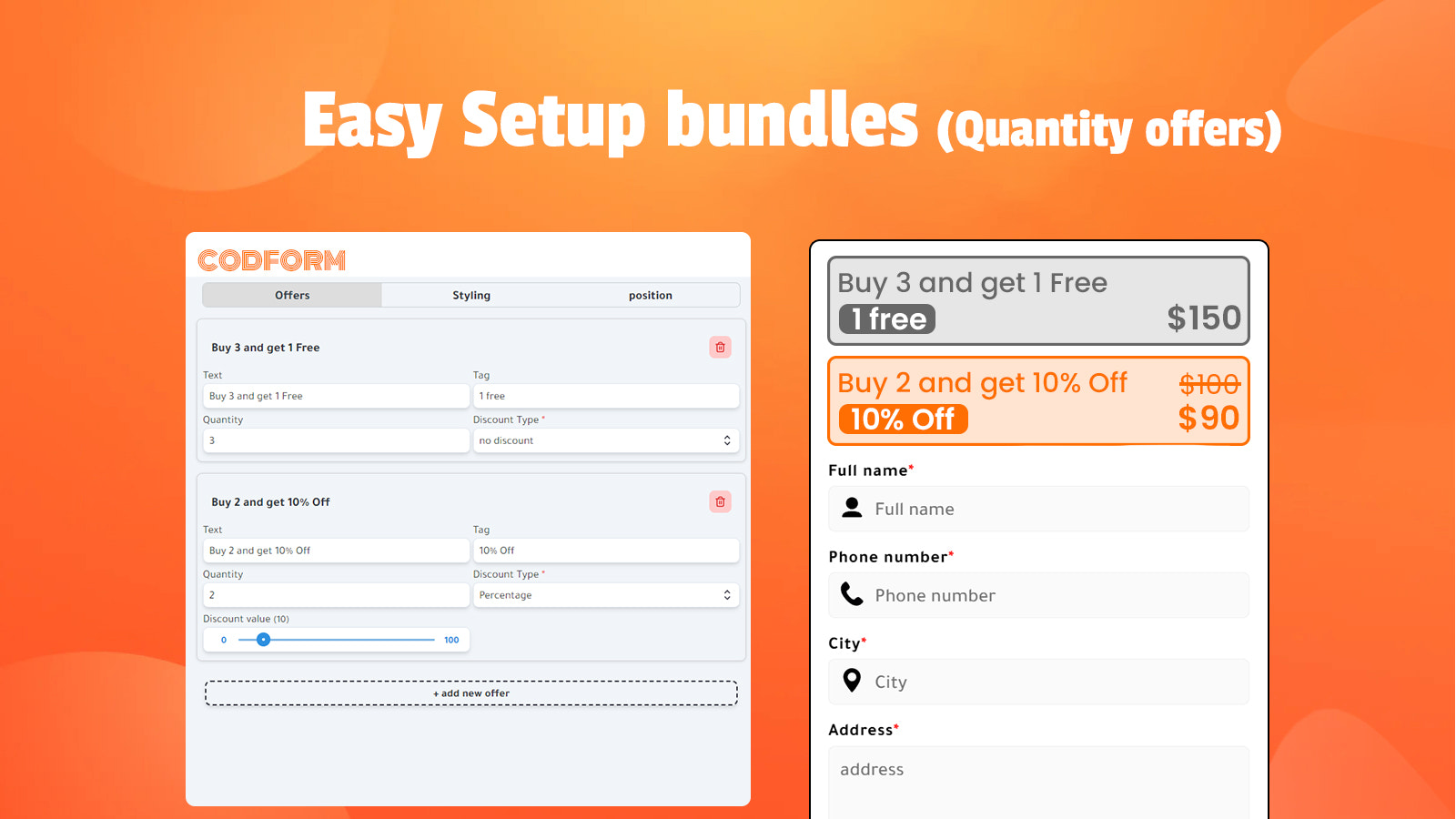
CodForm optimizes Cash on Delivery (COD) orders through COD Form integration, a landing page builder, and robust functionality. As a game-changer in the Cash on Delivery (COD) order space, CodForm revolutionizes how businesses operate with one-click upsells, fully customizable order forms, and product-specific custom landing pages. It significantly boosts your Average Order Value (AOV) via a range of upsell options—including pre-purchase, post-purchase, and one-click upsells. CodForm also tracks purchase events through social pixels (Facebook, TikTok, and Snapchat) and enables direct customer chat with a built-in floating WhatsApp button.
Core Functionality
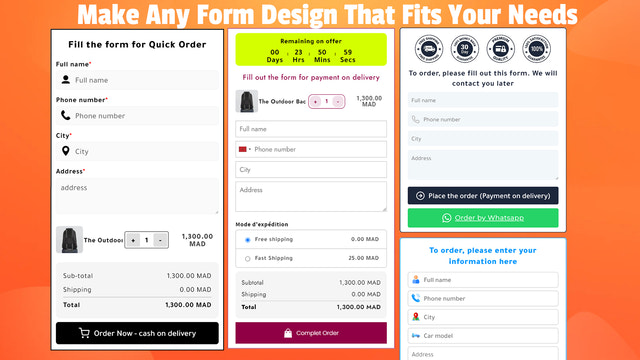
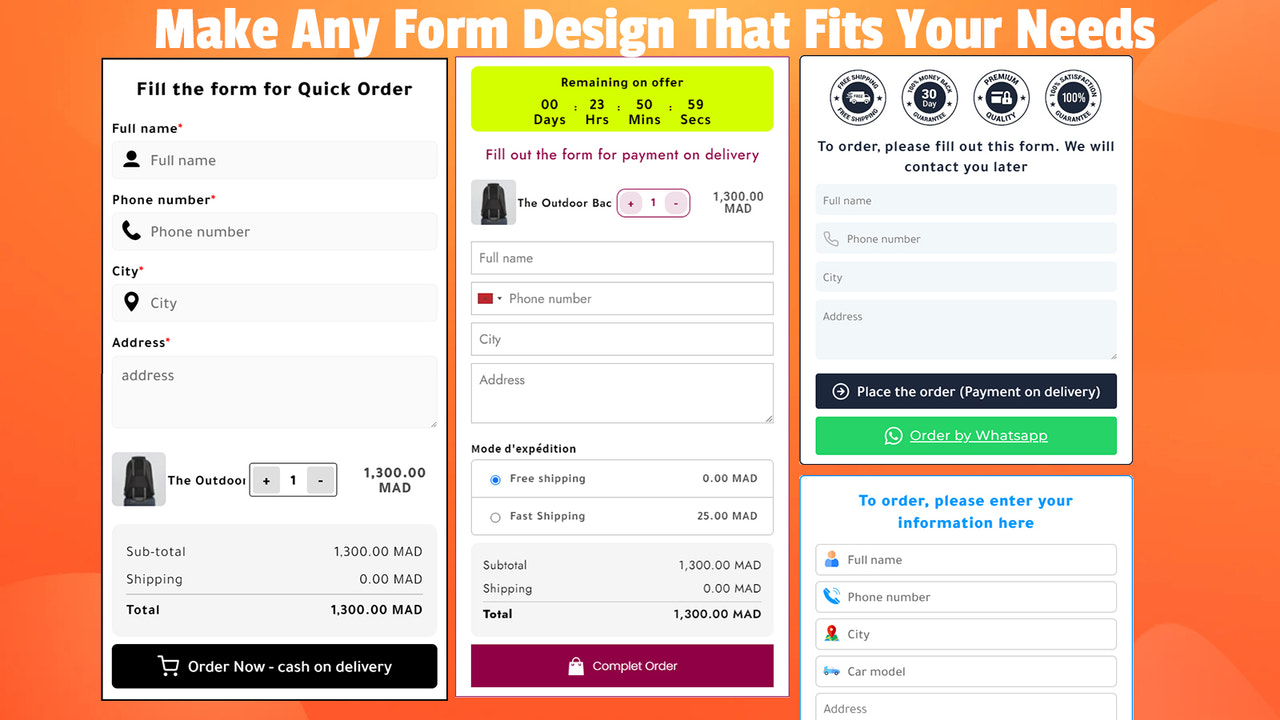
- Simplify cash-on-delivery orders with a fully customizable one-click order form.
- Provide a landing page for each product with full customization and required speed.
- Add tracking pixels including CAPI (Facebook, TikTok, Snapchat).
- Shipping costs, discounts + floating WhatsApp button
- Automatically import all cash-on-delivery orders into your Google Sheets.
Merchant-Friendly
- COD Merchants
- DTC E-commerce
- Multi-channel Sellers
- Social Sellers
- Cross-border E-commerce
Basic Information
- Developer:CodForm
- Address:6 Place Paul Painleve Paris, Paris, 75005, FR
- Price: Free / Free plan
- Rating:3.7 / 5
- Comment Count:4 comment
- Release Date:2023-11-17
- Supported languages:Arabic、German、English、Spanish、French、Hindi、Italian、Indonesian
- Compatible products:Shopify
Application Screenshot



Price Plan
Free
- 60 Orders per Month
- Multi-Pixel
- Landing Page Builder
- Abandoned Checkout
- Custom Form Design per Product
- Upsell
- 2 Themes
- 24x7 Support
BASIC
- 600 Orders
- 7-Day Free Trial
- Upsell Discount
- Landing Page Builder
- Social Media Pixel Setup
- Technical Support
- 2 Themes
- WhatsApp Button
PREMIUM
- All Basic Plan Features
- Unlimited Orders Per Month
- 24x7 Priority Support
UNLIMITED
- All Features
- Unlimited Monthly Orders
- Unlimited Abandoned Orders
- Includes All Future Features
User Location & Comments
User Location
Comments
Shopify API Used
- POST /admin/api/orders.json
- PUT /admin/api/orders/{order_id}.json
- GET /admin/api/orders.json
Permission:write_orders,read_orders,manage_orders
- POST /admin/api/pages.json
- PUT /admin/api/pages/{page_id}.json
- GET /admin/api/pages.json
Permission:write_pages,read_pages,manage_online_store
- POST /admin/api/script_tags.json
- PUT /admin/api/script_tags/{tag_id}.json
- GET /admin/api/script_tags.json
Permission:write_script_tags,read_script_tags,manage_analytics
- POST /admin/api/discounts.json
- PUT /admin/api/discounts/{discount_id}.json
- GET /admin/api/shipping_rates.json
Permission:write_discounts,read_discounts,manage_shipping
- GET /admin/api/orders.json?financial_status=pending
- POST /admin/api/webhooks.json
- PUT /admin/api/webhooks/{webhook_id}.json
Permission:read_orders,write_webhooks,manage_webhooks



