
App Introduction
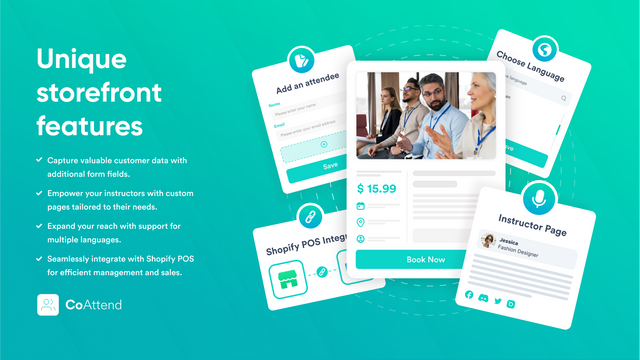
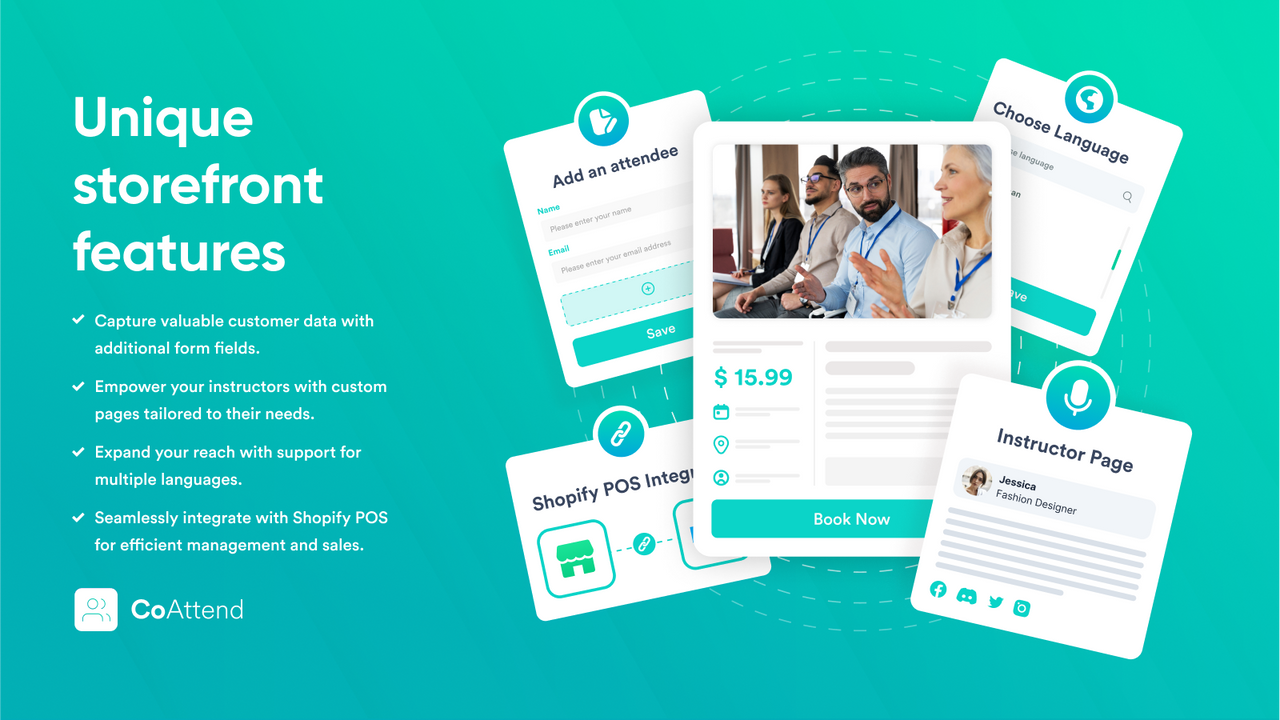
Sell your events, courses, workshops, classes, activities, appointments, seminars, tours, and more. CoAttend simplifies event management in your Shopify admin through our integrated app. Efficiently handle orders, bookings, and notifications across devices via our user-friendly interface. Enable customers to seamlessly add multiple attendees in your Shopify store. Purchases are processed through Shopify Checkout, ensuring a frictionless experience on your website. Support is available for multiple languages including English, Spanish, French, German, Portuguese, Italian, Swedish, Dutch, Japanese, Hindi, and Chinese.
Core Functionality
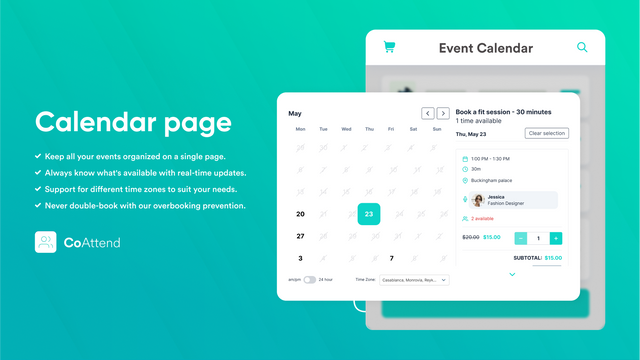
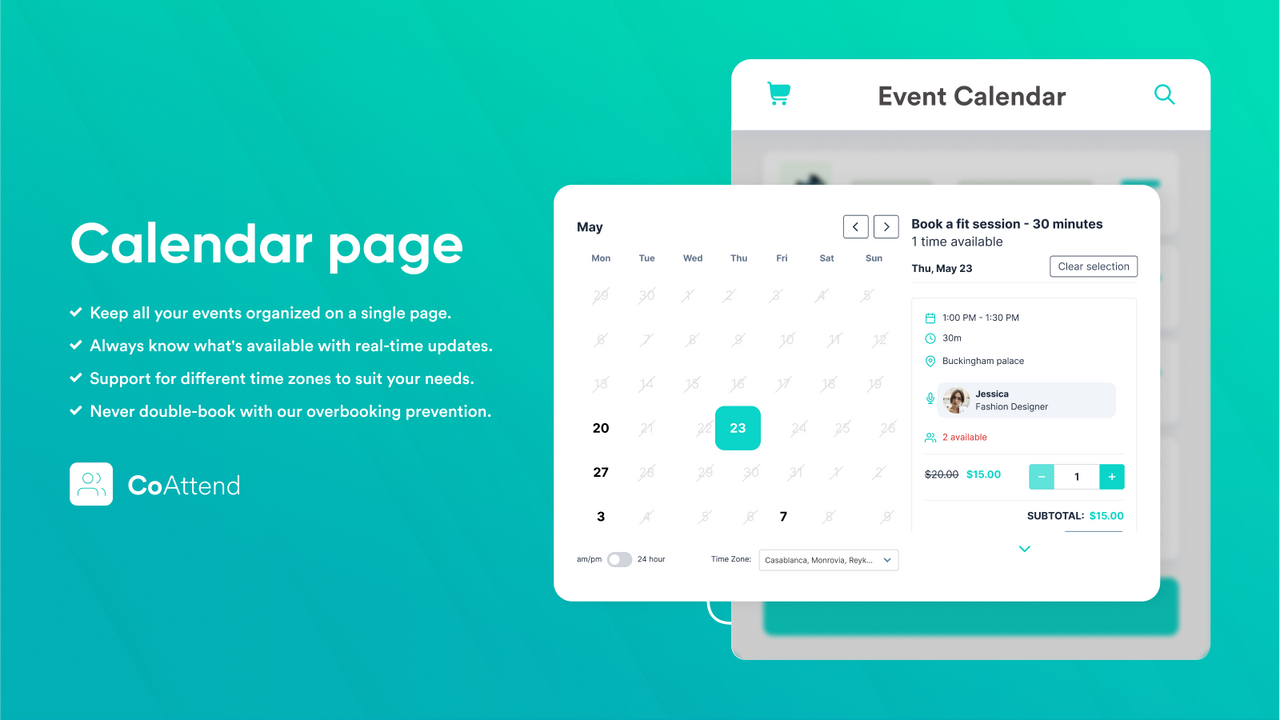
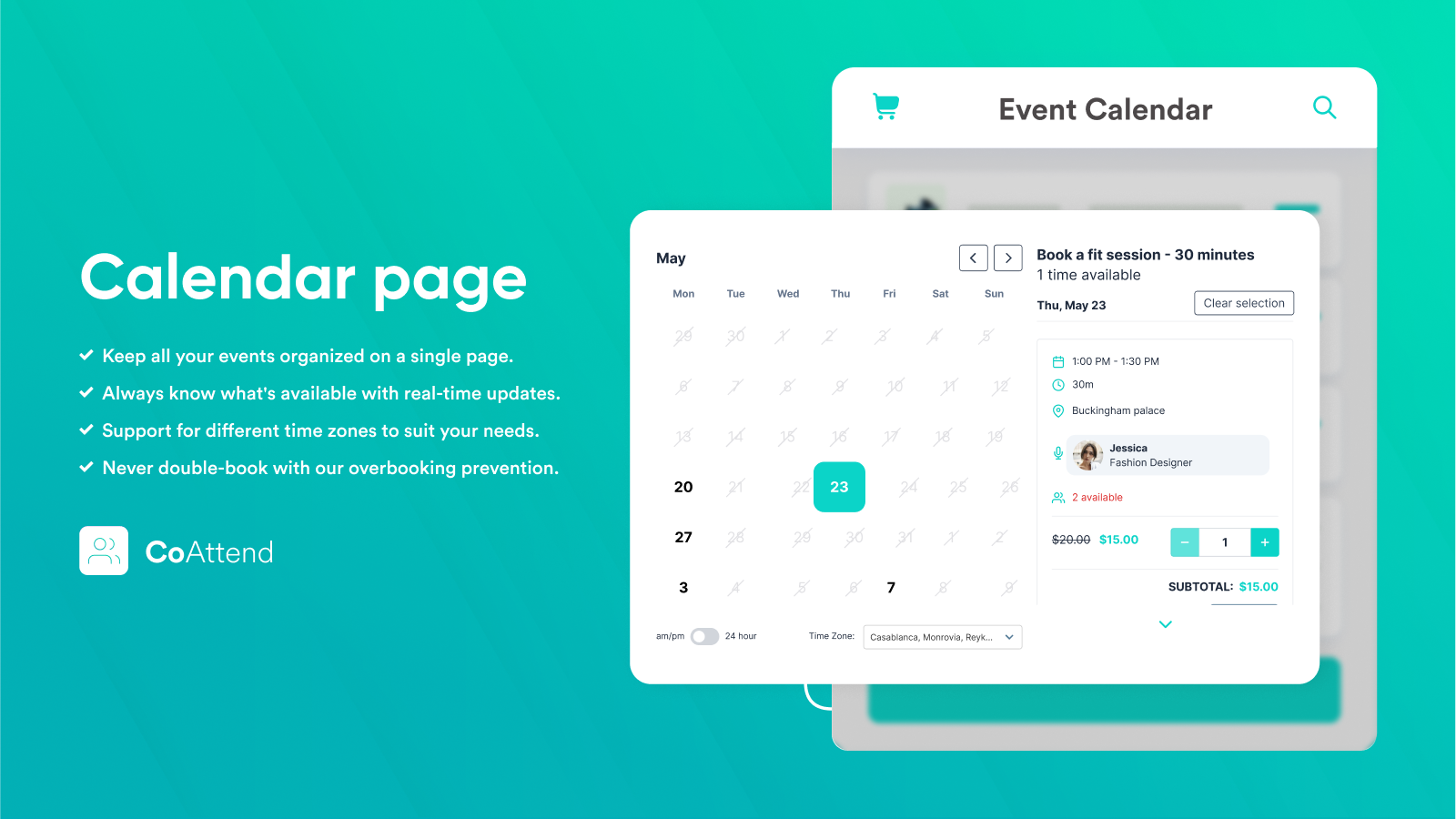
- Customers can select a date/time from the calendar.
- Multiple participants per booking. Unlimited bookings are available in all plans.
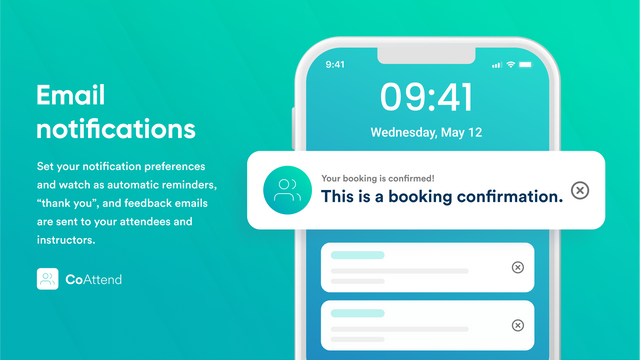
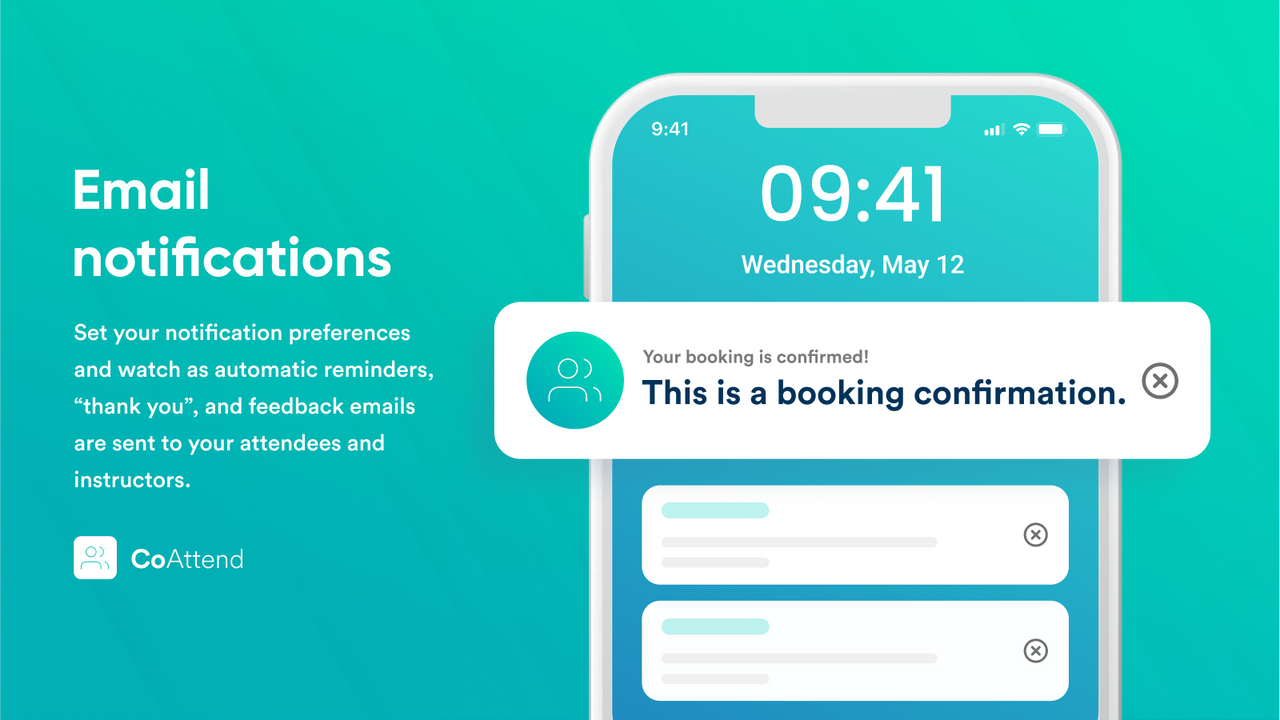
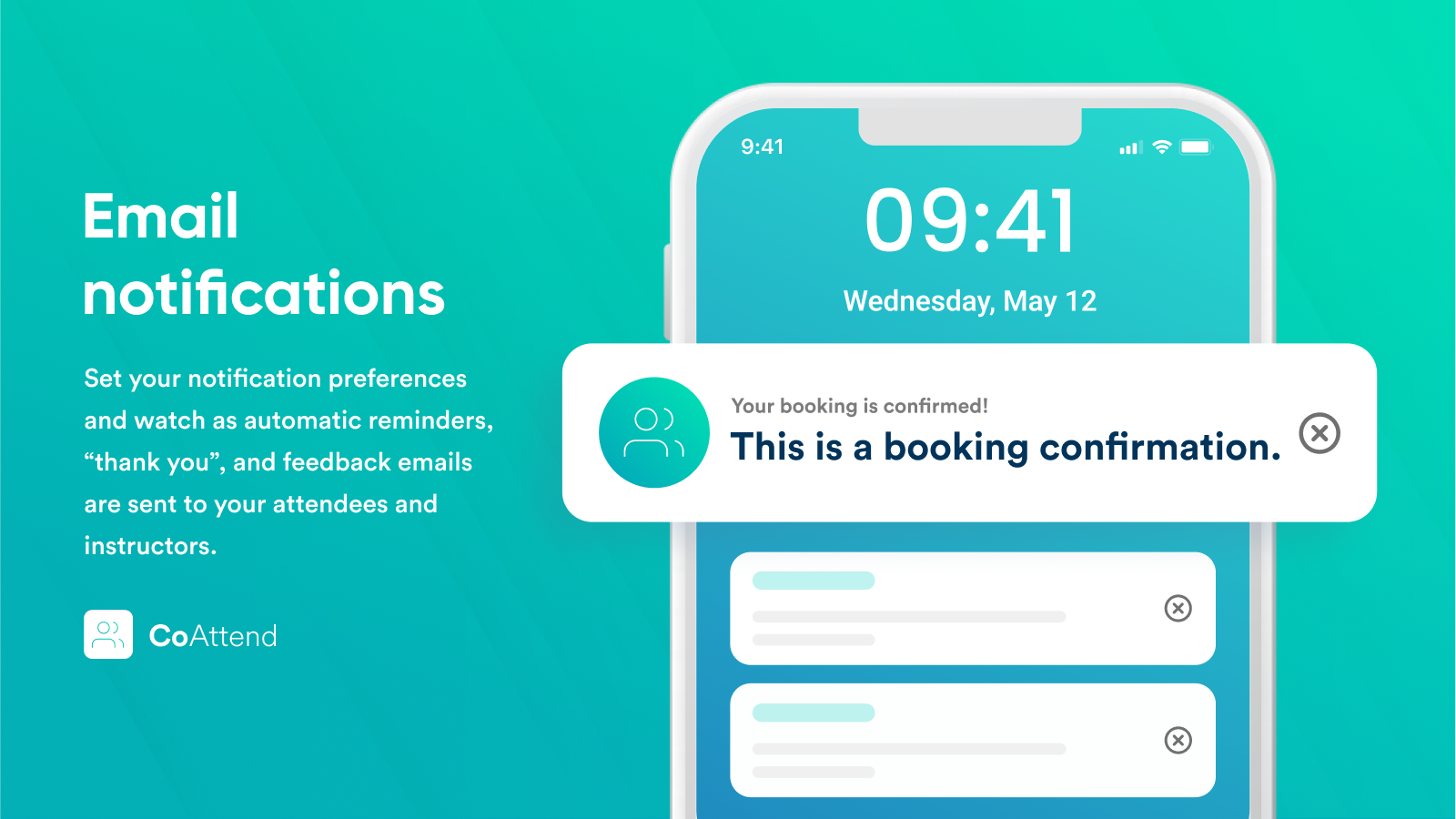
- Send automatic email notifications before and after events.
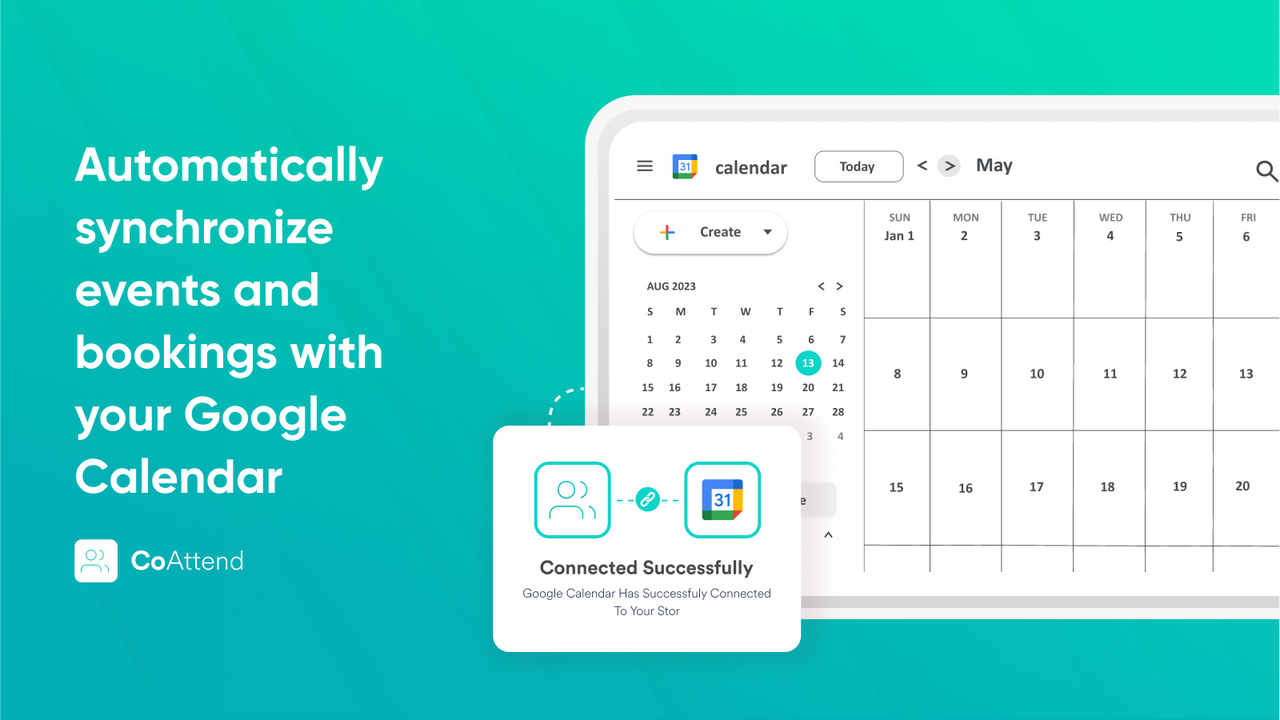
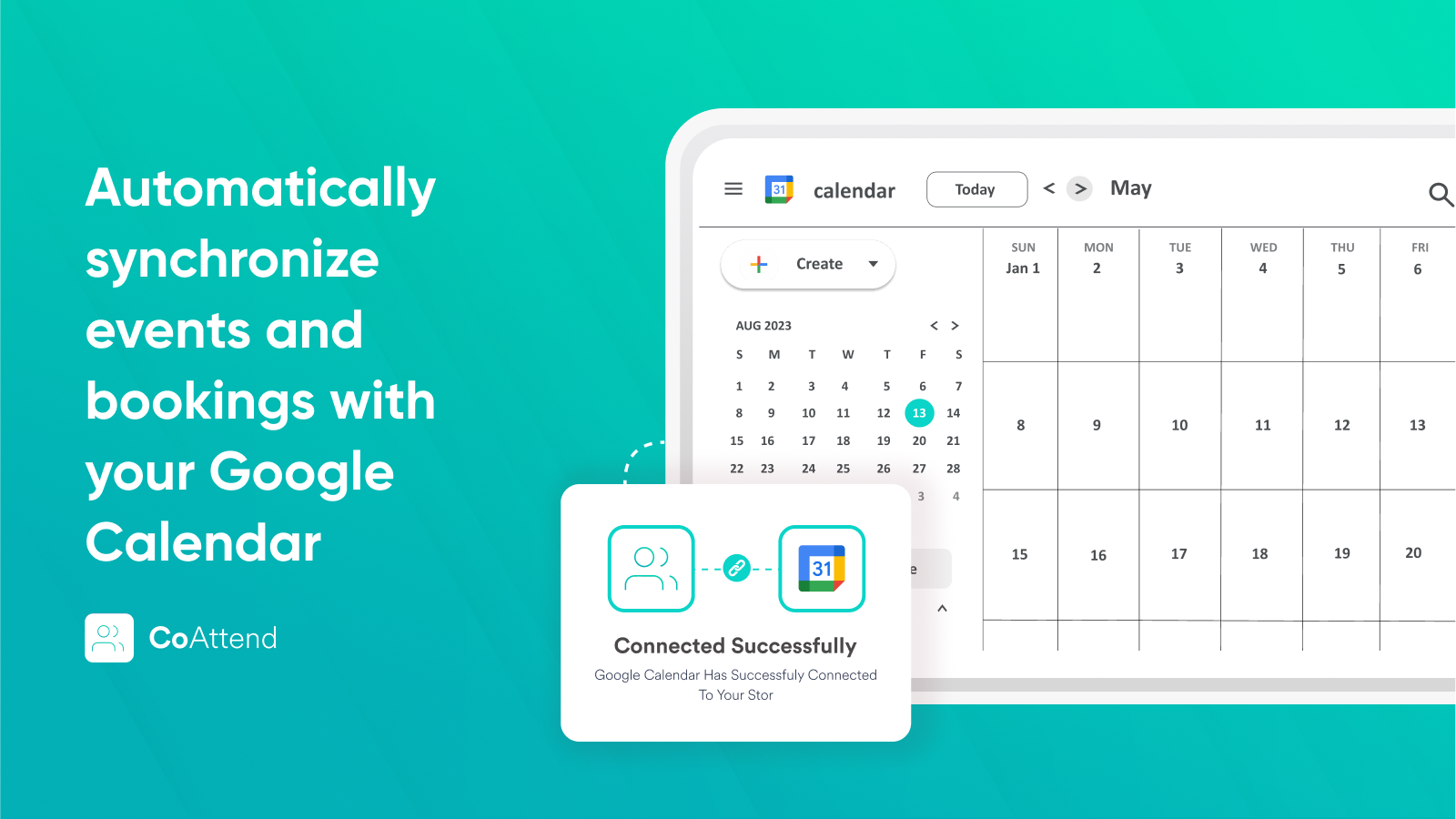
- Events and bookings sync automatically to your Google Calendar.
- Allow customers to cancel their bookings.
Merchant-Friendly
- Service-based Merchants
- Appointment-based E-commerce
- Experience-based Merchants
- Multi-participant Service Merchants
Basic Information
- Developer:CoAttend
- Address:Athens, GR
- Price: Free / Free plan
- Rating:3.7 / 5
- Comment Count:12 comment
- Release Date:2020-3-12
- Supported languages:English
- Compatible products:Shopify
Application Screenshot
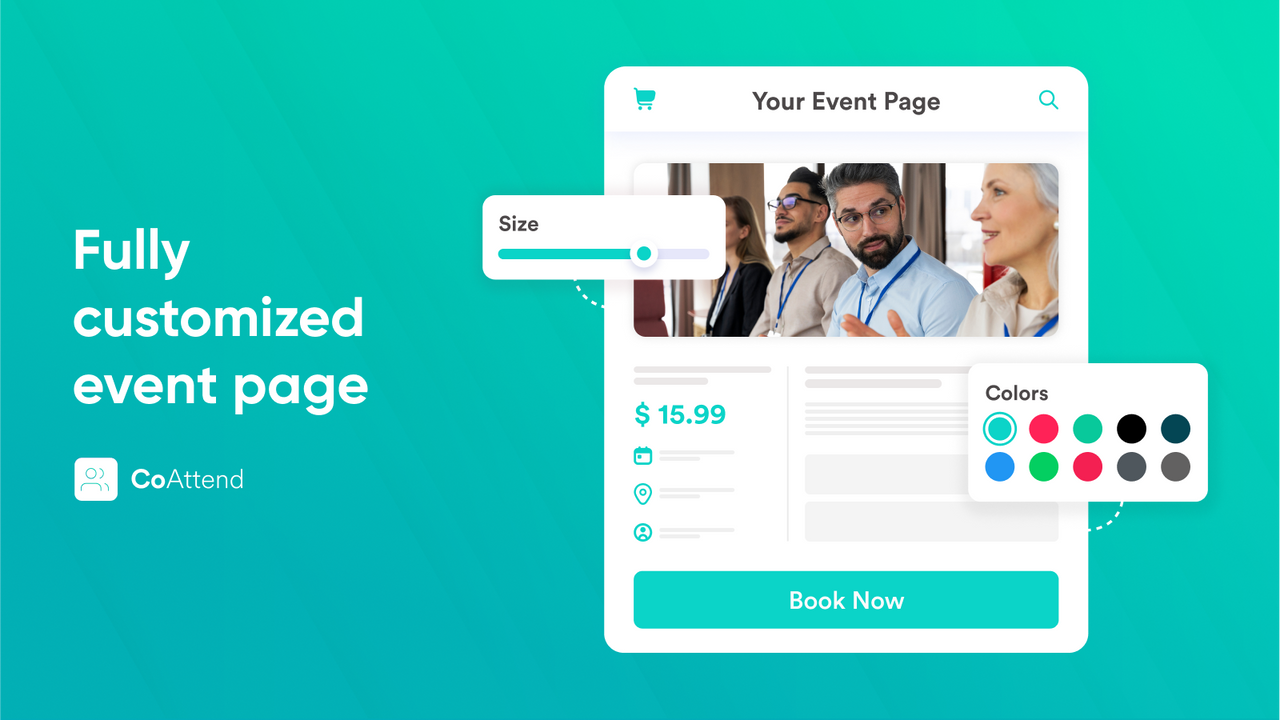
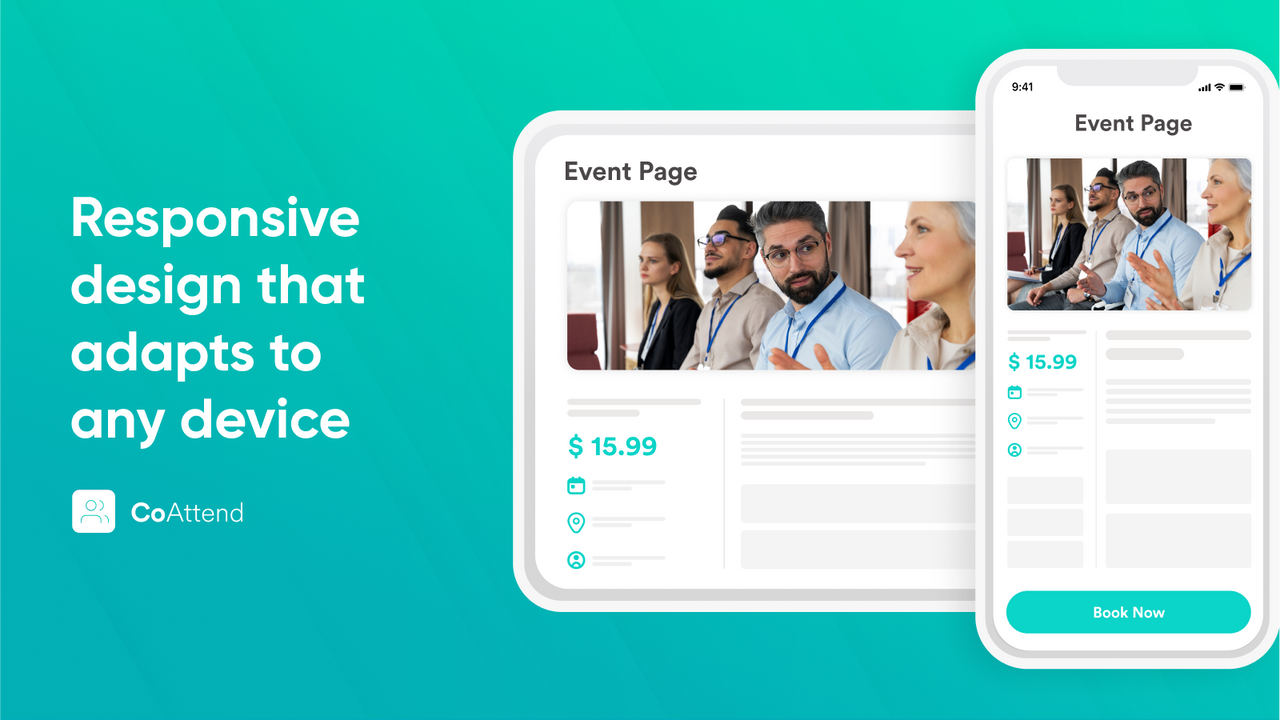
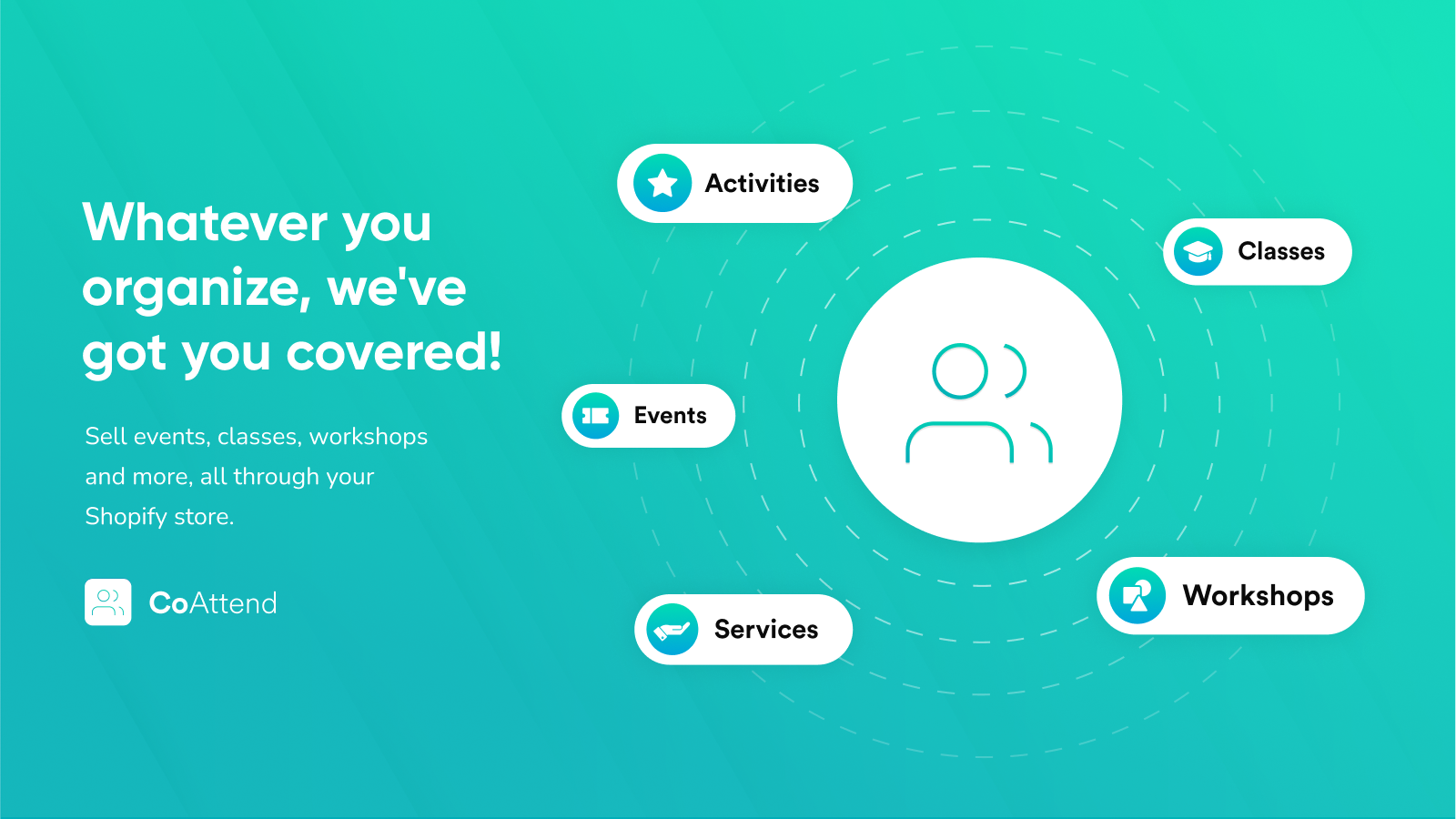
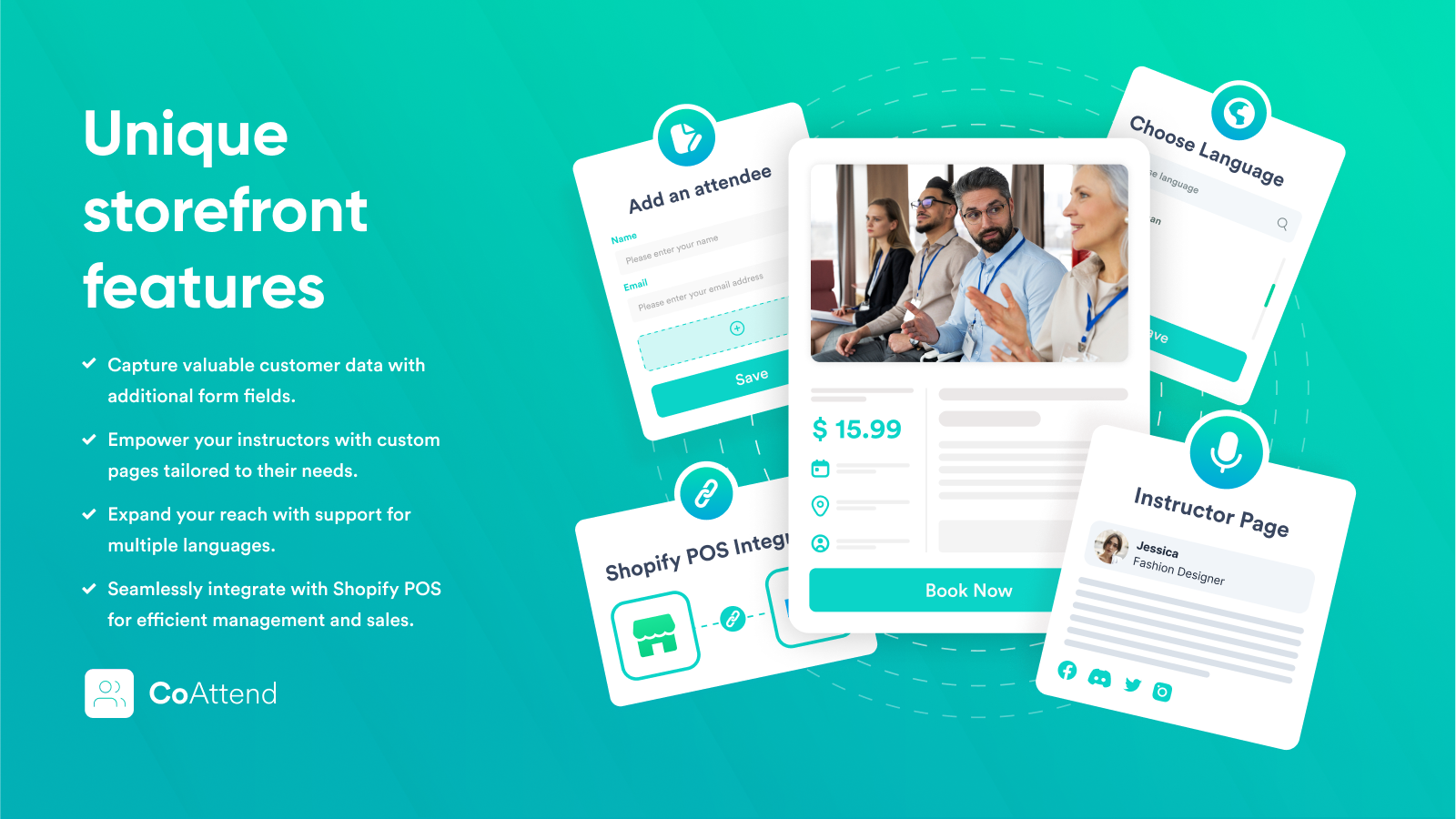
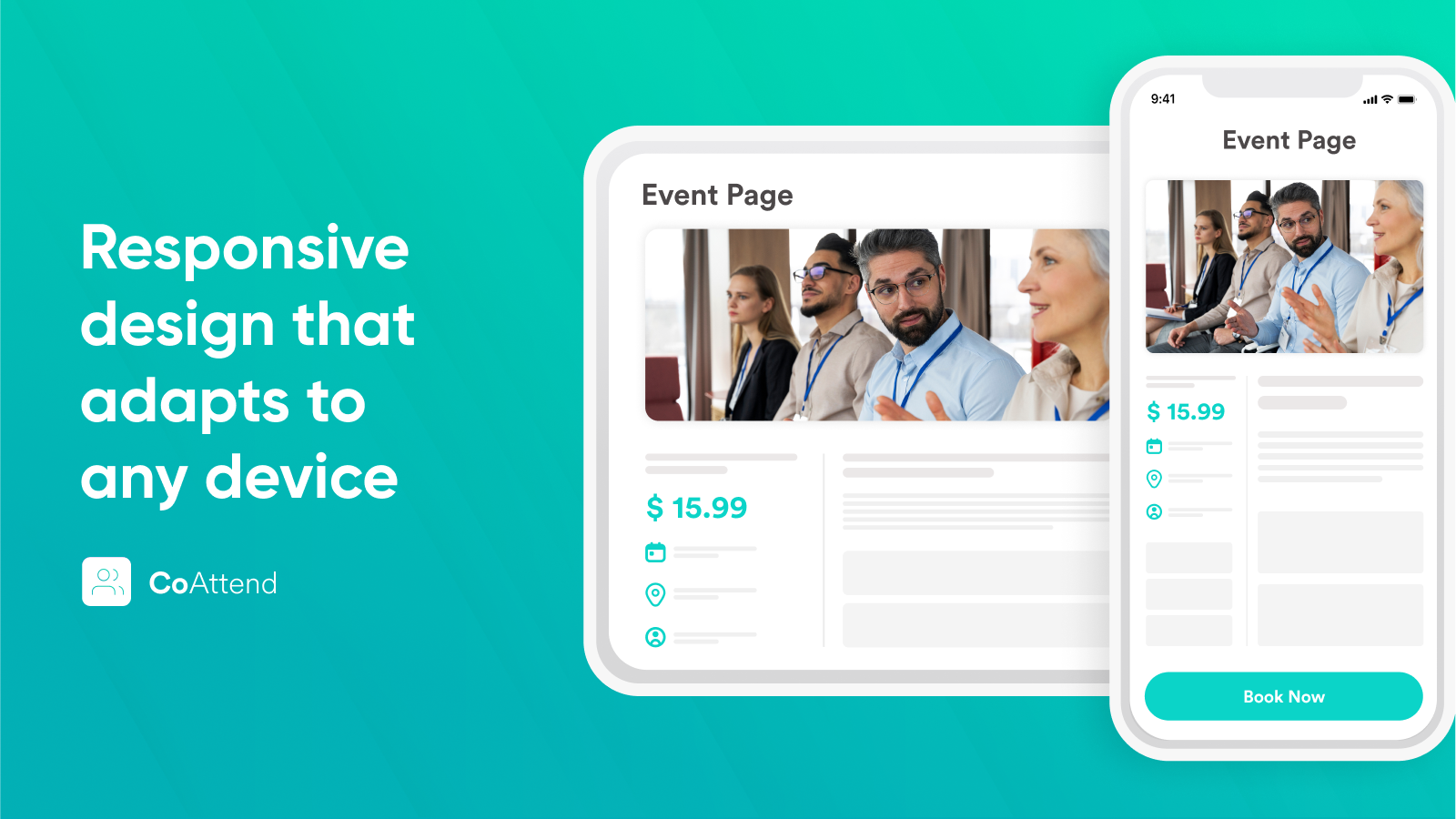
Price Plan
Starter
- Unlimited Bookings
- Up to 5 Events
- Custom Fields
- Calendar
- Shopify POS Integration
- Google Calendar Sync
- Attendance Records
- Multi-Language
Basic
- All Starter Features
- Up to 10 Activities
- Email Reminders and 'Thank You' Emails
- Shopify Flow Integration
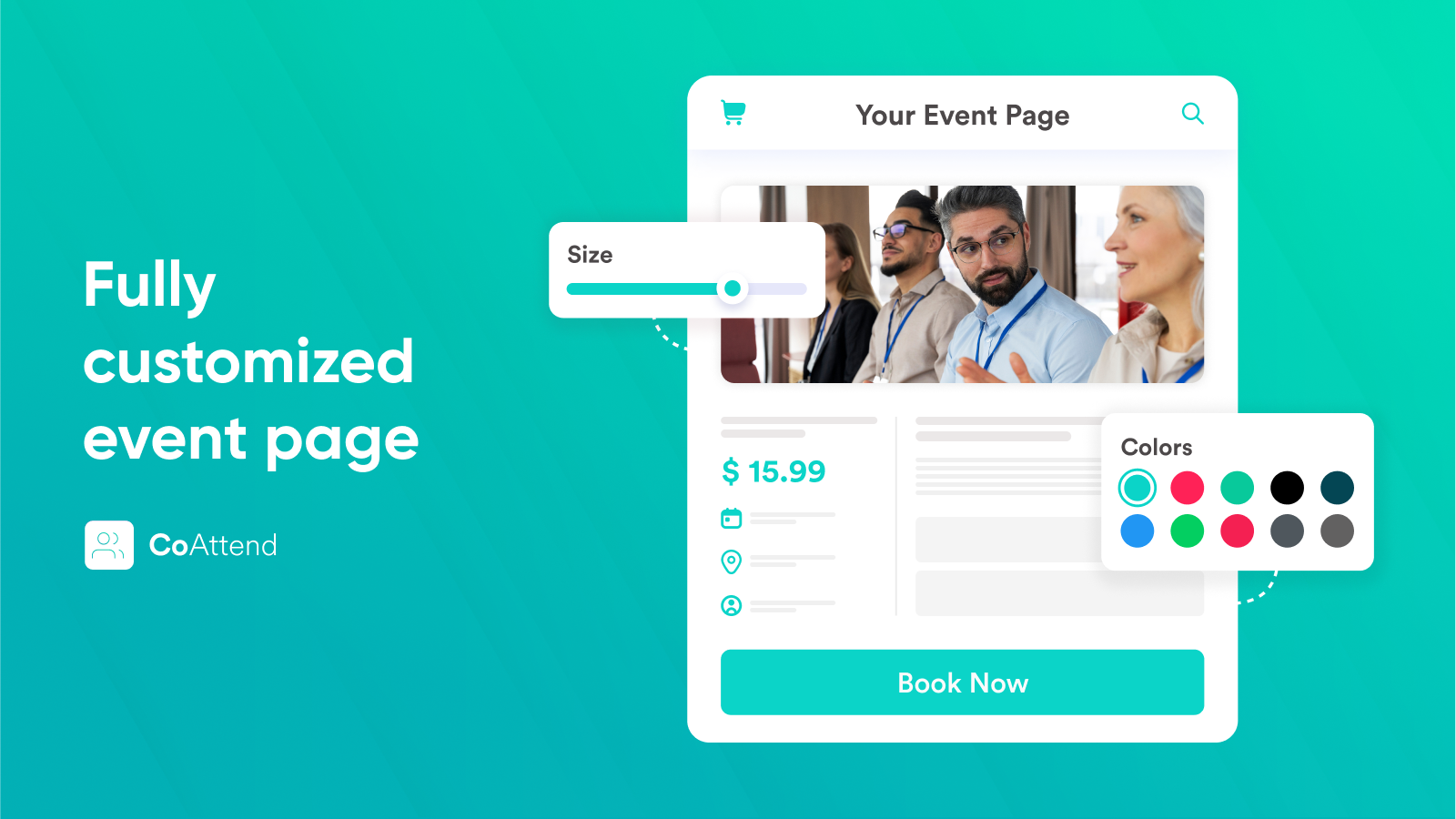
- Custom CSS
- Remove Branding
Pro
- All Basic Features
- Unlimited Activities
- Multiple Google Calendars
User Location & Comments
User Location
Comments
Shopify API Used
- POST /admin/api/appointments/bookings.json
- GET /admin/api/appointments/availability.json
- PUT /admin/api/appointments/bookings/{id}.json
Permission:write_appointments,read_appointments,manage_bookings
- POST /admin/api/appointments/bookings.json?participants=true
- GET /admin/api/appointments/bookings/{id}/participants.json
- PUT /admin/api/appointments/bookings/{id}/participants.json
Permission:write_appointments,read_appointments,manage_participants
- POST /admin/api/automations/workflows.json
- PUT /admin/api/automations/workflows/{id}/triggers.json
- GET /admin/api/automations/workflows.json?type=booking
Permission:write_automations,read_automations,manage_emails
- POST /admin/api/appointments/syncs.json
- PUT /admin/api/appointments/syncs/{id}/settings.json
- GET /admin/api/appointments/syncs.json?service=google
Permission:write_appointments,read_appointments,manage_syncs
- DELETE /admin/api/appointments/bookings/{id}.json
- PUT /admin/api/appointments/bookings/{id}/status.json
- GET /admin/api/appointments/bookings/{id}/cancellation.json
Permission:write_appointments,read_appointments,manage_cancellations