App Introduction
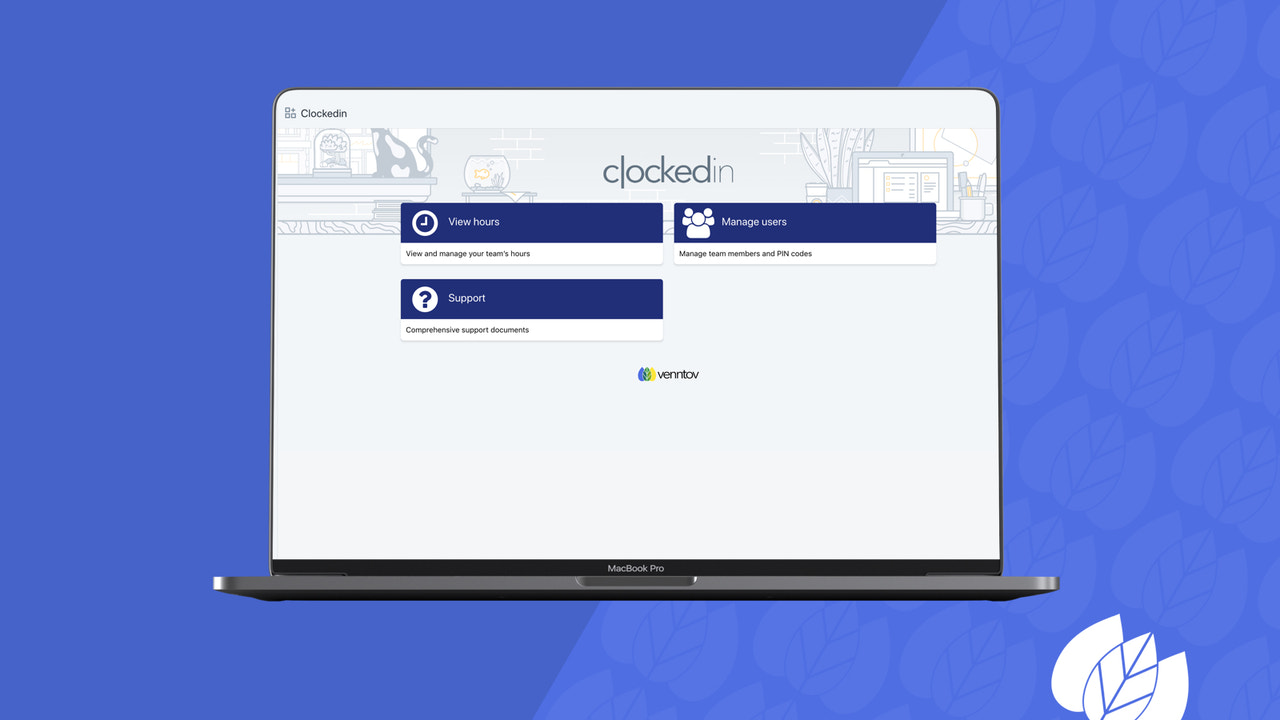
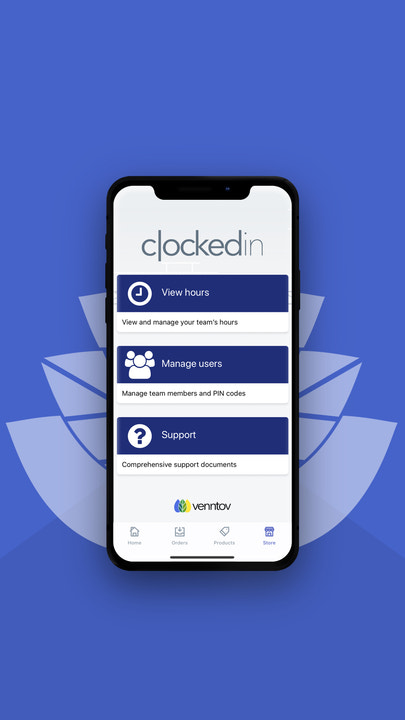
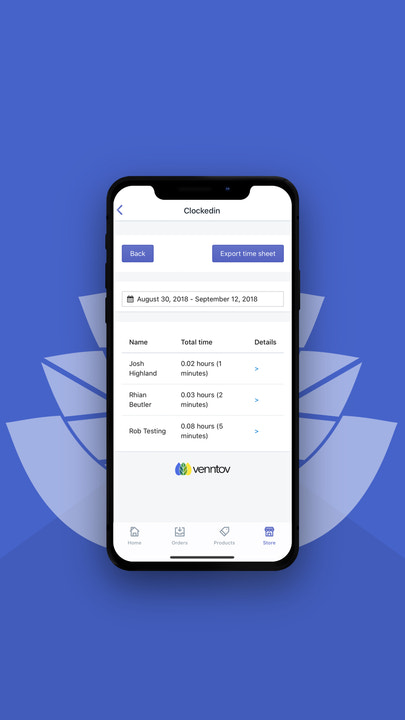
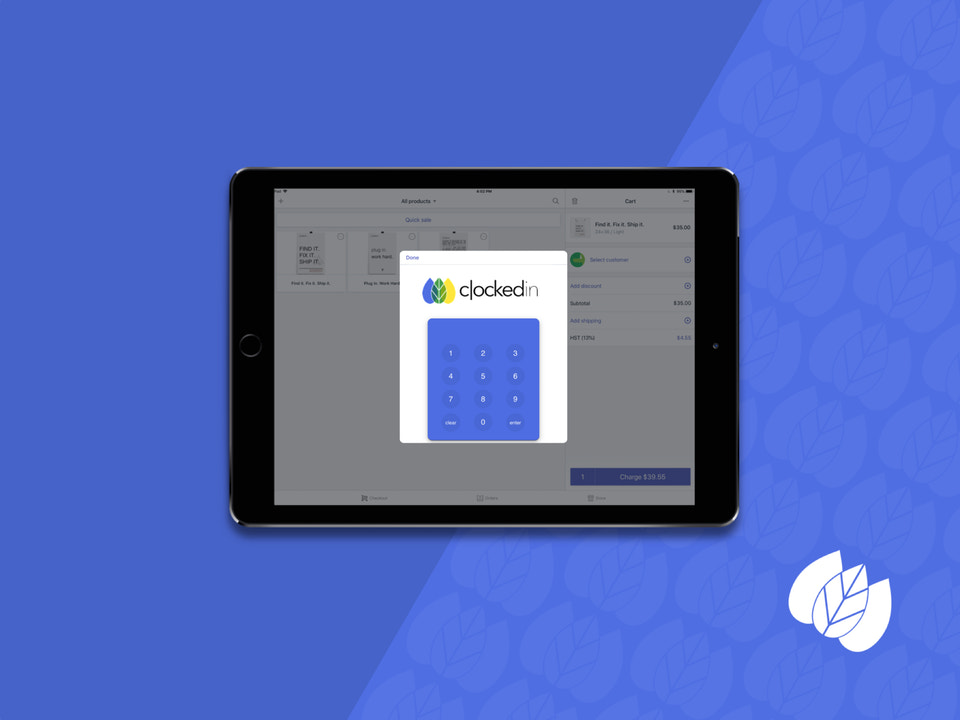
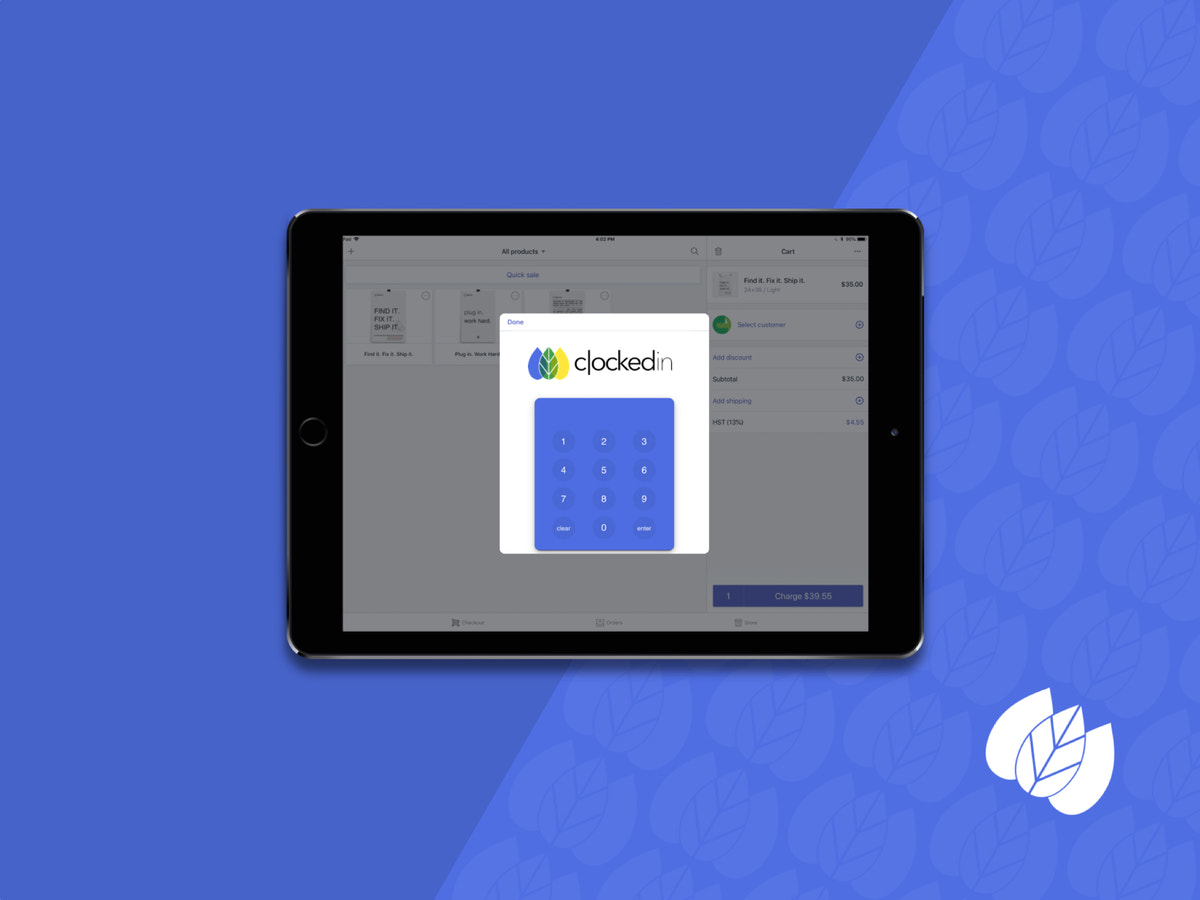
Streamline your team's time management with a clock-in tool built for POS. Have you ever struggled to track your team members' working hours? Are you still using spreadsheets to log time? Simplify your daily operations with this user-friendly time clock tool. From your team members’ perspective—they’ll see a "time card" where they can clock in and out for work. This front-end interface also includes a management option. Plus, both your team members and admins can see who’s currently clocked in.
Core Functionality
- Existing Clockedin users can migrate to Shopify POS users
- Bulk user creation via CSV file upload - allows users exclusively for Clockedin
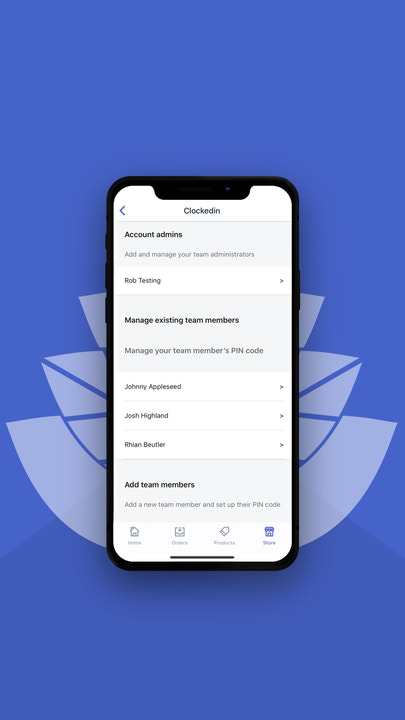
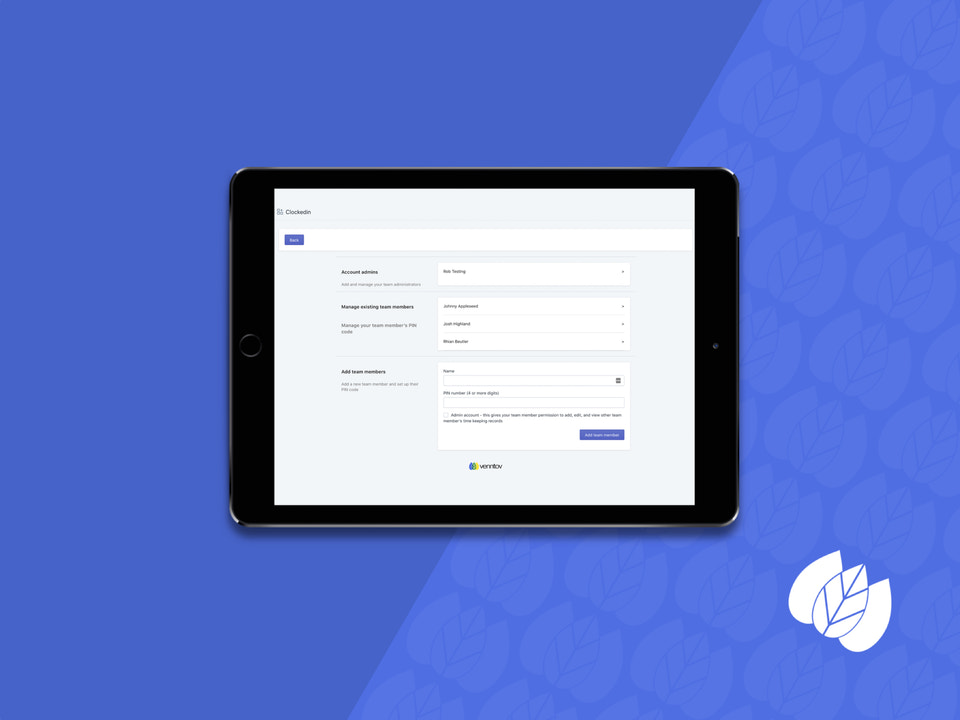
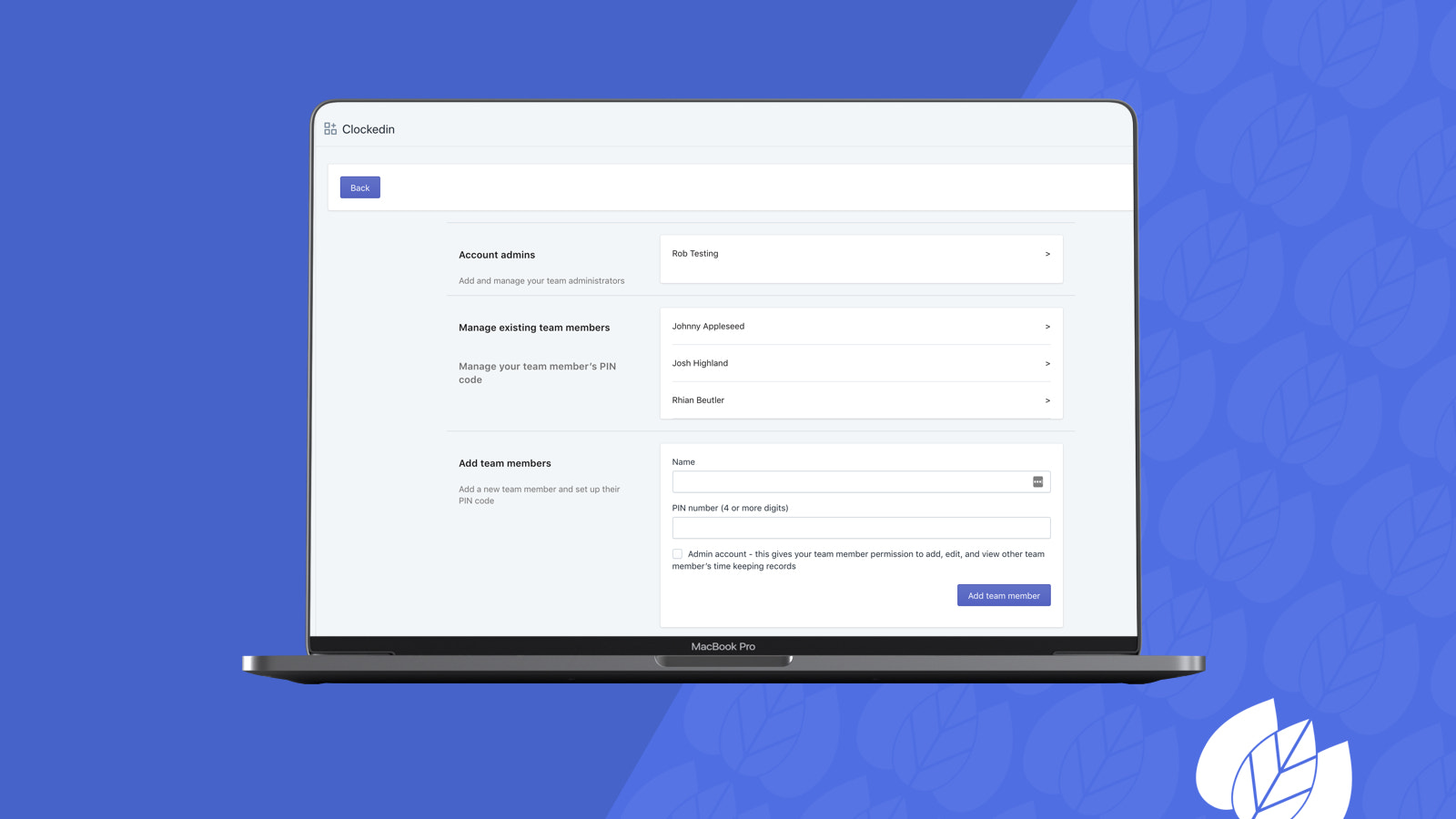
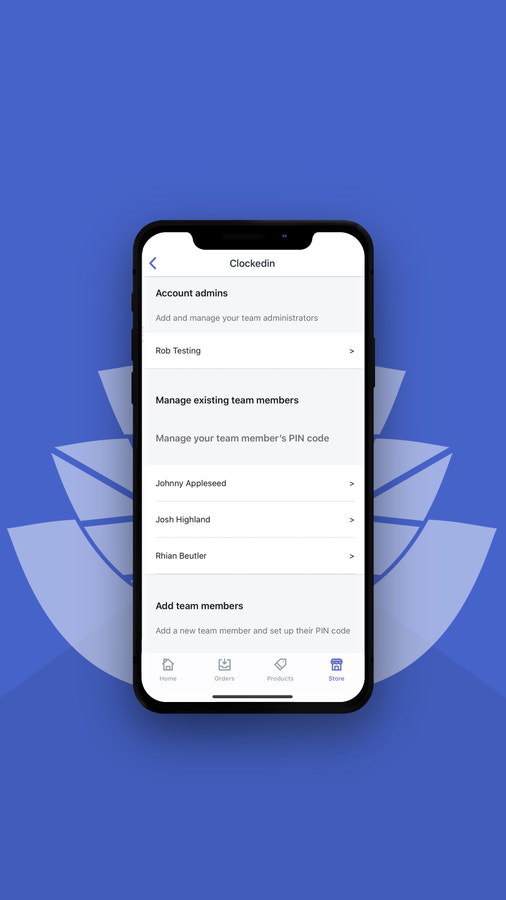
- Add and remove team members, set PIN codes for them, and manage their access levels
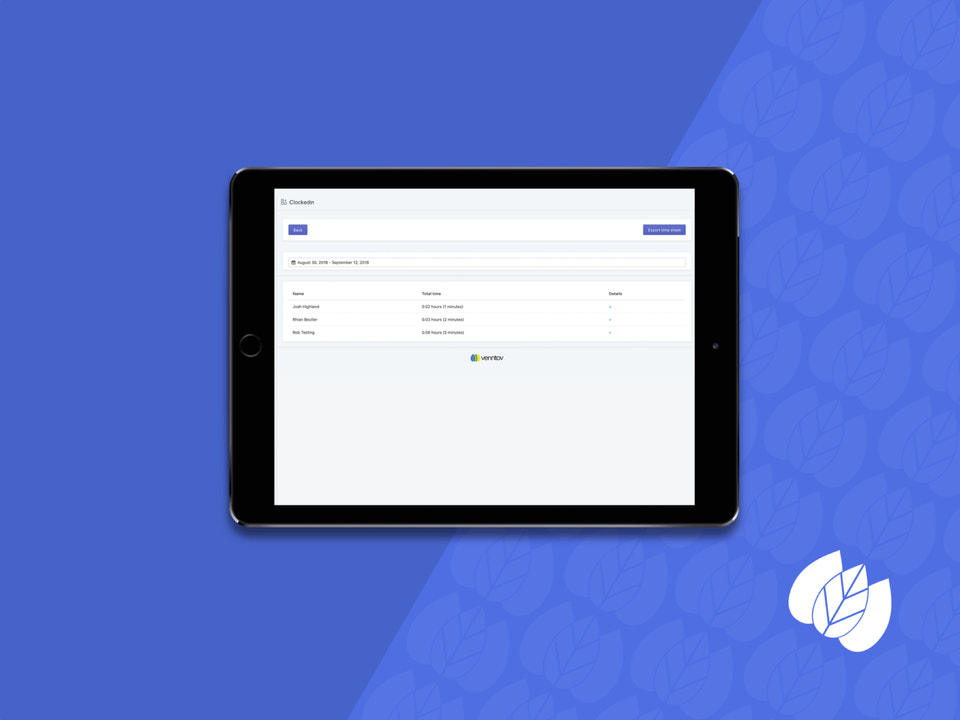
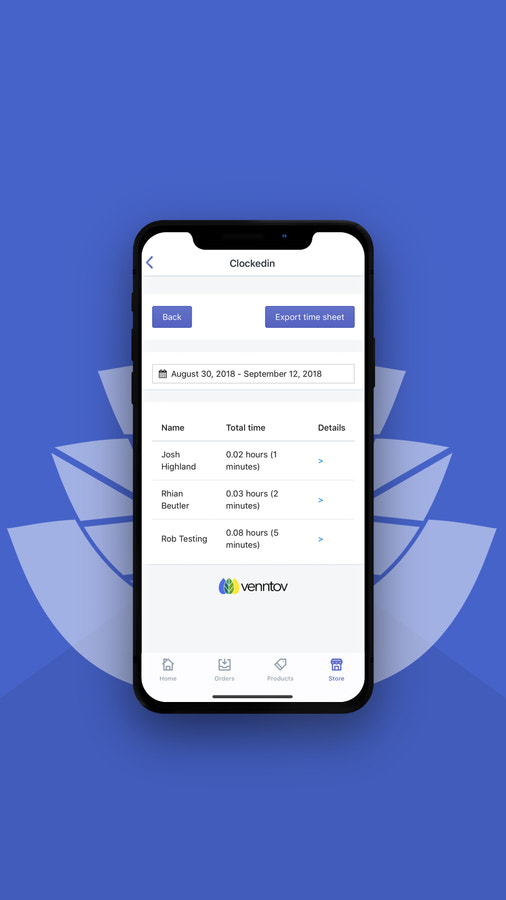
- Administrators can adjust time as appropriate
Merchant-Friendly
- Offline Retail Merchants
- Multi-channel E-commerce
- Chain Store Merchants
- Physical Small Shop Merchants
Basic Information
- Developer:venntov
- Address:1255 W Colton Ave, #523, Redlands, CA, 92374, US
- Price: Free / Free plan
- Rating:2.4 / 5
- Comment Count:5 comment
- Release Date:2018-9-27
- Supported languages:English
- Compatible products:Shopify
Application Screenshot









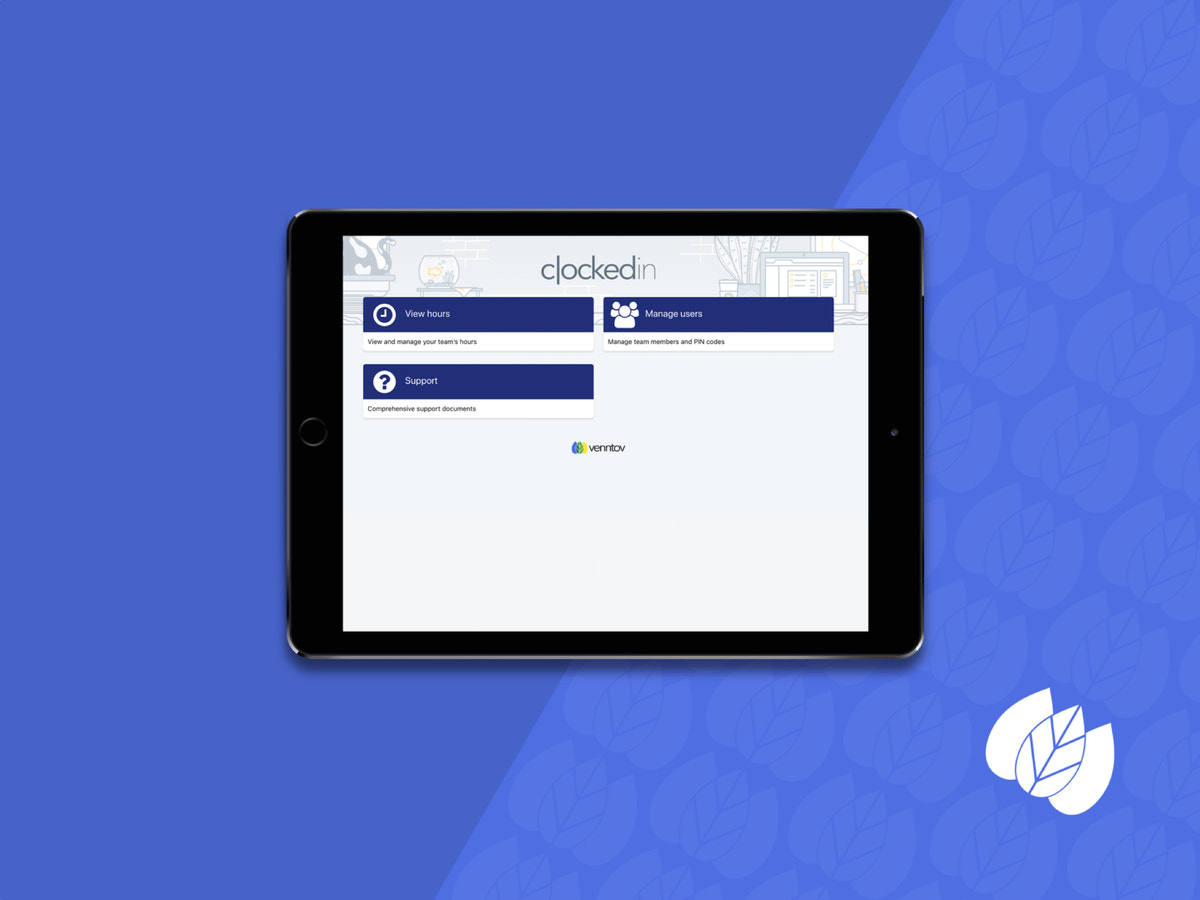
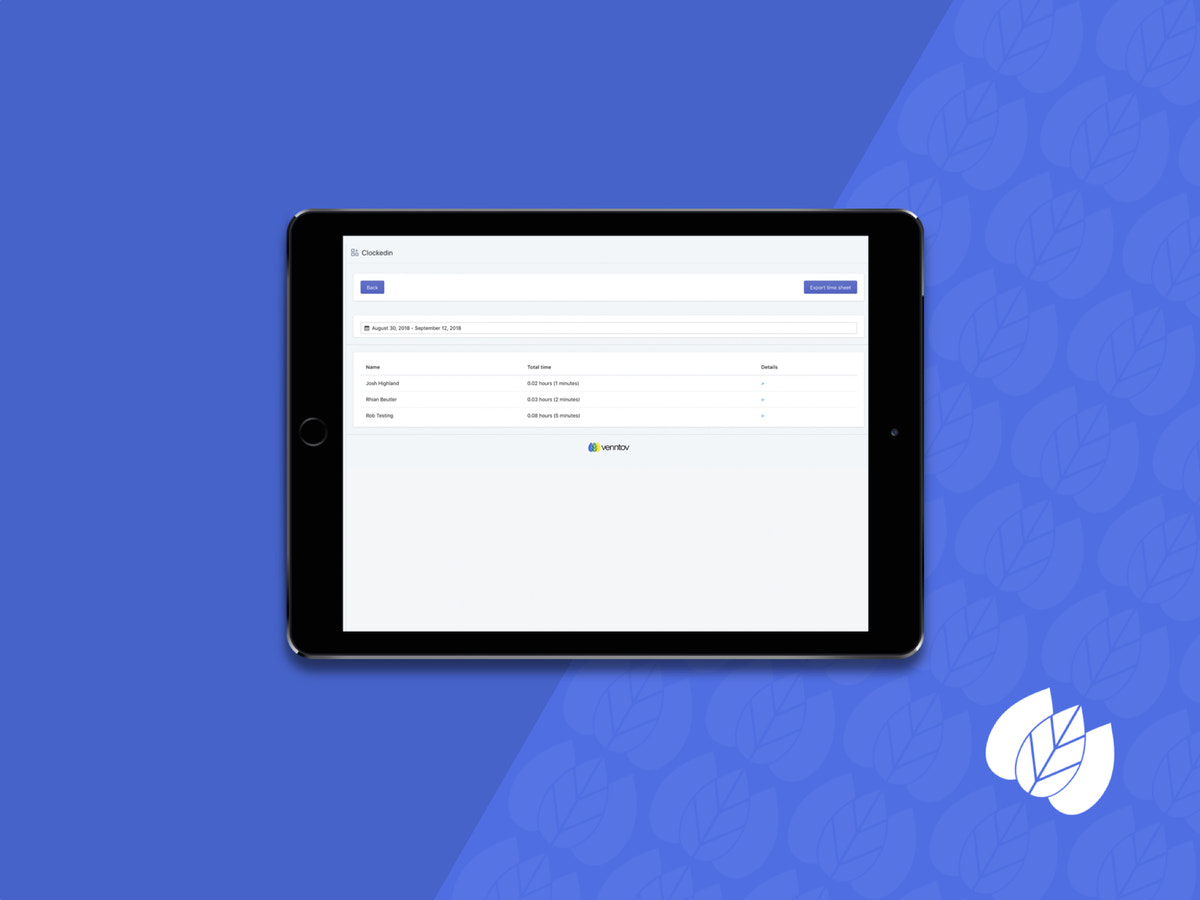
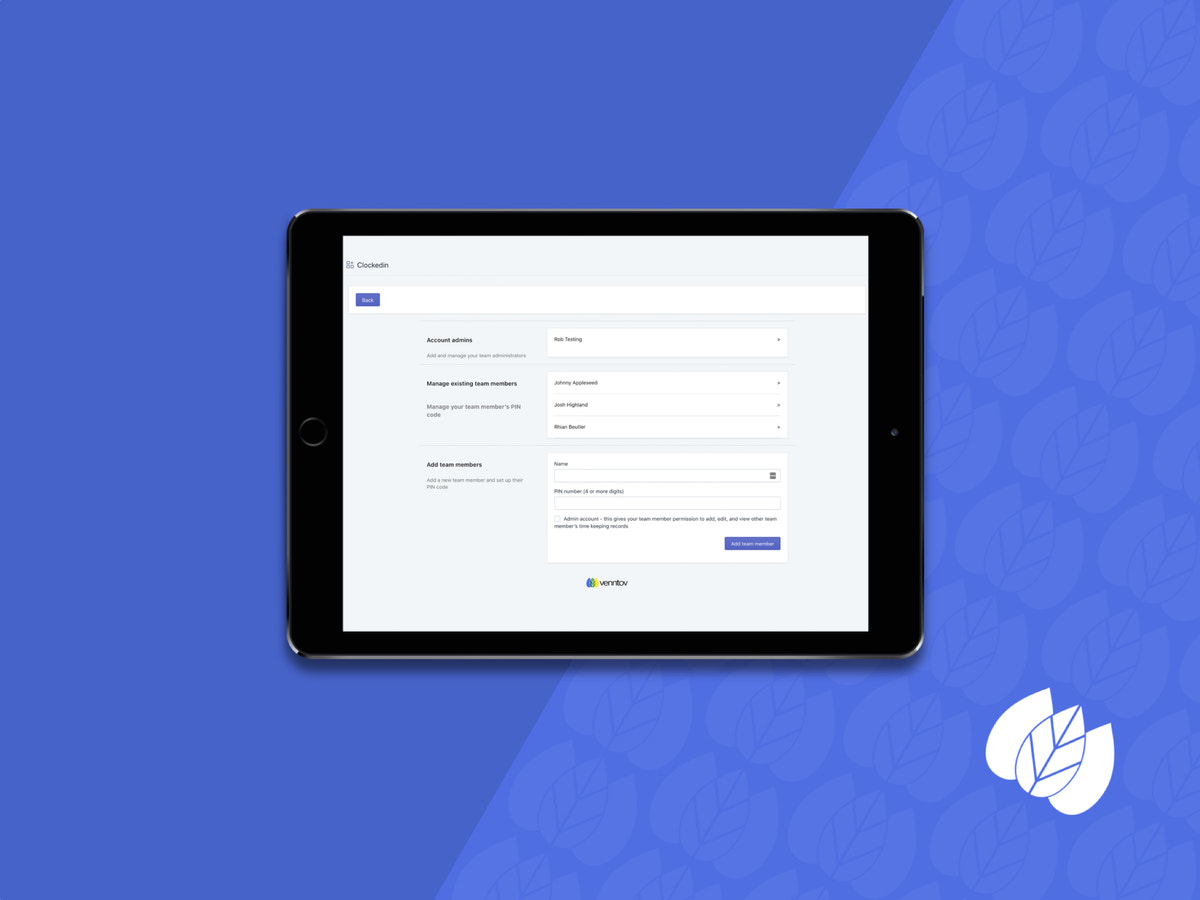
Price Plan
基础版
$29
User Location & Comments
User Location
Comments
Shopify API Used
- POST /admin/api/pos/users/migrate.json
- GET /admin/api/pos/users/migrate/status.json
- PUT /admin/api/pos/users/migrate/{id}.json
Permission:write_pos_users,read_pos_users,manage_shop
- POST /admin/api/pos/users/bulk.json
- GET /admin/api/pos/users/bulk/status.json
- DELETE /admin/api/pos/users/bulk/{id}.json
Permission:write_pos_users,read_pos_users,manage_shop
- POST /admin/api/pos/team_members.json
- DELETE /admin/api/pos/team_members/{id}.json
- PUT /admin/api/pos/team_members/{id}/access.json
Permission:write_pos_team,read_pos_team,manage_shop
- PUT /admin/api/pos/settings/time.json
- GET /admin/api/pos/settings/time.json
- POST /admin/api/pos/settings/time/reset.json
Permission:write_pos_settings,read_pos_settings,manage_shop