
App Introduction
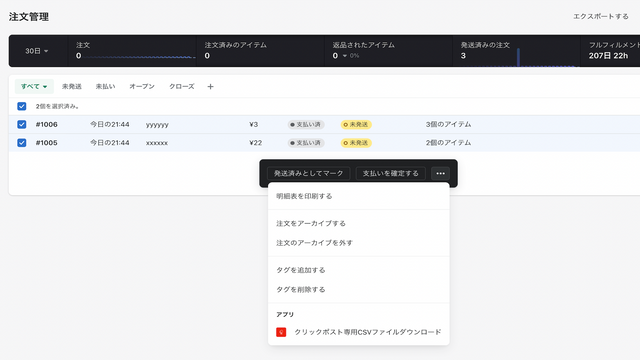
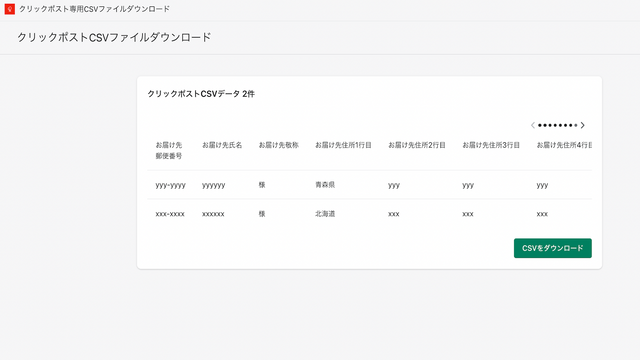
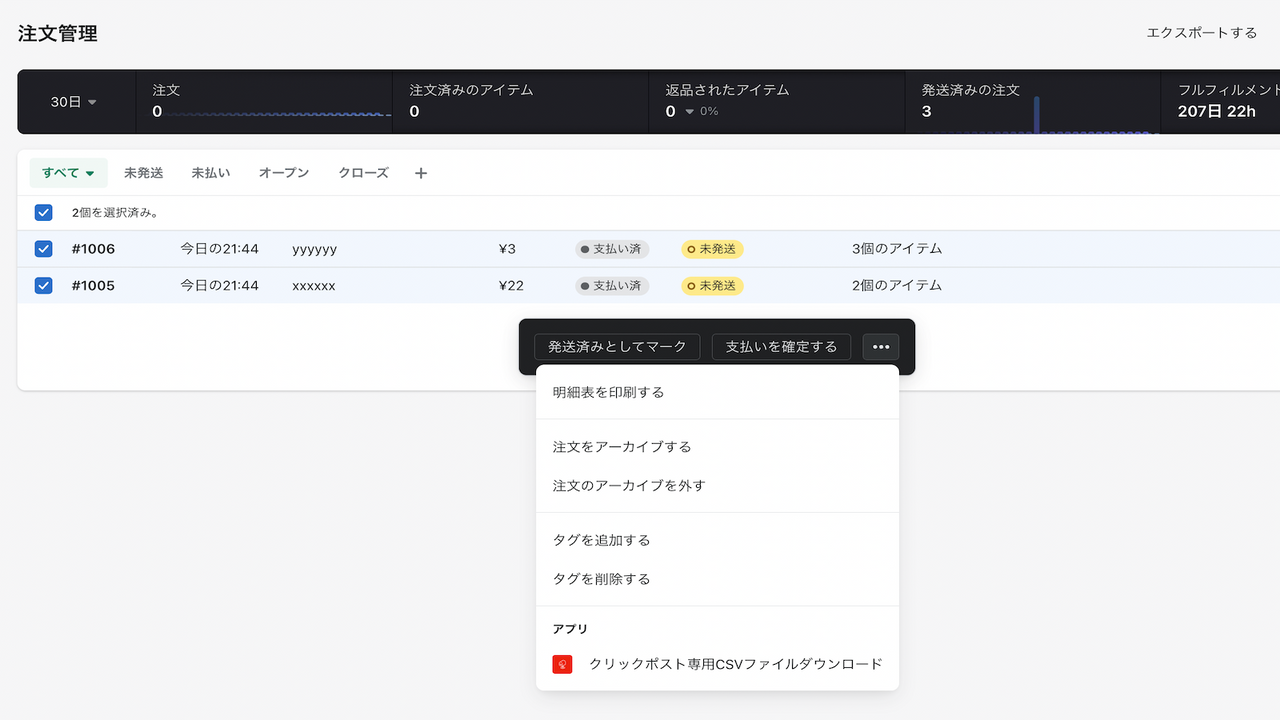
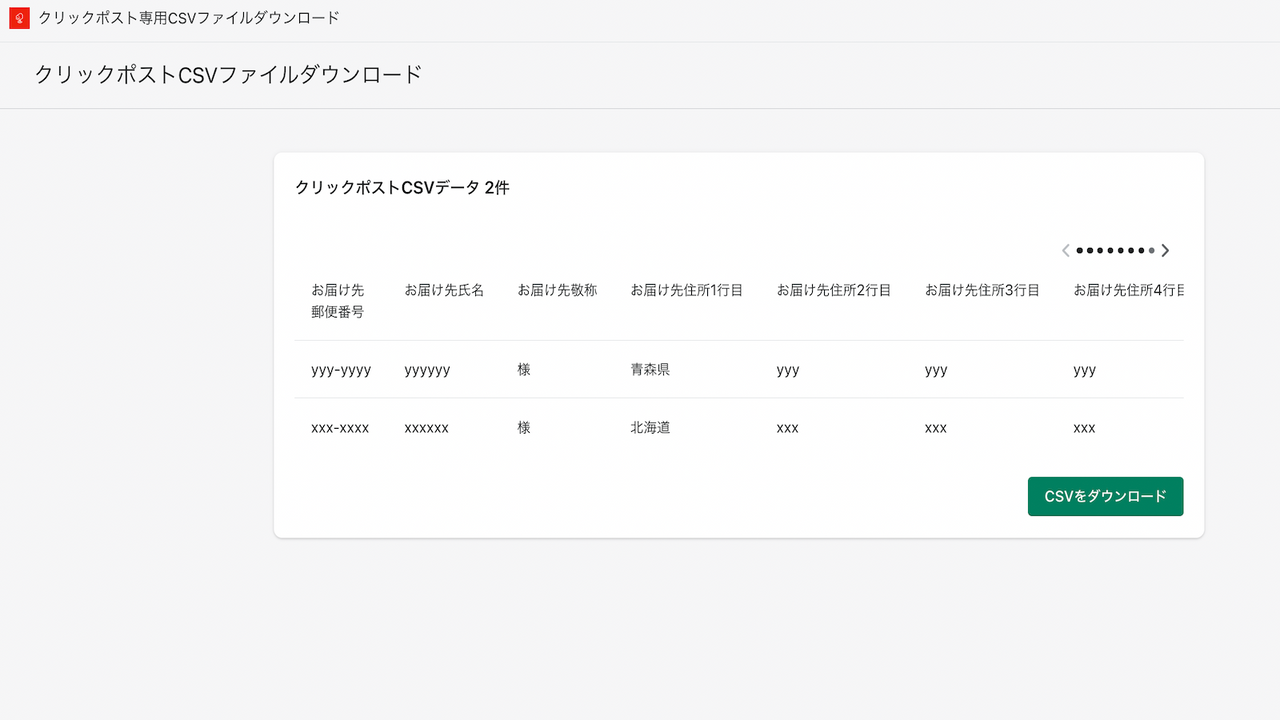
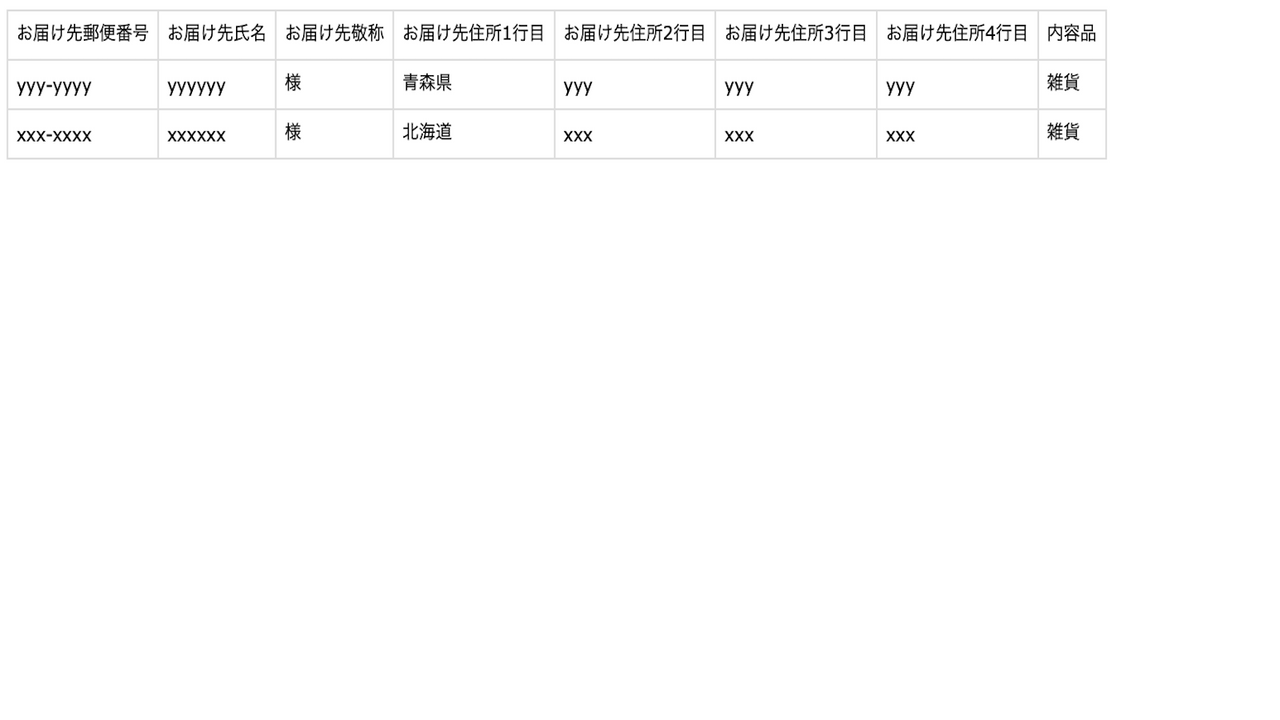
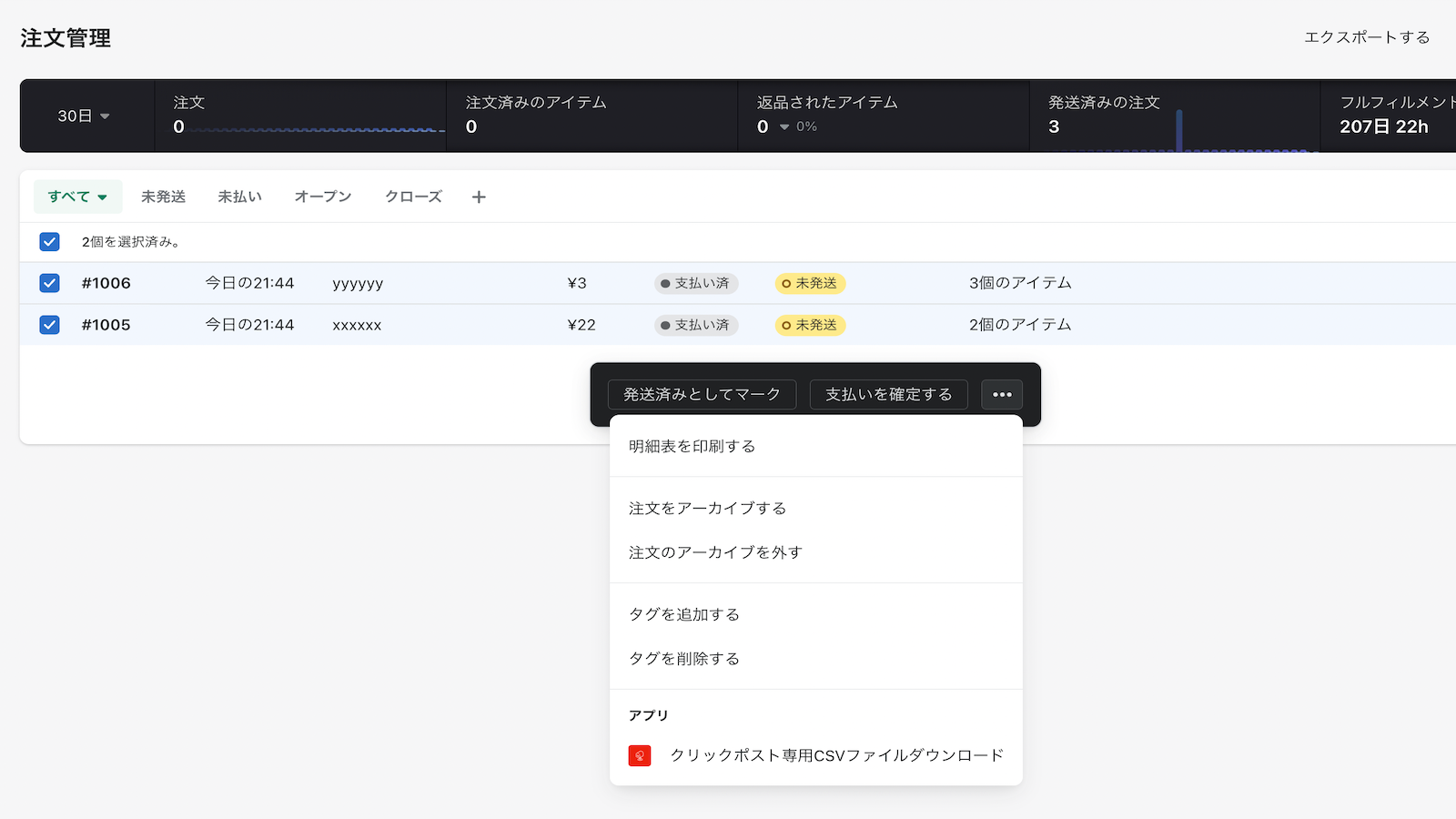
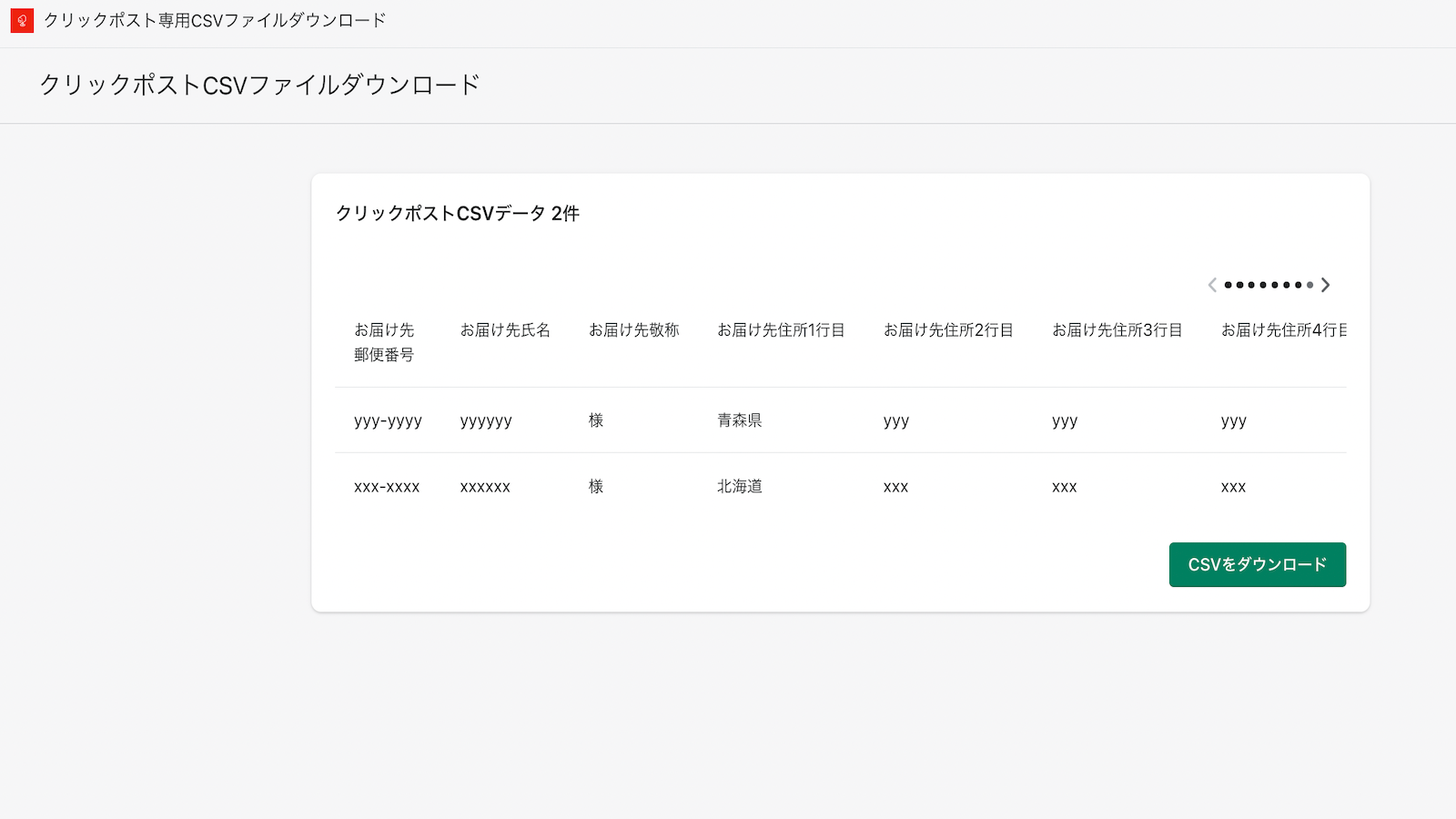
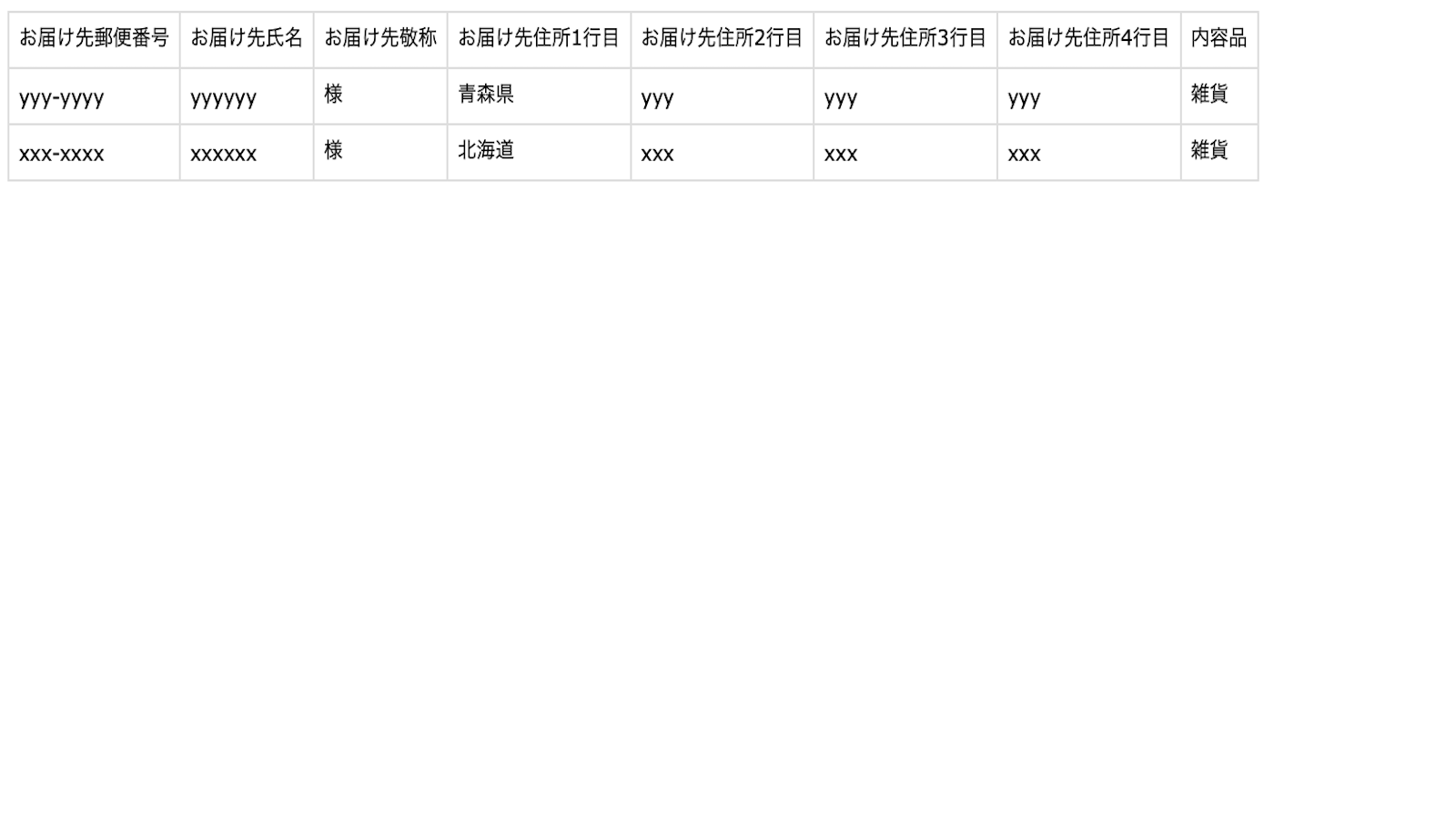
This is a simple app built to support stores that ship products via ClickPost! Simply select the orders you want to import from your order list, and you can download them as a ClickPost-compatible CSV file. You can freely edit and view the imported information. Additionally, the app automatically checks postal code formats and character limits, and highlights any issues for you. To use it: Install the app, select one or more orders in your order management screen. Next, choose "Download ClickPost-Specific CSV File" from the "Actions" menu. Finally, select "CSV Download" on the redirected page—you’ll then be able to download a ClickPost-compatible CSV file.
Core Functionality
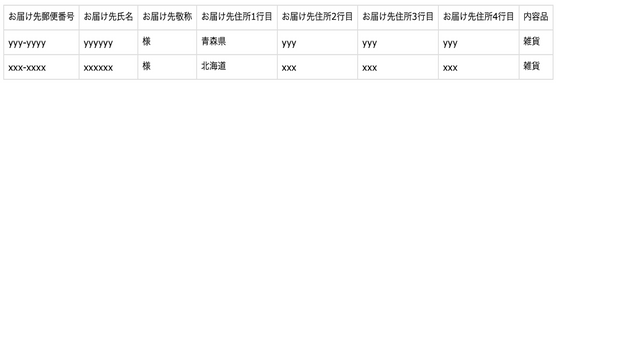
- Convert order lists to editable CSV files | Bulk convert selected orders for review and editing in the admin! Transform and download files formatted for ClickPost.
- Detect postal code/character limits | Automatically detect and highlight non-compliant fields (e.g., postal code format, address length) that don’t meet ClickPost requirements! Easily fix issues in one place.
- Auto-sync order items | Automatically populate order item details into ClickPost’s “Contents” field! You can also edit auto-filled content directly in the admin.
Merchant-Friendly
- Japanese Cross-border E-commerce
- Local Delivery Merchants
- Order Management Merchants
Basic Information
- Developer:dev.justbuild
- Address:189-1-1006, Ozu-machi Muro, Kikuchi, JP-43, 8691235, JP
- Price: Free / Free plan
- Rating:5 / 5
- Comment Count:1 comment
- Release Date:2024-2-12
- Supported languages:Japanese
- Compatible products:Shopify
Application Screenshot
Price Plan
ベーシック
- Batch convert order lists to editable CSV files
- Postal code and character limit detection
- Automatic synchronization of order items
User Location & Comments
User Location
Comments
Shopify API Used
- POST /admin/api/orders/export.json
- GET /admin/api/orders.json
- POST /admin/api/orders/batch.json
Permission:read_orders,write_orders,export_orders
- GET /admin/api/orders/{id}.json
- PUT /admin/api/orders/{id}.json
- POST /admin/api/orders/batch/update.json
Permission:read_orders,write_orders,manage_shipping
- GET /admin/api/orders/{id}/line_items.json
- PUT /admin/api/orders/{id}.json
- POST /admin/api/orders/batch/update.json
Permission:read_orders,write_orders,manage_products