
Click Me! Add To Cart Button
App Introduction
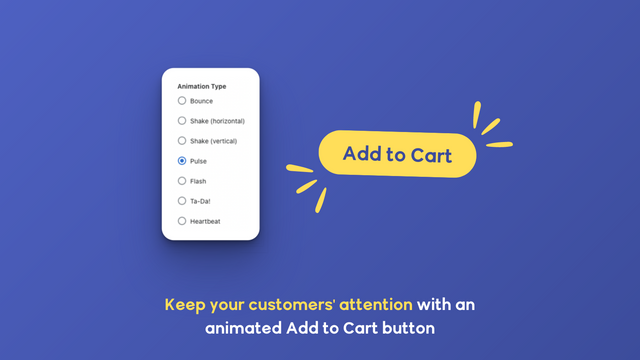
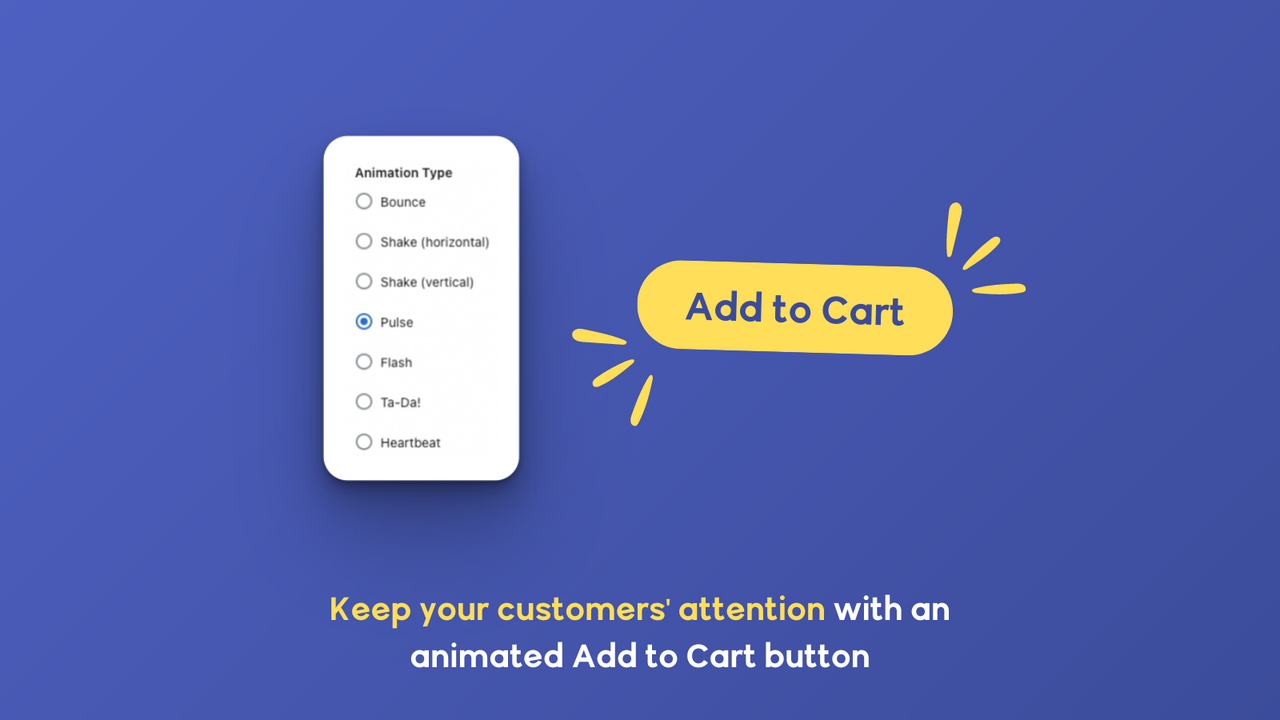
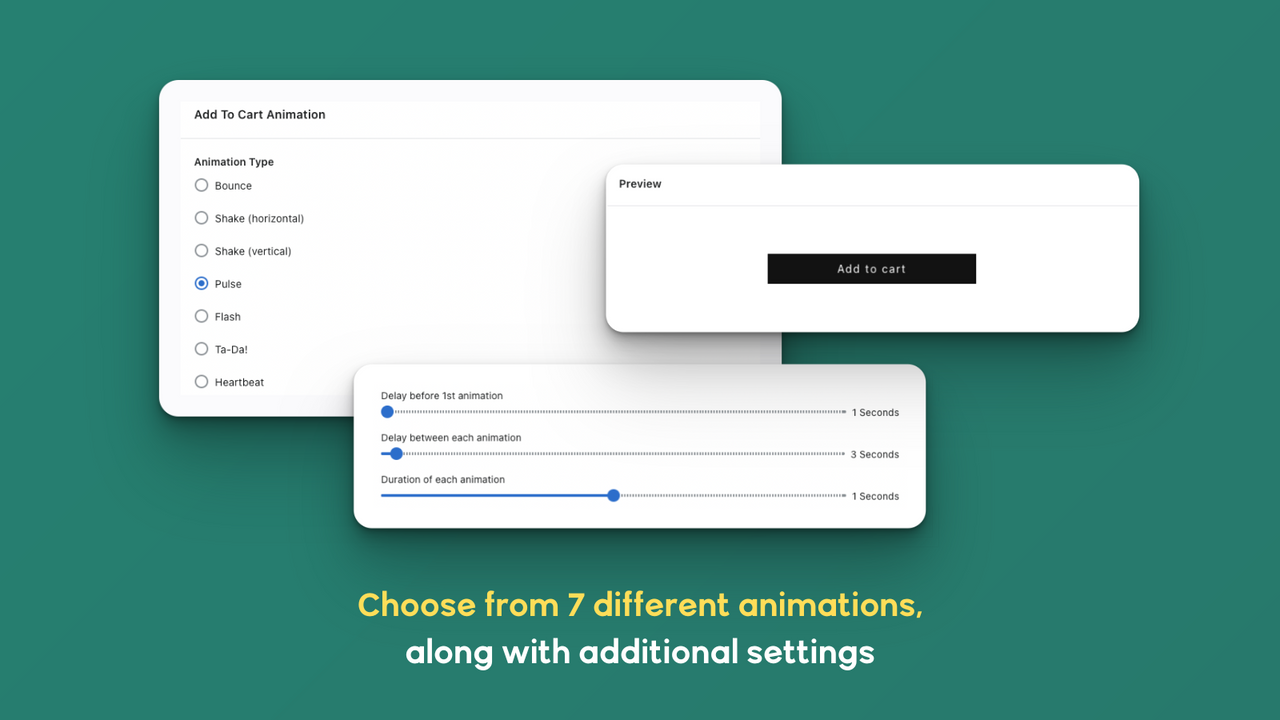
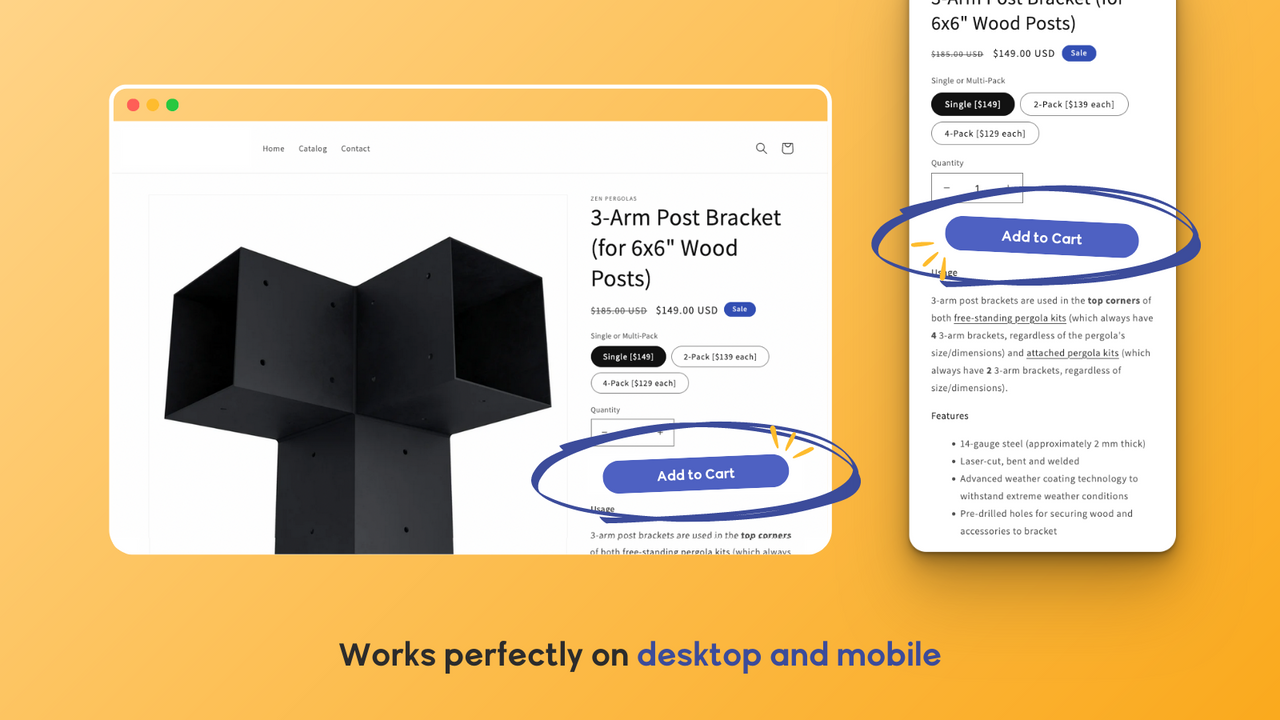
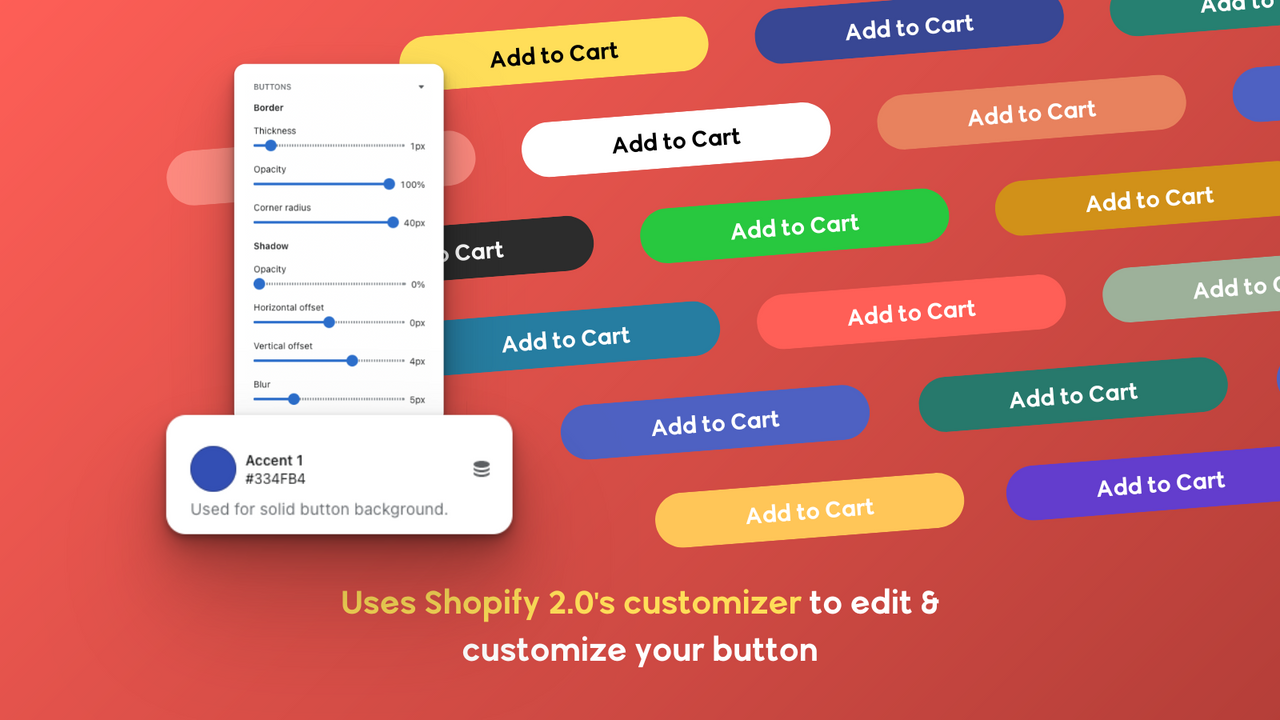
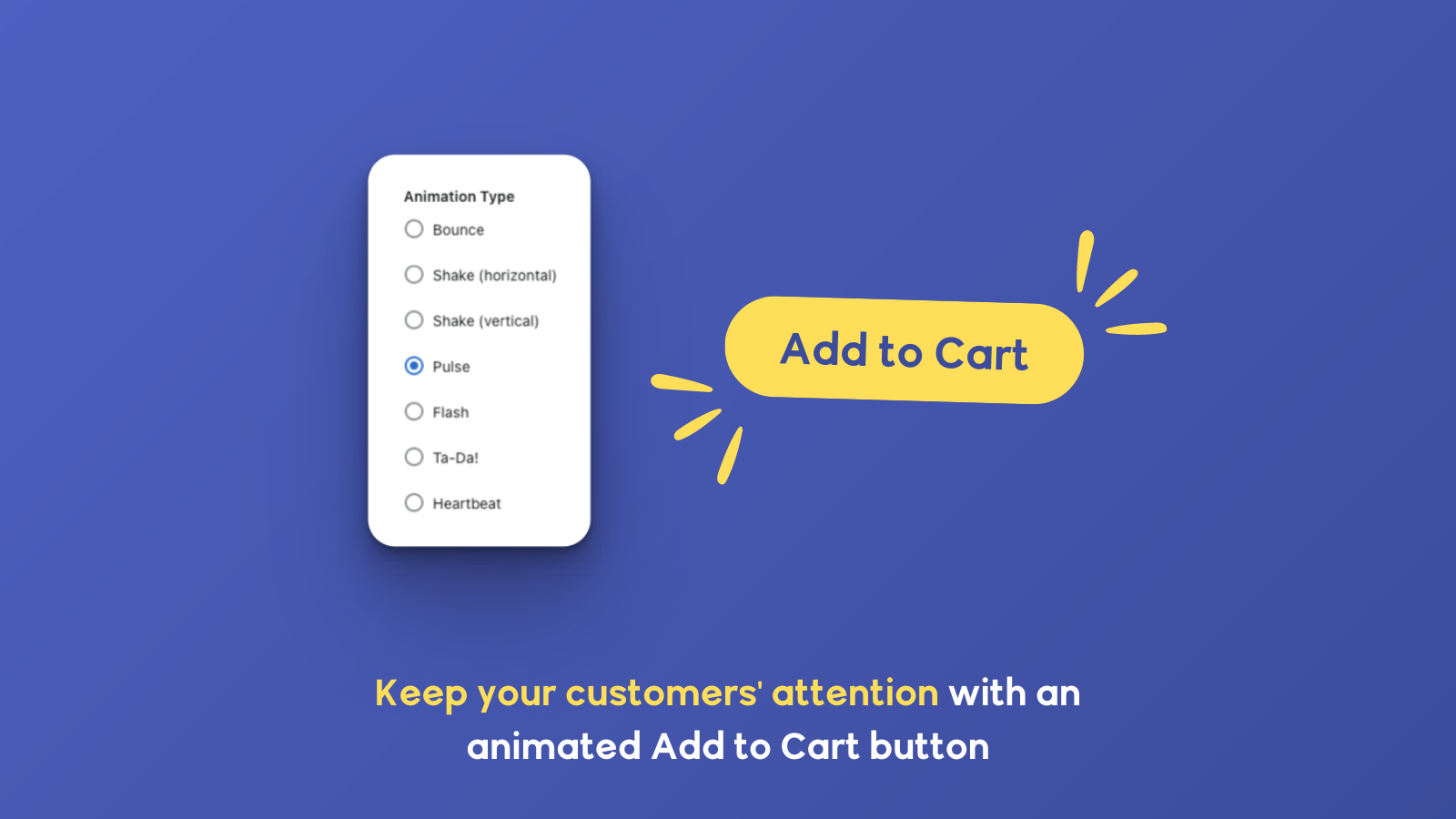
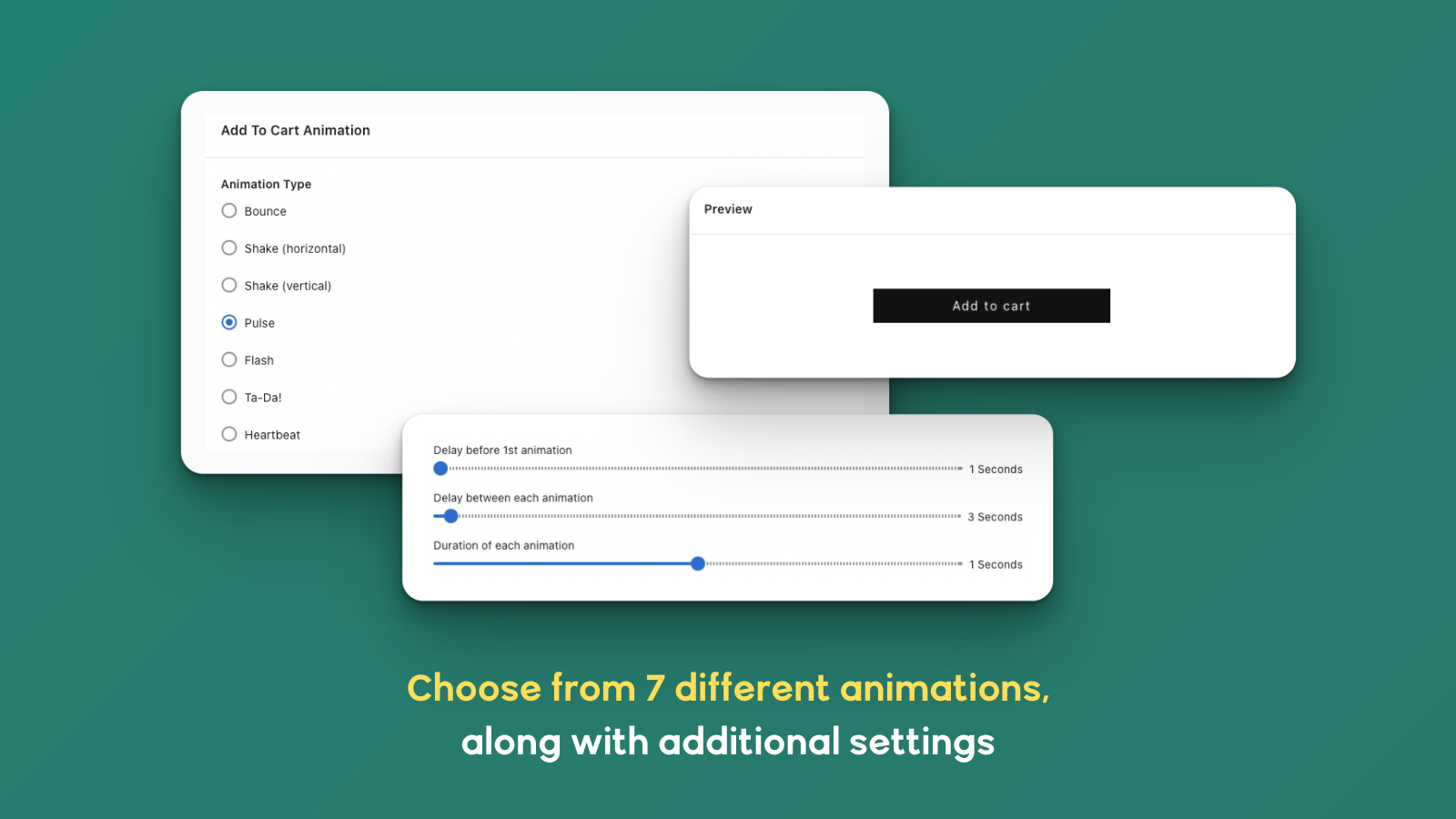
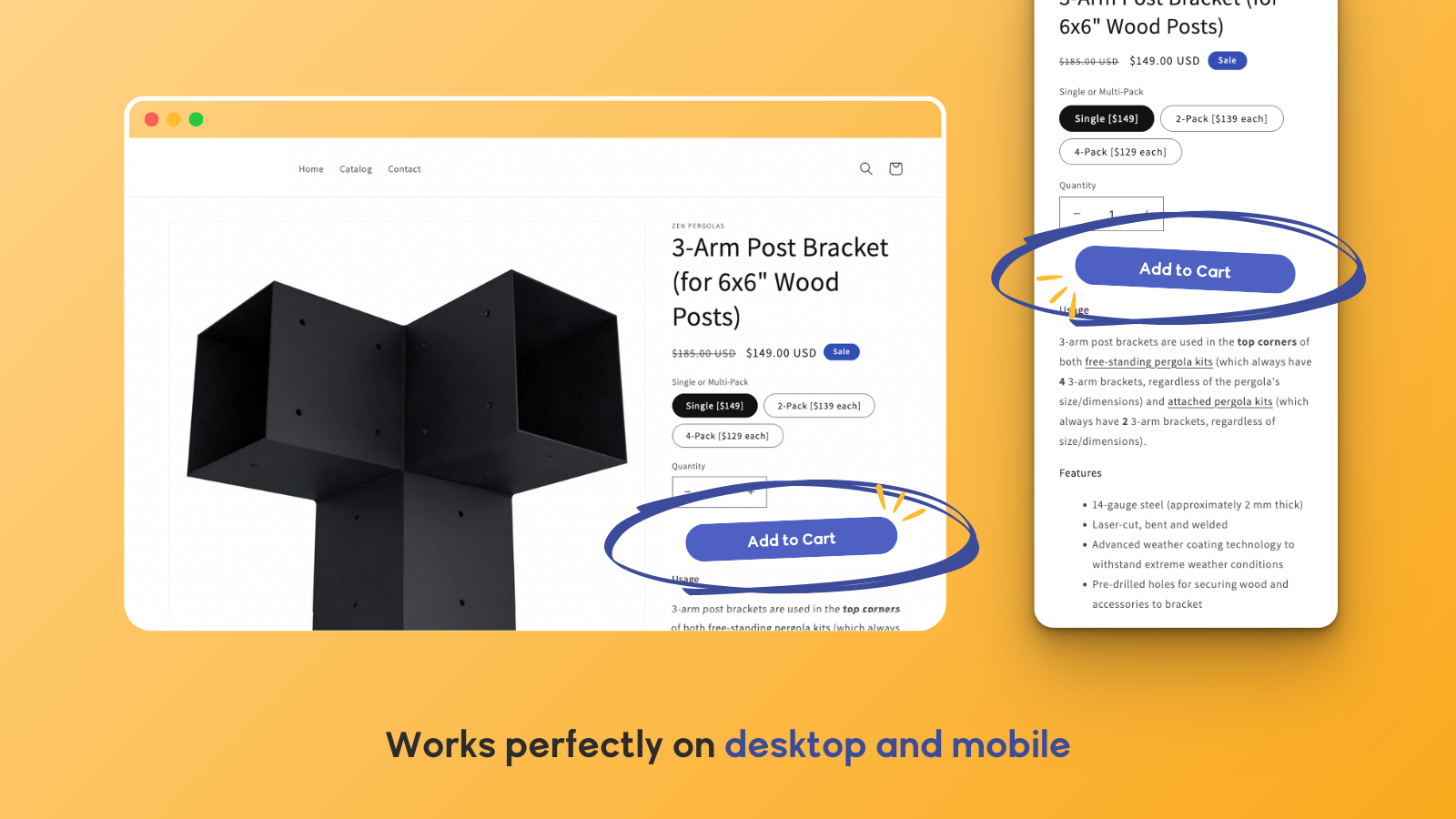
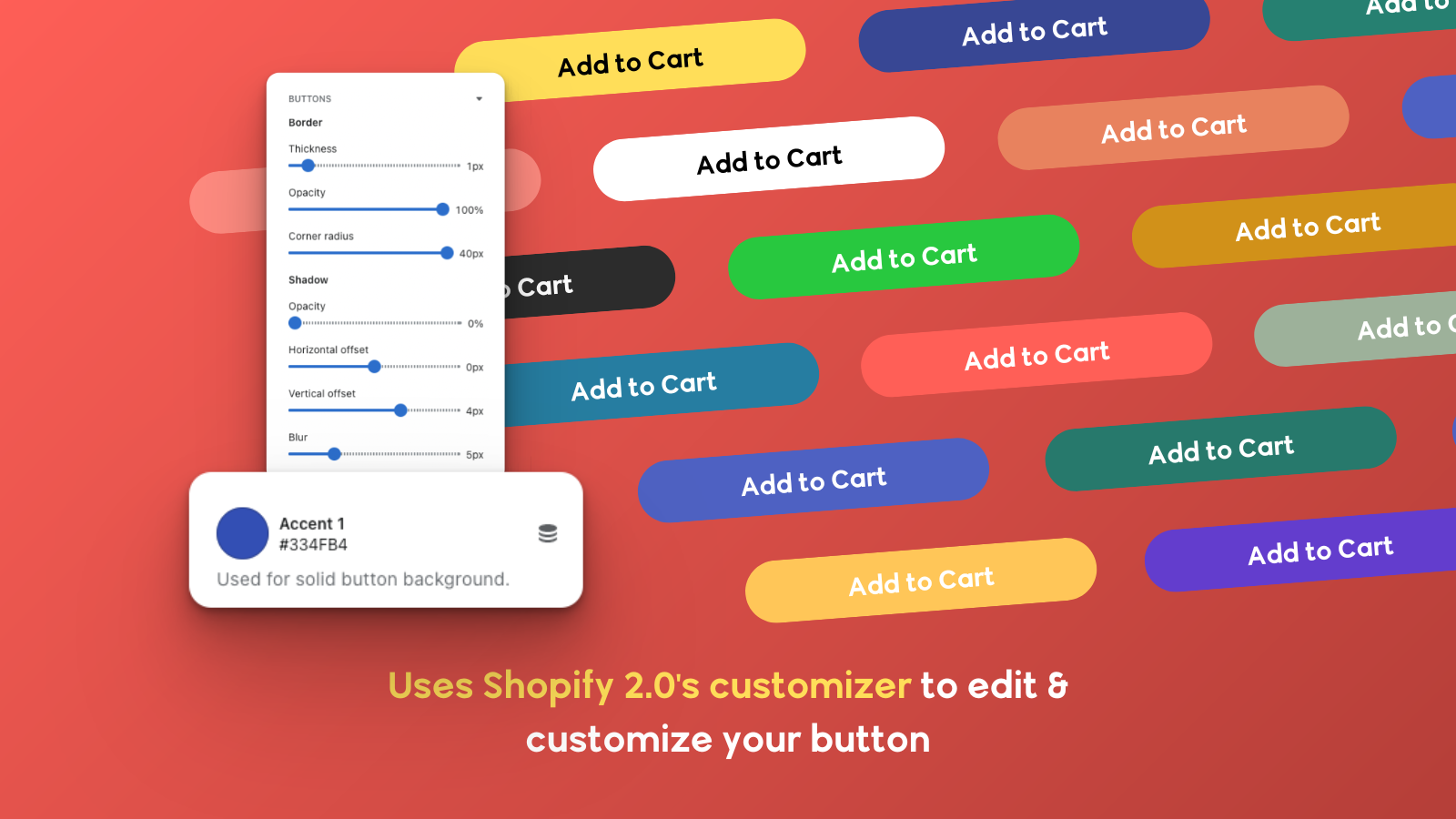
Bring your Add to Cart button to life with pulse, bounce, and blink animations to boost click-through rates and conversions. Add animations to your Add to Cart button to grab attention and increase clicks. Choose from 7 effects including bounce, blink, and pulse. Customize timing, duration, and delay—no coding required. Works on product pages, homepages, and cart pages. Fully compatible with all Shopify 2.0 themes and optimized for mobile and desktop devices. Easy to set up in minutes. Perfect for stores looking to increase conversions and highlight their CTA with smooth, eye-catching animations.
Core Functionality
- Grab attention with ATC button animations like bounce, flash, and pulse
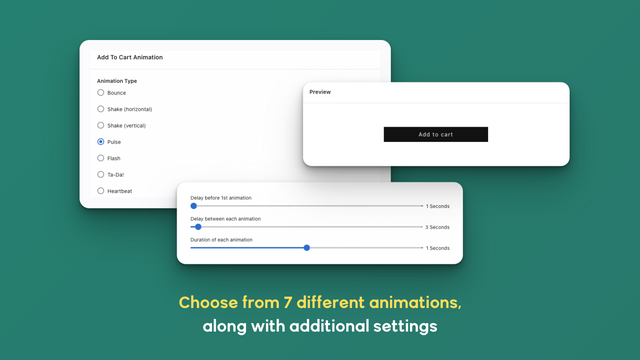
- Choose from 7 animation styles and set custom animation durations
- Control delays between animations to match your store’s style
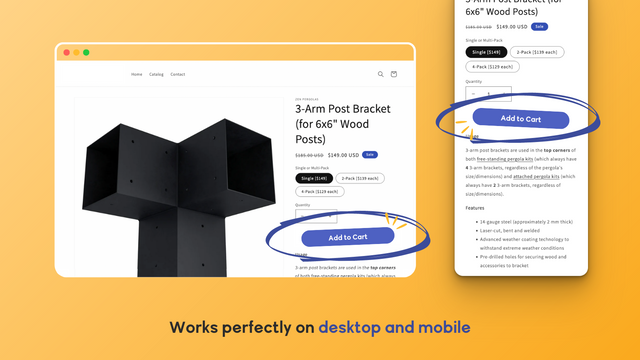
- Mobile & desktop-friendly — fast, smooth, and performance-optimized
- Fully compatible with all Shopify 2.0 online store themes
Merchant-Friendly
- Independent Station Merchants
- High Conversion E-commerce
- Visual Marketing Stores
- Multi-device Compatible Merchants
Basic Information
- Developer:Convertify
- Address:San Jose, CA, US
- Price: Free / Free plan
- Rating:0 / 5
- Comment Count:0 comment
- Release Date:2024-4-25
- Supported languages:English
- Compatible products:Shopify
Application Screenshot
Price Plan
Unlimited
- Unlimited Product Pages
- Unlimited Page Views
- Unlimited Animations
User Location & Comments
User Location
Comments
Shopify API Used
- POST /admin/api/themes/{theme_id}/assets.json
- PUT /admin/api/themes/{theme_id}/assets.json
- GET /admin/api/themes/{theme_id}/assets.json
Permission:write_themes,read_themes,manage_online_store
- POST /admin/api/themes/{theme_id}/assets.json
- PUT /admin/api/themes/{theme_id}/assets.json
- GET /admin/api/themes/{theme_id}/assets.json
Permission:write_themes,read_themes,manage_online_store
- POST /admin/api/themes/{theme_id}/assets.json
- PUT /admin/api/themes/{theme_id}/assets.json
- GET /admin/api/themes/{theme_id}/assets.json
Permission:write_themes,read_themes,manage_online_store
- POST /admin/api/themes/{theme_id}/assets.json
- PUT /admin/api/themes/{theme_id}/assets.json
- GET /admin/api/themes/{theme_id}/assets.json
Permission:write_themes,read_themes,manage_online_store
- POST /admin/api/themes/{theme_id}/assets.json
- PUT /admin/api/themes/{theme_id}/assets.json
- GET /admin/api/themes/{theme_id}/assets.json
Permission:write_themes,read_themes,manage_online_store