App Introduction
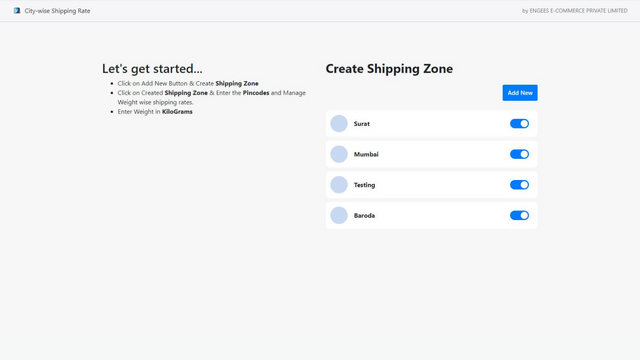
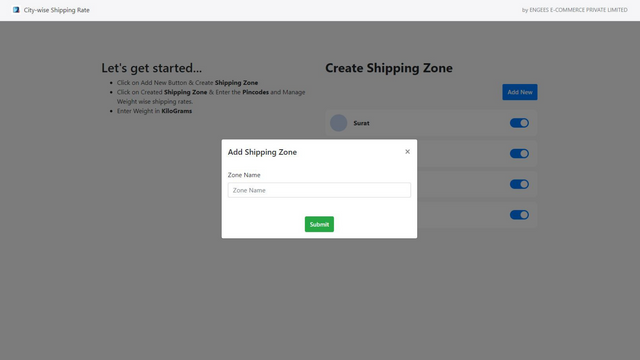
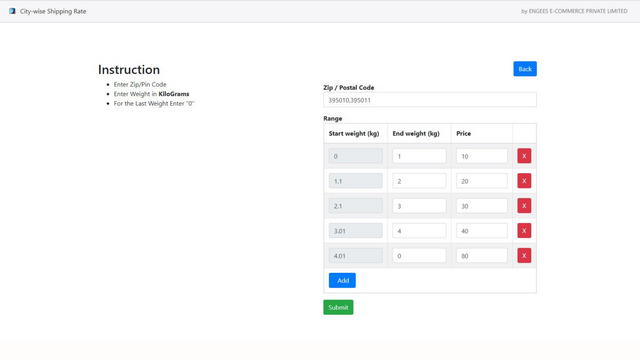
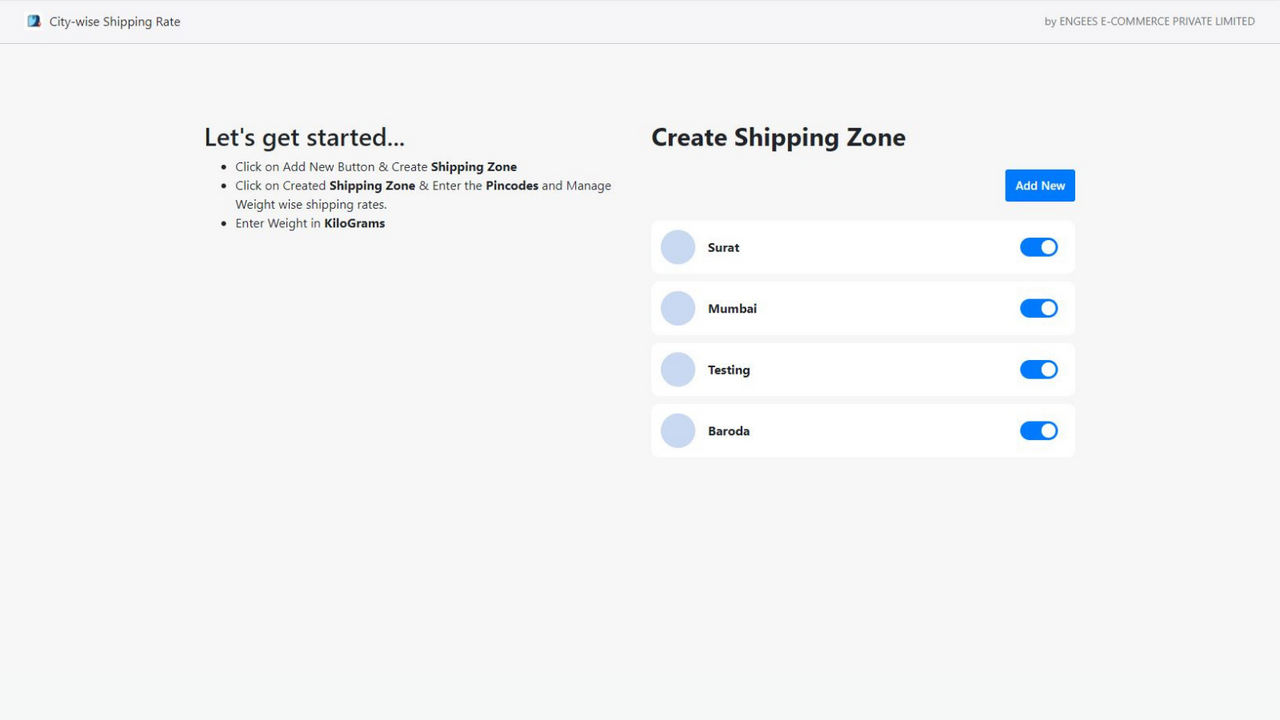
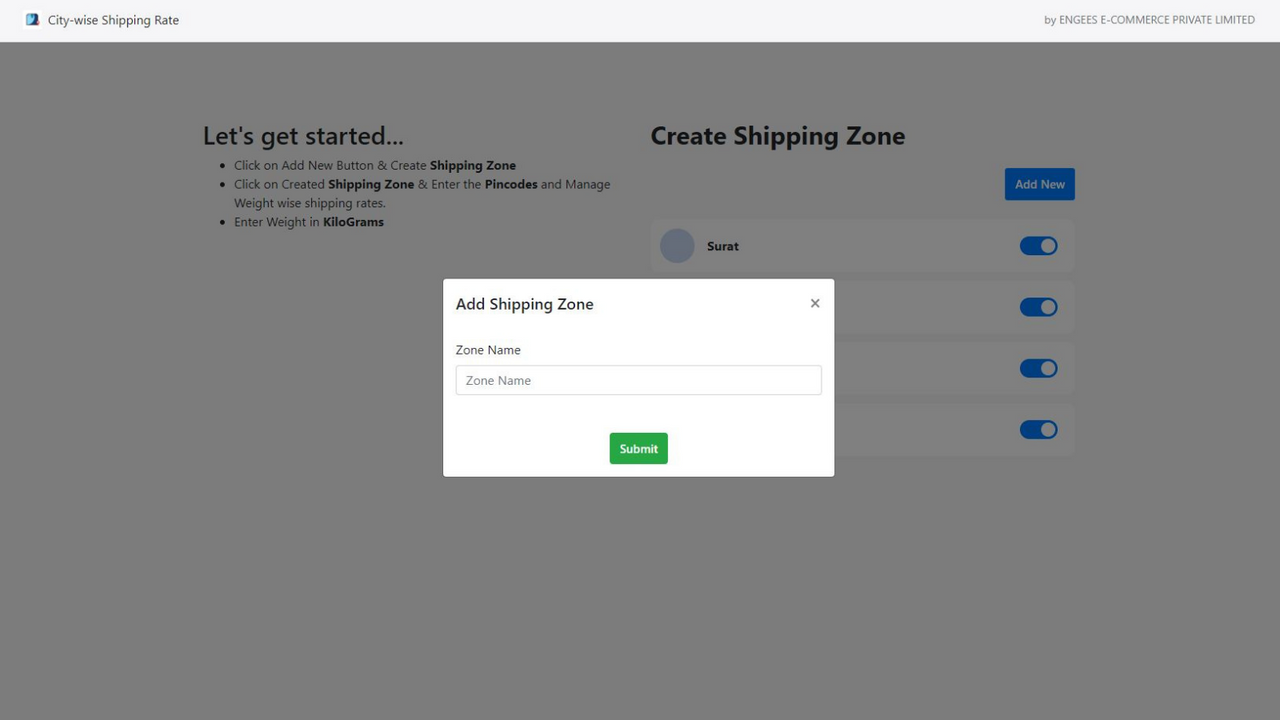
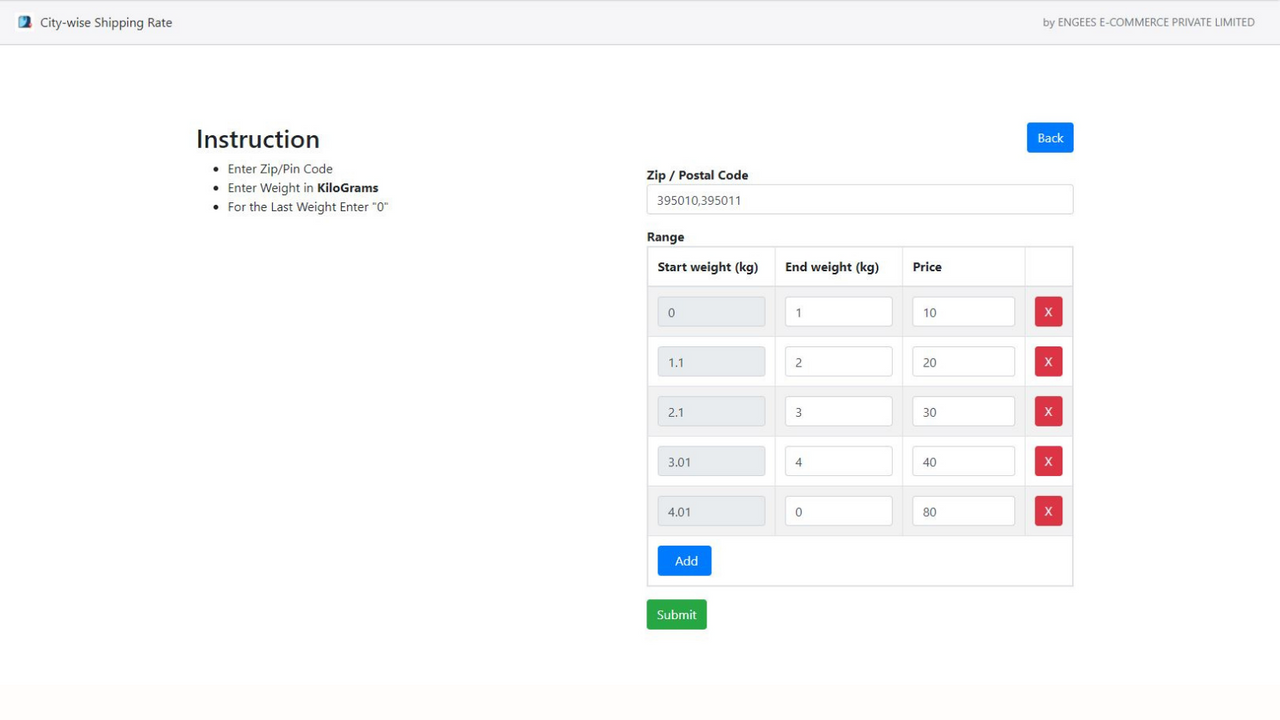
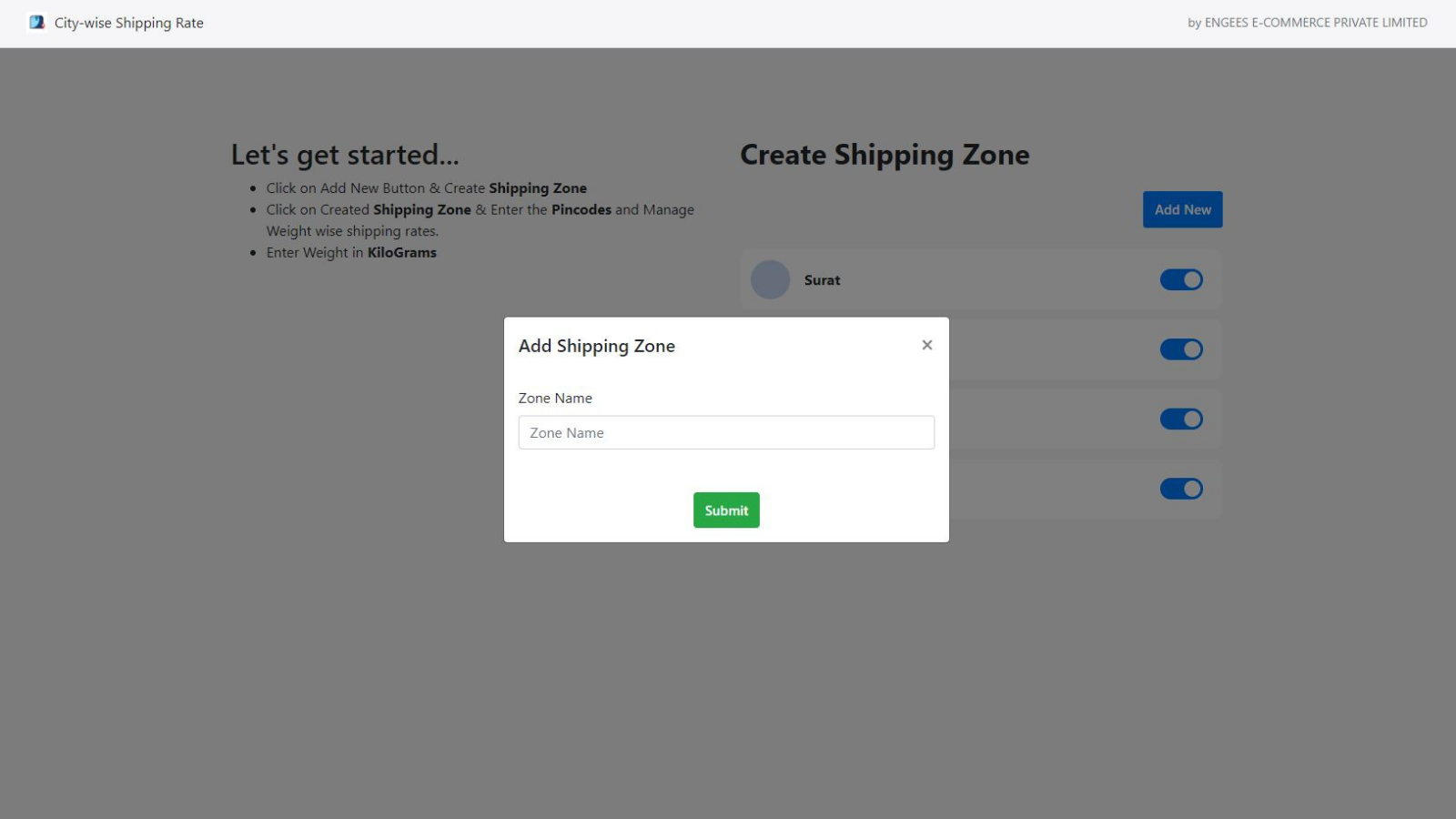
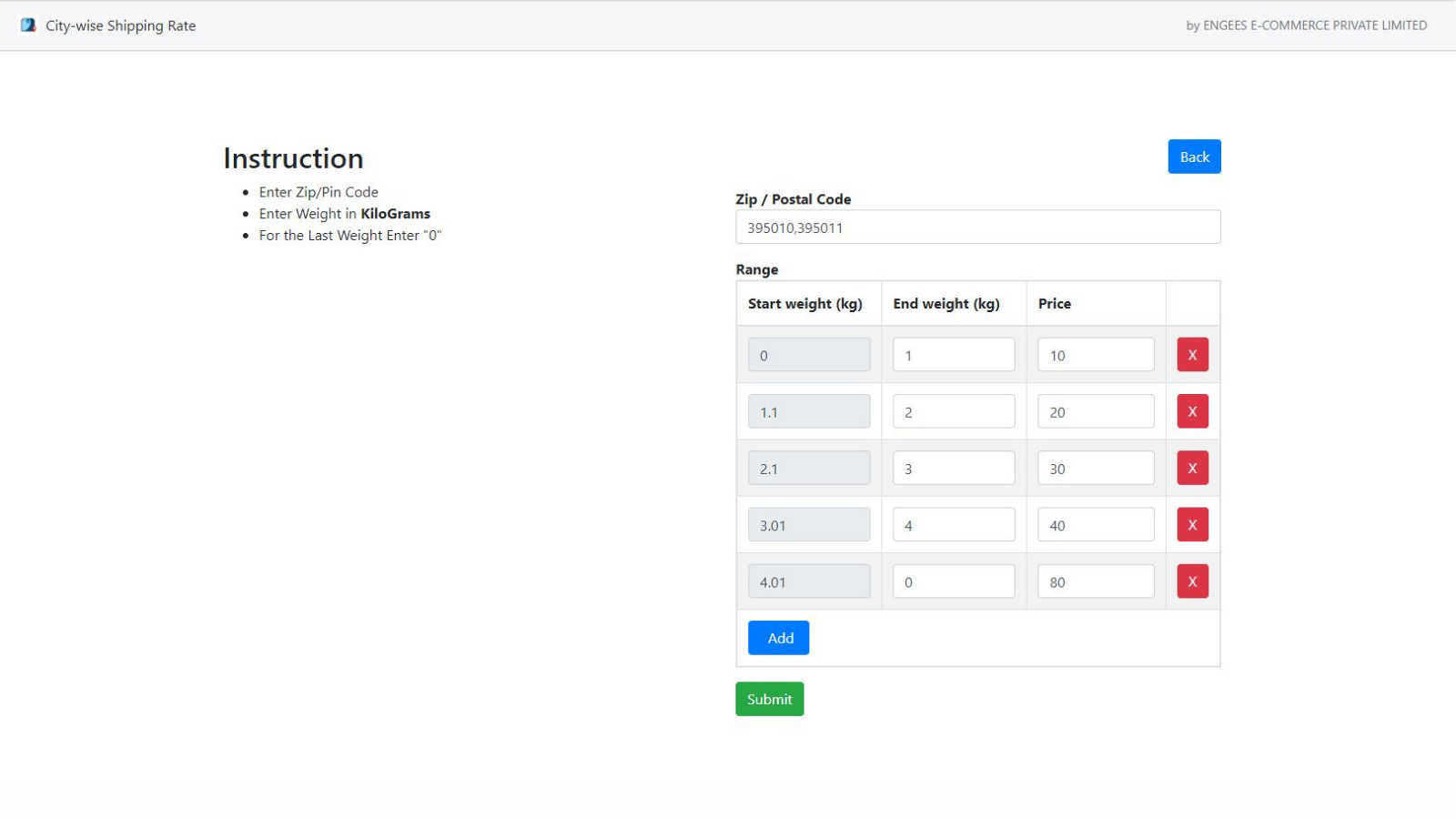
City-wise Shipping Rate allows you to manage shipping rates. This app is only available for Shopify Advanced or Plus plans. With City-wise Shipping Rate, you can manage shipping rates and handle the options customers see at checkout. You can use City-wise Shipping Rates to define weight-based rates for selected postal codes. # How It Works 1. Click the Add New button and create a shipping zone by entering the name of the shipping area. 2. Enter postal codes and manage weight-based shipping rates. 3. Enter the weight in kilograms and click Save.
Core Functionality
- Design custom shipping rates based on city, weight, or zip code
- No additional fees within the state
- Our dedicated support team is here to assist you anytime
Merchant-Friendly
- Cross-border E-commerce Merchants
- Regional Distribution Merchants
- Weight-sensitive Merchants
- Multi-warehouse Merchants
Basic Information
- Developer:ENGEES E-COMMERCE PRIVATE LIMITED
- Address:SURAT, GJ, IN
- Price: Free / Free plan
- Rating:0 / 5
- Comment Count:0 comment
- Release Date:2022-2-15
- Supported languages:English
- Compatible products:Shopify
Application Screenshot


Price Plan
一次性收费
$5
User Location & Comments
User Location
Comments
Shopify API Used
- POST /admin/api/carrier_services.json
- PUT /admin/api/carrier_services/{id}.json
- GET /admin/api/carrier_services.json
Permission:write_shipping,read_shipping,manage_shipping
- POST /admin/api/shipping_zones.json
- PUT /admin/api/shipping_zones/{id}.json
- GET /admin/api/shipping_zones.json
Permission:write_shipping,read_shipping,manage_shipping_zones
- POST /admin/api/shipping_rates.json
- PUT /admin/api/shipping_rates/{id}.json
- DELETE /admin/api/shipping_rates/{id}.json
Permission:write_shipping,read_shipping,manage_shipping_rules