App Introduction
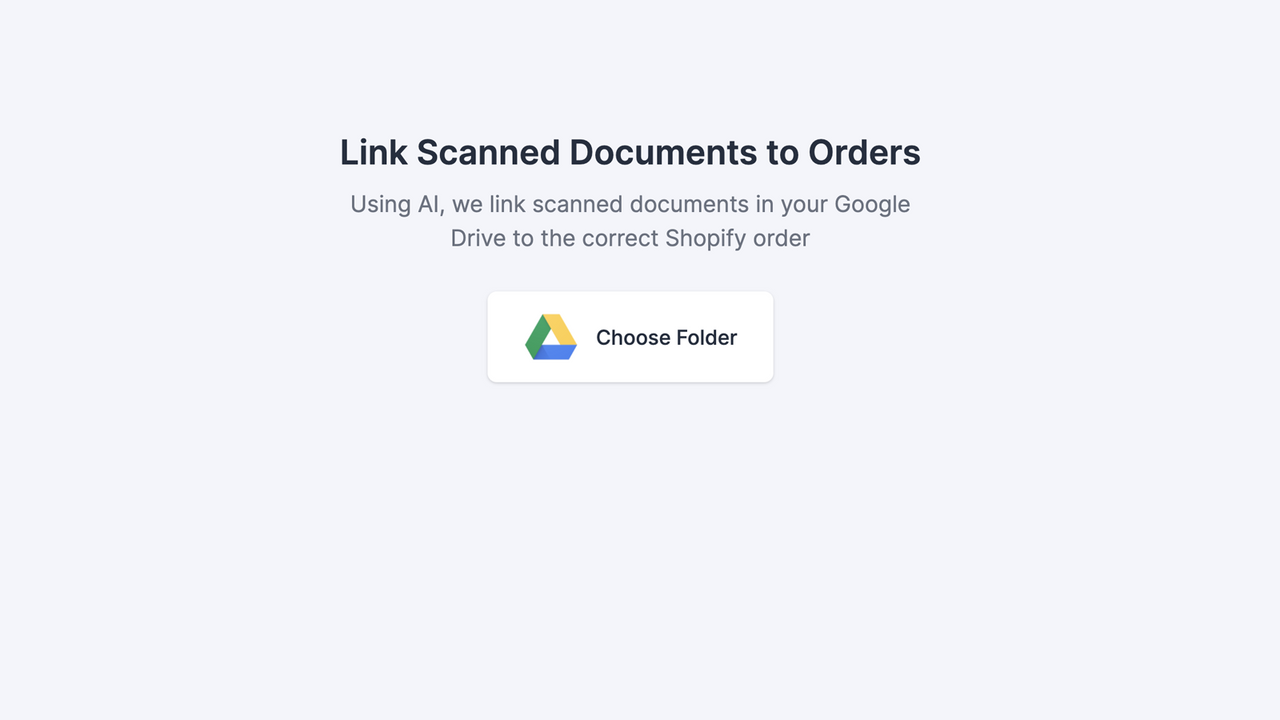
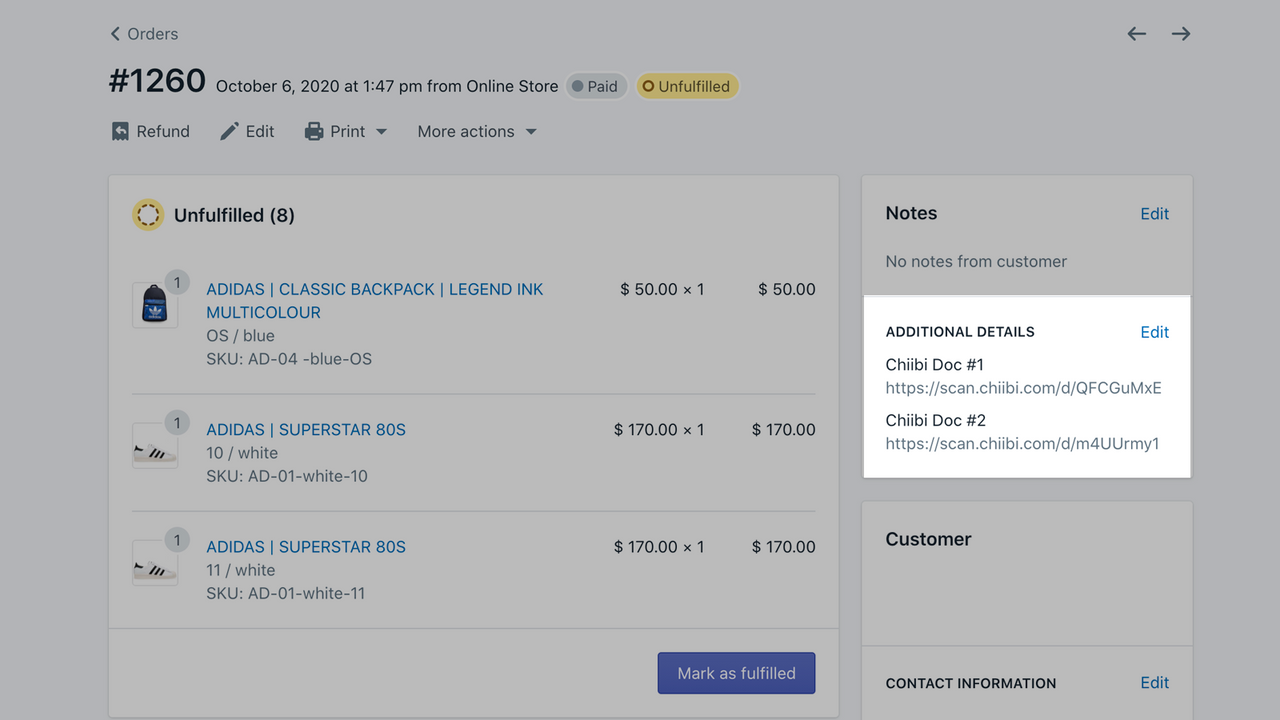
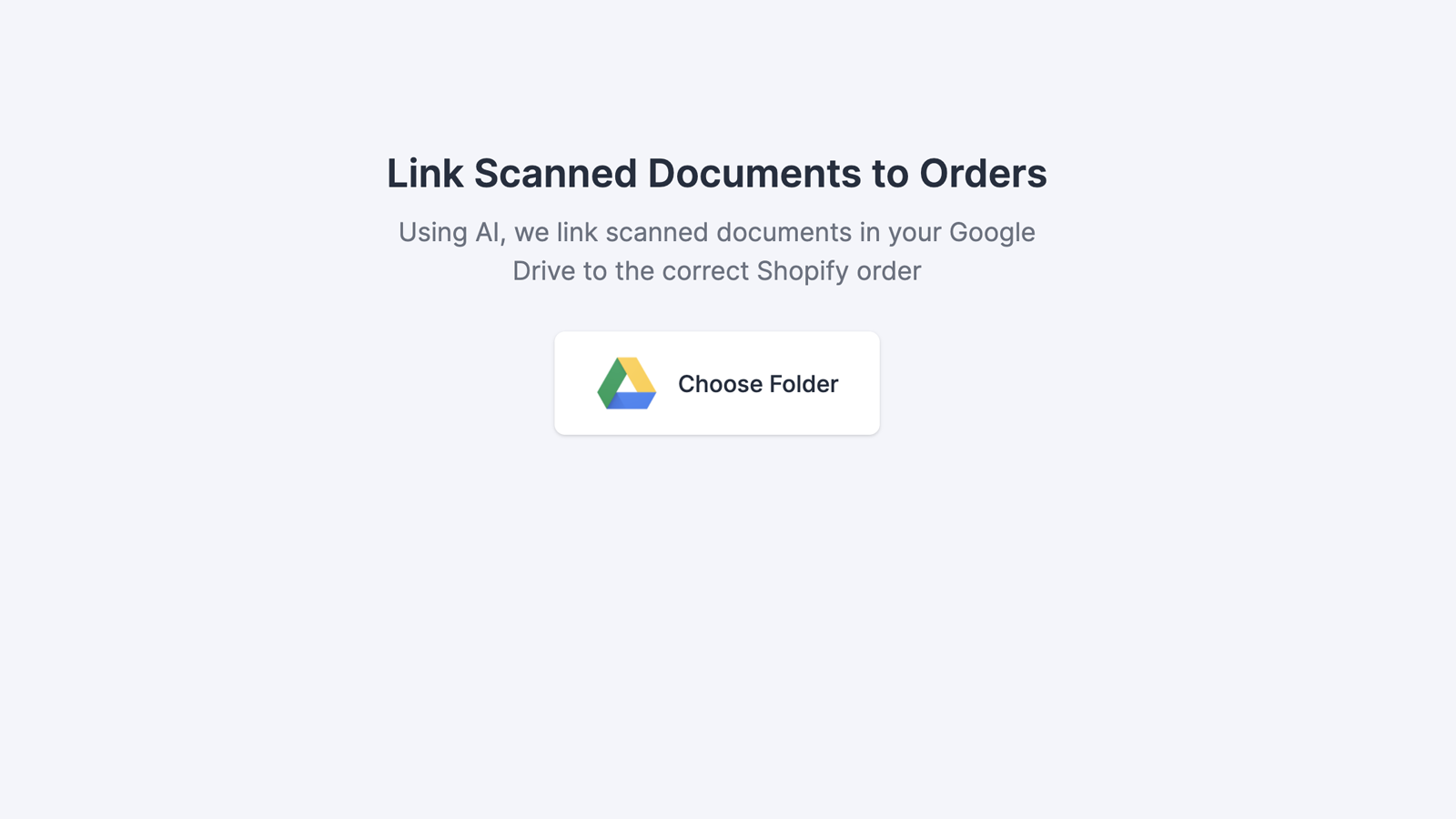
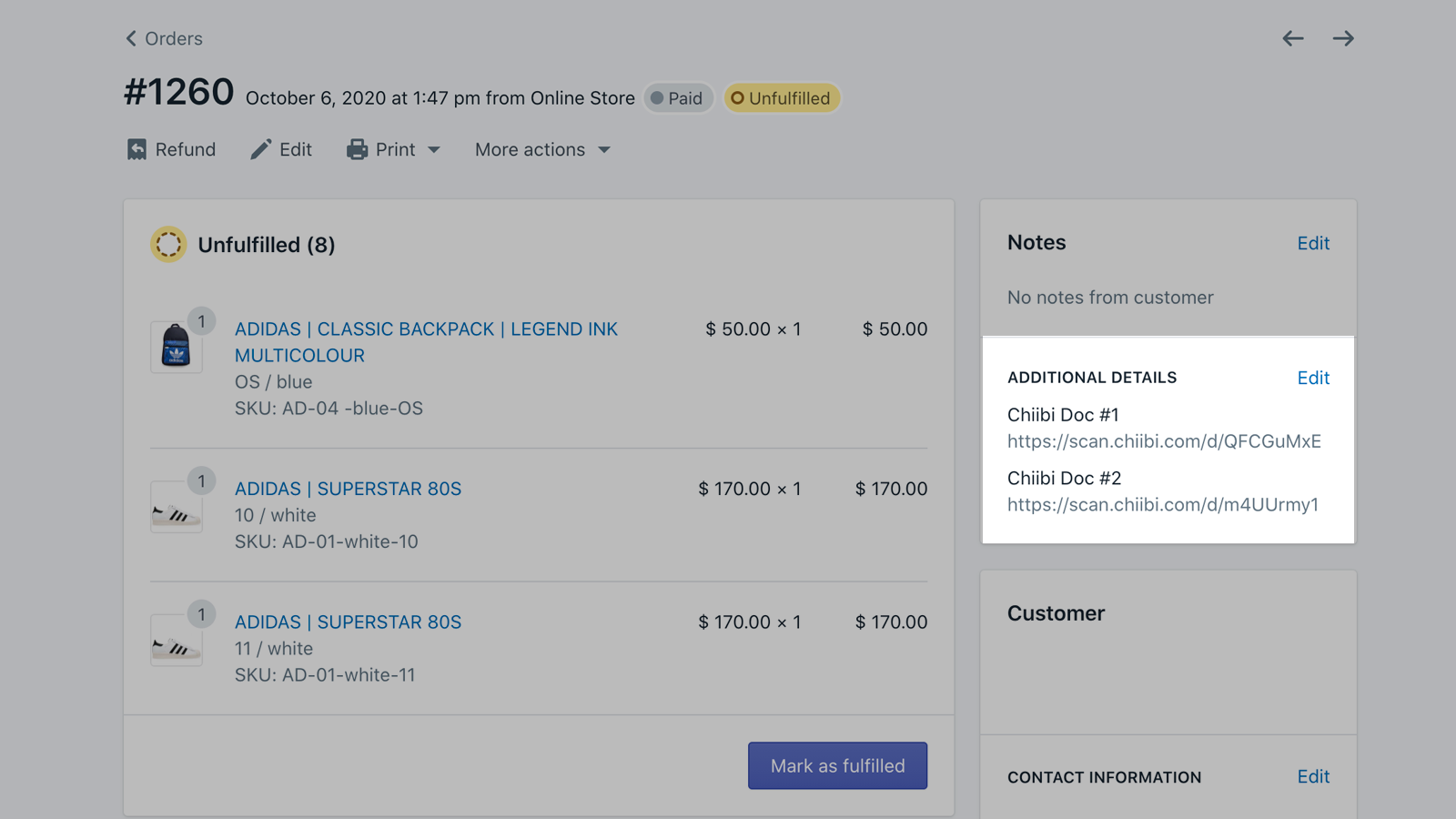
Batch archive collected documents, customer signatures, and more. Our app automatically matches scanned files to the correct orders in your Shopify admin. Simply upload scanned files to the designated Google Drive folder, and the app will match each file. No manual order number searches or file linking required. You can easily batch archive collected documents, customer signatures, and more—while keeping your order management organized and easy to navigate. Try it now to streamline your file archiving process.
Core Functionality
- Easily batch archive collected documents, customer signatures, and more.
- Use Google Drive folders.
- Choose to upload or directly scan to a folder.
- Use AI to read order numbers from scanned files.
- Quickly and easily retrieve archived files.
Merchant-Friendly
- Traditional Retail转型Merchants
- B2B Wholesale Merchants
- Cross-border E-commerce Merchants
- Offline Experience Store Merchants
Basic Information
- Developer:Linkcious
- Address:Geylang East Ave 1, Singapore, 380132, SG
- Price: Free / Free plan
- Rating:0 / 5
- Comment Count:0 comment
- Release Date:2020-11-10
- Supported languages:English
- Compatible products:Shopify
Application Screenshot




Price Plan
Free
User Location & Comments
User Location
Comments
Shopify API Used
- POST /admin/api/documents/batch_archive.json
- GET /admin/api/documents/archived.json
- PUT /admin/api/documents/{id}/archive.json
Permission:write_documents,read_documents,manage_orders
- POST /admin/api/documents/gdrive/connect.json
- PUT /admin/api/documents/gdrive/folder.json
- GET /admin/api/documents/gdrive/files.json
Permission:write_documents,read_documents,manage_external_services
- POST /admin/api/documents/scan/upload.json
- PUT /admin/api/documents/scan/process.json
- GET /admin/api/documents/scan/history.json
Permission:write_documents,read_documents,manage_media
- POST /admin/api/documents/ai/extract.json
- PUT /admin/api/documents/ai/verify.json
- GET /admin/api/documents/ai/results.json
Permission:write_documents,read_documents,use_ai_features
- GET /admin/api/documents/search.json
- POST /admin/api/documents/search/filter.json
- GET /admin/api/documents/{id}/details.json
Permission:read_documents,manage_orders,search_catalog