
App Introduction
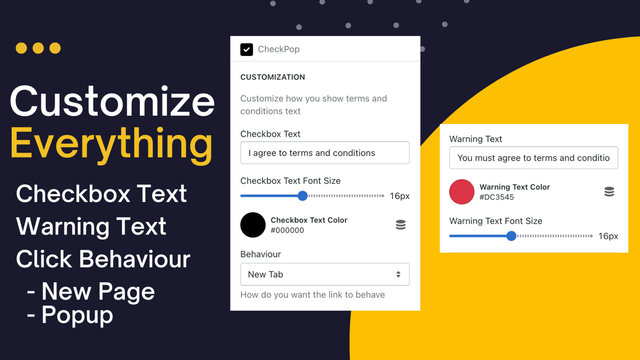
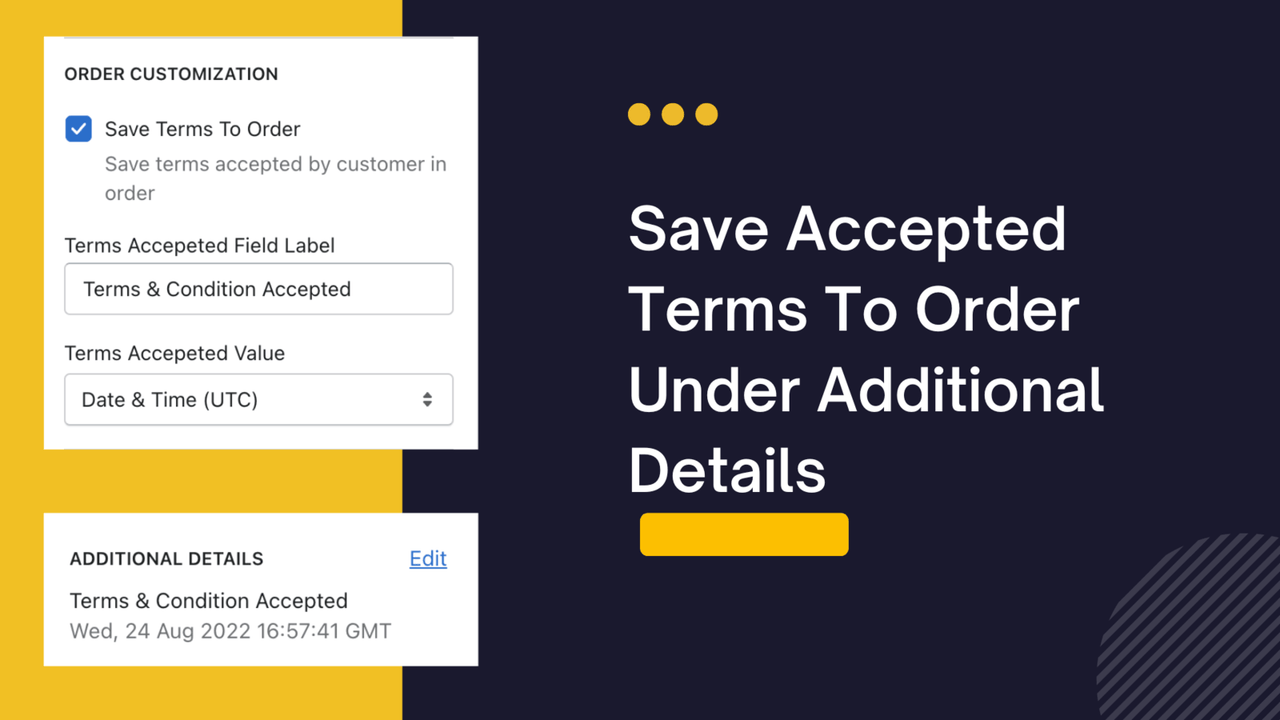
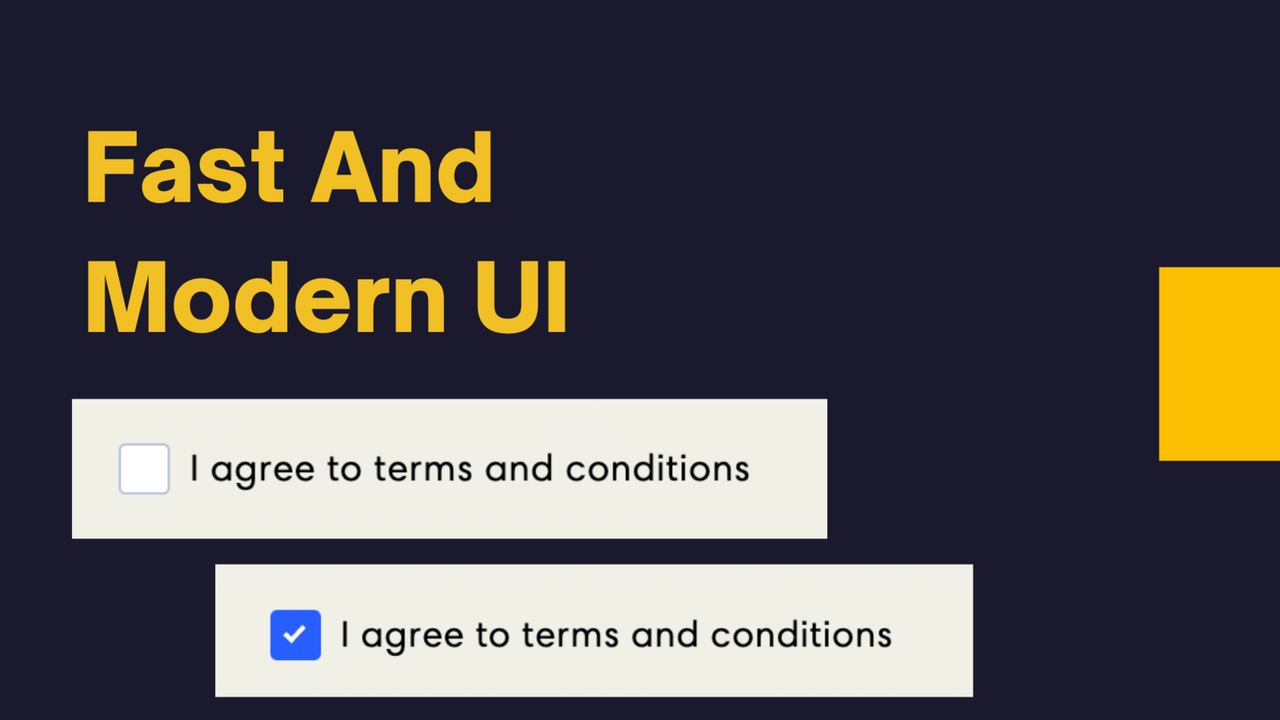
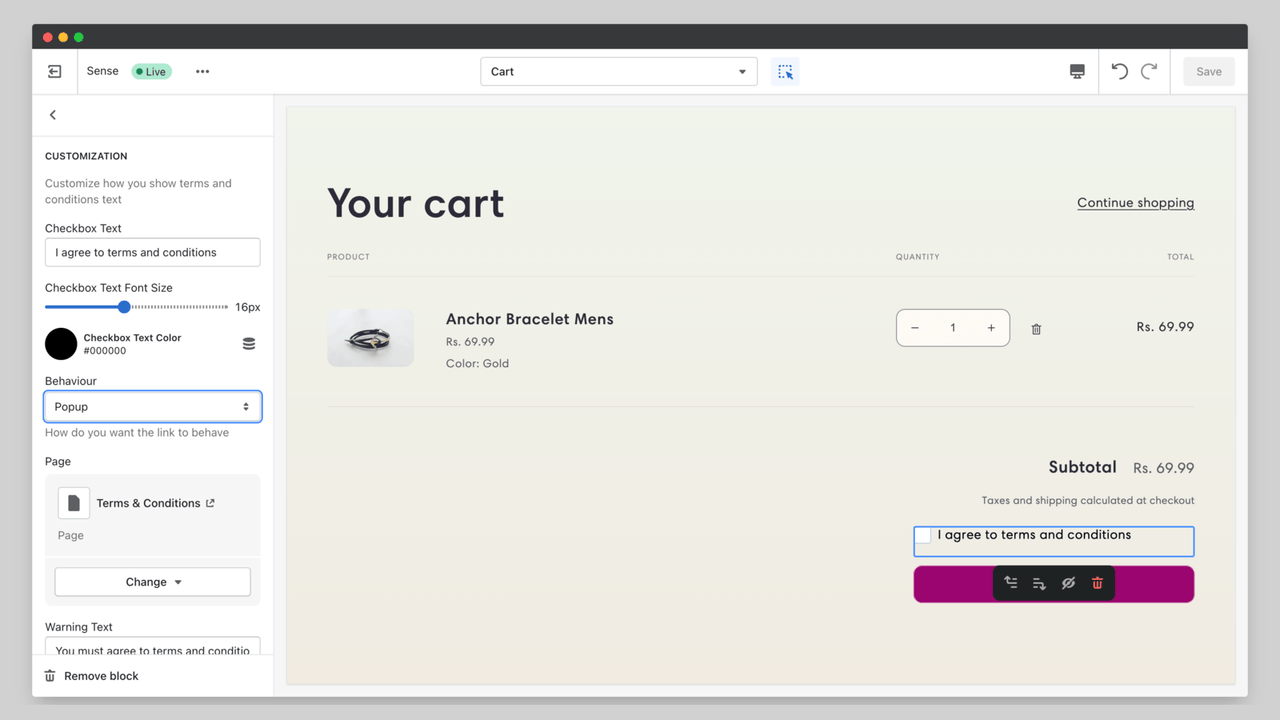
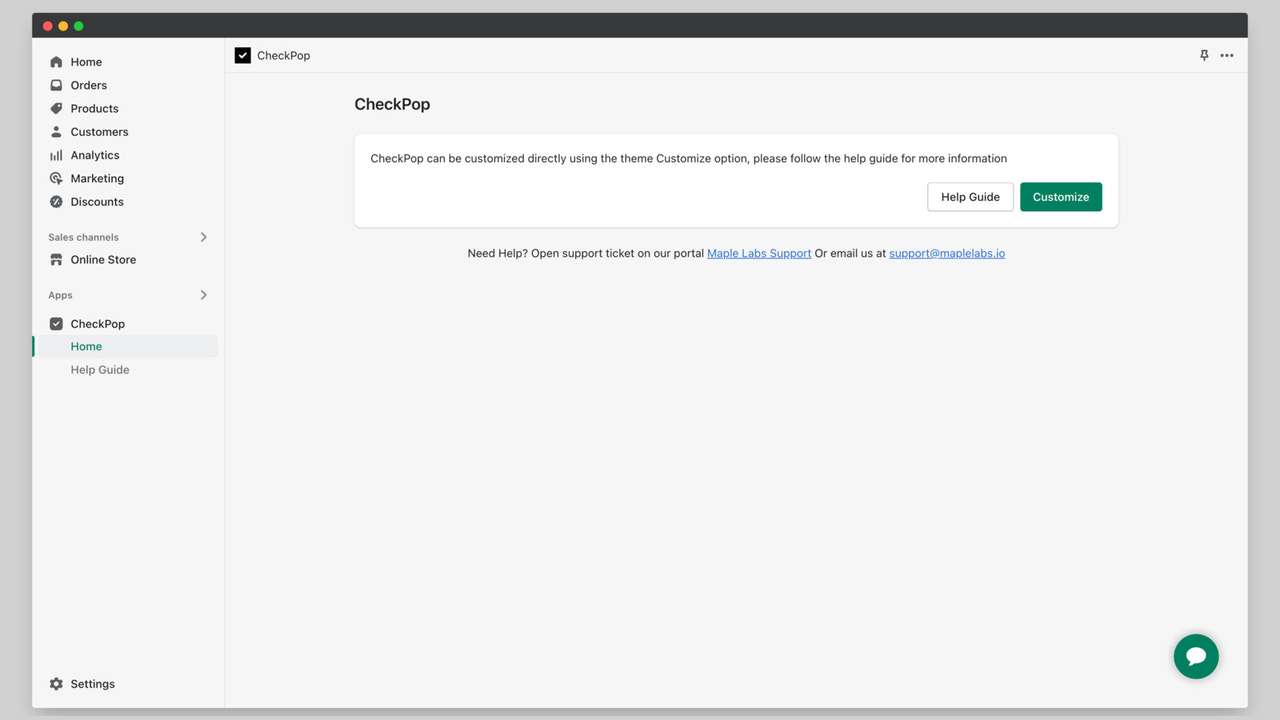
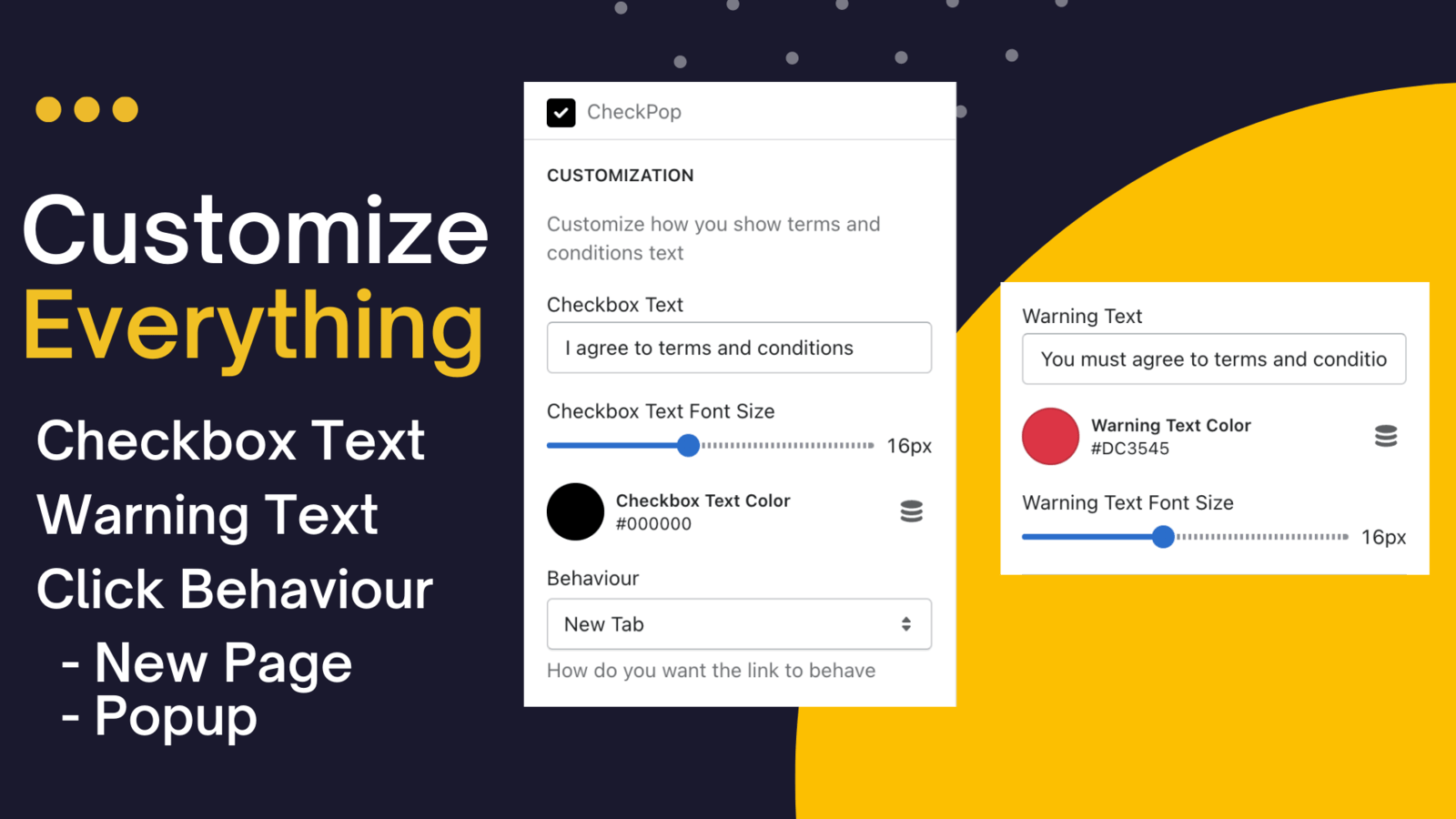
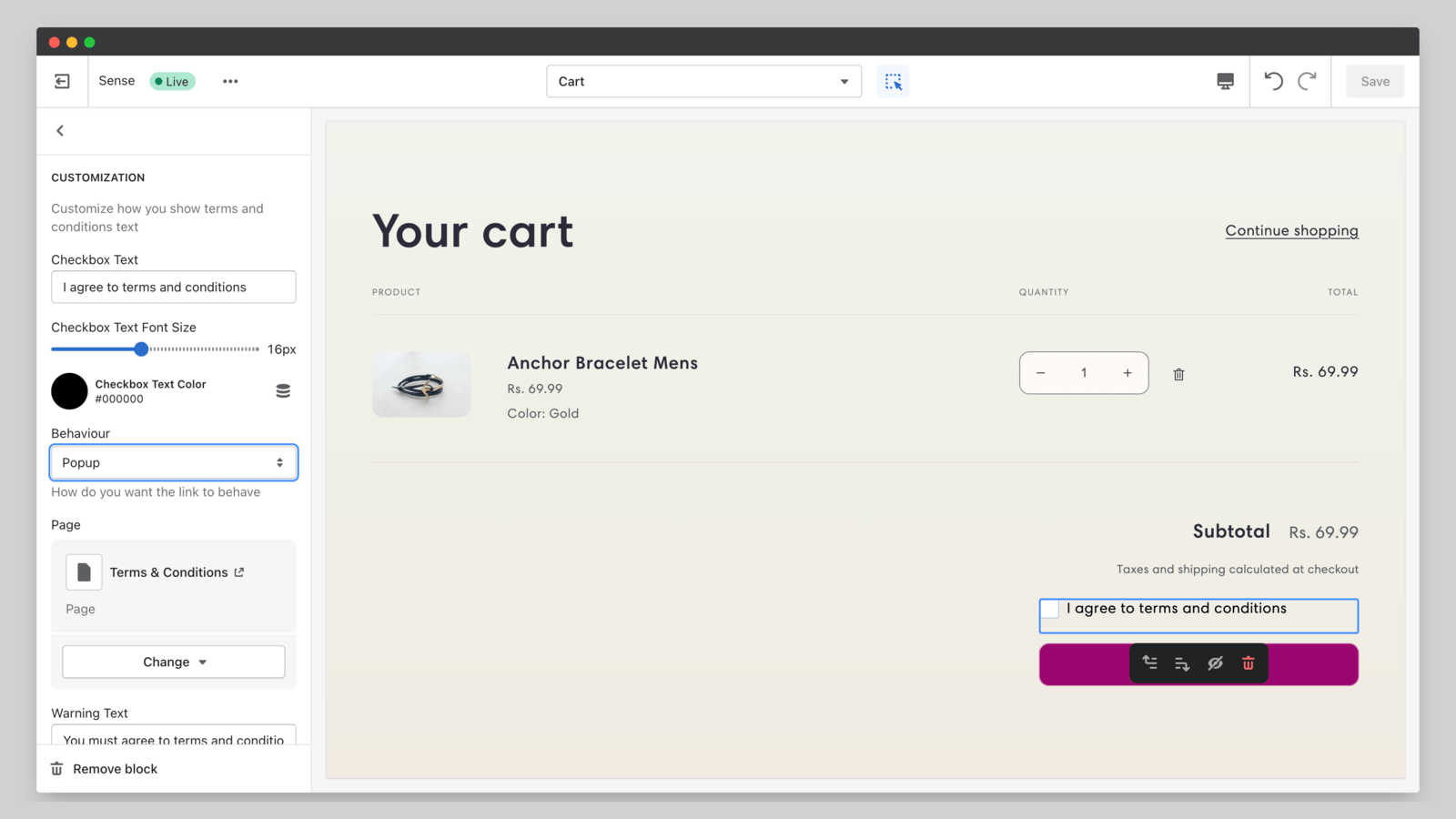
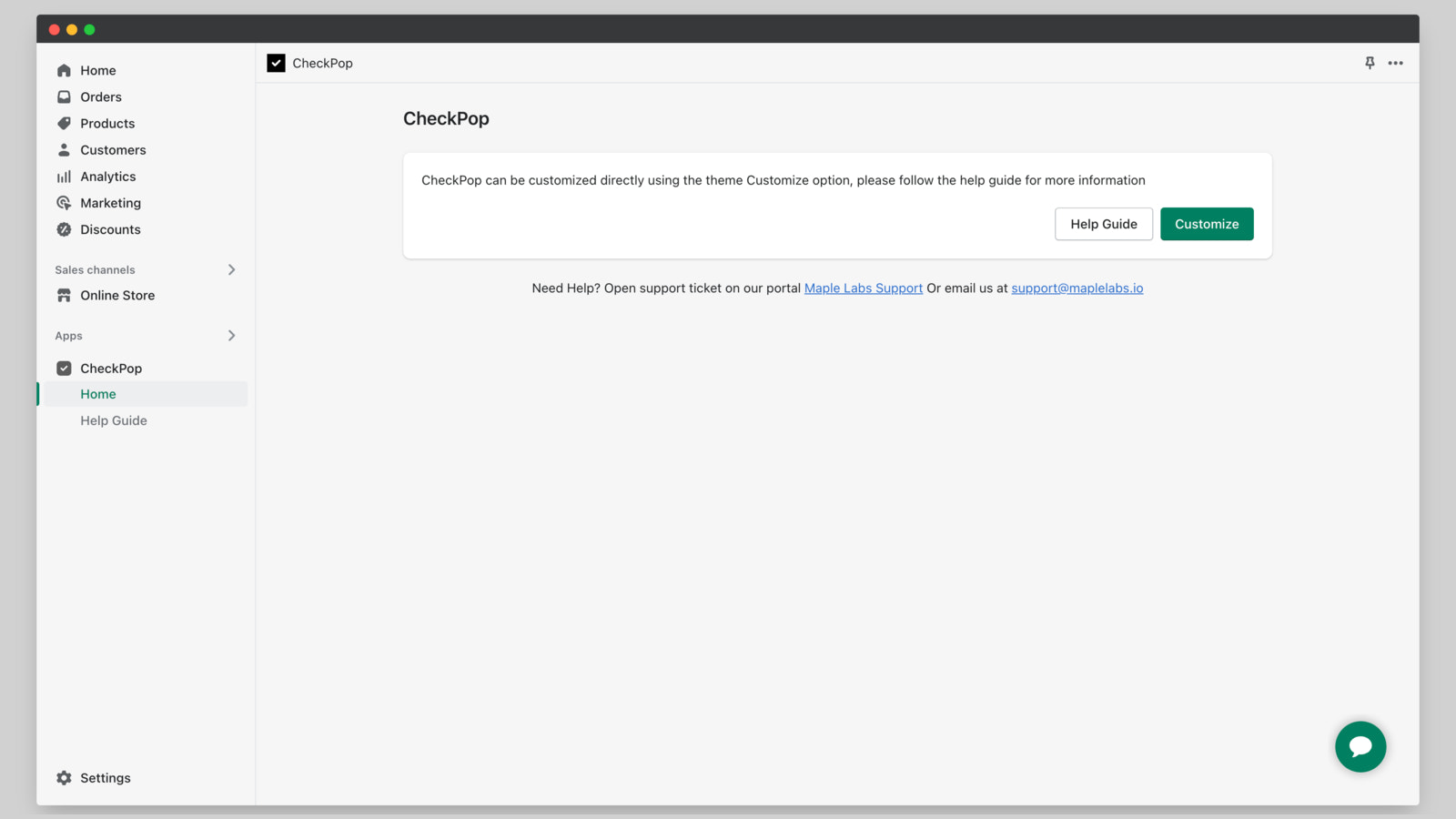
Display Terms & Conditions, Return & Refund Policy on the Cart Page to Reduce Refund Disputes You can view the date and time when customers accepted the terms. Customize how to display the terms or refund policy: show it in a new tab or a popup window. Simply install the app and configure it in the Theme Customizer. The app won’t modify your theme code—it uses the latest App Block feature.
Core Functionality
- No coding required: Store the time when terms are accepted on the order page
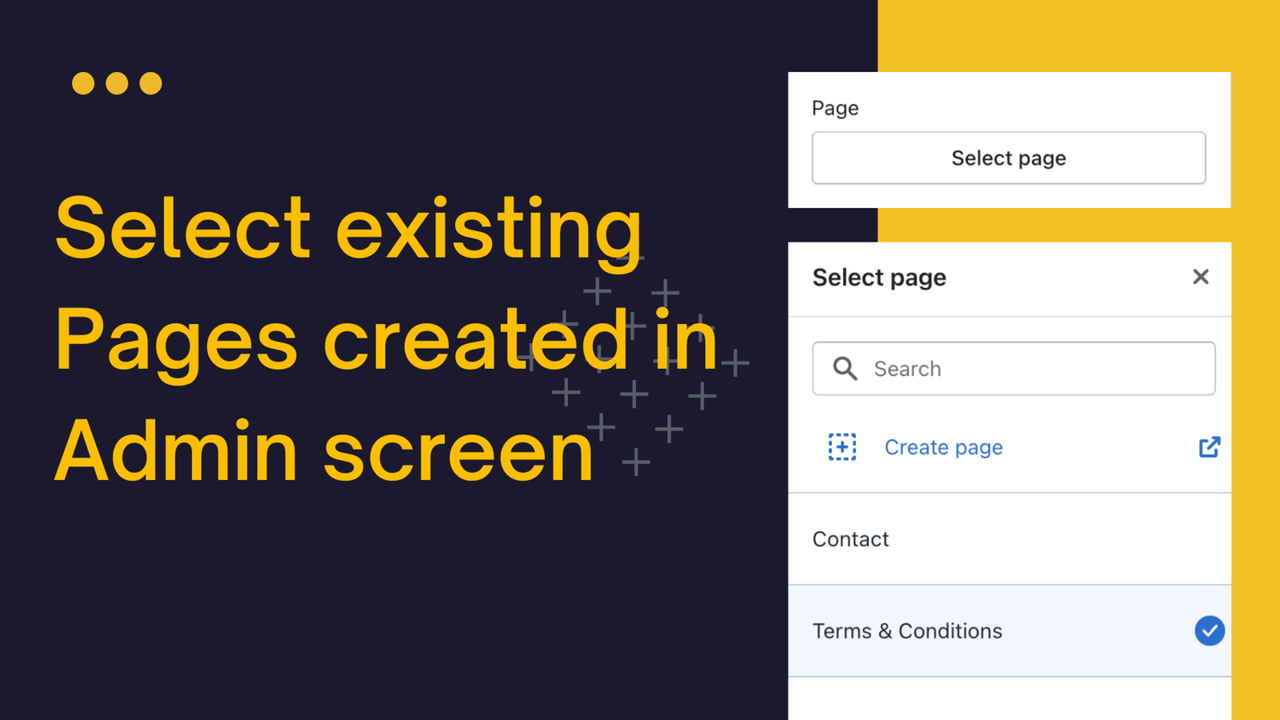
- Pop-up support: Use an existing page or create a new page to display in a pop-up window
- Customization: Easily customize behavior via the ultimate options in the app
- Side cart support: Works with both cart and side cart pages
Merchant-Friendly
- Independent Station Merchants
- Cross-border E-commerce
- Retail E-commerce
- Brand E-commerce
Basic Information
- Developer:Jova
- Address:Pune, MH, IN
- Price: Free / Free plan
- Rating:5 / 5
- Comment Count:3 comment
- Release Date:2022-8-30
- Supported languages:English
- Compatible products:Shopify
Application Screenshot






Price Plan
Development Store
免费
- Shopify Development Store Free
- Includes All Features
Premium
$1.99
- 适用于所有 Shopify 计划
- 包含所有功能
User Location & Comments
User Location
Comments
Shopify API Used
- POST /admin/api/orders/{order_id}/metafields.json
- GET /admin/api/orders/{order_id}/metafields.json
- PUT /admin/api/orders/{order_id}/metafields/{metafield_id}.json
Permission:write_orders,read_orders,manage_metafields
- POST /admin/api/pages.json
- GET /admin/api/pages.json
- PUT /admin/api/pages/{page_id}.json
Permission:write_pages,read_pages,manage_themes
- POST /admin/api/apps/{app_id}/settings.json
- GET /admin/api/apps/{app_id}/settings.json
- PUT /admin/api/apps/{app_id}/settings.json
Permission:write_apps,read_apps,manage_themes
- GET /admin/api/carts.json
- POST /admin/api/carts/{cart_id}/items.json
- PUT /admin/api/carts/{cart_id}/items/{item_id}.json
Permission:read_carts,write_carts,manage_themes