
Channable: Product Data Feeds
App Introduction
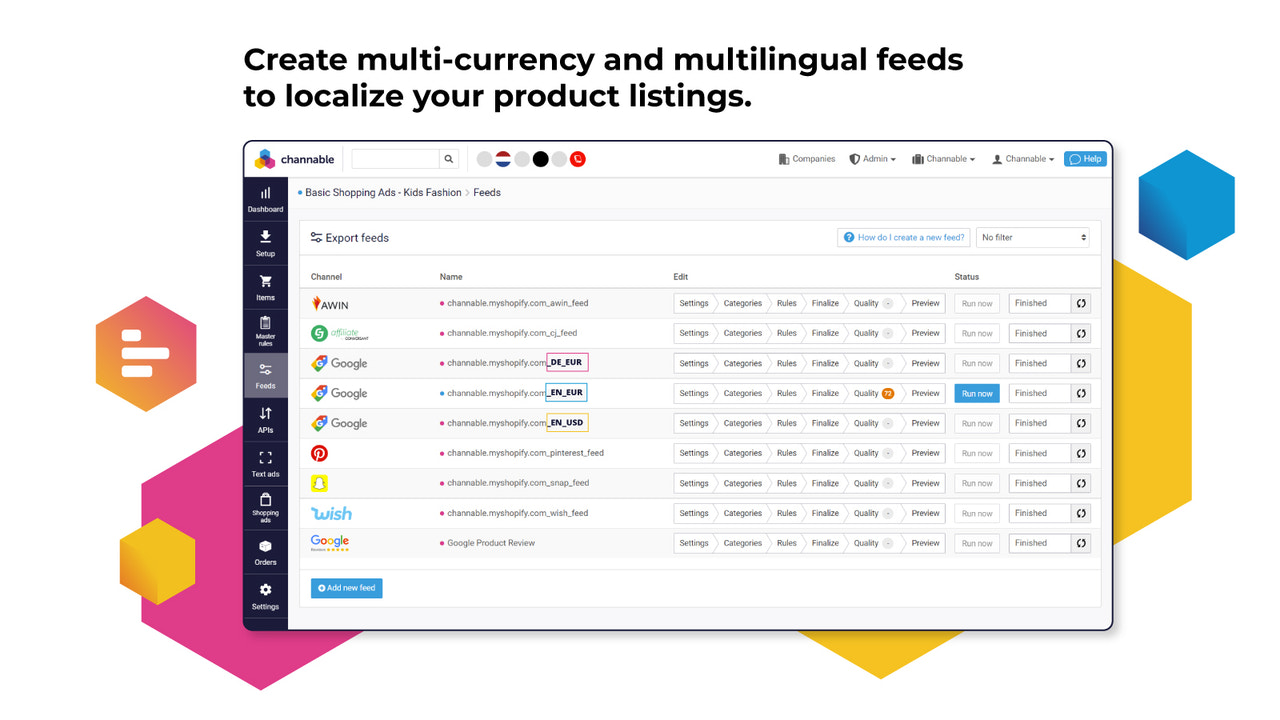
Seamlessly connect your store to marketplaces and other e-commerce channels from a single platform. Channable is a multi-channel e-commerce platform that accelerates e-commerce growth for brands, retailers, and agencies by simplifying cross-channel product data optimization, boosting multi-channel sales, and increasing conversion rates through targeted search and product ads. With Channable, every team member can collaborate to list, manage, and promote products across all channels—all from one platform.
Core Functionality
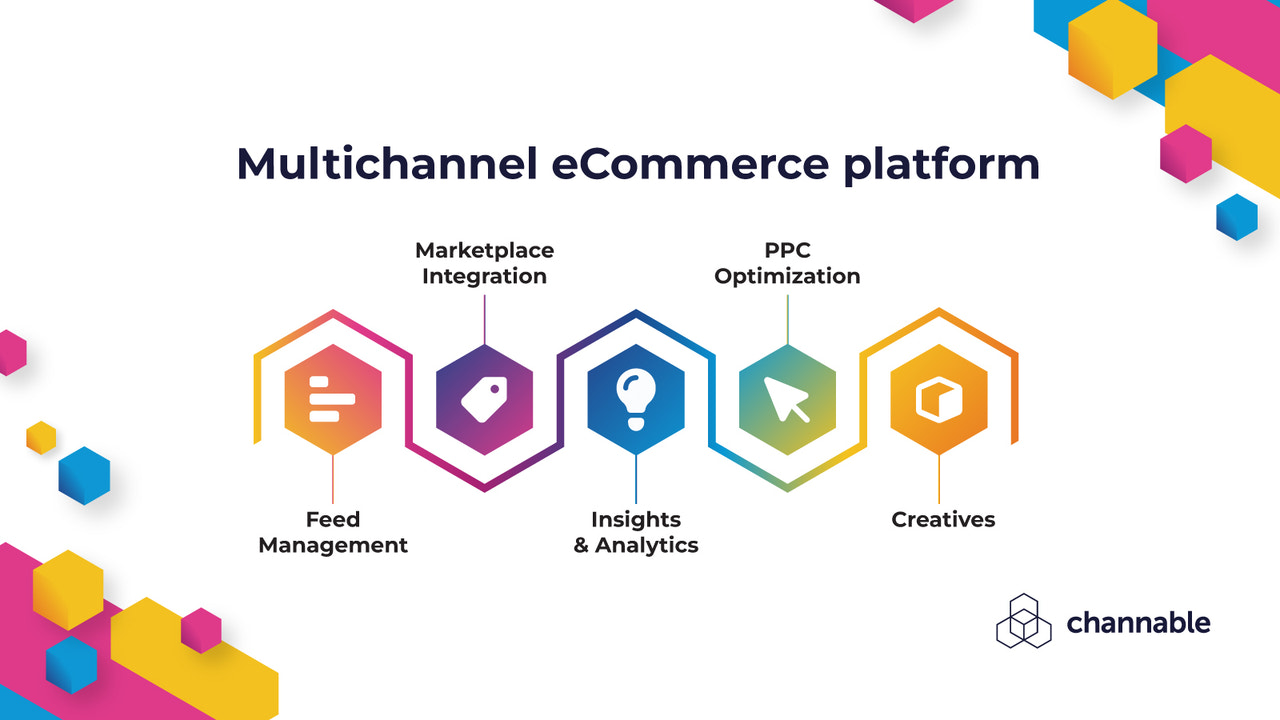
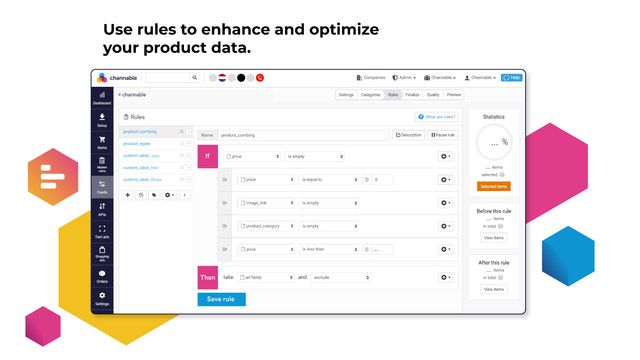
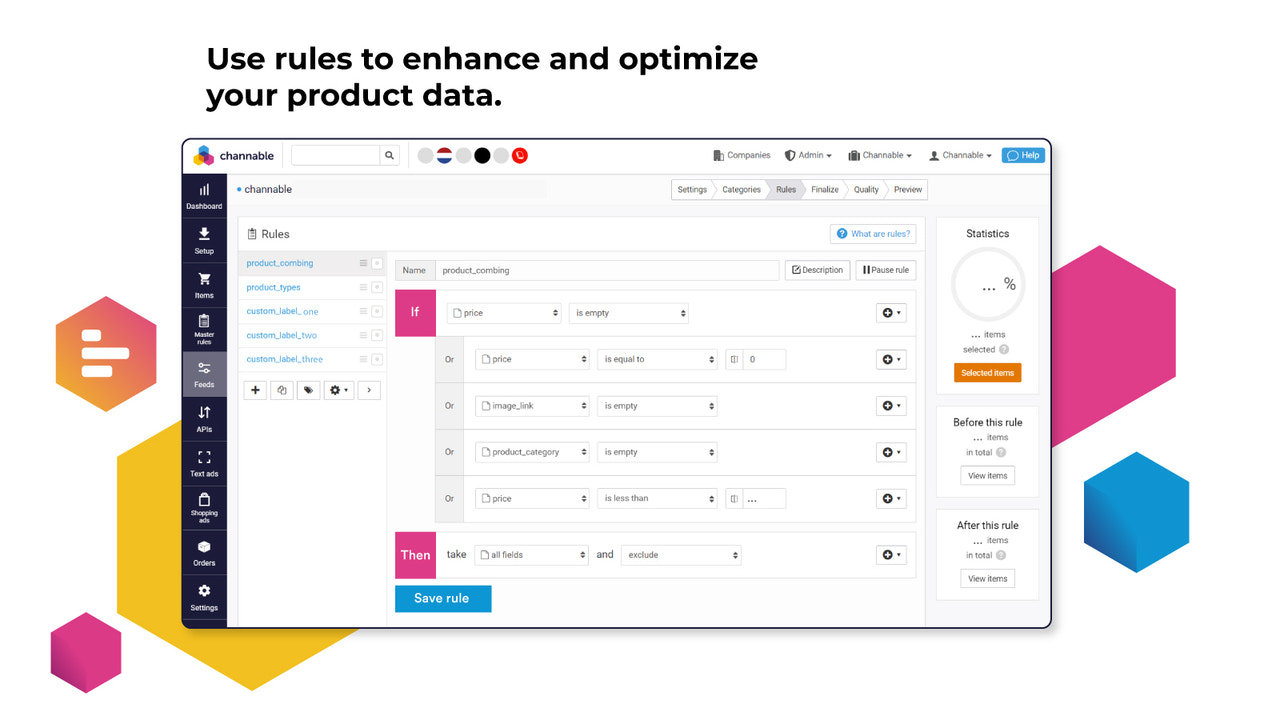
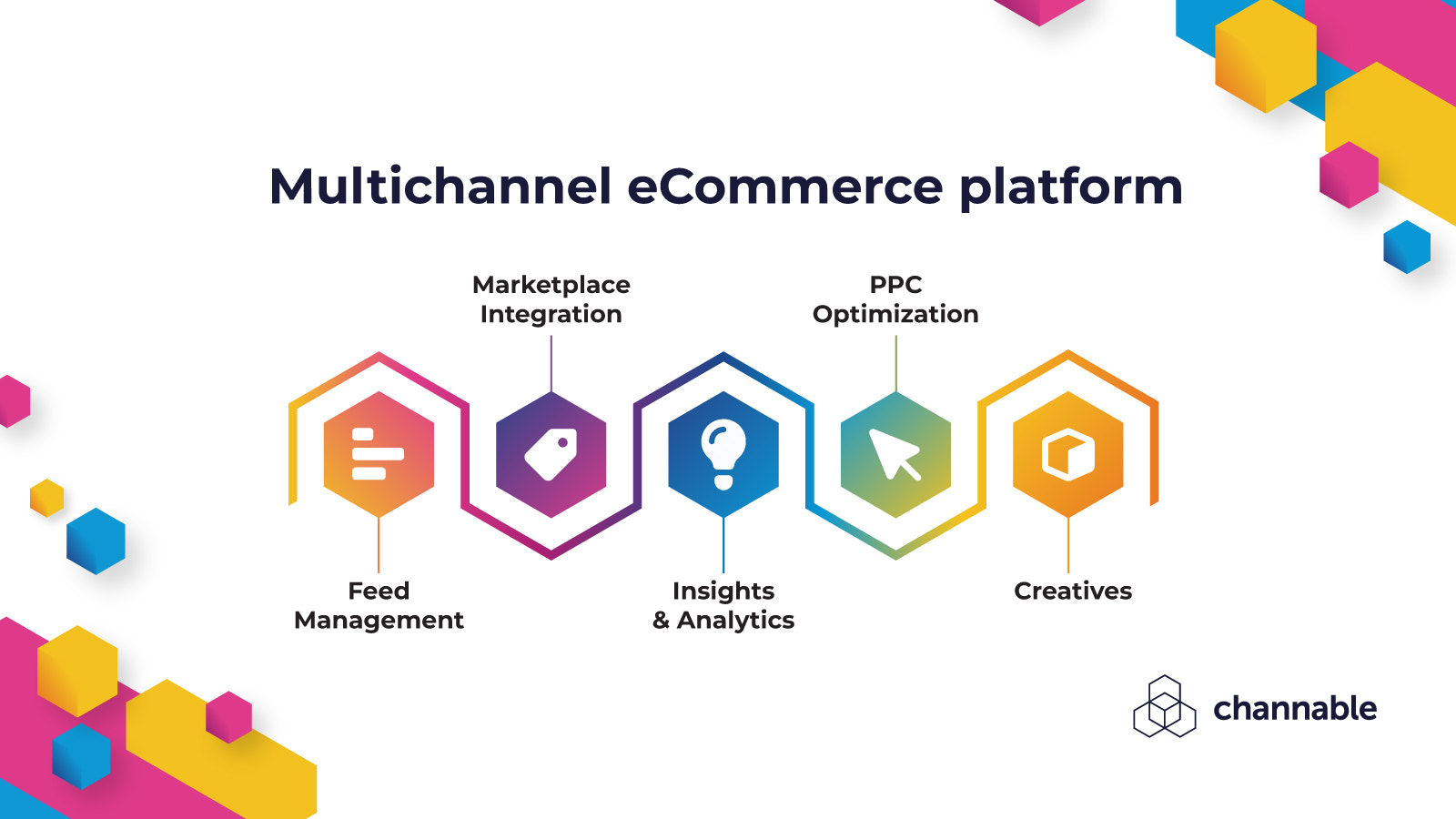
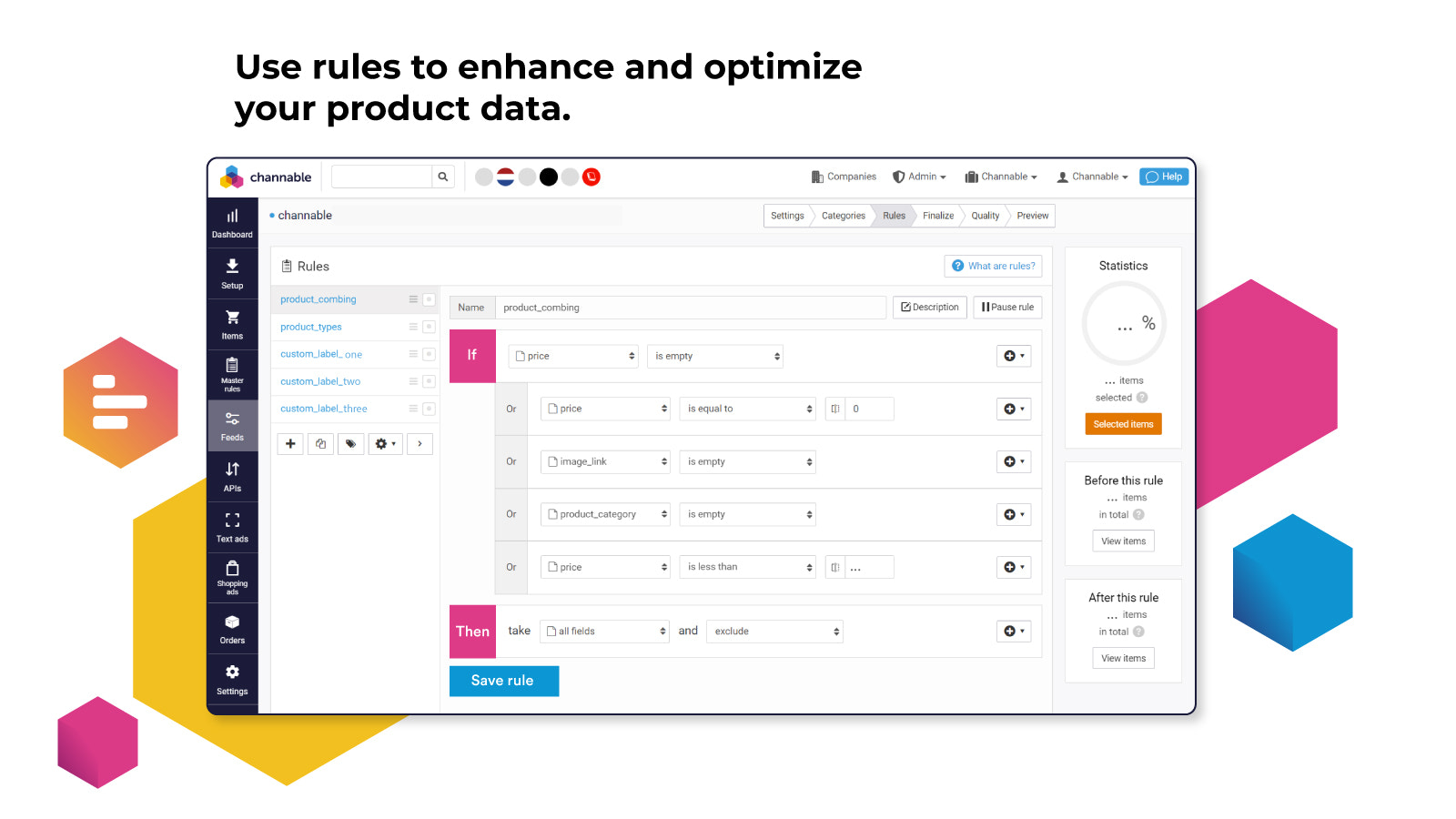
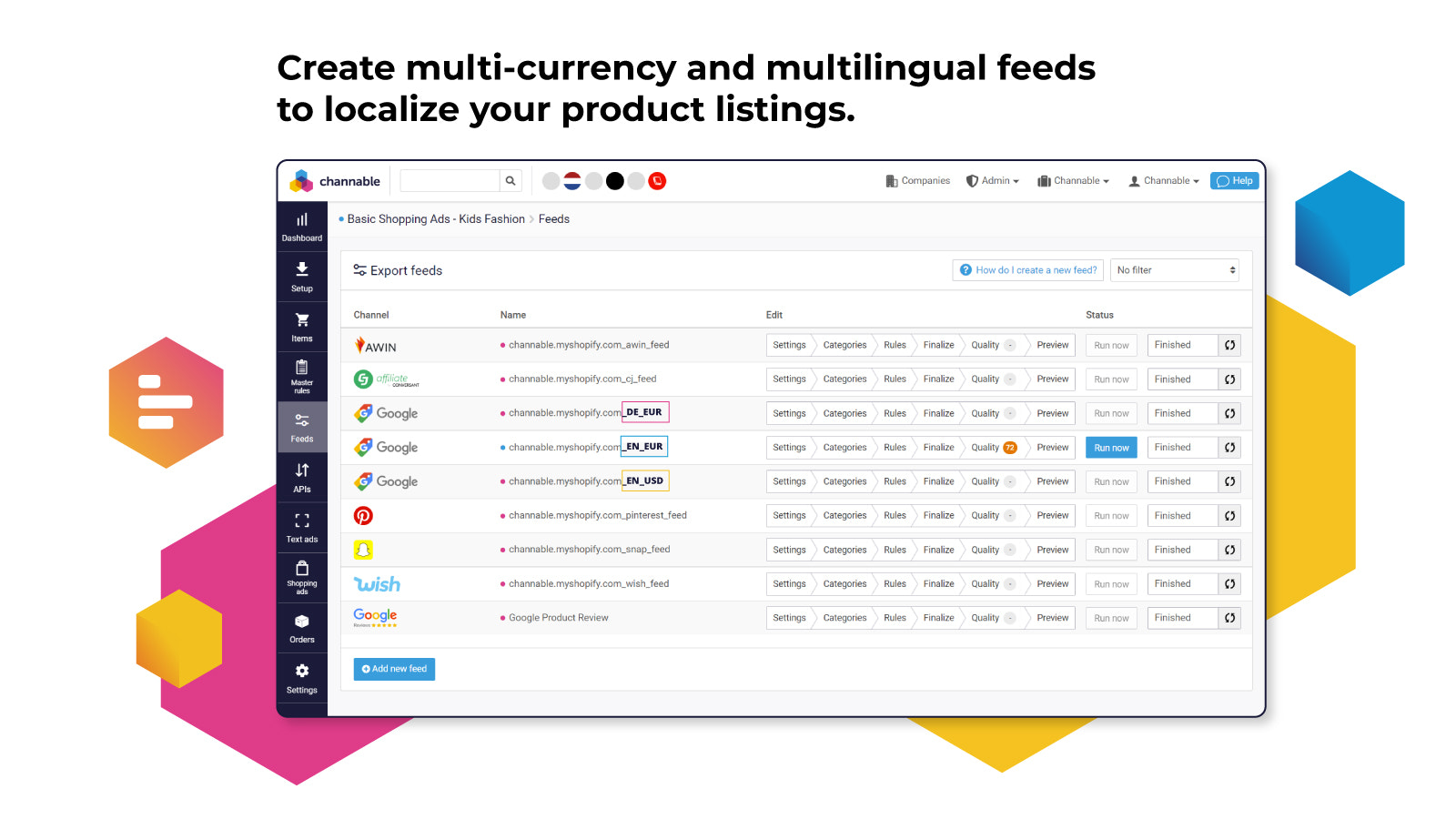
- Feed Management: Enhance and optimize your product data using rules
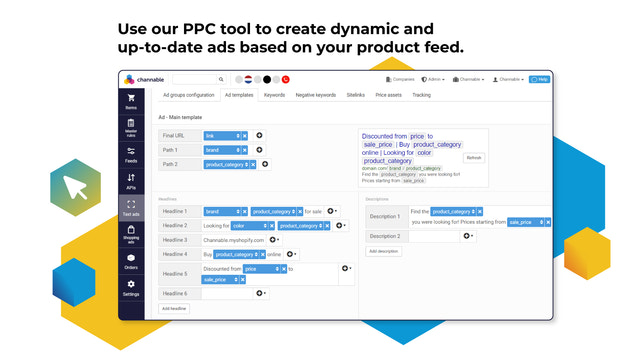
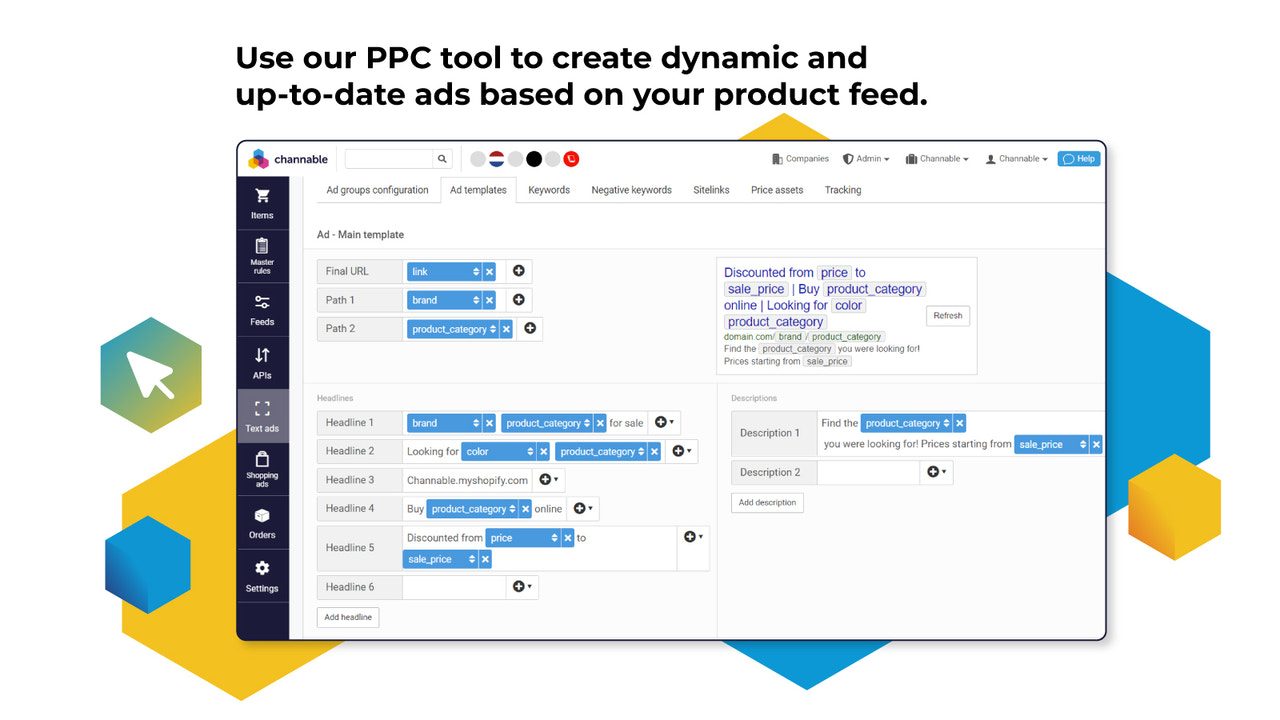
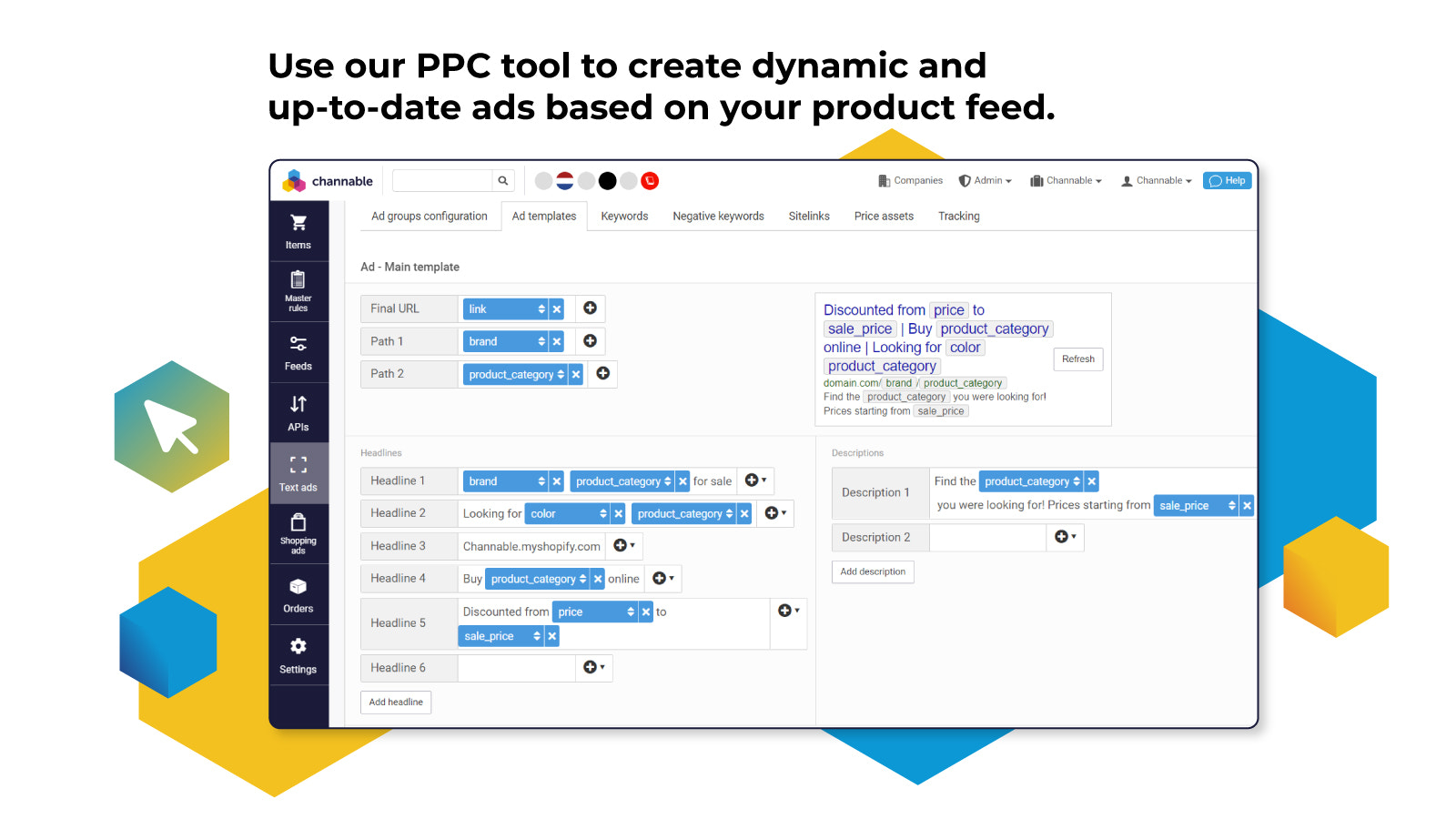
- PPC Optimization: Create dynamic ad campaigns based on your product feed
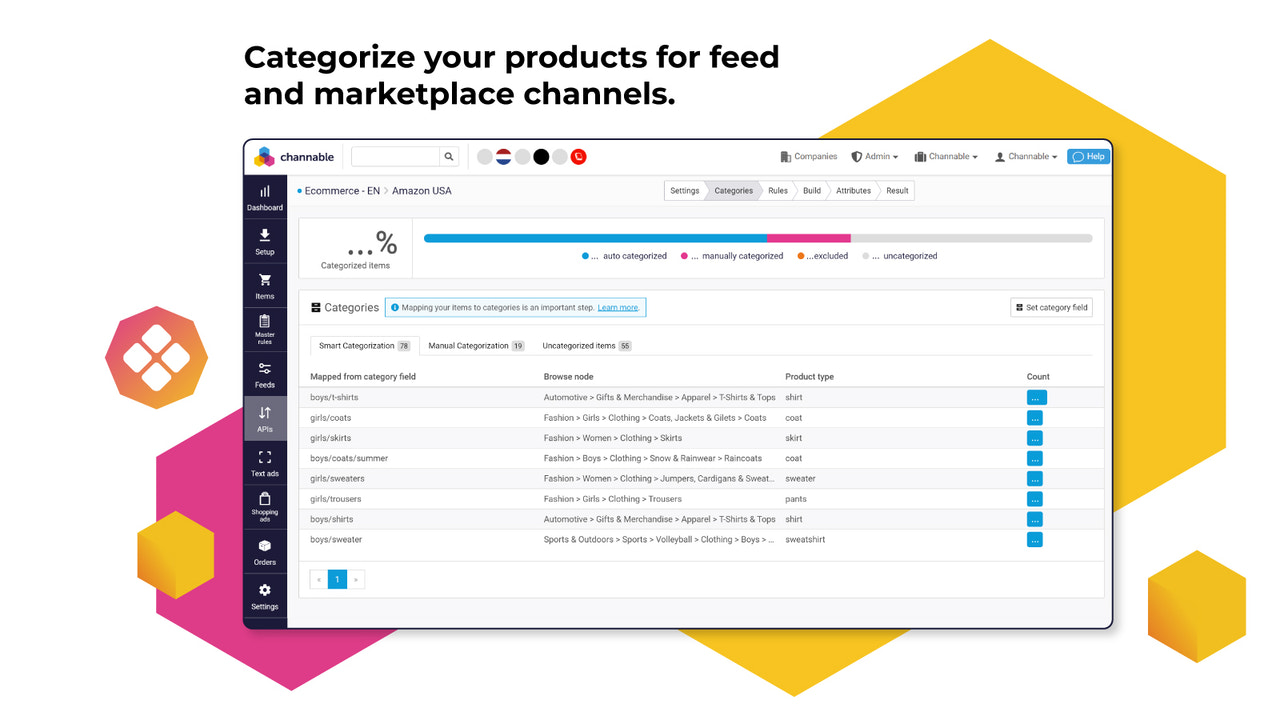
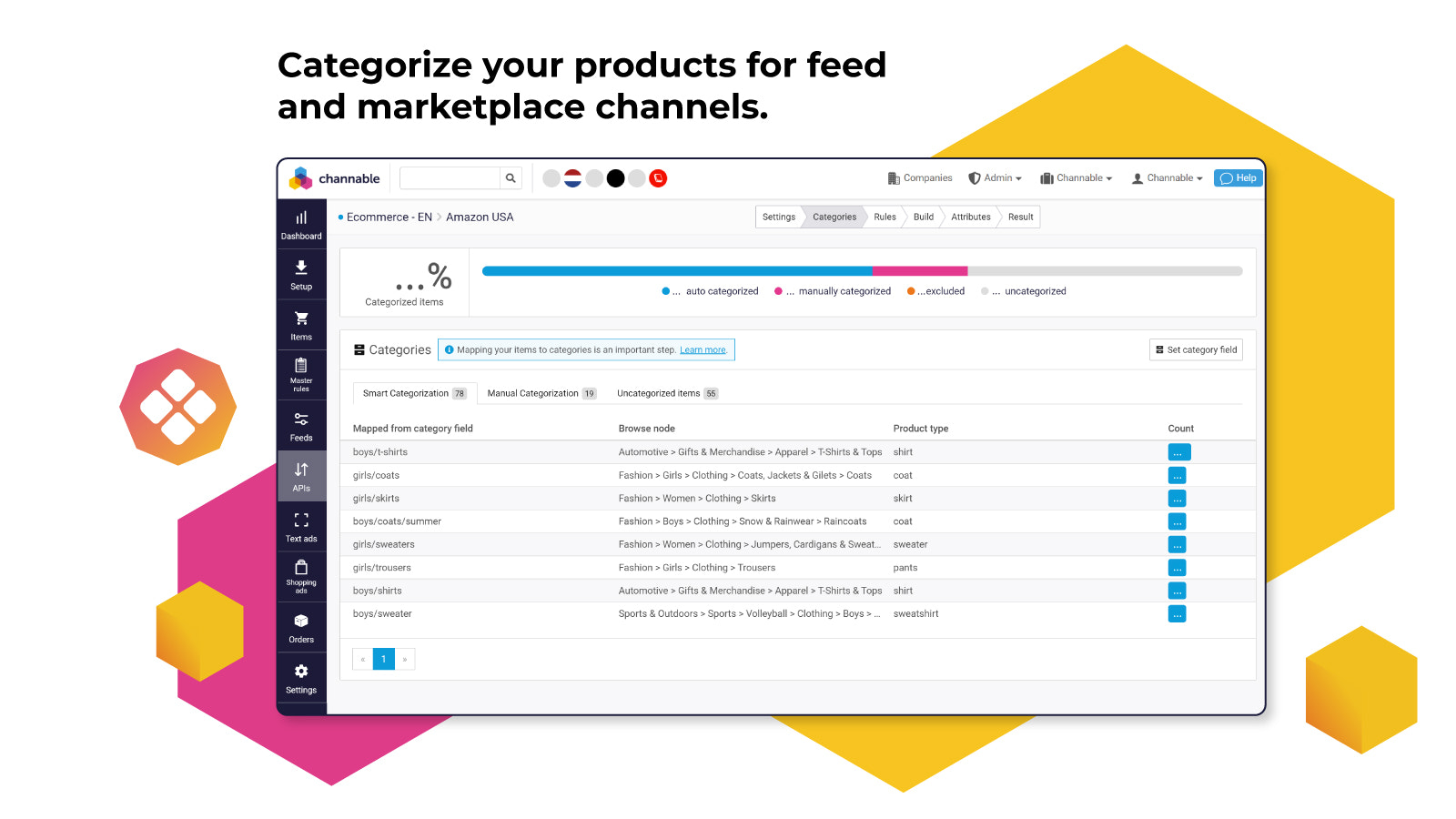
- Marketplace Integration: Categorize your products for your channels using AI
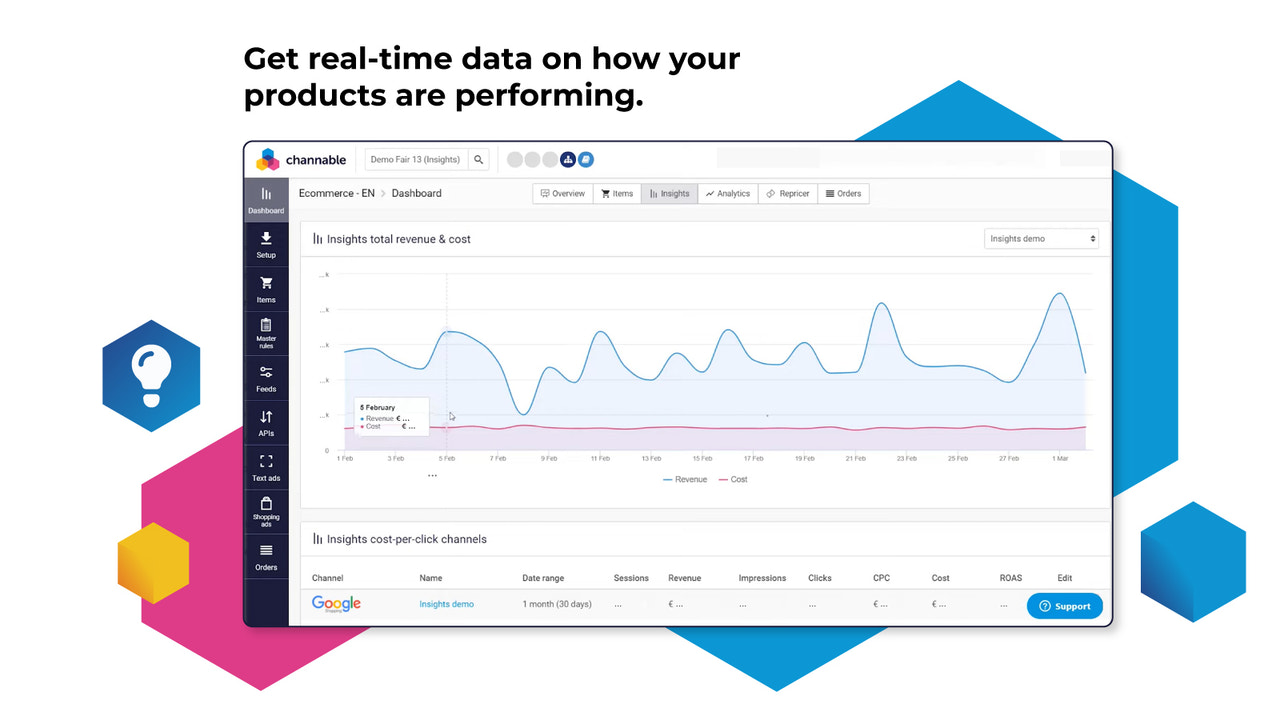
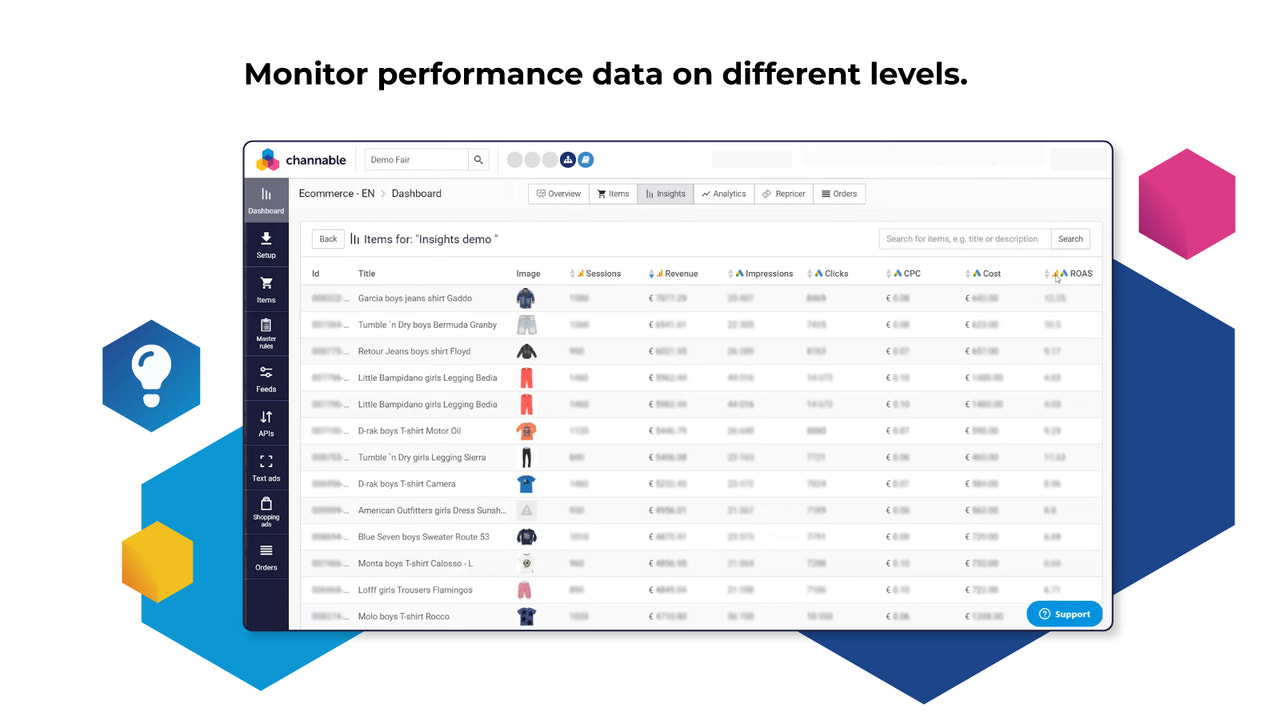
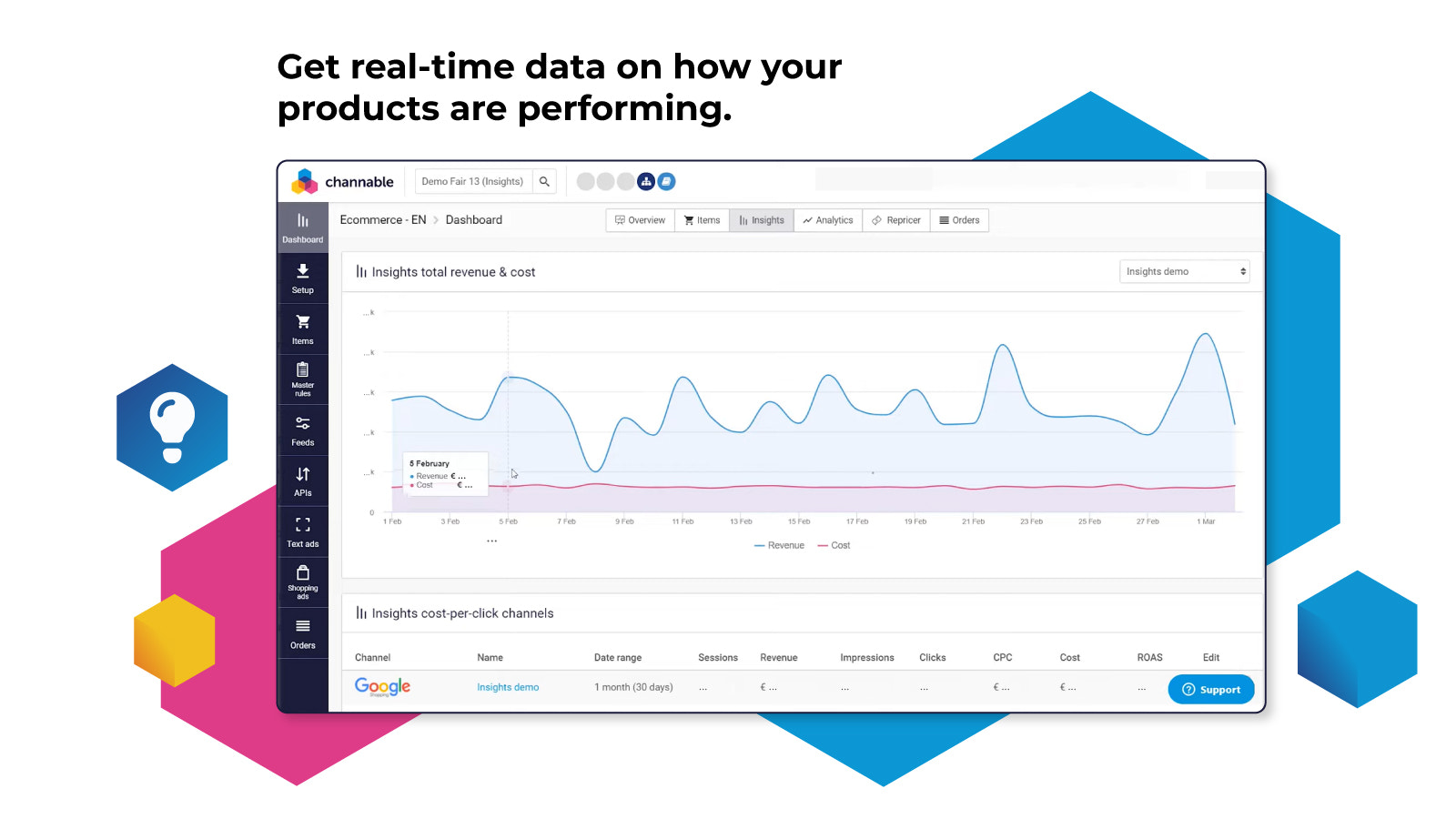
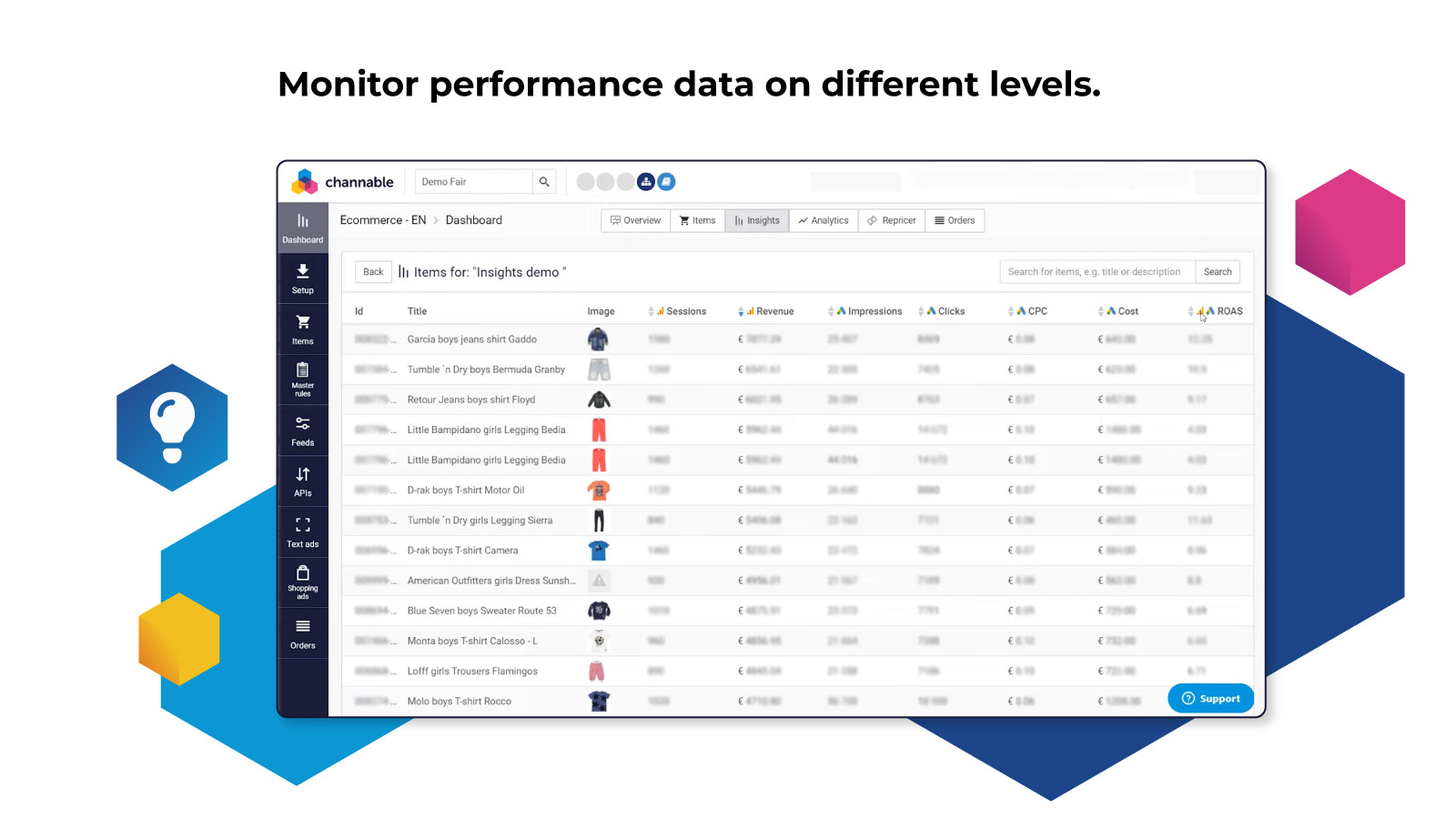
- Insights & Analytics: Monitor performance metrics to make data-driven decisions
- Dynamic Creative Optimization: Create highly relevant product ad visuals at scale
Merchant-Friendly
- DTC Independent E-commerce Merchants
- Multi-channel Retail Merchants
- Cross-border E-commerce Sellers
- Ad-specialized Merchants
Basic Information
- Developer:Channable
- Address:Drift 17, Utrecht, 3512BR, NL
- Price: Free / Free plan
- Rating:3.5 / 5
- Comment Count:40 comment
- Release Date:2016-4-19
- Supported languages:English、French、Dutch、German、Spanish、Italian
- Compatible products:Shopify
Application Screenshot
Price Plan
Core Standard
- Based on Medium Business Plan:
- - Up to 5,00 products
- - Up to 2 projects
- - Up to 6 channels
- - Feed Management
- - Rule Engine
- - Smart Classification
- - Channadacemy
Marketplaces
- Based on the Medium Business Plan:
- - Up to 5,00 products
- - Up to 2 projects
- - Up to 6 channels
- - Channable Marketplaces
- - Additional features: Order synchronization and price adjustment
PPC Standard
- Based on the Medium Business Plan:
- - Up to 5,00 products
- - Up to 2 projects
- - Up to 6 channels
- - Google Ads
- - Amazon Ads
- - Bol Ads
PPC与洞察
- Based on the Medium Business Plan:
- - Up to 5,00 products
- - Up to 2 projects
- - Up to 6 channels
- - Google Ads
- - Amazon Ads
- - Insights & Analytics
- - Bol Ads
User Location & Comments
User Location
Comments
Shopify API Used
- POST /admin/api/product_feeds/rules.json
- PUT /admin/api/product_feeds/rules/{rule_id}.json
- DELETE /admin/api/product_feeds/rules/{rule_id}.json
- GET /admin/api/product_feeds/rules.json
Permission:write_product_feeds,read_product_feeds,manage_products
- POST /admin/api/ppc_campaigns.json
- PUT /admin/api/ppc_campaigns/{campaign_id}.json
- GET /admin/api/ppc_campaigns.json
- DELETE /admin/api/ppc_campaigns/{campaign_id}.json
Permission:write_ads,read_ads,manage_product_feeds
- POST /admin/api/market_channels/categorization.json
- GET /admin/api/market_channels/categorization.json
- PUT /admin/api/market_channels/categorization/{item_id}.json
- DELETE /admin/api/market_channels/categorization/{item_id}.json
Permission:write_market_channels,read_market_channels,manage_products
- GET /admin/api/product_feeds/analytics.json
- GET /admin/api/ppc_campaigns/analytics.json
- GET /admin/api/market_channels/analytics.json
- POST /admin/api/analytics/reports.json
Permission:read_analytics,read_product_feeds,read_ads
- POST /admin/api/ad_creatives.json
- PUT /admin/api/ad_creatives/{creative_id}.json
- GET /admin/api/ad_creatives.json
- POST /admin/api/ad_creatives/bulk.json
Permission:write_ads,read_ads,manage_products