
App Introduction
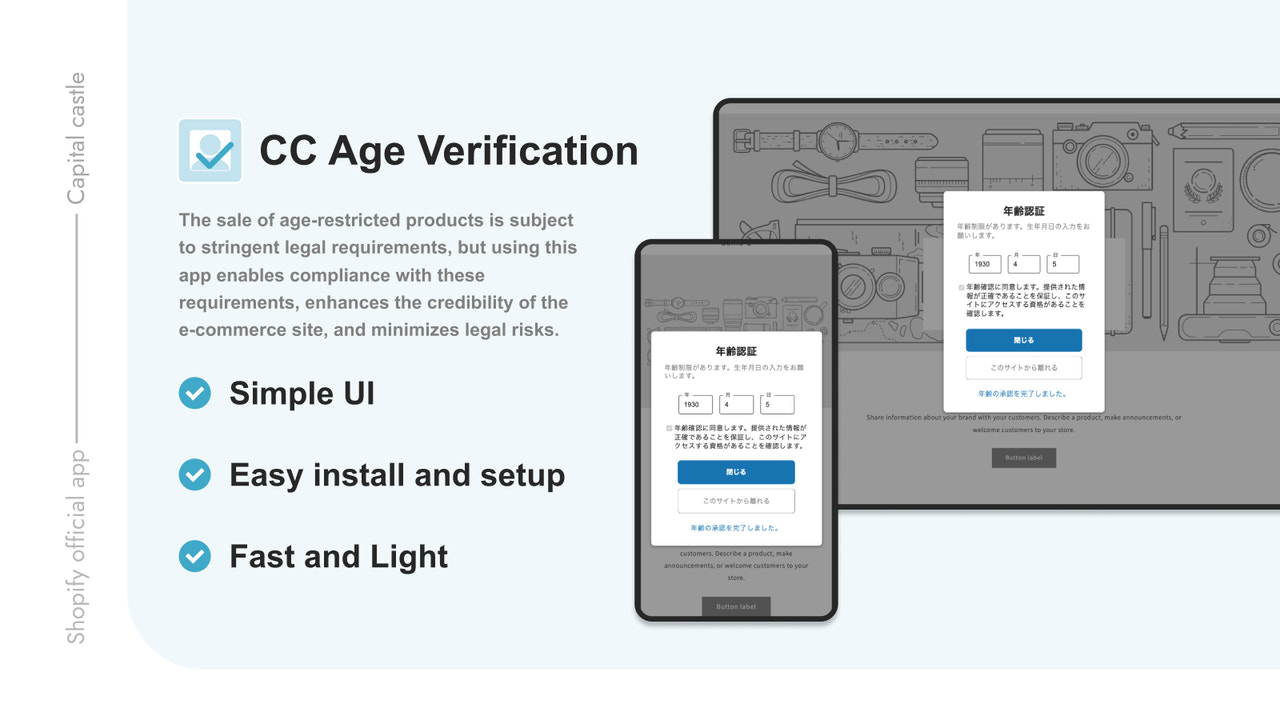
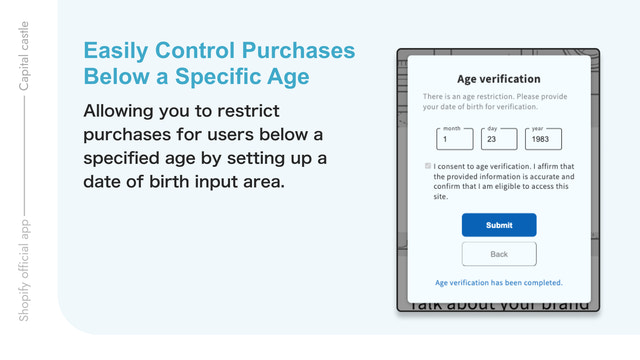
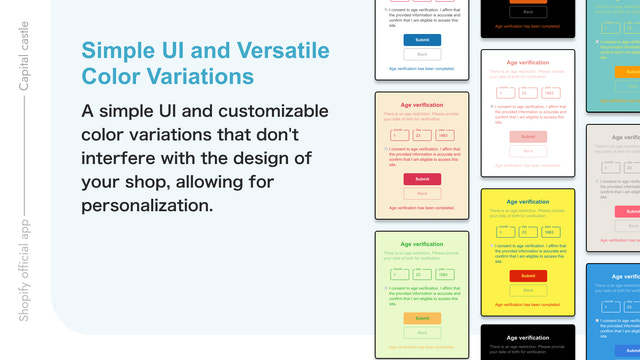
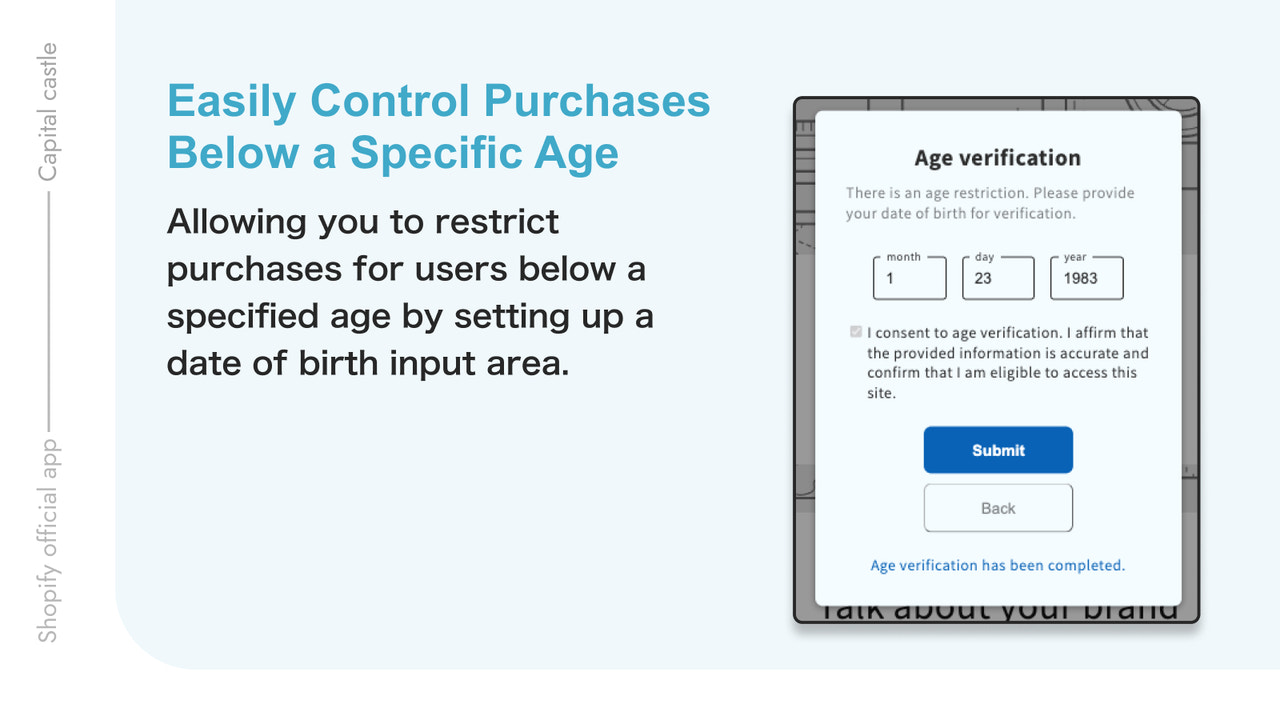
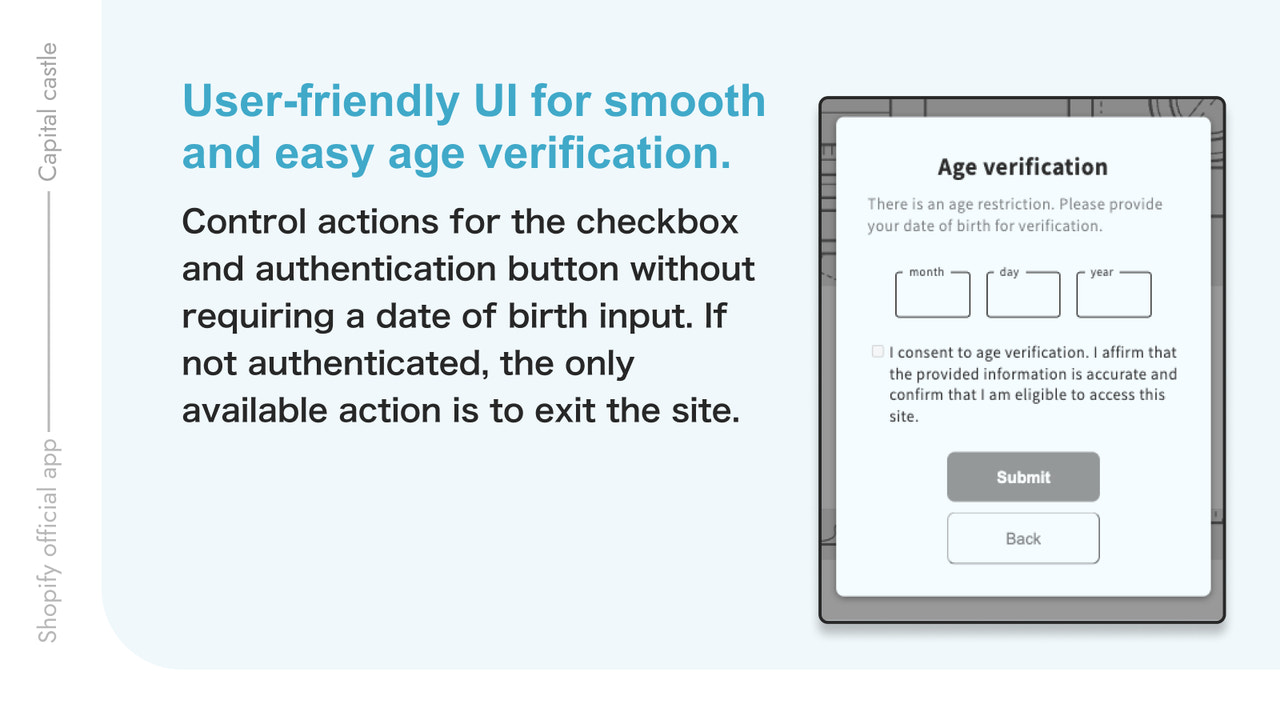
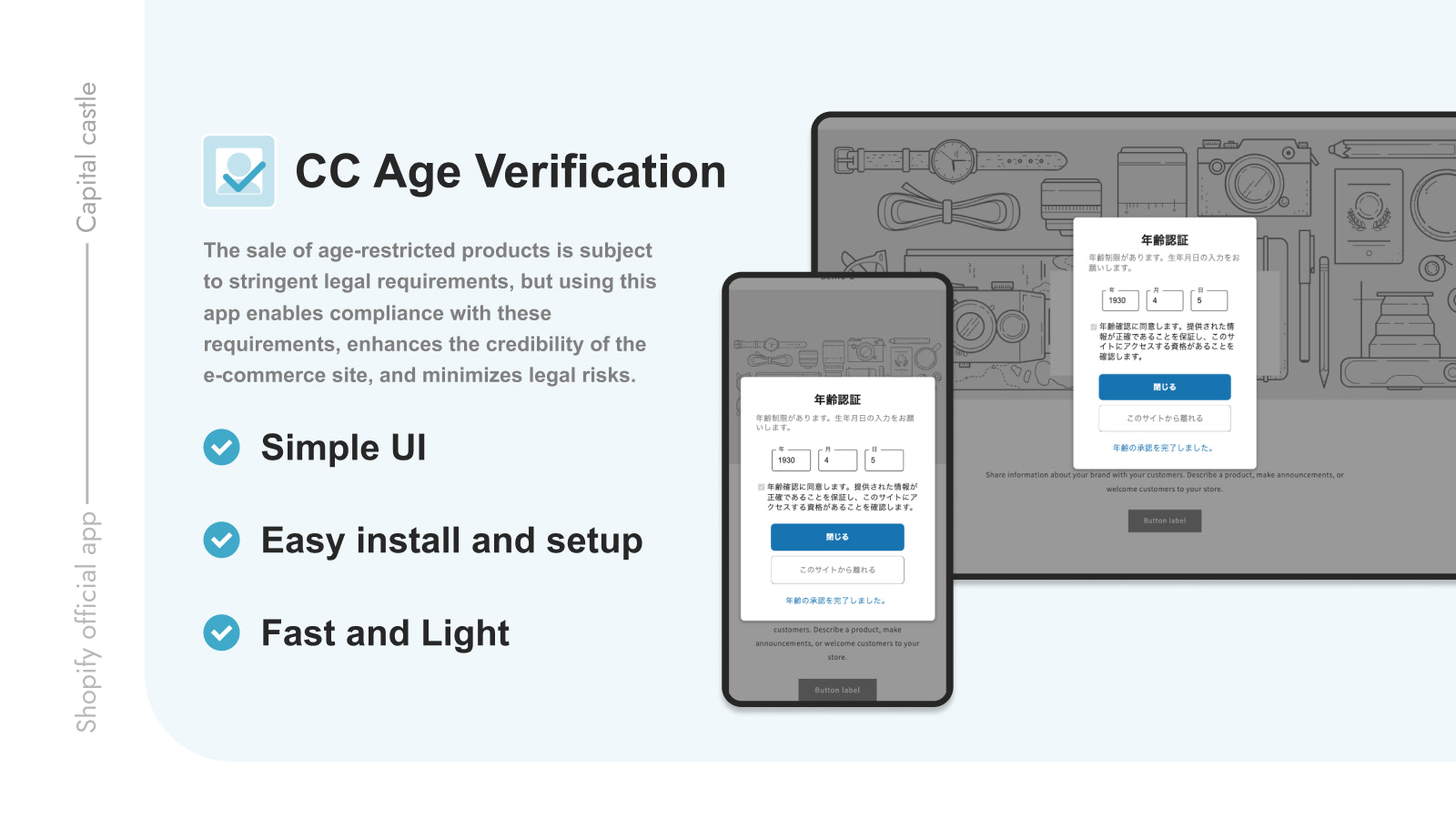
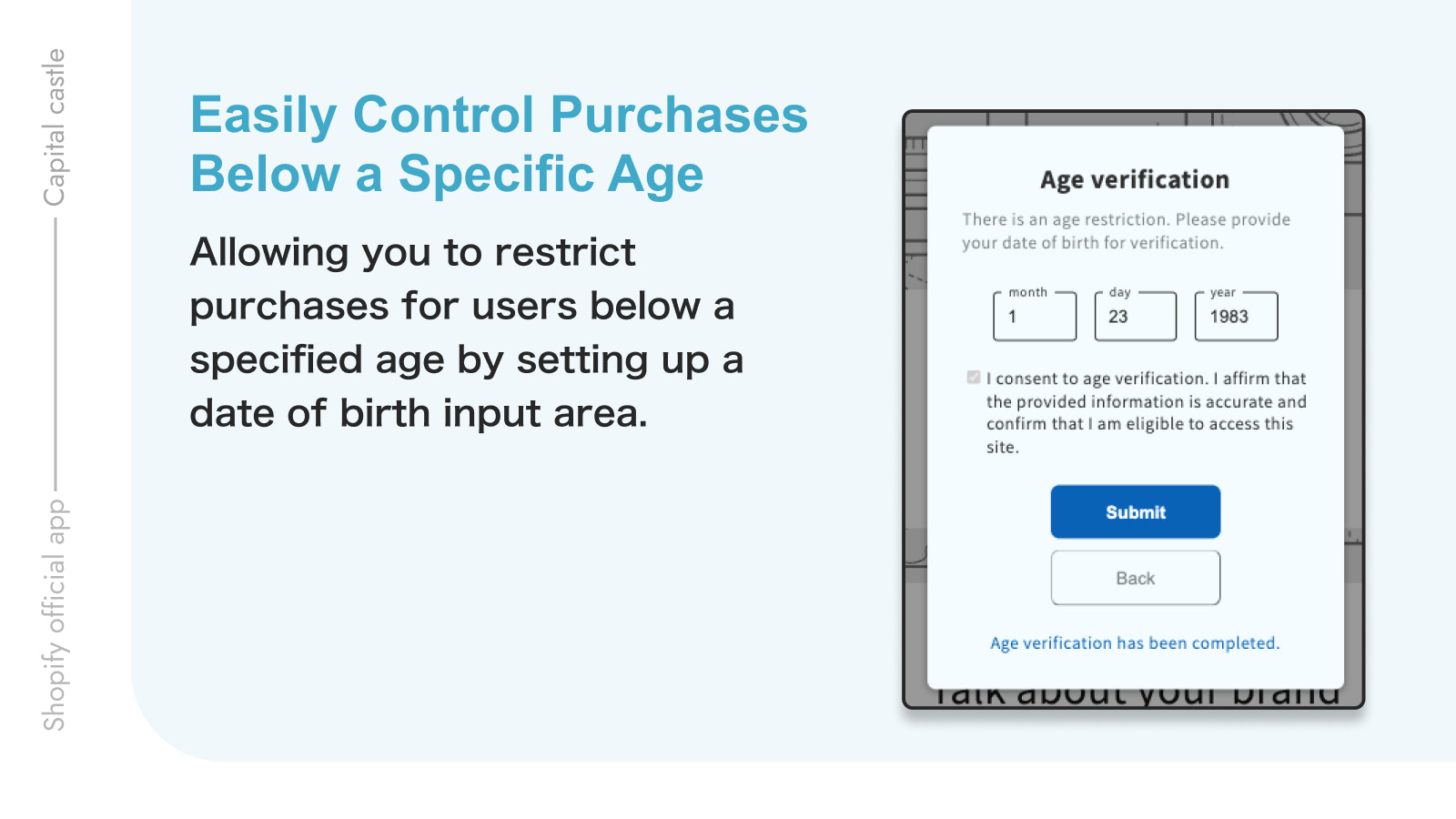
Easily add an age verification popup to your site that appears when visitors enter. Verified age will be retained for orders An age verification popup will display immediately upon site entry, restricting access until verification is complete. Once verified, the popup won’t disrupt the customer again. Age information will be included in order details. Setup is straightforward, and you can customize the popup to match your site’s vibe—adjust colors, tweak messages, and more. You can personalize the target age, displayed text, and other elements as needed.
Core Functionality
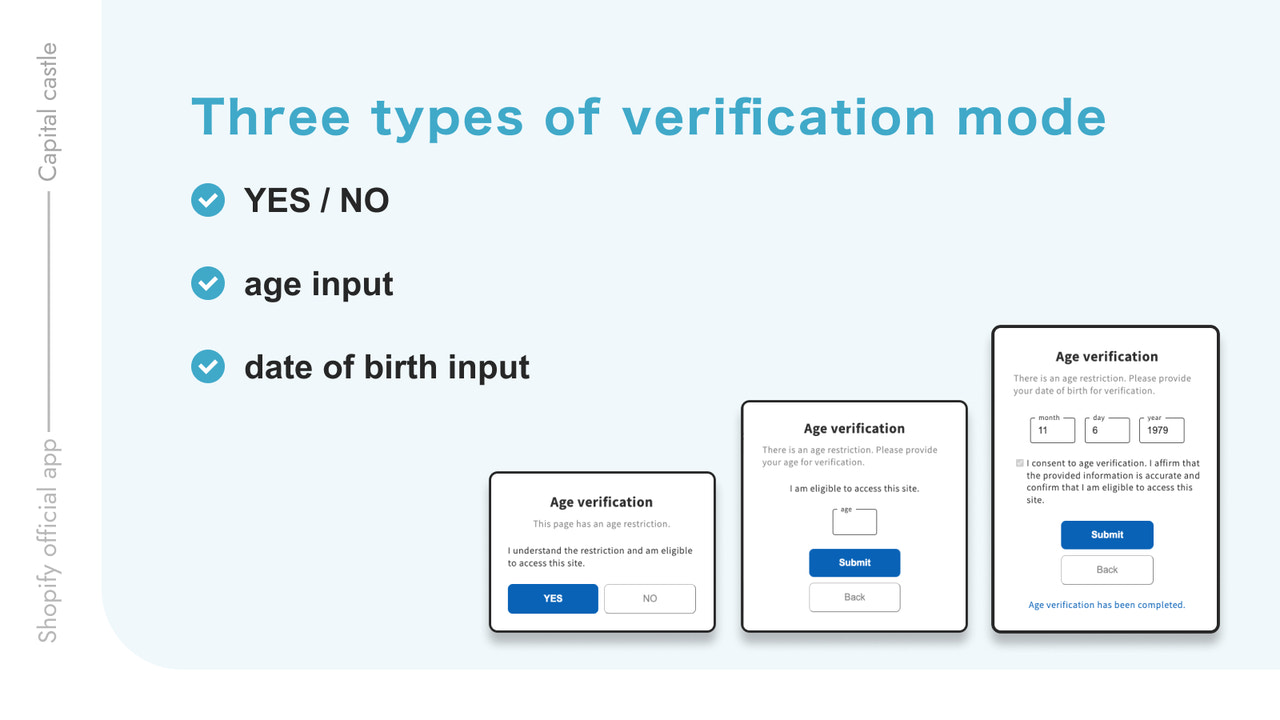
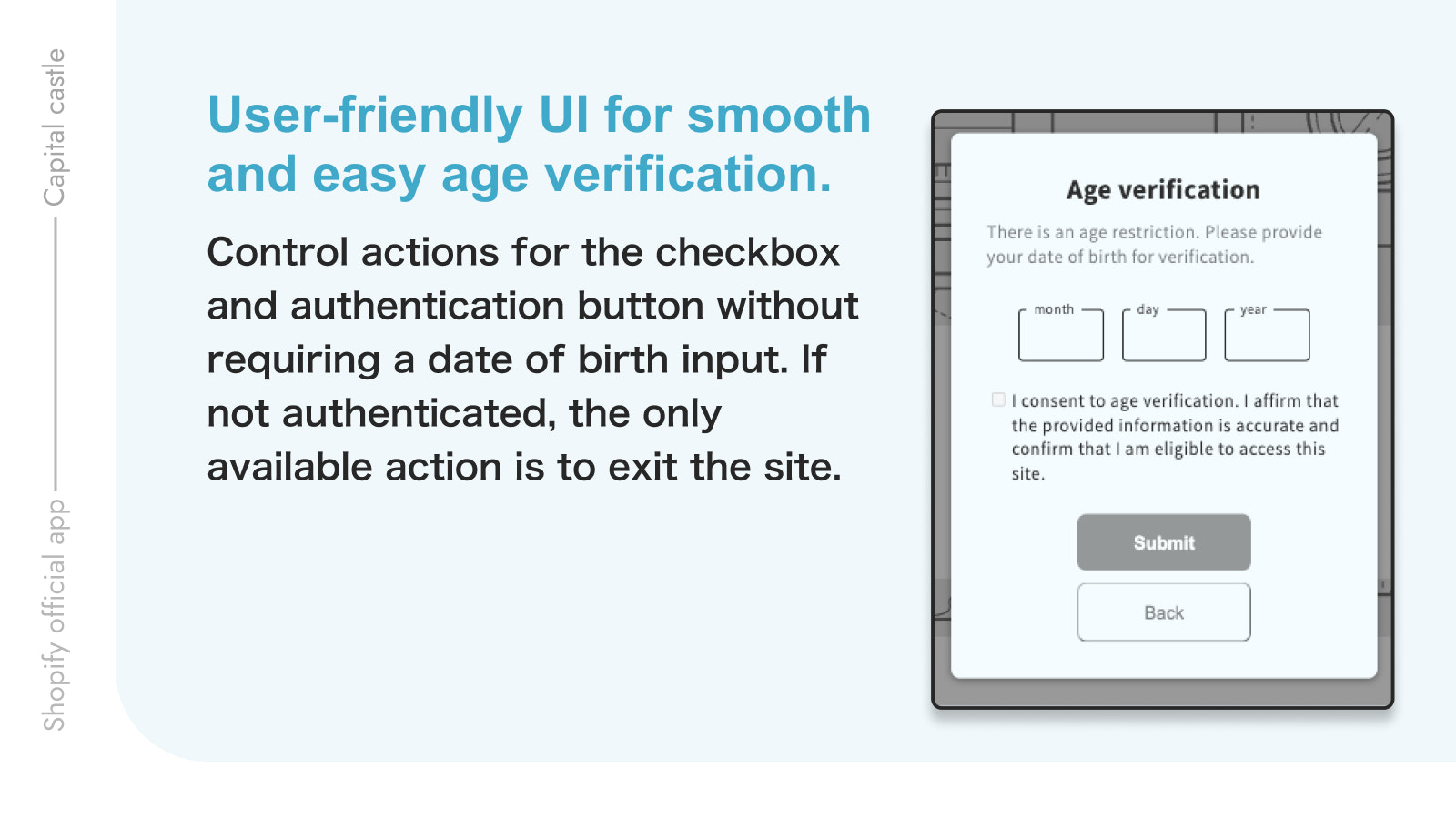
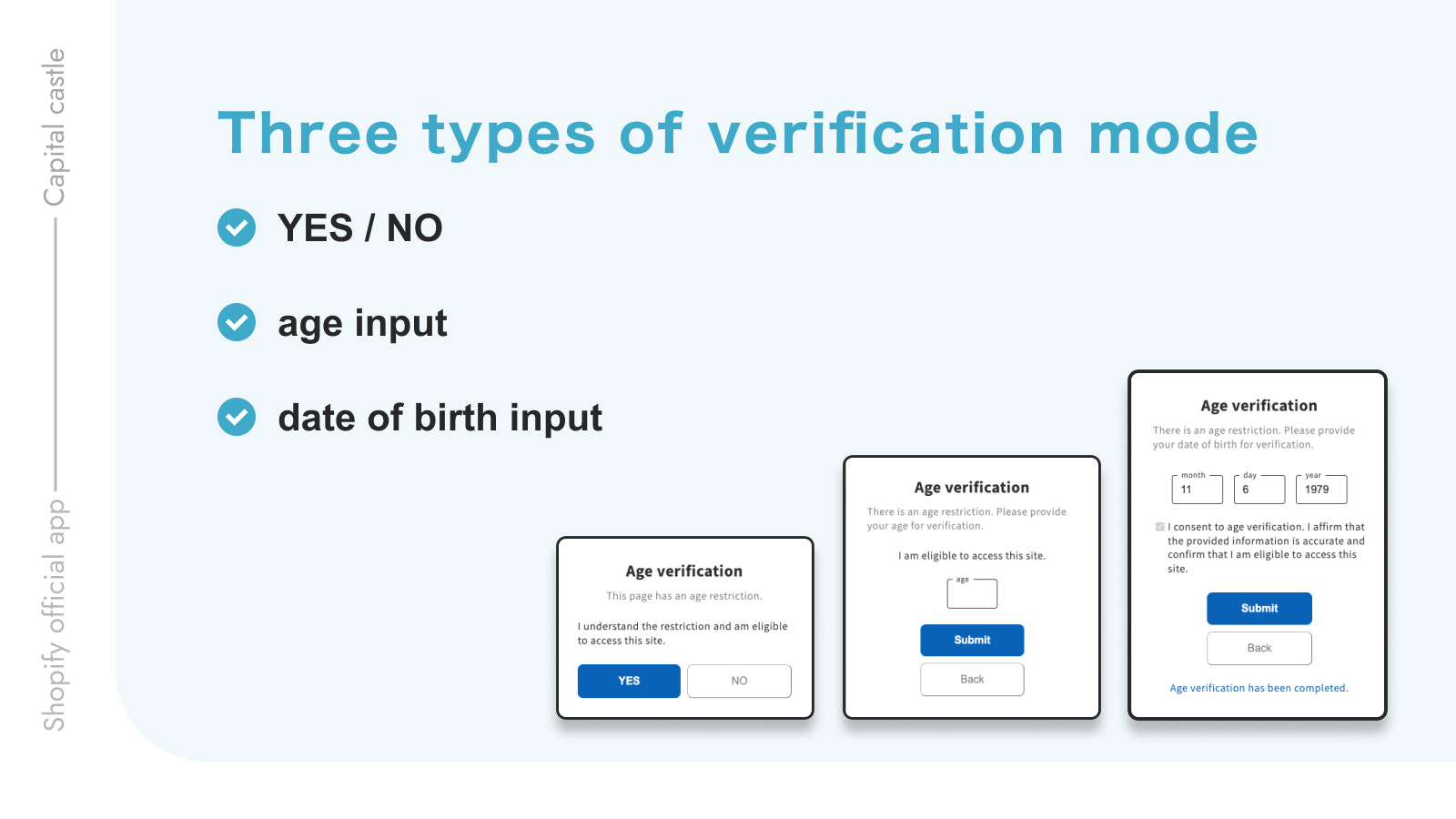
- 3 user-friendly UI pop-up types for smooth and easy age verification
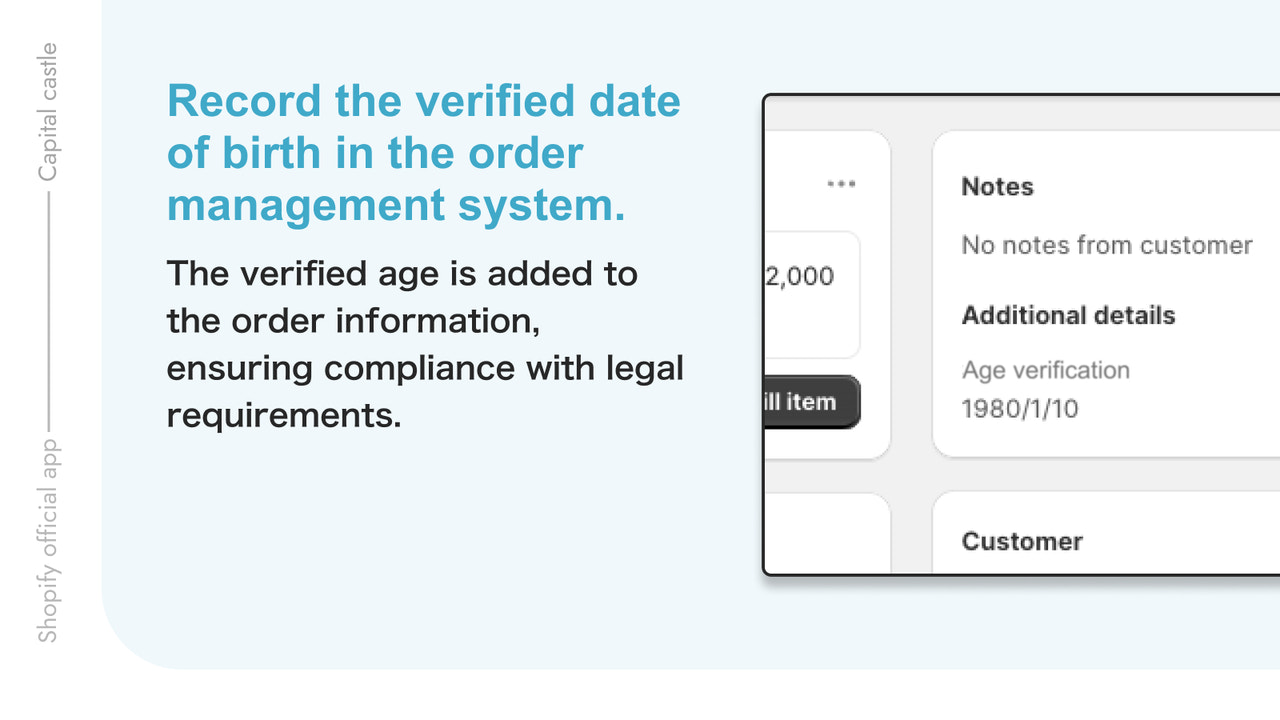
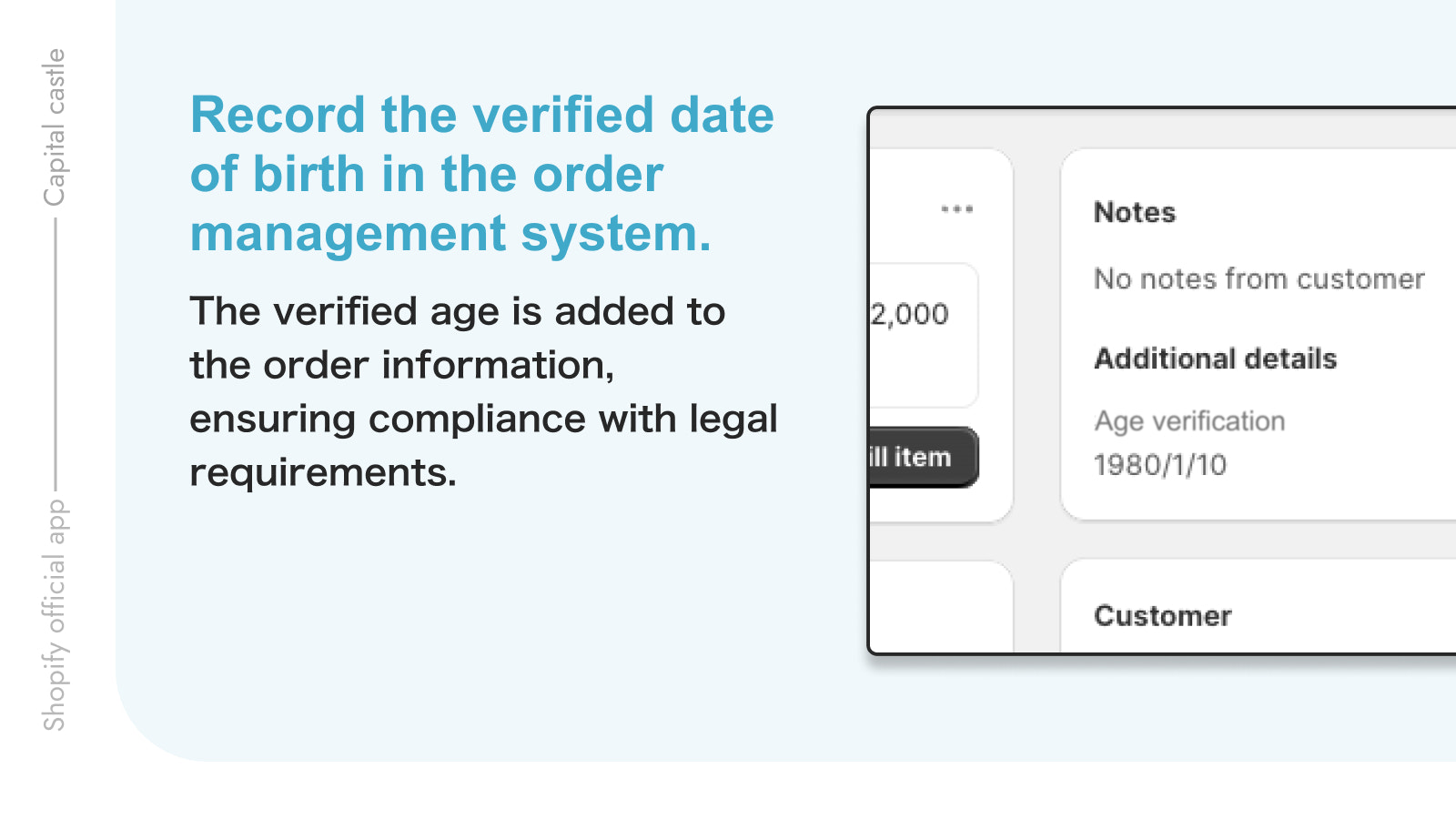
- Record verified dates of birth in the order management system
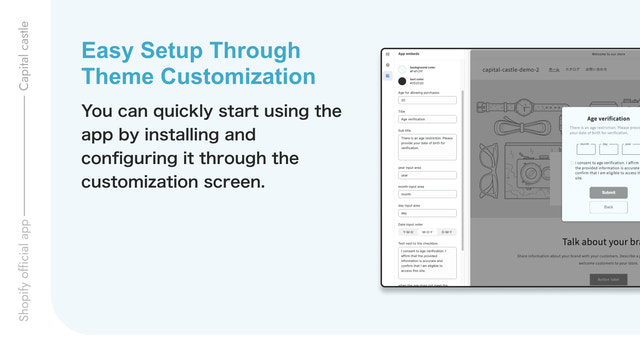
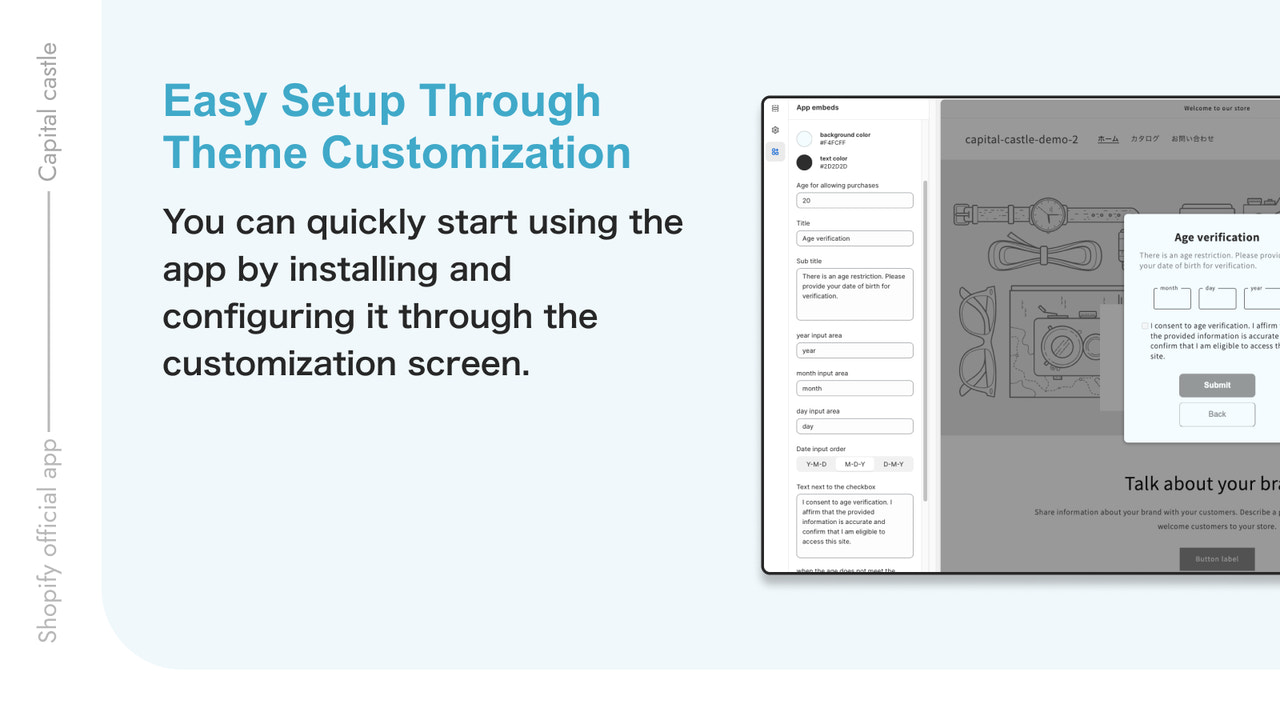
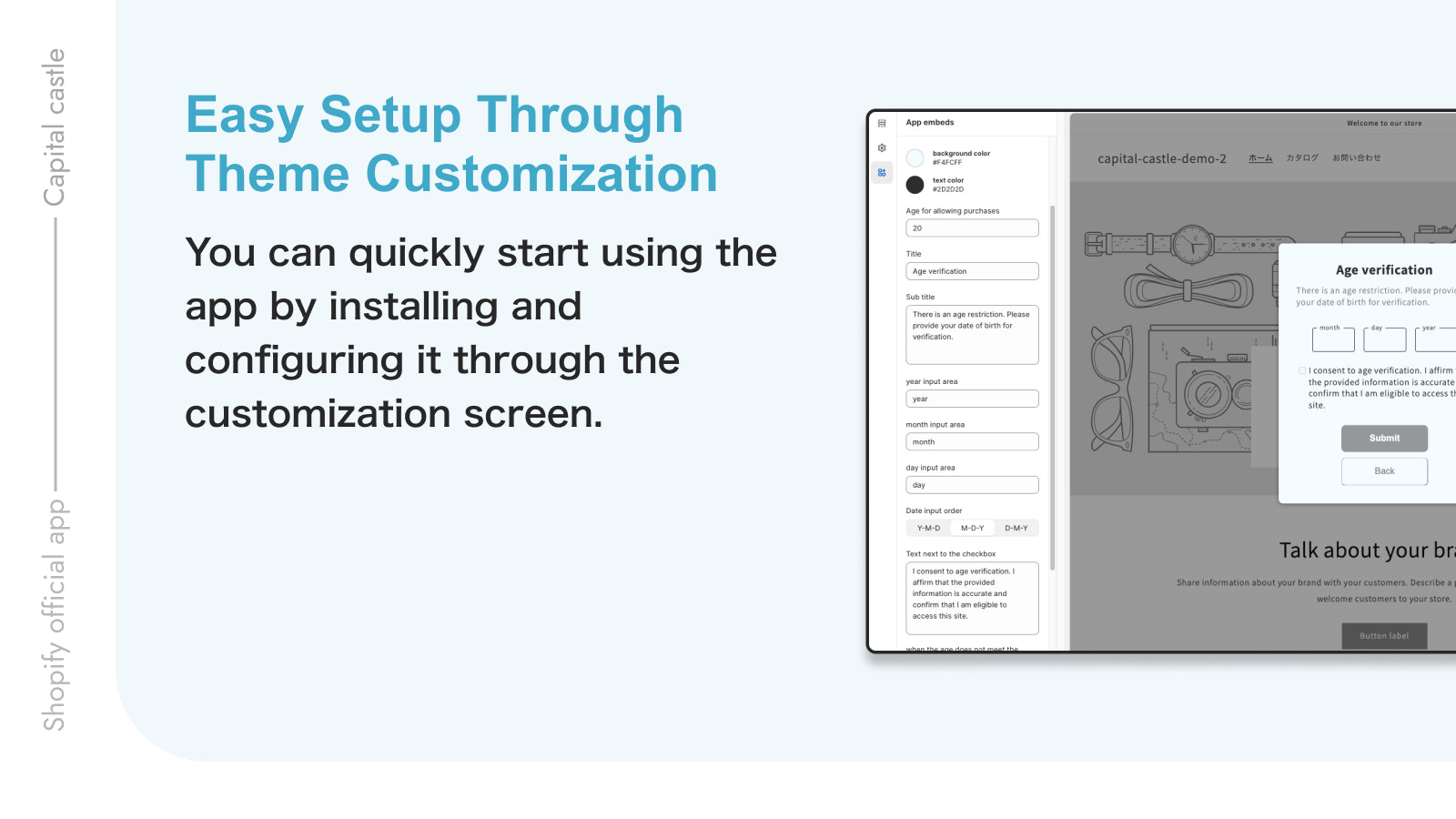
- Easy Setup via Theme Customization
- Language-Free
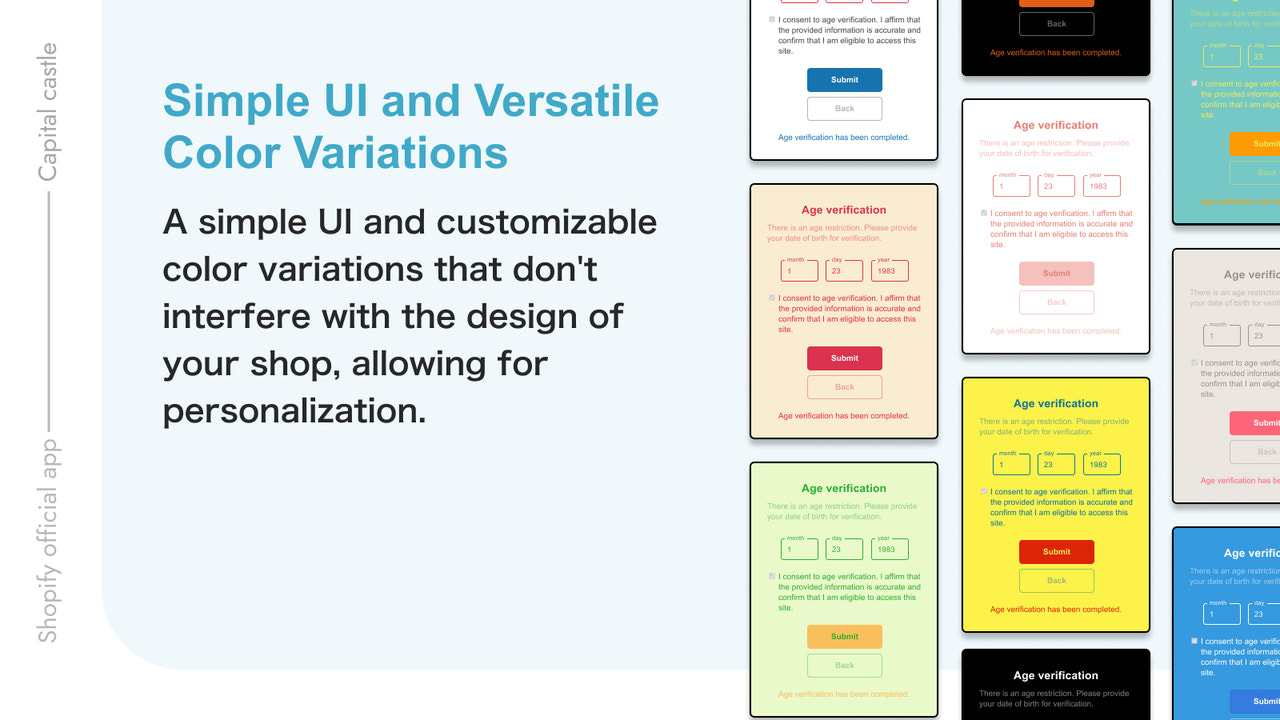
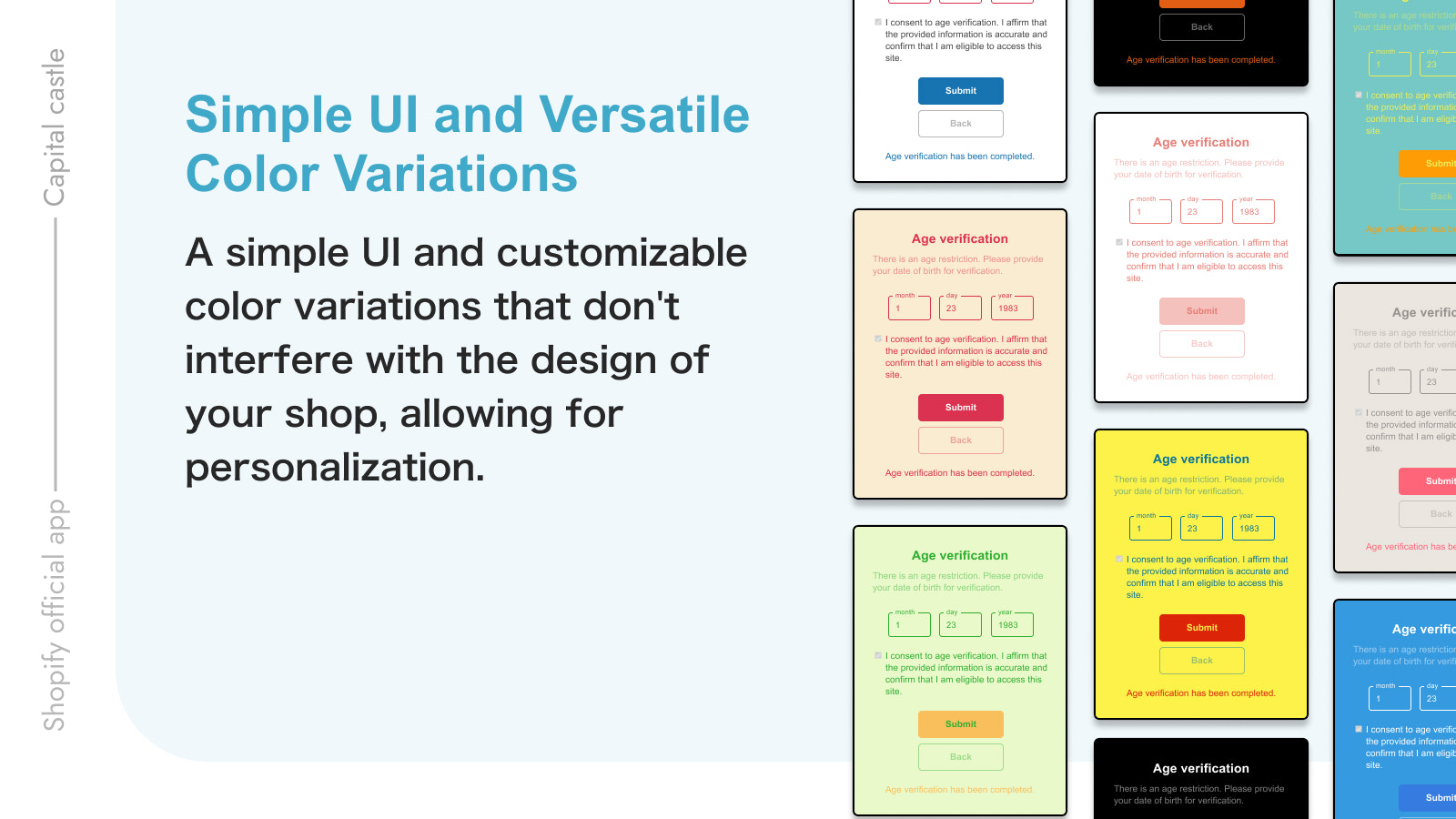
- Simple UI with Versatile Color Variations
Merchant-Friendly
- Compliance E-commerce Merchants
- Adult Products Merchants
- Multilingual Cross-border Merchants
- Theme Customization Merchants
Basic Information
- Developer:Capital Castle
- Address:樺山, 三股町, JP-45, 889-1901, JP
- Price: Free / Free plan
- Rating:0 / 5
- Comment Count:0 comment
- Release Date:2023-9-11
- Supported languages:English、Japanese
- Compatible products:Shopify
Application Screenshot
Price Plan
Regular Plan
$3.99
User Location & Comments
User Location
Comments
Shopify API Used
- POST /admin/api/metafields.json
- GET /admin/api/orders/{order_id}.json
- PUT /admin/api/orders/{order_id}/metafields.json
Permission:write_orders,read_orders,manage_metafields
- POST /admin/api/orders/{order_id}/metafields.json
- GET /admin/api/orders.json?metafield=dob
- PUT /admin/api/orders/{order_id}/metafields/{id}.json
Permission:write_orders,read_orders,manage_metafields
- GET /admin/api/themes.json
- PUT /admin/api/themes/{theme_id}/assets.json
- POST /admin/api/themes/{theme_id}/assets.json
Permission:read_themes,write_themes,manage_online_store