
CartMagician Augmented Reality
App Introduction
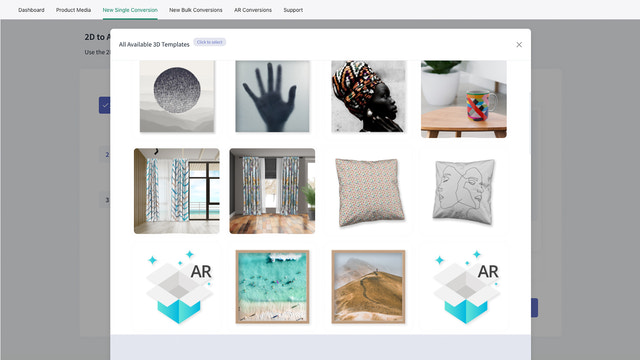
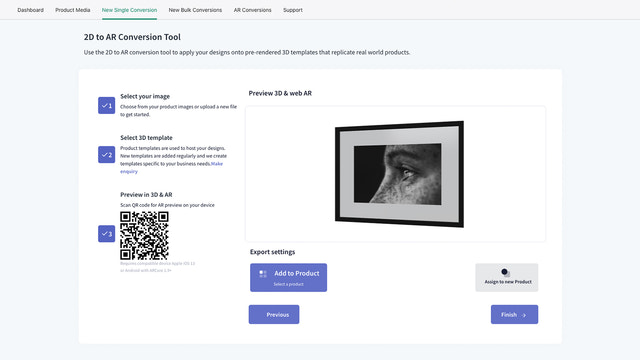
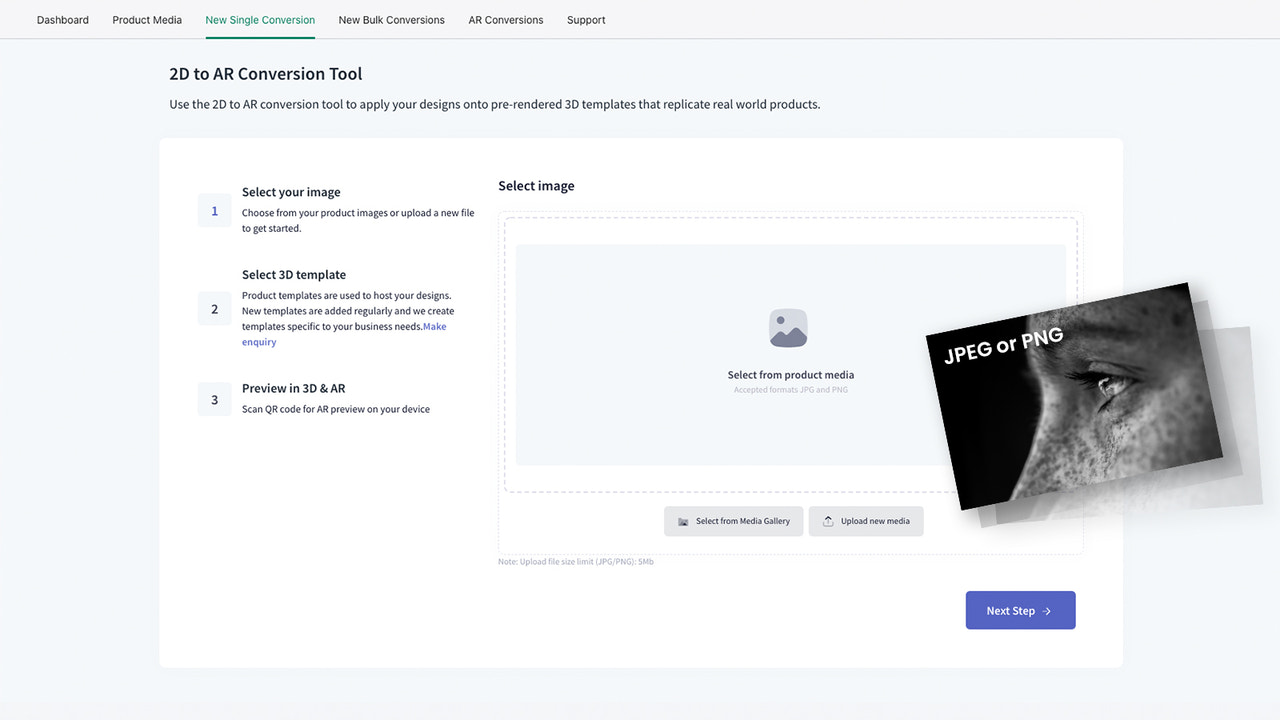
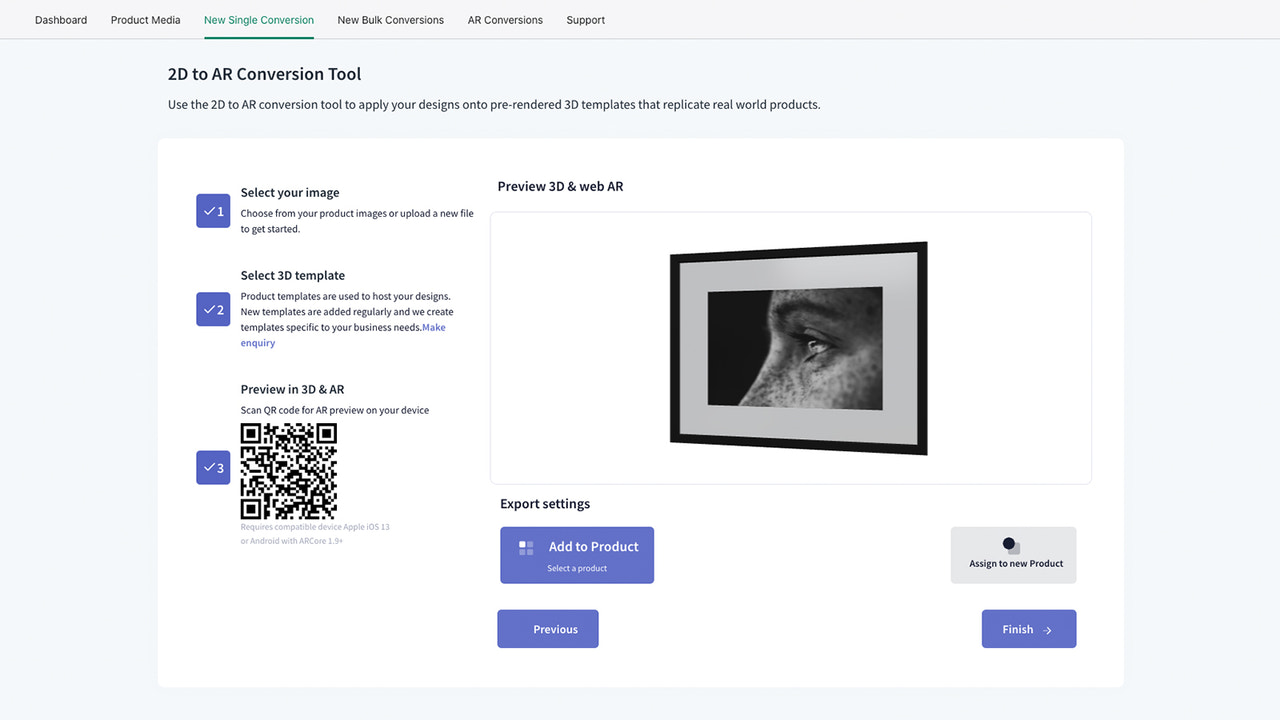
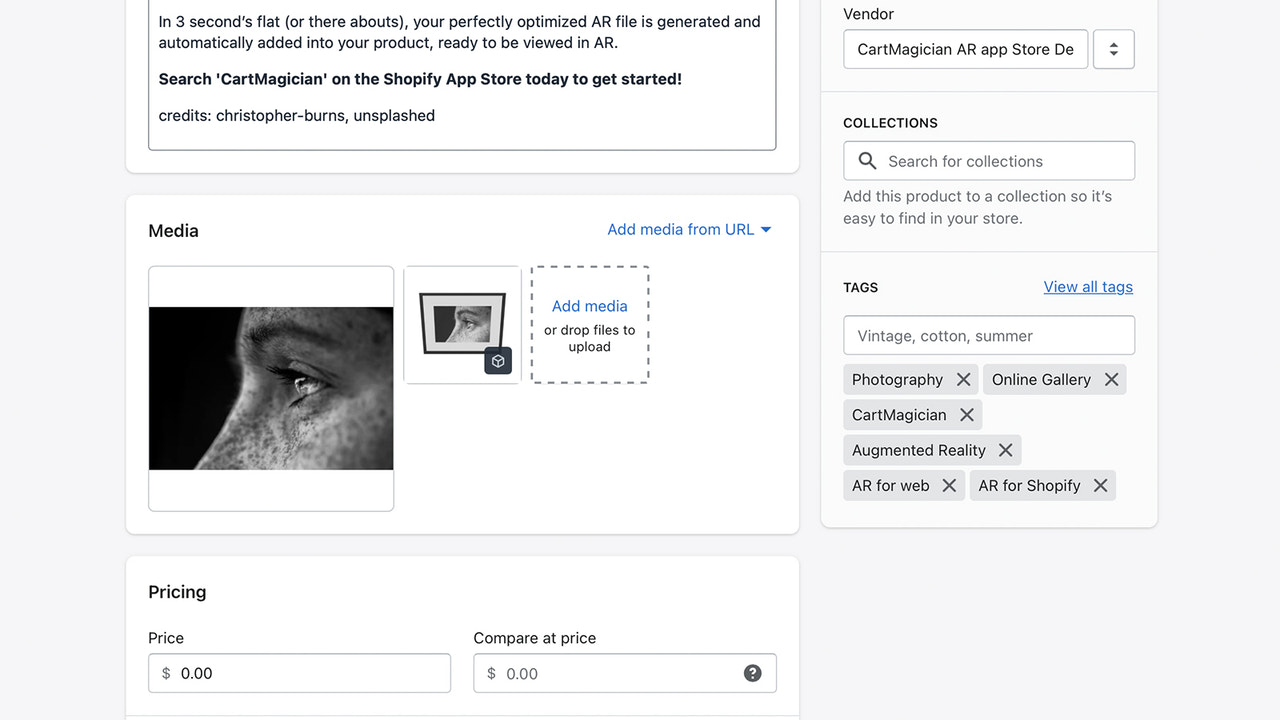
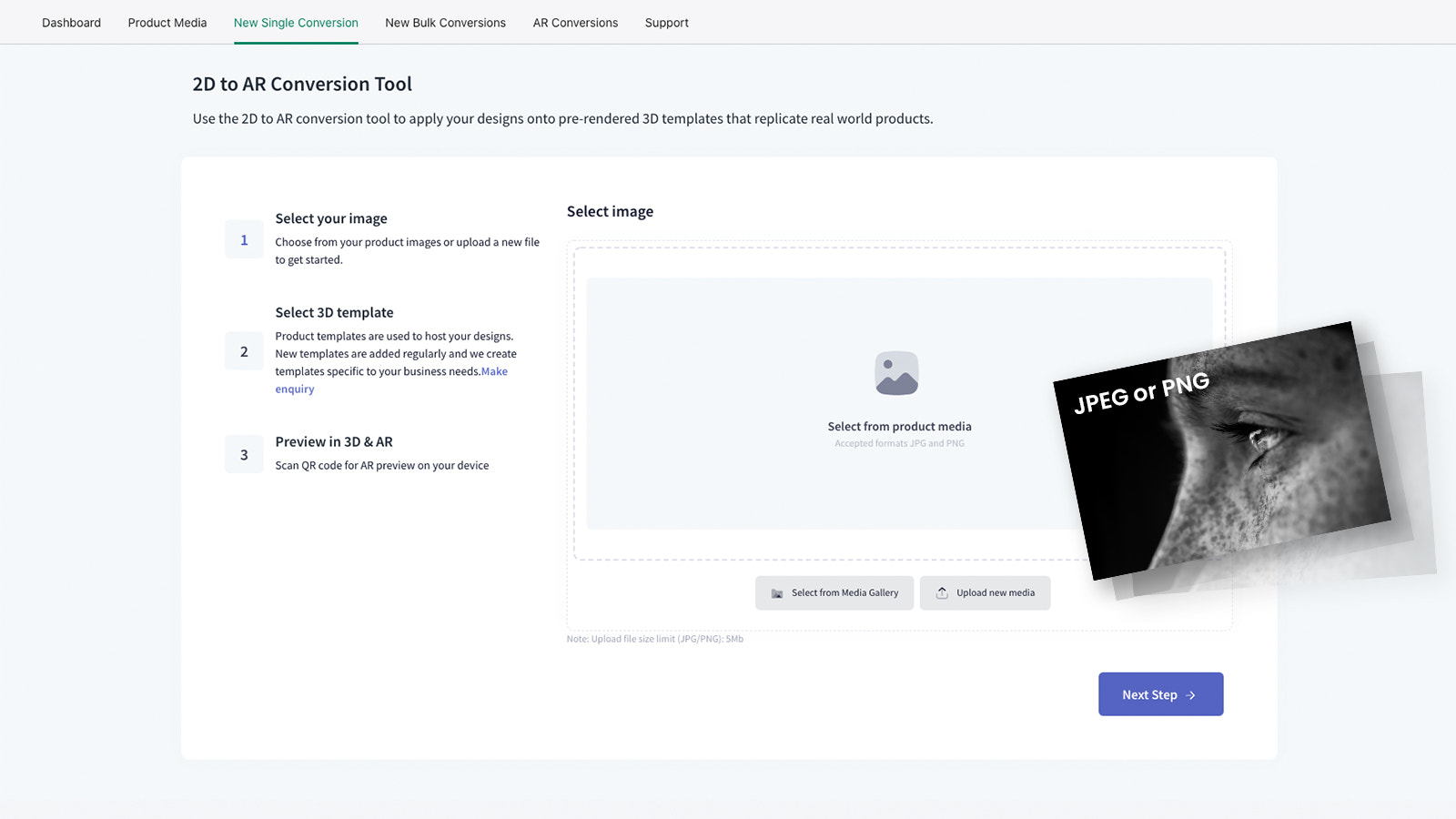
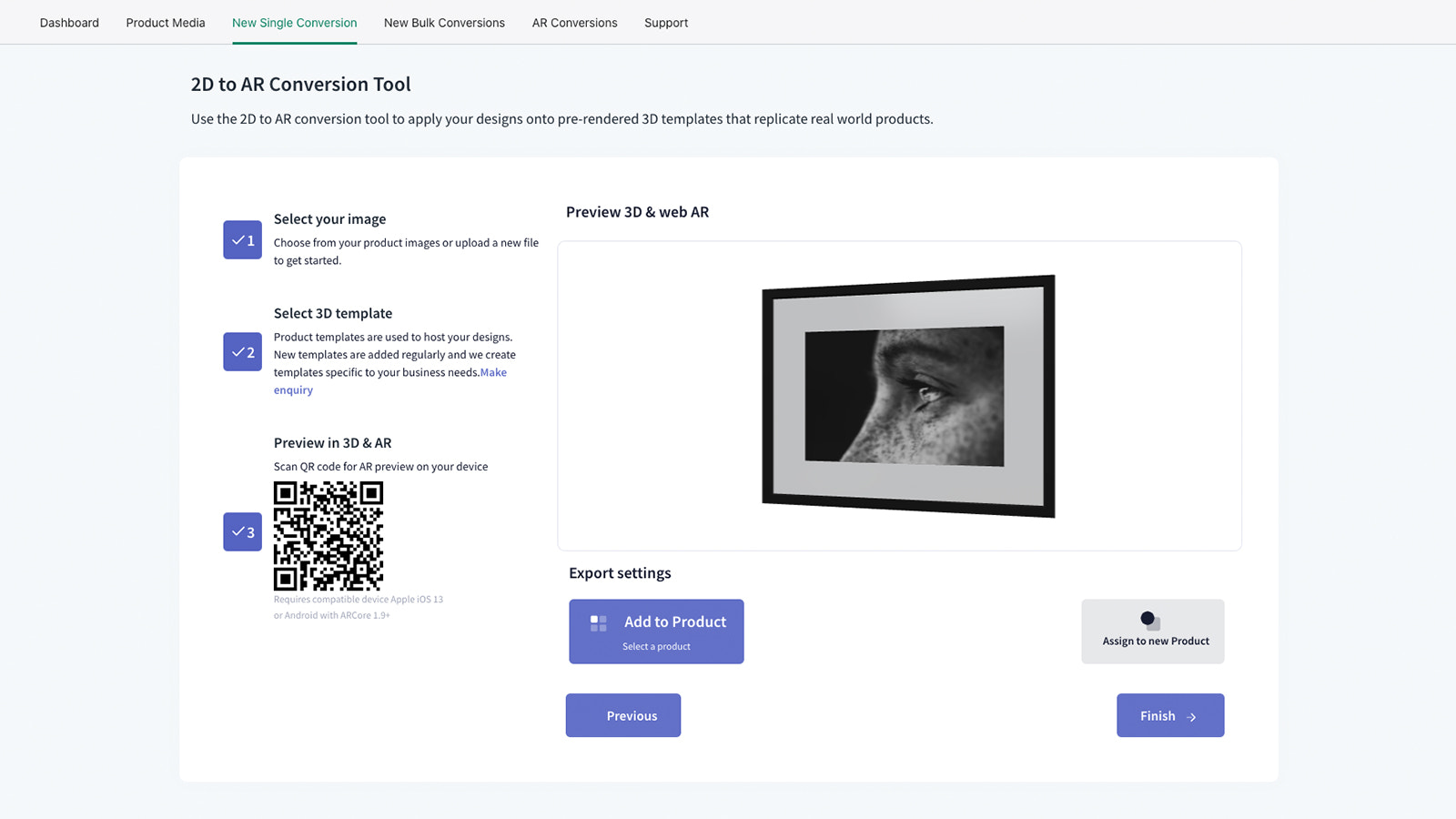
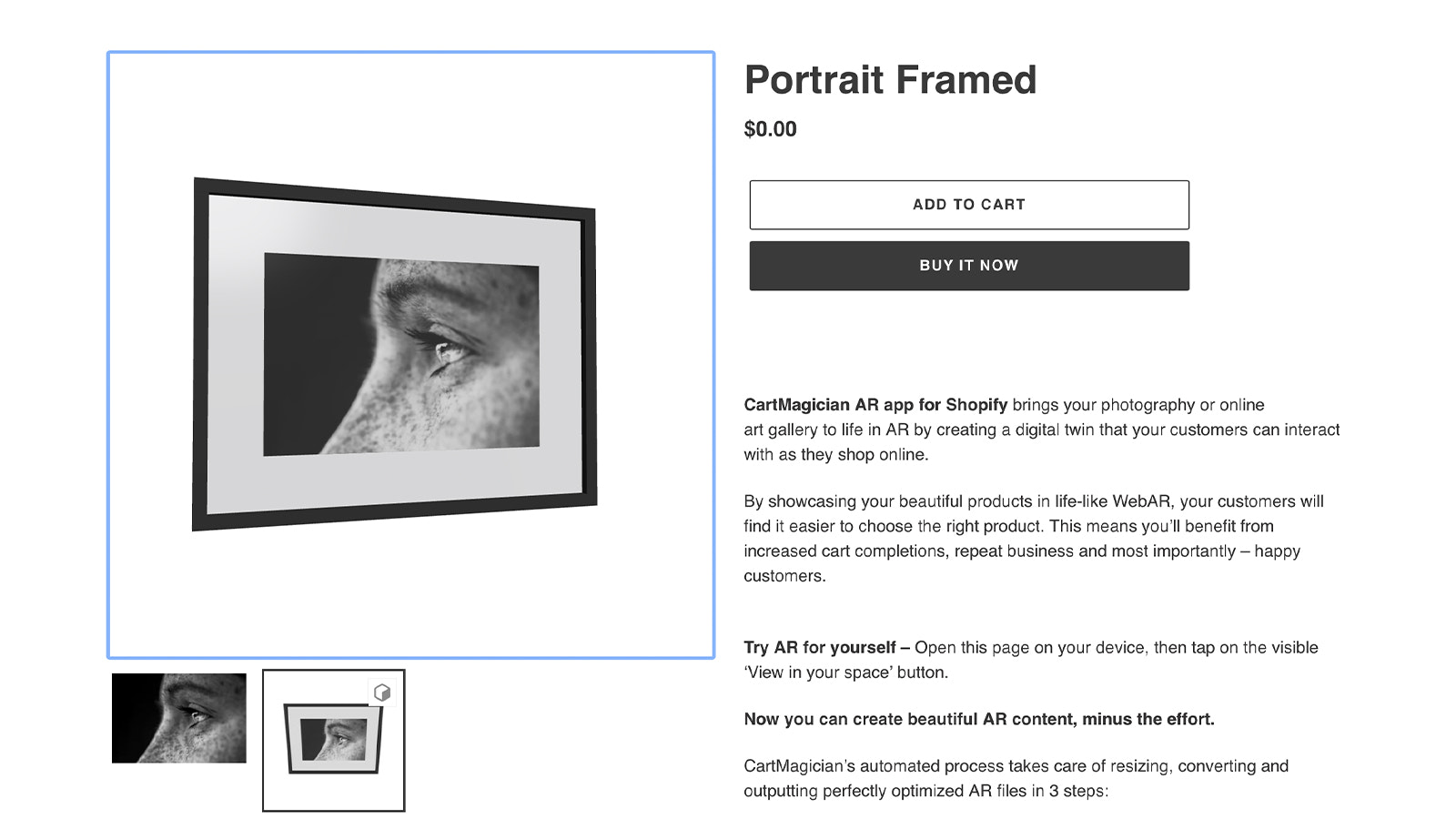
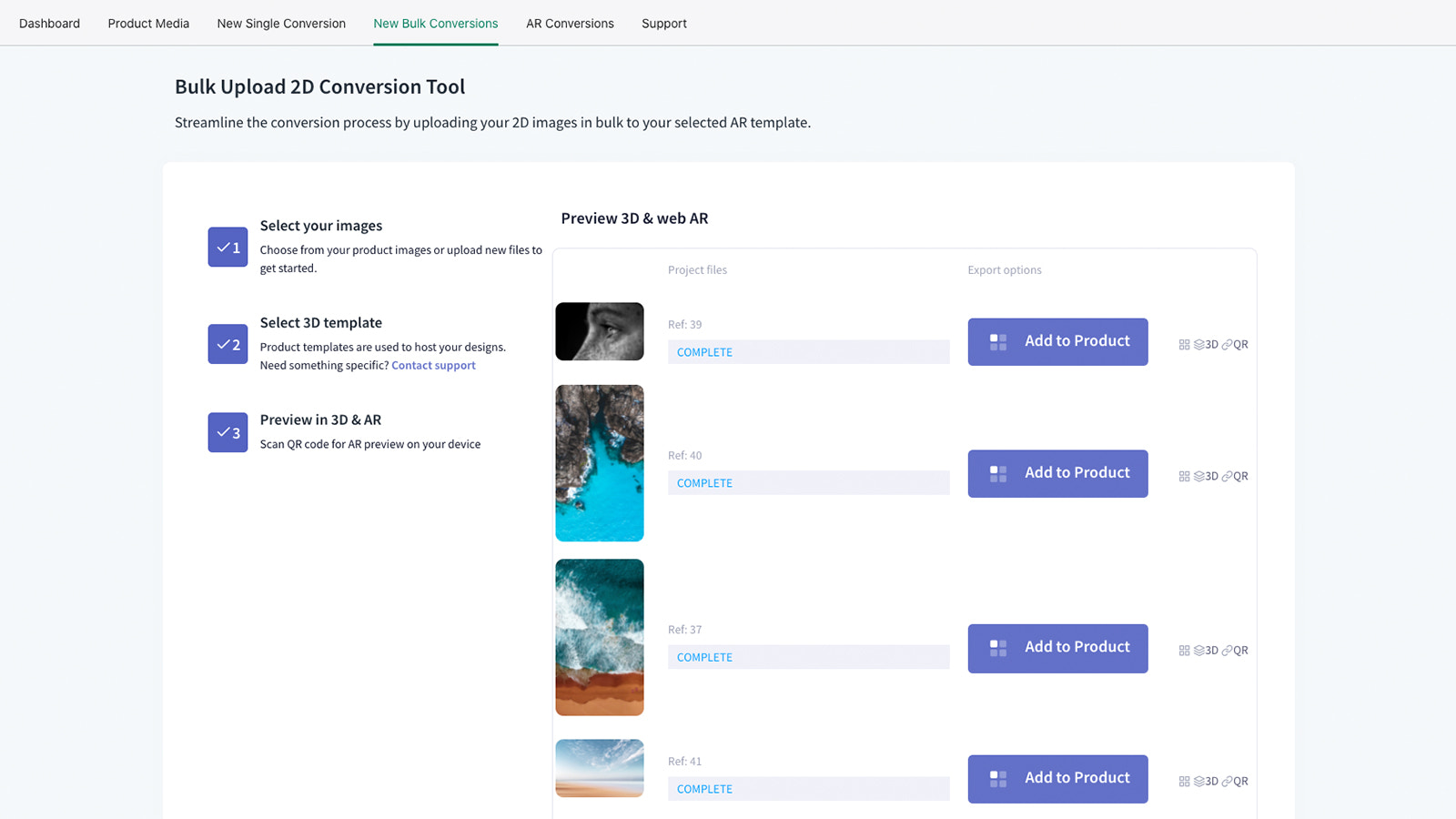
Automate and enhance your online art with augmented reality. Attract customers and boost art sales. What if we told you you could sprinkle magic powder on your artwork, add the frame styles you sell, and watch them come to life on your customers’ walls in your online store? CartMagician equips you with all the power you need to automatically create augmented reality and 3D visuals from the art images already uploaded to your site—powerful enough to deliver an engaging shopping experience for your customers. In 3 steps, you can duplicate your art or batch-process your entire gallery.
Core Functionality
- Convert 2D images of your artwork into fully framed 3D and AR versions
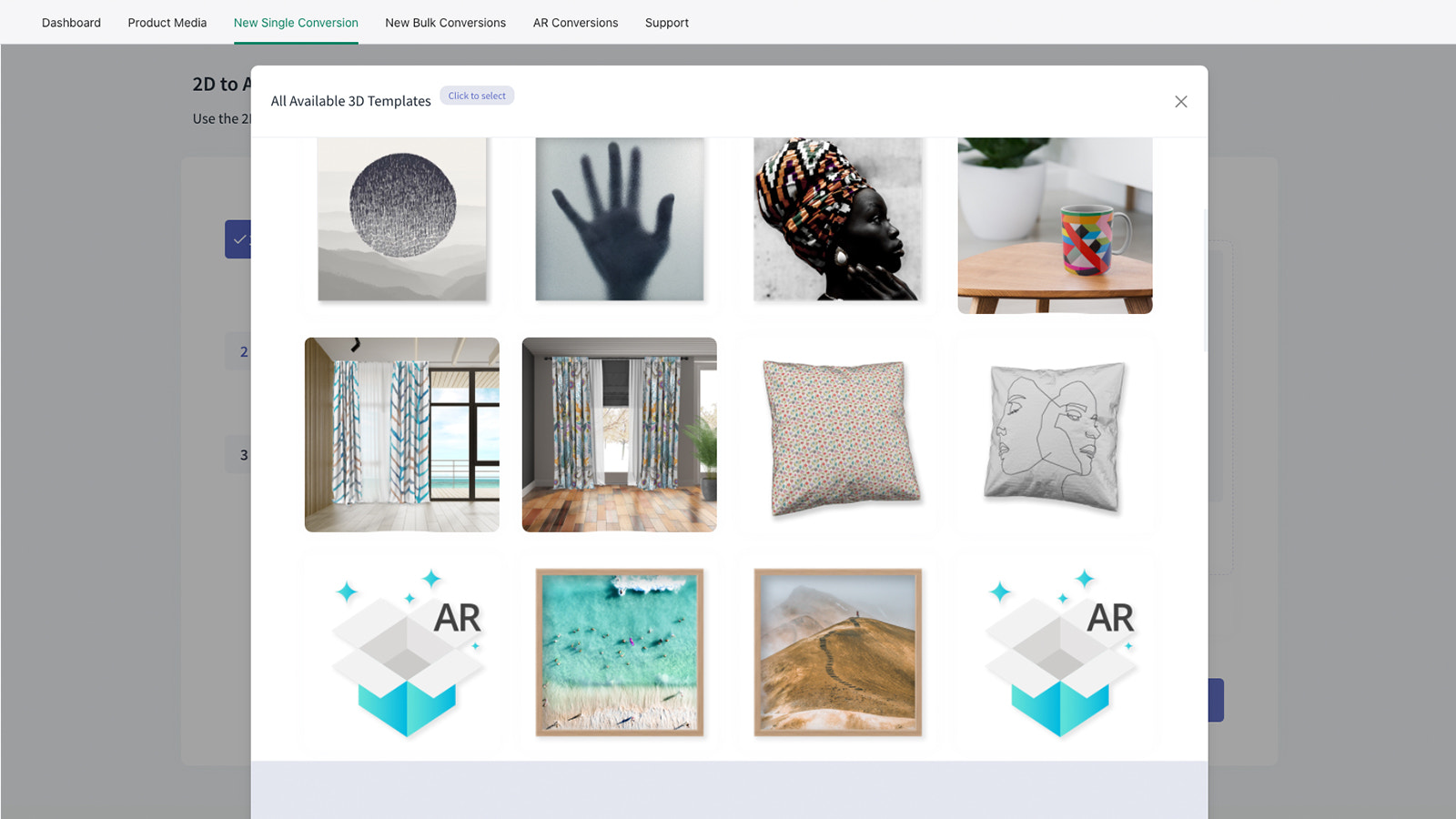
- Duplicate your real products and frame styles using 3D templates—like magic!
- Add your settings, then automate the entire process with product batch processing
Merchant-Friendly
- Art E-commerce Merchants
- Home Decor Merchants
- Cultural & Creative Merchants
Basic Information
- Developer:Wall Art Viewer
- Address:PO1317, Noosa, Sunshine Coast, QLD, 4573, AU
- Price: Free / Free plan
- Rating:1.7 / 5
- Comment Count:4 comment
- Release Date:2021-6-11
- Supported languages:English
- Compatible products:Shopify
Application Screenshot





Price Plan
初级
- 360 conversion quota per year or 30 per month
- Convert 2D images to AR
- Single + batch conversion
- Free 3D product templates
- Automate AR to products
增长
- 3,00 conversions per year or 250 per month
- Convert 2D images to AR
- Single + batch conversion
- Free 3D product templates
- Automate AR to products
电子商务
- 10,000 conversions per year or 750 per month
- Convert 2D images to AR
- Batch conversion
- Free 3D product templates
- Automate AR to products
User Location & Comments
User Location
Comments
Shopify API Used
- POST /admin/api/products/{product_id}/3d_convert.json
- GET /admin/api/products/{product_id}/3d_convert/status.json
- PUT /admin/api/products/{product_id}/3d_convert/settings.json
Permission:write_products,read_products,manage_3d_content
- POST /admin/api/3d_templates/copy.json
- GET /admin/api/3d_templates/{template_id}.json
- PUT /admin/api/3d_templates/{template_id}/style.json
Permission:write_3d_templates,read_3d_templates,manage_products
- POST /admin/api/products/batch_3d.json
- GET /admin/api/products/batch_3d/status.json
- DELETE /admin/api/products/batch_3d/{batch_id}.json
Permission:write_products,read_products,manage_batch_operations