
App Introduction
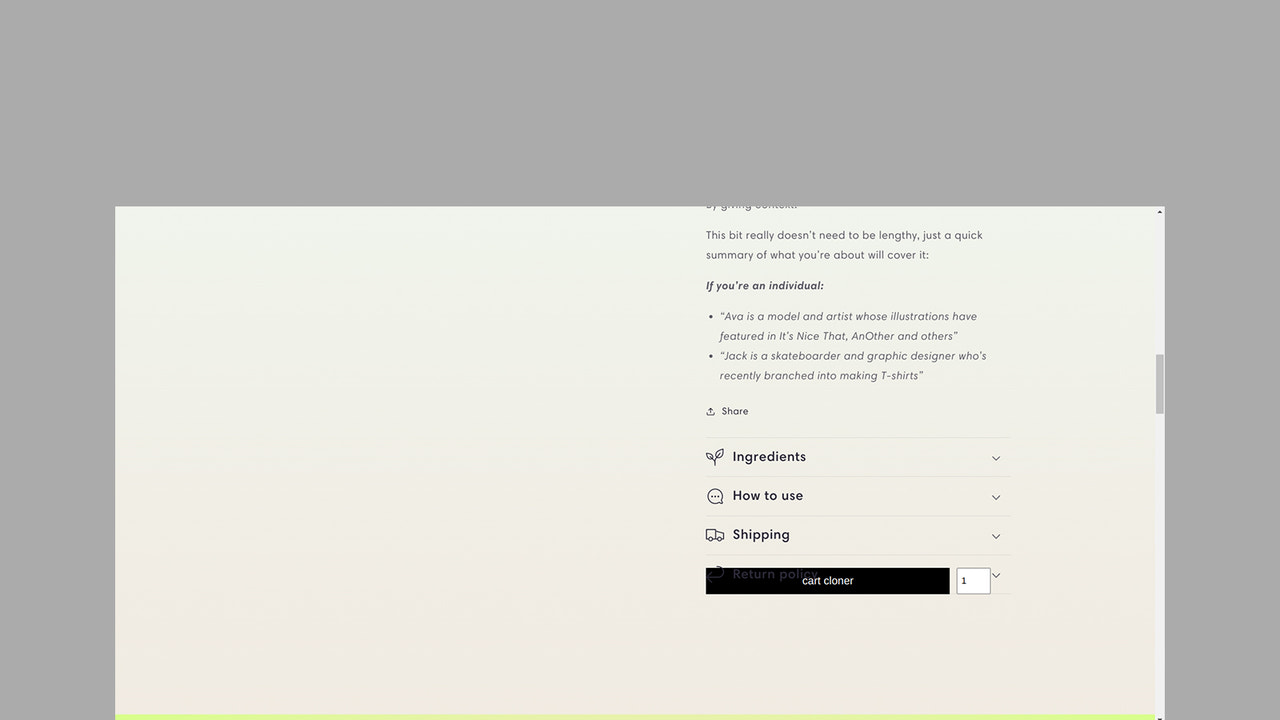
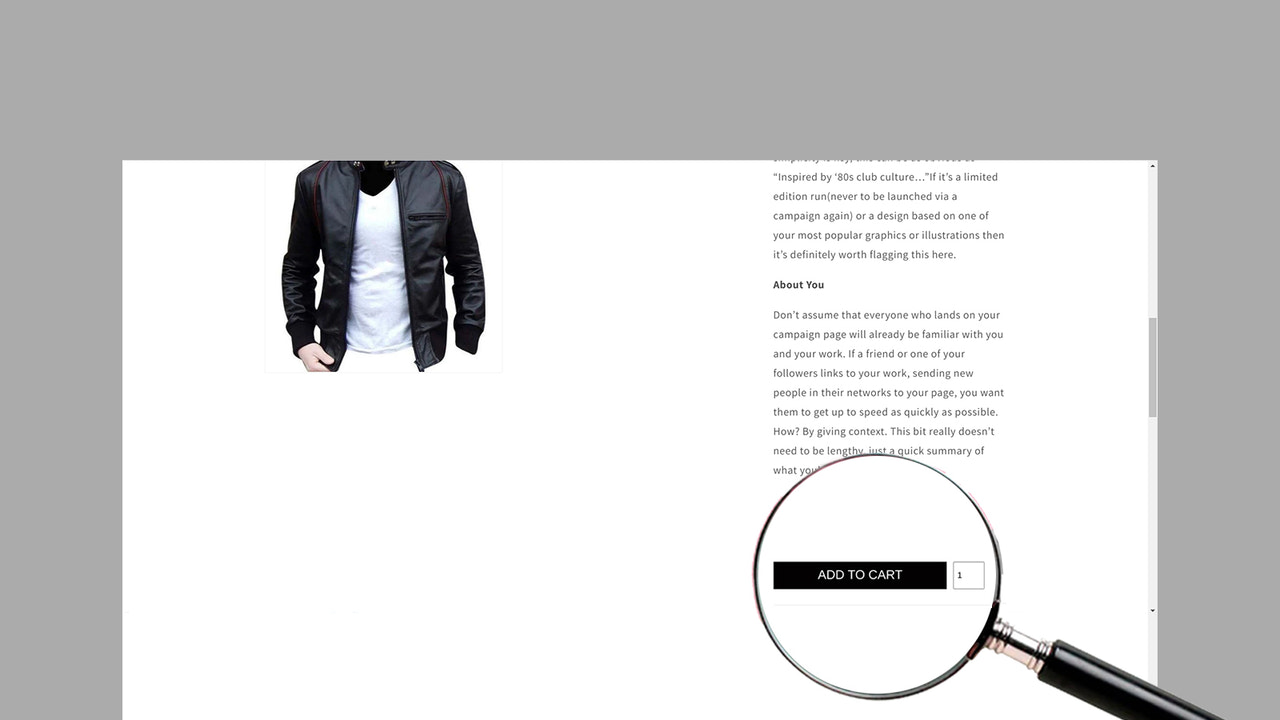
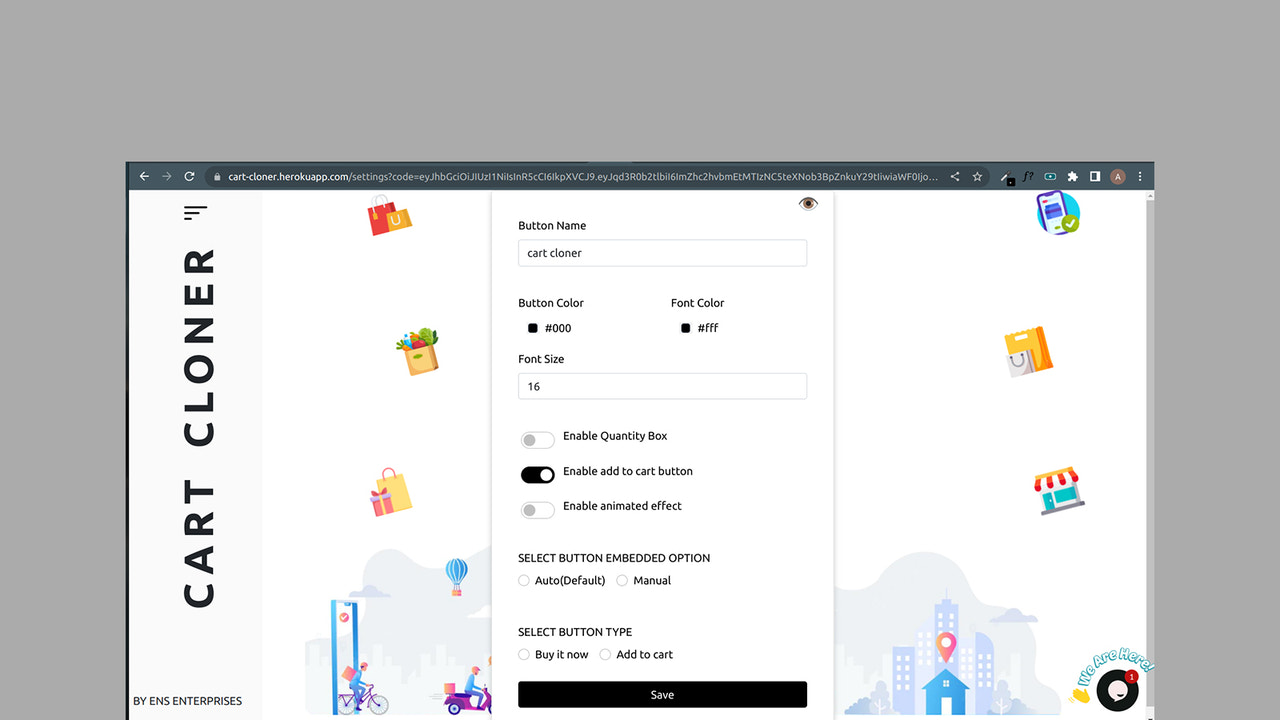
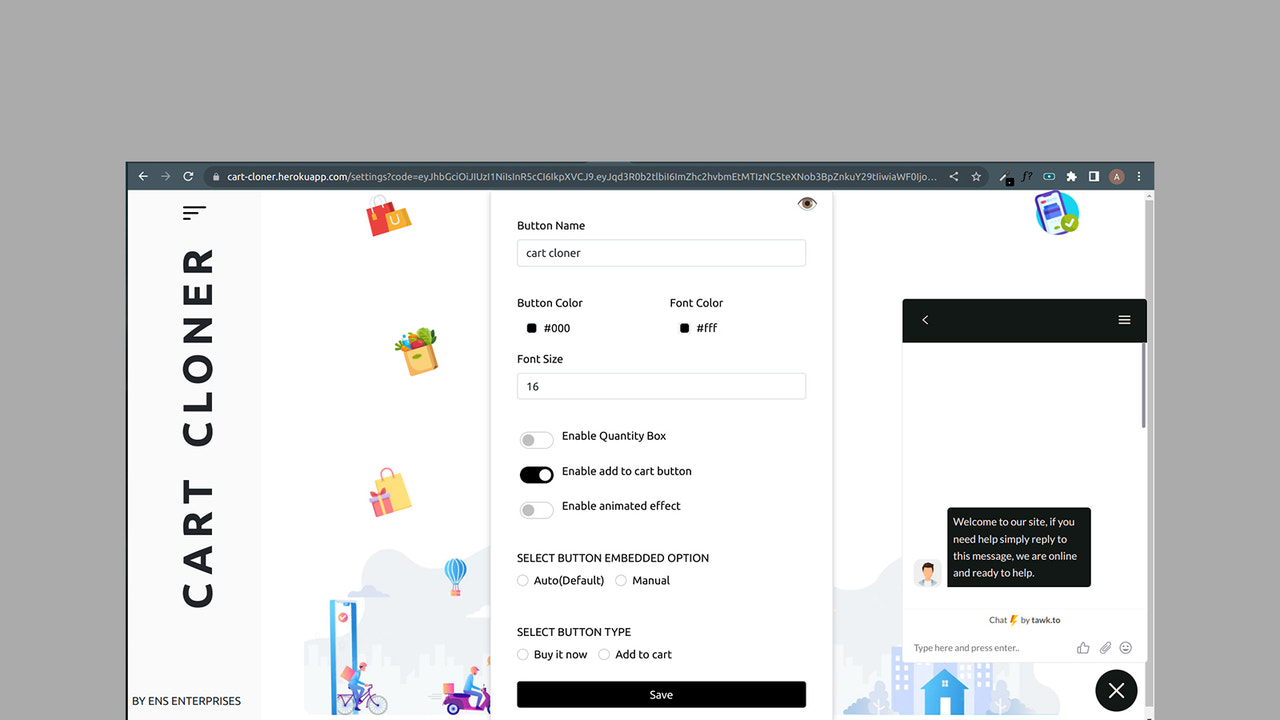
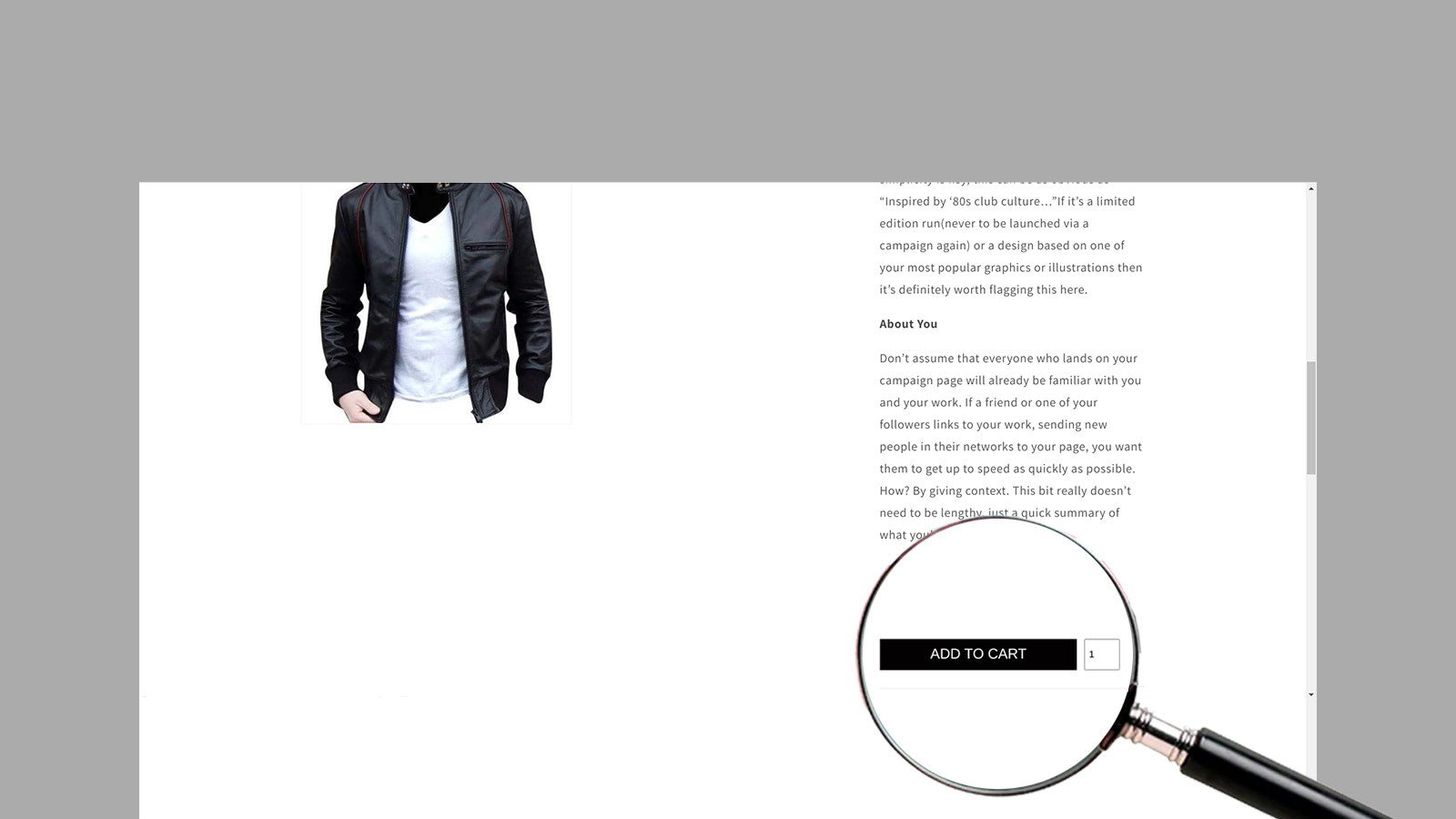
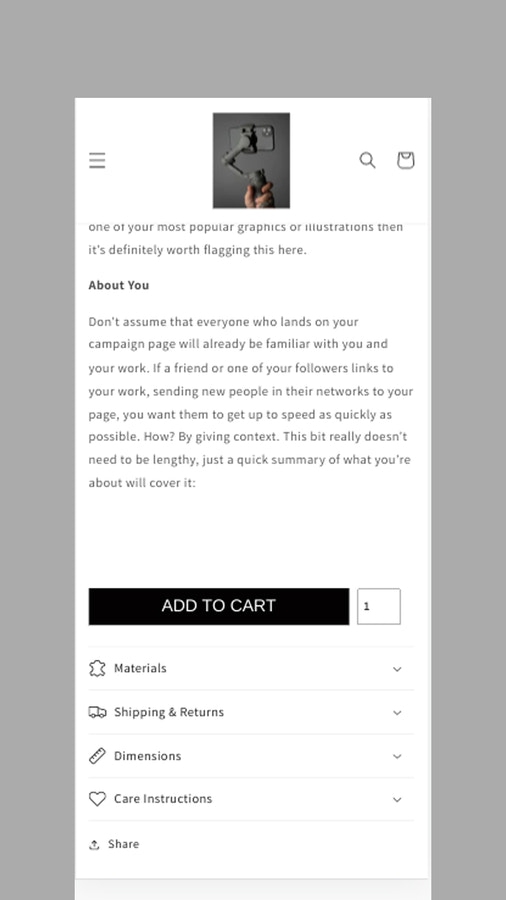
Cart Cloner helps display an additional button that can function as an "Add to Cart" or "Buy Now" button. The button setup can be installed and configured quickly. The button group will appear below the product description—this additional button will only be visible if a product description exists. More options can be enabled, such as the Add to Cart button, Buy Now button, and quantity checker.
Core Functionality
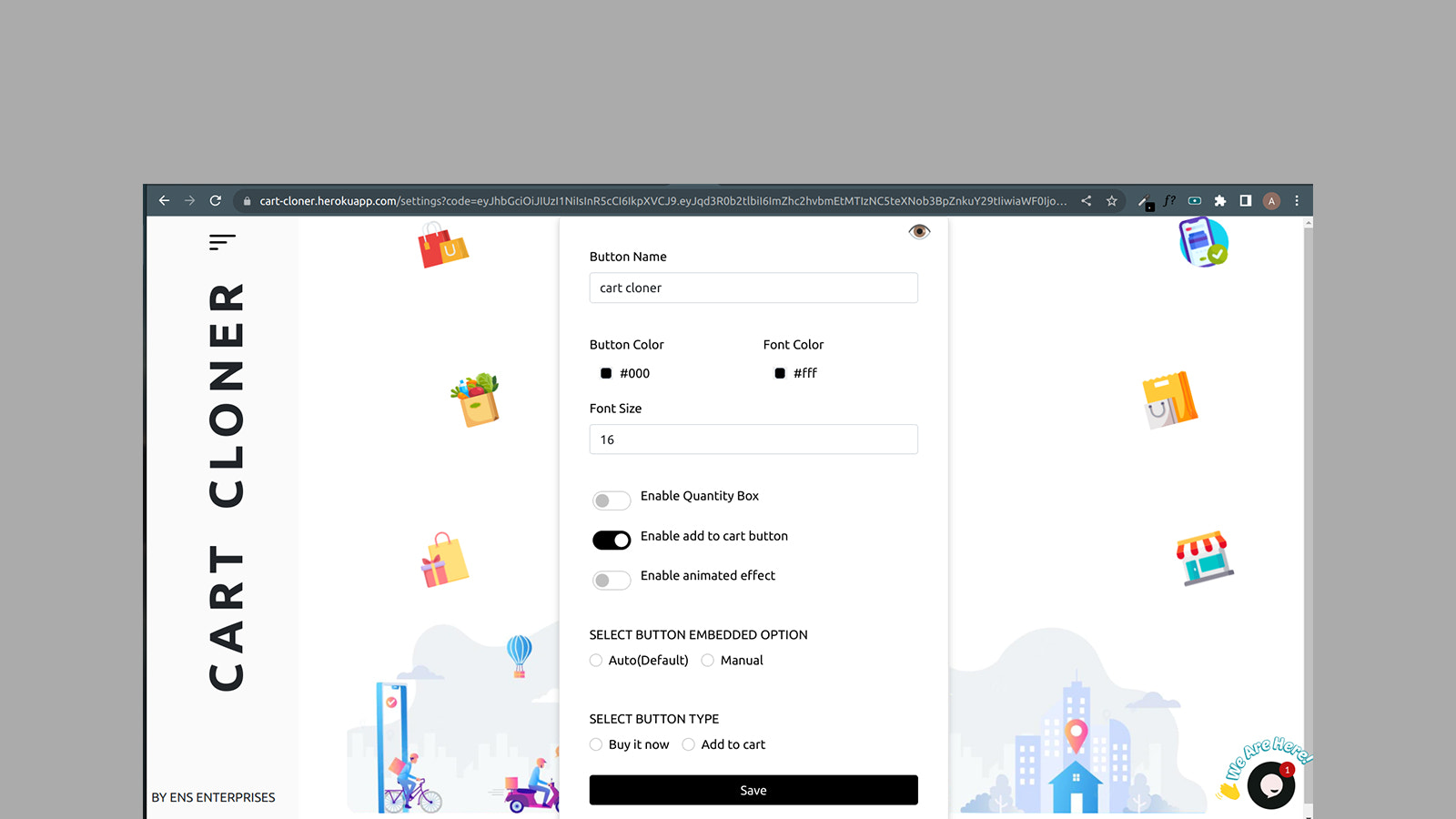
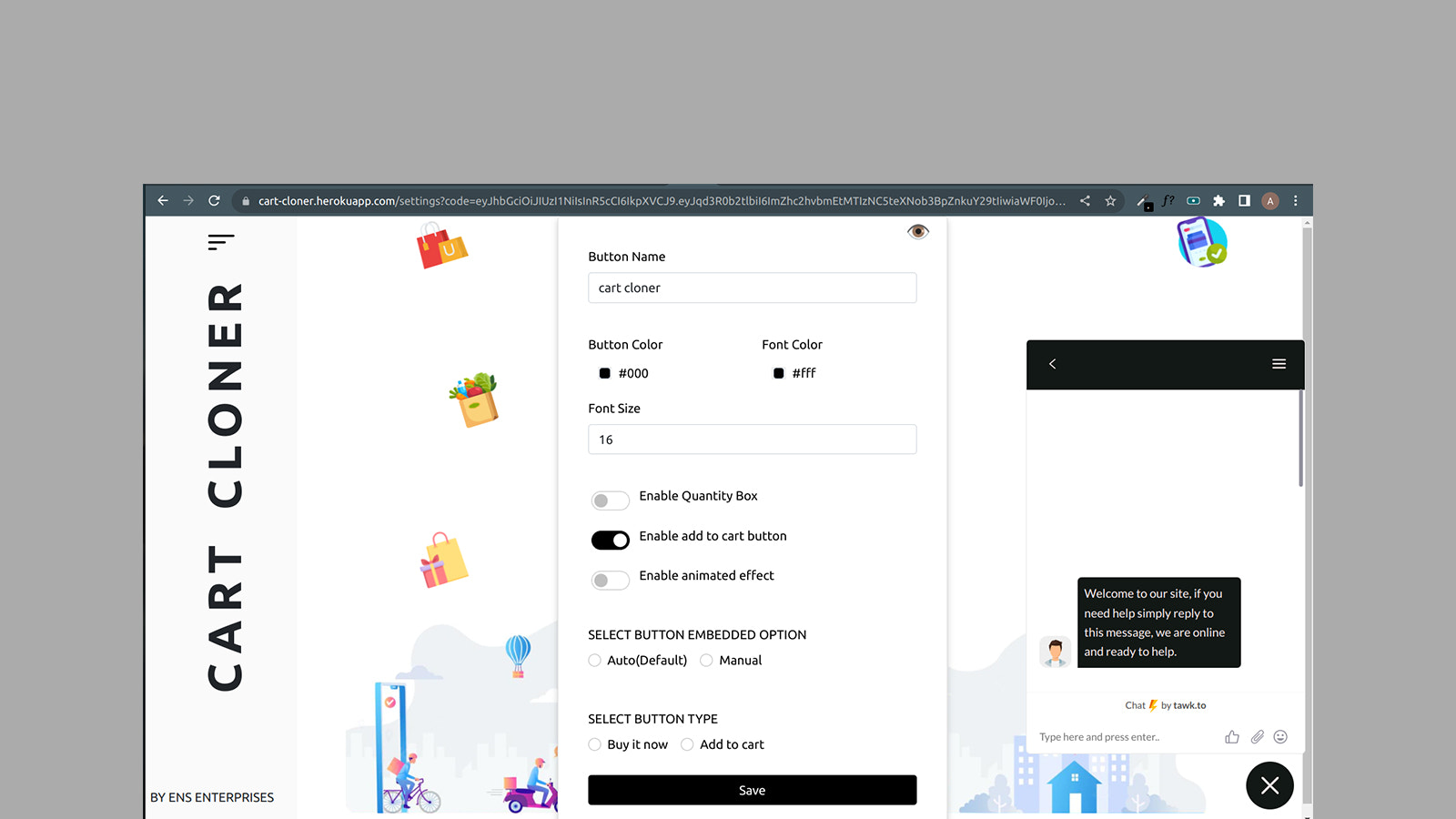
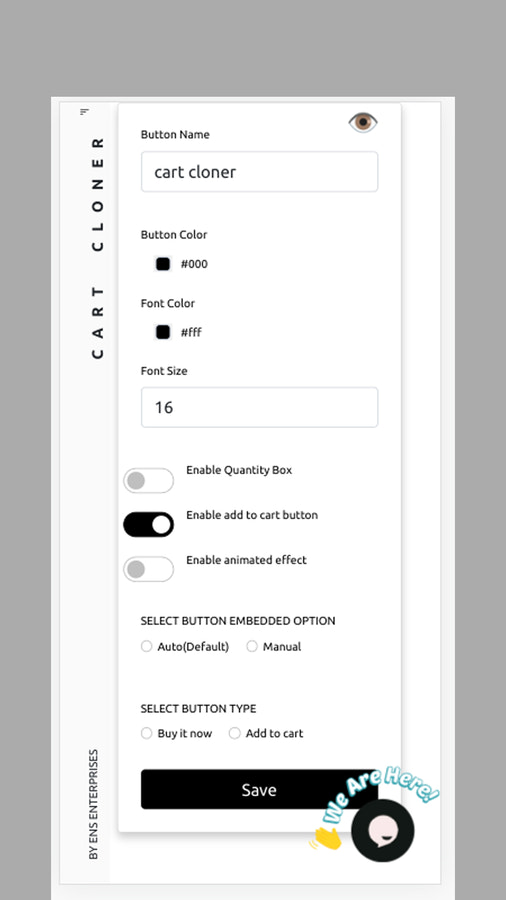
- Button position can be set to default or added manually.
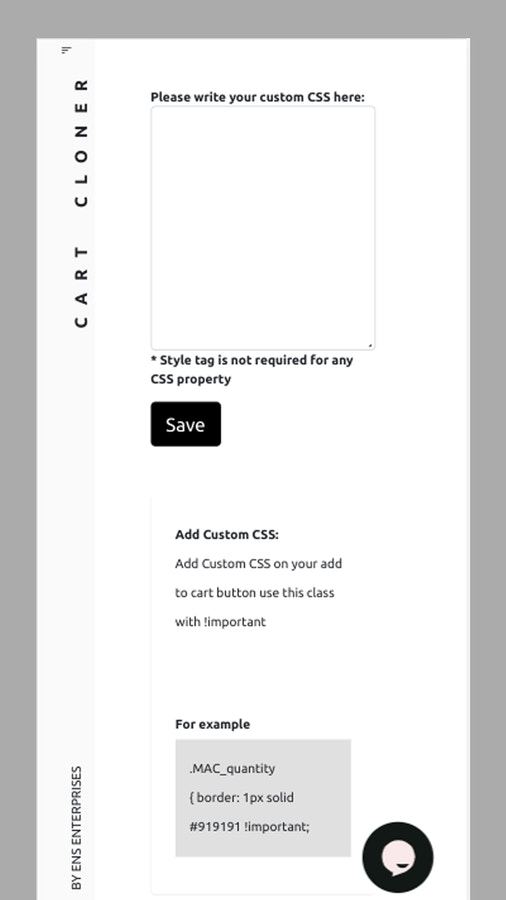
- Offers customization options: text, colors, and animations can be modified.
- Cart functionality is available directly on the product page.
Merchant-Friendly
- Independent Station Merchants
- Boutique Merchants
- Cross-border E-commerce Merchants
Basic Information
- Developer:ENS Enterprises Limited
- Address:B16, Sector-63, Noida, UP, 201307, IN
- Price: Free / Free plan
- Rating:5 / 5
- Comment Count:1 comment
- Release Date:2019-12-6
- Supported languages:English
- Compatible products:Shopify
Application Screenshot
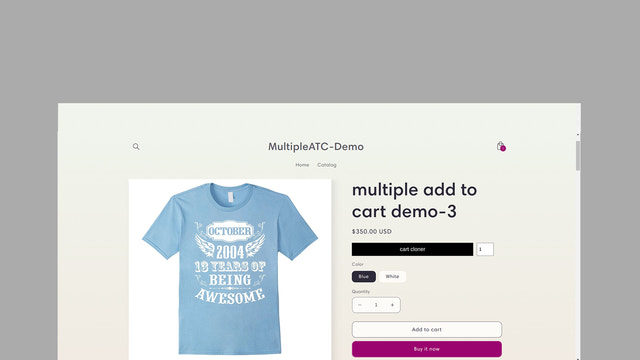
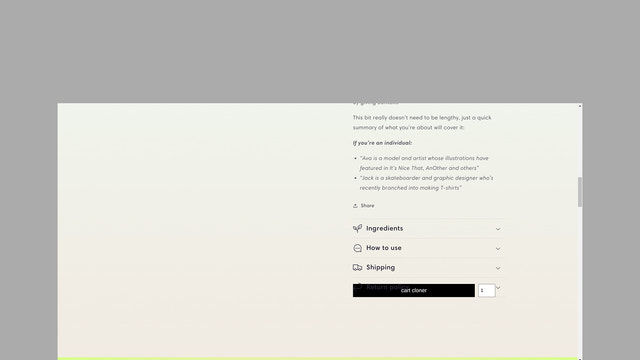
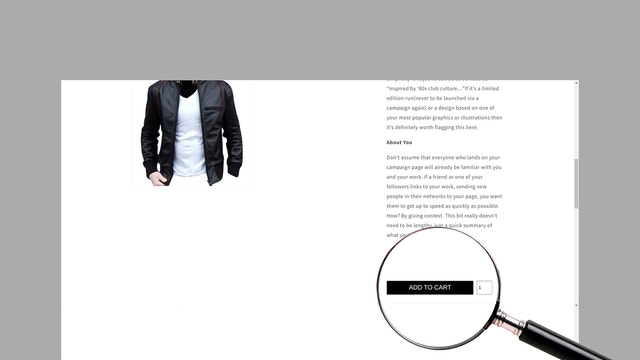
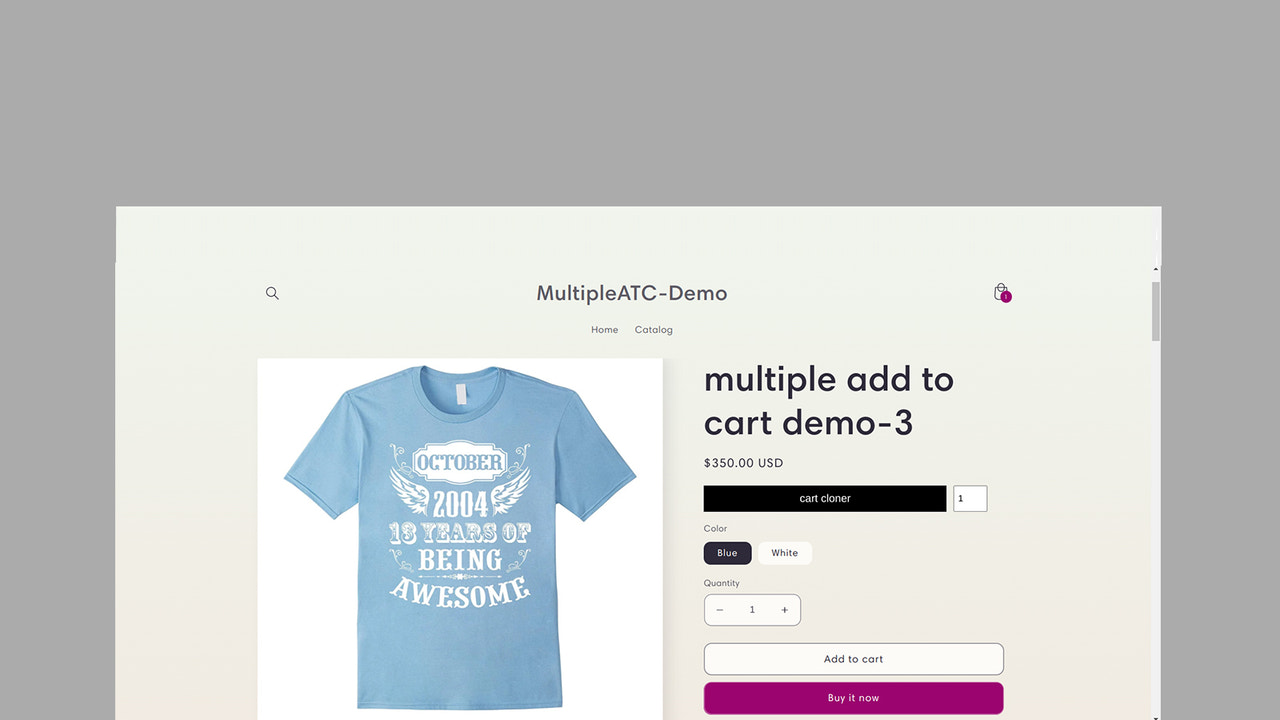
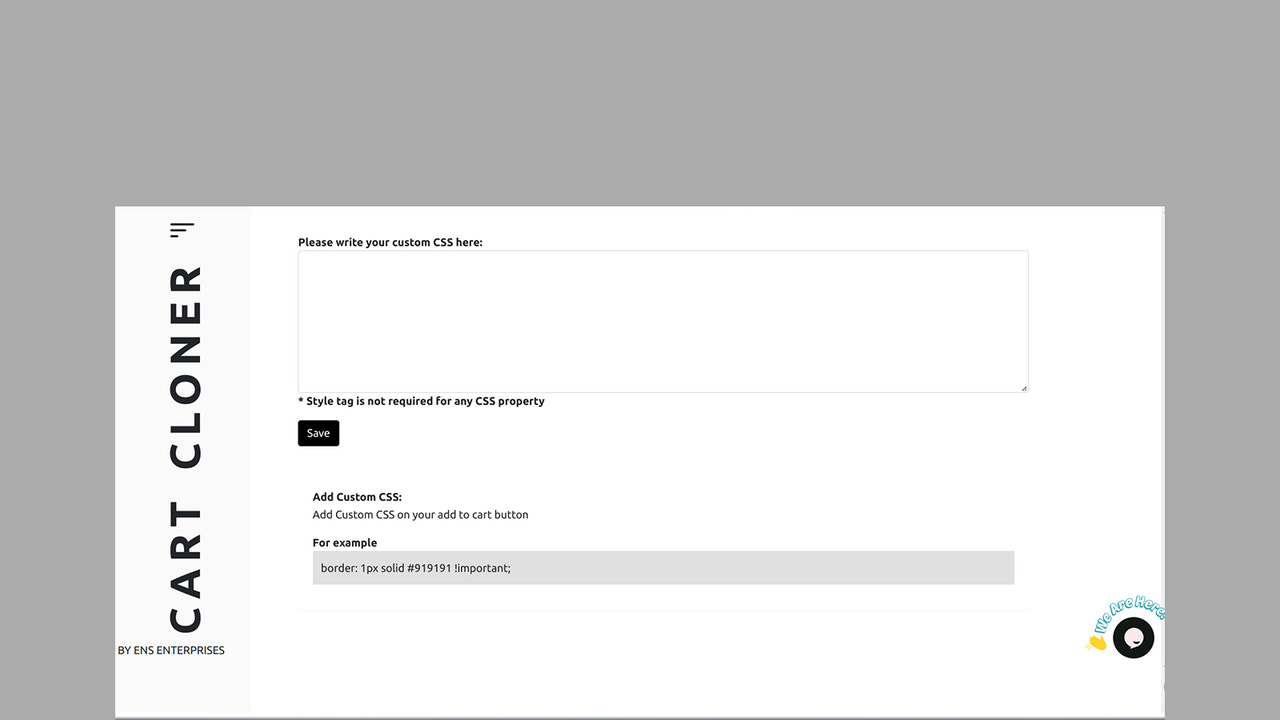
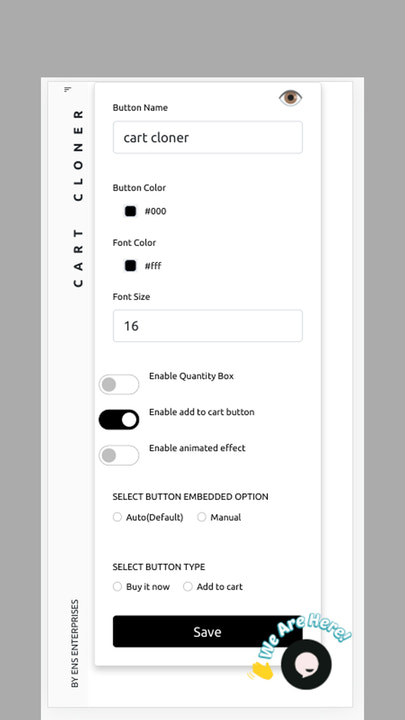

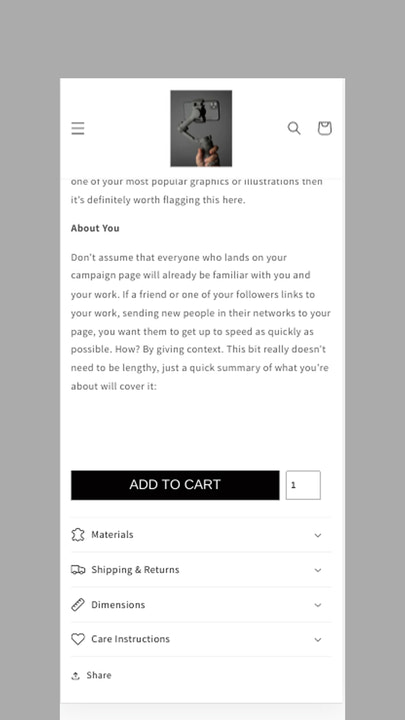
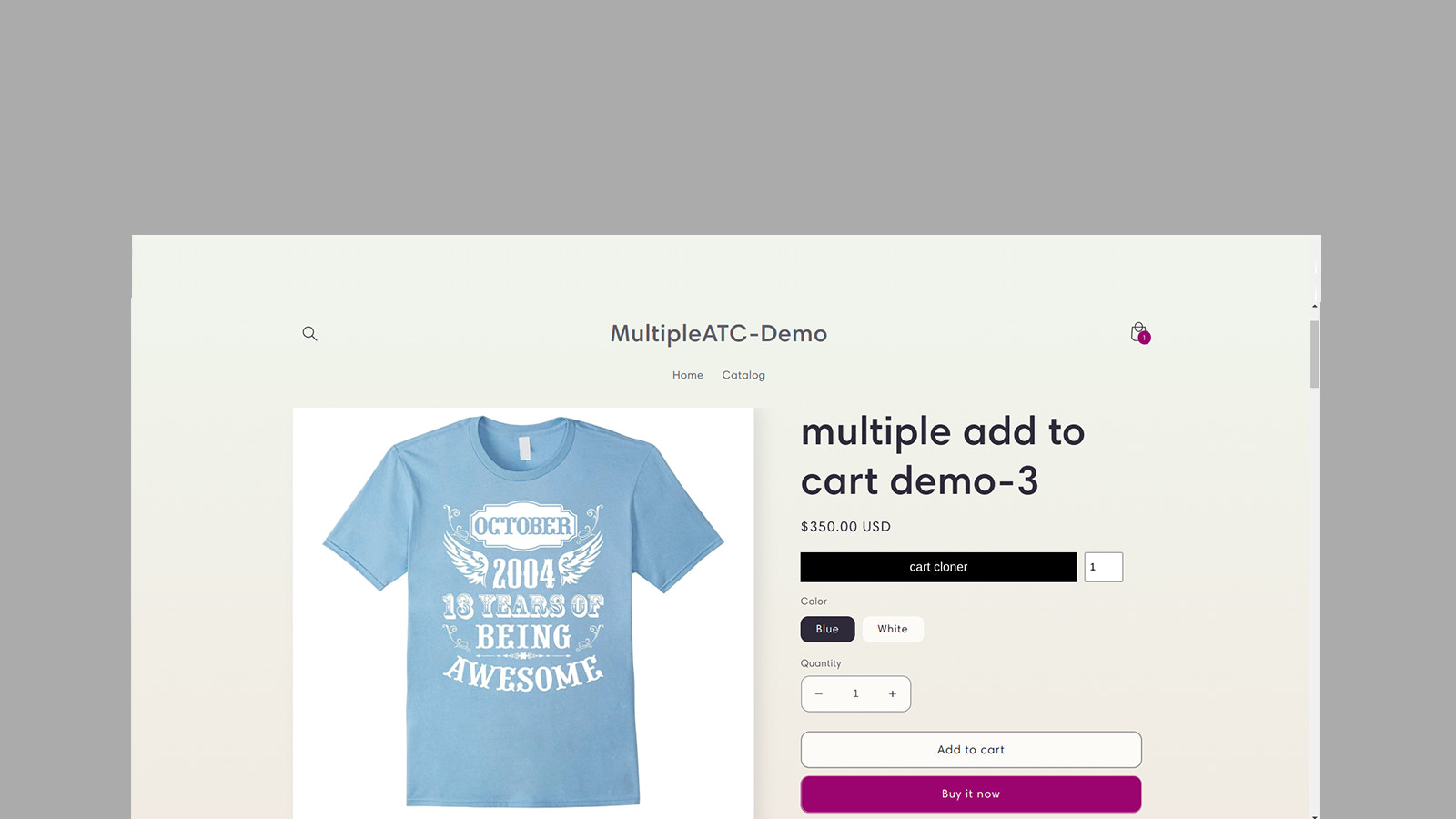


Price Plan
Free
Free Plan
User Location & Comments
User Location
Comments
Shopify API Used
- POST /admin/api/sections.json
- PUT /admin/api/sections/{section_id}.json
- GET /admin/api/sections/{section_id}.json
Permission:write_themes,read_themes,manage_online_store
- POST /admin/api/settings/fields.json
- PUT /admin/api/settings/fields/{field_id}.json
- GET /admin/api/settings/fields.json
Permission:write_themes,read_themes,manage_online_store
- POST /admin/api/sections.json
- PUT /admin/api/sections/{section_id}.json
- GET /admin/api/sections/{section_id}.json
Permission:write_themes,read_themes,manage_products