Canonical Tag URL Wizard
App Introduction
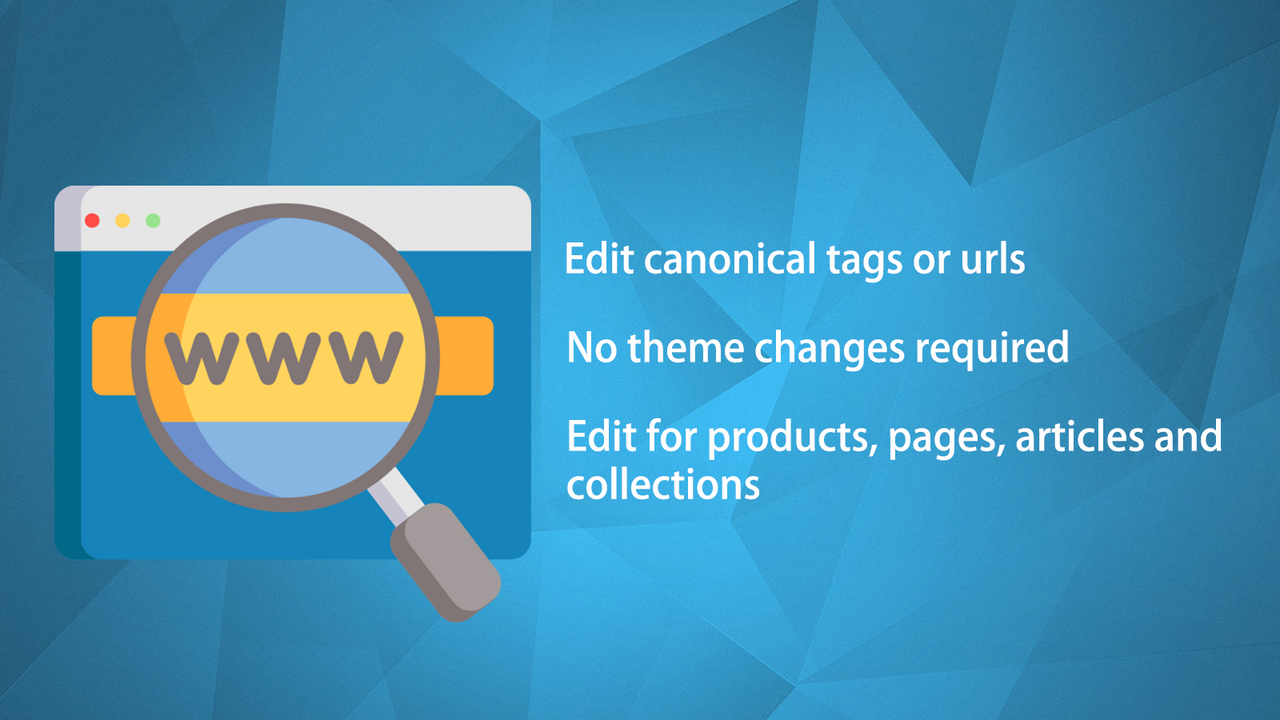
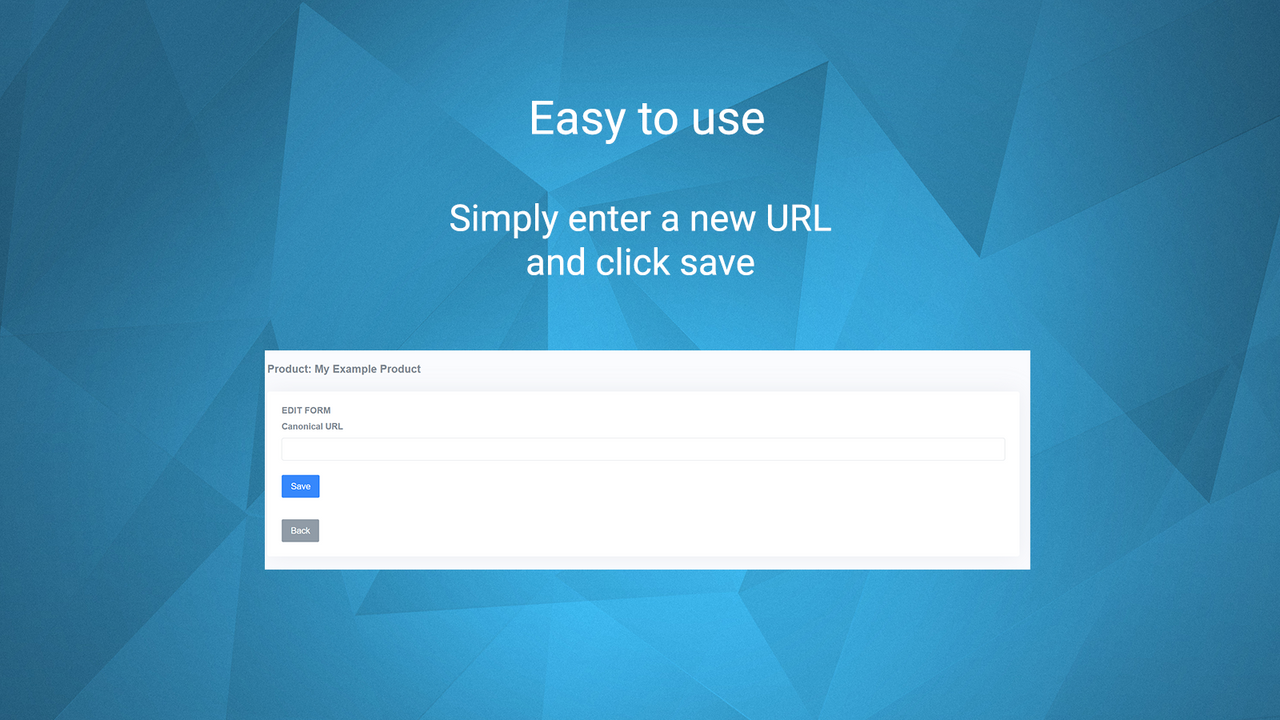
Easily edit the canonical tags or URLs for any product, page, blog post, and collection. Shopify doesn’t offer a way to edit canonical tags or URLs—this is where this app comes in. The Canonical Tag/URL Manager lets you edit the canonical tags for any product, page, blog post, and collection. If you want to direct search engines to a different version of a page—for example, if you have multiple versions of the same product but want one to receive all traffic—modifying its canonical URL to notify search engines is beneficial for your store.
Core Functionality
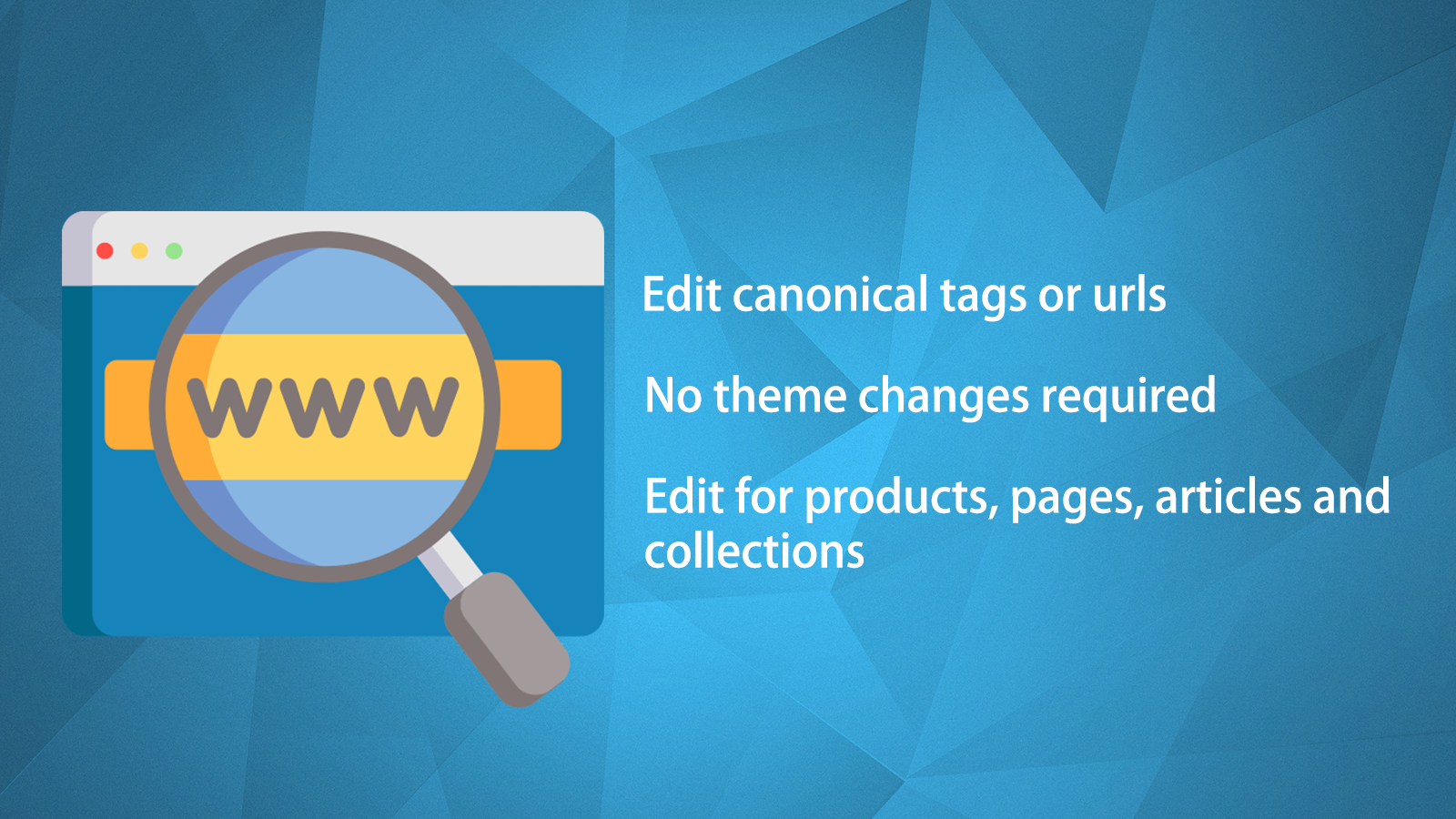
- Edit any canonical tag or URL
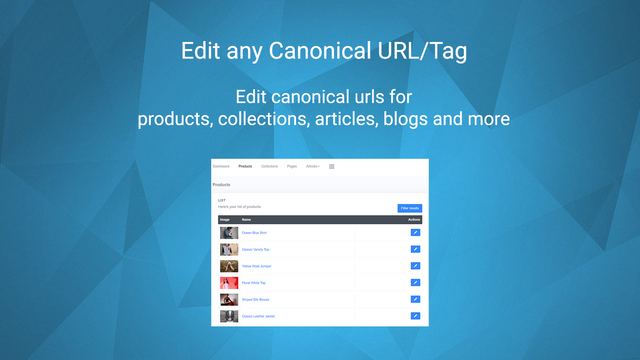
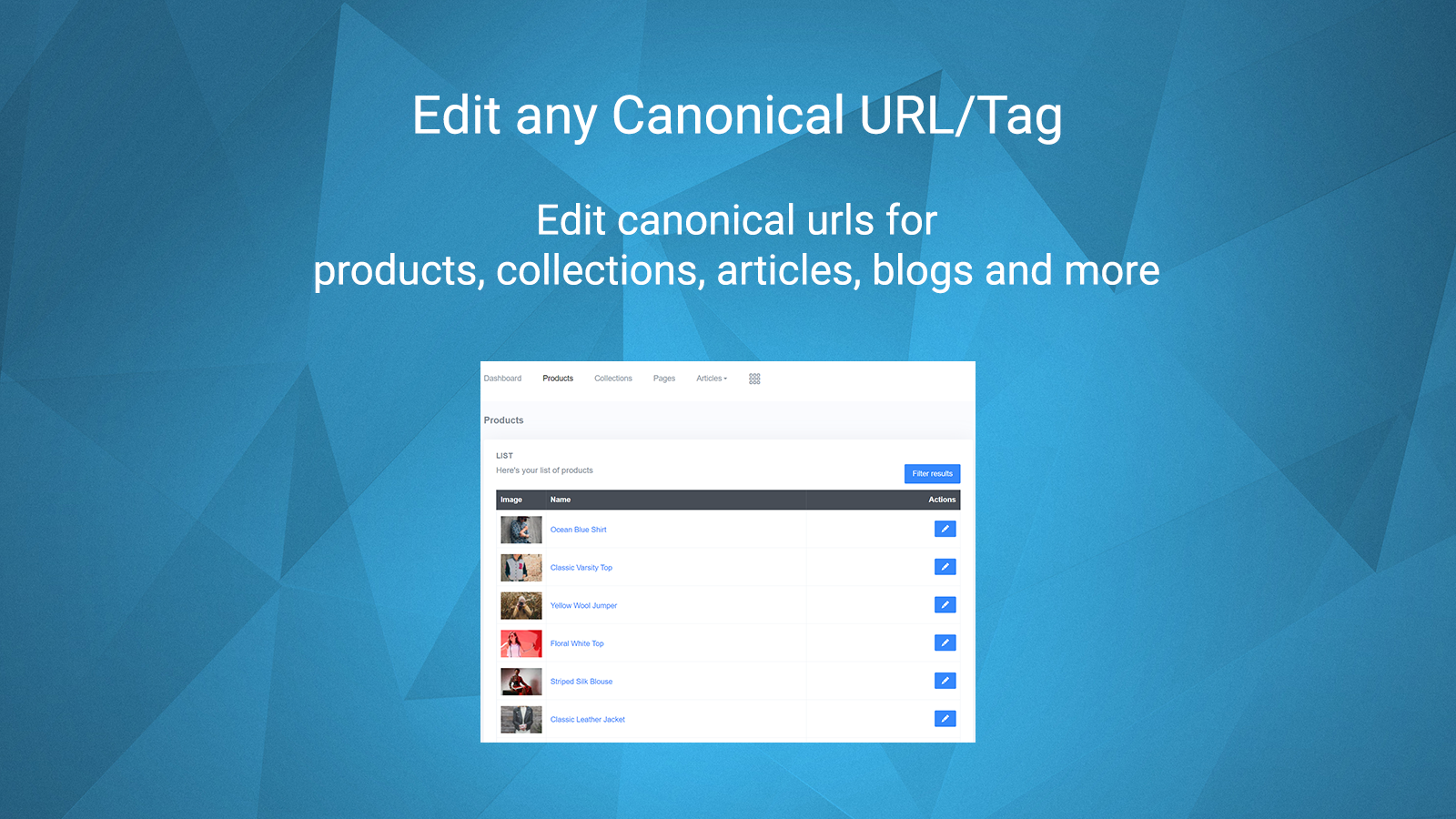
- Edit canonical tags or URLs for products, pages, articles, and collections
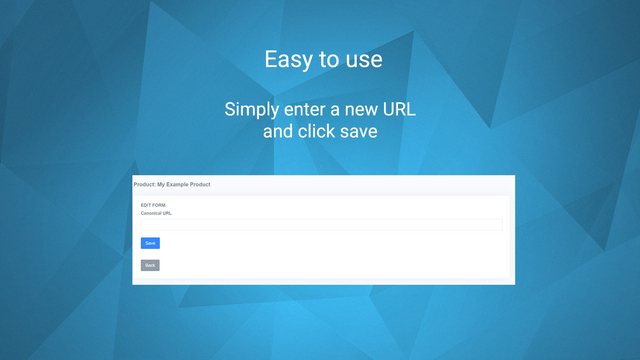
- Easy-to-use dashboard with no theme modifications required
Merchant-Friendly
- Independent Station Merchants
- Multi-category E-commerce
- Content E-commerce
- Novice E-commerce
- Small & Medium E-commerce
Basic Information
- Developer:DJP Digital
- Address:5a Marsh Mill Village, Fleetwood Road North, Thornton-Cleveleys, ENG, FY5 4JZ, GB
- Price: Free / Free plan
- Rating:5 / 5
- Comment Count:20 comment
- Release Date:2022-5-3
- Supported languages:English
- Compatible products:Shopify
Application Screenshot



Price Plan
完全访问
User Location & Comments
User Location
Comments
Shopify API Used
- PUT /admin/api/products/{product_id}.json
- PUT /admin/api/pages/{page_id}.json
- PUT /admin/api/articles/{article_id}.json
- PUT /admin/api/collections/{collection_id}.json
Permission:write_products,write_pages,write_articles,write_collections
- PUT /admin/api/products/{product_id}.json
- PUT /admin/api/pages/{page_id}.json
- PUT /admin/api/articles/{article_id}.json
- PUT /admin/api/collections/{collection_id}.json
Permission:write_products,write_pages,write_articles,write_collections
- GET /admin/api/products.json
- GET /admin/api/pages.json
- GET /admin/api/articles.json
- GET /admin/api/collections.json
Permission:read_products,read_pages,read_articles,read_collections