
App Introduction
Buttonizer: Smart Floating Buttons for WhatsApp Chat, Messenger, Telegram, Email & Call Widgets to Boost Conversions Create intelligent floating buttons to increase conversion rates With Buttonizer, you can add multi-functional smart floating (sticky) buttons for WhatsApp chat, Facebook Messenger, floating contact forms, WhatsApp widgets (NEW: WhatsApp Business), click-to-chat, calls, emails, and more. > Choose from 40+ click actions, chat buttons, and contact forms > Build unlimited single floating buttons or interactive sticky menus > Use smart filters: scroll trigger, device targeting, page-specific display, and time-based rules > Track all interactions, leads, and conversions via the analytics dashboard
Core Functionality
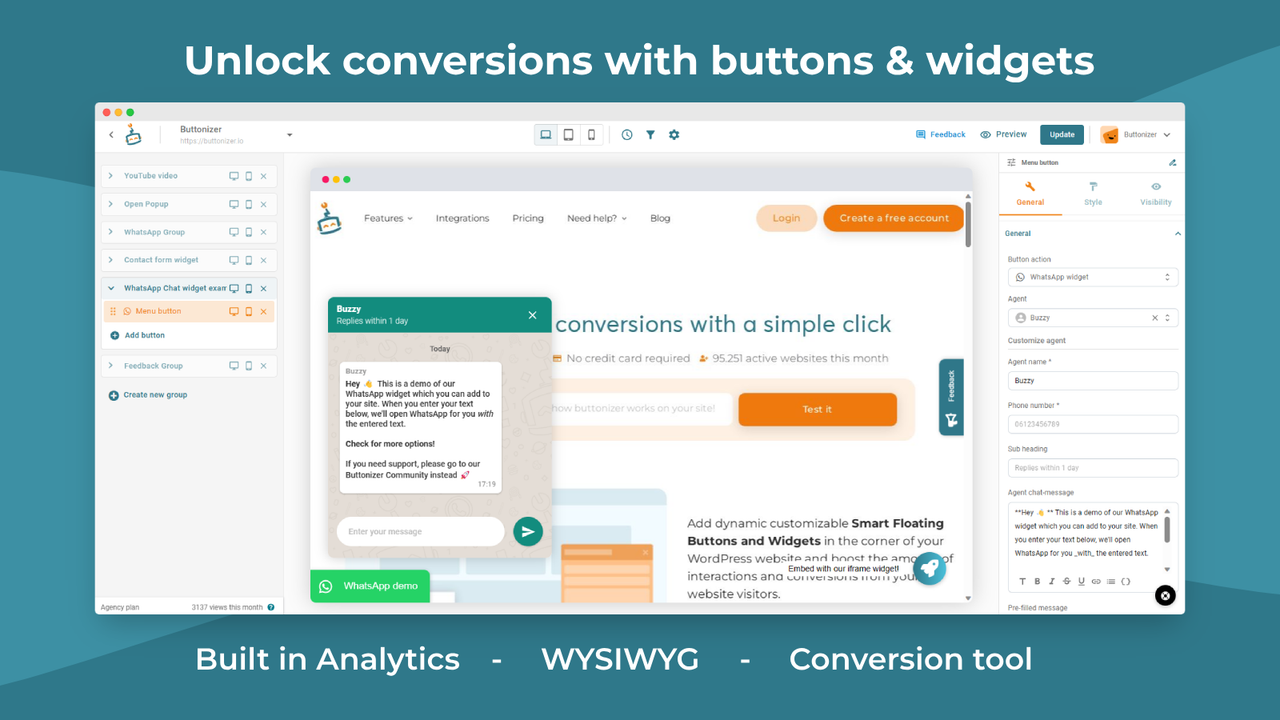
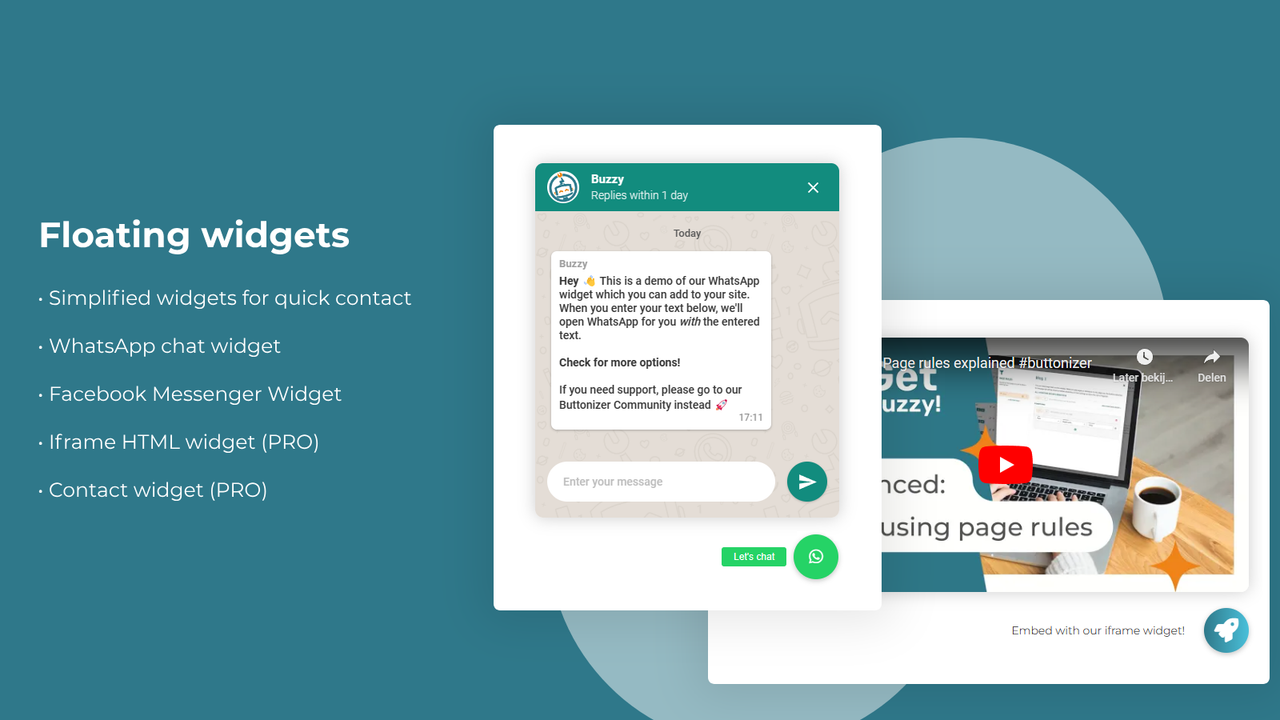
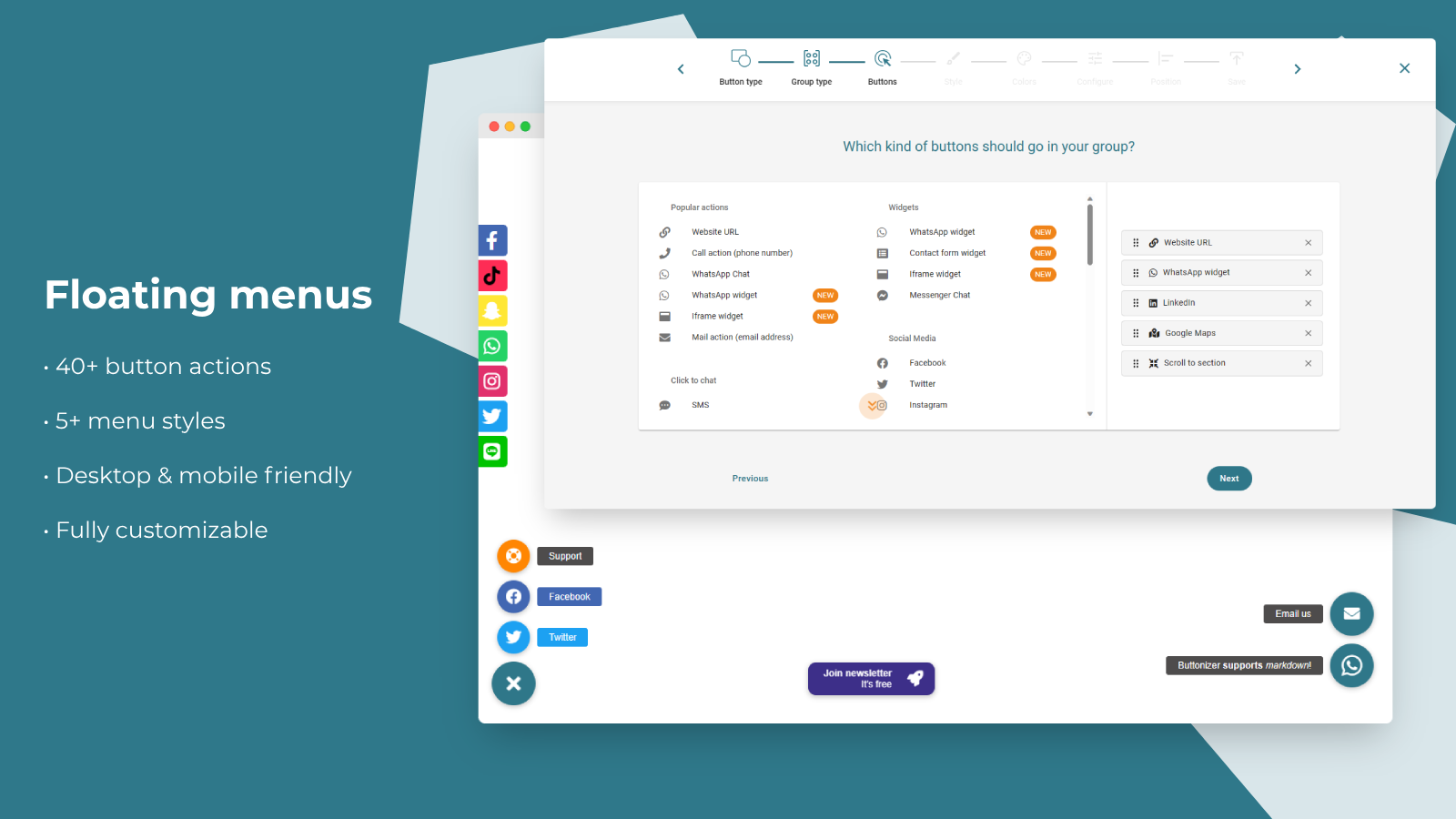
- WhatsApp chat widget, pop-ups, contact forms, and other click-to-call/email buttons
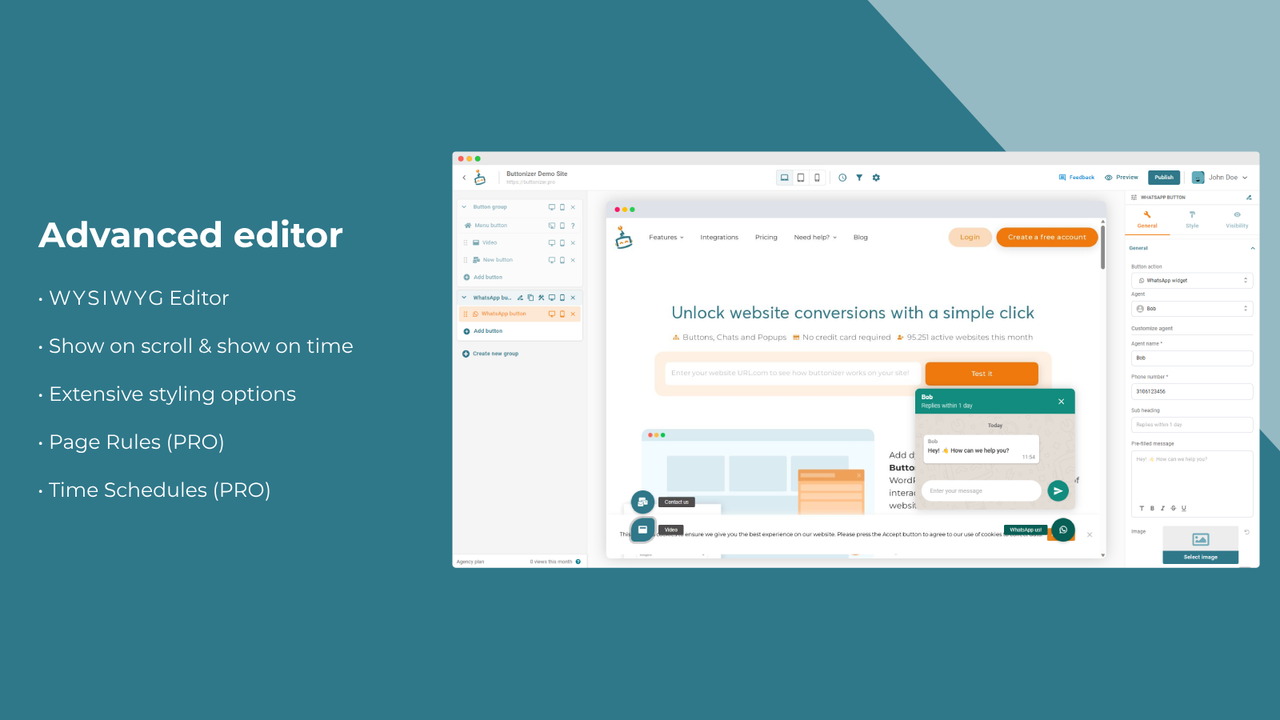
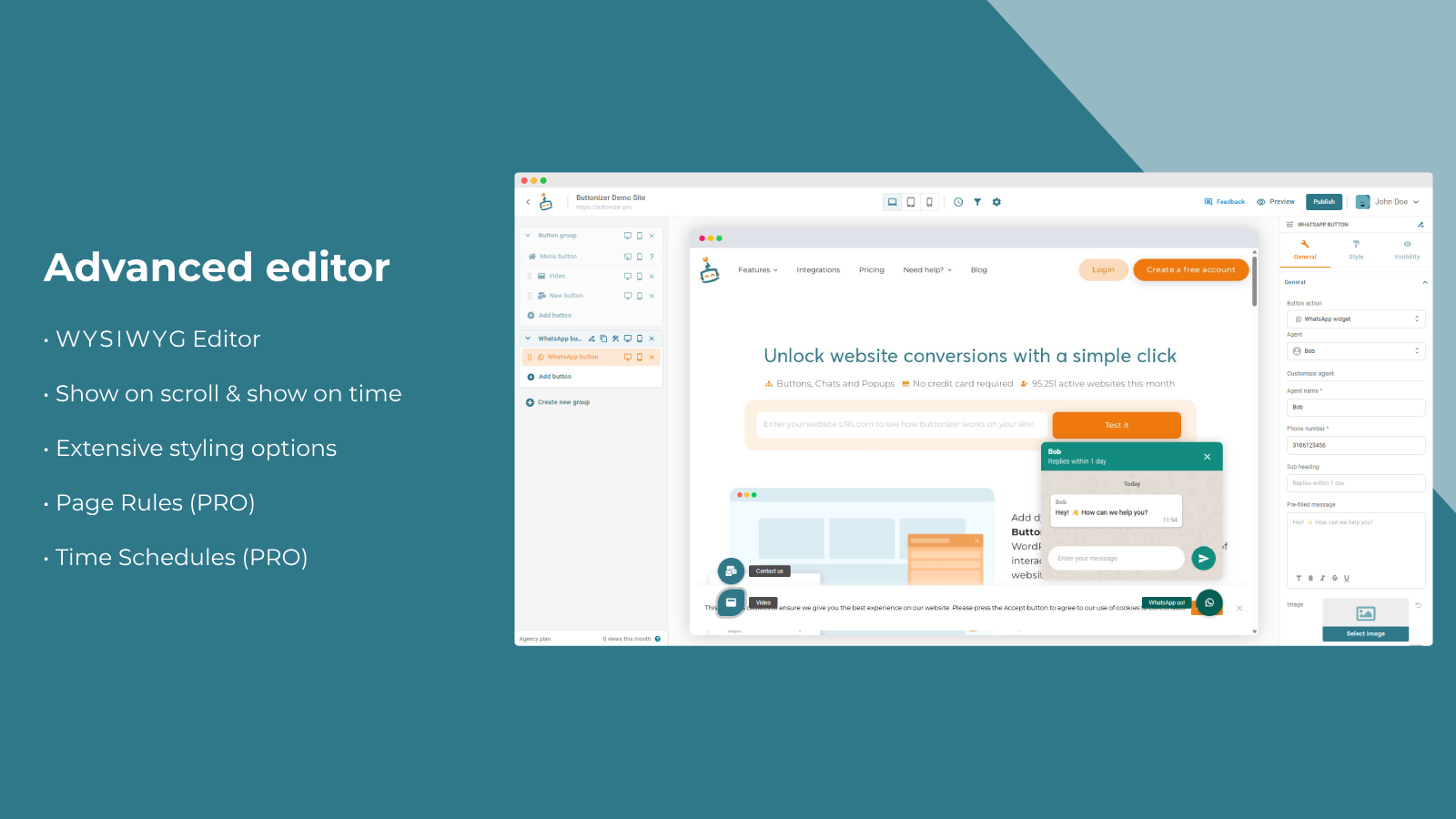
- Apply smart filters including timelines, page rules, scroll triggers, and device targeting
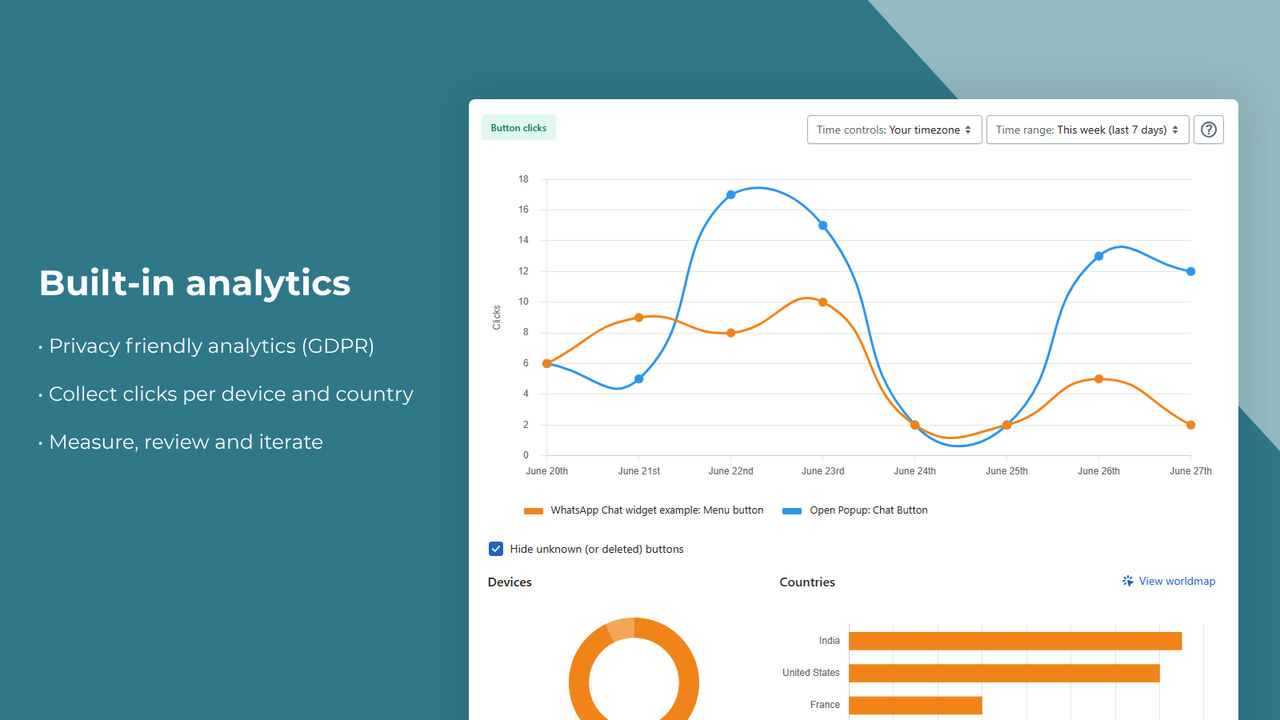
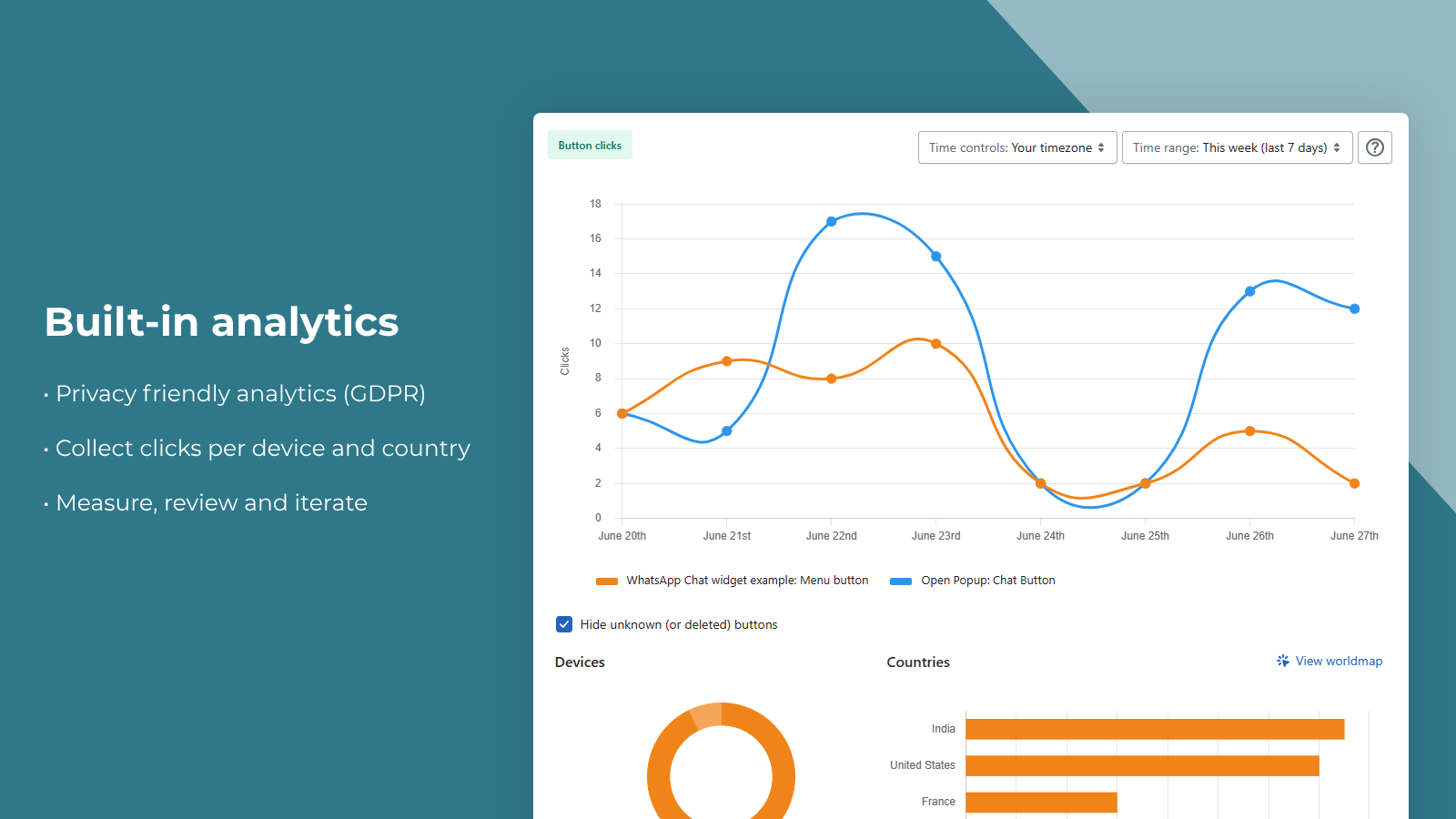
- Analyze dashboard to see which floating buttons perform best
- Extensive styling options: upload images, hover effects, and pre-made templates
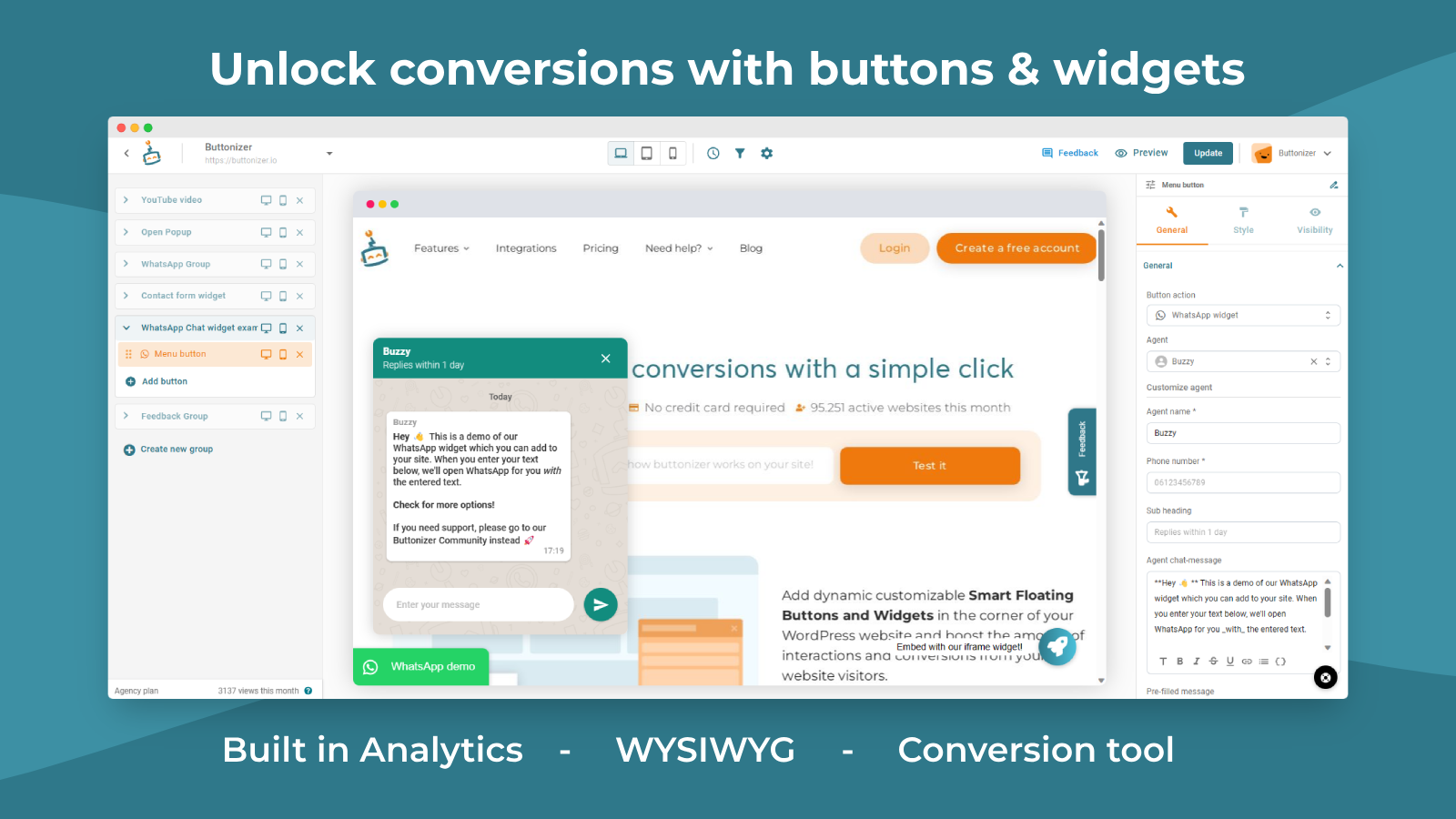
- Advanced frontend interface – see the impact of changes in real time
Merchant-Friendly
- Independent Station Merchants
- Social Media E-commerce Sellers
- Service-oriented E-commerce
- Multi-channel Retailers
Basic Information
- Developer:Buttonizer
- Address:1930 Village Center Circle, #3-7690, Las Vegas, NV, 89134, US
- Price: Free / Free plan
- Rating:5 / 5
- Comment Count:1 comment
- Release Date:2022-5-24
- Supported languages:English
- Compatible products:Shopify
Application Screenshot




Price Plan
Free
- Ideal for Beginners
- Up to 5,000 Page Views per Month
- Unlimited Groups and Buttons
- Unlimited Style Options
- 7-Day Conversion History
Growth
- Suitable for small stores
- Up to 50,000 page views per month
- 1-month conversion history
- Page rules and date schedules
- Exit intent
Expert
- Suitable for Professionals
- Unlimited Monthly Page Views
- 1-Month Conversion History
- Page Rules and Date Timelines
- Exit Intent
User Location & Comments
User Location
Comments
Shopify API Used
- POST /admin/api/chat_widgets.json
- PUT /admin/api/chat_widgets/{id}.json
- GET /admin/api/chat_widgets.json
Permission:write_chat_widgets,read_chat_widgets,manage_online_store
- POST /admin/api/filters.json
- PUT /admin/api/filters/{id}.json
- GET /admin/api/filters.json
Permission:write_filters,read_filters,manage_online_store
- GET /admin/api/button_analytics.json
- GET /admin/api/button_analytics/{id}.json
- POST /admin/api/button_analytics/metrics.json
Permission:read_analytics,read_button_metrics,manage_online_store
- POST /admin/api/button_styles.json
- PUT /admin/api/button_styles/{id}.json
- GET /admin/api/button_styles.json
Permission:write_button_styles,read_button_styles,manage_online_store
- GET /admin/api/preview/button_changes.json
- POST /admin/api/preview/sync_changes.json
- GET /admin/api/preview/device_preview.json
Permission:read_preview,manage_online_store,write_preview_config