
App Introduction
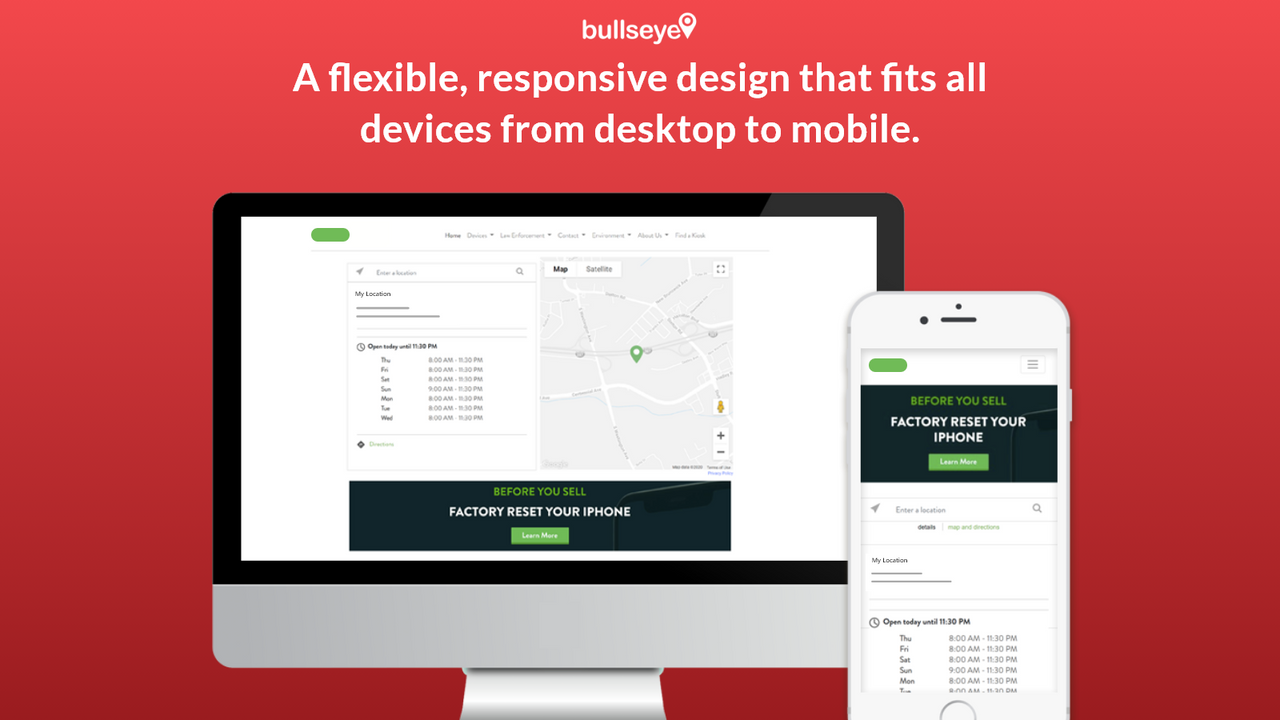
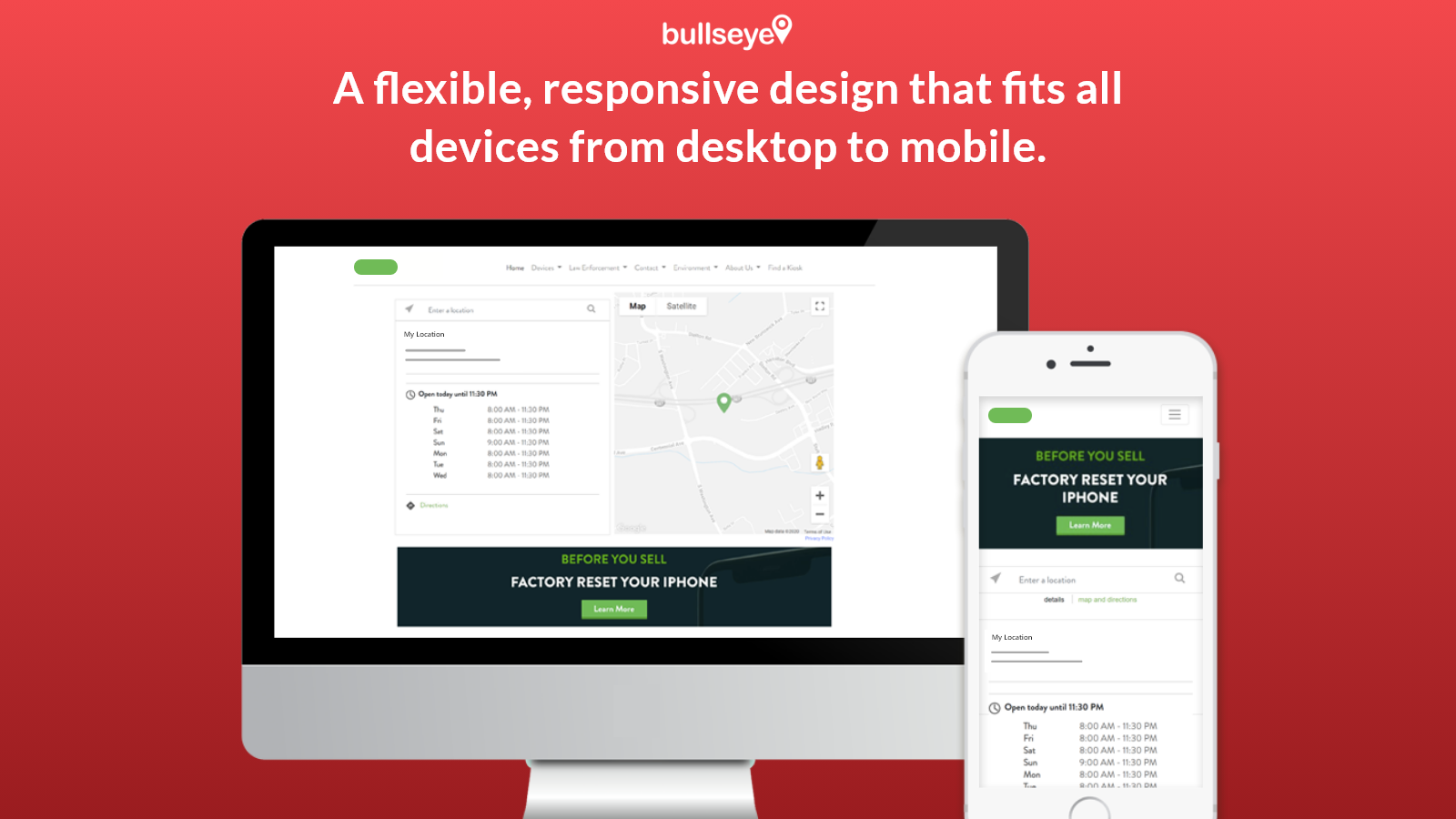
Bullseye's Store Locator app is a sophisticated locator tool for stores, products, and dealers. Bullseye's Shopify Store Locator app can be added to your Shopify store in minutes—no developer assistance required. Our HTML5, responsive interface is designed to deliver an optimal search experience for users, regardless of their device, location, or language (supports nearly 60 languages). Bullseye Store Locator enables your customers to quickly find nearby locations that sell your products or offer your services.
Core Functionality
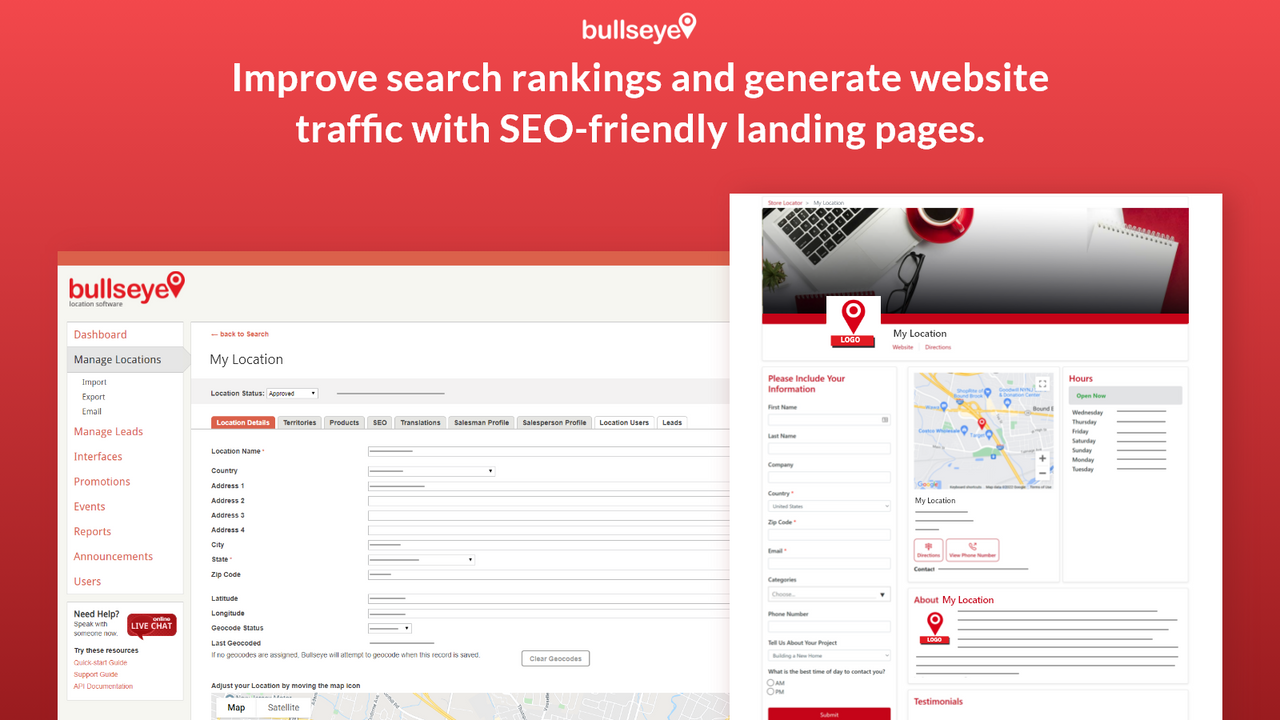
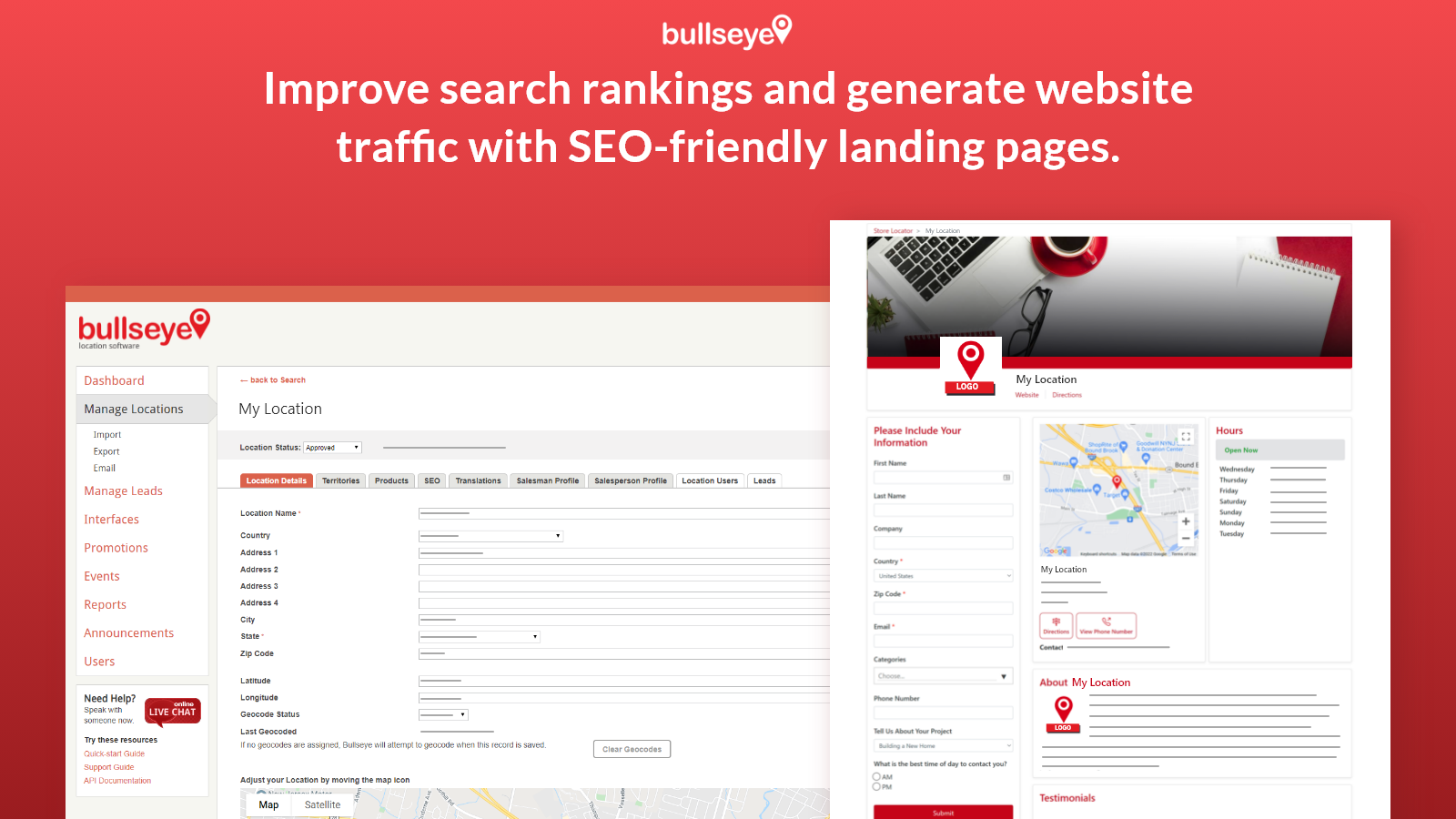
- Responsive mobile-friendly & SEO-optimized locator with city and local pages
- Fully customize locator design using built-in tools, CSS, or JavaScript
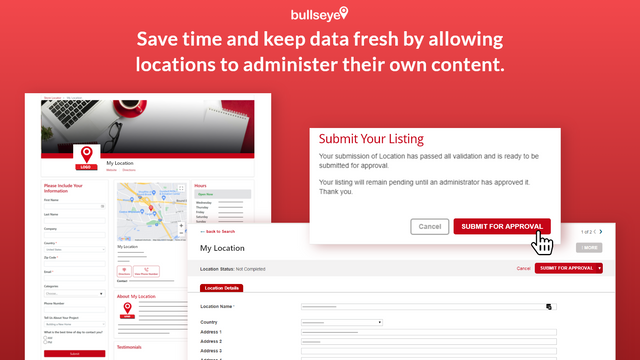
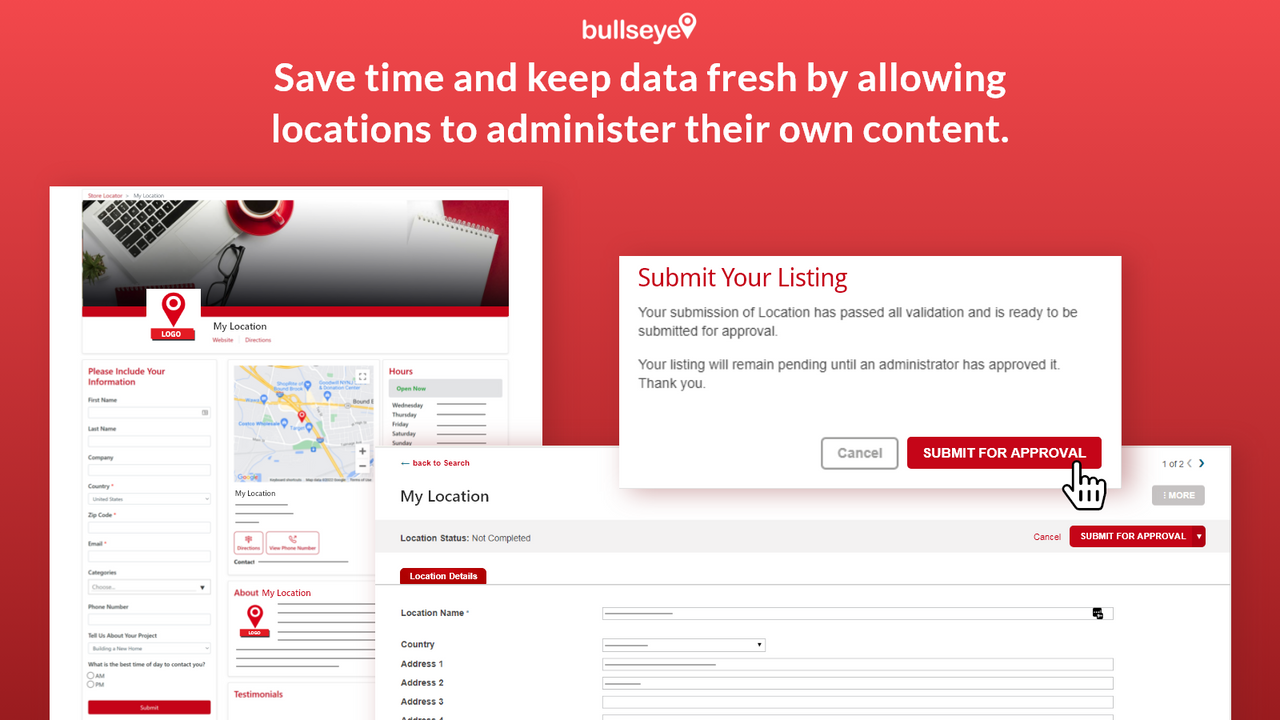
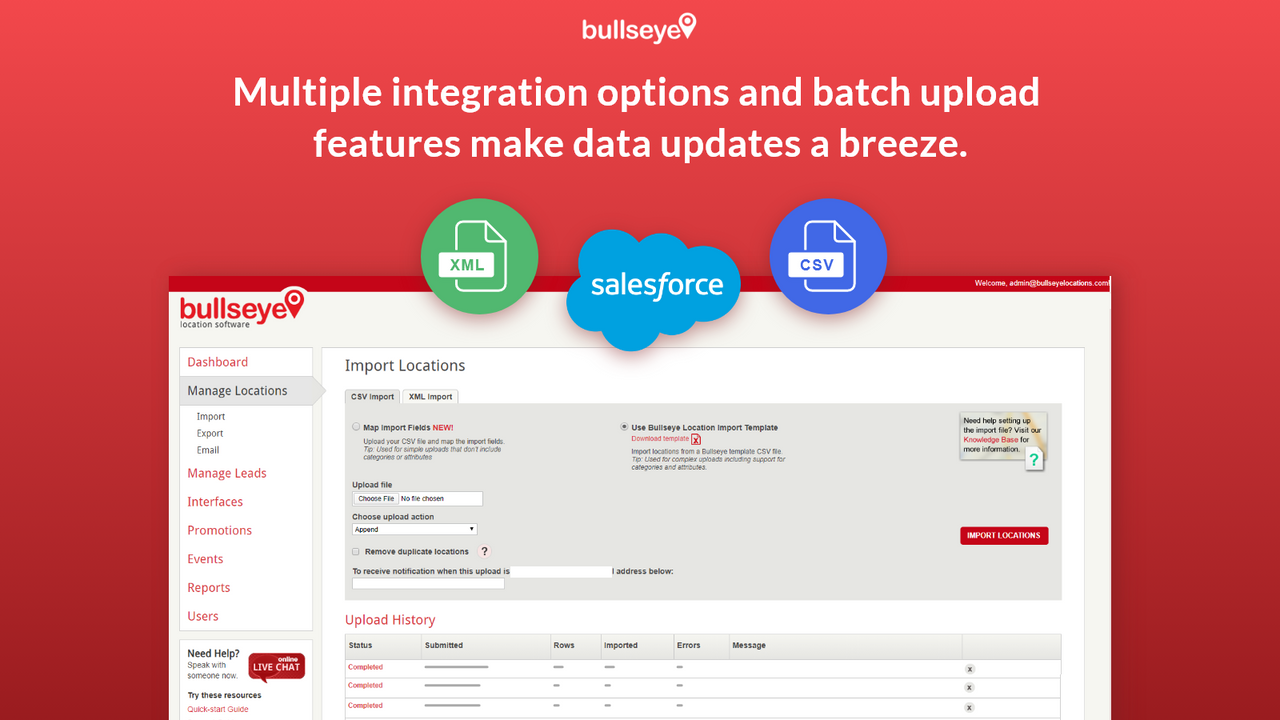
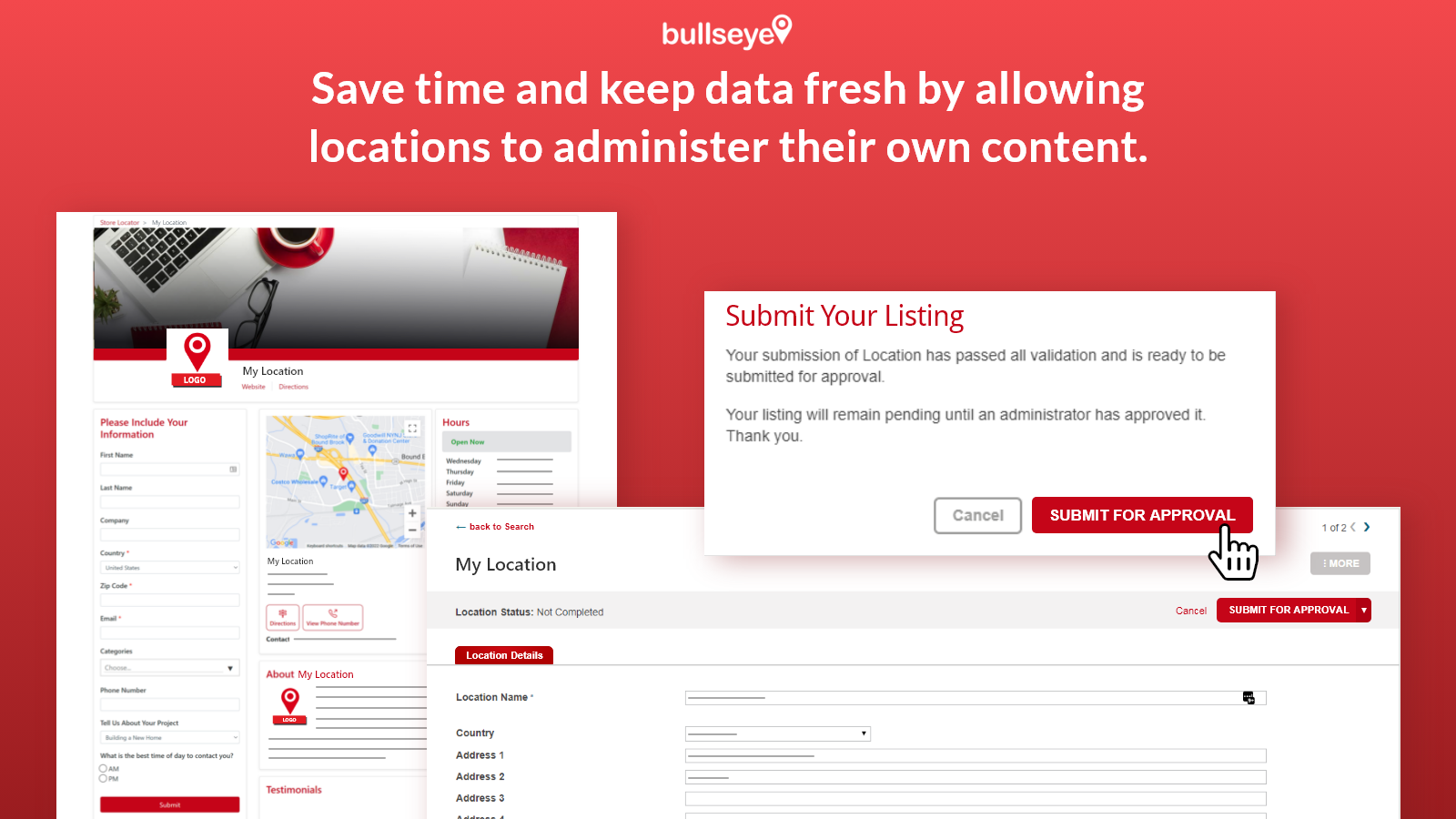
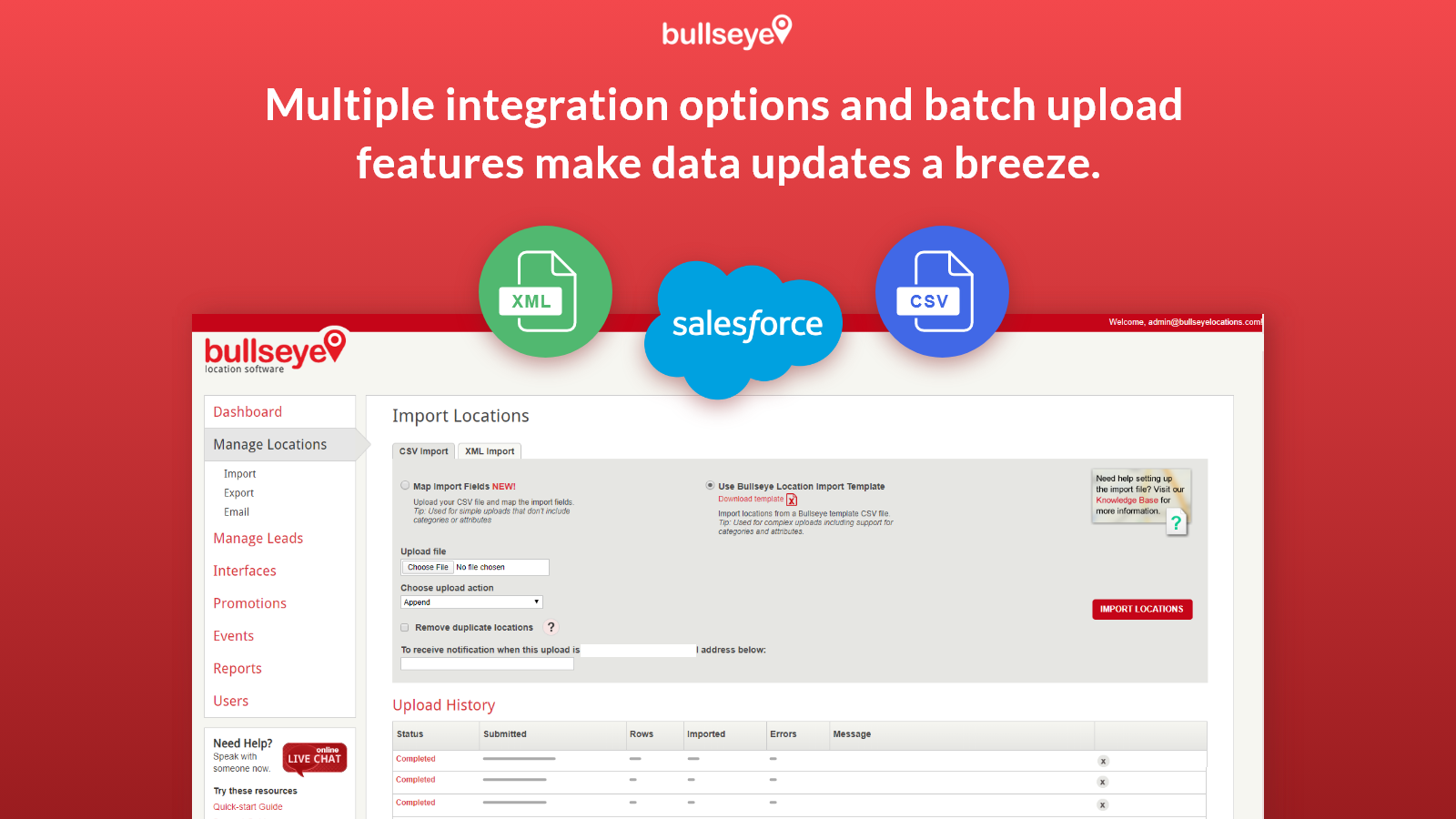
- Comprehensive backend for managing locations (including hours, etc.)
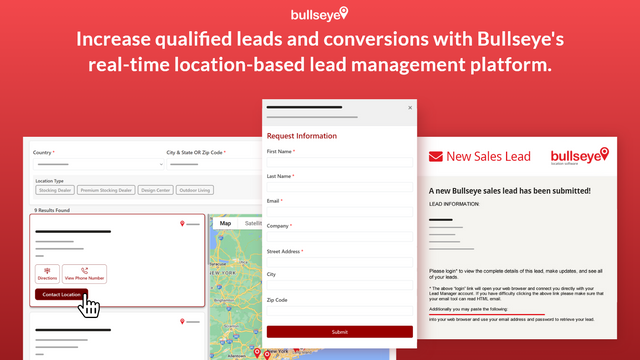
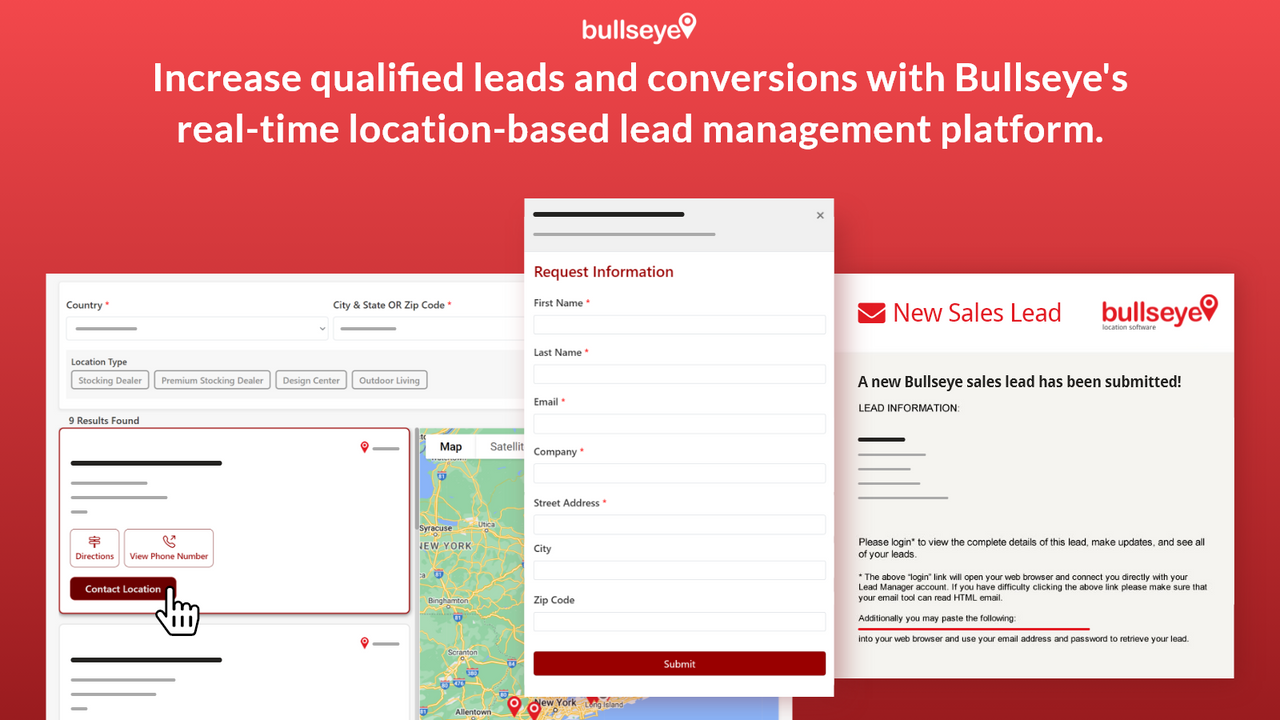
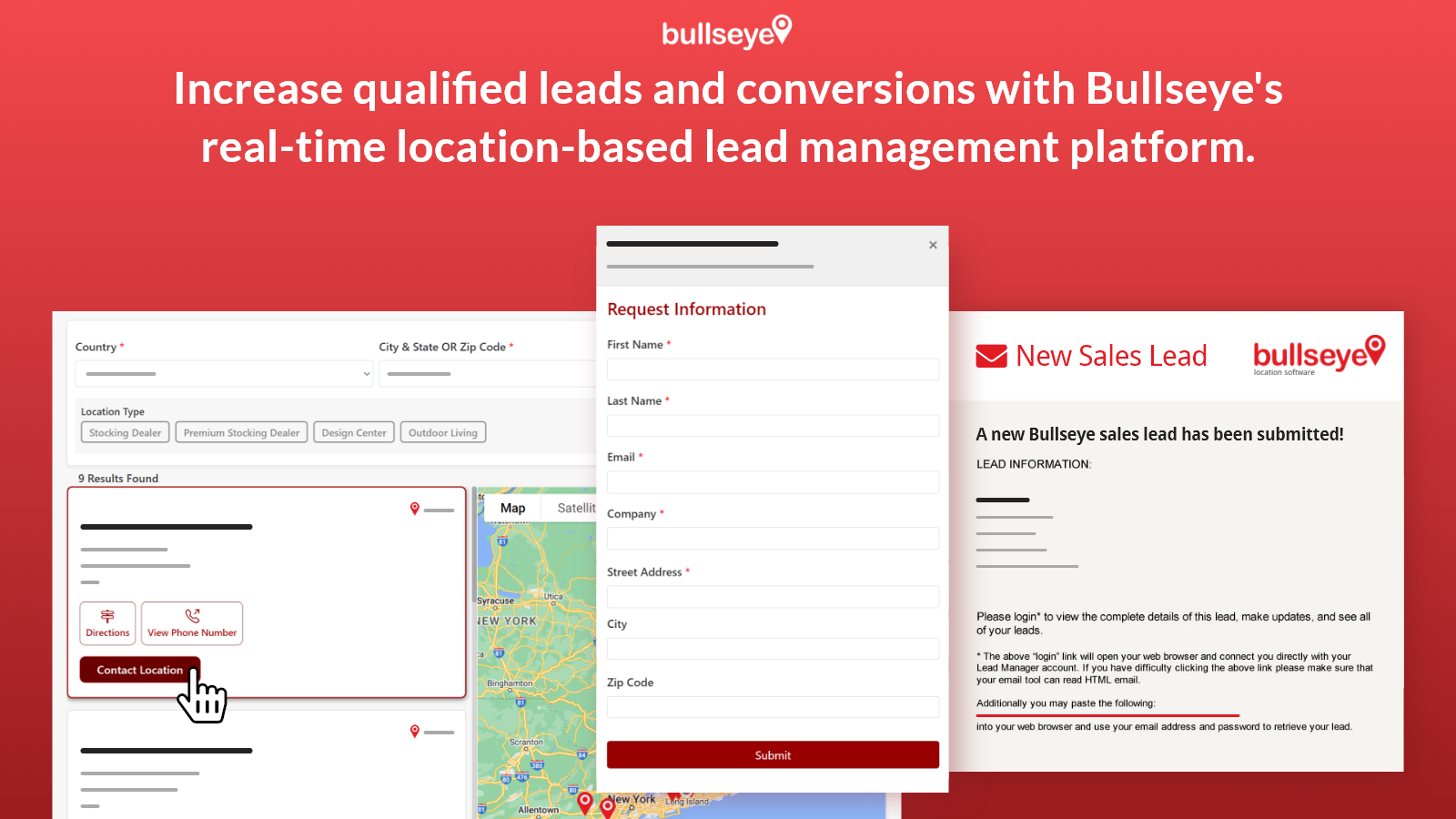
- Robust and customizable lead capture & management
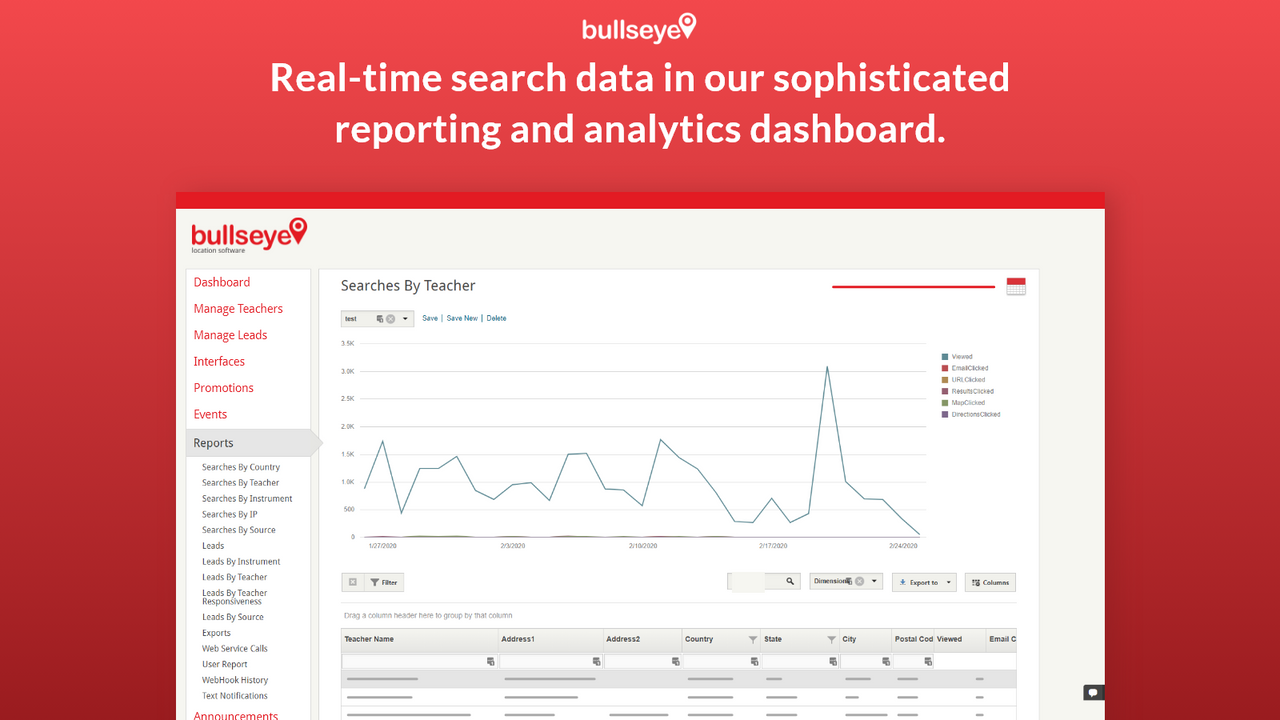
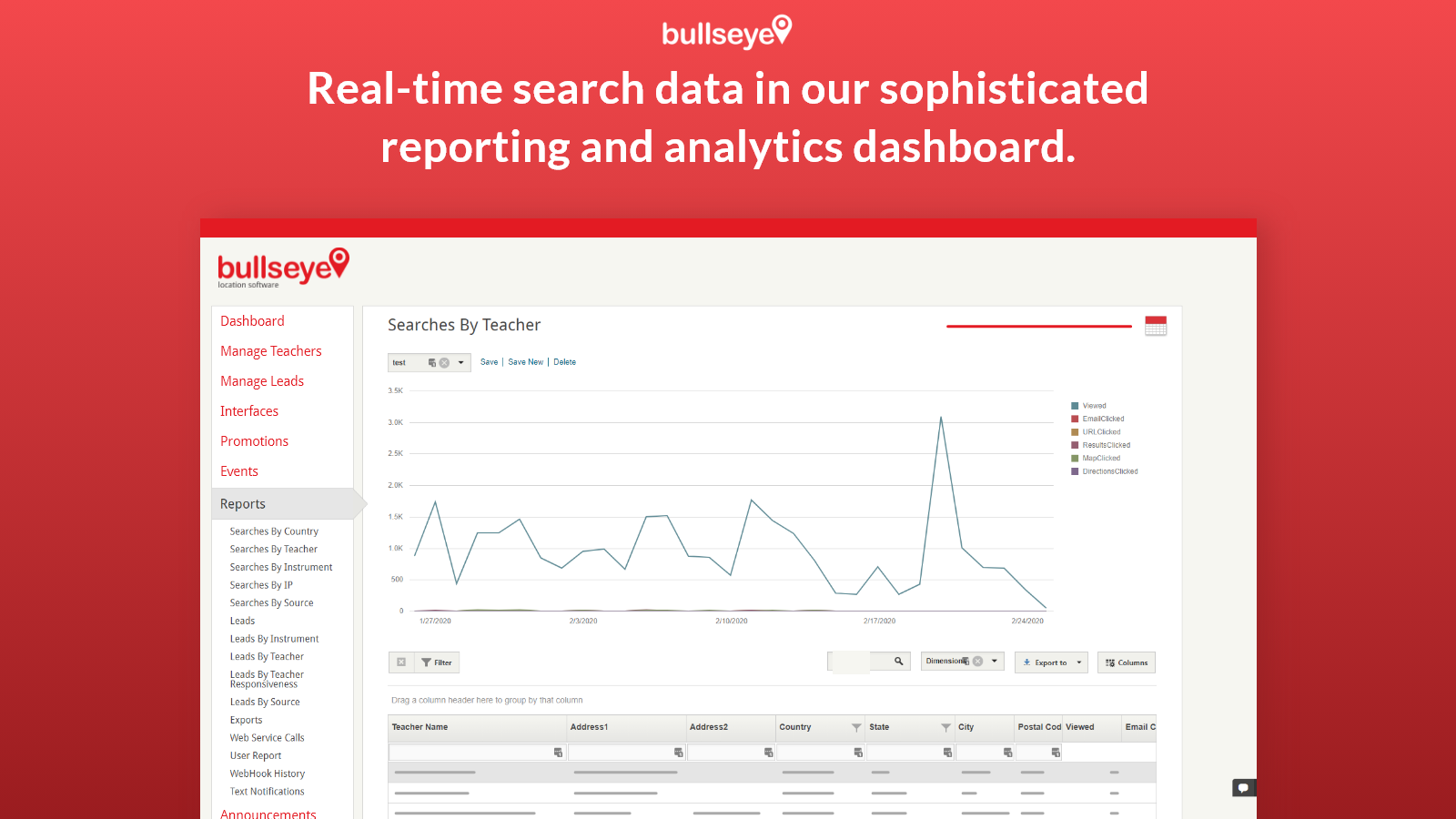
- Full suite of reporting and analytics tools, plus Google Analytics integration
Merchant-Friendly
- Offline Retail Merchants
- Multi-store E-commerce
- Local Service Merchants
- Regional Brand E-commerce
Basic Information
- Developer:Bullseye Locations
- Address:3121 US HWY 22 east, Branchburg, NJ, 08876, US
- Price: Free / Free plan
- Rating:5 / 5
- Comment Count:3 comment
- Release Date:2014-12-10
- Supported languages:English
- Compatible products:Shopify
Application Screenshot

Price Plan
Shopify Premium
User Location & Comments
User Location
Comments
Shopify API Used
- POST /admin/api/locator.json
- PUT /admin/api/locator/{id}.json
- GET /admin/api/locator.json
Permission:write_locator,read_locator,manage_themes
- POST /admin/api/locator/design.json
- PUT /admin/api/locator/design/{id}.json
- GET /admin/api/locator/design.json
Permission:write_locator,read_locator,manage_css
- POST /admin/api/locator/locations.json
- PUT /admin/api/locator/locations/{id}.json
- GET /admin/api/locator/locations.json
Permission:write_locations,read_locations,manage_hours
- POST /admin/api/locator/leads.json
- PUT /admin/api/locator/leads/{id}.json
- GET /admin/api/locator/leads.json
Permission:write_leads,read_leads,manage_customers
- GET /admin/api/locator/reports.json
- POST /admin/api/locator/analytics/integrations.json
- PUT /admin/api/locator/analytics/settings.json
Permission:read_reports,write_analytics,manage_integrations



