
App Introduction
Enhance your blogging experience by syncing posts from platforms like WordPress, Tumblr, and Pinterest. Managing a blog on Shopify can be challenging, but with the help of BlogFeeder, you can make it much easier. You don’t have to rely solely on Shopify to manage your blog. By using BlogFeeder, you can centralize your posts in your Shopify store, import nearly any blog into Shopify, and keep your posts synced across different blogging sites. This not only simplifies your blogging workflow but also keeps your customers engaged by providing informative and valuable content.
Core Functionality
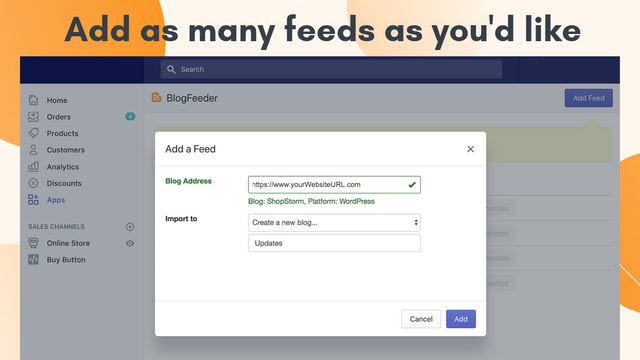
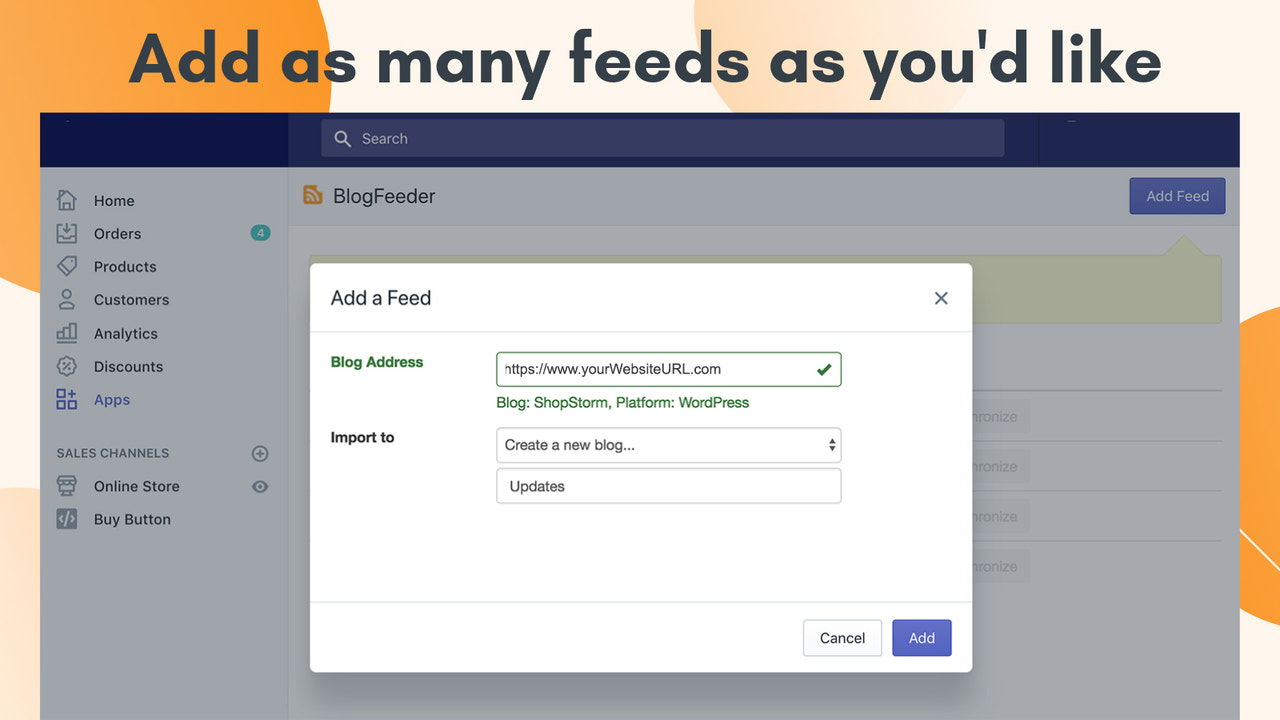
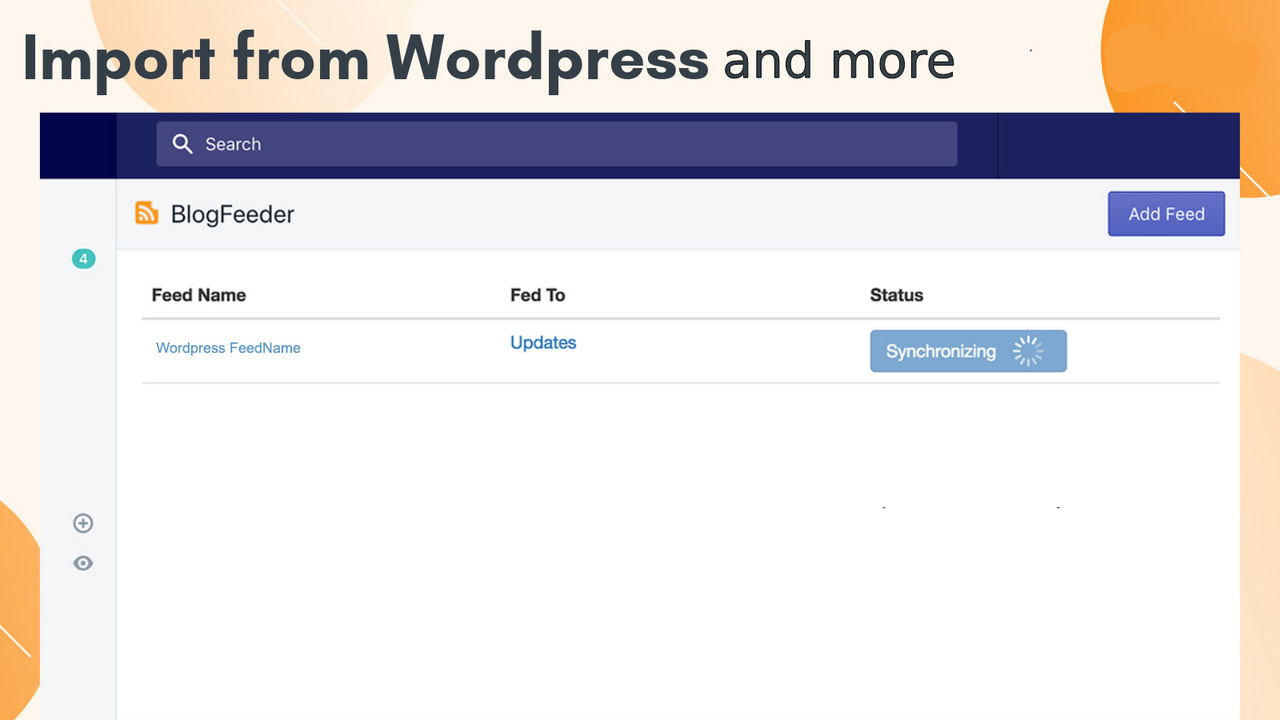
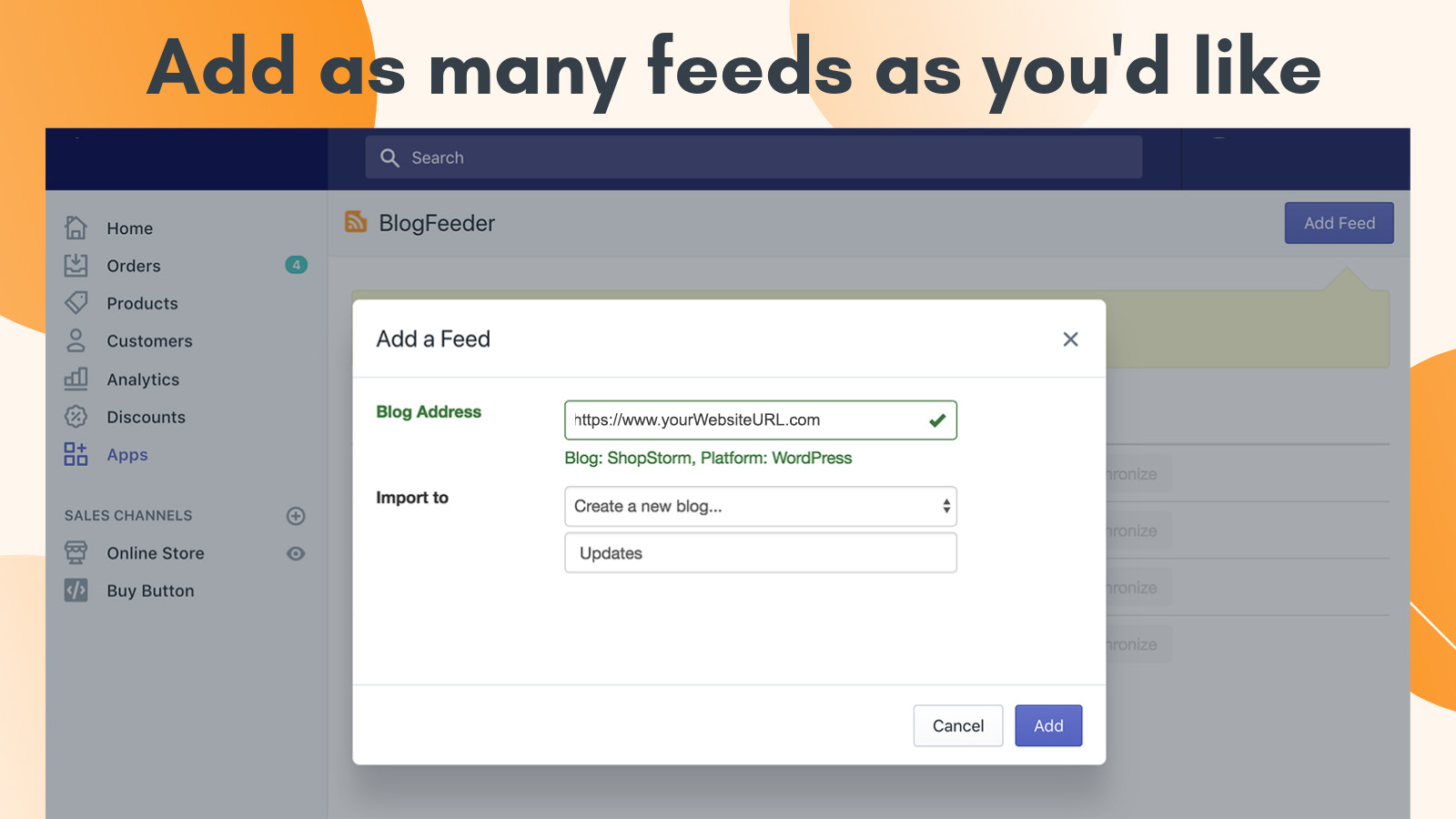
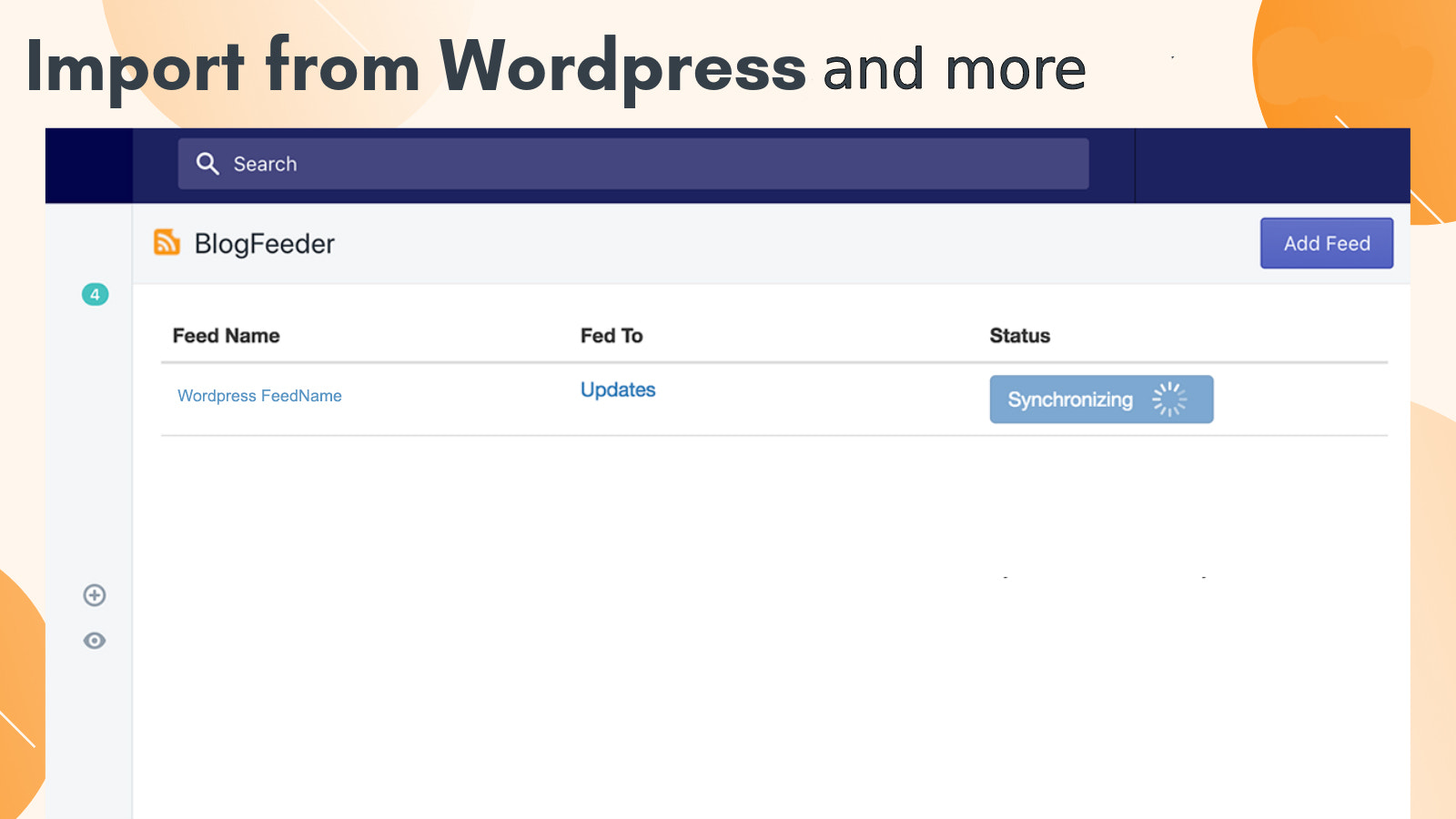
- Import your blog effortlessly with just one click! Enter the URL, and we'll find the source
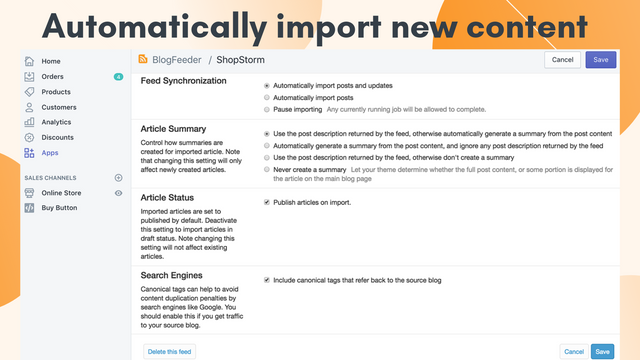
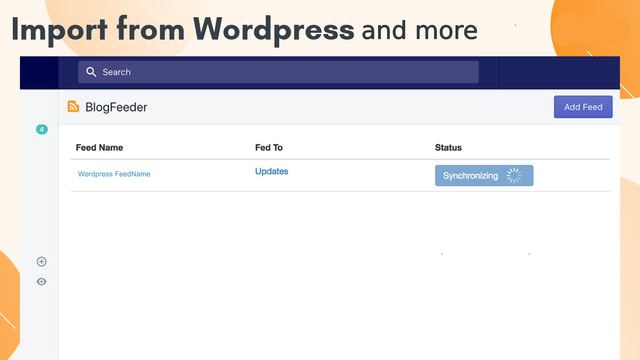
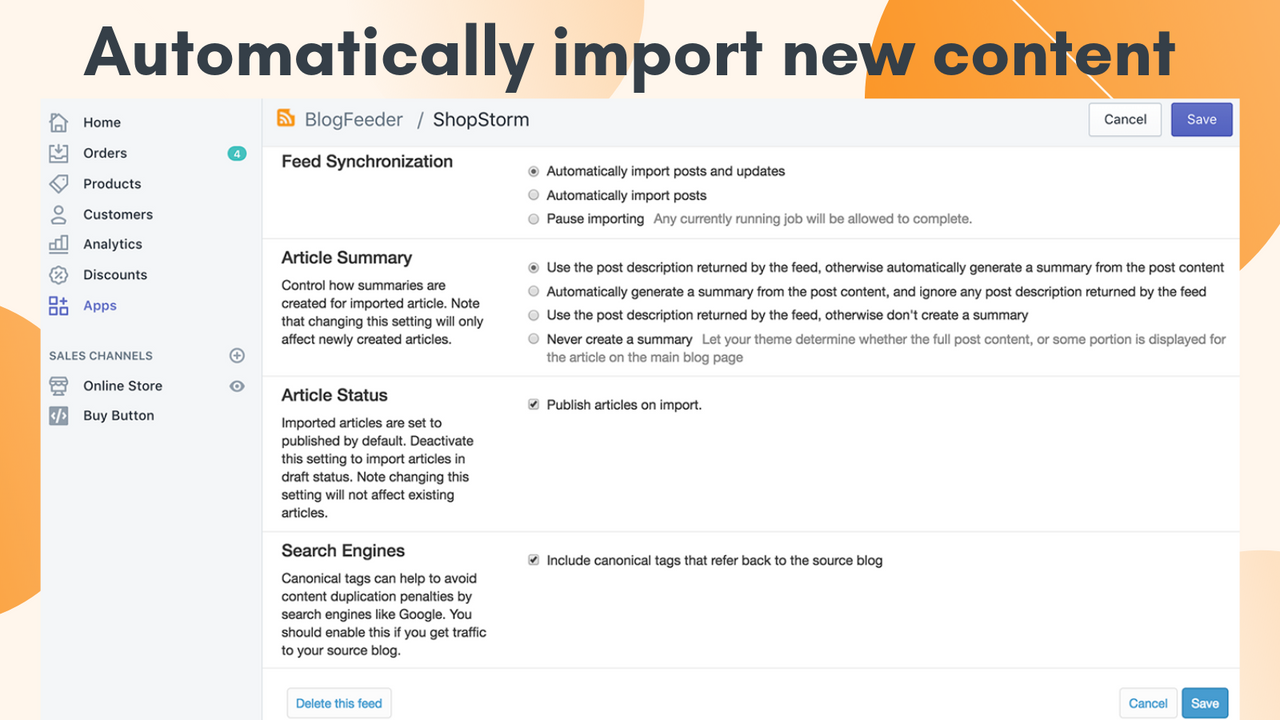
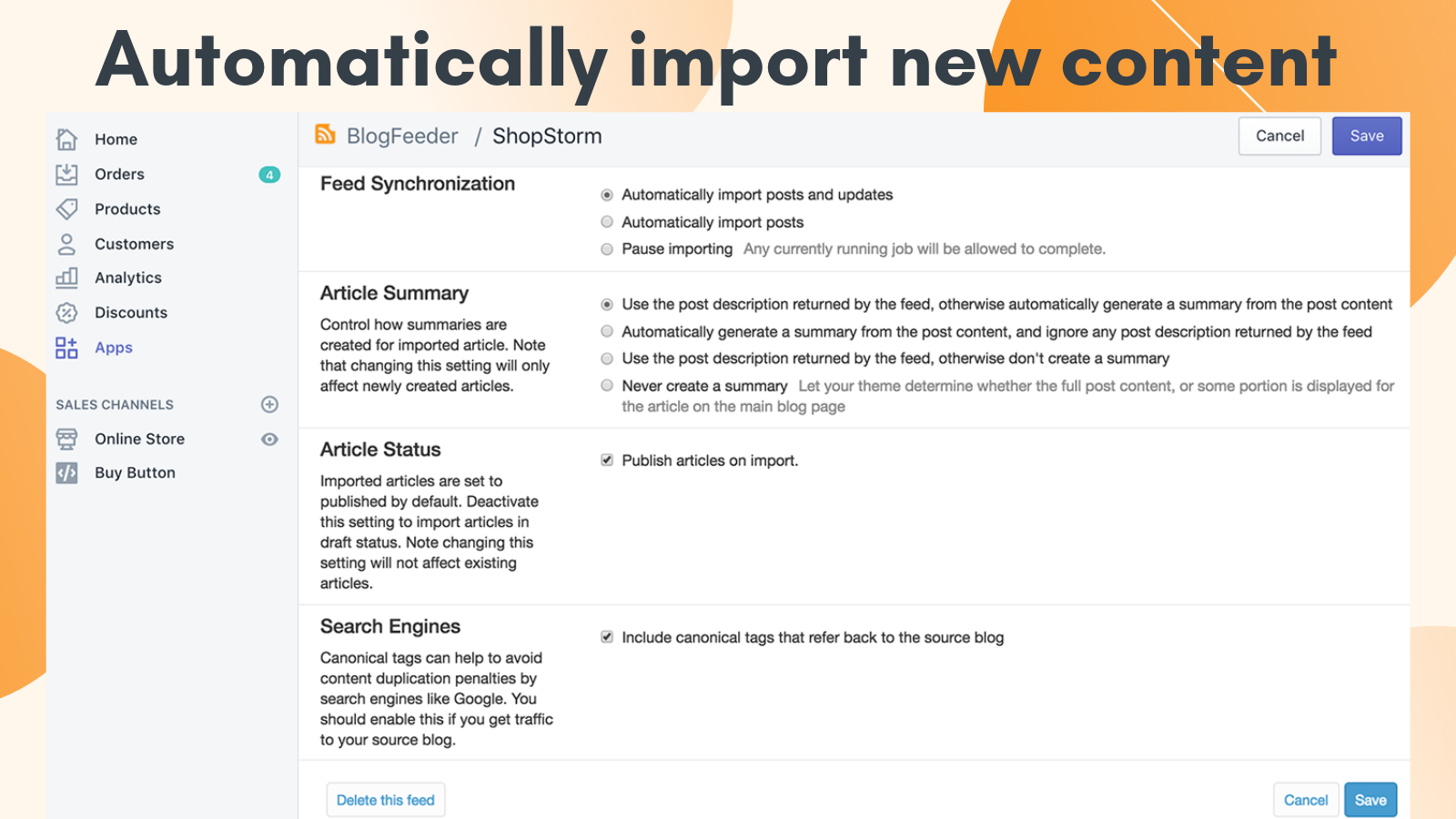
- Automatically sync your blog - BlogFeeder regularly scans for new and updated posts
- Boost your store's SEO by hosting your blog on the same domain as your store
Merchant-Friendly
- Content-focused E-commerce Merchants
- Independent Station Blog Operators
- Multi-channel Content Creators
Basic Information
- Developer:Golden Rule Ventures
- Address:2604 James M Wood Blvd, Los Angeles, CA, 90006, US
- Price: Free / Free plan
- Rating:4.3 / 5
- Comment Count:138 comment
- Release Date:2012-3-5
- Supported languages:English
- Compatible products:Shopify
Application Screenshot
Price Plan
月度计划
$9.99
User Location & Comments
User Location
Comments
Shopify API Used
- POST /admin/api/blogs/import.json
- GET /admin/api/blogs/import/status.json
- DELETE /admin/api/blogs/import/{task_id}.json
Permission:write_blogs,read_blogs,manage_themes
- POST /admin/api/blogs/sync/settings.json
- PUT /admin/api/blogs/sync/settings/{blog_id}.json
- GET /admin/api/blogs/sync/logs.json
Permission:write_blogs,read_blogs,manage_apps
- PUT /admin/api/blogs/{blog_id}/domain.json
- GET /admin/api/blogs/seo/analysis.json
- POST /admin/api/blogs/seo/settings.json
Permission:write_blogs,read_blogs,manage_online_store



