
App Introduction
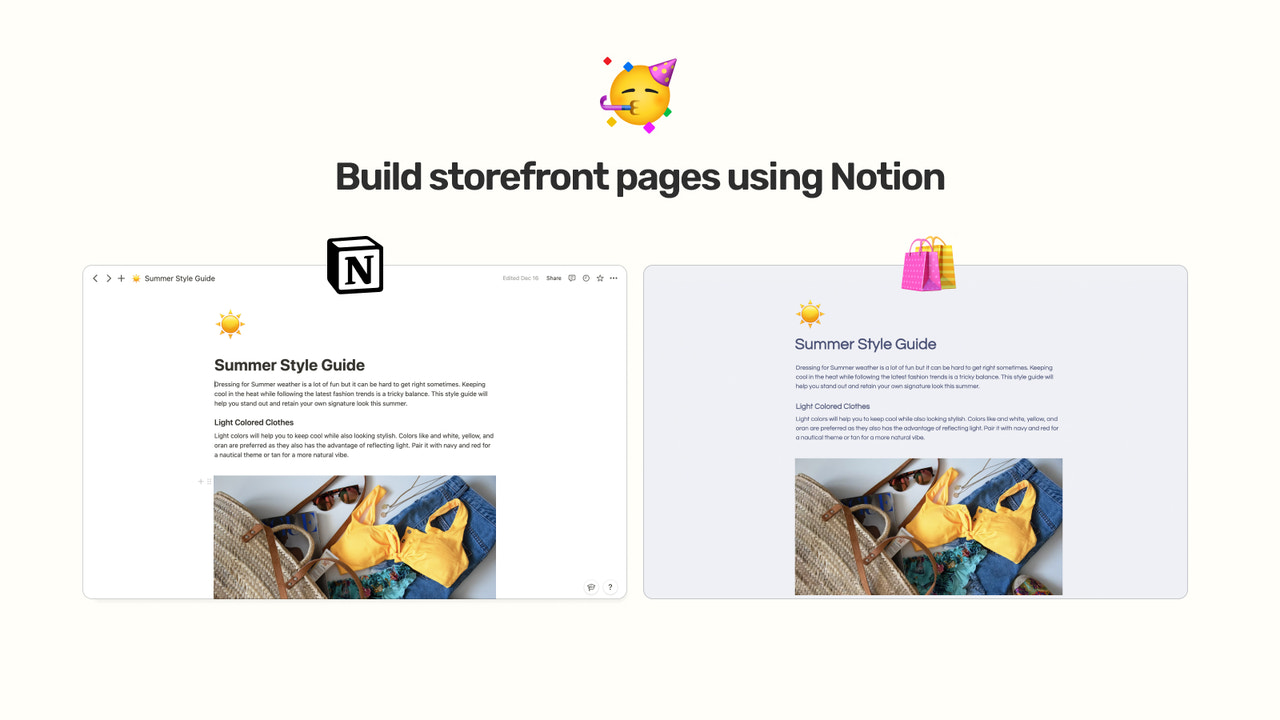
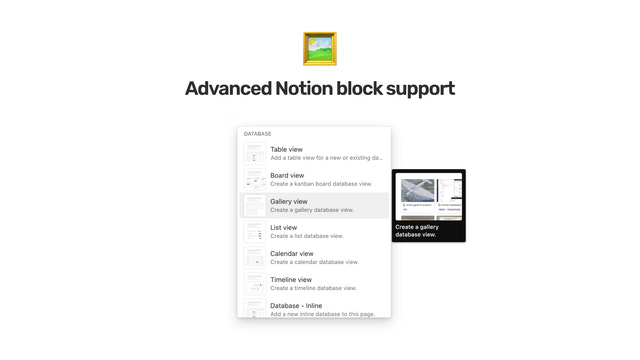
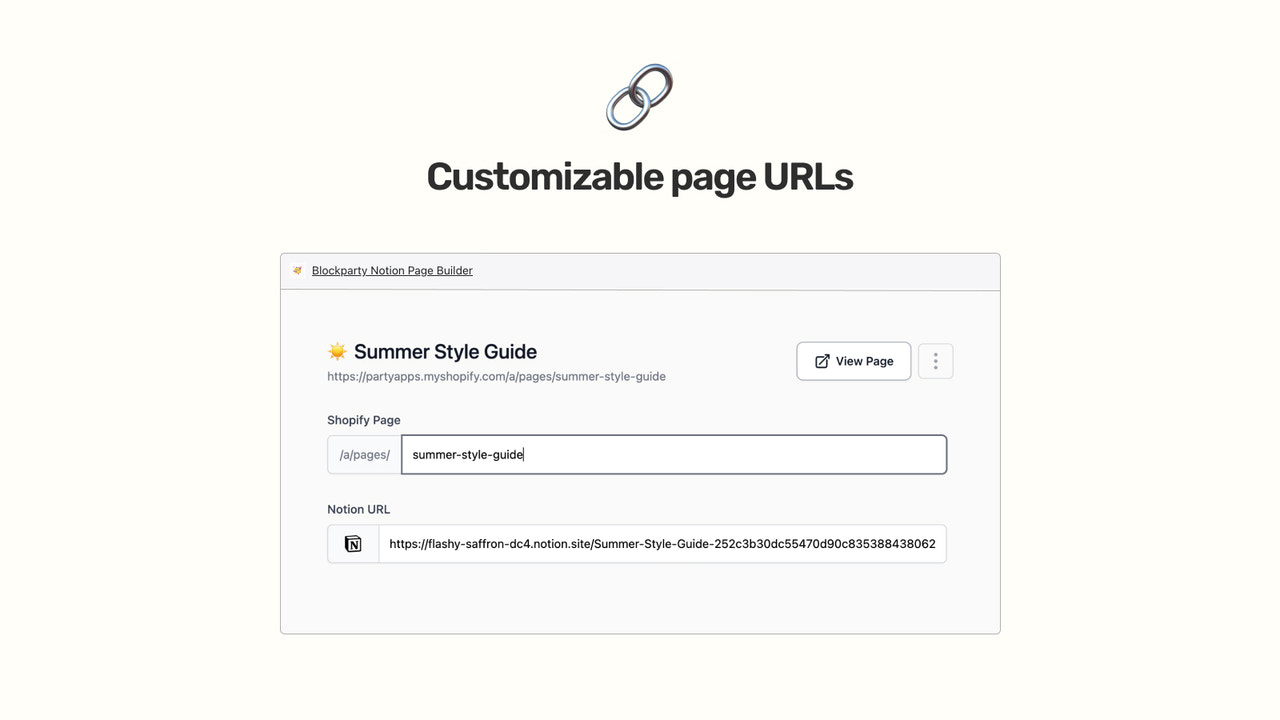
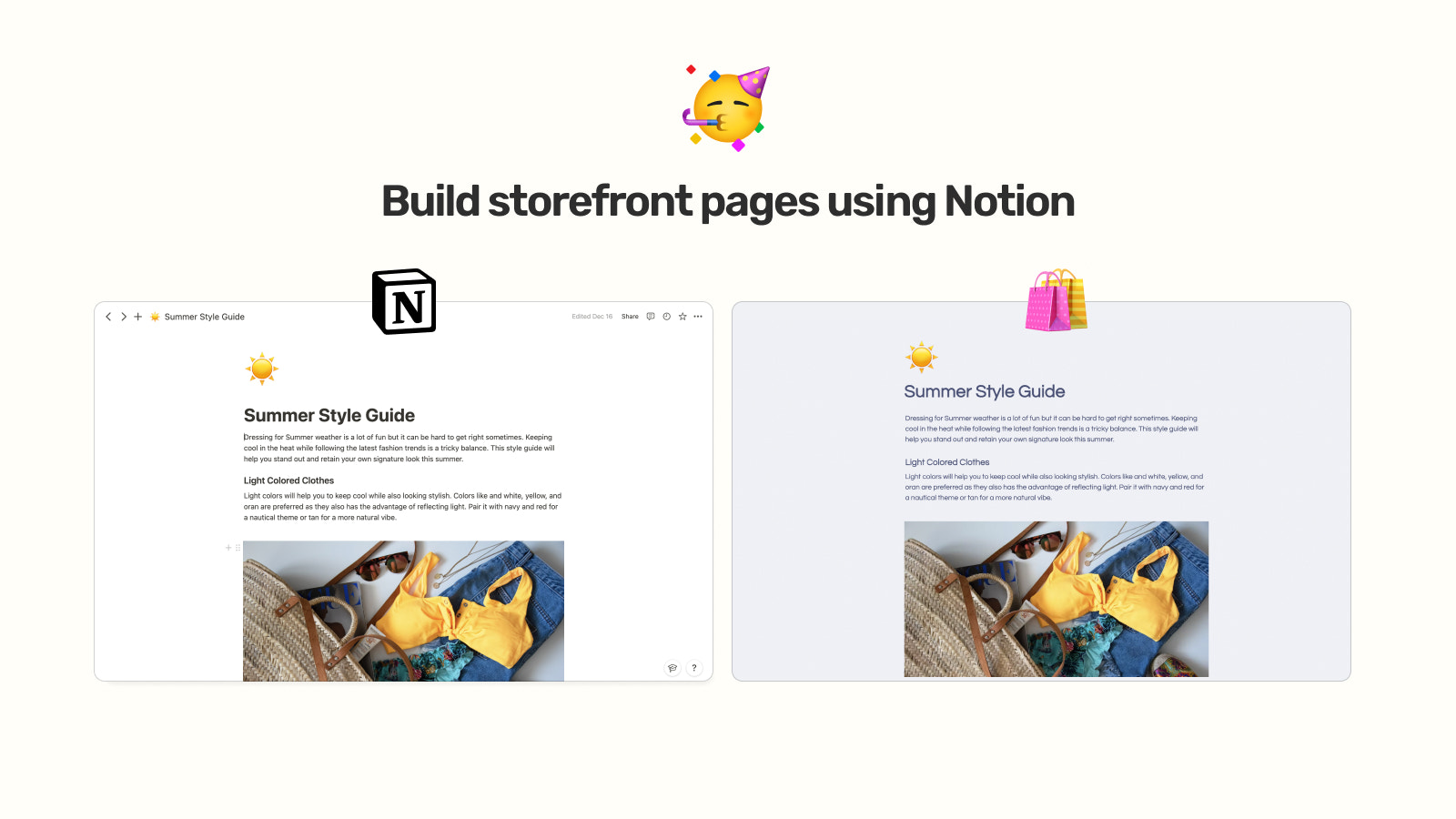
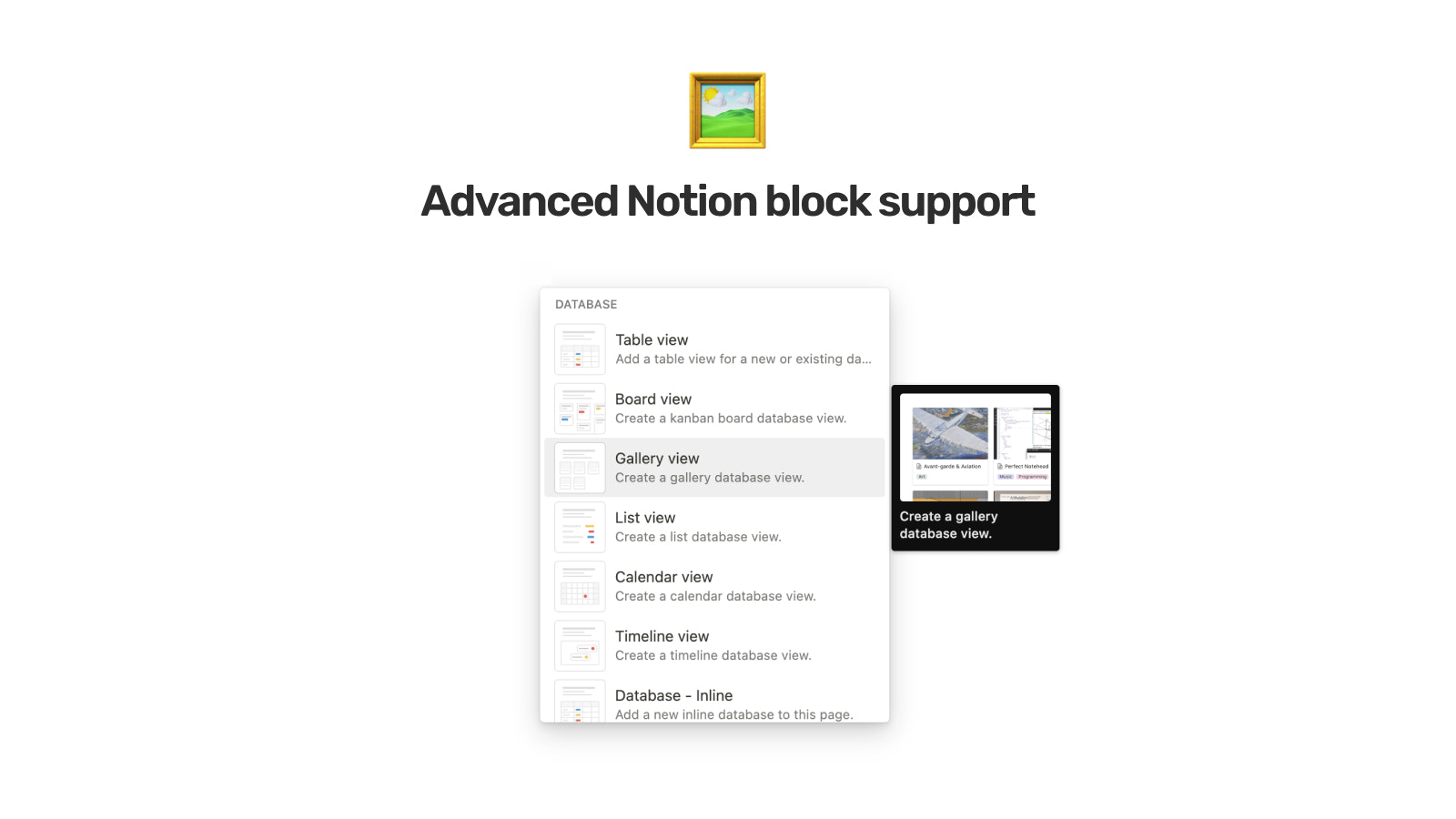
Create Custom Pages for Your Theme Using Notion Blockparty instantly syncs your Notion pages with your store, allowing you to build and design custom pages using only the Notion editor. Leverage Notion’s robust block types—including tables, galleries, toggles, and embeds—to easily create stunning storefront pages. Build any type of page (blogs, content pages, landing pages, and documentation sites) with no code and full access to Notion’s capabilities.
Core Functionality
- Basic + Advanced Notion Block Types: Headings, Tables, Galleries, Embeds, etc.
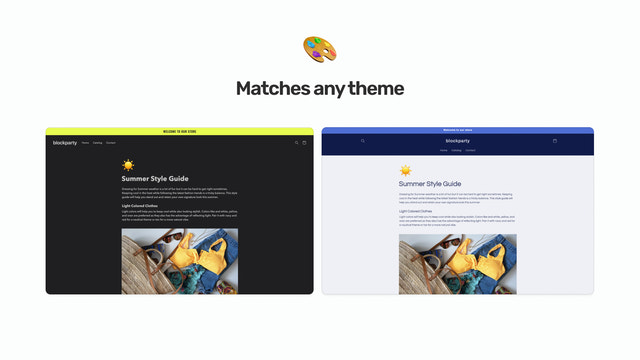
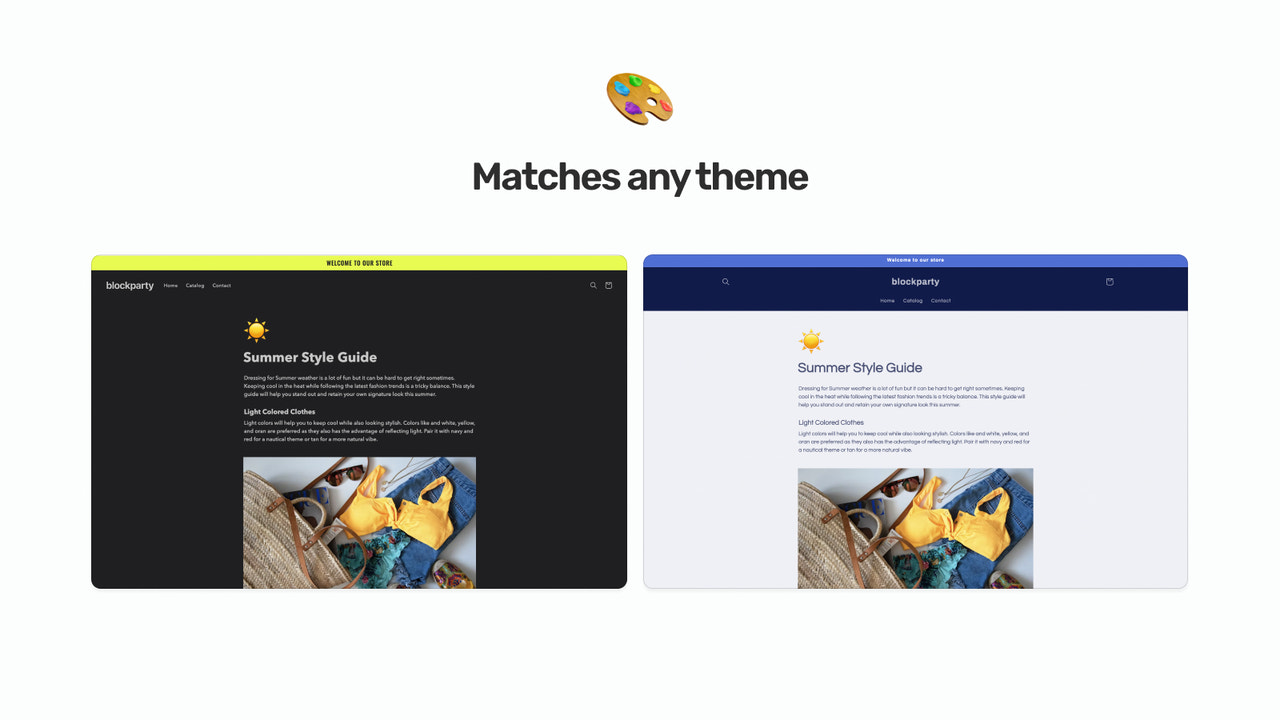
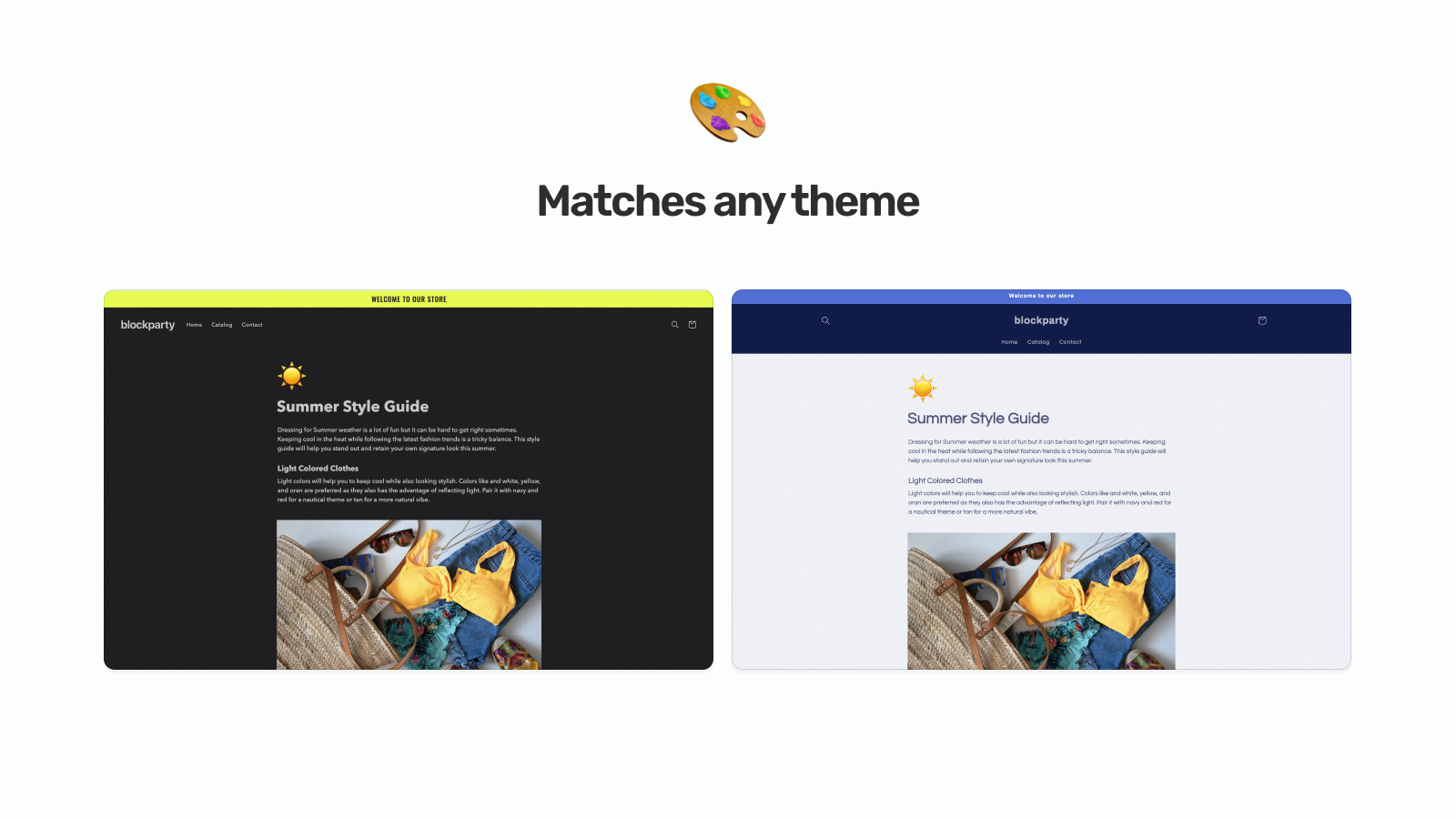
- Match your Shopify theme or choose from built-in themes
- Instant sync between Notion content and pages
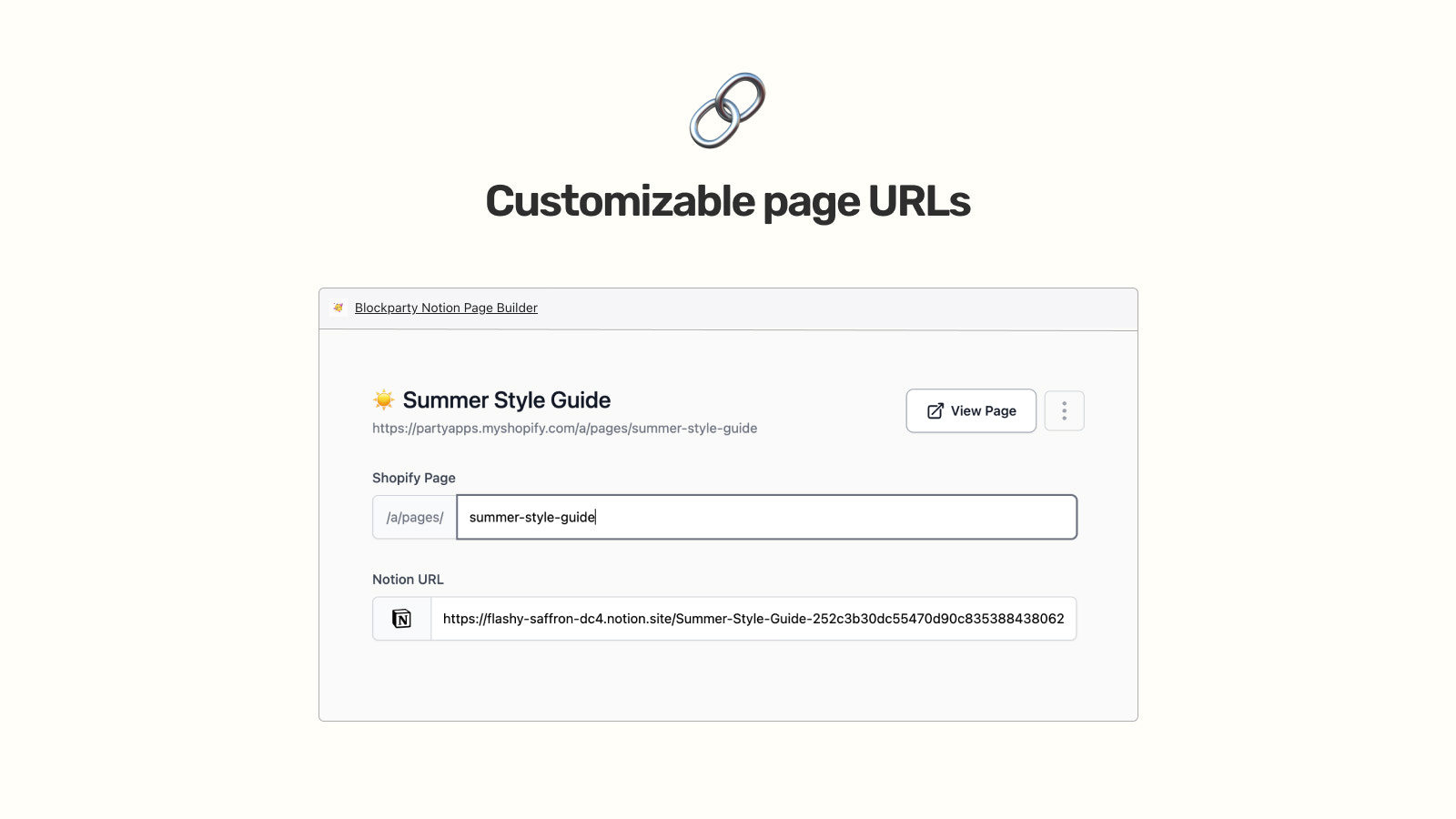
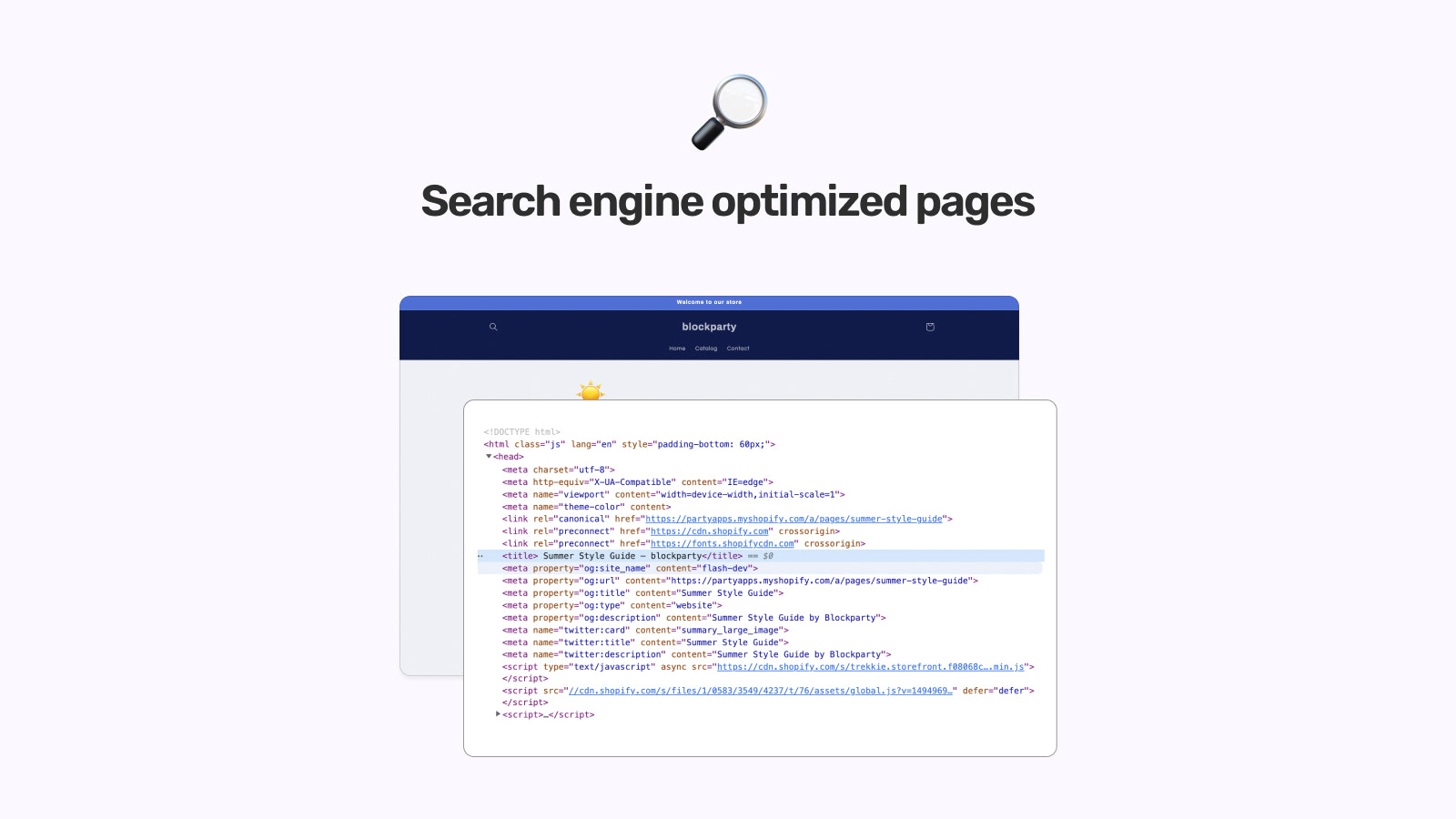
- SEO-optimized pages
Merchant-Friendly
- Content-based Independent Station Merchants
- E-commerce Blog Creators
- Multi-category Content E-commerce
- Brand Content Operation Merchants
Basic Information
- Developer:Moonlight Software
- Address:131 Continental Dr, Suite 305, Newark, DE, 19713, US
- Price: Free / Free plan
- Rating:5 / 5
- Comment Count:2 comment
- Release Date:2022-12-28
- Supported languages:English
- Compatible products:Shopify
Application Screenshot



Price Plan
Pro
$19.99
- Unlimited Pages
- Unlimited Subpages
- Custom Themes
- Priority Customer Support
User Location & Comments
User Location
Comments
Shopify API Used
- POST /admin/api/notion_blocks.json
- PUT /admin/api/notion_blocks/{block_id}.json
- GET /admin/api/notion_blocks.json
Permission:write_notion_blocks,read_notion_blocks,manage_online_store
- POST /admin/api/notion_theme_matches.json
- PUT /admin/api/notion_theme_matches/{theme_id}.json
- GET /admin/api/themes.json
Permission:write_themes,read_themes,manage_online_store
- POST /admin/api/notion_syncs.json
- PUT /admin/api/notion_syncs/{sync_id}.json
- GET /admin/api/notion_syncs.json
Permission:write_notion_syncs,read_notion_syncs,manage_pages
- POST /admin/api/pages.json
- PUT /admin/api/pages/{page_id}.json
- GET /admin/api/pages.json
Permission:write_pages,read_pages,manage_online_store



