
App Introduction
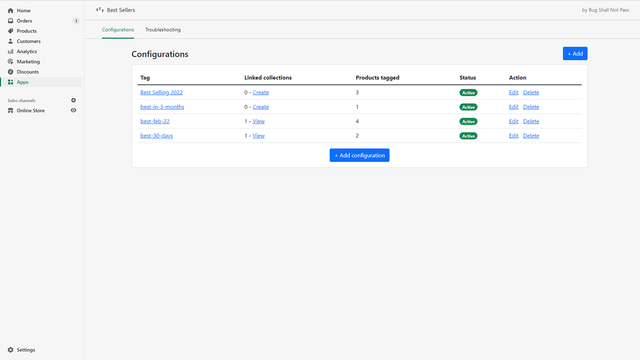
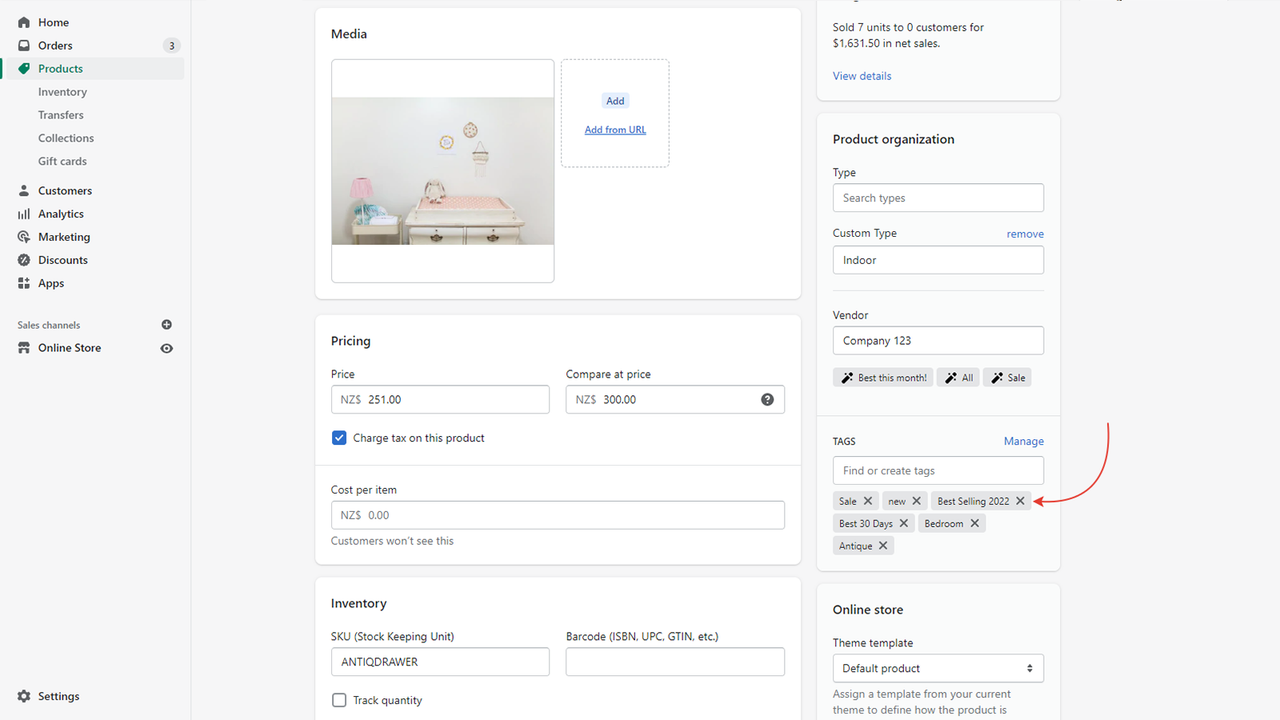
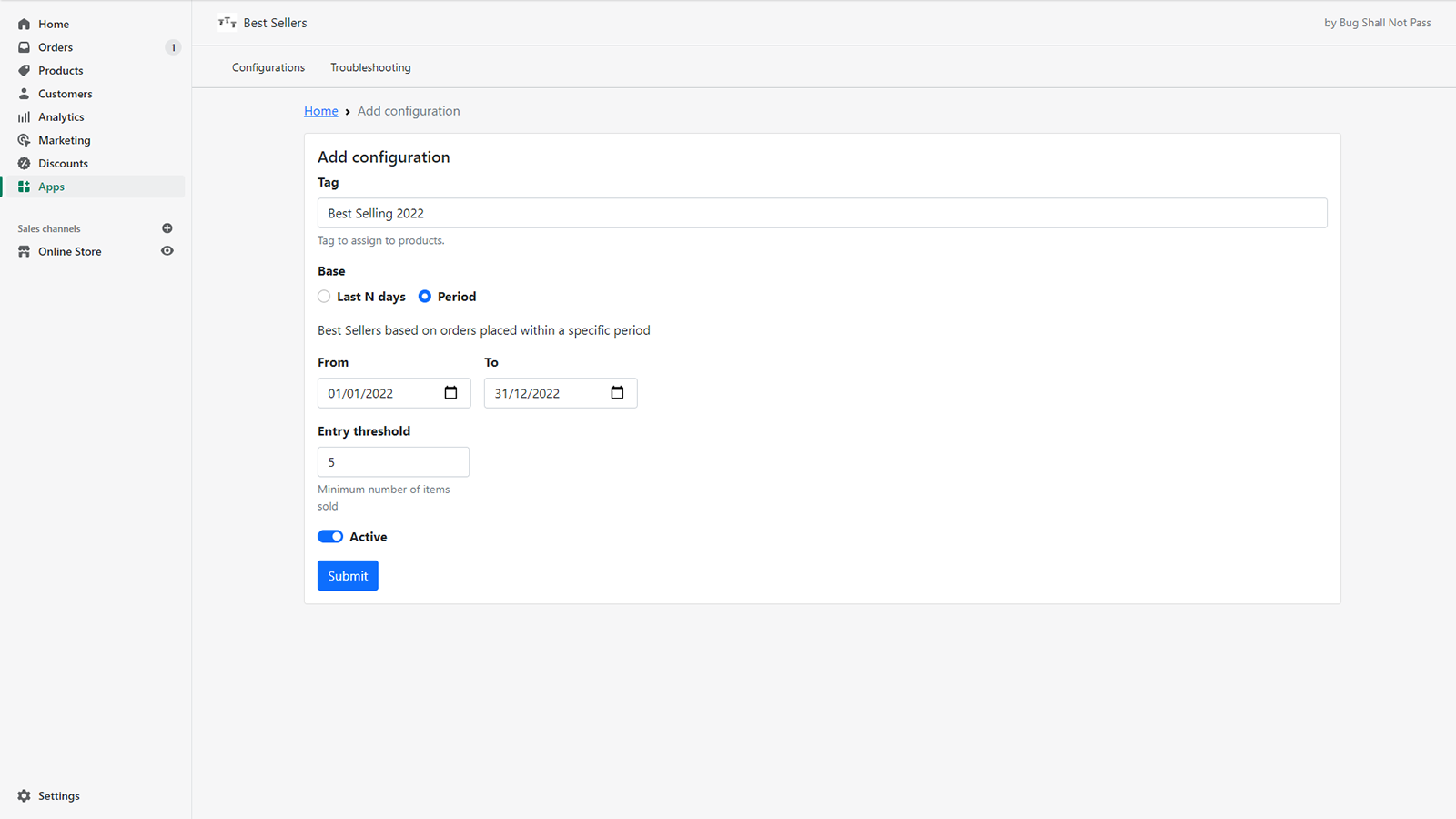
This app helps merchants set up and automate bestseller collections based on quantity or sales revenue. In Shopify, products are classified as bestsellers based on the number of times they’ve been ordered, without accounting for the quantity sold per order. For example, T-Shirt A—ordered 5 times as a single unit—would be ranked higher than T-Shirt B, which was sold 3 times with 2 units per order. That means T-Shirt A (with 5 units sold) would outrank T-Shirt B (with 6 units sold). Our app tracks **sales quantity** and **total sales revenue**, enabling more sophisticated and flexible bestseller collections.
Core Functionality
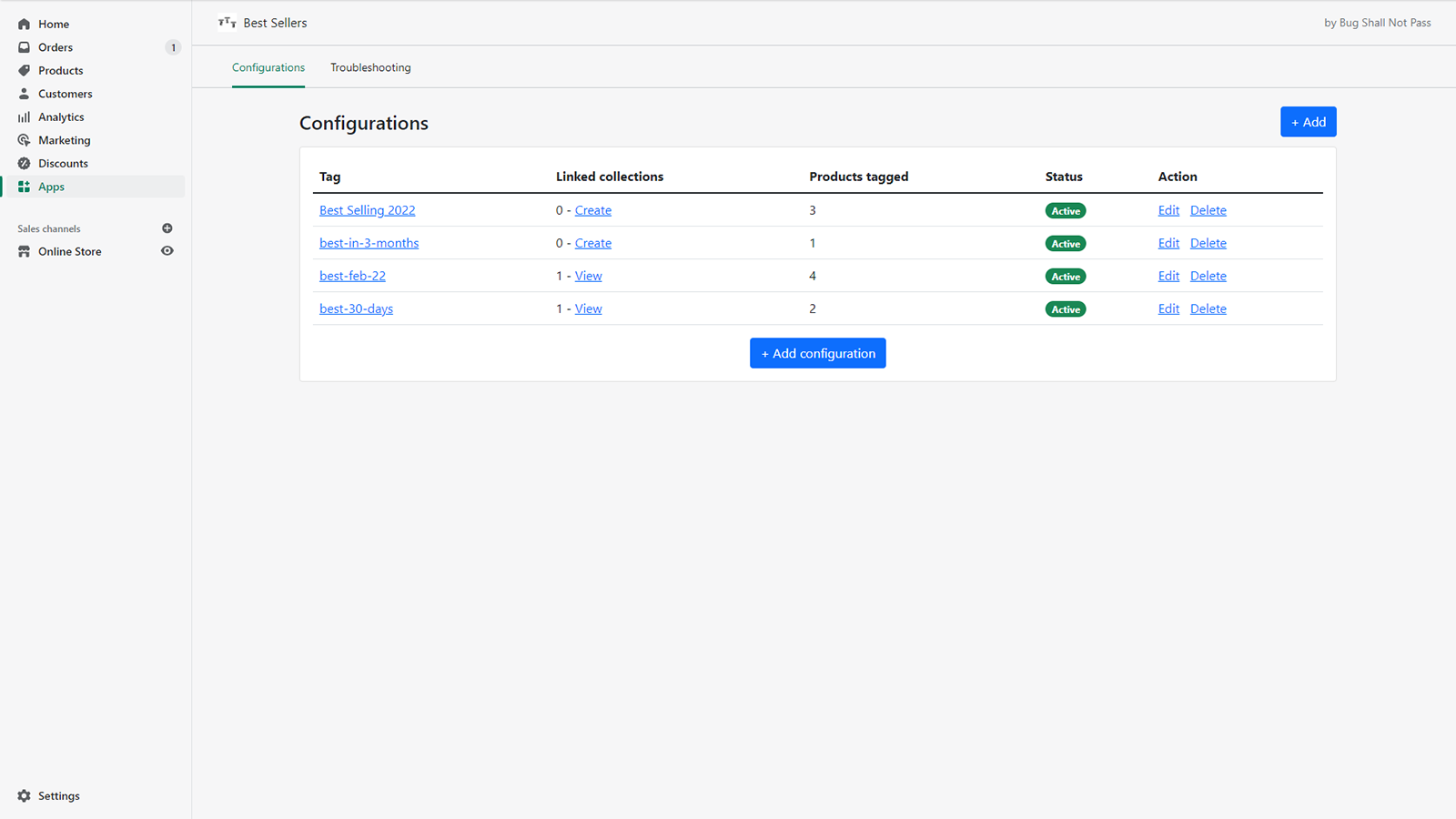
- Create best-selling product collections based on sales quantity
- Create best-selling product collections based on total sales amount
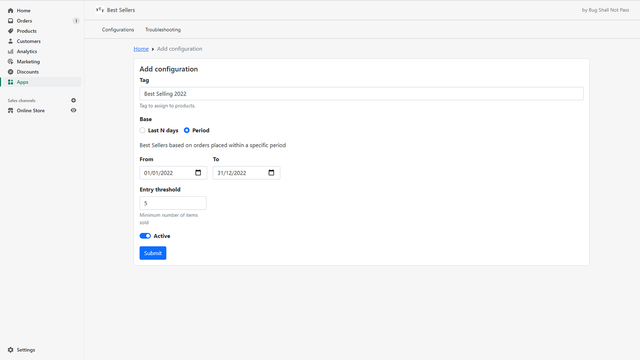
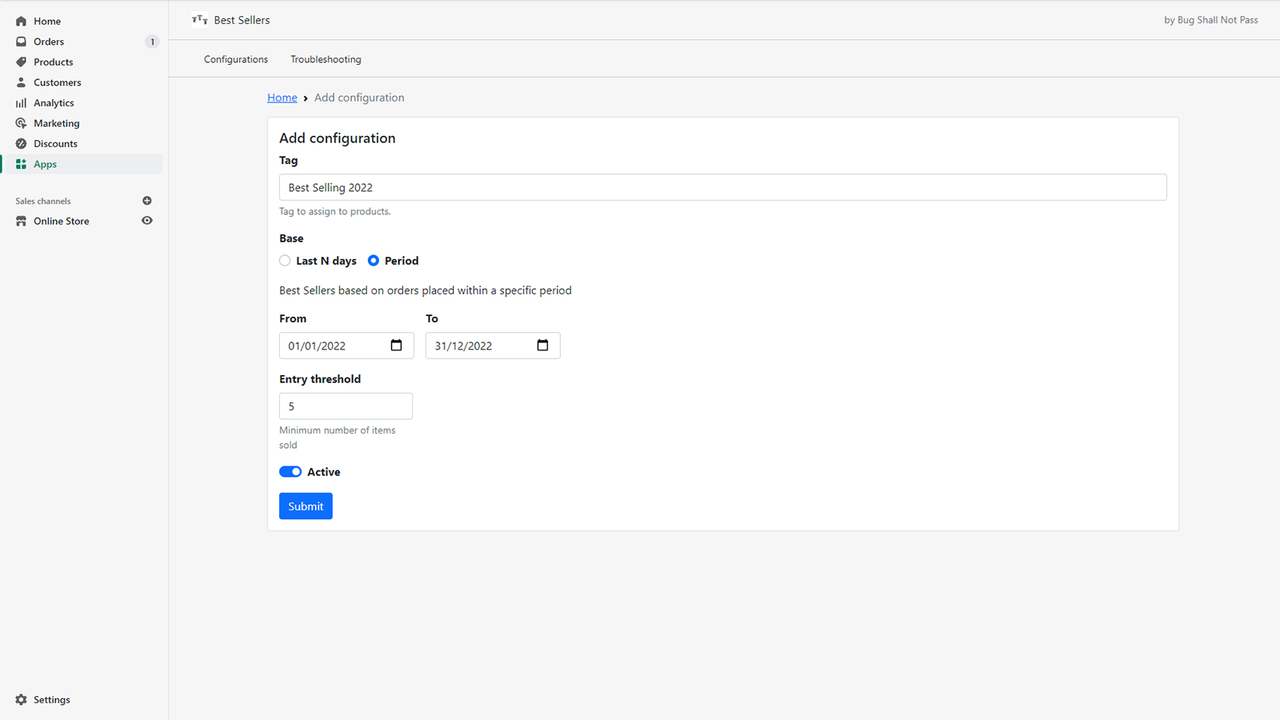
- Create best-selling product collections based on a fixed time period
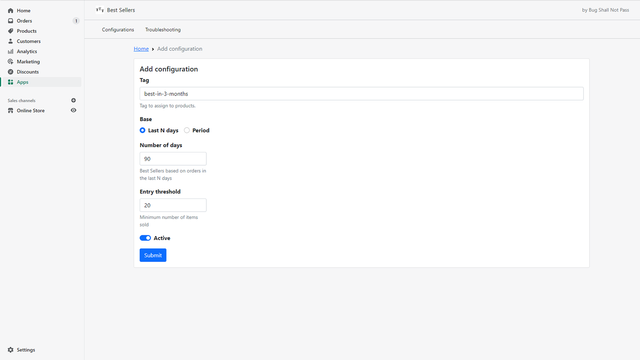
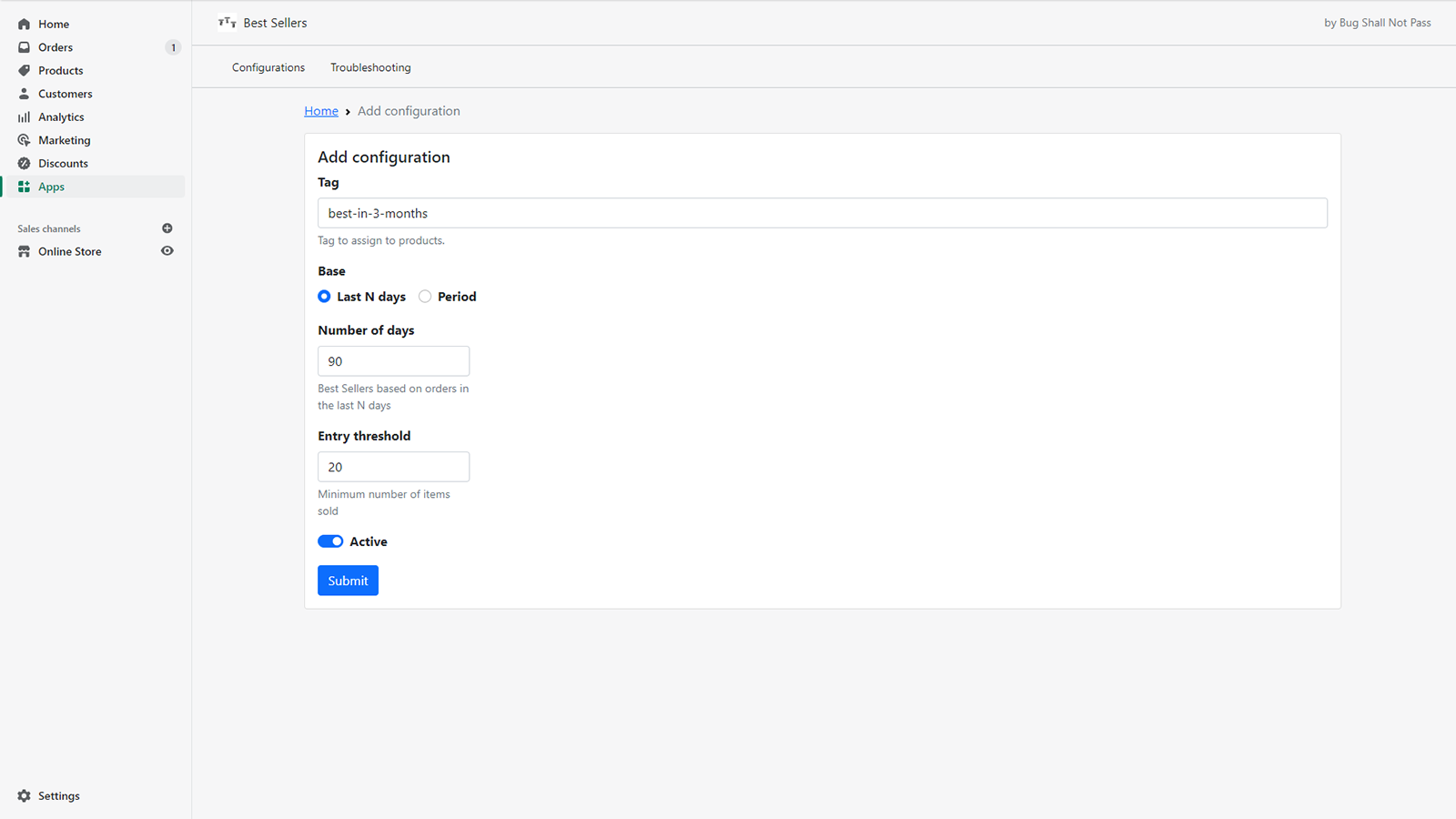
- Continuously track best-selling products over the last X days
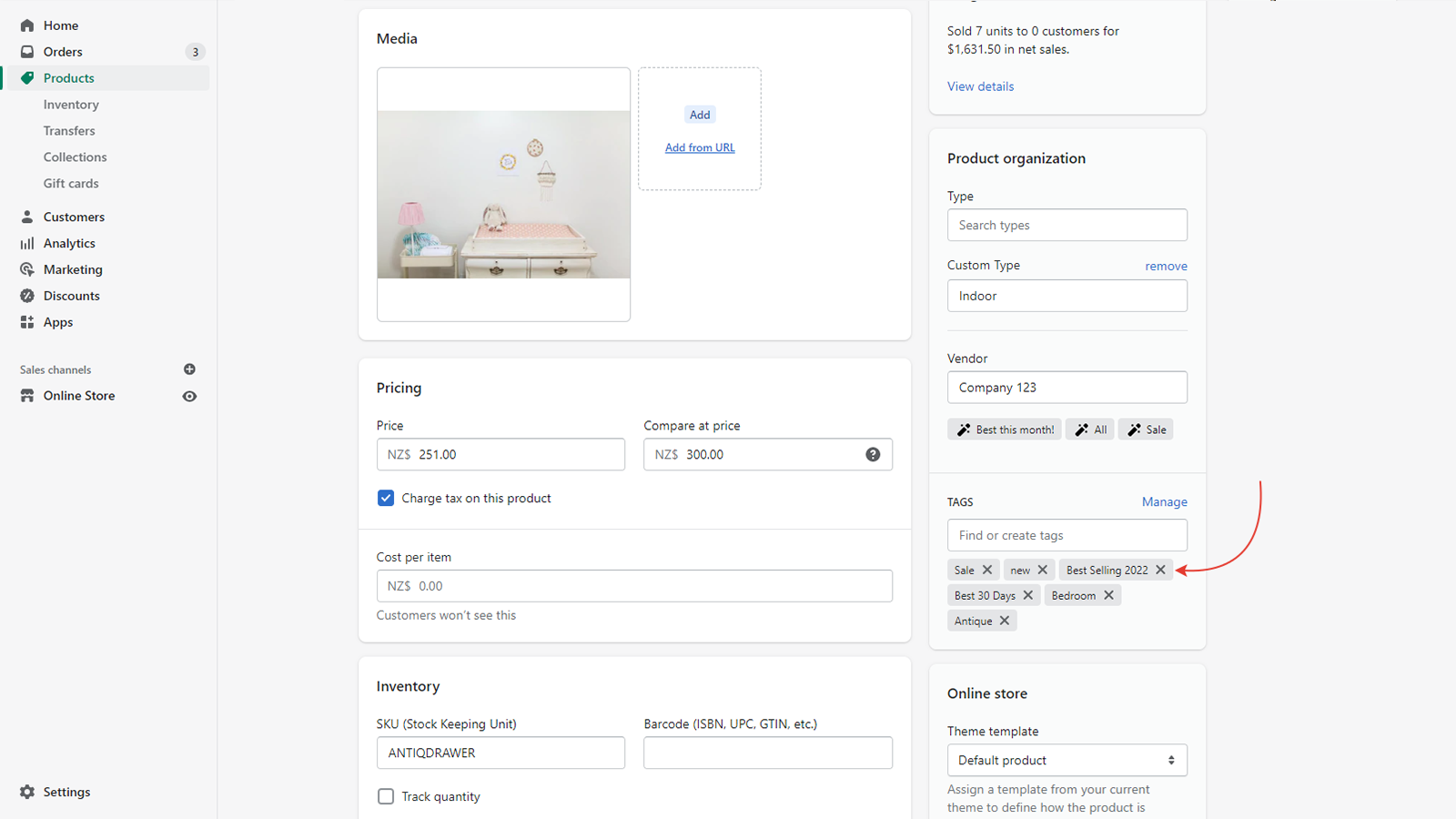
- Automatically update the sort order of products in best-selling collections
Merchant-Friendly
- Independent Retail Merchants
- Multi-category E-commerce Sellers
- Cross-border E-commerce Merchants
- Boutique E-commerce Sellers
Basic Information
- Developer:Bug Shall Not Pass
- Address:CBD, Auckland, AUK, 1010, NZ
- Price: Free / Free plan
- Rating:5 / 5
- Comment Count:2 comment
- Release Date:2022-4-21
- Supported languages:English
- Compatible products:Shopify
Application Screenshot



Price Plan
基础月费
User Location & Comments
User Location
Comments
Shopify API Used
- POST /admin/api/smart_collections.json
- PUT /admin/api/smart_collections/{id}.json
- GET /admin/api/smart_collections.json
Permission:write_products,read_products,manage_smart_collections
- POST /admin/api/smart_collections.json
- PUT /admin/api/smart_collections/{id}.json
- GET /admin/api/smart_collections/{id}.json
Permission:write_products,read_products,manage_smart_collections
- POST /admin/api/smart_collections.json
- PUT /admin/api/smart_collections/{id}.json
- GET /admin/api/smart_collections/{id}/rules.json
Permission:write_products,read_products,manage_smart_collections
- POST /admin/api/smart_collections.json
- PUT /admin/api/smart_collections/{id}/rules.json
- GET /admin/api/reports/sales.json
Permission:read_reports,write_products,manage_smart_collections
- PUT /admin/api/smart_collections/{id}.json
- GET /admin/api/smart_collections/{id}/sort_order.json
- POST /admin/api/smart_collections/{id}/sort.json
Permission:write_products,read_products,manage_smart_collections